Key takeaways
- Around October 9, 2026, GPT-6 began opening links with noopener,noreferrer and dropped utm_source=chatgpt.com, so many ChatGPT visits landed in Direct.
- OpenAI called it a bug. Per Cedric Huesler of Adobe, tagging resumed around October 15, and almost all links carried the UTM again from October 16.
- The referrer is still missing on most ChatGPT clicks. Treat the UTM tag as the signal to count, not the referrer.
- You do not need to add utm_source=chatgpt.com to your own links. OpenAI appends it. Your job is to capture it, segment it, and annotate the outage window.
- Because OpenAI can change this again without notice, pair click attribution with a visibility baseline that doesn't depend on links.
What actually happened (the headline is half stale)
The title of this guide says ChatGPT stopped sending referrers. That is partly true and partly out of date, so let me untangle it.
OpenAI added UTM tagging (utm_source=chatgpt.com) to ChatGPT links in June 2026, which Search Engine Roundtable covered at the time. Then GPT-6 shipped in early October and the tag disappeared. Cedric Huesler at Adobe diagnosed it: GPT-6 was calling window.open(url, "_blank", "noopener,noreferrer") and dropping ?utm_source=chatgpt.com. No referrer, no tag, nothing for analytics to attribute. Every platform filed the visit under Direct.
Huesler looked at roughly 500 pages where ChatGPT drove 5% or more of visits, comparing October 9-13 with the week before. ChatGPT referrals fell about 31,000 visits a day while Direct rose about 26,000 a day on the same pages. Search fell 7%, the same as everywhere else, so this wasn't a general traffic dip. The new Direct visitors also behaved like ChatGPT visitors: the share of mobile visitors seeing the consent banner (meaning new to the site) moved from 36% to 44%, versus 55% for known ChatGPT visitors. Visitors didn't leave. They went dark.
On October 15, Huesler reported that OpenAI had confirmed a bug and ChatGPT was tagging links again. Reports since then say almost all links carry the tag from October 16. I could only verify the confirmation through his post, not an official OpenAI statement, so keep that in mind. And the referrer? Still absent on most clicks.
What this means for your reports
| Period | utm_source=chatgpt.com | Referrer | Where visits land in GA4 |
|---|---|---|---|
| Before ~Oct 9, 2026 | Present on most links | Sometimes present | chatgpt.com / referral |
| ~Oct 9 to ~Oct 15 | Missing | Missing | Direct |
| From ~Oct 16 | Back on almost all links | Missing on most clicks | Tagged sessions recover; untagged stay Direct |
Visits recorded during the outage stay in Direct permanently. You can't reprocess them. You can only estimate.
What utm_source=chatgpt.com means and how it shows up
The tag marks a link as coming from ChatGPT. Treat the UTM and the HTTP referrer as observed evidence on that visit, not markers every click will carry. Older traffic may show chat.openai.com, and some links use utm_source=chatgpt without the .com, so save raw values rather than assuming one format.
In GA4's default channel grouping, this traffic usually appears as chatgpt.com / referral, not as its own AI channel, unless you build a custom group. When the tag is intact, Session source shows chatgpt.com and the Page referrer may show https://chatgpt.com/ (though currently the referrer is usually blank).
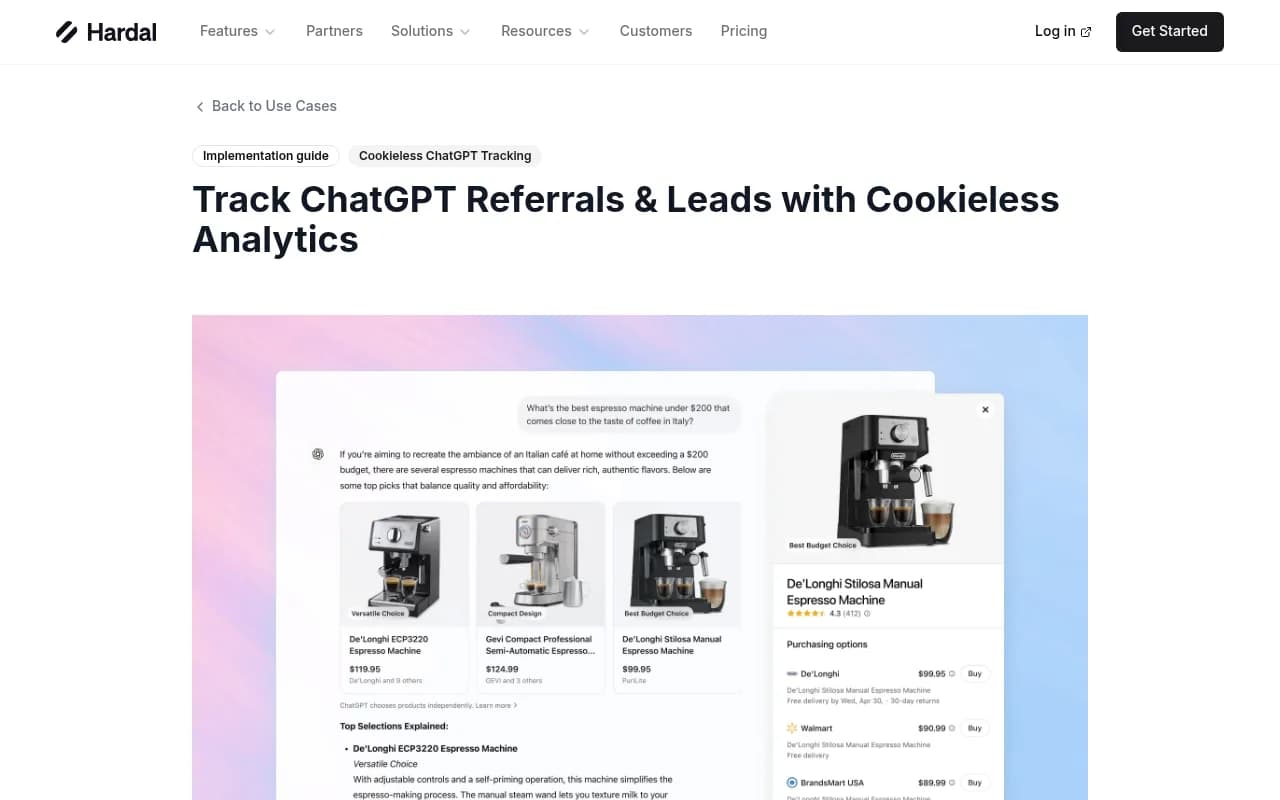
A tracked pageview payload from a cookieless tool such as Hardal looks like this when both markers arrive:
{
  "url": "https://yoursite.com/product?utm_source=chatgpt.com",
  "referrer": "https://chatgpt.com/",
  "utm_source": "chatgpt.com",
  "utm_medium": "referral",
  "event_name": "page_view"
}
In today's reality, expect the url field to carry the UTM and referrer to be empty.
Step 1: Verify the tag is arriving on your site
Before building anything, confirm what you actually receive.
- In GA4, open Reports > Acquisition > Traffic acquisition.
- Change the primary dimension to Session source / medium.
- Search for
chatgptandopenai. You'll likely see chatgpt.com / referral, and possibly chat.openai.com for older data. - Set the date range to October 1 through today and view by day. You should see a dip starting around October 9 and a recovery from October 15-16.
- Cross-check the raw landing page URLs. In an Exploration, use Landing page + query string and filter for
utm_source=chatgpt.com. If your analytics config strips query strings, you've found a problem.
If the tagged sessions never recovered, check the usual culprits: a redirect that drops the query string, a consent tool blocking the tag before it fires, or a CDN rule stripping parameters. Analytics can't recover a marker that a redirect removed.
Step 2: Build a GA4 custom channel group for ChatGPT
Because default grouping treats this as ordinary referral, give AI its own bucket.
- Admin > Data display > Channel groups > Create new channel group.
- Add a channel named AI assistants, placed above Referral so it takes priority.
- Condition: Session source matches regex
(chatgpt|openai|perplexity|gemini|claude|copilot). - Save, then compare it with Referral and Direct in Traffic acquisition.
I haven't verified the exact UI labels against the latest GA4 release, so follow your property's current menu naming. The logic is what matters: match on source, and match broadly. If your team prefers one channel per assistant, make a ChatGPT-only group with the regex chatgpt|openai so you can read it cleanly against Direct.
Why the source condition, not the medium
OpenAI's tagging sets utm_source but you can't count on a consistent medium. Matching source keeps the rule stable if the medium changes.
Step 3: Segment by UTM instead of referrer
The referrer is mostly gone, so build everything on the UTM:
- In Explorations, create a segment: Session source contains
chatgptOR Page location containsutm_source=chatgpt. - Add a second condition on first-session campaign source if you report on new users.
- Compare the segment with site average on conversion rate, engagement rate, and revenue per session.
This catches sessions where GA4 failed to map the source but the URL still carried the parameter.
Step 4: Annotate October 9 and analyse ChatGPT plus Direct together
This is the unglamorous step that saves your reporting. Add a GA4 annotation (or a note in your BI tool) dated October 9, 2026, with the text: "ChatGPT UTM/referrer outage, GPT-6. Fixed ~Oct 15-16." Then:
- Pick the affected pages: those where ChatGPT used to bring a large share of visits. Huesler used a 5% ChatGPT-share threshold.
- Compare ChatGPT + Direct combined on those pages, week over week, across the outage.
- If the combined number held steady while the ChatGPT line dropped, the visitors never left. Attribution broke.
- Don't back-fill. Report the gap as a gap and keep the estimate in a separate column.
Watching which pages spiked in Direct during the window is a decent proxy for where ChatGPT was sending people. It isn't proof, but it's directionally useful, especially on deep product or article URLs that people rarely type from memory.
Step 5: Use a tagging taxonomy for links you control
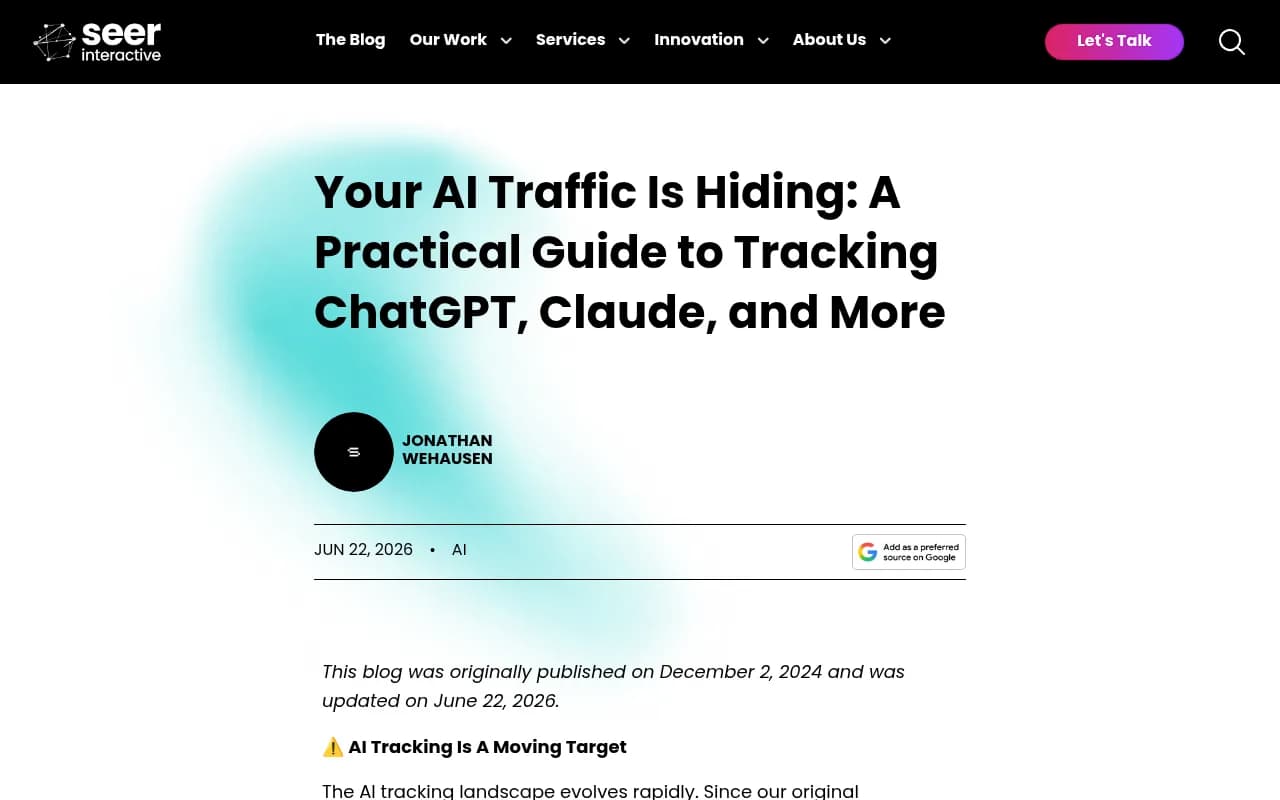
OpenAI handles the tag on links it surfaces, so don't try to add UTMs to your public URLs and hope ChatGPT keeps them. A cleaner approach is to standardise tagging where you do control links: newsletters, partner placements, and any paid ChatGPT ads. Seer Interactive recommends a standardised UTM taxonomy across the organisation, and I agree. One rule is worth setting: never reuse utm_source=chatgpt.com on your own campaigns, or you'll pollute the organic AI signal. Use distinct values for anything you tag yourself.
There's an alternative convention in circulation (utm_source=chatgpt with utm_medium=ai_referral) for URLs you hand out yourself. It's fine as long as you keep it separate from the OpenAI-applied tag and write the convention down.
Step 6: Check server-side signals
Analytics only sees visits that run your tag. Server logs see the rest. Sébastien Billard saw a drop in ChatGPT human traffic from October 9, plus a drop in ChatGPT-User bot traffic, while OAI-SearchBot traffic rose from October 7. That kind of cross-check separates a tracking issue from a real change in ChatGPT behaviour.
If you want IP-verified crawler data without parsing logs yourself, Promptwatch has AI crawler logs that show which pages GPTBot, OAI-SearchBot, and ChatGPT-User read and where they hit errors.

Step 7: Build a baseline that doesn't depend on clicks
The October episode is the lesson. A single line of client-side code changed and a whole channel vanished from reports. Click attribution is a lagging, fragile signal. OpenAI can change link behaviour again with any model release.
So measure visibility at the source too: how often ChatGPT mentions and cites your brand, for which prompts, and against which competitors. That number doesn't care whether the referrer survives. Promptwatch tracks this from the real ChatGPT interface and adds visitor analytics for AI-referred traffic. Notably, it offers an optional setting that counts visits tagged utm_source=chatgpt.com as ChatGPT traffic, which fits the post-October reality where the referrer is gone. Its guide to attributing AI traffic covers the approach in more detail.
There are plenty of alternatives for different needs. A few worth knowing:
| Tool | Angle | Good for |
|---|---|---|
| Promptwatch | Visibility tracking, crawler logs, visitor analytics, content fixes | Teams who want one loop from monitoring to measurement |
| Trakkr | Tracing AI visitors to revenue | Revenue attribution focus |
| LLMclicks.ai | Clicks and traffic from AI engines | Click-level reporting |
| Passionfruit | Citation tracking tied to attribution | Connecting citations to revenue |
| Peec AI | Prompt-level visibility tracking | Lightweight monitoring |


For a wider survey of options, the GEO software directory lists many more. If you only have time for one thing, set up recurring visibility scans so you have a stable benchmark when click data wobbles again.
Why ChatGPT traffic is worth the effort
ChatGPT sends roughly three quarters of all AI referral traffic, per SE Ranking's 2026 analysis, so it's the first source to instrument. The visitors also tend to be high intent. Which pages get cited matters, too: Promptwatch Data found that product pages are the most cited content type in ChatGPT, at 22.4% of citations (Sep 28 to Oct 4, 2026). If those are the pages ChatGPT links to, they are the pages whose Direct spikes you should watch.
Common problems and fixes
Tagged sessions are tiny even after October 16
Check for query-string stripping in redirects, consent blocking, or a tag manager trigger that fires only on referral. Test by visiting your own URL with ?utm_source=chatgpt.com and watching Realtime.
Direct is still inflated
Some of that is permanent: the outage window can't be re-attributed, and untagged clicks from other apps and assistants were always dark traffic. Seer Interactive lists clicks in apps, emails, messengers, and untagged documents as long-standing sources of dark traffic.
Referrer reports show nothing
Expected. Most ChatGPT clicks currently carry no referrer. Filter on the UTM, as Gen3 Marketing and SiteBrunch both advise.
Will this break again?
Probably, in some form. OpenAI confirmed the October change as a bug, but the underlying mechanism (how links open and what they pass) is controlled by a product team that ships frequently. I'd bet on another wobble within the year. I haven't verified whether the fix has held through all of late October onward, so check your own data by day.
A short checklist
- Confirm tagged sessions recovered from October 15-16.
- Build a custom channel group matching
chatgpt|openai. - Segment on the UTM, not the referrer.
- Annotate October 9 and analyse ChatGPT + Direct together on affected pages.
- Cross-check against server logs and AI crawler activity.
- Keep a visibility baseline that doesn't rely on clicks.
- Reserve distinct UTM values for your own campaigns.
The visitors never stopped coming in October. The labels fell off. Fix the labels where you can, estimate where you can't, and stop treating one referrer field as the source of truth.