Key takeaways
- MCP (Model Context Protocol) lets Claude read live data from your AI visibility platform, so the weekly report stops being a dashboard-and-spreadsheet chore.
- A good weekly workflow has five steps: pull, diagnose, decide, produce, verify. Claude is strong at the middle three if you feed it real data.
- Several vendors now ship MCP connections, including Peec AI, Profound, and ZeroRank. Check what each one lets Claude do, since some launched read-only.
- Report per AI engine, never blended. Citation behavior differs sharply between ChatGPT, Perplexity, and Google AI Overviews, and it shifts fast.
- Claude's output needs a human check. Treat it as a fast analyst, not a source of truth.
Why MCP changes the weekly routine
Most teams I talk to run AI visibility reporting the same way. Someone opens a dashboard on Monday, screenshots three charts, pastes them into a deck, and writes a paragraph that says "visibility is up slightly." It takes an hour. Nobody acts on it.
MCP is an open standard that lets AI tools connect to live external data and act on it. Peec AI's launch post puts the shift plainly: before MCP, insight lived in the dashboard and you had to go get it. After MCP, the data travels to wherever you work, in the format you need.
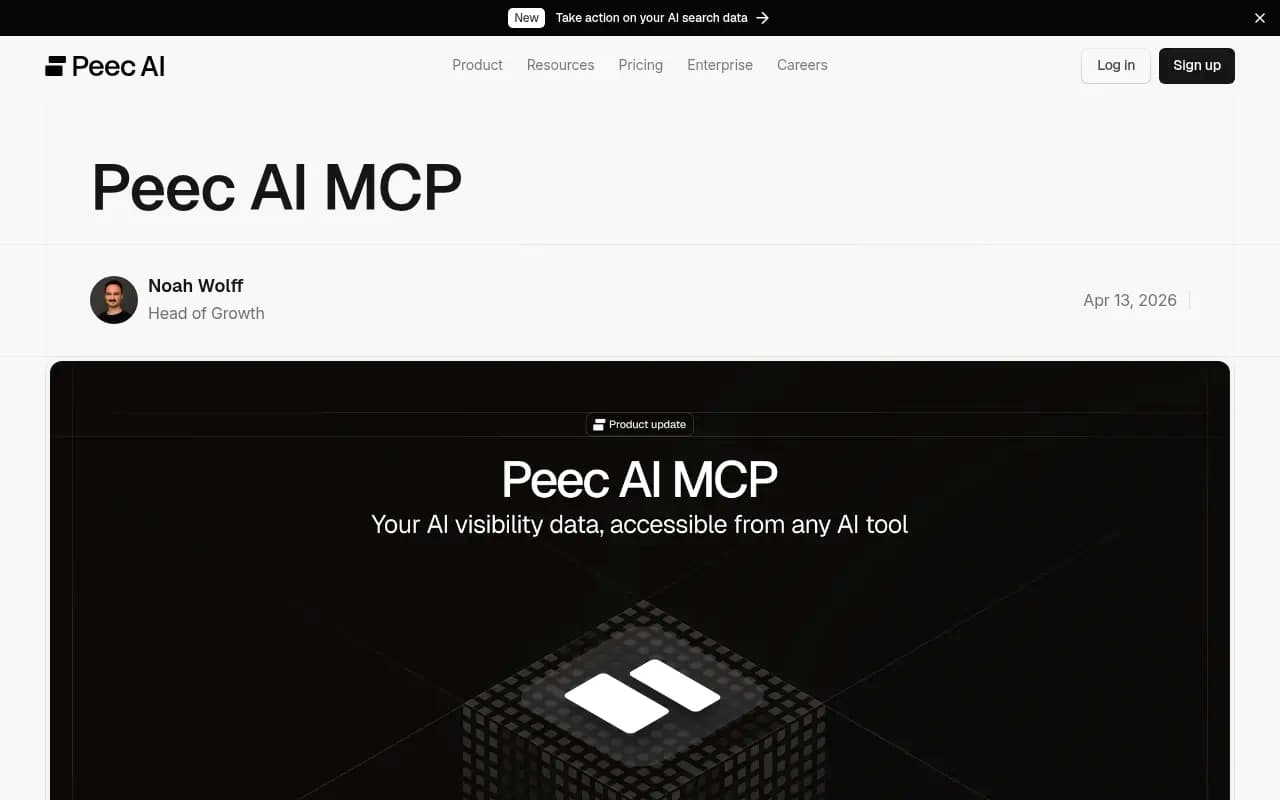
The practical effect is that you ask Claude "what happened to our brand visibility last week?" and it queries your tracking data directly, reasons over it, and writes the answer in the tone you want. That is the foundation for everything below.
What the weekly workflow looks like
Here is the loop I would run. It takes 30 to 45 minutes once it is set up, and most of that is you reading and deciding.
| Step | Question | What Claude does | What you do |
|---|---|---|---|
| 1. Pull | What changed this week? | Queries visibility, share of voice, position, sentiment per engine | Confirm the date range |
| 2. Diagnose | Why did it change? | Finds lost prompts, new competitors, shifted sources | Spot-check against the live AI answer |
| 3. Decide | What do we fix first? | Ranks gaps by prompt volume and effort | Pick 3 to 5 actions |
| 4. Produce | What do we ship? | Drafts briefs, refreshes, outreach notes | Edit and publish |
| 5. Verify | Did last week's fix work? | Compares the pages you changed before and after | Keep, revise, or drop |
Step 5 is the one most teams skip, and it is the reason their reporting never compounds.
Step 1: Choose a platform with an MCP connection
You need a tracking tool that exposes its data over MCP. The ones I found documented in 2026:
- Peec AI: available on all paid plans at no extra cost, covering brand mentions, share of voice, and competitor movement across ChatGPT, Perplexity, and Gemini.
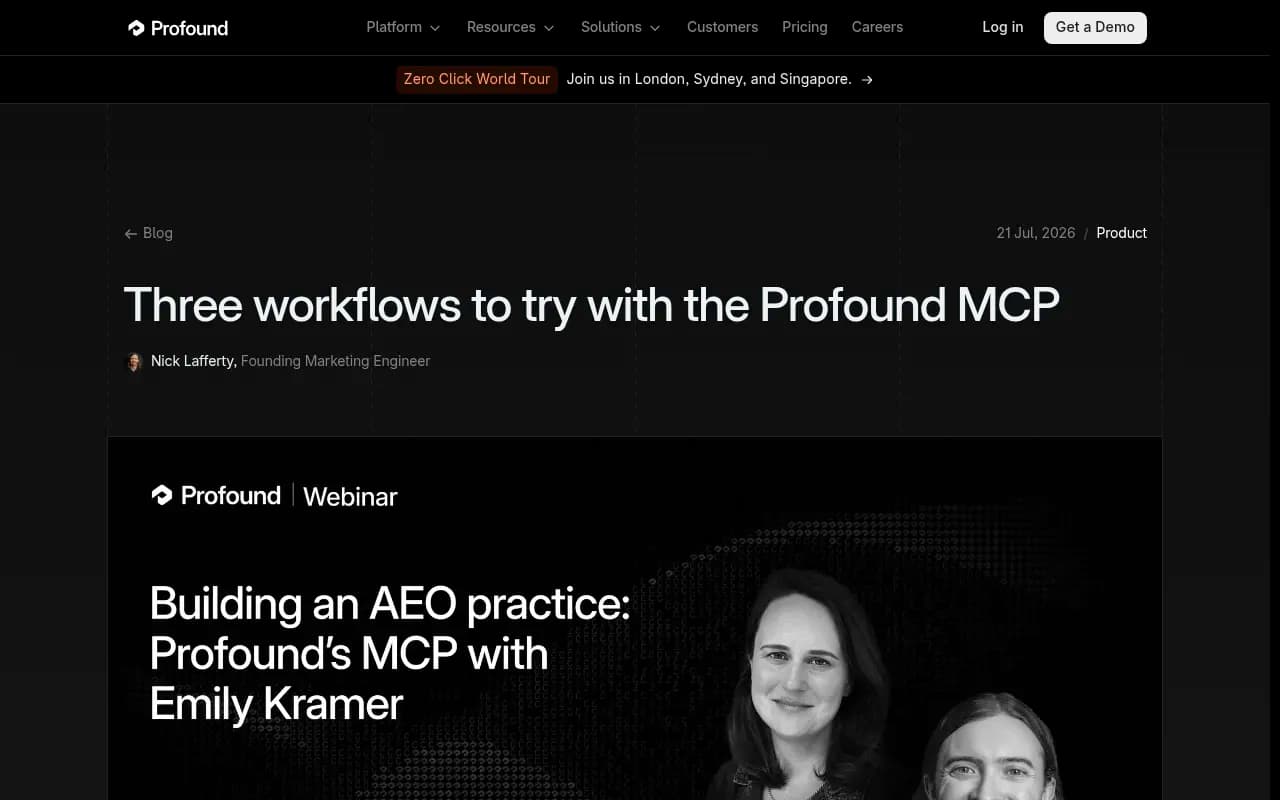
- Profound: launched as an official Anthropic connector, with a hosted MCP at mcp.tryprofound.com. Its team describes workflows like comparing two competitor pages using citation data.
- ZeroRank: a walkthrough video from October 2026 shows connecting it to Claude to check performance, analyze competitors, and draft content. The video description carries an affiliate disclaimer, so treat it as promotional.


Promptwatch also has a hosted MCP server with 110+ tools, plus an official Claude Connector. Promptwatch is the one I would look at if you want the weekly loop to go past reporting, since the same data layer includes IP-verified AI crawler logs, citation analytics, visitor analytics, and an Action Board that turns findings into a prioritized to-do list.

The full list of options is longer than most people expect. If you are still choosing, the GEO software directory at bestgeosoftware.com is a decent place to compare.
What to check before you commit
- Is the MCP read-only? Peec's launch was read-only, with writing prompts back to Peec listed as coming next. Check their changelog for current status.
- Does the data come from real AI interfaces or APIs? Answers and citations can differ.
- Can you segment by engine, country, and topic? You will need this in step 2.
- Does it include crawler or traffic data? Mentions alone cannot tell you why a page is or isn't cited.
Step 2: Connect it to Claude
Setup is fast. Using Peec as the example, from its documentation:
- Go to claude.ai, then Settings, then Integrations.
- Click Add More and paste the MCP URL (for Peec,
https://api.peec.ai/mcp). - Sign in with your account for the tool.
- Test with a simple prompt such as "List my projects."
Claude Desktop, Cursor, and n8n each have their own steps, and Peec keeps those at docs.peec.ai/mcp/setup. Other vendors follow the same pattern: a URL, an OAuth sign-in, a test prompt.
If the test prompt returns your project list, you are done. If it fails, the usual cause is an expired sign-in or the connector not being enabled for that conversation.
Step 3: Build the prompt library
This is where most of the value sits. Ad-hoc questions give you ad-hoc answers. A saved set of prompts gives you a comparable report every week.
Create a Claude Project (or a plain document you paste in) containing your standing instructions. Something like:
You are my AI search analyst. Use the connected visibility tool for all data.
Always report per engine (ChatGPT, Perplexity, Google AI Overviews, Gemini). Never blend.
Compare the last 7 days to the prior 7 days. State the date ranges you used.
Flag any metric that moved more than 10% and say whether the sample is large enough to trust.
If you cannot find a number in the tool, say so. Do not estimate.
That last line matters. Claude will happily fill a gap with something plausible.
The five weekly prompts
Pull. "What happened to our visibility last week? Give me visibility, share of voice, and average position per engine, with change vs the previous week."
Diagnose. "Find the prompts where we lost position or dropped out of answers. For each, list which competitors replaced us and which sources the AI cited."
Decide. "From those losses, pick the five with the highest prompt volume and the most fixable cause. Explain why each is fixable."
Produce. "For the top three, write a content brief: target question, headings phrased as search queries, sources the AI already trusts, and what our page is missing."
Verify. "Here are the pages we changed in the last two weeks. Did citations or position improve for the prompts they target?"
Peec lists similar workflows: a Monday briefing, content briefs from visibility gaps, a competitive snapshot before a sales call, and a 200-word executive update written for a non-technical CMO. The last one is worth saving as its own prompt. Leadership reads it; nobody reads the full report.
Step 4: Report per engine, not blended
I would push hard on this. Blended numbers hide the thing you need to see.
Promptwatch's social media citations report for Sep 28 to Oct 4, 2026 shows why. ChatGPT got 0.46% of its citations from social platforms, while Google AI Overviews got 12.2%, about 26 times more. Perplexity sat at 2.7%. Average those together and you describe none of the three.
It moves quickly too. Promptwatch Data tracked reddit.com's share of ChatGPT citations collapsing from about 4% to 0.5% on August 14, 2026. A team that had a "build Reddit presence" line in its plan, reported on a blended basis, would have kept funding it long after ChatGPT stopped rewarding it.
So bake this into the standing instructions: every number gets an engine label, and any strategy claim must name which engine it applies to.
Step 5: Track the signals that move in steps
Some metrics change gradually. Others jump when a platform ships an update. Add the jumpy ones to your weekly pull so you catch them within seven days rather than a quarter later.
Examples from Promptwatch Data:
- Fanout depth. ChatGPT query fanouts split one prompt into several web searches. The average was 2.15 searches per response in early December 2025, about 1.84 by early March, and query length shrank from roughly 117 characters to the high 80s. If your headings were written for long queries, they may need a second look.
- Operator changes. On August 8, 2026, ChatGPT began using the
site:operator at scale, per Promptwatch's report, jumping from about 0.4% to about 17% of fanout queries overnight. - Citation volume. Average citations per response dropped around the GPT-5.3 rollout on March 4, 2026.
- Content type mix. Product pages were the most cited type in ChatGPT at 22.4% of citations for Sep 28 to Oct 4, 2026.
Ask Claude to put a short "platform changes" section at the bottom of every weekly report. If something stepped, you want to know whether your own change or the model's change caused the movement. Otherwise you will credit a content refresh for what was really an engine update.
Step 6: Automate the schedule carefully
There are two sensible ways to make it weekly.
Option A: A calendar reminder and a saved prompt
Low tech, and it works. Open Claude on Monday, run the five prompts, edit, send. I would start here for at least a month. You learn which prompts are noisy before you automate them.
Option B: Workflow tools
Peec's own examples use n8n or Make to pull visibility scores per client every Monday and push them to Slack or email, plus daily sentiment-threshold alerts that include the AI responses behind a drop. This suits agencies reporting to many clients.
I did not verify Claude's own scheduling features for this guide, so check Anthropic's current documentation before building around them. Whatever you choose, keep a human in the loop for anything sent outside the company.
Step 7: Close the loop with content and verification
A report that ends at "here are the gaps" is half a workflow. The useful part is what happens Tuesday.
- Write headings that read like the search queries ChatGPT actually runs, and front-load the entity and category in titles and H2s.
- Build focused pages for sub-questions: comparisons, pricing, alternatives, how-tos.
- Refresh before you create. Existing pages that already rank in Google but never get cited are often the quickest win.
- Tag every published or updated page with its target prompts so step 5 next week has something to measure.
Content type matters for how long a win lasts. Promptwatch's content half-life data found that landing pages and docs stayed cited longest among pages ChatGPT cited on July 6, 2026, while news lost half its pages within 36 days. That tells you where to spend durable effort and where to expect decay.
If you want the production side automated too, the agentic SEO tools directory lists options that plan, write, and publish. Promptwatch's Content Agent is one, publishing to WordPress, Webflow, or Framer, then tracking whether the page gets crawled and cited.
Where this goes wrong
I have seen the same few failures repeatedly.
- Trusting Claude's arithmetic. It can misread a table or compare mismatched date ranges. Make it state the ranges, and spot-check two numbers per report against the dashboard.
- Prompt drift. If you rewrite the weekly prompts every Monday, week-over-week comparison breaks. Version them.
- Too many metrics. Pick visibility, share of voice, position, and sentiment, plus one traffic number. Everything else is on-demand.
- Over-reading small samples. A prompt set of 50 can swing 15% on noise. Have Claude flag sample size.
- Ignoring the verification step. If you never check whether last week's fix worked, you are producing content on faith.
- Skipping the live check. Open ChatGPT or Perplexity yourself on the top two lost prompts. It takes two minutes and catches things data summaries smooth over.
A starting template
Your Monday output could be as short as this:
- Headline: three sentences, per engine.
- What moved: top five prompt gains and losses with causes.
- Platform changes: anything that stepped this week.
- Actions: three to five items with owners and target pages.
- Last week's results: which fixes worked.
- Executive version: 200 words for the CMO.
Start with one project, one engine pair, and one month of discipline. Once the five prompts return numbers you trust, add engines, countries, and automation. The tool matters less than the habit of reading the report, picking three actions, and checking next Monday whether they worked.