Key takeaways
- Google AI Mode is now a default search experience for millions of users, and traditional rank tracking tools don't capture it
- Checking your AI Mode visibility requires tracking brand mentions, citations, and share of voice -- not just keyword positions
- Most tools that claim to track AI Mode only cover a subset of the experience; a few go deeper with crawler logs and content gap analysis
- The most effective approach combines prompt-based monitoring with content optimization to actually improve your visibility, not just measure it
- Free manual checks are a useful starting point, but they don't scale beyond a handful of prompts
What Google AI Mode actually is (and why it's different)
Google AI Mode launched in 2025 and by mid-2026 it's become the default search experience for a significant share of queries in the US and several other markets. When someone searches in AI Mode, they don't get a list of ten blue links. They get a conversational AI-generated answer, often with cited sources, follow-up questions, and product recommendations -- all before they've clicked anything.
That's the part that matters for brands. The decision of whether to click your site, or even whether to consider your brand at all, is increasingly happening inside the AI-generated response. If you're not cited there, you're invisible to that user at the most important moment.
Traditional SEO tools track your position for a keyword. They'll tell you that you rank #4 for "best project management software." But they have no idea whether Google's AI Mode is mentioning your product, citing your blog, or recommending a competitor instead. Those are completely different questions, and they require a different kind of tracking.
How to manually check your Google AI Mode visibility
Before reaching for a paid tool, it's worth doing a manual audit. It won't scale, but it gives you a real feel for what's happening.
Step 1: Enable AI Mode in Google Search
If you're in the US, AI Mode should be available in your Google Search interface. Look for the "AI Mode" tab at the top of search results, or it may appear as the default view depending on your account settings. Use an incognito window to avoid personalization skewing the results.
Step 2: Run your target prompts
Think about the questions your customers actually ask when they're researching your category. Not just "brand name" queries -- those are easy wins. The harder and more important ones are category-level prompts like:
- "What's the best [product category] for [use case]?"
- "Compare [your product] vs [competitor]"
- "How do I solve [problem your product solves]?"
Run 10-20 of these and note whether your brand appears in the AI-generated answer, whether your site is cited as a source, and where in the response you appear (top, middle, buried in a footnote).
Step 3: Document what you find
Keep a simple spreadsheet. Columns: prompt, date, your brand mentioned (yes/no), your site cited (yes/no), competitors mentioned, position in response. Even 20 prompts done manually gives you a useful baseline.
The obvious limitation: this is a snapshot. AI Mode responses change constantly as Google updates its models and indexes new content. Doing this manually every week for 50+ prompts isn't realistic.
What metrics actually matter for AI Mode visibility
Before comparing tools, it helps to know what you're trying to measure. There are a few distinct metrics that matter here, and not every tool tracks all of them.
Brand mention rate -- how often your brand name appears in AI-generated responses to relevant prompts. This is the most basic signal.
Citation rate -- how often your specific pages are cited as sources. This is different from a brand mention. AI Mode might mention your brand but cite a competitor's page, or cite a third-party review instead of your own site.
Share of voice -- your brand mentions as a percentage of total brand mentions across all competitors for a given set of prompts. This puts your visibility in context.
Sentiment -- whether the AI is saying positive, neutral, or negative things about your brand when it mentions you.
Prompt coverage -- what percentage of your tracked prompts result in any mention at all. If you're visible for 8 out of 50 prompts, that's a 16% coverage rate, and it tells you there are 42 prompts worth targeting.
Position in response -- being mentioned first in an AI answer is meaningfully different from being mentioned fifth. Some tools track this; many don't.
Tools that actually track Google AI Mode in 2026
This is where it gets complicated. A lot of tools added "AI Mode" to their feature lists in 2025, but the depth of tracking varies enormously. Here's an honest breakdown of the main options.
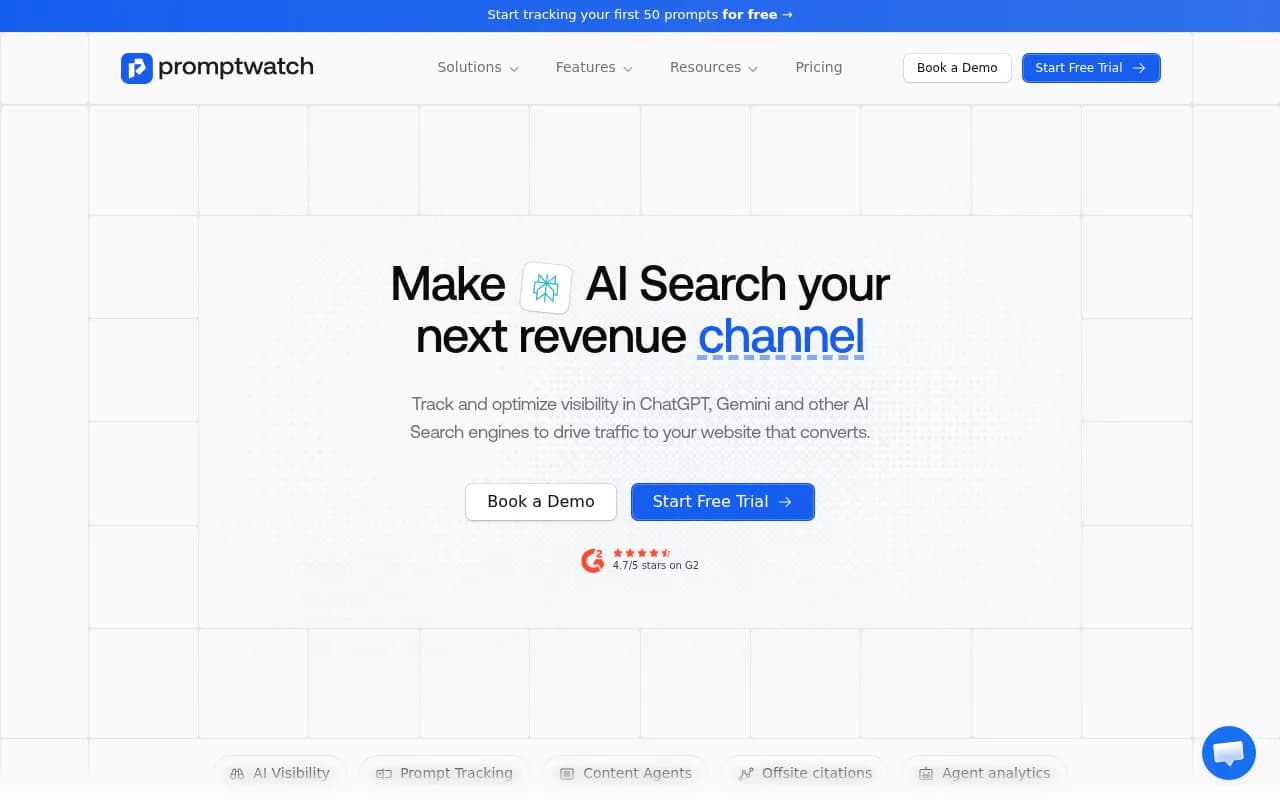
Promptwatch
Promptwatch is one of the few platforms that tracks Google AI Mode as part of a broader AI search visibility stack that also covers ChatGPT, Perplexity, Claude, Gemini, Grok, DeepSeek, Copilot, Mistral, Meta AI, and Google AI Overviews. The difference from most tools is that it doesn't stop at monitoring -- it shows you which prompts you're missing, generates content to fill those gaps, and tracks whether that content gets cited.
For AI Mode specifically, it captures real user-interface responses (not just API outputs, which can differ), tracks citations at the page level, and logs AI crawler activity on your site so you can see when Googlebot's AI crawlers are reading your pages and whether those pages are making it into responses.
Semrush AI Visibility Toolkit
Semrush added Google AI Mode tracking to its Position Tracking tool. You can create a project, select "Google AI Mode" as the search engine, and track keyword-level visibility. It's a reasonable option if you're already a Semrush user and want to add AI Mode tracking without switching platforms. The limitation is that it uses fixed prompts rather than letting you explore the full prompt space, and it doesn't include content generation or crawler log analysis.
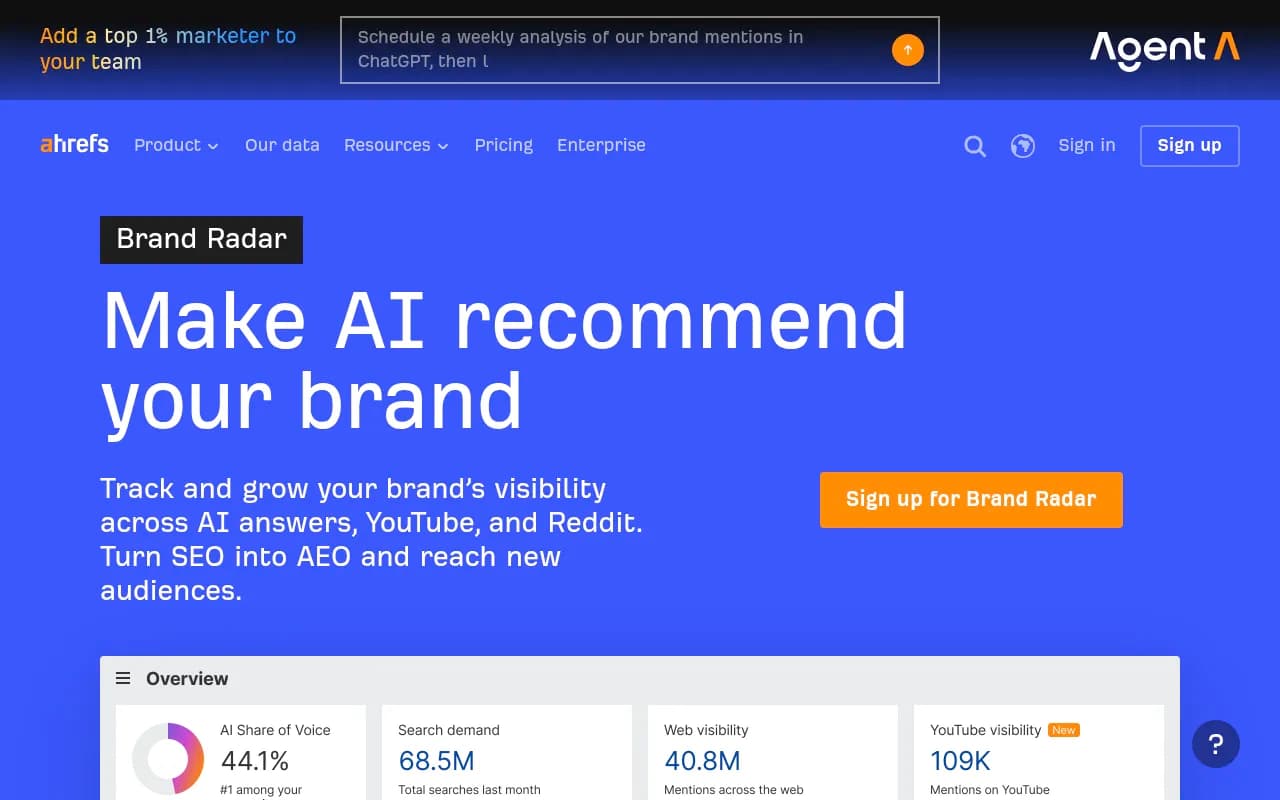
Ahrefs Brand Radar
Ahrefs Brand Radar tracks brand mentions across AI search engines including Google AI Mode. It's useful for a high-level view of brand visibility but uses fixed prompts and doesn't include AI traffic attribution -- so you can see that you're being mentioned, but not whether those mentions are driving visits or conversions.
Otterly.AI
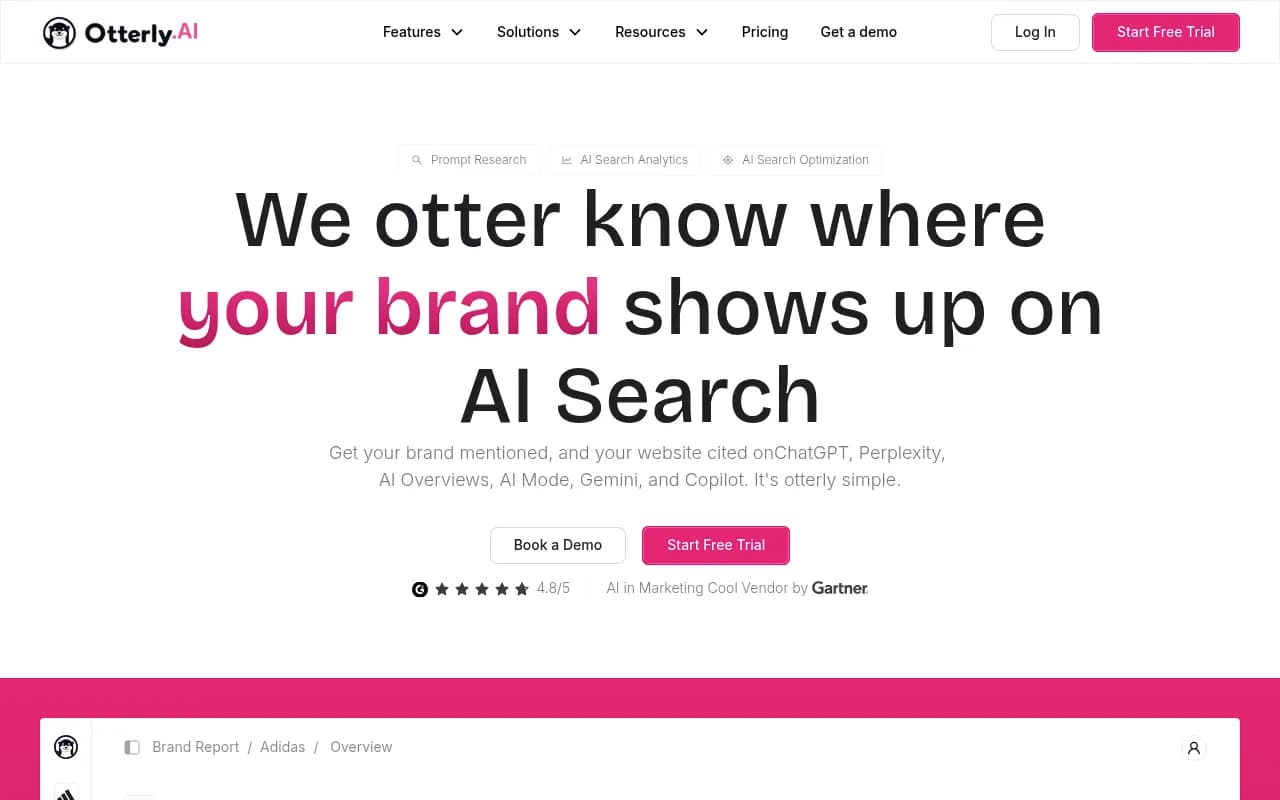
Otterly.AI is one of the more affordable options, starting at $29/month. It covers brand mention monitoring across several AI platforms. It's a solid starting point for smaller teams or those just getting into AI visibility tracking, though it's monitoring-only -- there's no content generation or gap analysis built in.
Peec AI
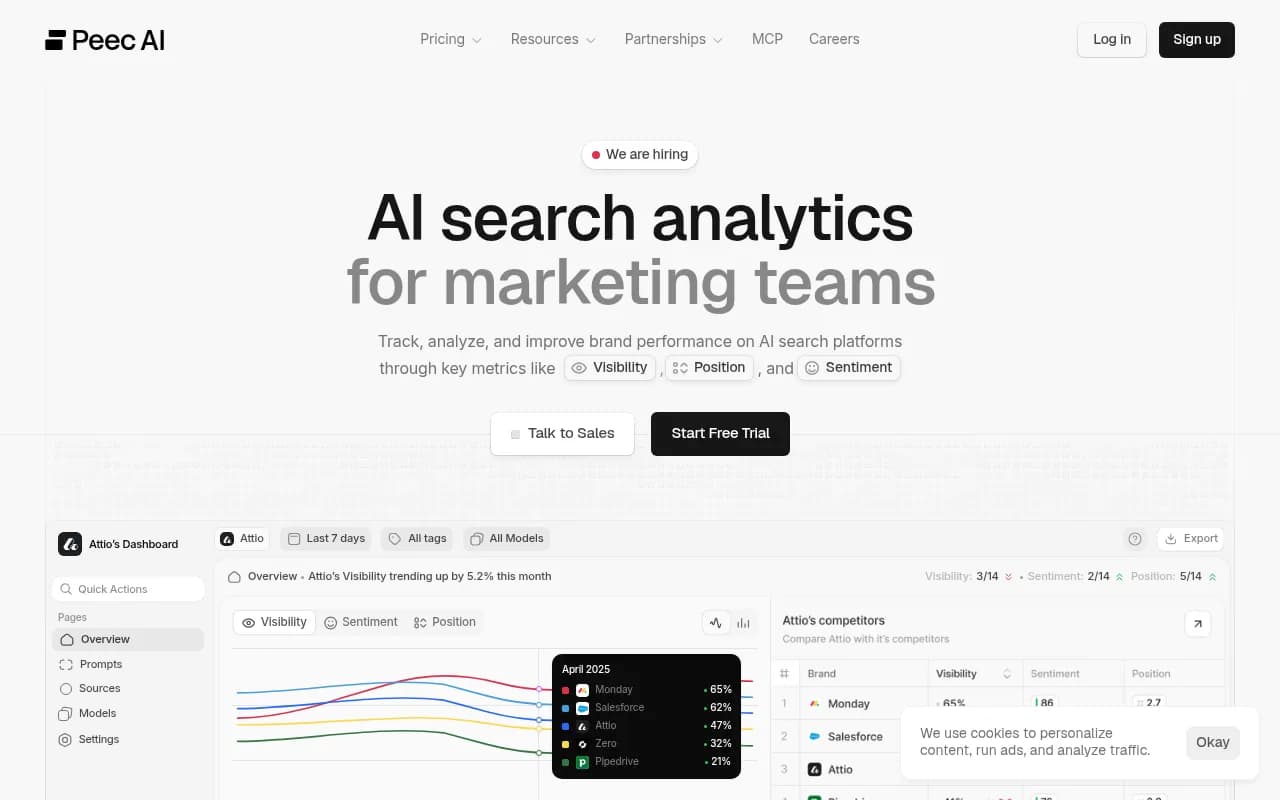
Peec AI offers flexible model selection and tracks up to 10 AI models depending on the plan. It's a good fit for teams that want to compare visibility across multiple AI engines, including AI Mode, without committing to an enterprise contract.
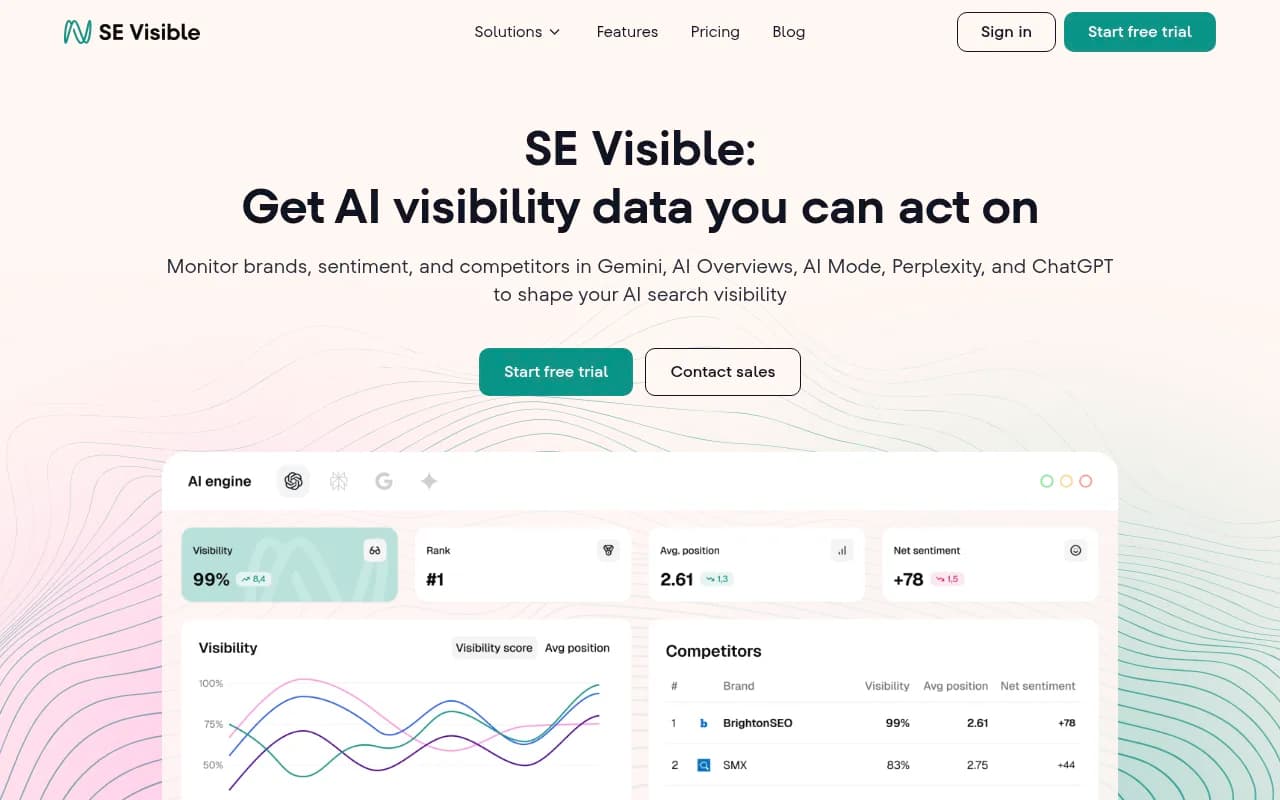
SE Ranking Visible
SE Ranking's AI visibility module (branded as Visible) covers Google AI Mode alongside other AI search engines. It's particularly useful for multi-brand or multi-country setups, and it integrates with SE Ranking's broader SEO toolkit.
Profound
Profound is aimed at enterprise teams doing deep prompt research. It covers up to 10 AI models at the enterprise tier and has strong analytics for share of voice and prompt-level data. It's on the pricier end and doesn't include content generation.
KIME
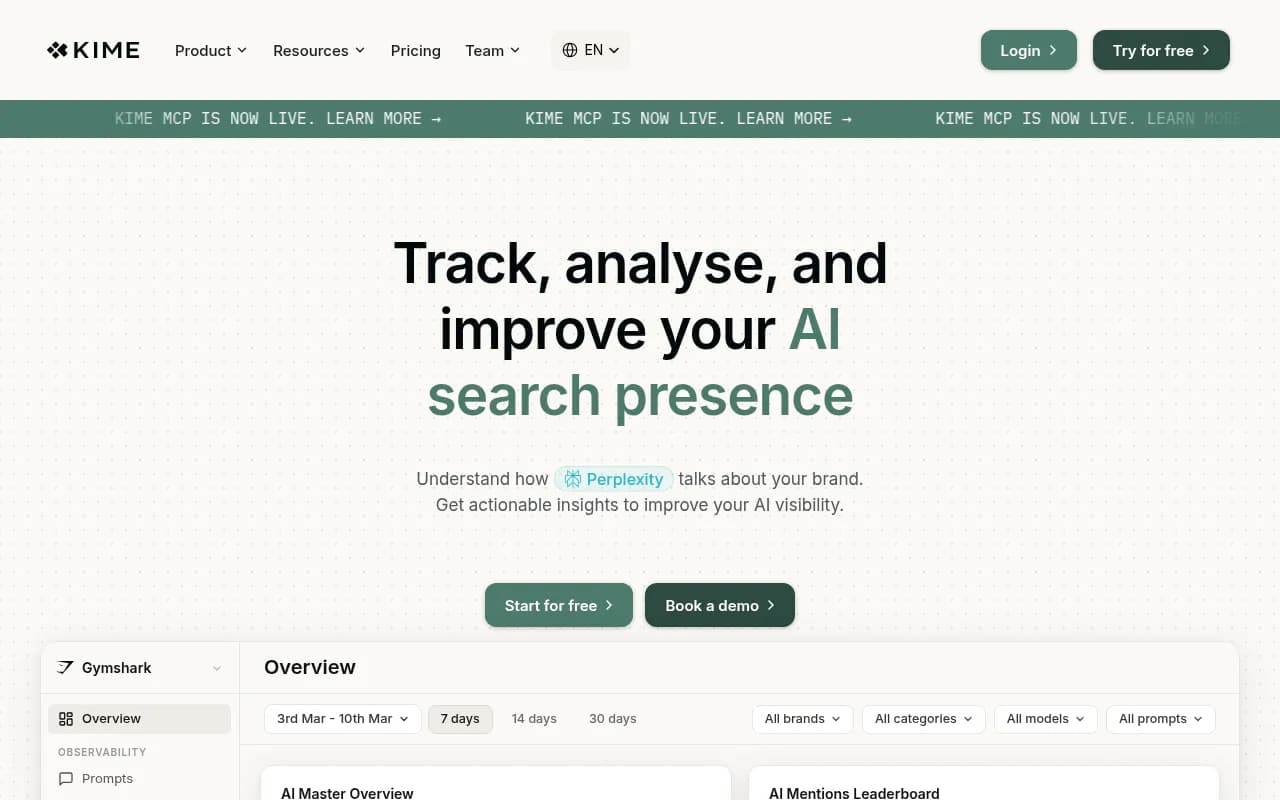
KIME tracks 10 AI models and includes an "Action Centre" for optimization suggestions. It's a solid all-rounder for teams that want both monitoring and some guidance on what to do next.
Comparison: how the main tools stack up
| Tool | Tracks Google AI Mode | Content generation | Crawler logs | Prompt volume data | Starting price |
|---|---|---|---|---|---|
| Promptwatch | Yes | Yes | Yes | Yes | $99/mo |
| Semrush AI Toolkit | Yes | No | No | No | Bundled |
| Ahrefs Brand Radar | Yes | No | No | No | Bundled |
| Otterly.AI | Yes | No | No | No | $29/mo |
| Peec AI | Yes | No | No | Limited | €85/mo |
| SE Ranking Visible | Yes | No | No | No | $99/mo |
| Profound | Yes | No | No | Yes | $99/mo |
| KIME | Yes | Limited | No | No | €149/mo |
The pattern is pretty clear. Most tools cover the monitoring side -- they'll tell you whether you're appearing in AI Mode responses. Fewer help you understand why you're not appearing, and even fewer help you do something about it.
A practical workflow for improving your AI Mode visibility
Tracking is only useful if it leads to action. Here's a workflow that actually moves the needle.
1. Build your prompt set
Start with 30-50 prompts that reflect real buyer intent in your category. Include category-level questions, comparison queries, and problem-based prompts. Avoid vanity prompts that just include your brand name -- those aren't where the opportunity is.
2. Establish a baseline
Run your prompt set through your tracking tool of choice and record your current visibility scores. Note which prompts you're completely absent from -- those are your priority targets.
3. Analyze what's being cited
For the prompts where competitors appear and you don't, look at what content is being cited. Is it a specific blog post? A comparison page? A Reddit thread? This tells you what type of content Google's AI is pulling from for that topic.
4. Create content that fills the gaps
This is the step most teams skip. Knowing you're invisible for a prompt doesn't help unless you publish content that answers it. The content needs to directly address the prompt, be clearly structured, and be on a page that AI crawlers can access and parse easily.
Tools like Promptwatch can generate content briefs and articles grounded in real citation data -- what's actually being cited for similar prompts, what competitors have published, and what the AI models are looking for. That's more useful than generic SEO content.
5. Monitor for crawl and citation
After publishing, watch for AI crawler activity on the new page. Promptwatch's crawler logs show when ChatGPT, Googlebot (AI), Perplexity, and others visit your pages. The timeline from publish to crawl to citation can be days or weeks -- tracking it helps you understand what's working and what needs adjustment.
6. Track share of voice over time
Monthly share-of-voice snapshots tell you whether your overall position in the AI search landscape is improving. It's a lagging indicator, but it's the one that connects to business outcomes.
Common mistakes when checking AI Mode visibility
Only tracking branded queries. If you're only checking whether AI Mode mentions your brand name, you're missing most of the opportunity. Category and problem-based prompts are where most buying decisions start.
Treating AI Mode like traditional rankings. There's no "position 1" in AI Mode the way there is in organic search. The relevant metrics are mention rate, citation rate, and share of voice -- not a rank number.
Checking manually and calling it done. AI Mode responses change constantly. A manual check tells you what was true on one day, not what's happening across hundreds of prompts over time.
Ignoring which pages are being cited. Your brand might be mentioned in AI Mode responses, but the cited source might be a third-party review site, a Reddit thread, or a competitor's comparison page. Knowing which of your own pages are getting cited (and which aren't) is essential for knowing where to invest.
Optimizing for AI Mode in isolation. Google AI Mode pulls from the same web index as regular Google search. Content that's well-structured, authoritative, and directly answers specific questions tends to perform well in both. You don't need a completely separate strategy -- you need to make sure your existing content is doing the job.
What to do if you're not showing up at all
If you run your prompt set and find you're invisible across the board, the most likely causes are:
- Your content doesn't directly answer the prompts AI Mode is responding to
- Your pages have technical issues that prevent AI crawlers from accessing them (check your robots.txt and crawler logs)
- Your domain lacks the authority signals that AI models use to decide which sources to trust
- You're in a category where AI Mode is pulling heavily from third-party sources (review sites, forums) rather than brand sites
The fix for the first two is content and technical work. The fix for the third is building presence on the third-party sources that AI Mode trusts -- getting listed on review platforms, contributing to relevant Reddit threads, appearing in YouTube comparisons.
None of this is fast. But it's measurable, and the tools covered in this guide give you the data to know whether you're moving in the right direction.
The bottom line
Google AI Mode isn't a future concern -- it's where a meaningful share of your potential customers are already making decisions. Most brands are flying blind because their existing SEO tools don't track it.
The good news is that the tooling has caught up. You can now track your AI Mode visibility systematically, identify exactly which prompts you're losing, and create content specifically designed to fill those gaps. The brands that figure this out in 2026 will have a real advantage over those still waiting for AI search to "settle down."
It won't settle down. It'll just keep growing.