Key takeaways
- Copilot isn't one product. It shows up in Bing, Windows, Edge, and Microsoft 365, and each surface behaves slightly differently when it decides whether to cite your brand.
- Bing's index is the backbone of most Copilot answers, so Bing Webmaster Tools, clean entity signals, and crawlable content matter more here than they do for some other AI engines.
- You can't get reliable referral data from Google Analytics alone; Bing Webmaster Tools impressions, Microsoft Clarity behavioral data, and dedicated AI visibility trackers each tell you a different piece of the story.
- Most generic AI visibility tools are still catching up on real Copilot coverage, so check whether a tool is actually querying Copilot's interface before you pay for it.
- Monitoring without action is a dead end. Track mentions, sentiment, and citations, then fix the pages Copilot is skipping.
Why Copilot deserves its own monitoring plan
Microsoft didn't build one chatbot. It built Copilot into Windows 11, Edge, Bing, Microsoft 365 apps like Word and Outlook, and Teams, and each of those surfaces pulls from slightly different context. Some Copilot experiences ground answers with a web search sent to Bing. Others, inside an organization's Microsoft 365 tenant, pull from internal documents and Microsoft Graph data that outside tools can't see at all. That distinction matters a lot for anyone trying to track brand mentions, because it means "Copilot visibility" can mean two very different things depending on which audience you care about: consumers searching Bing, or enterprise buyers researching vendors inside their own company's Microsoft 365 environment.
I'll be honest, this is the part most "AI visibility" guides gloss over. They treat Copilot like it's just another chatbot alongside ChatGPT and Gemini. It isn't. Copilot's citation behavior leans heavily on Bing's index, closer to how Perplexity cites sources than how a closed model like Claude responds. If your site has poor Bing visibility, no amount of prompt engineering fixes that. You need to work the index first.
Confirm which Copilot surface you're actually targeting
Before you track anything, decide what you're measuring. There are really two tracks:
- Consumer-facing Copilot in Bing, Windows, and Edge, which uses public web grounding and is reachable (and testable) from outside the organization.
- Microsoft 365 Copilot inside a company's tenant, which blends public web results with internal Microsoft Graph data (emails, SharePoint files, Teams chats). This version is largely invisible to outside tracking tools because it's walled off by design.
If you're a B2B brand trying to win procurement conversations, the second surface is where the real buying research happens, and it's also the one you can't directly observe with a third-party tool. The best you can do there is make sure your public content, documentation, and case studies are strong enough that if a Copilot user pulls in web grounding, you're the source that gets cited.
The signals Copilot is most likely to use
Because Copilot leans on Bing's index for grounding, the groundwork looks a lot like technical SEO plus entity clarity:
- Verify your domain in Bing Webmaster Tools and submit your sitemap. If Bing hasn't indexed a page, Copilot generally can't cite it.
- Use IndexNow so new or updated pages get picked up fast instead of waiting on a normal crawl cycle.
- Add Organization and Product schema so Copilot's entity recognition can tell your brand apart from your products, and from competitors with similar names.
- Keep your NAP data (name, address, phone) and brand naming consistent everywhere, including Wikipedia or Wikidata if you have an entry. Entity confusion is one of the fastest ways to get skipped or misattributed.
- Build genuinely citable pages: specific data, clear comparisons, original research. Thin marketing pages rarely get quoted by any AI answer engine, Copilot included.
Measuring referral traffic and mentions in 2026
There's no single dashboard that gives you the full picture, which is annoying but worth knowing upfront. In practice you're stitching together three sources.
Bing Webmaster Tools gives you impression and click data from Bing surfaces, including Copilot, but it won't cleanly separate Copilot clicks from regular Bing search clicks. Branded search lift, meaning a bump in people searching your brand name directly after a Copilot citation, is a useful but indirect signal; it has multiple possible causes, so don't treat it as proof on its own. Dedicated AI visibility tracking tools close the gap by running scheduled prompts through Copilot and logging exactly when and how your brand shows up.
| Measurement source | What it tells you | Limitation |
|---|---|---|
| Bing Webmaster Tools | Impressions and clicks from Bing surfaces including Copilot | Doesn't separate Copilot from general Bing search |
| Microsoft Clarity | On-site behavioral signals from visitors arriving via Copilot | Doesn't track what Copilot says about you before the click |
| Branded search lift | Increase in branded queries after a suspected citation | Indirect signal, multiple possible causes |
| Dedicated AI visibility trackers | Actual mention frequency, sentiment, cited sources, competitor comparisons | Coverage of Copilot still varies a lot by vendor |
That last row is the one that actually tells you what Copilot is saying about you, not just whether someone clicked through afterward. It's also the row where picking the wrong tool wastes the most money, since plenty of "AI visibility" platforms still don't query Copilot's real interface.
What to actually track once you're set up
A decent Copilot monitoring setup should give you:
- Mention frequency over time, ideally daily or weekly, not a one-off snapshot.
- Which competitors show up alongside you, or instead of you, for the same prompts.
- The sources Copilot cites when it talks about your category. If it's always citing a competitor's comparison page, that's your content gap.
- Sentiment, meaning whether Copilot describes your brand accurately and favorably, or gets details wrong. Outdated pricing or discontinued features showing up in answers is more common than you'd expect.
- Shopping-specific signals if you're ecommerce: Copilot pulls product recommendations from Bing's index and Microsoft's commerce partners, so Bing Merchant Center feeds and product schema matter on top of everything above.
Tools that actually track Copilot
Here's where it gets a little messy. A lot of AI visibility vendors added ChatGPT and Perplexity tracking first and are still backfilling real Copilot support, so check the fine print before you commit to anything.
Promptwatch tracks Copilot alongside ChatGPT, Gemini, Claude, Perplexity, Grok, DeepSeek, Mistral, Meta Llama, Google AI Overviews, and Google AI Mode, by monitoring the actual user-facing interfaces rather than just hitting an API. That distinction matters a lot for Copilot specifically, since API outputs and what a real user sees in Bing or Edge can diverge. Beyond mention tracking, it logs AI crawler activity (so you can see whether Bing's and Copilot's crawlers are actually reaching your pages), tracks citation share by source type, and runs content gap analysis so you know which competitor pages are winning the citations you want. For ecommerce brands, it also covers ChatGPT Shopping and Ads Radar, which is adjacent to the kind of product-recommendation tracking Copilot shopping needs too.

Other options worth knowing about:
LLM Pulse positions itself as one of the more complete Copilot-specific trackers, covering mentions, citations, and sentiment alongside the usual ChatGPT and Perplexity tracking.

Finseo's AI visibility tracker leans specifically into the Bing-Windows-Edge-Microsoft 365 connection, reporting visibility percentage, monthly mention counts, and sentiment broken out by region and model.
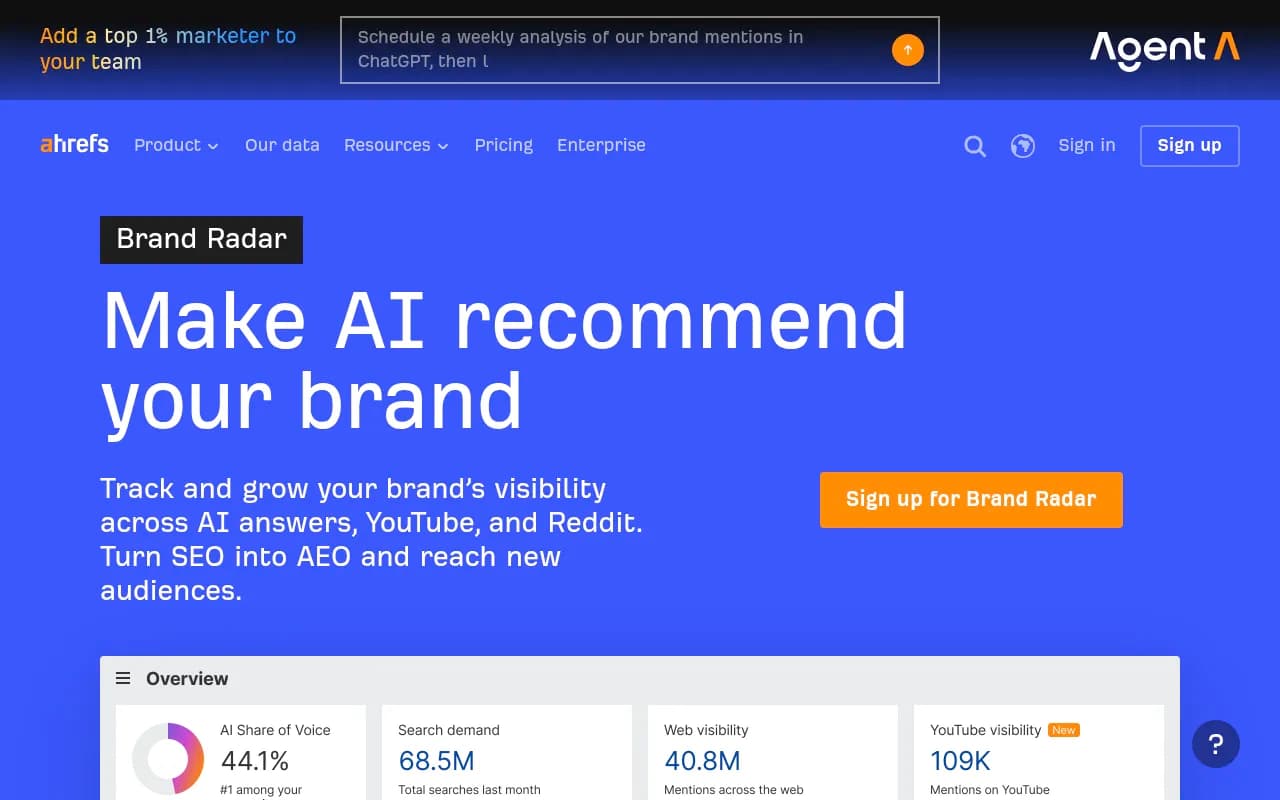
Ahrefs Brand Radar and Semrush AI Visibility Toolkit both bolt AI tracking onto existing SEO suites, which is convenient if you already use them for rank tracking, though their AI-specific data tends to be shallower than dedicated GEO platforms.
Scrunch AI and Profound are enterprise-grade monitoring platforms with solid multi-model coverage, though neither goes as far into automated content fixes as some newer entrants.

Quick comparison
| Tool | Copilot coverage | Crawler log data | Content gap/fix workflow | Best for |
|---|---|---|---|---|
| Promptwatch | Yes, via real UI monitoring | Yes, 400+ crawlers including Bing/Copilot bots | Yes, content agents + CMS publishing | Teams that want monitoring and fixes in one place |
| LLM Pulse | Yes, Copilot-focused | Limited | Reputation monitoring, limited publishing | Brands prioritizing sentiment tracking |
| Finseo | Yes, Bing/Windows/Edge/M365 | No | Limited | B2B brands focused on Microsoft ecosystem |
| Ahrefs Brand Radar | Partial | No | No | Existing Ahrefs users |
| Semrush AI Visibility | Partial | No | No | Existing Semrush users |
| Scrunch AI | Yes | No | Monitoring only | Enterprise monitoring budgets |
A practical 30-day setup
Week one, confirm indexing basics: Bing Webmaster Tools verification, sitemap submission, IndexNow configured. Week two, audit entity signals, schema markup, Wikidata presence if relevant, naming consistency across your site and social profiles. Week three, pick a tracking tool and run your first batch of prompts covering branded, category, and comparison queries. Week four, review what Copilot is actually citing for those prompts and start fixing the gaps, whether that's publishing a comparison page a competitor currently owns or correcting an outdated fact Copilot keeps repeating about your product.
That last step is the one people skip. Tracking tells you where you stand. It doesn't fix anything by itself. If you want a broader read on how AI engines cite sources generally, Promptwatch's data on ChatGPT citation share by domain rank is a useful benchmark for how much weight domain authority still carries, even outside Copilot specifically.
If you're still shopping around for the right monitoring setup, the GEO software directory at bestgeosoftware.com is a decent starting point for comparing more options side by side, and if your team needs help executing the content and technical fixes once you know where the gaps are, 1001 SEO Media runs technical SEO and GEO programs built around exactly this kind of visibility data.