Key takeaways
- Most AI visibility trials last 7 days. Prompt data needs a few daily runs to settle, so prepare your prompts, competitors and success criteria before you start the clock.
- Otterly.AI's official trial page lists 60 prompts on 4 engines, or 80 prompts on 3 engines, tracked daily, with no credit card. Older reviews that say 50 prompts are out of date.
- Use the same prompt set in every tool. Otherwise you are comparing prompt lists, not products.
- Judge tools on stable engines first. Copilot results swing too much to read anything into a one-week change.
- The question that decides most trials is what the tool helps you do after it shows a number. Test that on day 5, not day 7.
Why most trials get wasted
I have watched teams sign up for a trial, click around the dashboard for twenty minutes, add five random prompts, and then forget about it until the expiry email arrives. Seven days later they have no idea whether the tool is good. They just know it had charts.
AI visibility tools have a particular problem. They need data to be useful, and data takes time to accumulate. A tool that starts tracking on day 4 gives you three data points. That is not an evaluation.
So the goal of this guide is simple: prepare before you sign up, run every tool under identical conditions, and use the last two days to test what happens after the dashboard, which is where tools actually differ.
What you are actually working with: Otterly.AI's trial terms
Start with the baseline, because it sets the limits you will compare everything else against. According to Otterly's help page on the free trial (dated November 10, 2026):
- 7 days, no credit card required
- 7,440 credits
- 60 prompts on 4 engines, or 80 prompts on 3 engines, tracked daily
- At least 3 AI engines chosen during onboarding, and you can swap engines later in workspace settings (Copilot for Gemini, for example)
- Unlimited GEO audits during the trial
- API and MCP calls capped at 1,000 each, and Agent Analytics at 50,000 events
- Unlimited workspaces and team members
Two practical notes. First, if a colleague already has an Otterly account, ask to be invited rather than starting a new trial. A separate trial account can't be merged into the team's existing one. Second, there is no permanent free plan, so you pick a paid plan after the trial to keep tracking. One review puts the entry plan at EUR 29.

Otterly's homepage lists ChatGPT, AI Overviews, AI Mode, Gemini, Claude, Perplexity and Copilot as supported engines. Your trial only lets you pick a subset, so decide which ones matter before onboarding.
The trial landscape: what competitors give you
Trial terms vary a lot, and some of what is published online conflicts. The table below mixes vendor pages and third-party comparisons. The 3RD source is a competitor's blog, so treat its figures as a starting point and confirm on each vendor's pricing page.
| Tool | Reported trial | Notes |
|---|---|---|
| Otterly.AI | 7 days, no card | 60 prompts on 4 engines or 80 on 3 (official help page) |
| Profound | 7 days | 50 preset prompts, 1 region, 1 language, 3 engines (per 3RD) |
| Scrunch | 7 days, no card | 7 platforms on paid plans (per 3RD) |
| KIME | 7 days | 2 engines on Explorer (per 3RD) |
| Semrush AI Visibility Toolkit | Conflicting reports | One source says 7 days Semrush-wide, another says none. Verify first |
| Ahrefs Brand Radar | Reportedly none | Starts around $199/mo per one comparison. Verify first |
| Promptwatch | 7 days on monthly billing | Plus a free AI visibility report with no login |
The lesson is not that one number is right. It is that trial limits differ enough to bias your comparison. A tool restricted to 50 preset prompts in one region is not being tested on the same ground as one that lets you load 80 of your own.
Before day 1: the prep that makes the week count
Do this work before you create a single account. It takes two to three hours and it is the difference between a useful trial and a wasted one.
Build one prompt set and freeze it
Write 40 to 60 prompts that reflect how your buyers actually ask. Split them roughly like this:
- Category prompts, such as "best project management software for agencies"
- Comparison prompts that name you and a competitor
- Branded prompts that mention only you
- A handful of problem-led questions with no brand or category in them
Keep the set in a spreadsheet. Every tool you test gets the same list. If a trial caps you at 50 prompts, load the first 50 in the same order everywhere.
Tools that suggest prompts from Search Console or People Also Ask are handy here, but suggestions should supplement your list, not replace it during a comparison.
Pick your competitors and engines
Choose 3 to 5 competitors and use the same ones everywhere. Then choose engines. Otterly requires at least three. I would pick ChatGPT, Perplexity and Google AI Overviews as the core, because they are the most stable for judging.
That last point comes from data. Promptwatch Data's report on average sources per response shows Perplexity returning almost exactly 10 sources per answer every day, and Google AI Overviews sitting around 10 and steady. ChatGPT averages about 5 (counting only responses where web search triggered). Copilot, by contrast, swung from under 2 to nearly 17 within a few weeks before settling low. The report even suggests Perplexity as a test bench, since a change in your citations there is more likely to come from your content than from engine noise.
The practical rule for a 7-day trial: do not read anything into a one-week Copilot swing.
Write your success criteria down
Pick five questions you want answered by day 7. Mine are usually:
- Can I trust the numbers? Do responses look like what I see when I run the prompt by hand?
- Can I tell why I am or am not mentioned?
- Can I get a report to my boss or client without rebuilding it?
- Does the tool tell me what to do next?
- Does the price still make sense when I add the engines and prompts I really need?
Question 5 trips people up. A third-party comparison from 3RD notes that Otterly starts at $29 a month, but adding Google AI Mode, Gemini and Claude to the $189 Standard plan lands closer to $416. That is one vendor's math about a competitor, so check it, but the point stands: price the setup you actually need, not the headline entry plan.
The 7-day plan
Day 1: set up and spot-check
Create the workspace, load your frozen prompt list, add competitors, pick engines. Then, before data comes in, run five of your prompts by hand in the real ChatGPT and Perplexity interfaces and write down what you see. You will compare these to the tool's output tomorrow.
If you have a team account with existing tools, start with the free AI visibility report from Promptwatch or Otterly's unlimited GEO audits during the trial as quick sanity checks, since they cost nothing in credits.
Day 2: accuracy check
Compare the five manual results to what the tool recorded. Look for mismatched brand mentions, missing citations, and wrong positions. Also check where the data comes from. Tools that collect from the real interfaces of the AI engines tend to match what a user sees better than tools reading API output, which can differ in citations and recommendations.
Write down how many of the five matched. Do not argue with yourself about it. Just record it.
Day 3: dig into the why
This is where basic trackers and fuller platforms separate. Pick one prompt where you are invisible and try to answer: why? Can you see which pages the engine cited instead? Can you see the query fan-outs, meaning the web searches the model ran behind the scenes? Can you see whether AI crawlers can even read your pages?
A tool that only says "you were mentioned in 12% of responses" has told you nothing you can act on. Promptwatch goes further here with citation tracking, IP-verified crawler logs and content gap analysis, though crawler logs are not available on its entry plan, so check which tier you would really need.

Day 4: test the reporting
Build the report you would send to your manager or a client. Time it. Can you filter by engine, topic and country? Can you schedule a PDF? Does it export to CSV or Looker Studio? Many teams discover on this day that a tool with a lovely dashboard takes an hour to turn into something presentable.
Agencies should also check whether projects are unlimited, whether there is a client portal, and how white-labeling is priced.
Day 5: test what happens after the dashboard
This is the most important day, and the one most trials skip. Ask the tool: what should I do next?
- Does it produce a prioritized list of actions?
- Does it audit your pages for AI readability?
- Can it draft content to fill the gaps it found?
- Can it publish to your CMS, or do you copy and paste?
- Does it measure whether the fix worked?
Otterly leans on GEO audits for this. Profound and 3RD describe agents that draft work for approval. Promptwatch has an Action Board, a Content Agent that can publish to WordPress, Webflow or Framer, and page-level tracking to see if the new page gets crawled and cited, though the automated Content Agent starts on the Business plan. Scrunch adds page audits and an AI-friendly site version.
Pick one gap and try to close it inside the trial. Even a half-finished attempt shows you how much friction there is.
Day 6: price it honestly
Open each vendor's pricing page and build the real configuration: your prompt count, engines, number of markets, seats, and any add-ons. Put it in a spreadsheet next to the entry price. Note what is locked behind higher tiers, such as faster tracking, local targeting, or crawler logs.
Here is a rough guide to what to check on each:
| What to check | Why it matters |
|---|---|
| Engines included on the plan | Extra engines can double the bill |
| Prompts and responses per month | Daily tracking burns volume quickly |
| Countries and languages | Multi-market brands hit caps fast |
| Seats and projects | Agencies need unlimited |
| Content and publishing | Often a separate tier or add-on |
| Crawler logs and traffic attribution | Missing from most basic trackers |
Promptwatch's published prices, for reference, are Essential at $95/mo, Professional at $245/mo and Business at $579/mo, with agency plans from $199/mo. Confirm current numbers at promptwatch.com/pricing, since they change.
Day 7: decide, then cancel what you will not keep
Score each tool, pick a winner, and cancel the rest. Check how cancellation works before you sign up, since Otterly has help articles on cancelling and extending the trial, and you do not want to learn the process on the last day. Also remember that no credit card at signup usually means no surprise charge, but a card-required trial does.
A scorecard you can copy
Score each criterion 1 to 5 and weight them by what you care about.
| Criterion | Weight | Tool A | Tool B | Tool C |
|---|---|---|---|---|
| Data matches manual checks | 25% | |||
| Explains why you are or aren't cited | 20% | |||
| Reporting speed and quality | 15% | |||
| Action and content workflow | 20% | |||
| Real cost at your configuration | 20% |
I would rather see a tool win 4s across the board than a 5 on dashboards and a 1 on actions. Your mileage may differ if you only need cheap monitoring, and for that, Otterly is a sensible answer.
Which alternatives are worth a slot
You probably cannot test ten tools in one week. Pick two or three based on your problem.
If you want the cheapest simple tracker and will act on the data yourself, stay with Otterly and maybe add Peec AI for comparison.

If you need enterprise monitoring with agents and approval flows, test Profound.
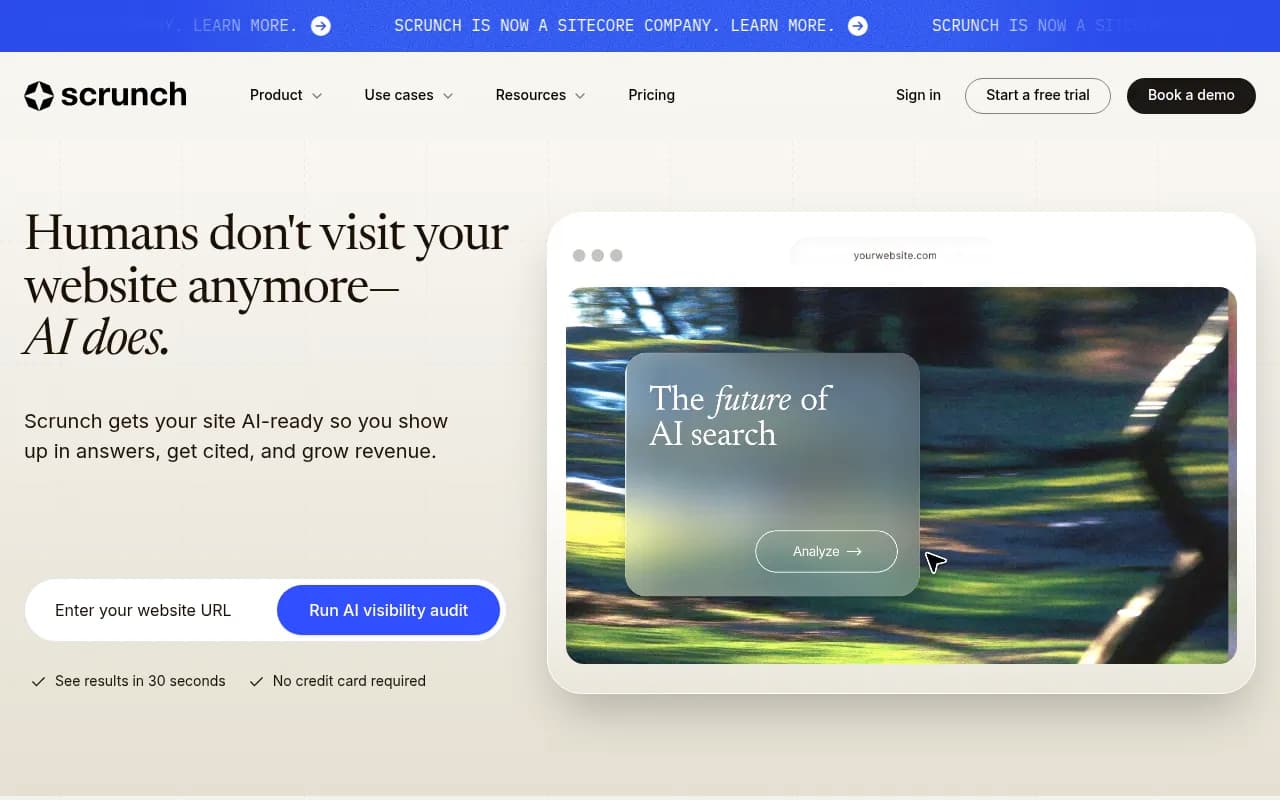
If you want AI monitoring plus page audits and an AI-friendly site layer, test Scrunch.
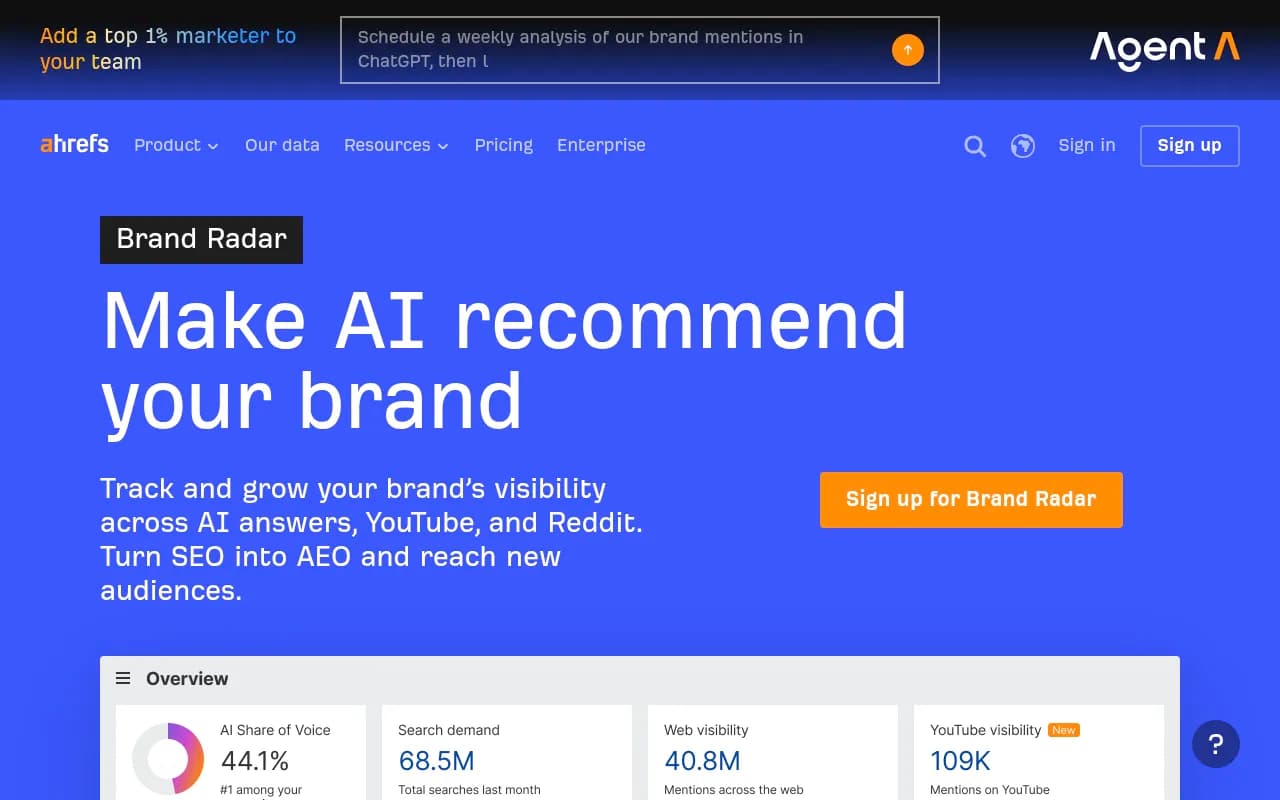
If you already live inside an SEO suite, try the add-ons from Semrush or Ahrefs, after confirming their trial status.
If you want one platform that tracks, explains and fixes, include Promptwatch. Its head-to-head with Otterly is on Promptwatch's comparison page, and you can start with the 7-day trial at app.promptwatch.com.
For a wider shortlist, the GEO software directory lists dozens more tools to browse.

Note that this page is Otterly's own marketing. Read vendor comparison pages for the features they list, not for their verdicts.
Common mistakes
Starting on a Friday. Seven days with a weekend in the middle means two days nobody looks at the tool. Start on a Monday or Tuesday.
Using different prompts per tool. Already covered, but it is the most common error.
Trusting one-day swings. Responses vary run to run. Look at trends across the week, and weight stable engines more.
Skipping invitations. If your company already pays for a tool, ask for an invite instead of opening a duplicate trial.
Never testing the exit. Download your data and check export options now. If you cannot get your prompts and responses out, switching later will hurt.
What to do after the trial
If two tools score close, extend the comparison. Otterly lists a help article about extending the free trial, though I could not verify the terms, so ask support directly. Otherwise, pick one for a month on monthly billing and revisit. Annual billing is cheaper, but only commit once the data has held up for a few weeks.
And keep the frozen prompt list. It is your benchmark. Whichever tool you pick, running the same 50 prompts every month tells you whether your work is moving the numbers.
If you want a human to run this evaluation with you, an agency like 1001 SEO Media can set up the prompts, benchmark the tools and handle the follow-through on content and technical fixes.