Key takeaways
- Your prompt list is the asset. Export it, along with topics, regions, competitors and history, before your contract or plan ends.
- Profound's pricing page lists CSV/JSON exports, API access and all-time history under Enterprise only. Get your export rights confirmed in writing before you cancel or downgrade.
- Do not copy prompts blindly. Promptwatch Data shows ChatGPT fan-out queries getting shorter, so re-audit and rewrite your list.
- Run old and new tools in parallel for 2 to 4 weeks, and expect differences between UI-based and API-based tracking.
- Treat cutover as the boring part. Do the hard work (inventory, mapping, validation) first.
Why prompt lists are the hard part of leaving Profound
Most generic migration checklists focus on moving rows between databases. Switching AI visibility tools is different. Your data is not just records, it is a carefully built set of questions, grouped by topic, region, persona and competitor, that you may have tuned for a year. Lose it and you lose your historical baseline and the thinking behind it.
The usual migration phases still apply: plan, prepare the data, test and validate, cut over, reassess. Workday's and Rivery's generic checklists use roughly that order. The specifics below are what matter for this particular move.
A note on scope: I could not find an official Profound guide to exporting prompts, tags, personas or topics. So this checklist is built from what Profound's public pricing and feature pages say, plus common sense. Check each vendor's current docs before you act.

Step 1: Find out what you can actually export
Start here, before anything else. According to Profound's pricing page, the Trial tier has no exports, no history and no API, while Enterprise includes CSV and JSON exports, API access and all-time history. Third-party pricing pages describe older Starter and Growth plans, and one snippet says Starter had no exports. Those may be stale. The live page I checked showed only Trial and Enterprise, so verify your own plan.
The pitfall: if you are on a lower tier, the export button you assume exists may not. And I found no explicit Profound documentation on data retention after cancellation. So:
- Email your account contact and ask, in writing, what you can export and in which formats.
- Ask how long data stays available after cancellation or downgrade.
- Ask whether the API is available to you for a bulk pull.
- Do the export before you give notice, not after.
Step 2: Build your inventory
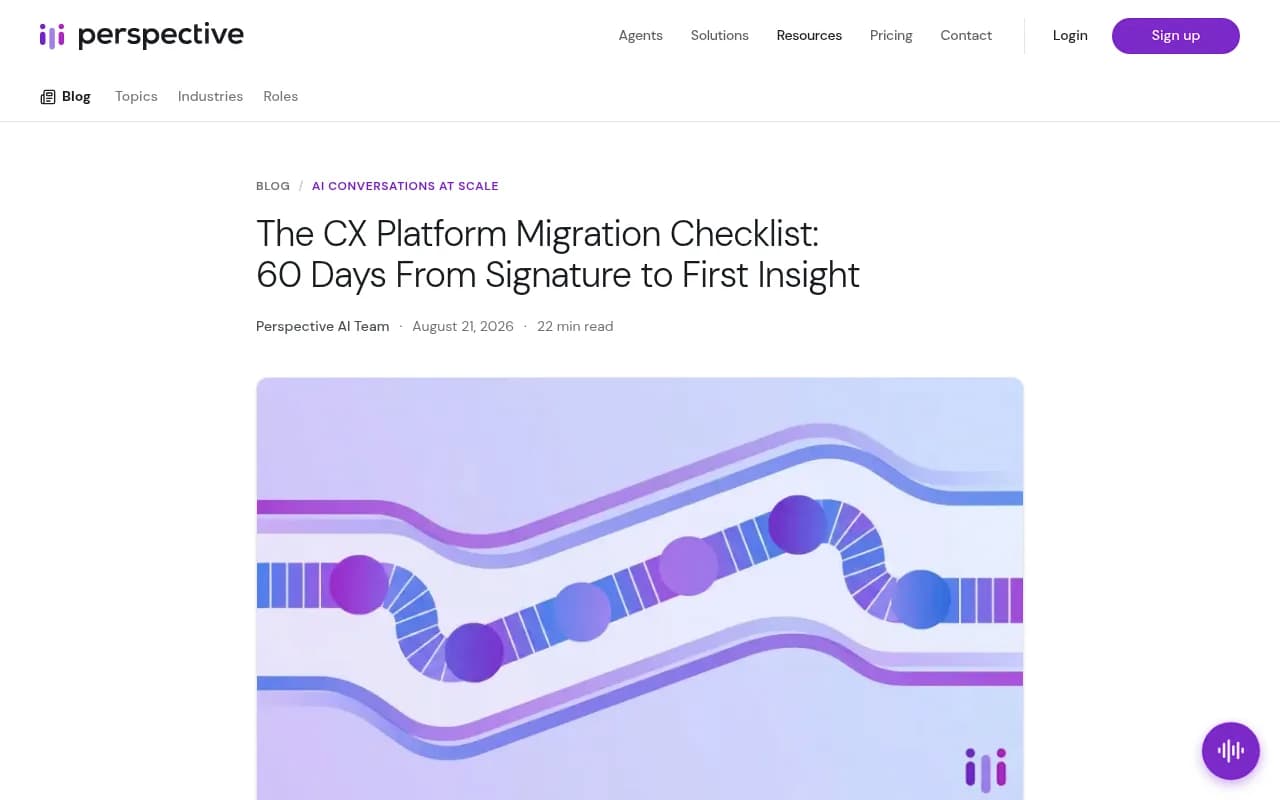
The CX migration checklist from Perspective AI makes a point that applies here: the export is rarely what breaks timelines. Undocumented structure is. In an AI visibility setup that means the stuff nobody wrote down.
Capture all of this in a spreadsheet:
- Every prompt, with its exact wording
- Topic or category for each prompt
- Region and language settings
- Tags, personas or intent labels you applied
- Competitors being tracked and any brand aliases
- Which answer engines each prompt runs on
- Prompts that feed a dashboard or a monthly client report
- Historical metrics: visibility, share of voice, position, sentiment
- Cited URLs and top cited domains, if you can get them
That last group matters most for continuity. Prompts are easy to recreate. A year of trend lines is not.
Mark what is worth keeping
Add a column called keep, rewrite or drop. A migration is the best excuse you will ever get to prune. Prompts that never surfaced your brand or a competitor, duplicates, and near-identical variants can go.
Step 3: Rewrite stale prompts, do not just copy them
This is where I would push back on the idea of a lossless migration. Copying every prompt verbatim preserves your list, but not necessarily its usefulness.
Promptwatch Data on ChatGPT query fan-outs shows average fan-out query length falling from about 117 characters in early December 2025 to the high 80s in February and March 2026, then to about 53 characters when fan-outs returned in April. Average searches per response also moved, from roughly 2.15 in December to about 1.84 in March, then 1.0 in April. The report itself notes that phrasing that matched last quarter's queries may already be stale.
What that means in practice: the prompts you wrote a year ago may not resemble how the models now search. When you move, keep the prompt's intent and topic, but test shorter, more keyword-like phrasings alongside the originals. Tag both versions so you can compare.
Step 4: Check how the new tool will import your list
Profound itself accepts prompts via manual entry, CSV upload or its prompt builder, which tells you CSV is the common currency. Most alternatives will take a CSV too, but I did not find a published import spec for each, so check before you commit.
Send your cleaned spreadsheet through this quick test:
- Import 10 to 20 prompts as a pilot.
- Confirm topics, tags and regions survive the import, or note what you must rebuild by hand.
- Check the limits: prompt count, responses per month, number of projects.
- Confirm competitor and brand alias handling.
Step 5: Pick the destination
The right replacement depends on what you were using Profound for. Here is a rough way to think about it.
| If you mainly need | Look at | Why |
|---|---|---|
| Monitoring plus fixing the gaps (content, crawler logs, traffic) | Promptwatch | Tracking plus an action layer on every paid plan |
| Cheap prompt tracking | Otterly.AI, Peec AI | Simpler, lower-priced monitors |
| Enterprise suites | Brandlight, Bluefish, Conductor | Heavier platforms, procurement-led |
| Existing SEO suite | Semrush, Ahrefs Brand Radar | AI tracking added to a familiar tool |
| Self-hosted or open source | Elmo, AI Monitor | You own the data and the hosting |
Promptwatch is the one I would shortlist first if your Profound use went beyond dashboards. It tracks the real interfaces of ChatGPT, Google AI Overviews, Gemini, Perplexity and others, adds IP-verified crawler logs and visitor analytics, and its agents help produce and publish content against gaps. Promptwatch's own comparison says Profound locks models, API and MCP behind an Enterprise contract while Promptwatch includes them on paid plans. That is a vendor claim, so read it as such, and confirm current prices at promptwatch.com/pricing.

Other options worth a look:




For a wider list, the directories at bestgeosoftware.com and ai-rank-tools.com are good places to browse.
Step 6: Understand UI versus API tracking before you compare numbers
You will be tempted to compare scores between old and new tools and panic when they differ. Some of that is inevitable. A Promptwatch blog snippet reports that the same prompts run through the ChatGPT interface and through the API shared only 25.6% of sources. I only saw that on a listing page, not the full post, so treat it as a pointer, not a settled fact. But the direction makes sense: tools that track the user-facing UI and tools that call model APIs will not agree.
So before you compare, write down for each tool:
- UI or API collection
- Which engines and versions
- Region and language settings
- Run frequency
If you need a stable test bench, Promptwatch's average sources per response data shows Perplexity citing almost exactly 10 sources every day, while ChatGPT sits around 5 and Copilot swung from under 2 to nearly 17. That makes Perplexity the steadier engine for sanity-checking two tools against each other. Check the live figures, since the page updates.
Step 7: Run both tools in parallel
The CRM migration guides say it well: sequence the work so cutover is uneventful. For visibility tools, that means a parallel run of 2 to 4 weeks.
| Week | What to do |
|---|---|
| 1 | Import the pilot set. Match engines, regions and languages. |
| 2 | Import the full list. Compare visibility and share of voice directionally. |
| 3 | Compare cited domains. Investigate the biggest gaps in results. |
| 4 | Rebuild dashboards and reports. Sign off with stakeholders. |
Do not expect identical numbers. Look for the same shape: which competitors lead, which topics are weak, which sources get cited. If those match, you are fine.
Step 8: Rebuild the things around the prompts
Prompts are the headline, but a few other pieces tend to get forgotten:
- Scheduled reports and who receives them
- Slack or email alerts
- API or Looker Studio connections feeding other dashboards
- Brand aliases and competitor lists
- Access for agencies and clients
- Any content workflow that used Profound's agents
If you have used agents or credits at Profound, list what they produced and decide what replaces it. Profound's agents run on credits, so check how much your team actually used.
Step 9: Cut over and archive the old data
Once the parallel run looks sane:
- Do a final full export from Profound, including history and citations if available.
- Store the files somewhere permanent with a clear naming convention and date.
- Tell stakeholders which tool is now the source of truth, and the date.
- Mark the baseline break in your charts. Annotate the cutover date so nobody reads a methodology change as a performance drop.
- Only then cancel. Check notice periods first.
Step 10: Reassess after 30 days
Workday's checklist ends with reassessing after go-live, and that is worth stealing. After a month, check:
- Are prompts returning data on every engine you care about?
- Did the rewritten short prompts surface different results than the originals?
- Are reports landing on time?
- Is the cost per response what you expected?
If you want help deciding on a tool or setting up tracking, agencies that work in this space can do it for you. 1001 SEO Media is one, and it uses Promptwatch for its own AI visibility work.
A printable checklist
- Confirm export rights and data retention in writing
- Export prompts, topics, tags, regions, competitors
- Export historical metrics and citations
- Mark each prompt keep, rewrite or drop
- Draft shorter variants of important prompts
- Pilot-import 10 to 20 prompts
- Note UI versus API differences between tools
- Run both tools for 2 to 4 weeks
- Rebuild dashboards, alerts and reports
- Final export, archive, then cancel
- Annotate the cutover date in every chart
- Review at 30 days
Final word
The export is a support email. The real work is deciding which of your prompts still deserve to exist. Do that during the move, and you leave Profound with a better list than you came with.