Key takeaways
- AI visibility tools collect data one of two ways: calling model APIs, or running prompts through the real interfaces people use. The two can return very different answers.
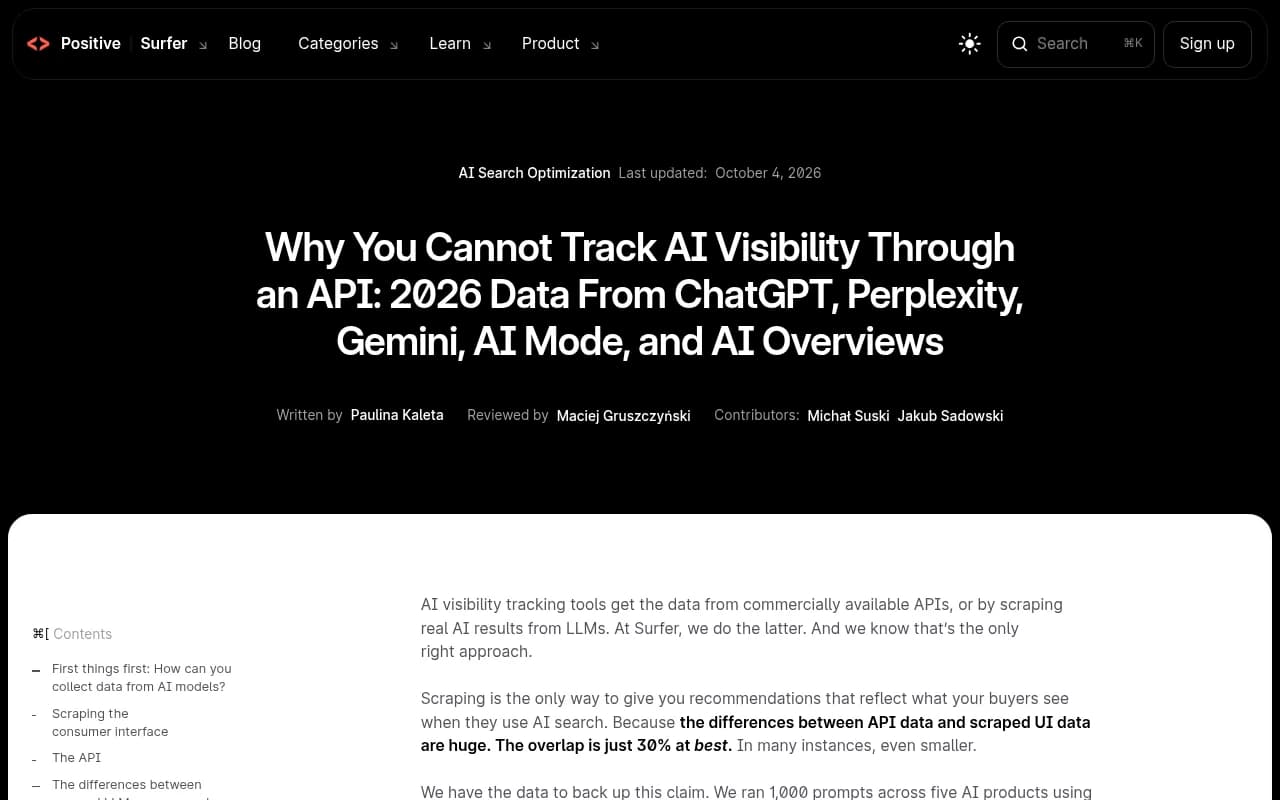
- Surfer's study of 13,779 answers found roughly 75% of the brand lists did not overlap between scraped UI and API results. Surfer sells a scraping-based tool, so read that with a grain of salt, but the direction matches what other sources describe.
- You can test a vendor yourself in about an hour: compare citations, source counts, fanouts, shopping modules, answer length, and ask for raw evidence.
- A vendor that cannot say, in writing, which method it uses per AI surface has given you its answer.
- Method is not the only variable. Sampling frequency and how a tool handles non-deterministic answers matter just as much.
Why this question matters
There is no Search Console for ChatGPT. Nobody publishes rankings for AI answers. So every AI visibility tool has to generate its own data by running prompts and recording what comes back. How it runs those prompts is the biggest methodological difference between products, and it is the one vendors talk about least.
If a tool queries an API and your buyers use the consumer app, you are measuring a cousin of the product, not the product. The brand lists, the sources, even the length of the answers can differ. You might spend a quarter fixing a visibility problem that exists only in the dashboard.
This guide gives you a practical method to find out which approach a tool uses, without taking the sales deck at its word. I could not find a vendor-neutral test protocol published anywhere, so what follows is built from the observable differences between the two methods.
The two collection methods, briefly
API-based collection
The tool sends your tracked prompts to a developer endpoint, such as the OpenAI API or the Gemini API, and parses the response. It is stable, fast, cheap, and officially supported. High prompt volumes are easy.
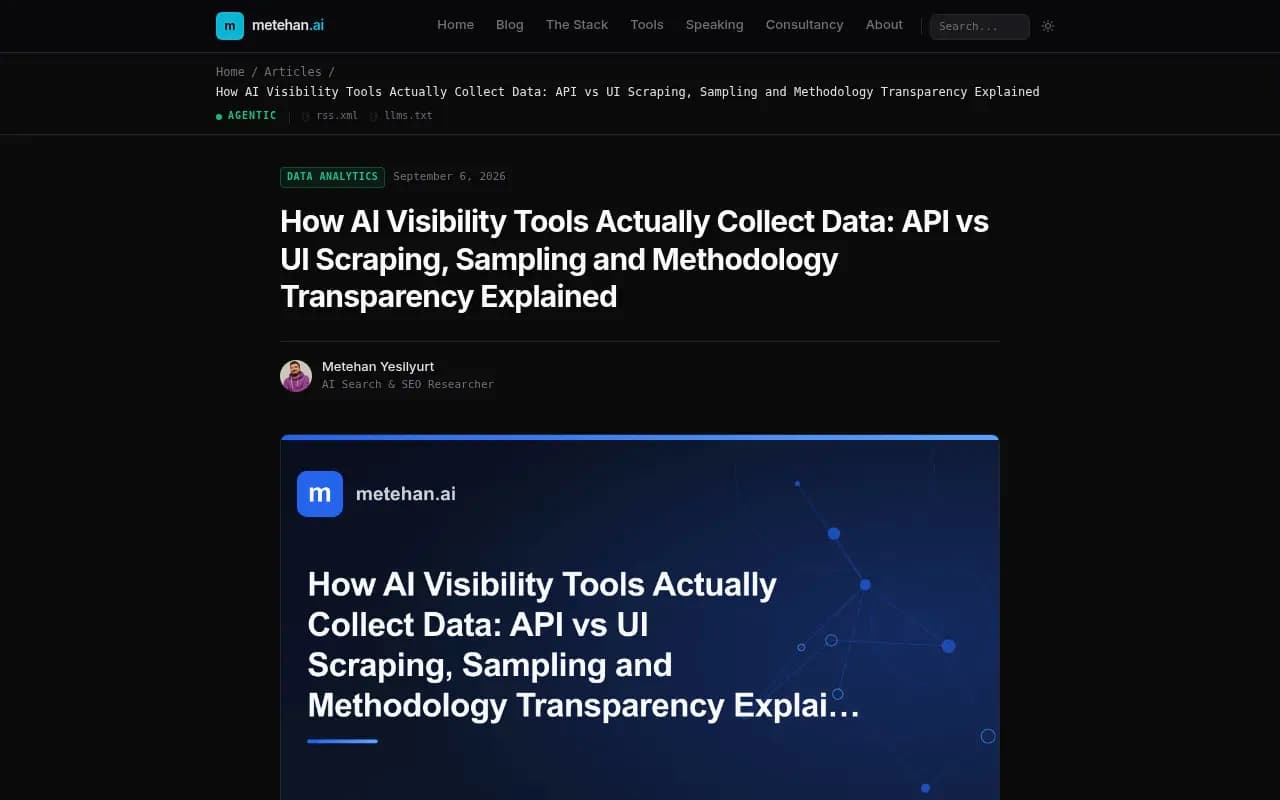
The catch, as metehan.ai's breakdown of collection methods puts it, is that the API is not the product consumers use:
- The model behind a consumer chat interface is often a different build than the API default, with different system instructions and tuning.
- A consumer product decides on its own when to search the web. An API call without a search tool returns parametric memory only, so citation data can be missing or synthetic.
- Follow-up suggestions, shopping modules, source carousels and formatting exist only in the real interface.
Real UI execution
The tool opens the actual ChatGPT web app, the actual Google results page with AI Overviews, or the actual Perplexity thread, submits the prompt, and records the rendered answer with its sources. You get the production model, live retrieval, real citations and real interface modules.
It is slower, more expensive and harder to run at scale. That is why some vendors avoid it. When a tool offers suspiciously high prompt volumes at a suspiciously low price, this is the corner that was probably cut.
| Dimension | API-based collection | Real UI execution |
|---|---|---|
| Model queried | API build, may differ from the consumer product | The production model users get |
| Web search | Optional, often off or simulated | Native, decided by the product |
| Citations | May be absent or approximated | Captured as rendered |
| Interface modules | Not visible | Visible and measurable |
| Cost and speed | Cheap, fast, scales easily | Expensive, slower, harder to scale |
| Fidelity to what buyers see | Approximate | High |
What the evidence says about the gap
Surfer ran 1,000 prompts across five AI products, once by scraping the interface and once via an API, and collected 13,779 answers across 14 model-and-method combinations. About 75% of the brand lists did not overlap, and API answers could run twice as long as what a buyer reads. Two honest caveats from the study itself: Surfer sells a scraping tool, and each prompt had one sample, so some of the disagreement is plain non-determinism. Also, the AI Overviews API method was borrowed from AI Mode, because no AI Overviews model is sold.
Peec's documentation, for the record, says it uses UI scraping rather than API collection. That is the kind of plain statement you want from every vendor.
The 7-step test protocol
You do not need a data science team. You need a spreadsheet, two or three prompts you care about, and a free afternoon. Run these steps during a trial or demo.
Step 1: Ask the written-answer question
Before testing anything, ask each vendor four things in writing:
- For each surface (ChatGPT, Gemini, Perplexity, AI Overviews, AI Mode), do you collect through the user interface or an API?
- Which model version do you query?
- How often do you run each prompt?
- How do you handle non-deterministic answers?
An answer like "we use a proprietary approach" is evasion. Also watch for mislabeling: a Gemini API observation should not be presented as an AI Overview just because both involve Google technology.
Step 2: Run the manual baseline
Pick three tracked prompts. Open the real product in a clean browser session, logged out where possible, and run each prompt yourself three times. Record the brands mentioned, their order, the sources cited and the answer length.
Three runs matter because answers vary. You are looking for the stable core, not a single sample.
Step 3: Compare the brand lists
Now look at what the tool reports for the same prompts. The lists will not match exactly, since non-determinism guarantees that. But the core brands should recur. If your manual runs consistently show five names and the tool shows a mostly different set, that is the signature of an API call to a different model or without search.
Step 4: Check citations and source counts
Count the sources. Promptwatch's average sources per response data is a useful reference point: ChatGPT cited about 5 sources per answer when web search was triggered, Google AI Overviews about 10, and Perplexity almost exactly 10 every day. Those figures date from 2025 (page dated September 23, 2025), so verify they still hold before leaning on them.
The test: does the tool's average citations per response land in the same neighborhood? An API answer with search disabled returns few or no real citations. Suspiciously uniform or invented-looking sources are another warning.
Step 5: Look for query fanouts
When ChatGPT searches the web, it runs one or more sub-queries behind the scenes. Promptwatch's ChatGPT query fanout data shows the average at about 2.15 web searches per response in early December and about 1.84 by early March, with average fanout query length falling from roughly 117 characters to the high 80s. A single prompt can trigger 3 to 8 or more searches.
An API call with no search tool produces no fanout at all. So ask the vendor to show you fanout or search-query data per response. If a tool shows fanouts, they should move in step with these public shifts. If a tool shows none for ChatGPT, or shows static numbers that never change, be skeptical. Our own free-tool pointer here: Promptwatch's ChatGPT query fan-out generator and the query fan-out academy guide explain what you are looking at.
Step 6: Test interface-only features
Some things exist only in the rendered product: shopping carousels, product cards, source panels, maps, follow-up suggestions. Pick a commercial prompt ("best running shoes under 150 dollars") and see whether the tool reports shopping results. If the real interface shows a product carousel and the tool has no concept of it, the data is not coming from that interface.
Step 7: Demand evidence
Ask to see a screenshot, rendered HTML or a raw response for a specific prompt and run. Real UI collection can produce this easily. API collection cannot produce a screenshot of something that never rendered. Vendors who store only parsed text are not necessarily lying, but ask why.
What the results look like
Use a simple scorecard. Score each signal from 0 to 2 per surface.
| Signal | API-like result | UI-like result |
|---|---|---|
| Brand overlap with your manual runs | Mostly different names | Core brands recur |
| Citations | Few, missing or generic | Count and mix resemble the live product |
| Fanout queries | None, or frozen | Present and moving over time |
| Shopping and interface modules | Not captured | Captured |
| Answer length | Noticeably longer or shorter than what you see | Comparable |
| Raw evidence | Parsed text only | Screenshot or rendered capture on request |
Two or three API-like signals on one surface is enough to ask hard questions. Remember that hybrid setups are common: a tool might scrape ChatGPT and use an API for Claude, which has no search interface comparable to the others. That is not automatically a problem if the vendor says so clearly.
Sampling matters as much as method
A tool that runs one prompt once a week is running a poll, not a measurement. The same prompt asked twice does not return the same answer, so a single sample tells you little. Ask how often prompts run and how many samples feed each number. Tools that run prompts daily, and on higher tiers every few hours, give steadier visibility numbers.
How some tools describe themselves
I have not verified the collection method for every tool below, and you should not take my word or theirs. Treat this as a starting list of what to test, based on what vendors say publicly.
Promptwatch says it monitors the actual user interfaces of ChatGPT, Google AI Overviews, Google AI Mode, Microsoft Copilot, Gemini, Perplexity, Amazon Alexa, Meta AI and the AI coding agents, in each country and language, and tracks API models such as Claude, DeepSeek and Mistral alongside to show what models believe from training data. Its explanation of how it collects data is public, which is the kind of transparency Step 1 asks for. It also adds IP-verified AI crawler logs and visitor analytics, which let you check the tool's claims against your own server data.

Peec AI's documentation describes UI scraping rather than API collection.

Superlines markets itself as GEO tracking from real AI interfaces, not APIs.
Superlines
Otterly.AI, Profound and Scrunch are frequent shortlist names. Put the same seven steps to each.

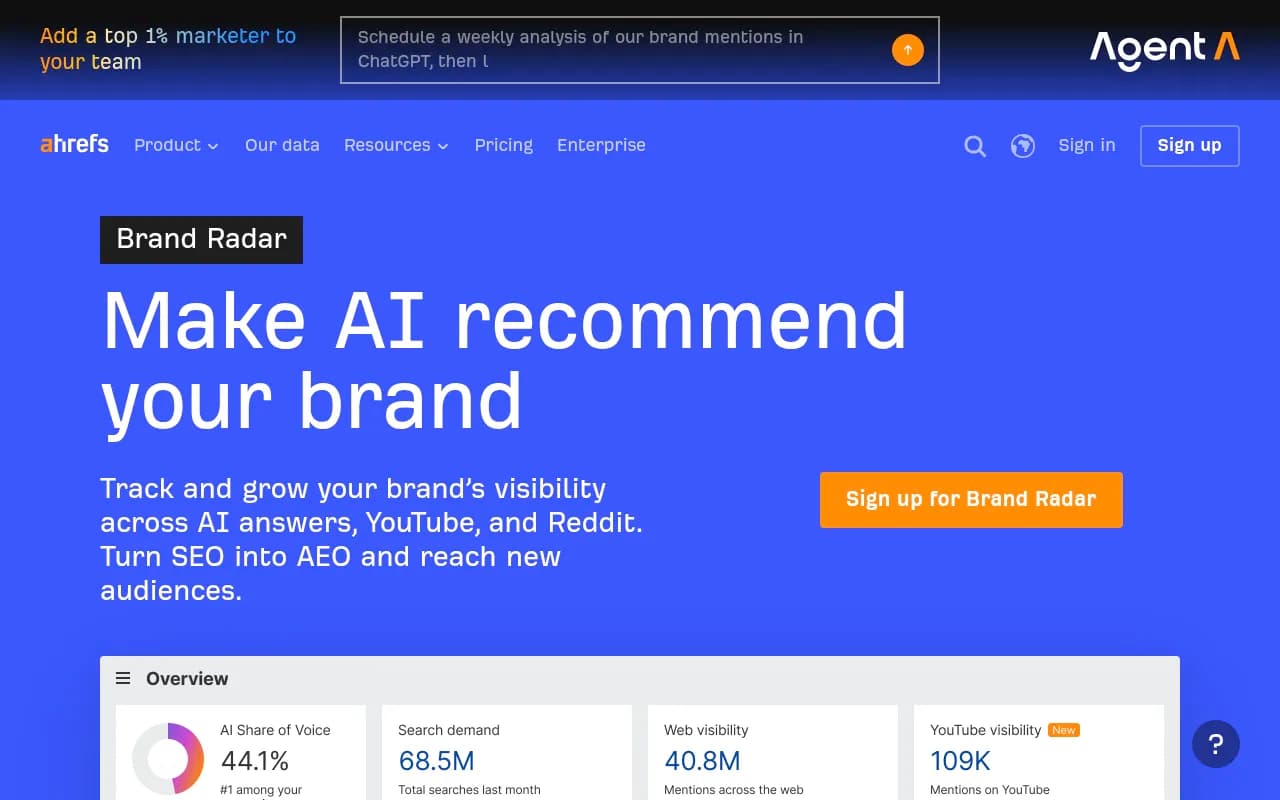
SEO suites that added AI tracking, such as Semrush and Ahrefs Brand Radar, deserve the same questions, particularly about fixed prompt sets and which surfaces are observed versus approximated.
To browse more options, the directories at bestgeosoftware.com and ai-rank-tools.com list many more trackers.
Cross-check against your own data
The best sanity check is not a vendor demo. It is your own site. If a tool says ChatGPT cites your pricing page often, check your server logs for OAI-SearchBot and ChatGPT-User hits on that page, and check analytics for referral traffic from AI engines. Promptwatch's AI crawler logs are one way to do this; a CDN log export works too. Note that ChatGPT stopped sending a referrer on October 8, 2026, so tag-based attribution (utm_source=chatgpt.com) matters now. The attributing AI traffic guide covers it.
Questions to ask on every vendor call
- Per surface, UI or API? Can you put that in the contract or documentation?
- Which model version, and how do you update when the product changes?
- Do you capture citations as rendered, and can I see a screenshot or raw capture?
- How many samples per prompt per day, and how do you aggregate them?
- Do you track fanouts, shopping modules and sponsored placements?
- Are prompt volumes and price consistent with real UI execution costs?
Common mistakes
- Treating one run as truth. Non-determinism means you need repeated samples on both sides of the comparison.
- Expecting identical answers. The goal is overlapping cores and similar citation behavior, not a perfect match.
- Penalizing hybrid tools unfairly. API collection for models with no consumer search surface can be reasonable, if disclosed.
- Trusting a demo account. Run your own prompts, in your own market and language.
- Ignoring location. Answers shift by country and city, so compare like for like.
Bottom line
Ask the four questions in writing, run three prompts by hand, and check brand overlap, source counts, fanouts, shopping modules and raw evidence. If a vendor fails more than one of those on a surface it claims to cover, treat that surface as an approximation and price it accordingly. If you want help auditing AI visibility vendors for your brand, 1001 SEO Media runs this kind of evaluation as part of its GEO work.