Key takeaways
- Claude, Grok, DeepSeek and Mistral are the engines trackers most often lock behind Enterprise plans or paid add-ons, so check coverage before you buy.
- One answer tells you nothing. Run fixed prompts repeatedly and report a mention rate, not a screenshot.
- Chat interfaces, API models and crawlers are three different things. Decide which one you are measuring.
- Claude has a measurable crawler footprint (Claude-User), so your server logs can back up what prompt tracking says. For Grok, DeepSeek and Mistral, prompt tracking is mostly what you have.
- A spreadsheet works for a first baseline. Past roughly 20 prompts, use a tool.
Why these four models are harder to track than ChatGPT
Most brand monitoring advice is written around ChatGPT, Perplexity and Google AI Overviews. Those have web search baked in, show citations, and send measurable referral traffic. Claude, Grok, DeepSeek and Mistral behave differently, and the differences matter for how you measure.
First, they draw on different mixes of training data and live search. A model answering from training data tells you what it "believes" about your brand. A model that searches the web tells you what it found this week. Those are two separate questions and they need separate tracking.
Second, commercial coverage is thin. In the October 2026 pricing comparison from Vizible AI, the pattern was clear: each extra engine costs $35 to $165 a month, Perplexity is often an add-on, and Claude and Grok sit on Enterprise plans at several vendors. Peec AI, for instance, lists up to 13 engines (Claude, Grok, DeepSeek, Qwen and Mistral among them) only on Enterprise, while self-serve plans let you pick three.
Third, there is almost no public benchmark data. Promptwatch Data has no report on Grok, DeepSeek or Mistral citations, and its average-sources report (dated September 2025) covers ChatGPT, Google AI Overviews, Perplexity and Copilot but not these four. So treat any claim about how often these models cite sources with suspicion, including mine. Measure your own brand.
What you are actually measuring
Before picking a method, separate three layers.
Model knowledge
What the model says about you with no web access. This is baked in at training time and changes slowly, in releases rather than days. DeepSeek and Mistral often answer this way through their APIs.
Live search answers
What the chat product says when it browses. Claude, Grok and Mistral's Le Chat can all search. These answers shift quickly and depend on which pages the model can fetch.
Crawler activity
Whether the model's bots visit your site at all. This is the only layer you can verify from your own infrastructure.
A good tracker records five things per answer: whether you are named, your position, how you are described, which competitors appear, and which URLs are cited. If a tool cannot tell you the API model from the consumer interface, ask. Answers differ between the two, and the one your buyers use is usually the app.
Method 1: manual checks (free, about an hour)
Do this once to get a baseline, even if you plan to buy a tool.
- Write 15 to 20 prompts a buyer would type. Mix three types: category ("best project management tools for agencies"), comparison ("X vs Y"), and branded ("is [your brand] any good?").
- Open each model in a fresh session with memory and custom instructions off. Use a logged-out window or a temporary chat so your own history does not flatter you.
- Run each prompt three to five times. Answers vary. Research from SparkToro and Gumshoe.ai covering about 3,000 prompts found the odds of getting the same recommendation list twice were under 1 in 100, so a single run is anecdote.
- Log into a spreadsheet: model, prompt, run number, brand named (yes/no), position, sentiment, competitors named, cited URLs.
- Compute mention rate per model: runs where you appear divided by total runs.
Expect ugly numbers. Most brands appear in a minority of answers, and that is normal. The point is the delta over time and against competitors.
Per-model quirks
| Model | Where to test | Watch for |
|---|---|---|
| Claude | claude.ai with web search on and off | Big difference between searched and unsearched answers |
| Grok | grok.com and inside X | Heavy lean on X posts and recent news, so your social presence matters |
| DeepSeek | chat.deepseek.com, plus API | Answers vary with search toggle; strong training-data bias |
| Mistral | Le Chat, plus API models | Often shorter answers with fewer sources; check both modes |
Test with search on and off for each. That single toggle often explains why a brand shows up in one place and vanishes in another.
Method 2: use API calls for repeatability
If you are comfortable with a script, the APIs let you run the same prompt 20 times cheaply and log the output. All four vendors offer one. Two cautions.
API answers are not identical to what the chat app returns. The app adds a system prompt, search tooling and sometimes personalization. So API data answers "what does the model know," not "what does the user see." Label your spreadsheet accordingly.
And do not skip the parsing step. Keyword matching on your brand name misses misspellings and counts negative mentions as wins. Record sentiment separately, even if it is a hand-coded three-point scale.
Method 3: check your server logs
Logs are the one source that is not sampled. Promptwatch Data tracked Claude's citation crawler (Claude-User) going from about 30 visits a day in mid-December 2025 to several thousand a day by mid-April 2026, more than a 100x increase, though still only about 1% of tracked citation crawler traffic. See the Claude citation crawler report for the daily series.
Practical steps:
- Search logs for Claude-User and ClaudeBot user agents and record a baseline.
- Confirm robots.txt, your CDN and your WAF are not blocking them. A bot rule added for a different reason often catches Anthropic by accident.
- Verify by IP range where the vendor publishes ranges. Spoofed user agents are common.
- Compare your logs with the weekly AI crawler traffic report. In Promptwatch's data OpenAI made up 79.8% of verified AI crawler requests in the week of Aug 31 to Sep 6, 2026, down from 94.8% in early June. If a provider is large in that chart and near zero in your logs, you are probably blocked.
Logs tell you whether a model could read you. They do not tell you whether it names you. You need both signals.
For Grok, DeepSeek and Mistral, I would not promise much from logs. Public documentation on their crawlers is thinner, so prompt tracking carries most of the weight there.
Method 4: referral traffic in analytics
Set up a GA4 segment for referrers such as claude.ai, grok.com, chat.deepseek.com and chat.mistral.ai. Volumes will be small. That is fine. A few dozen sessions a month with a decent conversion rate is useful evidence, and it is cheap to collect. Be aware that many AI visits arrive with no referrer at all, so this undercounts.
Which tools cover these four models
Coverage changes often and vendors reshuffle plans, so verify on each pricing page. Based on the October 2026 research, here is how the picture looked.
| Tool | Entry price | Claude | Grok, DeepSeek, Mistral | Note |
|---|---|---|---|---|
| Promptwatch | $95/mo, 50 prompts | Every plan | All tracked, API models included | Also adds crawler logs and content workflows |
| Peec AI | $95/mo, 50 prompts | Enterprise plan | Enterprise plan, up to 13 engines | Self-serve plans pick 3 engines |
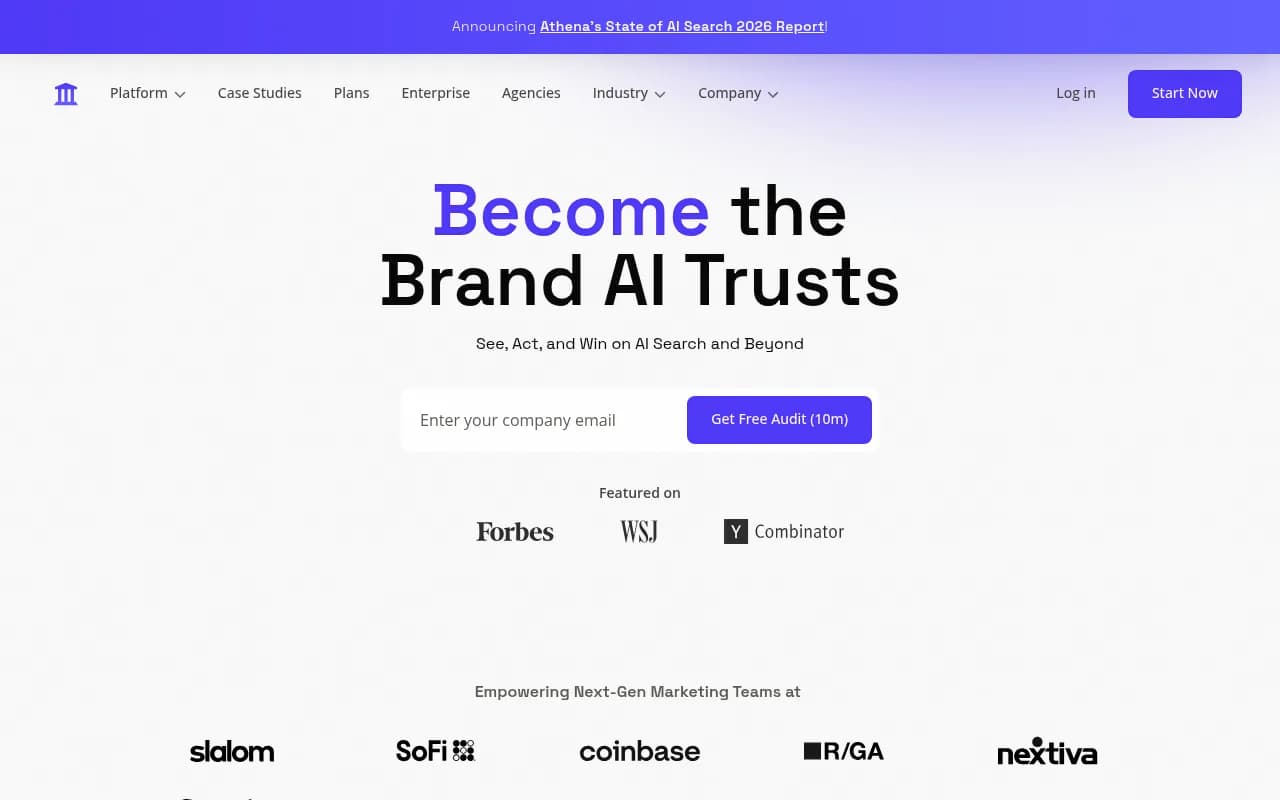
| AthenaHQ | Starter listed near $295/mo | Included on Starter | Eleven engines including Grok, DeepSeek, Mistral | Broad coverage, higher entry price |
| Searchable | $125/mo, 100 prompts per model | Paid add-on | Add-ons | 3 engines on entry plan |
| Ahrefs Brand Radar | From EUR 47/mo for custom prompts | On custom prompts | Check current docs | Six engines listed |
| Profound | Custom quote | Enterprise | DeepSeek on Enterprise | Up to 9 engines |
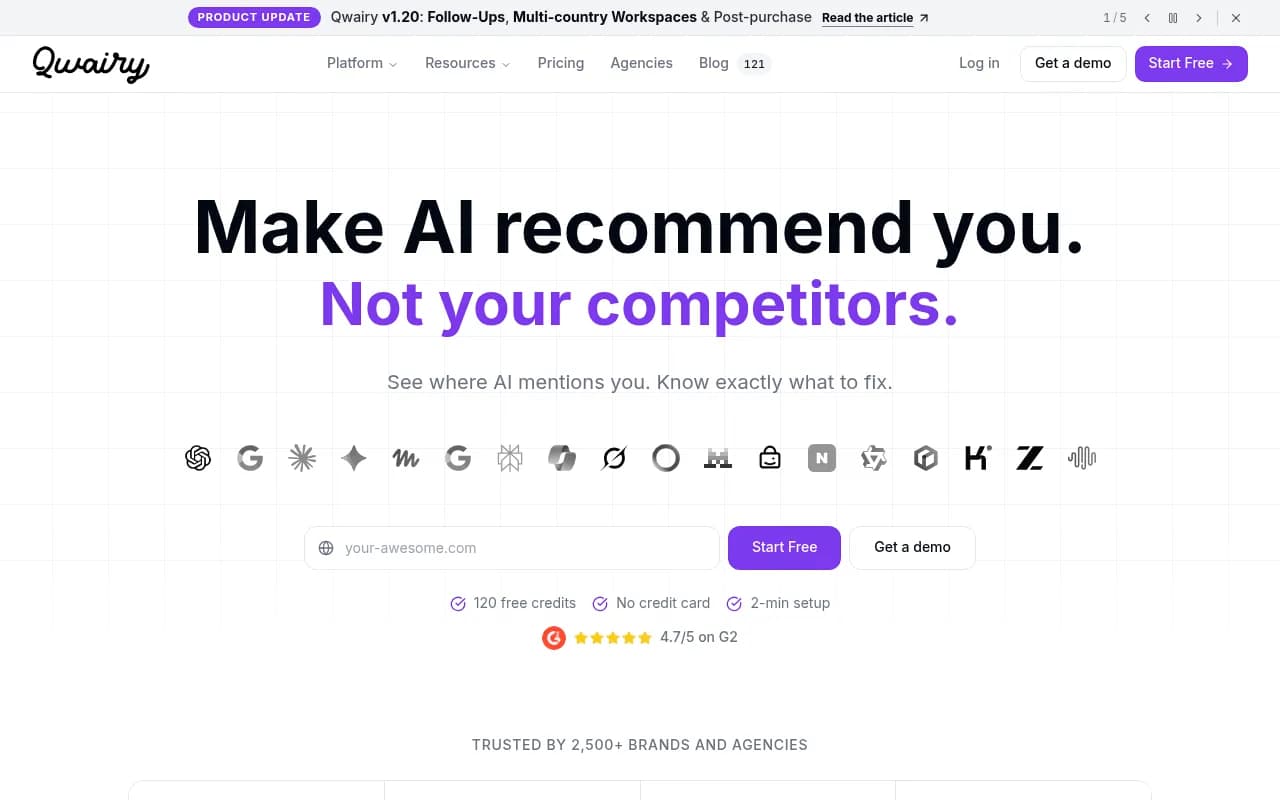
| Qwairy | From EUR 79/mo | Yes | Grok among 12 engines | Credit-based, 1 credit per prompt per engine per run |
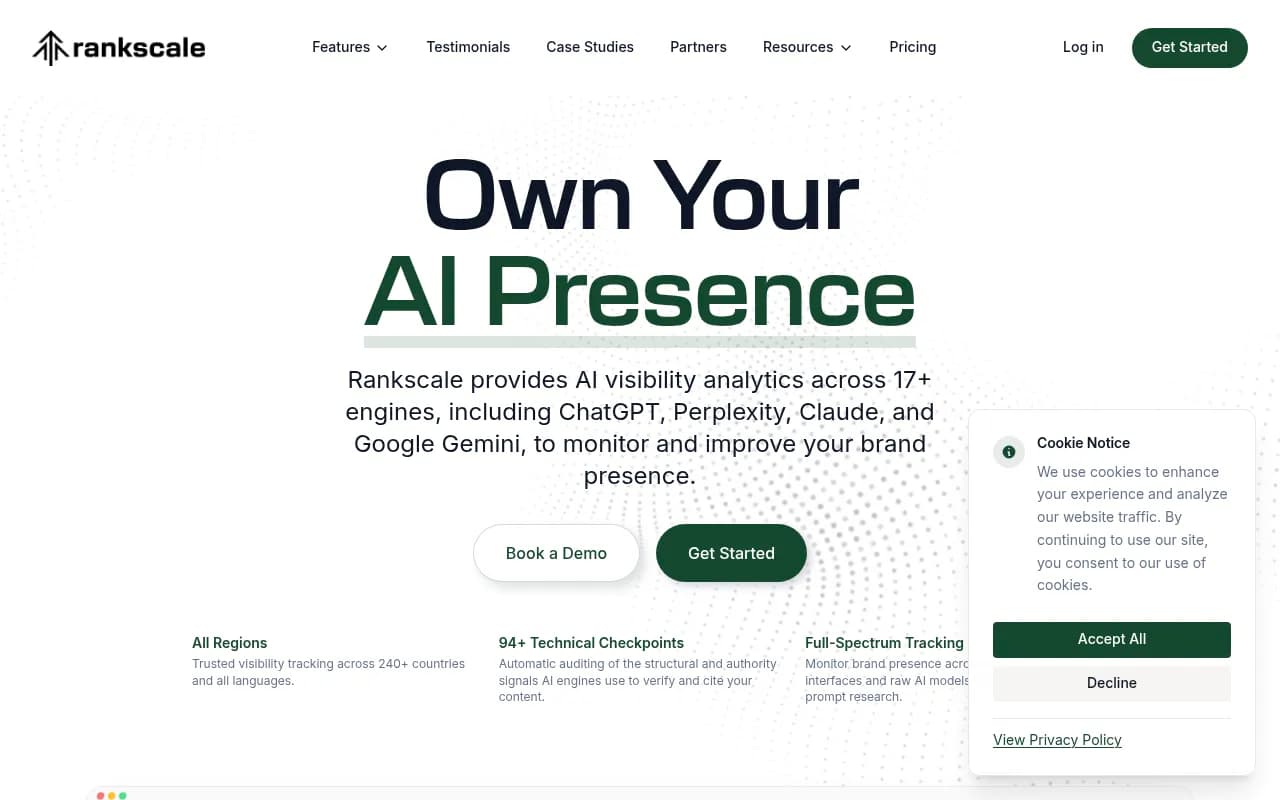
| Rankscale | Check pricing page | Yes | Grok, DeepSeek, Mistral | Lists all four |
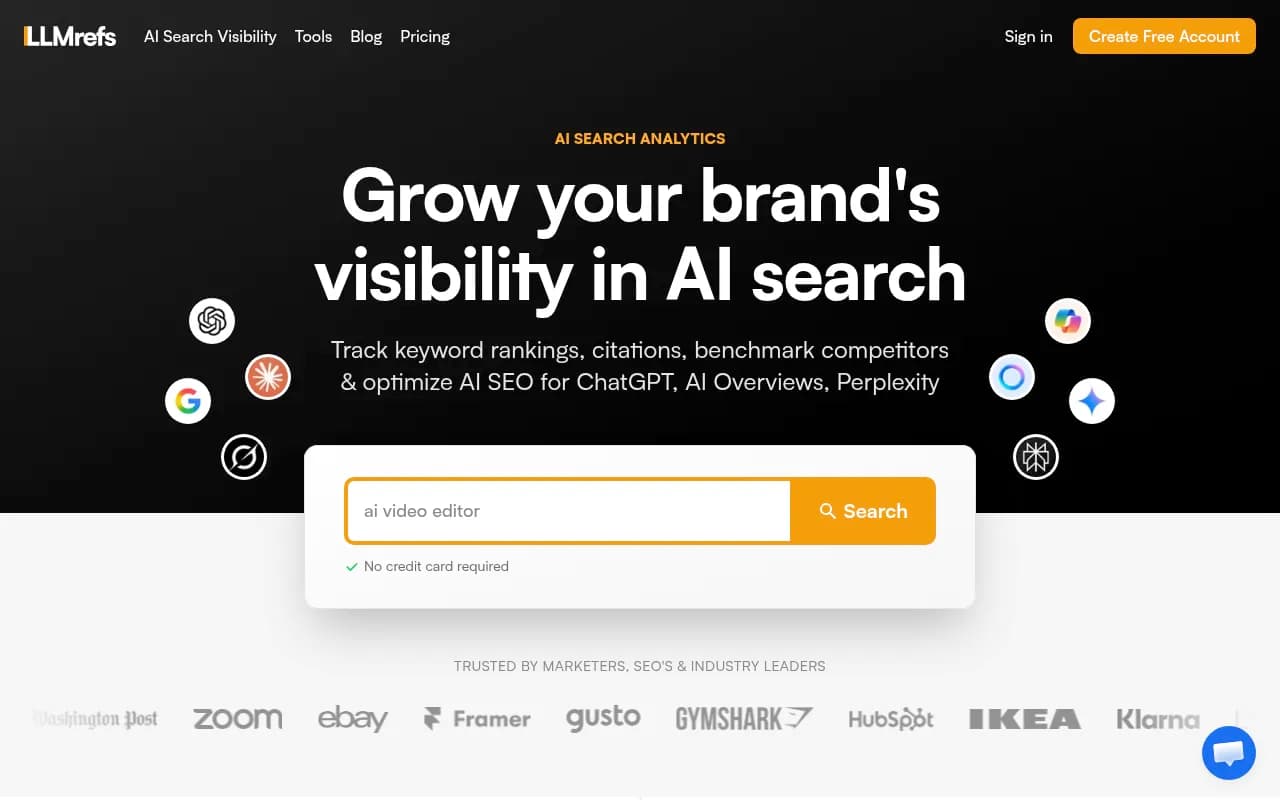
| LLMrefs | Check pricing page | Yes | Grok, DeepSeek | 11 engines on one plan |
Where I would start
Promptwatch is the one I would look at first if you need all four models without paying per engine, because every plan tracks every model, and it monitors real chat interfaces where they exist rather than only APIs. API models like Claude, DeepSeek, Mistral and Grok are tracked alongside to show what each model believes from training data, which is the layer you want for these four. It also adds IP-verified crawler logs, which is how you get the Claude-side verification described above. Check the pricing page for current limits.

Peec AI is a clean interface and solid for teams that want enterprise engine breadth, but the four models you care about sit on the top tier.

AthenaHQ covers eleven engines from its Starter plan, including Claude, Grok and DeepSeek, which makes it one of the broader options if budget allows.
Rankscale lists Claude, Grok, DeepSeek and Mistral explicitly among its supported engines.
LLMrefs tracks 11 engines on one plan, including Claude, Grok and DeepSeek.
Qwairy offers 12 engines on every plan, but its credit system means cost rises quickly if you track many prompts on many engines.
Profound reaches DeepSeek and Claude on custom Enterprise packages. Expect a sales call.

For a broader view of the category, the GEO software directory and the AI rank tracking directory list many more options.
Free options to start
Mangools' AI Search Grader scores your brand from 0 to 100. According to the research, it checks ChatGPT, Mistral Small and Llama 3.3 without an account, and a free account adds Claude, Gemini and DeepSeek. It is a decent sanity check, but a single scan is a single sample. Treat the number as a starting point.
Promptwatch also has a free AI Visibility Report scan that needs no login, and a free Explore tier, though the latter is limited to ChatGPT.
Questions to ask before you buy
- Is this the real chat interface or the API? Ask per model.
- How many runs per prompt per day? One run is noise.
- Is Claude, Grok, DeepSeek or Mistral included in the plan I am looking at, or an add-on?
- Can I see the cited URLs, not only a visibility score?
- Can it separate brand mentions from citations of my site? Being named without a link is a different problem from being linked without a name.
- Does it show crawler activity so I can tell whether a gap is a content problem or an access problem?
A simple monthly routine
- Week one: set up 20 to 50 prompts across category, comparison and branded intent. Tag each with a funnel stage.
- Daily or weekly: automated runs across all four models, with search on where the product allows it.
- Monthly: review mention rate, average position and sentiment per model. Pull the cited URLs and list which of your pages are missing.
- Monthly: check logs for Anthropic user agents and compare with last month.
- Quarterly: re-write the prompt set. Buyers change how they ask, and models get new versions that reset the picture.
Read the numbers together. Low mention rate in all four models usually means a coverage problem: you lack presence in the sources models trust. Strong mentions in Grok but weak elsewhere often points to social and news footprint. Mentions without citations of your own domain suggest your content is hard to read or not crawlable.
What to do when the numbers are bad
For the live-search layer, the fix is mostly the same as for any AI engine: clear, specific pages that answer the question, third-party mentions in places models read, and technical access. For the training-data layer, change is slow. You are working on what the web says about you this year, and you will see the effect in the next model release, not next week.
Grok is the one that rewards a different behaviour. Because it leans on X, an active, accurate presence there matters more than for the others. I would test that hypothesis on your own prompts rather than assume it, given how little public data exists.
If you want outside help turning tracking into a plan, an agency such as 1001 SEO Media works on this kind of AI search and GEO work, and it is the group that publishes this site.
Common mistakes
- Testing while logged in with memory on, then trusting the result.
- Reporting one run as a finding.
- Mixing API and app results in one chart.
- Tracking only branded prompts. You will look great and learn nothing.
- Ignoring sentiment. Being named as a cautionary example counts as a mention in most tools.
- Assuming a vendor's engine list means all of them are on your plan.
Bottom line
Start with a spreadsheet and 20 prompts across the four models so you know what you are paying to improve. If your brand shows up in fewer than a third of relevant runs, or you need daily data, pick a tool that includes all four models in the base plan rather than selling them as add-ons. Back the prompt data with your own server logs for Claude, and keep an honest note of what you cannot measure yet for Grok, DeepSeek and Mistral.