Key takeaways
- A tracker that sends no location gets an answer for a place it didn't choose. In Promptwatch's NYC pizza test, "best pizza near me" put the user in four different cities across four runs.
- Only 15.5% of citations (199 of 1,287) in the unpinned country-level run were New York pages. The rest came from Houston, Miami, Philadelphia and other metros.
- Setup fixes matter more than any dashboard feature: a geo-located residential proxy, an exact pin, matched locale and timezone, and a control monitor.
- Report by location, not national average, and use many prompts per place, because a single prompt tells you very little.
Why city-level AI data goes wrong
Search rank trackers solved location years ago. You pick a city, the tool checks from there, done. AI answers are messier. ChatGPT builds each response fresh, and for "near me" questions it has to decide where you are before it can recommend anything.
On March 26, 2026, OpenAI added location sharing to ChatGPT. Users on iOS and web can turn it on under Settings > Data Controls, with "approximate" sharing (city or neighborhood) or "precise" sharing (address-level). OpenAI says precise coordinates are deleted after the response is generated. That change made local prompts a measurable channel. It also exposed how unreliable most local tracking is.
According to Promptwatch's local GEO test (Nov 2, 2026), ChatGPT gets a location from three places:
- Shared location from the user.
- A place named in the prompt, like "best pizza in Williamsburg".
- A fallback guess, used when neither of the first two exists.
Most trackers live in case three by default, because their prompts run from a server or a proxy with no real location signal. That is the root of most of the mistakes below.
The general point from Backlinko's prompt tracking guide holds here too: you can ask the same question twice and get two different answers. Local adds a second source of variance on top of that, because the model is also guessing the place.
What the NYC pizza test showed
Promptwatch ran 25 "near me" prompts, none naming a city, across 7 monitors: a country-level USA monitor with no pin, an NYC monitor with a 5,000 m pin, four neighborhood monitors (Times Square, Greenwich Village, Williamsburg, and New Dorp on Staten Island) with 1,000 m pins, and a Chicago Loop control pin. The total was 698 ChatGPT responses and 8,965 citations from the live ChatGPT interface.
With no pin, "best pizza near me" was run four times at country level. ChatGPT placed the user in four spots: a general NYC list, Brickell in Miami, Manhattan's Financial District, and downtown Houston. The first recommendation changed every run. Across all 25 prompts, citations covered at least 10 metro areas.
With a 1 km pin, ChatGPT named the neighborhood first and listed places with walking distances. Over four runs, the Times Square, Greenwich Village, Williamsburg and Chicago pins were placed in or right next to the pinned neighborhood every time. New Dorp was placed in neighboring Richmondtown in 2 of 4 runs, so even pins aren't perfect in sparse areas.
Two caveats. This is one vendor's test of its own product, and I found no independent validation of the proxy-versus-pin difference. And it covers ChatGPT only, not Google AI Mode or AI Overviews. Treat it as strong evidence about the problem, not a final word on the fix.
The 8 setup mistakes
1. Tracking local prompts with no location at all
This is the big one. If your monitor is set to "United States" and the prompt says "near me", the model has to invent a position. You then get a visibility score for a random city and attribute it to your Chicago store.
The fix is to stop running "near me" prompts at country level. Every local prompt belongs to a monitor with a specific place attached.
2. Relying on the city name in the prompt alone
Adding "in Austin" to a prompt is better than nothing. It moves you out of the fallback case, because the place is now named. But it is a different question from "near me". Real users standing in Austin ask "best tacos near me", not "best tacos in Austin", and the answers differ in structure, distance cues and sources.
Use city-named prompts as a second layer, not a replacement. If your customers type both forms, track both forms and keep them in separate topics so the numbers don't blend.
3. Using a proxy without matching the browser signals
A geo-located residential proxy is the baseline requirement for city-level checks. A LinkedIn roundup of local tools makes the same point: the first requirement is residential IP targeting, so checks run from the exact country, state or city. But an IP alone can contradict everything else the session says. If the IP is in Denver and the browser locale and timezone say Frankfurt, you're feeding the model mixed signals.
Match locale and timezone to the proxy location. Check this when you set up each monitor, not once for the whole account.
4. Skipping the exact pin
Promptwatch's recommended setup combines the proxy with an exact pin: latitude, longitude and an accuracy radius. The test showed pinned monitors reliably returning neighborhood-level answers with walking distances, while the unpinned one wandered across the country.
Pick the radius to fit the place. Promptwatch's pins support 20 m to 5 km for ChatGPT and Google AI prompts (I only saw this in a search snippet, so confirm in the product). A dense downtown wants a tight radius. A suburb or a small town needs a wider one, which is what the New Dorp result suggests: a 1 km pin in a thinly covered area can drift to a neighbor.
5. No control monitor
How do you know location is actually driving your results? You don't, unless you test it. Run the same prompts pinned in a different city and compare. In Promptwatch's test, the Chicago Loop control confirmed the pins were doing the work.
If your control city returns the same brands as your target city, either the prompts aren't truly local or your location setup isn't being applied. Either way you've caught a problem before it reached a report.
6. Treating one run as the answer
AI answers vary run to run. The Promptwatch data on unique domains per ChatGPT response (Sep 28 to Oct 4, 2026) shows 47.6% of responses with citations cite 10 or more domains, and 66.1% cite at least 8. Organic prompts hit 10 or more domains 52.5% of the time. With that many sources in play, the order and mix shift a lot between runs.
Promptwatch advises measuring across many prompts, because a single prompt tells you little. The same applies per city: ten prompts across four runs each beats one prompt checked once. Brainlabs makes a related point in its piece on why AI visibility data is probabilistic: it isn't wrong so much as noisy, and you use it directionally.
7. Mixing branded and non-branded local prompts
A prompt like "Joe's Pizza near me" and one like "best pizza near me" measure different things. Branded prompts cite far fewer domains: only 21.3% cite 10 or more, and 40.7% cite 5 or fewer, per the same Promptwatch dataset. Blend them into one score and your visibility looks great while your discovery visibility is poor.
SE Ranking's video on common AI visibility mistakes lists this split as one of its seven checks, and it applies doubly to local work where branded searches are usually the majority of real behavior.
Tag every prompt as branded or non-branded, and report them separately.
8. Reporting a national average
This one happens after the setup is fine. You track ten cities, average them, and report one number. A national average hides that answers are rebuilt per neighborhood. A brand can be first in Williamsburg and absent in Greenwich Village, and the average says "mediocre" about both.
The unit of measurement is the location. Promptwatch frames local GEO metrics as inclusion (are you named), position (first, third or last) and sources (which pages are cited). Report those three per location, then roll up only if you need a summary line.
A quick setup checklist
| Check | Wrong | Right |
|---|---|---|
| Monitor scope | Country-level for "near me" | One monitor per city or neighborhood |
| Location signal | None, or city name only | Residential proxy plus exact pin |
| Browser signals | Locale and timezone mismatch | Locale and timezone match the pin |
| Validation | None | Control monitor in another city |
| Sample size | One prompt, one run | Many prompts, repeated runs |
| Prompt mix | Branded and non-branded blended | Tagged and reported separately |
| Reporting | National average | Inclusion, position, sources per location |
Writing for how ChatGPT searches locally
One more thing worth knowing for the content side. According to Promptwatch's query fanout data, the average query length in ChatGPT's own searches fell from about 117 characters in early December to the high 80s in February and March, then about 53 characters from April. Average searches per response also dropped, from 2.15 in early December to about 1.84 by early March, and was exactly 1.0 in April after a data gap.
The practical read: ChatGPT's own queries are short, keyword-style strings. Local pages that name the place and the service plainly ("emergency plumber Brooklyn") match that style better than long conversational copy. I'd treat this as a hypothesis to test on your pages rather than a rule.
Tools for city-level AI tracking
Most AI visibility tools track national or country-level prompts. Fewer handle true city or coordinate-level setup. I found no current pricing or feature comparison for local-tracking tools, so check each vendor's current docs before buying. These are the ones worth a look.
Promptwatch is the platform behind the test above. Its local GEO/SEO targeting pins a monitor to exact coordinates, so ChatGPT, Google AI Overviews and Google AI Mode answer as if asked from that spot. It's on the Business plan ($579/mo), Agency Scale and Enterprise, and it also sits next to crawler logs, visitor analytics and a Content Agent for fixing the gaps you find. Confirm current plans at promptwatch.com/pricing.

Birdeye Search AI is positioned around local AI visibility with location-level tracking, and suits multi-location businesses already using Birdeye for reviews.
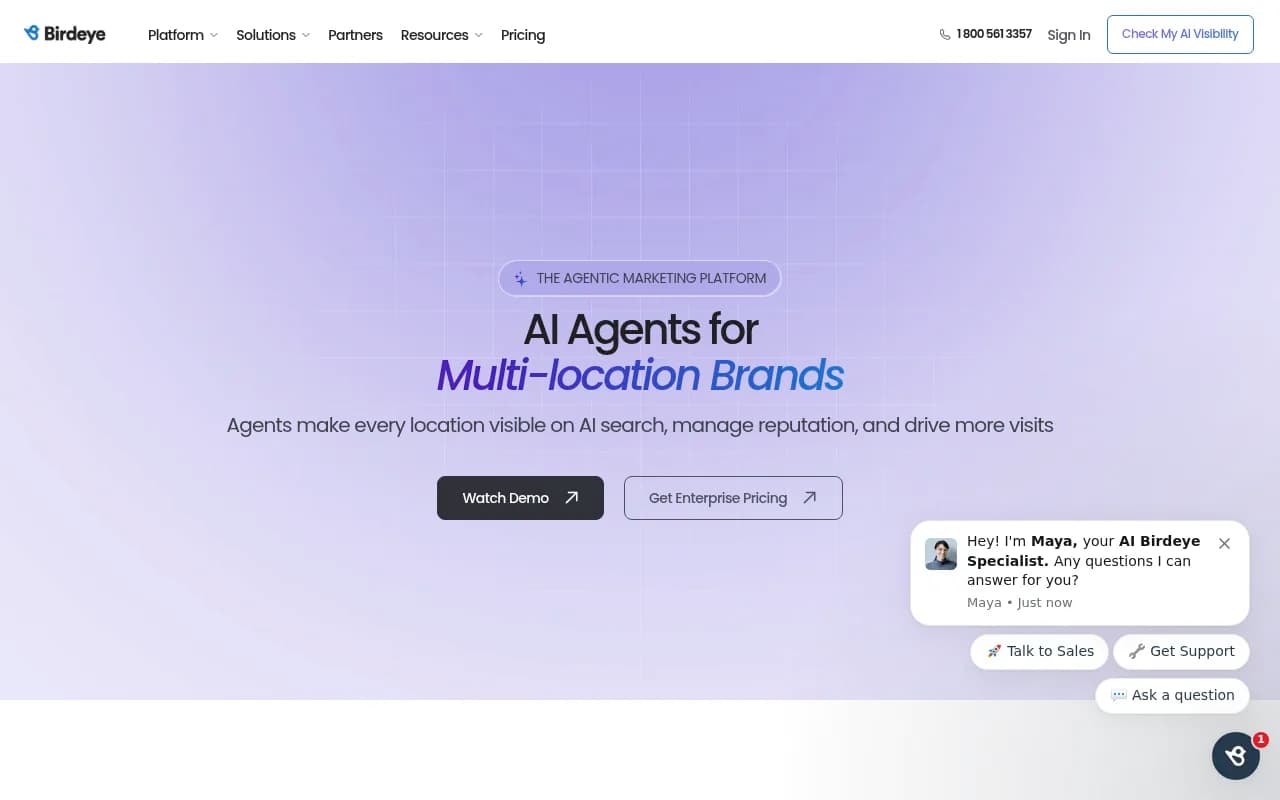
Radarkit has been named in an r/aeotips list for city-level local AI tracking.
BrightLocal adds AI visibility to a long-standing local SEO rankings, listings and reviews product.
SOCi and Chatmeter cover the surrounding multi-location work: listings, reviews and local pages.
| Tool | Local angle | Best for |
|---|---|---|
| Promptwatch | Exact-coordinate pins, 20 m to 5 km radius | Teams that need city and neighborhood data plus content execution |
| Birdeye Search AI | Location-level tracking | Multi-location brands already using Birdeye |
| Radarkit | City-level local AI tracking | Smaller teams testing local GEO |
| BrightLocal | Local SEO suite with AI visibility | Agencies with local SEO clients |
| SOCi / Chatmeter | Listings, reviews, local pages | Franchise and multi-location operations |
For wider lists, the GEO software directory at bestgeosoftware.com is a reasonable place to browse by category. Whichever tool you pick, ask the same question: does it let me set an exact place per monitor, and does it show me the answers location by location?
How to validate your setup in an afternoon
- Pick one city and ten non-branded "near me" prompts.
- Create two monitors with the same prompts: one pinned to your city, one pinned to a different city.
- Run each prompt at least four times.
- Check that the pinned city's answers mention places in or near that area and that the control returns a different set.
- Count how many citations point to pages for the right metro. If it's far below the 15.5% New York share Promptwatch saw without a pin, your setup is still guessing.
- Only then add more cities.
This takes a few hours and saves you from presenting a quarter of data that describes the wrong places.
What to remember
Local AI visibility data is only as good as the location signal behind it. Pin each monitor, match the browser signals, add a control, sample widely, split branded from non-branded, and report per location. The model's variance is real, but most of the skew in city-level data is self-inflicted at setup.