Key takeaways
- The simplest test: who decides what happens next? A developer in code (REST API), the person who built the Zap (Zapier), or the AI model at runtime (MCP).
- Use a REST API or Zapier for anything scheduled, unattended and repeatable, like weekly reports or rank-drop alerts. Use MCP for ad hoc analysis where a person asks questions and the assistant works out the steps.
- Most SEO teams end up running all three. APIs do the recurring plumbing, MCP does the thinking, Zapier connects the long tail of apps.
- Watch the vendor fine print. Ahrefs says its MCP endpoint is for AI clients, not scripts, and Zapier MCP calls draw on the same task allowance as everything else.
- Free Search Console data is a great place to start, but the URL Inspection API caps out at 2,000 queries a day per site.
The three options in plain terms
These get lumped together because all three can pull data out of an SEO tool and push work into another one. The real difference is not what they can reach. It is where the decision about order lives.
A REST API is a fixed contract. Your code says "get the top 500 queries for this site for the last 28 days" and gets exactly that back, every time. You decide the steps in advance, and they are frozen at deploy.
Zapier is the same idea with a form instead of code. You pick a trigger, chain some actions, switch the Zap on. The steps are frozen when you hit publish, and you get a row in the task history every run.
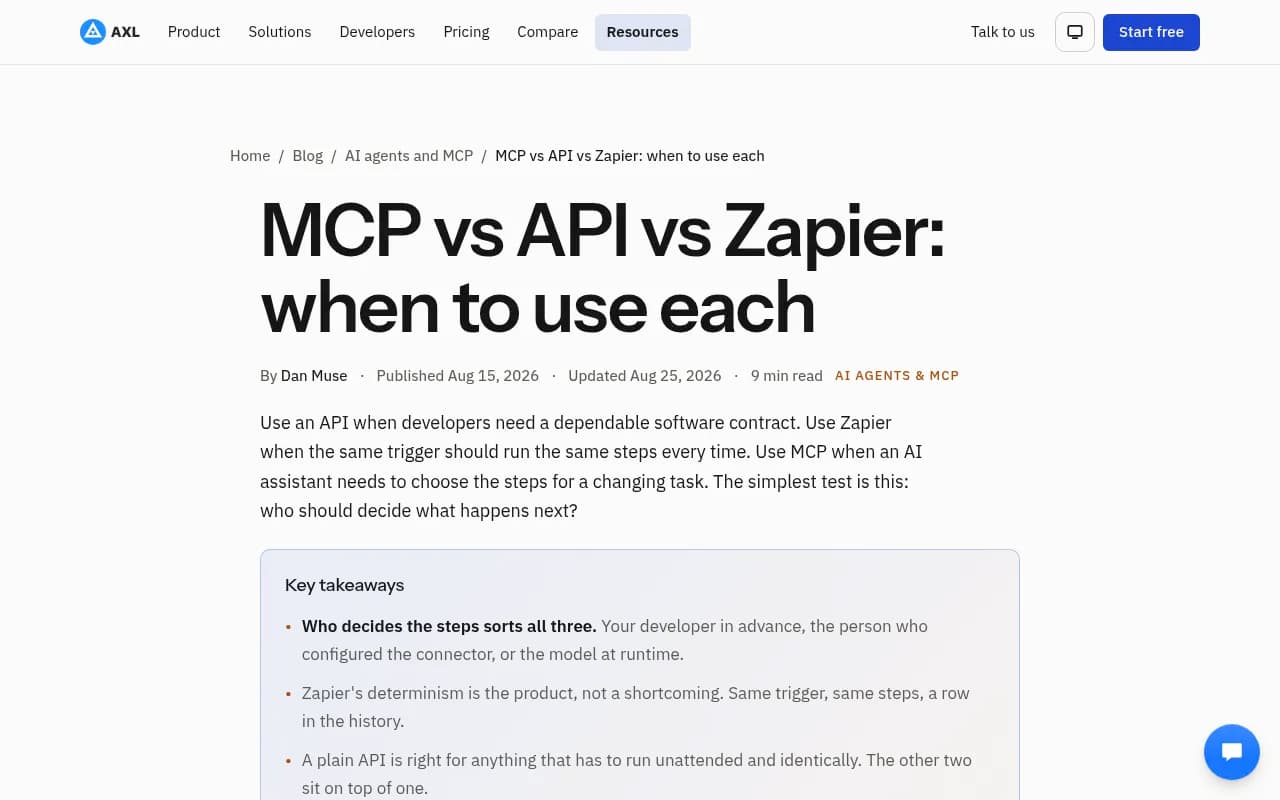
MCP (Model Context Protocol) is different in kind. An MCP server hands an AI assistant a list of tools, and the model decides which to call, in what order, based on what you asked. Axl's comparison puts it well: use an API when developers need a dependable contract, Zapier when the same trigger should run the same steps every time, MCP when an assistant needs to choose the steps for a changing task.
| REST API | Zapier | MCP | |
|---|---|---|---|
| Who decides the steps | Developer, in code | Whoever built the Zap | The AI model, per request |
| Best for | Scheduled jobs, dashboards, data syncs | Trigger-to-action workflows without code | Ad hoc analysis, investigation, setup tasks |
| Runs unattended | Yes | Yes | Not really, needs an assistant in the loop |
| Predictability | Highest | High | Lower, the model can pick differently each time |
| Skill needed | Developer | Low to moderate | Low to use, varies to set up |
| Debugging | Direct logs and responses | Task history | Often opaque |
Where REST APIs win in SEO
If the workflow is the same every time, use the API. That is the one-line rule DragApp gives for support automation, and it carries over to SEO without changes.
Good API territory for SEO:
- Pulling rank tracking data into Looker Studio or a client dashboard every Monday
- Nightly exports of Search Console query and page data into a warehouse
- Bulk jobs, like checking thousands of URLs or enriching a keyword list with volume data
- Anything where a duplicate or missing run is a real problem
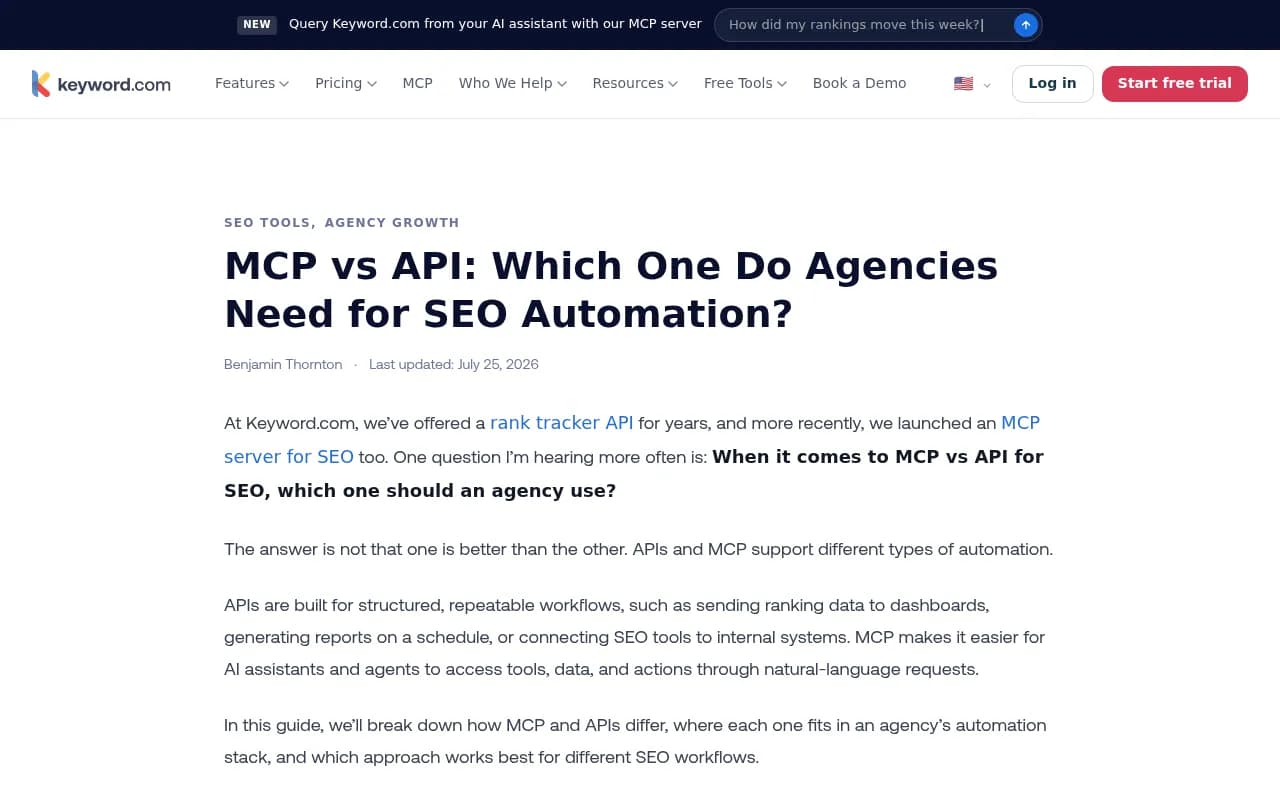
The cost is that you own the plumbing. Keyword.com lists what lands on your plate: auth and credentials, request formatting, rate limits, error handling and retries, and maintenance when something upstream changes. Worth it for a pipeline that runs for years. Overkill for a one-off question.
The rate-limit trap
The Search Console API is free within quotas, which makes it the obvious backbone for a lot of SEO automation. But URL Inspection is capped at 2,000 queries a day and 600 a minute per site, according to InstaWP's roundup citing Google's limits page. An agent told to "inspect every URL on the site" will hit that ceiling on any large property. A scripted job with a queue and backoff handles this gracefully. A chatty assistant mostly does not.
Where Zapier wins
Zapier's determinism is the point, not a flaw. Same trigger, same steps, a history you can audit. For SEO teams without a developer, it is the fastest way to glue things together.
Patterns that work well:
- New row in a keyword sheet creates a brief in your project tool
- A form submission from a client adds a site to your tracking setup
- A rank-tracker webhook posts a message to Slack when a keyword drops
- A published blog post triggers a social post and a reindexing request
Zapier pricing and polling limits
The numbers matter here, so check zapier.com/pricing before you budget. At the time of writing the plans look like this:
| Plan | Starting price | Notable limits |
|---|---|---|
| Free | $0 | 100 tasks/month, two-step Zaps, 15-minute polling |
| Professional | From $19.99/month | Multi-step Zaps, webhooks, 2-minute polling |
| Team | From $69/month | 25 users, 1-minute polling, SAML SSO |
| Enterprise | Contact sales | Longer code runtime, custom terms |
Two gotchas for SEO work. First, polling intervals. A rank-drop alert on the free plan can be 15 minutes stale, which rarely matters for rankings but matters for uptime or indexing alerts. Second, Code by Zapier runs for 1 second per step on Free and 30 seconds on Professional and Team, so heavy data wrangling belongs in a real script, not inside a Zap.
Where MCP wins
MCP earns its place on work that varies. The jobs that normally cost you twelve browser tabs: why did traffic fall on this section, which competitor is eating our share on these terms, which of these 80 pages should we refresh rather than leave alone.
Keyword.com's split is a useful way to see it. For client reporting, the API sends ranking data to the dashboard on schedule, and MCP lets you ask the assistant to summarize the biggest changes before the client call. For content planning, the API fills the planning sheet, and MCP helps you decide what to prioritize this quarter. Same data, different job.
The SEO MCP servers worth knowing
As of early October 2026, the picture looks like this, based on InstaWP's review and other roundups:
| Server | Hosting | Access | Notes |
|---|---|---|---|
| Google Search Console (community, mcp-gsc) | Local | Free, needs Python, a Google Cloud project and OAuth per machine | About 20 tools, MIT licence. Google's official list has no Search Console server |
| Google Analytics (official) | Free | 9 tools, read-only | |
| Ahrefs | Hosted | Paid plans from Lite at $129/month | 20 tool groups, mostly read-only, uses your API units |
| Semrush | Hosted | Semrush One Starter ($199/month) or SEO Classic Pro/Guru | Read-only, 50,000 API units included on those plans |
| DataForSEO, SE Ranking, Serpstat, Screaming Frog | Varies | Varies | Also listed in the roundups |
If you already pay for Ahrefs or Semrush, the MCP is a new front door to data you have rights to, not a separate product.
Limits that bite
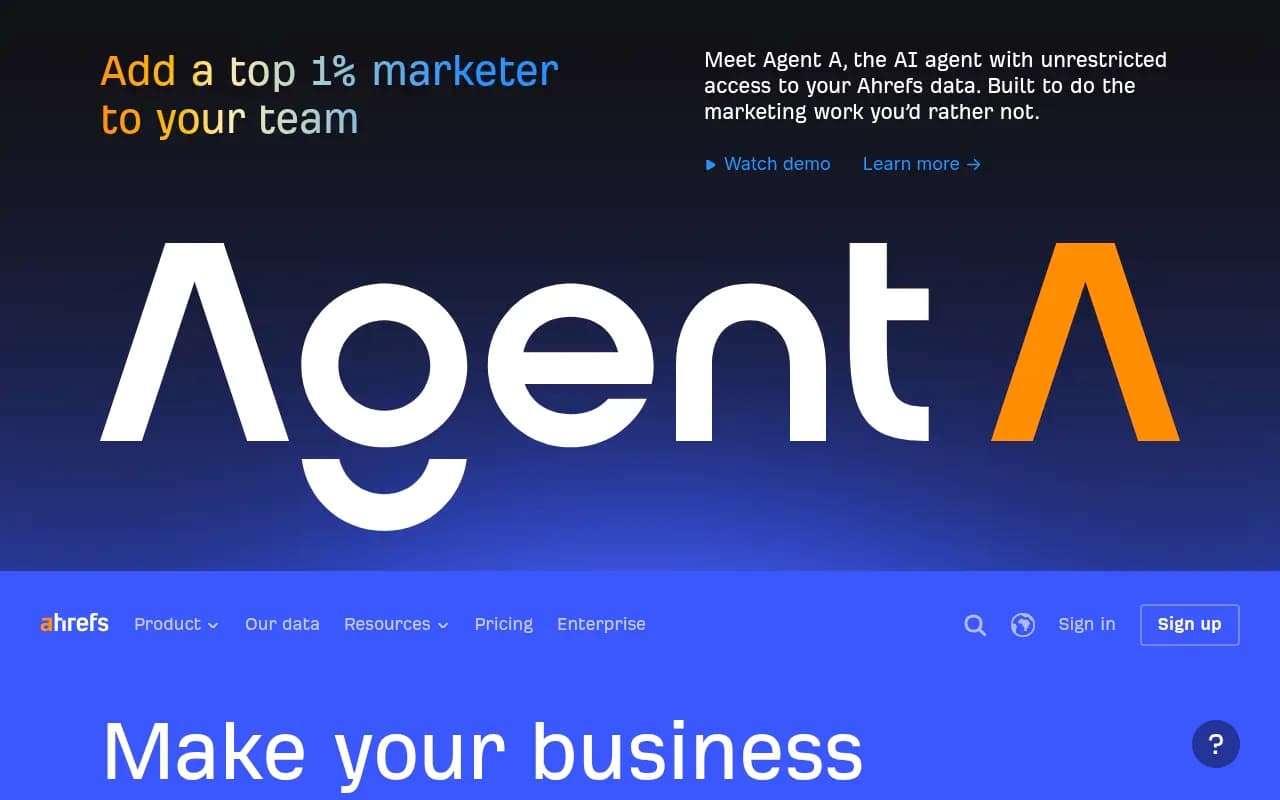
- Ahrefs caps rows per MCP request at 100 on Lite, 250 on Standard and 500 on Advanced. The agent may not tell you it only saw the first 100 rows. That is a quiet way to get a confident, wrong answer.
- Ahrefs docs say using its MCP endpoint through custom scripts, bridges or standalone JSON-RPC clients is unsupported and not permitted. It is for AI clients like Claude and Cursor. If you want scripted automation, use the REST API v3.
- Semrush MCP requests consume API units that vary by report and rows returned, and it is read-only.
- I found no solid first-party numbers on MCP latency or token cost per call. Test it on your own workload before assuming it is cheap.
Zapier MCP: the hybrid worth understanding
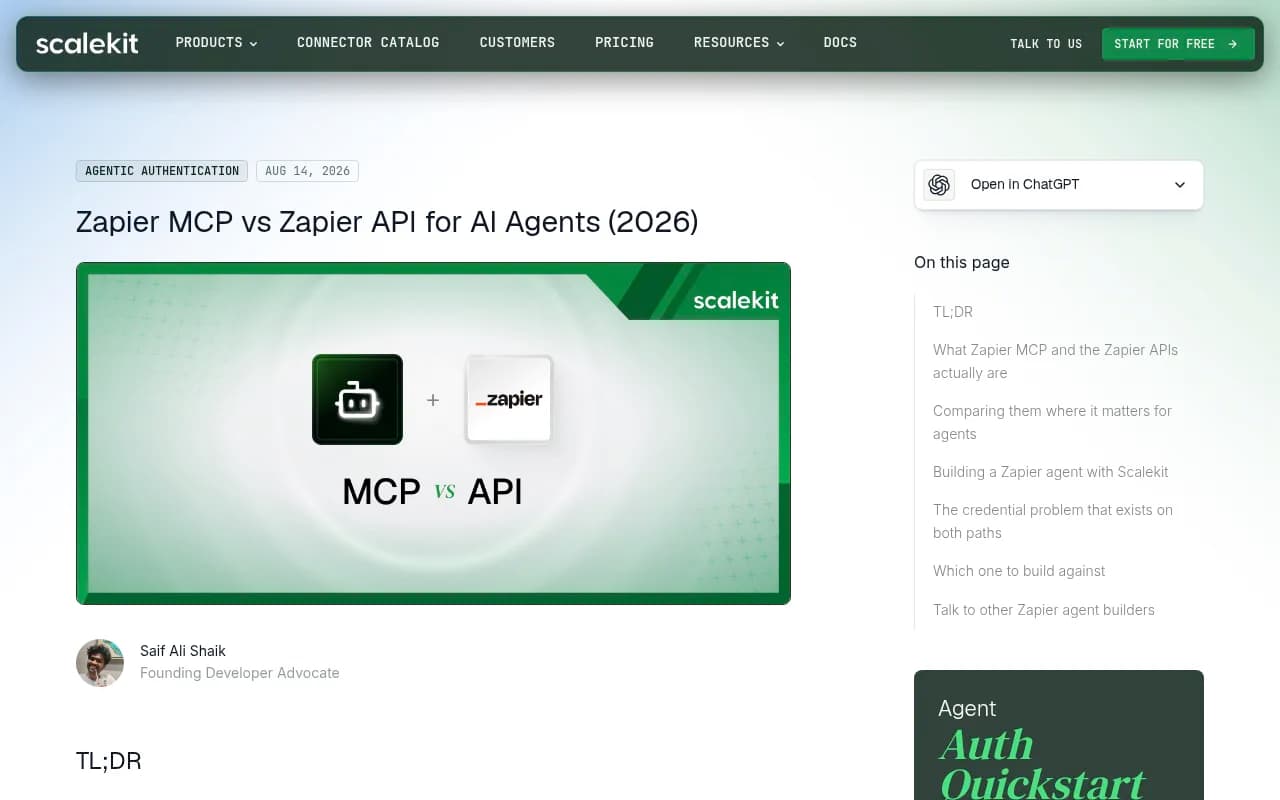
Zapier also ships an MCP server, which blurs the lines. Scalekit's analysis describes it as a hosted server fronting Zapier's catalog (9,000+ apps and 40,000+ actions per Zapier's quickstart) through a fixed set of 15 meta-tools. The agent searches for, enables and runs actions at runtime, so the tool count stays flat whether you connect two apps or two hundred.
For SEO teams this is handy when the tool you need has no MCP server of its own. A niche CMS, a project tracker, a reporting tool. The tradeoffs from MindStudio's comparison are fair: fast setup and huge breadth, but higher latency, a Zapier subscription, and failures that are harder to trace than a direct API call.
There are two more points from Scalekit worth keeping in mind:
- Everything is scoped to one Zapier user account. One account equals one agent identity, which matters for agencies who want per-client separation.
- Event-driven and idempotent work lives in Zapier's APIs, not the MCP. The Trigger Inbox API is the path to app events, and the Actions API handles idempotent async execution. For a scheduled job where a duplicate write is unacceptable, use the API.
Cost is also a design constraint. Scalekit says each successful MCP tool call consumes two Zapier tasks from the shared allowance, and when it runs out every agent on the account stops. I did not verify that rate against Zapier's own page, so confirm it at zapier.com/pricing/rates before you plan around it.
A decision guide by SEO workflow
| Workflow | Best fit | Why |
|---|---|---|
| Weekly client report to a dashboard | REST API (or Zapier for simple cases) | Fixed, scheduled, unattended |
| Rank-drop alert to Slack | Zapier or API + webhook | Trigger and action, same every time |
| Nightly Search Console export to a warehouse | REST API | Volume, retries, quotas |
| "Why did this section lose traffic?" | MCP | Open-ended, needs reasoning across data |
| Competitor gap review this quarter | MCP | Changing question, many tools |
| Bulk URL inspection on a large site | REST API with queueing | Quota of 2,000/day per site |
| Pushing a brief into a project tool | Zapier | No-code glue between apps |
| Publishing fixes to the CMS | MCP with human approval, or API | Writes need guardrails |
| Long-tail app with no MCP server | Zapier MCP | Breadth over depth |
A rough rule from Keyword.com holds up: if you are connecting one or two SEO tools to an assistant just to ask questions, MCP alone is fine. Once you are wiring three or more tools into a recurring unattended workflow, an API or an automation platform has to do the heavy lifting. I would add one more: the moment a mistake costs money or reputation, move the step out of the model's hands and into something deterministic.
A stack I would actually build
Start small and boring.
- Connect the free Search Console MCP for your own data, in read-only mode, and ask narrow questions first.
- Add Ahrefs or Semrush MCP only if you already pay for the plan. Treat row caps as a reason to double-check any big claim.
- Put recurring reports on the REST API or a Zap. Do not make an assistant do Monday's report from scratch every week.
- Use Zapier for the glue: alerts, briefs, notifications.
- Give the assistant write access to your CMS only behind a review step.
That is basically the recommended stack from the reviews: free GSC MCP for your own data, a paid tool for research, a CMS MCP so the agent can write fixes, run read-only and start narrow.
Automating AI search visibility
The same split applies when you track how your brand appears in ChatGPT, Gemini or Perplexity. Scheduled monitoring and reporting suits an API, ad hoc questions like "which prompts did a competitor start winning this week" suit MCP. Platforms like Promptwatch expose both a REST API and a hosted MCP server, so the same data can feed a dashboard and an assistant.

If you are comparing options in this category, the GEO software directory at bestgeosoftware.com is a decent place to start.
Common mistakes
- Using MCP for scheduled jobs. It needs an assistant in the loop, so it is the wrong shape for unattended work.
- Pointing scripts at an MCP endpoint that forbids it. Check the vendor terms first.
- Trusting a summary built on truncated rows.
- Letting Zapier task counts creep until an agent run quietly exhausts the allowance.
- Giving an assistant write access before you have a review step.
The short answer
Use the REST API for anything that must run the same way without you watching. Use Zapier when a non-developer needs trigger-to-action glue. Use MCP when you want to ask a changing question of your data and let the model figure out the steps. Most teams that try to pick one end up with all three, and that is fine. Just keep the deterministic work deterministic.