Key takeaways
- ChatGPT has no ranking position. Track mention rate, position inside the answer, share of voice, and which URL got cited.
- A spreadsheet works for under roughly 20 prompts, one market, and no client reporting. Expect about 20 minutes a week.
- Move to software when the sheet costs you an hour a week, or when you need more prompts than you will patiently paste by hand.
- Most of the advice online comes from vendors who sell automation. Run the manual version for a few weeks anyway, because it teaches you what to pay for.
Why "ranking" is the wrong word
Google gives you position four on a results page. ChatGPT gives you a paragraph. The same prompt can return a different list, source set, order, or wording the next time you run it. So any tool or spreadsheet that claims a stable ChatGPT rank is simplifying something.
What you can measure is how often you show up, how early, next to whom, and with which links. That is a probability, not a position. Once you accept that, the spreadsheet-vs-software question gets much easier, because you are really asking how many samples you can afford to collect.
There is a second wrinkle. Your typed prompt is not what ChatGPT searches for. According to Promptwatch Data on ChatGPT query fanouts, average fanout query length fell from about 117 characters in early December to about 53 characters from April. Those fanout queries are short and keyword-like, so the answer you see is built from searches you never typed. Your manual log should note that, and it is one reason results wobble.
What to put in the spreadsheet
Keep it boring. One row per prompt run, not one row per prompt. The columns that earn their place:
| Column | What to record | Why it matters |
|---|---|---|
| Date | Day of the run | Lets you see trends and spot model updates |
| Prompt | Exact wording | Reruns must be identical |
| Prompt type | Organic, brand-specific, competitor comparison | These behave differently |
| Mentioned (Y/N) | Whether your brand appears | Feeds mention rate |
| Position in answer | 1st, 2nd, 3rd named brand, or none | Early mentions carry more weight |
| Cited URL | Which of your pages was linked | Shows what content gets used |
| Competitors named | List | Feeds share of voice |
| Sentiment note | Positive, neutral, negative, plus a phrase | Catches how you are described |
| Raw answer | Pasted text or screenshot link | Lets you re-score later |
| Environment | Logged out or in, country, model shown | Explains differences between runs |
The raw answer column feels like overkill until the first time you change your scoring rules and want to re-score old data. Keep it.
Metrics worth computing
Four numbers cover most needs. Mention rate is mentions divided by runs. Average position is how early you appear when you do appear. Share of voice is your mentions divided by all brand mentions across the set. Citation rate is how often one of your URLs is linked.
Read them together. A decent mention rate with no citations usually means your content is not being picked up as a source. Late position with a high mention rate means you are in the conversation but not the lead.
A weekly manual routine that takes 20 minutes
This is the version several vendor guides describe, and it holds up in practice.
- Pick 10 to 20 prompts. Mix organic ("best project management tool for agencies"), brand-specific, and competitor comparison prompts.
- Use a logged-out ChatGPT session so your own history does not bias the answer. Note the country you are in.
- Run each prompt once, or twice if you are feeling patient. Start a new chat every time.
- Paste the answer into the sheet, then fill in the scored columns.
- Every Monday, update a small summary tab with the four metrics.
- Re-run the exact same prompt list on the same day each week.
The discipline matters more than the tooling. Changing prompt wording halfway through ruins the trend line.
How many domains to expect
Do not be alarmed when answers list a lot of sources. Promptwatch's data on unique domains per ChatGPT response (Sep 28 to Oct 4, 2026) found that 47.6% of responses with citations cite 10 or more domains, and only 6% cite 3 or fewer. For organic prompts, 52.5% cite 10 or more. Brand-specific prompts are tighter: 5 domains is the most common count at 14.9%.
That has a practical meaning for your sheet. Record where you appear and how ChatGPT describes you, not only whether you are cited. With this many sources per answer, being in the list is the easy part.
How often should you check
It depends on what you are tracking. Promptwatch's content half-life report followed pages ChatGPT cited on July 6, 2026. After 60 days, ChatGPT still cited 69% of landing pages and 67% of docs, but news lost half its pages within 36 days. Product pages, reviews, and how-tos reached half-life after 74 to 77 days.
My read, and this is inference rather than something the report says: weekly checks make sense if your prompts are news-driven, while monthly is probably enough for evergreen topics. Weekly is still the safer default while you are learning, because you want enough runs to see how much the numbers bounce around.
Where the spreadsheet breaks
Be honest about the failure points. They show up in a predictable order.
- Sample size. One run per prompt per week is a thin sample for a non-deterministic system. You can see a swing and have no idea if it is noise.
- Prompt volume. Past about 20 prompts, the copy-paste becomes the job. One vendor guide puts the breaking point at 10 prompts. That is on the pessimistic side, but it is a vendor with something to sell.
- Geography and models. Running the same list from several countries, or across Gemini and Perplexity too, multiplies the work fast.
- Reporting. If a client or boss wants a dashboard, you will rebuild it by hand every month.
- Human scoring drift. Your definition of "positive sentiment" slides over six weeks without you noticing.
A practical threshold from the sources: automate when the spreadsheet costs you an hour a week, or when you need more prompts than you will paste by hand.
A fair warning about the sources
Nearly everything written on this topic comes from companies selling rank tracking, including the guides I leaned on for the manual thresholds. They have a reason to say manual tracking breaks early. They also have real experience with what breaks. Treat the specific numbers (10 prompts, 20 prompts, an hour a week) as rules of thumb, not measurements. Pricing quoted below is from vendor pages and third-party roundups, so confirm it before you buy.
What software adds
Good tools are not magic. They run the same prompts more often, store the raw answers, parse mentions and citations consistently, and chart the trend. The better ones also capture real interface output rather than API output, since what a user sees can differ from what the API returns.
They also vary a lot in what they do after the measuring.
Tools that go beyond tracking
Promptwatch is the one I would look at first if the goal is to fix visibility and not just watch it. It tracks real interfaces across ChatGPT, Google AI Overviews, Perplexity, Gemini, and others, shows IP-verified AI crawler logs so you can see whether ChatGPT is even reading your pages, and has a Content Agent and Action Board that turn gaps into content. It has a free Explore plan limited to ChatGPT with 10 prompts, which is a gentle step up from a spreadsheet, and paid plans start at $95 a month. Confirm current pricing at promptwatch.com/pricing.

Budget monitors
If all you need is a cheaper, cleaner version of your spreadsheet, the entry-level trackers are enough. Roundups list Peec AI at about $29 a month as an entry point (I could not verify that against the vendor page), and Otterly.AI is positioned for agencies tracking several brands.


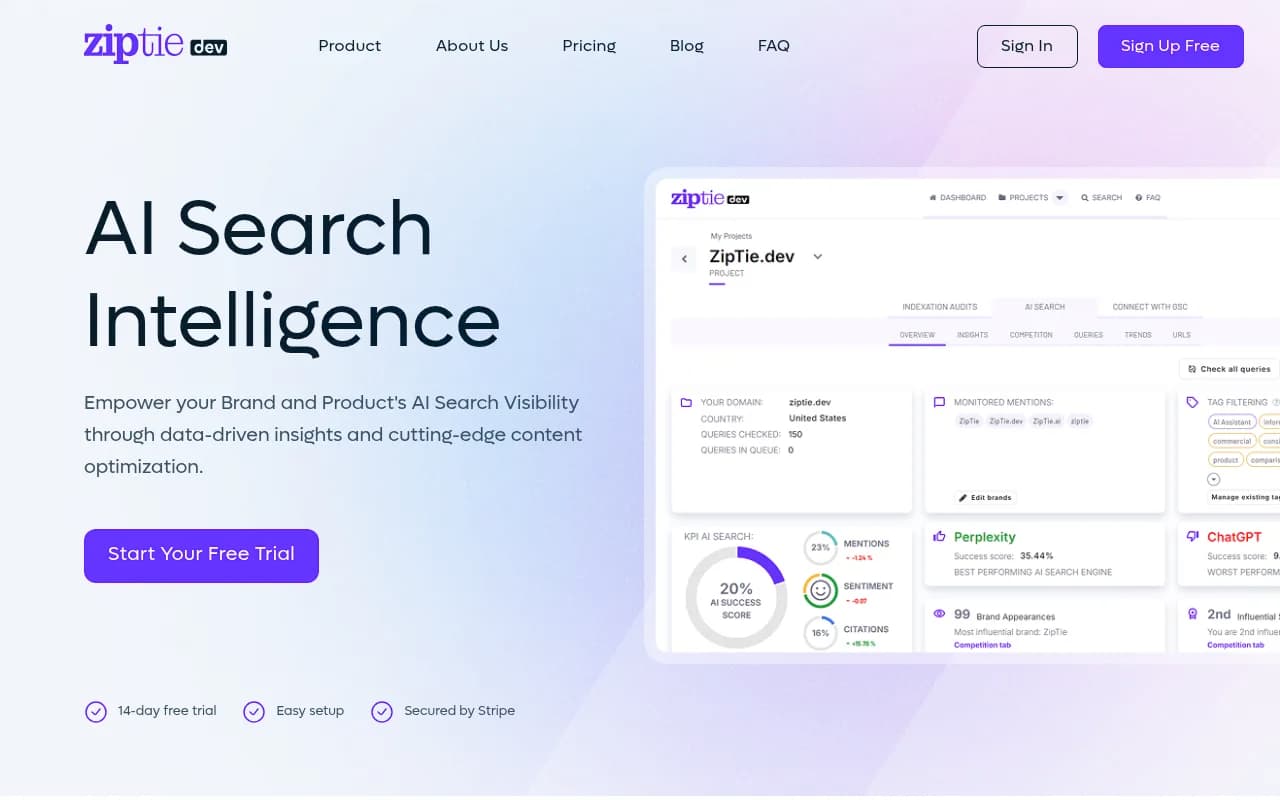
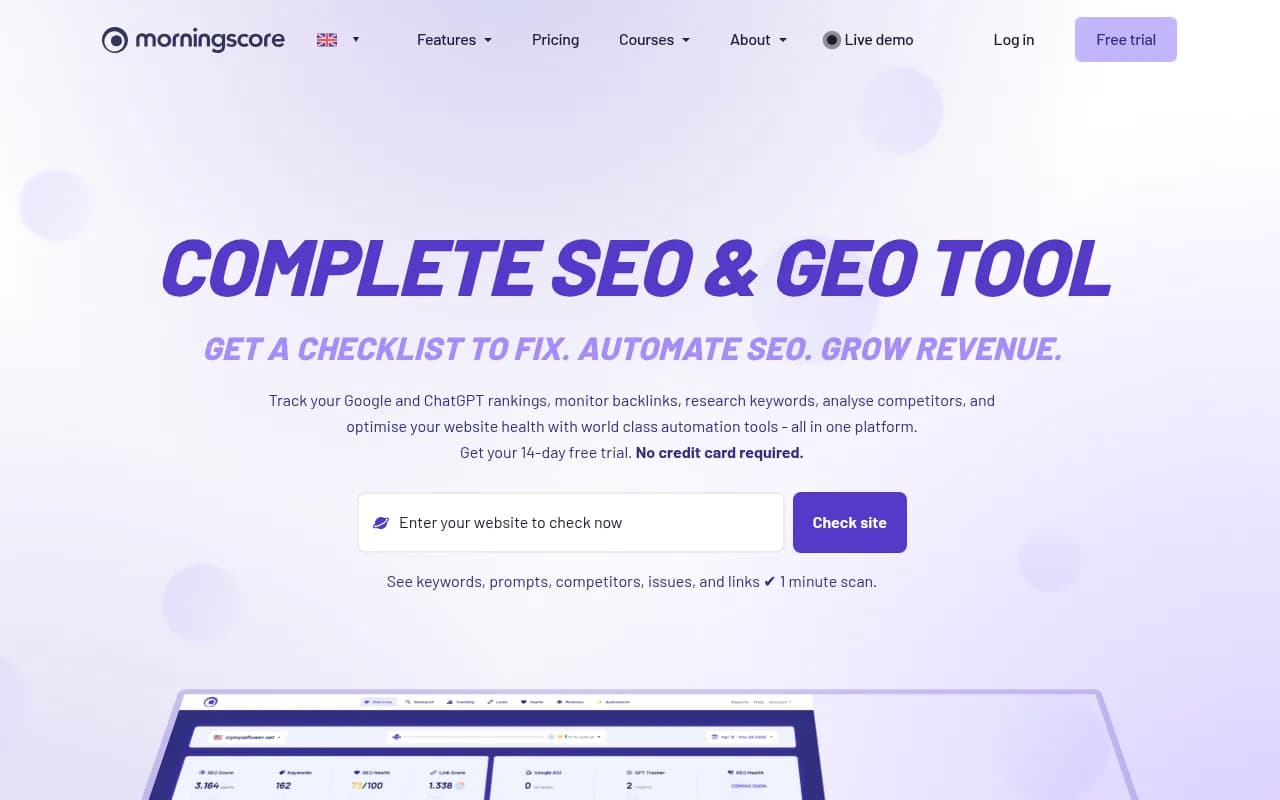
ZipTie focuses on telling you what to do with the numbers, and Morningscore is aimed at non-technical teams.
Established SEO suites
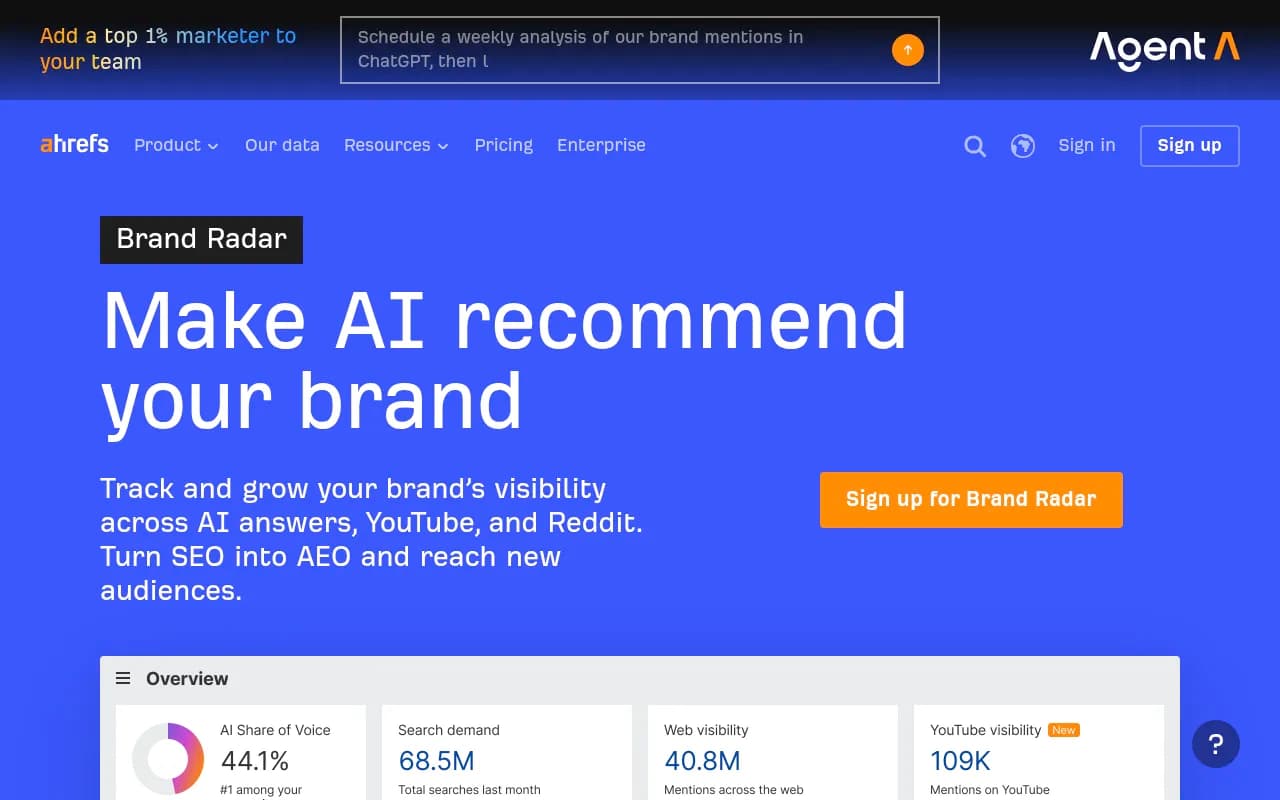
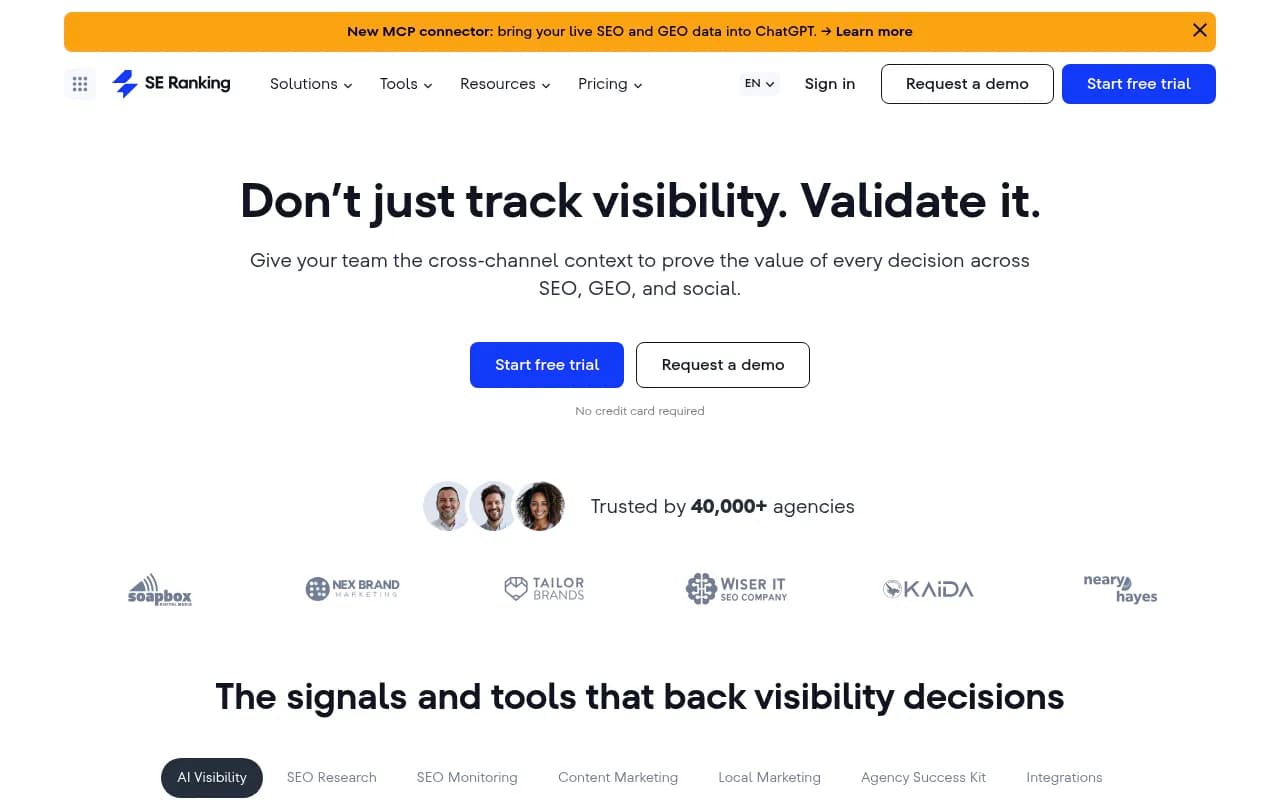
If your team already lives in a big SEO platform, adding the AI module is the lowest-friction route. Semrush, Ahrefs Brand Radar, and SE Ranking make sense in that case. They tend to use fixed prompt sets and shallower AI-specific data than the dedicated platforms, so check the depth before assuming parity.
Enterprise and other options
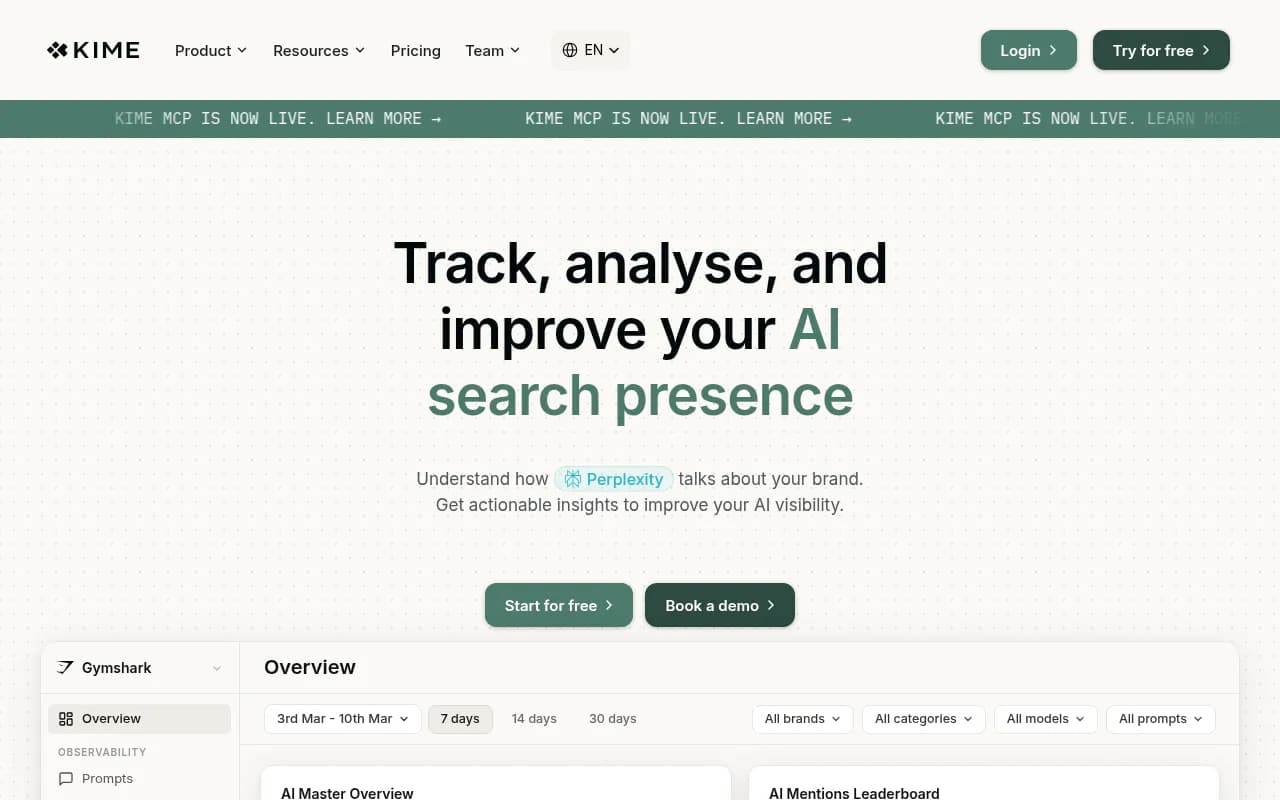
Profound is the usual enterprise pick, and KIME pitches itself as end-to-end tracking across nine AI engines from \u20ac99 a month.

For a longer list, the AI rank tracker directory at ai-rank-tools.com and the GEO software directory at bestgeosoftware.com cover far more options than fit here.
Spreadsheet vs software at a glance
| Factor | Spreadsheet | Dedicated software |
|---|---|---|
| Cost | Free | Roughly $29 to $600+ a month |
| Setup time | An afternoon | Minutes to a few hours |
| Weekly effort | About 20 minutes at 10 to 20 prompts | Near zero after setup |
| Prompt capacity | Practical limit around 20 | Hundreds to thousands |
| Run frequency | Weekly at best | Daily |
| Countries and models | One or two, by hand | Many, automated |
| Competitor tracking | Manual | Automatic |
| Citation and crawler data | Only what you notice | Captured and charted |
| Client reporting | Rebuilt by hand | Exports and dashboards |
| What it teaches you | Which answers matter | How to scale a process you already understand |
A sensible path
Run the sheet for four weeks. That is the suggestion from one of the roundups, and I agree with it for anyone with fewer than 20 important prompts, one market, and no reporting burden. By week four you will know which prompts matter, which metrics bounce, and which dashboard features you would actually pay to automate.
Then decide with a simple test:
- If the sheet takes under 30 minutes a week and one person reads it, keep it.
- If you need more prompts, more countries, or a client-ready report, trial two tools using your real prompt list and compare their output against your manual log.
- If you want the tool to help you change the results, not just record them, prioritize platforms with crawler data and content workflows over pure monitors.
Use your spreadsheet as the benchmark during trials. If a tool's mention rate for a prompt is wildly different from your hand-logged runs, ask the vendor how they capture answers, whether from the real interface or an API.
Common mistakes
- Logging only brand mentions and skipping citations. You miss whether your content is the source.
- Rewording prompts between weeks, which breaks the trend.
- Treating one run as truth. A single answer tells you very little.
- Tracking only prompts where you already win. Include competitor comparison prompts.
- Ignoring model changes. Promptwatch Data shows average citations per ChatGPT response dropped around the GPT-5.3 rollout on March 4, 2026. Note update dates in your sheet so a sudden shift has an explanation.
The bottom line
A spreadsheet is the honest starting point, and for a small prompt list it may be all you ever need. Software earns its price when volume, frequency, or reporting outgrows your patience, and the best of it helps you act on what it finds. Build the sheet first, run it for a month, and let that month tell you what to buy.