Key takeaways
- Treat the move as an inventory exercise. Your prompts, tags, competitor lists, market settings and saved reports are the assets. The dashboards are replaceable.
- Otterly's limits are credit-based and engine-capped, so count prompts times engines before you pick a replacement. Plans list "3 of 7 engines", and you may have tracked fewer than you assumed.
- Run the old and new tools in parallel for 2 to 4 weeks and compare monthly trends engine by engine, not weekly snapshots of a blended score.
- Marketplace prompts, n8n workflows and Slack automations are Otterly-specific. They need rebuilding, not importing.
- Confirm export options in the app before you downgrade or cancel. I did not verify CSV formats or data retention after cancellation, so check those yourself.
Why people leave Otterly.AI
Otterly.AI is a decent monitoring tool, and its G2 rating of 4.8/5 is earned. The reasons teams move on are usually practical. They need crawler logs, they want content created and published rather than just flagged, they hit the credit ceiling, or an agency needs more projects than the plan tiers comfortably allow.

A quick look at the current pricing page shows why the plan math matters. Pricing is undated on the page, so verify it live at otterly.ai/pricing.
| Plan | Price | Prompts | Engines | Notes |
|---|---|---|---|---|
| Lite | $29/mo | 20 (2,000 credits) | 3 of 7 | 1 workspace, no API/MCP, no agent analytics |
| Standard | $189/mo | 160 (15,000 credits) | 3 of 7 | Unlimited workspaces, 2,000 API and 2,000 MCP requests, Data Studio connector |
| Premium | $489/mo | 535 (50,000 credits) | 3 of 7 | 5,000 API and MCP requests, 1M agent analytics events |
| Enterprise | Custom | 1,000+ | Unlimited | SSO and compliance |
Annual billing takes 15% off. Extra credits cost $65 per 5,000 on Standard and $99 per 10,000 on Premium. Older write-ups still quote 15, 100 and 400 prompts for the three tiers, so ignore those.
Step 1: Inventory what you actually have
Before you open a trial of anything else, write down what lives in your Otterly account. Most migrations go wrong because someone discovers a forgotten dashboard three weeks after cancelling.
Prompts
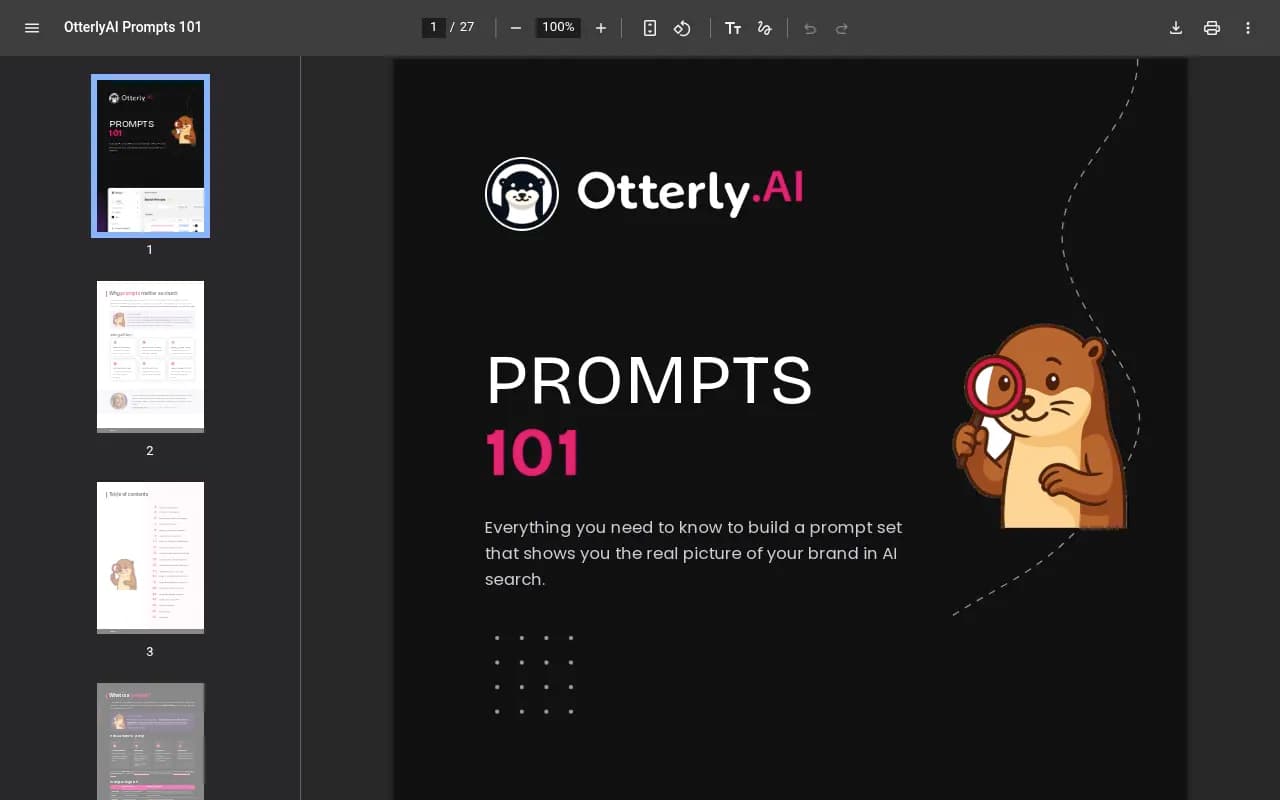
Export every tracked prompt with its text, tags, brand report assignment and country. Otterly's own Prompts 101 guide organizes prompts with tags in two groups: Branding (branded or non-branded) and Funnel (TOFU, MOFU, BOFU). If you export prompts without tags, that segmentation is gone and your BoFu-only reports can't be rebuilt.
Competitors and brand settings
List every competitor, plus aliases and spellings you rely on. Note which brand report each competitor belongs to, because Otterly scopes reports per brand. Also record your own brand's variants. If your name is also a common word, write down how you decided what counts as a mention, because the new tool will need the same rule.
Markets, engines and workspaces
Note the country for every report, the engines enabled, and the number of workspaces. Lite has one workspace, Standard and above have unlimited. If you used workspaces to separate clients or product lines, plan the equivalent structure up front.
Reports, dashboards and automations
This is the part people underestimate. Write down:
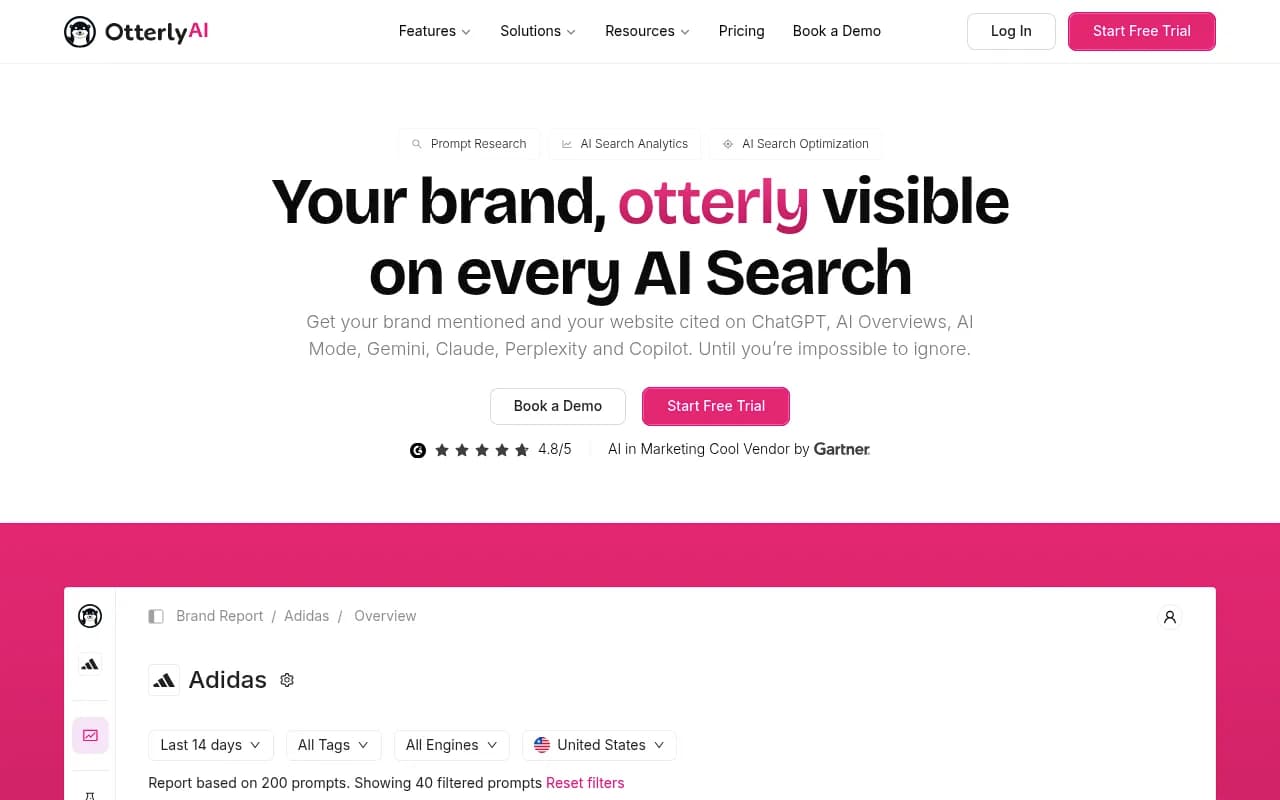
- Brand coverage, brand mentions, average brand position and share of voice views you present to stakeholders
- Citation and domain reports, including top prompts by website citations
- ChatGPT Ads tracking, if you use it
- Agent analytics events and the Data Studio connector
- Any Marketplace prompts, GPTs, n8n workflows or Slack digests (the weekly recommendations to Slack agent, the daily citation watcher and so on)
The Otterly Marketplace has more than 100 items, and many are prompts run through the API or MCP. Those are portable in spirit but not in practice. You will rewrite them against whatever MCP or API your next tool offers.
Baseline numbers
Screenshot or export 90 days of brand coverage, share of voice, sentiment and citation share per engine. You need these to judge the new tool against the old one. If you are on Lite, there is no API or MCP access, so confirm what export options exist before you downgrade or cancel.
Step 2: Decide what the new tool must do
Write the requirements from the inventory, not from a feature page. A few questions help.
- Does it track the real interfaces of ChatGPT, AI Overviews and AI Mode, or only API outputs? User-facing answers and citations can differ from API responses.
- Does it preserve raw answers, dates, citations and sentiment, or only a score?
- Can it separate a brand mention from a cited URL? Mentions without citations mean something different from citations without mentions.
- Does it show AI crawler activity and AI referral traffic, or do you need a second tool for that?
- Can it act on gaps, such as drafting and publishing content, or does it stop at reporting?
- Are limits per prompt, per credit or per response, and what do your real volumes cost?
Here is how the main alternatives from our catalog line up on the points that tend to drive a switch. Check each vendor's site for current limits.
| Tool | Strength | Consider if |
|---|---|---|
| Promptwatch | Monitoring plus content creation, crawler logs, traffic attribution | You want to fix gaps, not just see them |
| Peec AI | Clean prompt tracking with suggestions | You need a simple monitor |
| ReachLLM | Measurement plus execution workflow | You want gaps tied to source and outreach work |
| Profound | Enterprise analytics | Budget is not the constraint |
| Scrunch AI | Monitoring for brands and agencies | You want agent-ready pages |
| SE Ranking Visible | Part of an existing SEO suite | You already use SE Ranking |
| Semrush AI Visibility Toolkit | Inside a familiar SEO suite | One login matters more than depth |
For wider browsing, the GEO software directory at bestgeosoftware.com lists more options than I can cover here.
Step 3: Rebuild your prompts the smart way
A migration is the one moment you can legitimately clean house. Don't copy 300 prompts across because they exist.
Audit before you import
Sort your exported prompts by how often they produced a mention or citation, and by whether anyone looked at them. Otterly's own guide tells you to flag weak prompts monthly. Do that now. Drop duplicates, drop prompts that are just keyword strings, and keep the ones that read like a real person asking a question.
Check the wording against how ChatGPT searches now
Promptwatch Data's ChatGPT query fanout report showed average fanout query length falling from about 117 characters in early December to the high 80s in February and March, and to about 53 characters when fanouts returned in April. Prompts written as long conversational questions may not match what the engine retrieves. When you recreate prompts, test whether the wording still reflects how users ask. The free query fan-out generator helps with that test.
Keep the tag structure, and add intent
Map your Branding and Funnel tags to the new tool's tag or topic system. If the tool supports intent labels (informational, commercial, transactional), add them now, since retrofitting is tedious. Keep tag names identical to the old ones so historical comparisons make sense.
Fill the gaps with real data
Use Search Console and Bing data, sales calls and support tickets to find prompts you never tracked. Some tools pull these in automatically. Promptwatch, for example, has Prompt Explorer suggestions from Search Console, People Also Ask and any page on your site, and it shows monthly prompt volumes and difficulty so you can rank what to add. See the prompt tracking overview for the details.

Step 4: Rebuild competitors and brand rules
Competitor lists seem trivial and then quietly ruin comparisons. Three things to get right:
- Use the same competitor set at first. If you add five new ones on day one, you can't tell whether a share-of-voice change came from the tool or from the list.
- Recreate aliases and exclusion rules. A brand named after a common word will produce false mentions until you tell the tool how to judge them.
- Match definitions. Share of voice, average position and visibility score are calculated differently across tools. Read the definition pages, such as Promptwatch's Share of Voice and Visibility Score explanations, so you know why numbers won't match exactly.
Also expect the new tool to discover competitors you never listed. That is useful, but add them after the parallel run.
Step 5: Run both tools in parallel
This is the step teams skip to save a month of fees, then regret. Overlap for 2 to 4 weeks, ideally a full month so you see one monthly trend.
Compare like with like:
- Compare engine by engine. A blended score hides the differences.
- Compare trends, not single days. Promptwatch Data's average sources per response report found ChatGPT citing about 5 sources per web-search answer, AI Overviews about 10 and Perplexity almost exactly 10, while Copilot's average swung from under 2 to nearly 17 within weeks. Copilot numbers in particular will look different from tool to tool.
- Expect absolute levels to differ and judge direction instead. If both tools show your coverage rising on Perplexity and falling on Gemini, they agree where it counts.
Set a pass rule beforehand. For example, the new tool passes if the direction of change matches on at least four of your five main engines and the top 10 cited domains overlap reasonably.
Step 6: Rebuild reports and automations
Now go through the reports list from step 1 and rebuild each one, in order of who reads it.
| Otterly artifact | What to rebuild |
|---|---|
| Brand report overview | A dashboard with visibility, share of voice and position by engine |
| Citation and domain reports | A citation view by domain and URL, with your own self-citation rate |
| Marketplace weekly executive brief | A scheduled PDF or emailed report |
| Slack digests and alerts | Scheduled chats or briefings into Slack |
| n8n and API workflows | New scripts against the new tool's REST API or MCP server |
| Agent analytics | AI crawler logs, ideally IP-verified |
| Data Studio connector | A Looker Studio connector |
If stakeholders are used to a specific chart, recreate that chart first. People accept a new tool faster when their Monday report looks familiar.
On the Promptwatch side, scheduled PDF reports, a Looker Studio connector and a hosted MCP server are all included, and the docs cover the API. Other tools in the catalog, such as Peec AI and ReachLLM, have their own export and API stories, so check those against your list.


Step 7: Add what Otterly didn't give you
A switch is a chance to pick up capabilities that were missing, not just to replicate the old setup.
Crawler visibility
Otterly has agent analytics in beta and on higher plans. If you need to know whether AI bots can read your pages and where they fail, look for IP-verified logs. Promptwatch's AI crawler logs set up through your CDN or the WordPress plugin. Promptwatch Data's AI crawler traffic report shows what weekly verified requests from OpenAI, Anthropic, Google, Perplexity and Mistral look like, which gives you something to benchmark against.
Traffic attribution
If you want to prove AI search sends visitors, you need visitor analytics. Note that ChatGPT stopped sending a referrer on October 8, 2026, so tagged links and UTM handling matter more now. The attribution guide explains the options.
Content that closes the gap
Otterly's recommendations and Marketplace agents hand you a to-do list. Some teams want the loop closed. Promptwatch's Content Agent writes and publishes to WordPress, Webflow or Framer, then tracks whether the page gets crawled, cited and clicked. That sits on the Business plan, $579/mo, with Essential at $95/mo and Professional at $245/mo for monitoring-heavy setups. Confirm current prices at promptwatch.com/pricing.
Agencies
If you run client reporting out of Otterly, count your projects. Promptwatch's agency plans start at Kick-off for $199/mo with unlimited projects and prompts, which changes the cost math when you manage many brands. See the agency page.
Step 8: Cut over and close out
Once the parallel run passes, do the cutover in a fixed order.
- Freeze Otterly changes. No new prompts, no new competitors.
- Take a final export of prompts, responses, citations and reports. Save it somewhere shared.
- Archive the baseline screenshots next to the export, with the date range written on each.
- Point scheduled reports and Slack digests at the new tool and turn off the old ones.
- Tell stakeholders the chart definitions changed and show the overlap period as proof.
- Cancel or downgrade. If you are annual, check the renewal date, since a 15% annual discount means you may be locked in for months.
And keep the export. If someone asks in six months why share of voice dropped after the switch, you want the overlap data in hand.
Common pitfalls
- Copying every prompt over. You pay credits or response limits for dead weight.
- Forgetting the engine cap. If you only tracked three engines in Otterly, the new tool may suddenly show you seven, and the average will move for reasons unrelated to your brand.
- Judging a new tool on one week. Citation sources shift daily.
- Losing tags. Funnel and branding tags are what make the reports useful.
- Ignoring the Marketplace automations until they silently stop.
A printable checklist
- Export prompts with tags, brand report and country
- Record competitors, aliases and brand rules
- Record engines, markets and workspaces
- Screenshot 90 days of baselines per engine
- List reports, dashboards, digests and automations
- Write requirements from the inventory
- Trim the prompt set before import
- Retest prompt wording against current fanouts
- Start the new tool with the same competitor set
- Run both tools for 2 to 4 weeks
- Compare by engine and by trend
- Rebuild reports in order of who reads them
- Add crawler logs and traffic attribution
- Final export, then cancel
If you want a free sanity check before committing to anything, run the free AI visibility report on your domain and compare it with your Otterly numbers. For a broader rundown of tools beyond this list, the AI rank tracking directory is a good place to keep browsing.