Key takeaways
- A weekly audit email is a diff, not a report card. The change since last week matters more than the absolute health score.
- An orphan page is a live page with zero internal links pointing to it. AI crawlers such as GPTBot, OAI-SearchBot, ClaudeBot and PerplexityBot discover pages by following links, so orphans are easy to miss.
- Rules of thumb from vendor guides: keep orphans under 5% of indexed pages, and expect 20 to 40 on a typical local-business site. These are unsourced claims, so treat them as starting points, not benchmarks.
- Pages with one or two inlinks, and pages buried deep in the link graph, are the quiet cousins of orphans. Fix them in the same sprint.
- Pair the audit with crawler logs and citation data. Otherwise you cannot tell an access problem from a content problem.
Why a weekly audit email exists at all
Most site audits get run once, produce a 90-page PDF, and die in a shared drive. A weekly email works differently. It shrinks the audit to one question: what changed since last Tuesday, and does any of it need a human?
That matters more for AI search than it did for classic SEO. Answer engines fetch pages at answer time and crawl in bursts. Promptwatch Data's AI crawler traffic report (weekly, June 8 to Sept 6, 2026, IP-verified requests) shows OpenAI at 79.8% of verified AI crawler requests in Aug 31 to Sept 6, down from 94.8% in June 8 to 14. The mix is shifting week to week. A page that breaks on Monday can sit unreadable to several crawlers for days before anyone notices, if you only audit quarterly.
So the goal of the weekly email is simple. Catch the regressions early, keep the link structure healthy, and make sure every page you want cited can be reached.
Anatomy of a weekly audit email
Formats differ by tool, but a useful one tends to contain the same parts. I did not research the exact email layouts of every vendor, so use this as a checklist of what to look for rather than a description of any one product.
| Section | What it tells you | What to do with it |
|---|---|---|
| Health score | A single number summarizing how many checks pass | Watch the trend, not the value |
| What changed | New issues and resolved issues since the last run | Triage new issues first |
| Content checks | Length, titles, descriptions, headings, duplicates, freshness | Hand to the content owner |
| Linking checks | Broken links, pages missing from the sitemap, orphan pages | Hand to whoever owns navigation and templates |
| Page source | How each URL entered the audit (sitemap, link, Search Console, crawl) | Use it to spot orphans |
Promptwatch's own weekly audit, for reference, runs 21 checks, produces a health score, lists what changed since the last run, and lands in your inbox every Tuesday. The structure above mirrors how that email is organized, and it is a reasonable template for judging any other tool.
Reading the health score without fooling yourself
A health score is a weighted summary. Different tools weight different checks, and the weights are rarely published in detail. That makes the absolute number almost meaningless across tools, and only a little more meaningful within one.
Here is how I read it.
Look at the delta first
A score that moves from 82 to 79 is not an emergency. A score that moves from 82 to 61 means something broke: a template change, a robots.txt edit, a deploy that dropped a canonical tag. The number tells you something happened. The "what changed" list tells you what.
Weight issues by who they affect
A missing meta description on 40 old blog posts moves the score and barely matters to AI search. A noindex tag on your pricing page does not move the score much if it is one page, and it matters a lot. Read the list, not just the number.
Watch the denominator
If your audit is limited to sitemap pages, a bad page that is not in the sitemap will not appear at all. That is how orphans hide. Check whether your audit tool crawls beyond the sitemap, and whether it tells you how each page was found.
Orphan pages: what they are and why AI search cares
Search Atlas defines an orphan page as a live, indexable page with zero internal links pointing to it. It points out that a page can be indexed, even ranking, and still be an orphan, because the term describes where the page sits in the link structure and not whether Google knows about it.
The same article notes that GPTBot, OAI-SearchBot, ClaudeBot and PerplexityBot all discover pages by following links they can see. I would add a caveat here. Crawlers can also find URLs through sitemaps, external links, and Search Console submissions, so an orphan is not strictly invisible. But a page with no internal links gets no internal authority, no obvious context, and no reason to be re-crawled often. That is a weak position to be in when you want to be cited.
Where orphans come from
Most are accidents, not decisions. The usual causes:
- A redesign that rebuilt the navigation and dropped old sections
- Landing pages built for a campaign, then unlinked after it ended
- Products or locations removed from category pages but left live
- Pagination or filters that changed and stranded deep items
- Content published in the CMS but never linked from a hub or related-posts module
- Migrations where redirects were set up for some URLs and not others
How many is too many
Pushleads suggests keeping the orphan rate under 5% of indexed pages, and says 20 to 40 orphans is common in a local-business audit. Those are vendor rules of thumb without a cited study behind them. I use them as a smell test. If your email says 2% orphans, move on. If it says 25%, something structural is wrong and a sprint of link fixes will not solve it.
Finding orphans: the sitemap versus crawl method
The detection logic is the same in nearly every tool. You need two lists and a diff.
- List A: every URL you know exists, from the XML sitemap, Search Console, analytics, and server logs.
- List B: every URL a crawler reaches by following internal links from the homepage.
- Orphans are in A but not in B.
Pushleads adds a useful extra step: check GA4 for pages that get organic traffic but have zero internal links. Those are your highest-value orphans, because they already earn visits without any internal support.
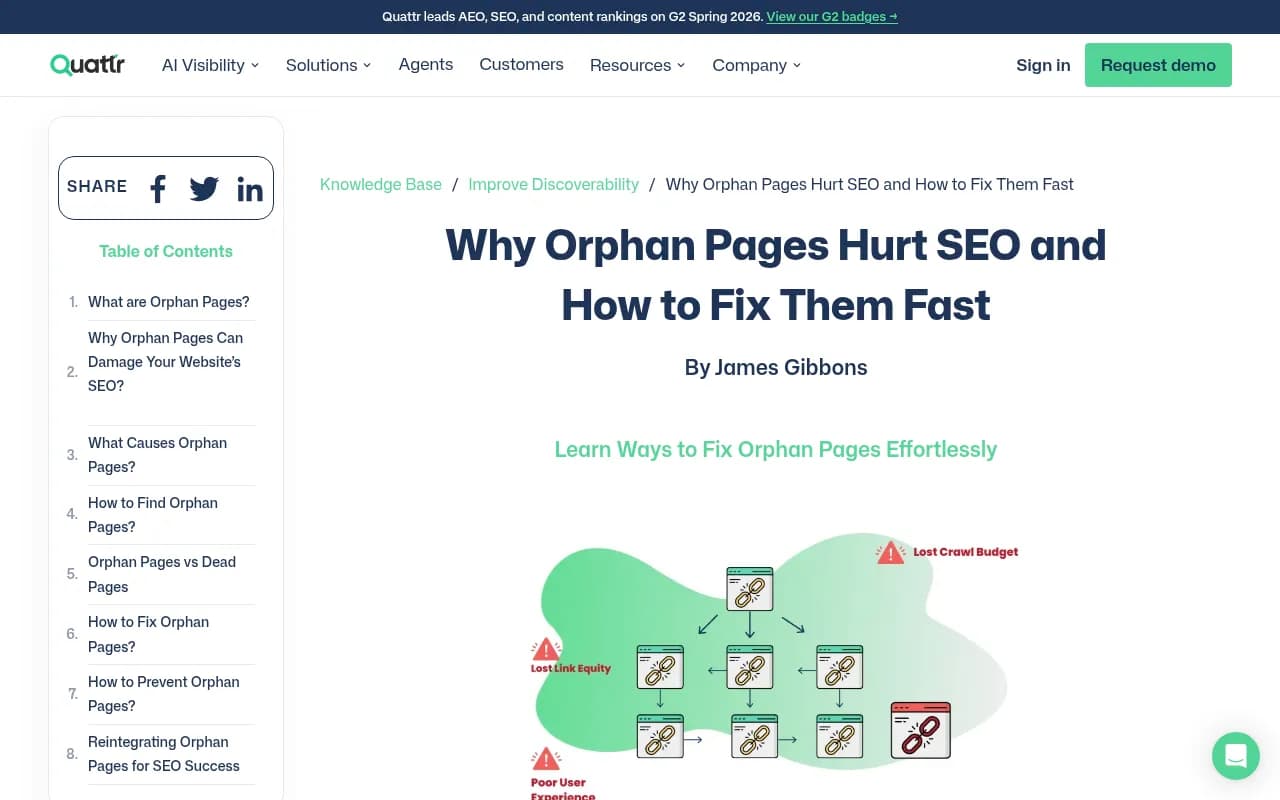
Screaming Frog describes an orphaned page as one that cannot be reached by following the internal links of a website, and its internal linking audit tutorial walks through the crawl-plus-sitemap comparison. For smaller sites, free options such as Webaloha's internal link analyzer crawl up to 100 public pages and export a CSV with linking pages, anchor text, depth and orphan candidates. On WordPress, plugins like OpptiAI Internal Linking scan for orphans and let you add a link after review.
Using the page-source column
If your audit shows how each page entered the crawl, use it. A page that appears only because it was in the sitemap, or only because Search Console knew about it, and never because a link led to it, is an orphan candidate. That one column does more work than most dashboards.
Reading the internal linking map
An internal linking map visualizes the link graph. The useful ones color pages by how well connected they are. Typical states you will see:
- Orphans, with zero inlinks
- Weakly linked pages, with only one or two inlinks
- Redirects and error pages that links still point to
- Well-connected hubs
The map answers three questions that a table cannot.
Is the structure shaped the way you think it is
Most teams believe they have a clean hub-and-spoke site. The map often shows a dense cluster around the homepage and blog index, then a thin scatter of pages hanging off a single link. Those thin pages are usually your newest content.
Where are the dead ends
Pages that link to nothing else trap crawlers and readers. A pricing page with no links out to docs or comparison pages is a common example.
Is link equity going to the right place
If your most commercial pages have two inlinks and an old press release has 200, that is a prioritization problem, not a crawling problem. Siteimprove's guide makes a similar point: an audit should map your internal links, flag broken or redirected ones, and identify pages with weak link structures.
A weekly triage routine
Here is the routine I would run on Tuesday morning, in about 20 minutes.
- Check the score delta. If it fell sharply, find the cause in the changed list before anything else.
- Look for new orphans. A new orphan usually means a recent publish or template change.
- Check whether any important page lost inlinks. Navigation edits do this silently.
- Look at broken links and redirect chains. Fix links pointing at redirects, since those waste crawl effort.
- Compare against crawler logs. If a page is clean in the audit but no AI bot ever fetches it, the problem is elsewhere.
- Assign the rest. Content issues go to content, template issues go to dev, and everything gets a name and a date.
Fixing an orphan, in order of preference
- Link it from a relevant hub, category, or service page, in the body copy, not only the footer
- Add it to related-content modules and breadcrumbs
- Merge it into a stronger page and redirect if it is thin or duplicate
- Delete or noindex it if it has no reason to exist
Pushleads says fixes can show ranking gains within one to two crawl cycles. Take that as optimistic marketing. The mechanics are real, though: a newly linked page gets discovered and re-crawled faster.
Connecting the audit to AI crawlers and citations
A clean audit tells you that a page is reachable in principle. It does not tell you whether AI bots actually fetch it or whether anything cites it. Promptwatch's crawler data makes the point that you should compare your own logs with the overall crawler mix. If a provider is large in the chart but near zero in your logs, you are probably blocked or unreachable for it. Check robots.txt, CDN and WAF rules for every provider, not only Google.
It also helps to know what is worth protecting. Promptwatch Data's content half-life study tracked every page ChatGPT cited on July 6, 2026 for 90 days. After 60 days, 69% of landing pages and 67% of docs were still cited, against 55% of product pages. News lost half its pages within 36 days. The takeaway for an audit: landing, docs and pricing pages are long-term citation assets, so a broken link or orphaned docs page costs you more than a stale news post does.
Tools that cover the audit side
Several platforms bundle audits with AI visibility tracking. I did not compare their health-score methods or email formats, so check each one's sample report before committing.
Promptwatch runs weekly site audits with 21 checks, a health score, a what-changed view, an internal linking map that colors orphans and weakly linked pages, and IP-verified AI crawler logs alongside citation data. That combination lets you tell an access problem from a content problem. Its crawler log feature covers the logs side.
Search Atlas is an all-in-one SEO platform, and its orphan page guide is one of the sources behind this article.

Botify is aimed at enterprise technical SEO teams who need large-scale crawling.
InLinks automates entity-based internal linking, which helps once you have identified the orphans.
Semrush and Ahrefs both include site audit modules with their own scores and scheduled reports.
| Tool | Strength for this workflow | Worth checking |
|---|---|---|
| Promptwatch | Audit, linking map, crawler logs and citations in one product | Plan limits on audited pages |
| Search Atlas | Broad SEO suite with AI features | Depth of AI crawler data |
| Botify | Enterprise-scale crawling | Cost and setup for smaller teams |
| InLinks | Automating link insertion | Needs an orphan list from elsewhere |
| Semrush / Ahrefs | Familiar scheduled audits | AI crawler visibility is limited |
For wider options, the GEO software directory lists more platforms to compare.
Common mistakes with weekly audits
- Chasing a perfect score. Some checks do not matter for your site.
- Auditing only sitemap pages, which hides orphans by design.
- Ignoring weakly linked pages because they are not technically orphans.
- Fixing links in the footer only. Body-copy links carry more context.
- Letting the email pile up unread. If nobody owns it, switch it off or assign an owner.
- Treating audit health as a proxy for AI visibility. It is a prerequisite, not a result.
Final word
The weekly audit email earns its place when it triggers one or two specific fixes every week. Start with the delta, hunt for new orphans, and keep your commercial and docs pages well linked. Then check your crawler logs to confirm the bots you care about can actually reach them.
If you want a baseline first, Promptwatch's free AI visibility report includes a crawler access check, and there is a 7-day free trial on monthly plans. Confirm current plan details at promptwatch.com/pricing.