Key takeaways
- ChatGPT ads went from zero to appearing in an average of 20.1% of search-enabled responses over the past 90 days, with a recent 30-day average of 29.6% and daily peaks near 44%, per Promptwatch Data.
- Most ad volume lands on organic, non-branded prompts (73.3%), not branded searches, so a tool that only checks your brand name will massively undercount ad exposure.
- OpenAI's own Ads Manager only shows you your own campaigns. Seeing what competitors are running requires a tool that captures the live ChatGPT interface directly.
- Dedicated "Ads Radar" style modules now exist at Promptwatch, RadarKit, Trendos, Otterly.AI, SE Ranking, and Adthena, with meaningfully different scope, pricing, and depth.
- Paid placement and organic citation are mostly separate games. SE Ranking found advertisers get cited organically in only about 3.6% of their own ad placements, so a good tool reports ads as a distinct layer rather than folding them into one visibility score.
Why ads inside AI search suddenly matter
For most of 2025, nobody budgeted for "ChatGPT ad spend" because there wasn't one. That changed fast. OpenAI started testing ads in mid-January 2026, rolled them into live search results in US accounts by February, and by August had expanded sponsored placements to the UK, Mexico, Brazil, Japan, South Korea, and 31 European countries. Canada, Australia, and New Zealand got them in March.
If you run paid media or just care about where your brand shows up when someone asks ChatGPT a buying question, this is no longer a hypothetical. Promptwatch's own tracking of ChatGPT ads over the past 90 days (May 20 to August 17, 2026) shows the ad rate climbing in distinct bursts rather than a smooth ramp: a spike on June 25-26, then a jump past 30% on July 1 that stuck. The 7-day average sat at 32.4% as of mid-August, up 12.5% from the week before. On a bad (or good, depending which side you're on) day, 43.9% of responses carried an ad.
I find the prompt-type breakdown more interesting than the headline number. Of ad-bearing responses, 73.3% showed up on organic, informational-style prompts. Only 18% were on brand-specific searches and 8.6% on direct competitor comparisons. That matters because a lot of teams instinctively check their own brand name in ChatGPT and call it a day. If most of the ad action is happening on generic category prompts, a brand-name-only check tells you almost nothing about your actual exposure.
Why you can't just check this manually
Three things make manual spot-checking almost useless for tracking ads in ChatGPT:
OpenAI does not show ads to Plus, Pro, or Business account holders, or to users under 18. If your whole team checks from paid seats, you will see nothing and conclude there are no ads running, which is wrong.
Ads attach per response, not per prompt. Run the exact same query twice and you might get an ad once and nothing the second time. A single check tells you almost nothing about the actual rate.
Ads render by market and language. A check from your New York office says little about what a user in Mexico City or Seoul sees, especially now that the surface has expanded to over 30 new countries.
This is the case for a dedicated tool that runs scheduled checks across markets rather than someone refreshing ChatGPT by hand once a week.
What a real Ads Radar feature should capture
Before comparing tools, it's worth being specific about what "tracks ads" should actually mean, because the term gets used loosely. A useful ads module captures the advertiser and their domain, the ad headline and copy, the landing page URL, the model and market it appeared on, and the date. It should let you segment by prompt type (branded, competitor, generic) rather than lumping everything together, and it should keep ad data as its own layer instead of blending it into a general visibility score, since paid and organic presence rarely overlap much.
Who's actually tracking sponsored AI search results
Promptwatch
Promptwatch launched its Ads Radar feature on August 11, 2026. For each ad it detects, it records the creative and headline, the ad copy, the model, the advertiser's domain, and the date seen. The dashboard gives you three views: ads per day as a volume trend, a ranked list of top advertisers, and a searchable ad table you can filter by advertiser, ad type, or date, viewable either by ad or by prompt. The "by prompt" view is genuinely useful here, since it shows exactly which of your tracked prompts are valuable enough that competitors are paying to show up on them, which doubles as a signal for where to prioritize organic content.
Monitoring can be scoped to country, language, and optionally down to US state or city level using geo-located residential proxies with matching browser locale and timezone, which addresses the market-specific rendering problem directly. Data refreshes daily by default and is accessible via REST API and MCP on paid plans.

One thing worth flagging for buyers: third-party pricing comparisons (via Orchly) list Promptwatch's shopping-specific ad data as bundled into the $579/mo Business tier, while Promptwatch's own blog post describes Ads Radar as available on all plans starting at $95/mo Essential. It's likely that basic ad detection is broad-tier while the deeper shopping-card and SKU-level ad data sits higher up. Worth confirming directly against your plan before you budget around it.
RadarKit
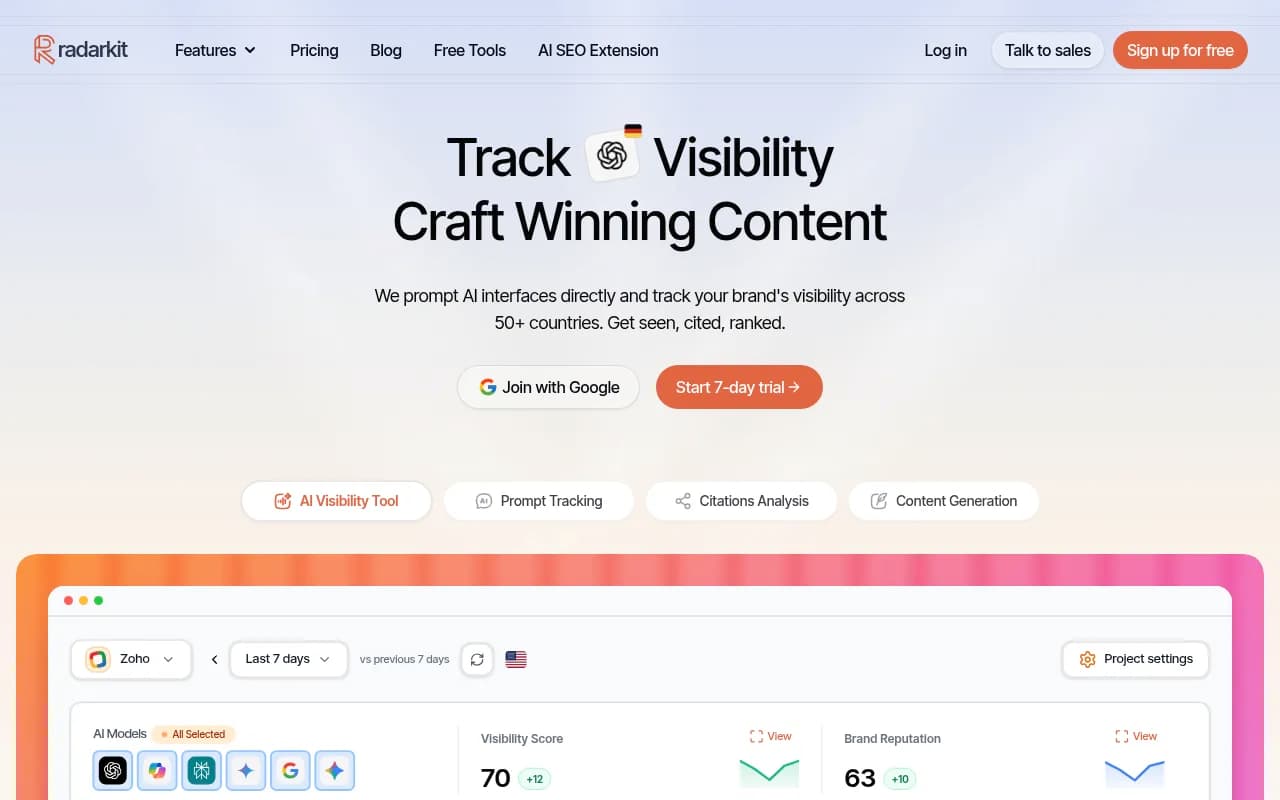
RadarKit (radarkit.ai) takes a different structural approach: it ships three separately named modules, Ads Radar, Shopping Radar, and Local Radar, covering sponsored placements, shopping results, and local business recommendations across six models including ChatGPT, Google AI Mode, AI Overviews, Copilot, Perplexity, and Gemini. Unlike most competitors, all three Radar modules are included even on its cheapest Lite plan at $29/mo, though that tier only refreshes every 72 hours. The $79/mo Growth and $139/mo Pro tiers move to daily refresh with more prompts and projects.
Trendos
Trendos markets its Ad Radar as the first tool built specifically to reveal which competitors are paying for sponsored placement inside ChatGPT answers. It tracks four data points per ad: impression share (the percentage of monitored runs where that advertiser's ad appeared), the ad title, the description, and the final landing URL. It's explicitly ChatGPT-only for now, by its own FAQ, with Google AI Overview, Perplexity, and Gemini ad tracking still on the roadmap.
Otterly.AI
Otterly.AI folds ChatGPT ad tracking, including Shopping Cards, into every Brand Report on every plan at no extra cost rather than selling it as a separate module. It captures the advertiser brand, destination link, ad copy, and the product details behind Shopping Cards (price, retailer). The tradeoff is that ad data sits inside the same report as citations and mentions rather than getting its own dedicated view.

SE Ranking
SE Ranking buries ad detection inside Competitive Research > AI Search > Prompts > Ads, with no separate subscription needed. What makes SE Ranking worth mentioning here is its own research: an analysis of over 50,000 commercial prompts across 20 niches found ChatGPT shows a paid placement on 25.94% of commercial prompts, roughly 1 in 4, with 1,159 unique advertisers detected. The same research found the advertiser behind a given ad also shows up organically in only 3.63% of those placements, and that ChatGPT currently shows just one sponsored card per answer.
Adthena
Adthena positions its ChatGPT Ads Intelligence as an enterprise, whole-market tracker monitoring over 300,000 daily prompts. Its standout feature is a "greenfield filter" that surfaces prompts where neither you nor your competitors are advertising yet, framed as early-mover opportunities before the space gets crowded. It also tracks competitor ad copy themes and week-over-week entry and exit, which is useful if you're trying to understand a market rather than just your own exposure. Adthena claims to have tracked ChatGPT ads since the January 2026 pilot.
Comparison table
| Tool | Starting price | Ads tracking scope | Shopping/SKU data | Notable differentiator |
|---|---|---|---|---|
| Promptwatch | $95/mo | Multi-model, by advertiser and by prompt | Business tier ($579/mo) | Geo-scoped to state/city, API and MCP access |
| RadarKit | $29/mo | 6 models including Copilot, Gemini | Included on every tier | Ads/Shopping/Local Radar on cheapest plan |
| Trendos | Not published | ChatGPT only | No | Impression-share per advertiser |
| Otterly.AI | Included in plans | ChatGPT only | Yes, with Shopping Cards | Bundled into every Brand Report, no add-on |
| SE Ranking | Included in plans | ChatGPT only | No | Published research on ad frequency and overlap |
| Adthena | Enterprise, free trial | ChatGPT, whole-market monitoring | No | "Greenfield" opportunity filter |
What to actually look for before you buy
First, check whether the tool captures ads from the real ChatGPT interface rather than an API, since the ads surface doesn't show up in API responses at all. Every tool in this guide does this correctly, but it's worth confirming for anything new you evaluate.
Second, ask how it segments by prompt type. Given that 73% of ad volume lands on generic, non-branded prompts per Promptwatch's data, a tool that only lets you track your own brand name is going to miss most of what's happening.
Third, look at refresh frequency against your market coverage. A tool checking once every three days across five countries is giving you a much thinner picture than one refreshing daily in the two markets you actually care about.
Fourth, decide whether you need the "who's advertising on prompts I care about" view (most tools) or the "where is nobody advertising yet" view (Adthena's greenfield filter, and something Promptwatch's by-prompt ad table lets you infer manually). Both are useful, but they answer different questions.
Finally, don't treat ad presence as a proxy for organic visibility. SE Ranking's 3.63% overlap figure is the clearest evidence that paid and organic are separate battles in ChatGPT right now, so pick a tool that keeps the two data types distinct rather than merging them into a single score that obscures what's actually happening.
If you want a broader sense of the category beyond just ads tracking, the GEO software directory at bestgeosoftware.com is a reasonable place to browse more AI visibility platforms side by side, and ai-rank-tools.com focuses specifically on rank-tracking style tools if that's closer to what you need.