Key takeaways
- Country and language are separate settings. Each market needs both, and each tracked prompt set should hold one country and one language so a gain in Germany can't hide a loss in France.
- Vendors differ most in how they set location (real interface plus proxies, location parameters, or servers) and in which plan unlocks extra markets. Check both before you quote a client.
- Extra markets often sit behind Enterprise tiers or per-location add-ons. AthenaHQ Starter has one region and one language, and Semrush charges $99/month per extra Brand Performance location.
- Pricing and limits below are vendor-reported unless noted. I did not independently test how accurately any tool localizes results, and I couldn't find an independent test either. Run a small pilot before you commit.
Why multi-market tracking is harder than it looks
Tracking one brand in one English-speaking market is easy. Tracking forty clients across Germany, Belgium, France and the US is a different job. The answers ChatGPT or Google AI Overviews give a user in Paris can differ from the ones a user in Brussels gets, even when both ask in French.
There is also a competition problem. According to Promptwatch Data's average sources per response report, ChatGPT cites about 5 sources per web-search answer, while Google AI Overviews and Perplexity cite about 10. Fewer citation slots in ChatGPT means every market's prompt set is more competitive there, so measure each engine separately per market. That report has no per-country or per-language split, so treat it as a reason to segment, not a benchmark for any single country.
Country and language are two settings
This is the part most comparison articles skip. Country controls where the engine thinks the user is. Language controls how the prompt is asked and answered. A Belgian French monitor needs Belgium as the country and French (Belgium) as the language, not just "French".
Tools set the country in roughly three ways:
- Routing requests through servers or residential IPs in the target country
- Matching the browser locale and timezone
- Passing a location parameter where the engine accepts one
Most vendors don't document which they use. That matters, because you can't tell whether a result reflects a real local user. Ask the sales rep directly, and ask whether the tool scrapes the live interface or calls an API. Vendors that scrape live interfaces argue the answers differ from API outputs in localization, ordering and citations. That is a vendor claim, but it is cheap to test: run the same ten prompts in the tool and by hand through a VPN and compare.
What agencies need beyond country support
A brand buys one workspace. An agency buys a delivery model. For multi-market work, I'd check these things:
- One country and one language per monitor, fixed once created, so time series never blend markets.
- Prompt lists you build from real customer questions in each market. Word-for-word translation of English prompts is a weak start, because local users phrase things differently, use local brand names and compare against local competitors.
- Client workspaces with isolated data, so one client's competitive set never leaks into another's dashboard.
- Reports a client can read without logging in, ideally per market.
- City-level targeting for clients with local intent, such as franchises and multi-location retail.
- A plan structure where extra markets don't triple your cost.
Country and language support compared
The table below uses vendor-reported figures from a vendor comparison checked in October 2026. Treat the competitor columns with care, since the source is published by a tool maker.
| Tool | Countries | Languages | How extra markets are sold |
|---|---|---|---|
| Promptwatch | Per monitor (country, language, optional city in any country or US state) | Per monitor, including regional variants like French (Belgium) | Every plan, from $95/mo |
| Profound | 80+ via servers and proxy networks | Not specified | Enterprise, custom regions; trial includes one region |
| Scrunch | 88 for the primary country; any country per prompt | Any language | Not specified; plans from $250/mo |
| Semrush AI Visibility Toolkit | 220+ countries and territories for Prompt Tracking | Not specified | $99/mo for 25 prompts |
| SE Ranking (SE Visible) | 7 | 5 | From $99/mo |
| AthenaHQ | Single region on Starter | Single language on Starter | Multiple on Enterprise (custom) |
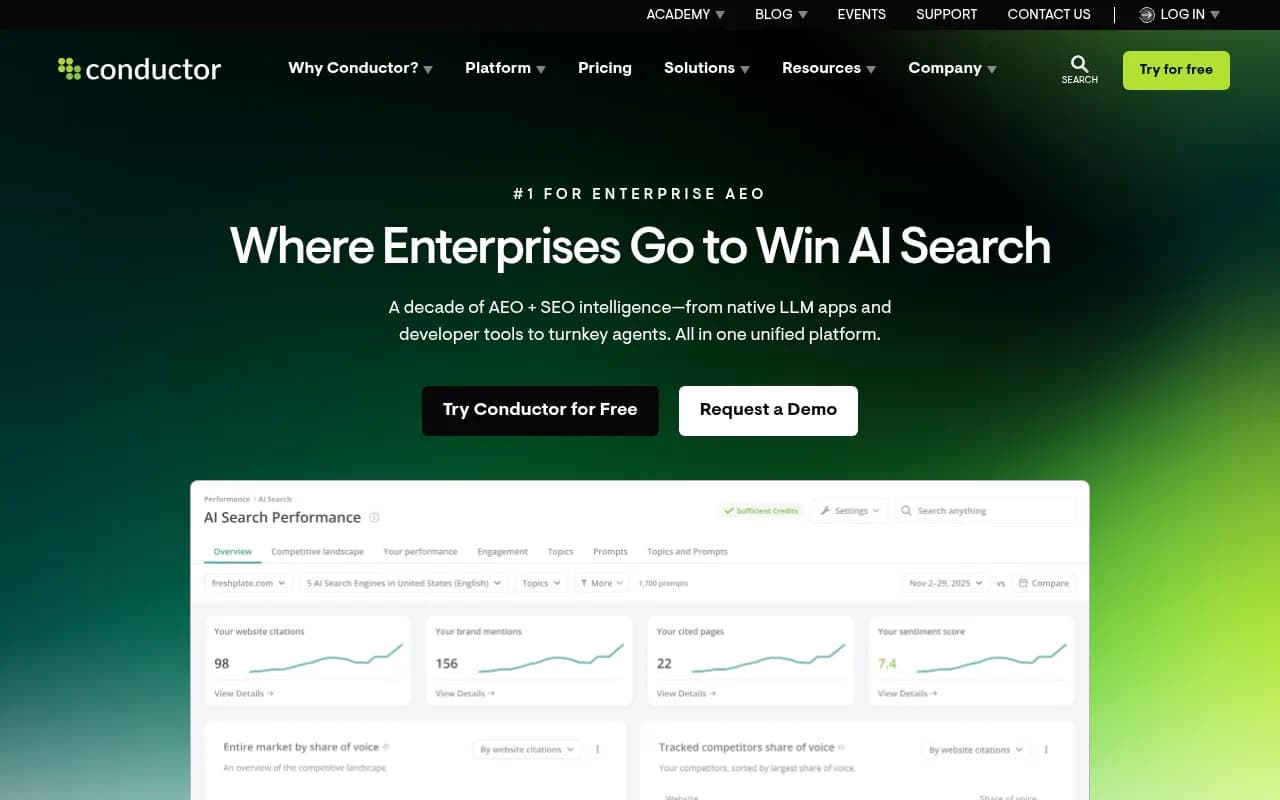
| Conductor | 160+ with city-level tracking | Not specified | Enterprise |
Conductor's figure comes from Profound's agency roundup. Peec AI is listed as having country tracking in both the Gauge and Profound roundups, but I could not verify its limits.
The tools in detail
Promptwatch
Promptwatch is the tool I'd look at first for this specific job, mainly because the market is a first-class object. You create a monitor per market: for example "DE, German", "FR, French, Paris" or "BE, French (Belgium)". Each monitor runs daily across the engines you choose and records brands named, position, sentiment, cited URLs and query fan-outs. Because it monitors the real interfaces of ChatGPT, Google AI Overviews, AI Mode, Gemini, Perplexity and others, answers reflect what a local user sees rather than an API response. City targeting works in every country; state targeting is US-only.
For agencies, the plans are Kick-off at $199/mo, Growth at $399/mo and Scale at $799/mo, with unlimited client projects and prompts. Brand plans start at Essential ($95/mo, 50 prompts), Professional ($245/mo, 150 prompts) and Business ($579/mo, 350 prompts), with country, state and city tracking included. Confirm current pricing at promptwatch.com/pricing.
Other pieces that help in multi-market delivery: a Visibility by Country world map on dashboards (released August 28, 2026), per-monitor PDF reports, and content gap analysis that tests each prompt's fan-out sub-queries against your indexed pages, which shows which local questions a client's site doesn't answer. Business and Scale tiers add local targeting at exact coordinates and faster-than-daily runs. It also goes past tracking: IP-verified AI crawler logs show whether bots in any market can read the client's site. See the agency page and the GEO for agencies guide for setup detail.

Profound
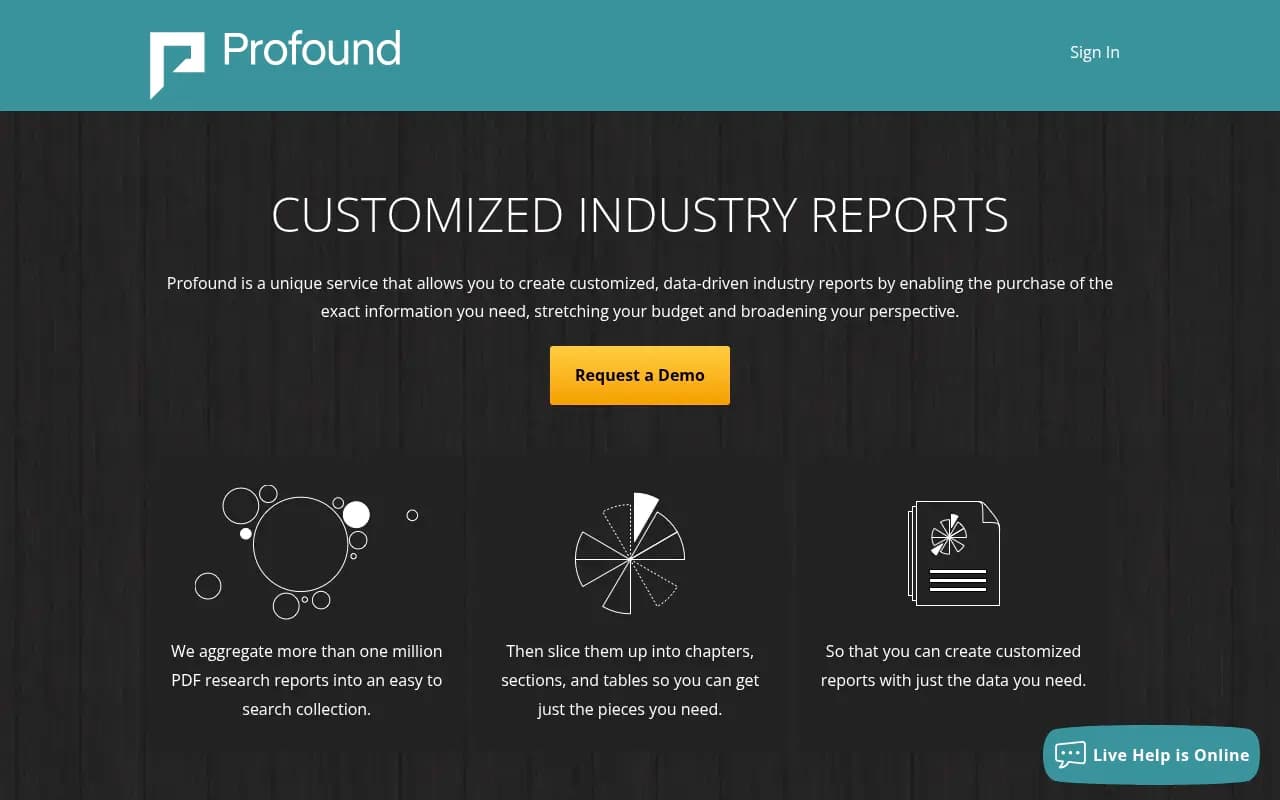
Profound runs an Agency Mode with client workspaces and pitch environments, and tracks all the main engines daily. Its location coverage is reported at 80+ countries, but extra regions go through Enterprise and the trial includes only one. It fits agencies whose delivery team is technical and wants to configure the tooling itself. Expect a higher price point than the mid-market tools.
Scrunch
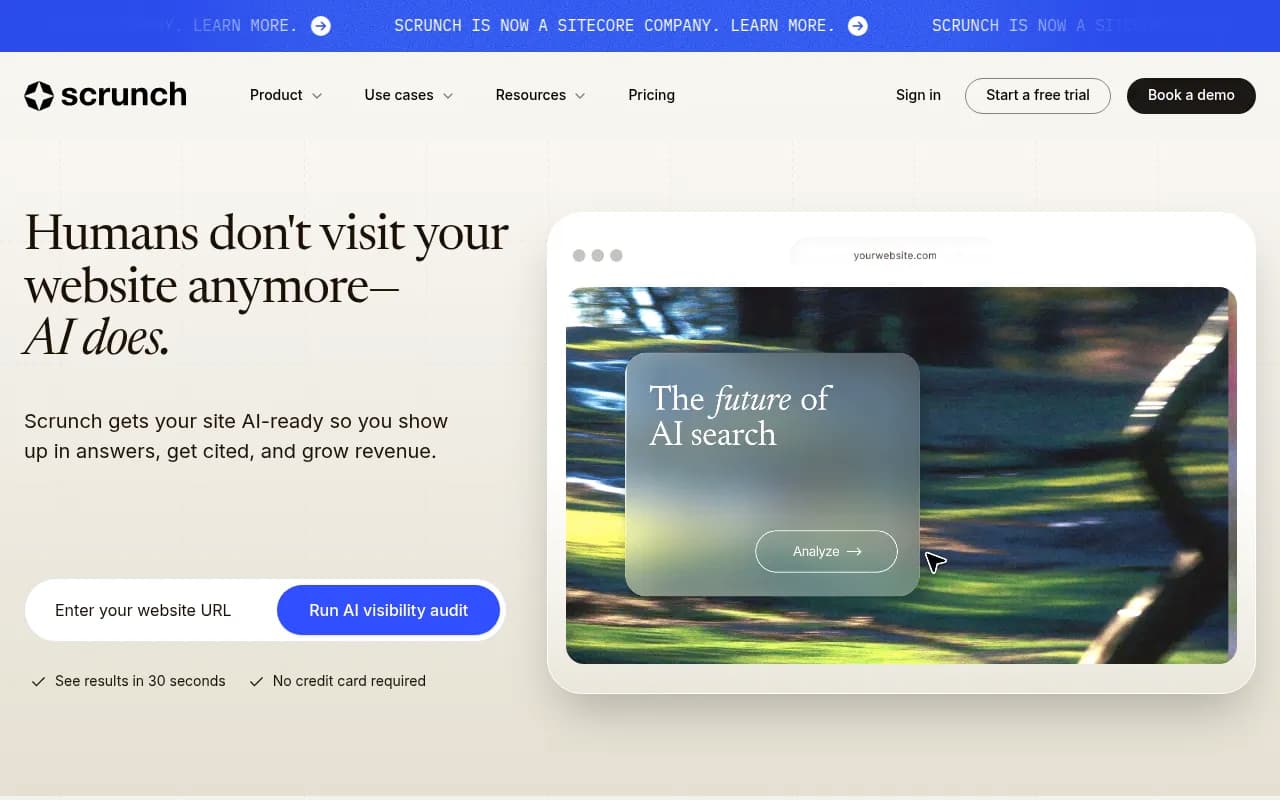
Scrunch lets you set any country per prompt, with 88 countries for the primary setting and any language. That per-prompt flexibility is useful when one client sells in several markets and you want a single prompt set. Plans start from $250/mo. The agency program is known for referral economics.
Semrush AI Visibility Toolkit
Semrush lists 220+ countries and territories for Prompt Tracking at $99/month for 25 prompts, plus multi-client monitoring and white-label reporting. The catch: the research shows a $99/month charge per extra Brand Performance location, and the toolkit is priced per domain, so costs climb quickly across a roster. It makes the most sense if your agency already lives in Semrush.
Peec AI
Brandlight's roundup puts Peec AI at $205/month with unlimited seats and calls it the best per-client economics for agencies with 10 to 50 clients. Brandlight is a competitor and I couldn't verify that on Peec's site, so check it yourself. Country tracking is listed in two independent roundups.

SE Ranking (SE Visible)
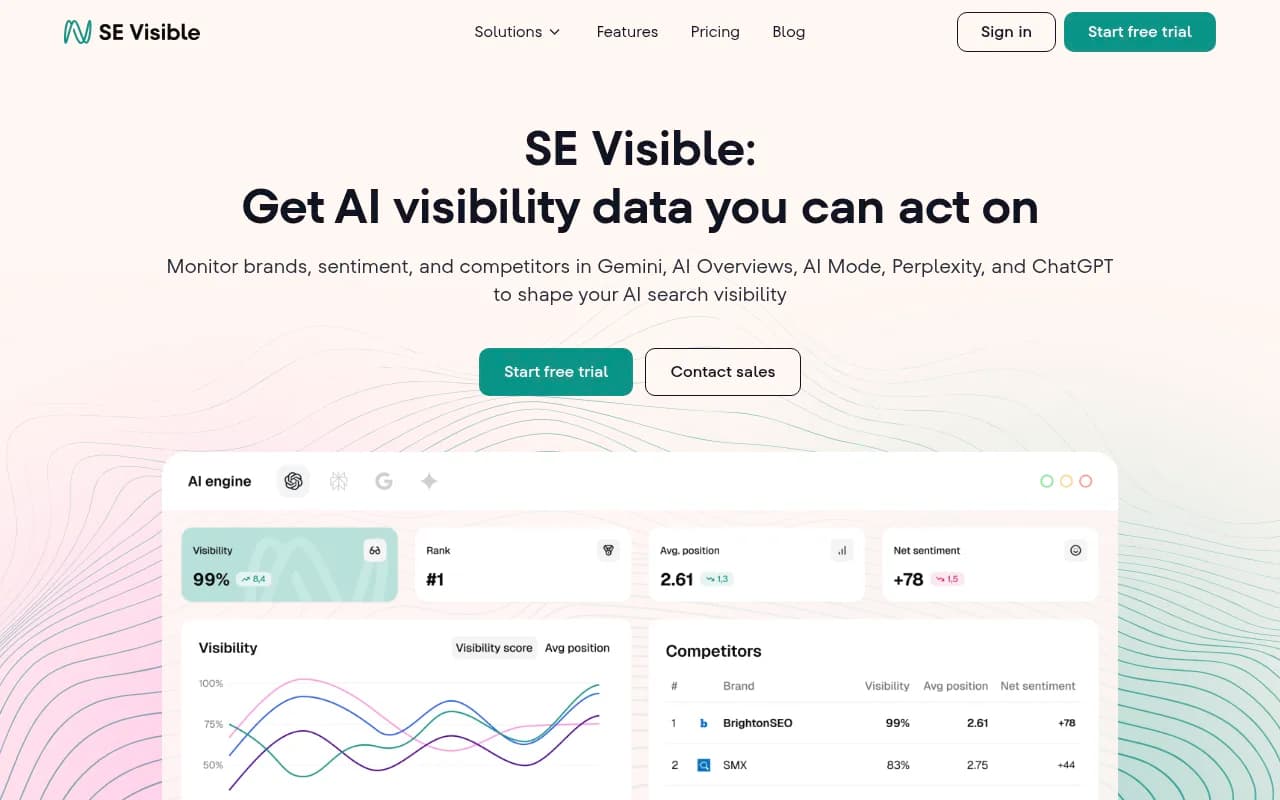
SE Visible covers 7 countries and 5 languages across ChatGPT, Gemini, AI Mode, Perplexity and AI Overviews, from $99/mo. That is narrow for an international roster, but fine for agencies serving a handful of core markets who already use SE Ranking.
AthenaHQ
AthenaHQ's Starter plan includes one region and one language. Multi-market support is Enterprise only, with custom pricing. That is the clearest example of markets being gated behind a tier.
Conductor
Conductor reportedly covers 160+ countries and city-level tracking, aimed at large enterprise clients. It's an organic marketing platform first, so expect a heavier implementation than a pure visibility tool.
Brandlight
Brandlight is positioned as a platform plus a partner: a strategist, analyst and customer success lead who help deliver market rollout and work on publisher and retailer surfaces. It suits enterprise client delivery where the retainer covers governance. For agencies that only want self-serve tracking, it is more than you need.

Which tool fits which agency
Brandlight's own FAQ splits the market by roster size, and the split is reasonable even though the source is a vendor:
- Solo or small agencies can look at OpenLens, which is described as having a free multi-tenant tier with free client logins. I did not verify its current limits.
- Agencies with 10 to 50 clients should compare Peec AI with Promptwatch's Growth plan, mostly on how each handles extra markets.
- Enterprise delivery across many countries points to Conductor, Profound or Brandlight, depending on whether you want to self-serve or buy a partner.
- Agencies already deep in a suite may find Semrush or SE Ranking cheapest to start with, as long as the market limits fit.
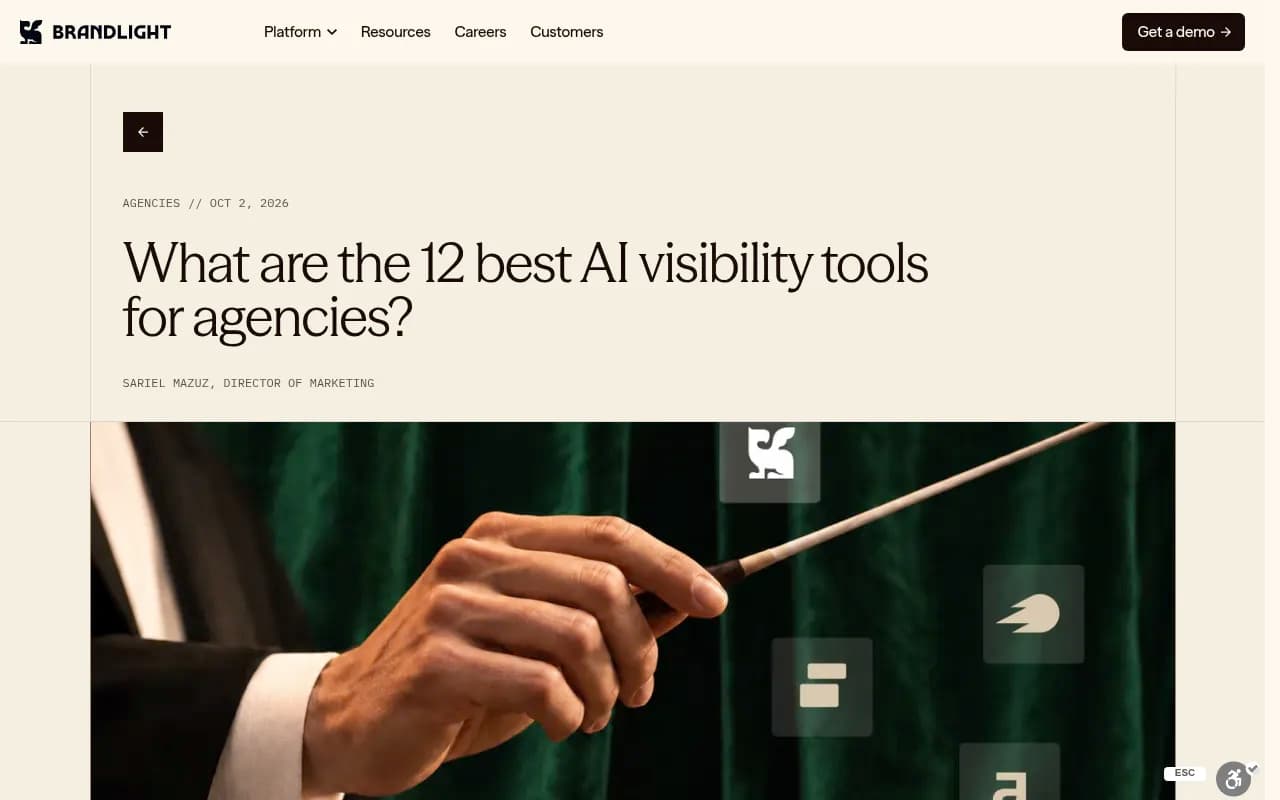
The screenshot above is Brandlight's agency roundup, which sorts platforms by roster size. Useful as a second opinion, though remember Brandlight sells one of the tools it ranks.
How to set up a multi-market tracking program
Step 1: define markets per client
List every country-language pair the client actually sells in. Don't track a market because the tool supports it. Belgium may need two monitors (Dutch and French) while Switzerland may need three.
Step 2: build local prompt lists
Pull questions from support tickets, sales calls, local Search Console queries and People Also Ask in each language. Then compare against a translated English list to see how different they are. In my experience the overlap is smaller than clients expect.
Step 3: keep markets separate
One monitor per market, never a blended average. Report each market on its own and roll up only for the executive summary.
Step 4: pilot before you commit
Pick a client, set up the same ten prompts in two tools, and compare against manual checks through a VPN. Look at brand order, cited domains and whether local competitors appear. This is the only accuracy test available, since no independent benchmark exists.
Step 5: check crawler access per market
If a client's site geo-blocks or redirects by IP, AI crawlers may never see the localized pages. Crawler logs or a free tool like the Agentic Readiness Check catch this early.
Step 6: report per market
Send clients per-market views: visibility, position, sentiment and the top cited URLs. Per-monitor PDFs or white-label exports save hours each month.
Pricing traps to watch
- Per-location add-ons: Semrush's $99/month per extra Brand Performance location adds up fast across a roster.
- Enterprise gates: Profound and AthenaHQ put extra regions or languages behind custom pricing.
- Prompt pooling: on brand plans, prompts and responses are pooled across the account, so ten markets can burn through 50 prompts in a day. Do the math: markets times prompts per market.
- Per-domain pricing: a client with four country domains may count as four domains.
Finding more tools
If none of these fit, the GEO software directory lists dozens more, and ai-rank-tools.com focuses specifically on AI rank trackers.
Where an agency partner fits
If you'd rather not build this in-house, 1001 SEO Media runs AI search and GEO programs for brands and uses Promptwatch as its visibility platform, which is useful if you need a white-hat partner for international rollouts.
Bottom line
Pick the tool whose market model matches how your clients sell. If you need many countries and languages without a custom Enterprise quote, shortlist tools that include them on standard plans, like Promptwatch and Scrunch, and test against manual checks. If you need heavy enterprise governance, look at Conductor, Profound or Brandlight. Whatever you choose, keep one country and one language per monitor, and verify the numbers yourself before the first client report goes out.