Key takeaways
- Dev tool buyers meet your brand in two places: chat assistants like ChatGPT, and coding agents like Claude Code and Codex that pick, install and build around a tool.
- Track four things for agents: whether you are in the plan, whether you are the default, whether the agent builds instead of buys, and how it describes you.
- In ChatGPT software prompts, docs, vendor sites and GitHub earn most citations (Promptwatch Data, Sep 28 to Oct 4, 2026). Crawlable docs matter more than review-site presence.
- Run the same 10 to 30 prompts on a fixed schedule, and compare runs only when prompts, brands and models match.
- Read Share of Voice, Position, self-citation rate and sentiment together. Each one points at a different kind of problem.
Why dev tools need their own tracking approach
A brand that shows up in ChatGPT answers can be invisible in Claude. That sounds obvious, but most generic AI visibility setups still lean on ChatGPT, Gemini and Perplexity and treat everything else as an afterthought. If your buyers are developers, that is a blind spot.
The bigger shift is what happens after the recommendation. When a developer types "set up the backend for my SaaS app" into Claude Code, the agent picks a database, writes the install command and builds around it. Nobody opens a comparison page. Nobody reads a G2 grid. Someone is choosing a stack right now, and the choice is made inside the terminal.
That is about as high-intent as a signal gets for a software company. It is also nearly invisible in your analytics, because the agent never sends a click. Your first sign might be a spike in signups from developers who say "my agent suggested you," or a slow drop you can't explain.
So tracking has to cover two surfaces:
- Chat assistants (ChatGPT, Claude, Gemini, Perplexity) where developers research, compare and ask for explanations.
- Coding agents (Claude Code, Codex) where developers delegate the build and the agent decides.
The prompts, the metrics and the competitor benchmarks are similar. The intent and the failure modes are not.
What to measure in chat assistants
Start with ChatGPT, since that is where most research prompts still land. For dev tools, the useful measurements are these.
Mentions and Position
Are you named at all, and how early? Being the fourth tool in a list of five is a different outcome from being the first. Track both the mention rate across your prompt set and the average position within the answer.
Citations and where they point
A mention without a citation to your own domain usually means the model knows you from training data or third-party pages, but is not reading your site. That is a content or crawlability problem, not a reputation problem. The distinction between mentions and citations is worth getting straight before you build a dashboard. Promptwatch's academy guide on citations vs mentions covers it.
Share of Voice against named competitors
For dev tools the competitor set is usually obvious: the two or three alternatives developers actually weigh against you. Track those, plus the "build it yourself" outcome (more on that below).
Sentiment and the claims AI makes
Models repeat claims. "Great docs, weak enterprise features" or "pricing jumps steeply at scale" will show up across many responses. Grouping those claims by theme (pricing, features, support, reputation) tells you what to fix and which pages are probably teaching the model the wrong thing.
What ChatGPT actually cites for software prompts
Before you decide where to invest, look at what ChatGPT cites when someone asks a software question. In Promptwatch's ChatGPT software citation data (organic software prompts, Sep 28 to Oct 4, 2026), the top domains by share of all software citations were:
| Domain | Share of software citations |
|---|---|
| github.com | 1.2% |
| learn.microsoft.com | 0.98% |
| g2.com | 0.73% |
| docs.aws.amazon.com | 0.41% |
| docs.cloud.google.com | 0.35% |
| gartner.com | 0.34% |
| capterra.com | 0.32% |
| intercom.com | 0.28% |
| zapier.com | 0.24% |
By source type, docs and help centers earned 2.64%, vendor sites 2.01%, review sites and analysts 1.57%, GitHub 1.2% and app stores 0.47%. Vendor sites and docs together earn 4.65%, roughly three times what review sites and analysts get.
The percentages look small because citations are spread across a huge number of domains. The relative picture is what matters: for software prompts, your own documentation and your GitHub presence do more work than a polished listing on a review site. Keep docs crawlable, keep a public GitHub presence, and keep G2 and Capterra profiles current, in that order of effort.
Two more reports are worth a look if you publish a lot of content. Product pages are the most cited content type in ChatGPT overall at 22.4% (content type report), and landing pages and docs stay cited longest while news loses half its pages within 36 days (content half-life report). For a dev tool, that argues for investing in evergreen docs and product pages over news-style posts.
What to measure in Claude Code and Codex
Coding agents add a few questions chat assistants don't. These four cover most of it.
- Is your product in the plan? When the agent outlines an architecture, does your tool appear at all?
- Is it the default? First choice, an alternative, or a passing mention?
- Does the agent build instead of buy? Agents often write a custom solution rather than recommend any vendor. If that happens on prompts you should win, the lost share is to "DIY," not to a competitor.
- How does the agent describe you? Framed as the standard choice, a niche option, or a legacy one?
The third question is the one people forget. A vendor can look fine on a mention-rate chart while the agent quietly scaffolds its own auth layer, queue or analytics module every time. Add a tag or a note to your prompt set so you can count "no vendor named" as an outcome.
Writing prompts that look like real agent tasks
Developers don't ask agents "what is the best feature flag tool?" They say "add feature flags to this Next.js app" or "set up error monitoring and alerting." Write prompts in that voice, in three groups:
- Organic build prompts: "set up the backend for a SaaS app with auth and payments."
- Category prompts: "what should I use for background jobs in Python?"
- Competitor comparison prompts: "should I use X or Y for this?"
Then run each group through the agents and through chat assistants. The gap between the two is informative. If ChatGPT recommends you and Codex doesn't, the agent is probably leaning on different sources, or on what is in the repository and package registries rather than what is in editorial content.
A practical measurement setup
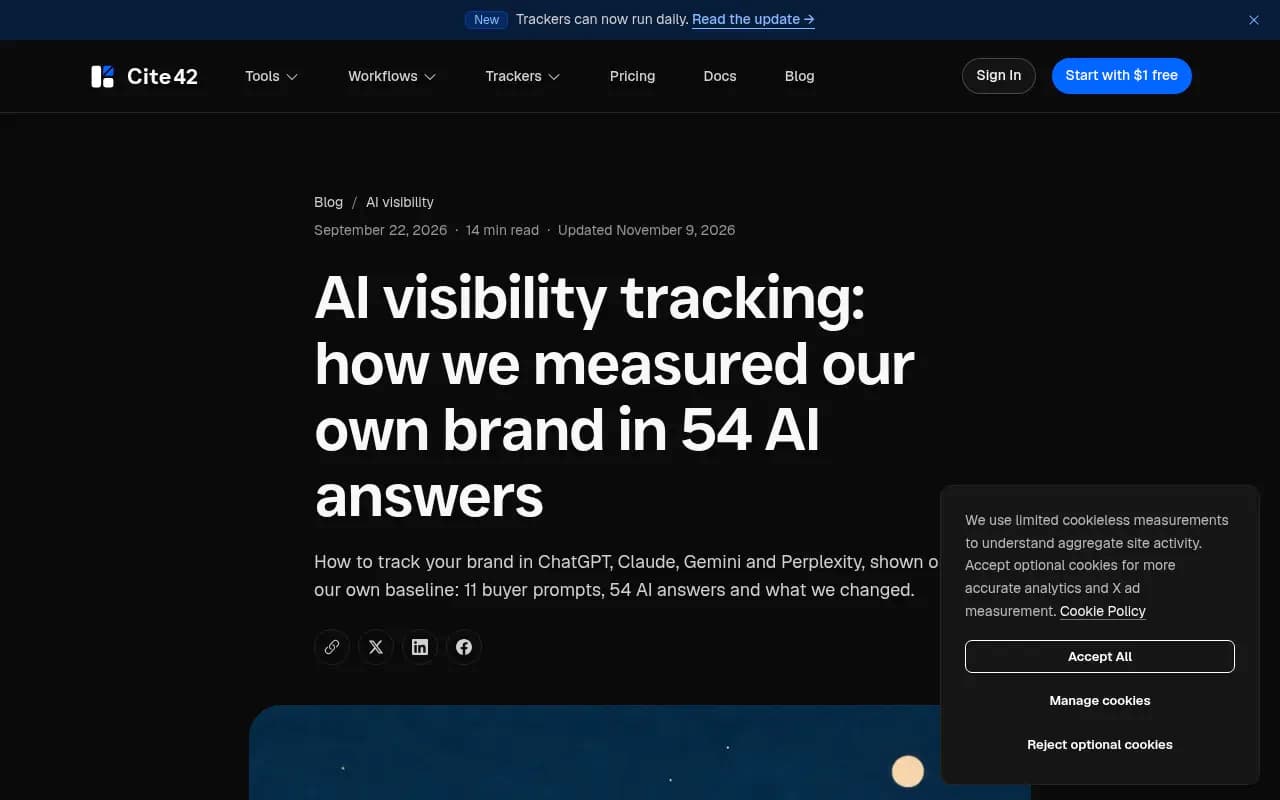
The method is the same whether you use a dashboard or a script. The Cite42 team's own baseline experiment makes a good illustration: they picked 11 buyer questions, ran them across five AI tools, got 54 completed answers and found their brand named in none of them. That is a useful, slightly humbling result, and the process that produced it is simple.
Step 1: Fix a prompt set
Pick 10 to 30 prompts and freeze the wording. Mix organic build prompts, category prompts and competitor comparisons. Changing wording between runs ruins the comparison.
Step 2: Define the brand list
List your product, two to five competitors, and any aliases. If your product name is also a common word, write down a rule for what counts as a mention, otherwise your numbers will be noise.
Step 3: Choose models deliberately
A sensible dev-tool setup pairs Claude Code and Codex with ChatGPT and one more chat assistant, so you can compare what developers hear in chat with what agents actually build. Keep the set fixed for at least a few weeks.
Step 4: Run a baseline, then repeat on a schedule
Daily is fine for a prompt panel. Weekly works if you are doing it by hand. What matters is that prompts, brands and models match between runs.
Step 5: Read the metrics together
No single number is enough. The combination tells you where the problem is:
| Symptom | Likely problem | First thing to check |
|---|---|---|
| Low Share of Voice | Coverage | Do you have pages for the prompts being asked? |
| Mentioned late in answers | Prominence | Comparison and "best for" content, third-party mentions |
| Mentioned but rarely cited on your own domain | Content or crawlability | Docs access, robots rules, rendering |
| Cited but with weak sentiment | Reputation | The claims models repeat and the pages behind them |
| Agent builds its own solution | Build vs buy | Quickstarts, SDK clarity, install friction |
The metric definitions behind these are in Promptwatch's academy guides on Visibility Score and Share of Voice.
Tools for tracking dev tool visibility
You can do a baseline by hand in an afternoon. Past that, a tool saves you from running the same prompts every week.
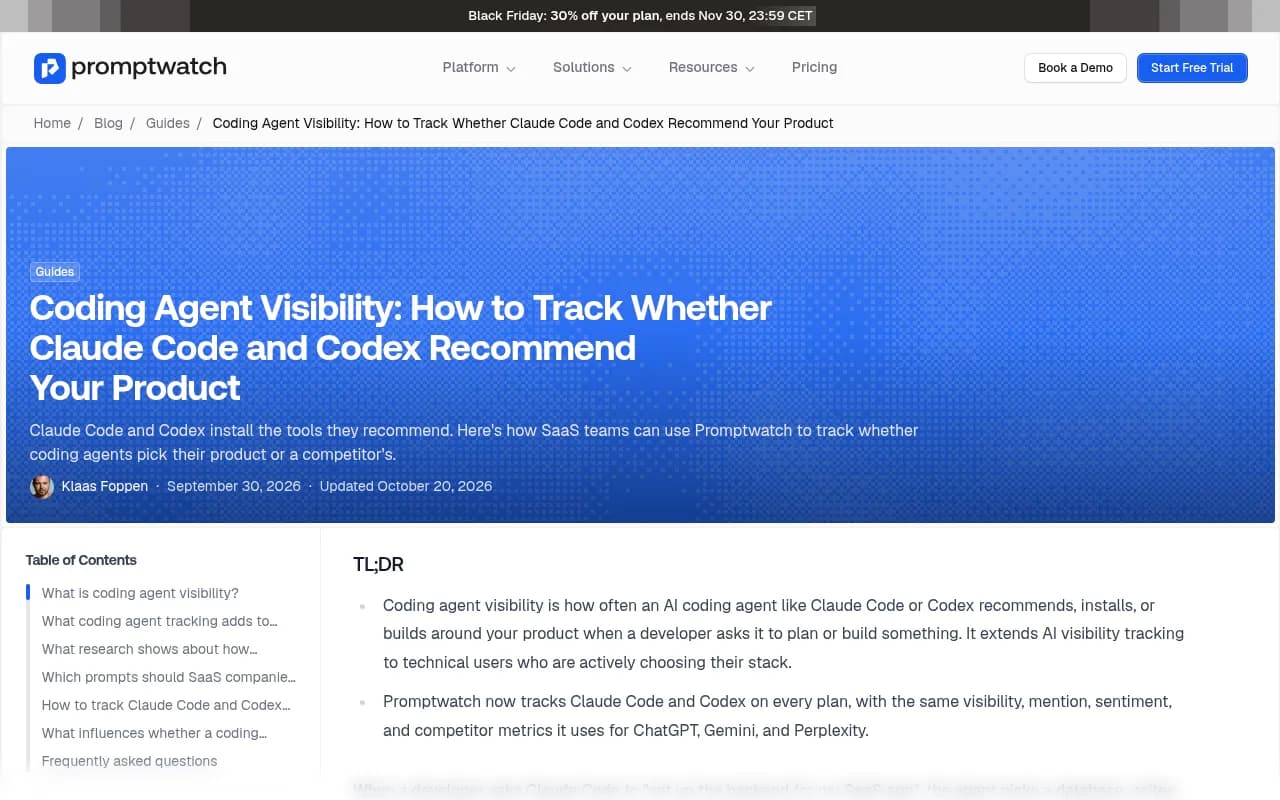
Promptwatch tracks Claude Code and Codex as models next to ChatGPT, Gemini and Perplexity, with the same visibility, mention, sentiment and competitor metrics. A competitor heatmap shows which tool an agent picks, prompt by prompt. It also logs AI crawler visits to your docs, so you can tell whether a bot is failing to read a page or reading it and not citing it. That access-versus-content distinction is the one dev tool teams most often get wrong. Its coding agent visibility guide walks through the setup.

Other options worth a look, depending on budget and scope:
Gauge is pitched specifically at developer tool companies and tracks Claude using a web-search-enabled approach meant to reflect what users see in the interface.

Peec AI is a straightforward prompt tracker for teams that want monitoring without much else.

Profound is the enterprise-priced option with deep monitoring.
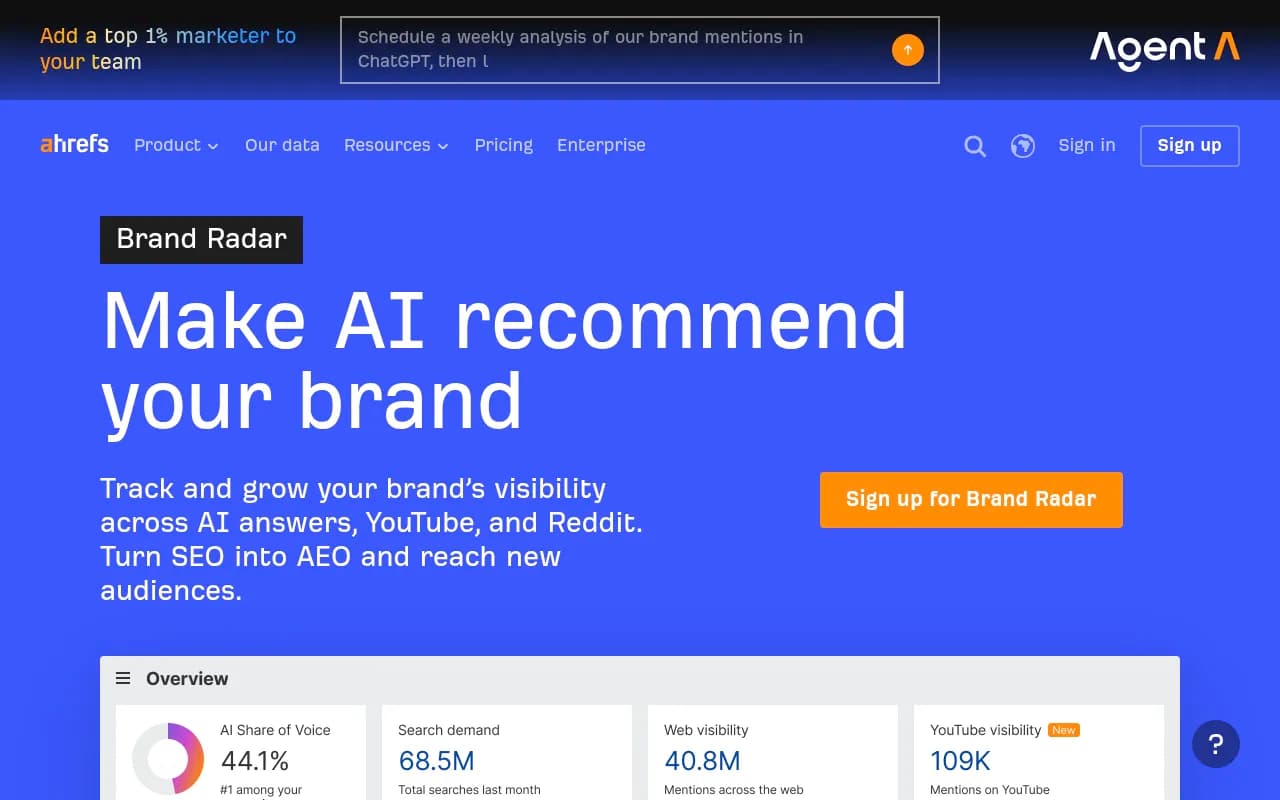
Ahrefs Brand Radar suits teams already living in Ahrefs who want AI mentions next to their SEO data.
Otterly.AI is a low-cost monitor for small teams.

| Tool | Tracks coding agents | Crawler logs | Content execution | Best for |
|---|---|---|---|---|
| Promptwatch | Claude Code, Codex, OpenCode | Yes, IP-verified | Content Agent and CMS publishing | Dev tool teams that want to track and fix |
| Gauge | Claude via web-search API | Not a focus | Limited | Dev tool companies wanting prompt-level intelligence |
| Peec AI | Chat models | No | No | Simple prompt monitoring |
| Profound | Chat models | No | No | Enterprise monitoring |
| Ahrefs Brand Radar | Chat and AI search | No | No | Existing Ahrefs users |
| Otterly.AI | Chat models | No | No | Budget monitoring |
Check each vendor's current model list before you buy, since coverage changes quickly. If you want to browse more of the category, the GEO software directory lists a lot of them.
What to fix once you have data
Tracking without action is a dashboard habit. These are the fixes that tend to matter for dev tools.
Keep documentation open to AI crawlers
Docs are the biggest single source type in ChatGPT software citations. If a robots rule, a login wall or client-side rendering stops bots from reading them, you are out of the running before content quality even comes up. Check which AI crawlers are hitting your docs and what errors they get. Promptwatch's AI crawler traffic data shows weekly verified requests from OpenAI, Anthropic, Google, Perplexity and Mistral if you want a benchmark.
Write headings like short queries
Promptwatch's query fanout data shows ChatGPT averaging about 2.15 searches per response in early December and about 1.84 by early March, with average query length dropping from about 117 characters to the high 80s, then to about 53 characters from April, when it settled at 1.0 searches per response in the data. The takeaway: front-load the entity and category in headings, and cover sub-questions like "X vs Y", pricing, alternatives and how-tos. Details are in the ChatGPT query fanouts report.
Make the install path boring
Agents recommend what they can wire up confidently. A clear quickstart, a stable SDK, predictable package names and an up-to-date README all reduce the chance the agent writes its own version. This is partly guesswork on my part, since there is no public dataset yet on exactly what drives Claude Code or Codex recommendations. Treat it as a hypothesis and test it with your prompt set.
Keep GitHub and review profiles current
GitHub is the top single domain in the software citation data above. An active, well-described repository helps. G2 and Capterra still show up, so stale profiles with outdated pricing or features feed the wrong claims into answers.
Check your claims, not just your rank
If models keep saying something inaccurate about you, find the page that teaches it. Often it is an old pricing page, a deprecated docs version or a third-party comparison from two years ago.
Common mistakes
- Tracking only ChatGPT and assuming Claude and the coding agents behave the same.
- Changing prompt wording between runs, then reading the movement as a real trend.
- Counting mentions without checking whether your own domain is cited.
- Ignoring the "agent builds it itself" outcome.
- Judging results from a single run. Responses vary, so look at trends across many prompts and several days.
- Expecting clicks. Agents often install and move on, so visibility shows up in signups and downloads before it shows up in referral traffic.
Frequently asked questions
Can I measure how often Claude Code mentions my brand?
Yes. Add Claude Code as a tracked model, run your prompts through it, and measure mentions, Visibility Score, sentiment and Share of Voice against competitors, next to the other models.
Can I tell if Codex recommends a competitor instead of me?
Write competitor comparison and organic prompts for your category, add Codex to the project, and use a competitor heatmap to see which tool it picks prompt by prompt.
How many prompts do I need?
Start with 10 to 30. Enough to see patterns, few enough to review by hand. Add more once you know which topics matter.
How often should I re-run them?
Daily if your tool supports it, weekly otherwise. Rerun immediately after a major model update or after you publish significant docs changes.
Is there public data on how coding agents choose tools?
Not much yet. I found no dedicated report on Claude Code or Codex recommendation behavior, so your own prompt set is the best evidence available. Promptwatch Data's citation reports cover ChatGPT and other AI search surfaces and are the closest proxy.
A simple first week plan
- Day 1: write 20 prompts in developer voice across build, category and comparison groups.
- Day 2: define your brand and competitor list and any mention rules.
- Day 3: run the baseline on ChatGPT, Claude Code, Codex and one more assistant. Save raw answers.
- Day 4: tag each answer as named, not named, or built in-house, and note which sources were cited.
- Day 5: audit docs crawlability and fix any blocked pages.
- Day 6 and 7: rewrite the three weakest pages against the prompts where you lost, then schedule the next run.
If you want a no-cost starting point, Promptwatch's free AI visibility report scans how ChatGPT, Gemini and Perplexity talk about your brand and checks crawler access. Confirm any plan details at promptwatch.com/pricing. Whatever tool you pick, the baseline you save this week is what makes every later number meaningful.