Key takeaways
- MCP (Model Context Protocol) lets AI assistants read live data from external tools during a conversation instead of you copying numbers into a chat window. ChatGPT, Claude, Gemini, and Perplexity all support it in some form by late 2026, but the details differ a lot by plan and client.
- ChatGPT's MCP support (Developer Mode) is web-only, varies by plan between read-only and read/write, and isn't available to Agent Mode at all. Perplexity only opened MCP to Pro, Max, and Enterprise subscribers in March 2026. Gemini's consumer app added custom connector support later in the year, separate from the more mature Gemini CLI implementation.
- At least seven AI-visibility vendors, including Profound, Semrush, and Otterly.ai, now ship first-party MCP servers so you can ask your assistant "how are we doing in ChatGPT this week" and get a live answer pulled from your tracking data, not a static export.
- Citation slots in AI answers are scarce and shift fast, which is exactly why real-time data access matters more than a monthly PDF report.
- MCP also opens a real attack surface: prompt injection, tool poisoning, and unauthorized write actions are documented risks, so treat any brand-tracking connector as something to configure carefully, not just plug in and forget.
Why this matters now, not in theory
For most of 2024 and 2025, "AI visibility tracking" meant a dashboard you logged into once a week, maybe exported a CSV, and pasted into a deck. That workflow made sense when AI search was a side channel. It doesn't anymore. Citation slots in these answers are genuinely scarce: Promptwatch's data shows ChatGPT typically cites only around 5 sources per web-search response, while Perplexity holds steady at close to 10 and Google AI Overviews sits near 10 as well (https://promptwatch.com/data/average-sources-per-response). Five slots per answer is not a lot of room, and the mix of who holds those slots moves fast. Reddit's share of ChatGPT Search citations fell from roughly 4% to 0.5% in a single week in mid-August 2026 (https://promptwatch.com/data/reddit-citations-are-dropping-in-chatgpt), and average citations per ChatGPT response dropped across the board after the GPT-5.3 rollout in March 2026 (https://promptwatch.com/data/chatgpt-citation-drop). If your brand-tracking data is a week old by the time you look at it, you're already behind.
That's the actual case for MCP in a brand-tracking context. It isn't a buzzword exercise. It's a way to let ChatGPT, Gemini, or Perplexity pull your current mentions, citations, and sentiment into the same window you're already working in, instead of forcing you to tab over to a separate dashboard every time you want an answer.
What MCP actually does, in plain terms
Model Context Protocol is an open standard, originally built by Anthropic in late 2024 and adopted by OpenAI in March 2025, that lets an AI application connect to external tools and data sources through a common interface. In December 2025, Anthropic handed governance of the spec to a vendor-neutral body, the Agentic AI Foundation, which is a decent signal that MCP isn't going to stay tied to one company's roadmap.
Practically, it works like this: a vendor (say, an AI visibility platform) runs an MCP server that exposes a set of "tools" -- functions like "get brand mentions for project X" or "list citation sources for the last 30 days." You add that server's URL to your AI client of choice, authenticate once (usually via OAuth), and from then on the assistant can call those tools mid-conversation. You ask "how did we do in Perplexity last week compared to our top competitor," and the assistant goes and gets the real numbers instead of guessing from training data.
How each assistant actually handles it in 2026
This is where things get messy, because support is not uniform and some of OpenAI's own documentation contradicts itself.
ChatGPT
ChatGPT's MCP access lives behind something called Developer Mode, and it's gated by plan. Free users don't get custom MCP at all. Plus and Pro users can turn on Developer Mode to connect a remote MCP server. Business, Enterprise, and Edu admins can publish vetted MCP apps across the whole org with role-based controls. Where it gets confusing: OpenAI's developer docs say Developer Mode gives full read and write MCP access to Pro, Plus, Business, Enterprise, and Edu users, while the help center says full write access is currently Business and Enterprise/Edu only, with Pro limited to read-only.
A few other limits worth knowing before you set anything up: custom MCP apps in ChatGPT are web-only, not mobile. Agent Mode won't touch custom MCP apps at all. Deep Research can use them, but read-only. OpenAI also folded its old plugin directory into a unified "Plugins" screen on July 9, 2026, so if you're following an older tutorial that mentions a different menu path, it's out of date. Setup itself is: Settings, enable Developer Mode, go to the Plugins page, add a server by its HTTPS URL, choose an approval level (Always ask, Any changes, Important actions, or Never ask).
Gemini
Gemini split into two different stories in 2026. The consumer app (gemini.google.com and mobile) picked up the ability to connect a custom MCP server directly, under a section Google renamed from "Extensions" to "Connected Apps." First-party connected apps already include things like Dropbox, GitHub, Spotify, and Zillow, and custom connectors sit alongside those. Separately, there's the Gemini CLI, a developer tool with a more mature, longer-standing MCP configuration that supports OAuth for remote servers -- this is a different surface from the chat app and shouldn't be confused with it. Google Cloud also announced official MCP support for Gemini Enterprise services, giving enterprise customers a managed endpoint rather than a DIY connector.
One honest caveat: not every source agrees on how open the consumer app is. At least one third-party doc claims regular Gemini chat has no custom connector support at all, only Google's curated list, which conflicts with Google's own help center. If you're setting this up for a client or your own team, verify live in the current UI rather than trusting any single write-up, including this one -- these interfaces have been changing monthly.
Perplexity
Perplexity was the most restrictive of the four for a while and only opened MCP, under the name "Bring Your Own Connector," to Pro, Max, and Enterprise subscribers on March 13, 2026. Local MCP servers only work on macOS through the Mac App Store; remote MCP works with any HTTPS endpoint. Setup goes through Account settings, Connectors, Add custom connector, where you supply a name, the server URL, and your authentication method (OAuth, API key, or none). Perplexity also added Cloudflare Access support for connectors sitting behind a zero-trust edge, which is a nice touch for anyone running an internal server. For Enterprise accounts, a connector has to be explicitly shared with the org before teammates can see it -- it's not automatic.
| Assistant | MCP access gated by | Platform limits | Read vs write |
|---|---|---|---|
| ChatGPT | Plus/Pro/Business/Enterprise/Edu (not Free) | Web only, Agent Mode excluded | Disputed in OpenAI's own docs; Pro may be read-only |
| Gemini | Consumer app (all tiers) plus separate Gemini CLI/Cloud paths | Consumer app support debated across sources | Varies by connector |
| Perplexity | Pro, Max, Enterprise only (since March 2026) | Local MCP = macOS only; remote = any HTTPS | Depends on connector config |
| Claude | Free (1 connector), Pro, Max, Team, Enterprise | Desktop, web, mobile | OAuth, API key, or no-auth |
How brand-tracking data specifically flows through this
Once the plumbing is in place, the flow for a brand-tracking MCP server looks roughly the same no matter which vendor runs it:
- You connect the vendor's MCP server URL to ChatGPT, Gemini, Perplexity, or Claude through that client's connector settings.
- You authenticate once, typically via OAuth, so there's no API key to copy or rotate.
- During a conversation, the assistant decides on its own when to call the tracking tool -- for example, "get mentions for project Acme across ChatGPT and Gemini for the last 7 days" -- and gets back structured data, not a screenshot.
- The assistant turns that data into a readable answer, often with sentiment, source citations, and model-by-model breakdowns baked in.
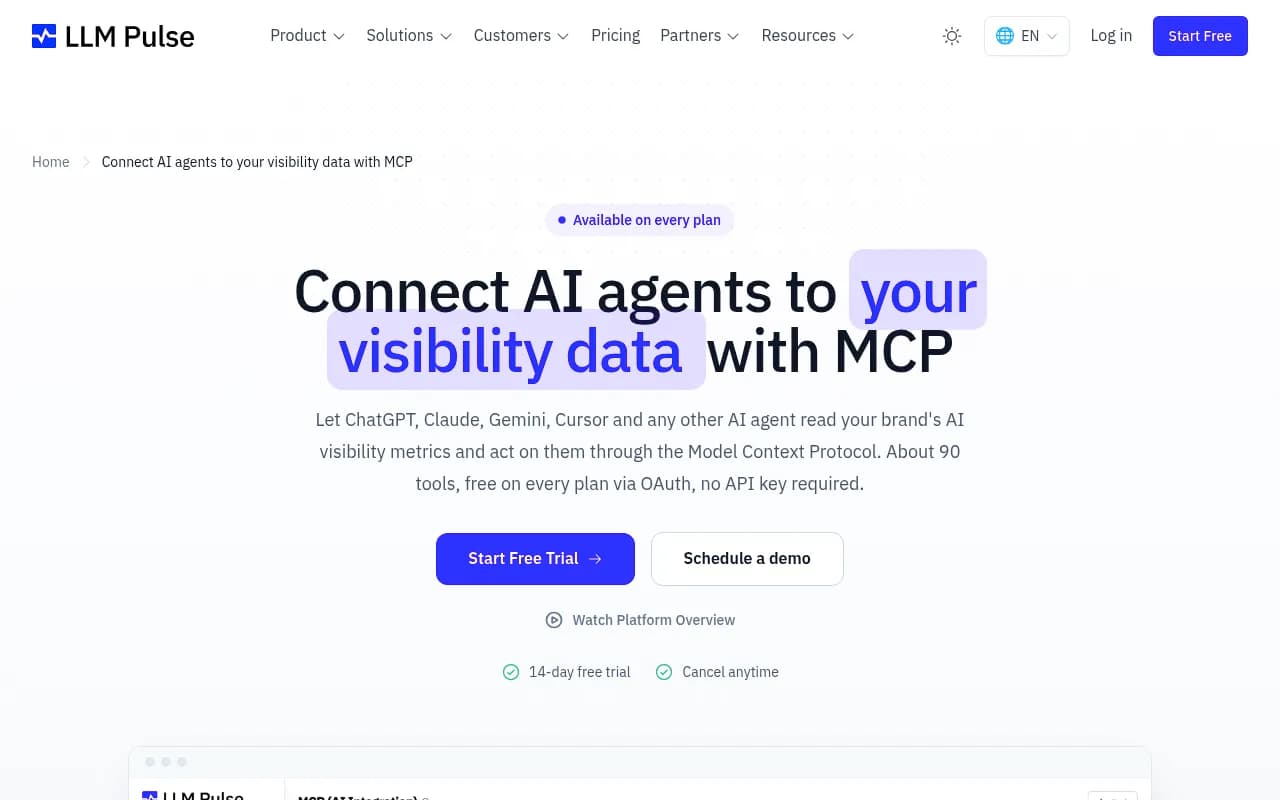
LLM Pulse is one example of this pattern in the wild: it exposes around 90 tools over MCP, available on every plan including the free trial, covering model coverage, mentions, citations, and AI-referred traffic.

By August 2026, at least seven AI-visibility vendors had shipped their own first-party MCP servers, including Profound, Peec.ai, Ahrefs, Rankability, Semrush, Otterly.ai, and Mentionable. Profound's server, for instance, ships as an npm package alongside TypeScript and Python SDKs, connecting agent analytics, bot logs, and citation data straight into ChatGPT, Claude Desktop, and Cursor. Pricing and gating vary a lot though, which matters if MCP access is the actual reason you're buying.
| Vendor | MCP included at | API/export access | Notable detail |
|---|---|---|---|
| Profound | All tiers (incl. trial) | Enterprise-only | 7-day free trial, 50 prompts/day |
| Otterly.ai | Standard ($189/mo) and up | Standard tier and up | Lite tier ($29/mo) has no MCP/API |
| Peec AI | Starter tier (~€70-85/mo) | Enterprise-only | Per-model add-ons on top of base price |
| Semrush AI Visibility Toolkit | Included in Pro+ | Via Semrush MCP | Bundled with broader SEO data |
| LLM Pulse | Every plan, incl. free trial | API key on Scale+ for headless MCP | ~90 tools, no extra cost for MCP |
| Promptwatch | MCP, Agent Chat, and Slack access across paid tiers | REST API v2 on paid plans | Crawler logs plus content generation, not just read access |

Most of this list stops at monitoring: you ask, it tells you a number. Promptwatch is built differently -- its Agent Chat sits on top of the same live visibility, citation, and crawler-log data, but it can also run multi-step workflows and feed into Unified Actions and the Content Agent, so the conversation doesn't dead-end at "here's your score." That distinction, monitoring versus actually doing something with the data, is worth checking for any tool on this list before you commit budget to it.
If you want to compare more of these platforms side by side before picking one, the GEO software directory at bestgeosoftware.com and the AI rank tracking roundup at ai-rank-tools.com both go deeper into feature-by-feature differences than this guide needs to.
Other tools worth a look depending on your stack
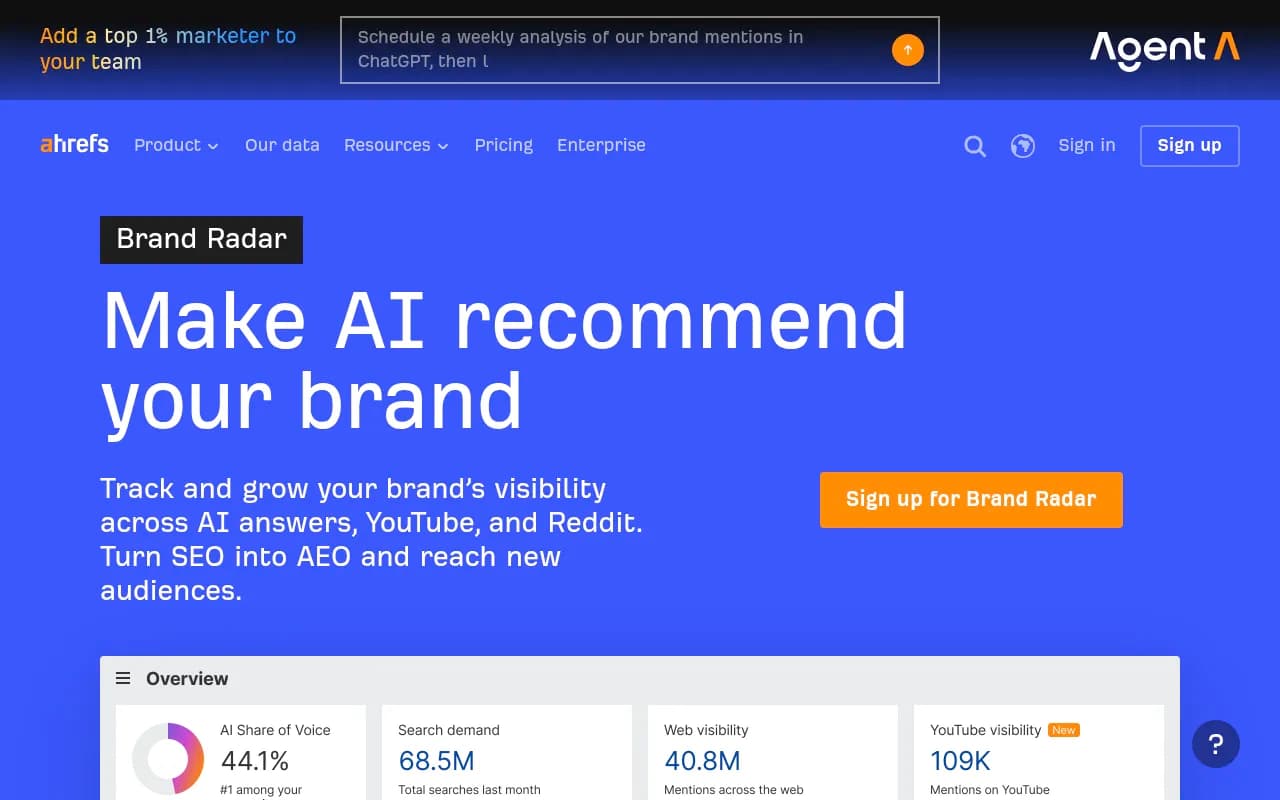
If you're already living inside Ahrefs or Semrush for traditional SEO, their native MCP add-ons (Ahrefs Brand Radar, Semrush AI Visibility Toolkit) might be the lowest-friction entry point since you're not adding a new vendor relationship.



The security side nobody skips lightly
MCP's convenience comes with a real downside: it widens the attack surface of whatever assistant you're using. Security researchers have documented prompt injection (both direct and indirect, via external content the agent treats as trusted), tool poisoning, credential misuse, unauthorized write actions, and outright data exfiltration against MCP-connected systems, with indirect injection demonstrated as early as April 2025. One independent audit of 177,436 MCP tools found that action-oriented tools (the kind that can write or change something, not just read) grew from 27% to 65% of observed usage over the sampled period -- the ecosystem is trending toward agents that do things, not just fetch things.
For a brand-tracking connector specifically, the risk is lower than, say, an MCP server with write access to your CRM or codebase, because most visibility tools only expose read operations. Still, a few habits are worth adopting:
- Default any new connector's approval level to "ask before acting" rather than "never ask," at least for the first few weeks.
- Check whether the vendor's tools are flagged read-only (
readOnlyHintin the MCP spec) before granting broader permissions. - If you're on an Enterprise or Team plan, use the admin-level connector controls instead of letting every individual user add their own.
- Treat any connector behind a login as sensitive even if it's "just" visibility data -- that data often includes competitor intelligence and unpublished content plans you wouldn't want leaking into a shared conversation log.
Putting it together
The honest takeaway here is that MCP support across ChatGPT, Gemini, and Perplexity is real but uneven in 2026. None of the three big consumer assistants treat it the same way, plan gating differs, and even the official documentation sometimes disagrees with itself. If you're setting this up for a brand or a client, budget time to verify the current state in each client's UI rather than trusting a screenshot from six months ago.
On the tooling side, the question to ask before adding any visibility platform to your stack isn't "does it have MCP" -- most of the serious ones do by now. It's whether the data flowing through that connection actually leads somewhere: can the agent not just tell you your citation share dropped, but help you fix it. That's the gap between a tracker and a platform, and it's the one worth checking before you sign a contract.
If you'd rather have a team handle the AI search side of this entirely, from technical setup to the content that earns citations in the first place, 1001 SEO Media runs GEO and AI search programs built around exactly this kind of live visibility data.