Key takeaways
- GEO tools get their data in three main ways: scraping the real user interface, calling model APIs, or using licensed panels and clickstream databases. The method changes what you see more than most buyers expect.
- Vendor studies disagree on how far API and UI answers diverge. Surfer's October 2026 study found brand overlap of 15.5 to 23.8% as returned. Nobody independent has settled which method is "more accurate".
- UI scraping captures what users see, including citations and shopping results. APIs are cheaper and more stable but return raw model text, often without the search layer.
- Panel and clickstream data tells you what people actually ask, which neither scraping nor APIs can do. It answers a different question.
- Ask every vendor three things: how they collect, how many samples per prompt, and whether the data is logged-in or logged-out.
Why the data source matters
Most GEO tool comparisons look at dashboards, pricing and prompt limits. That is the wrong place to start. Two tools can show a nice "visibility score" for the same brand and the same prompt and give you different numbers, simply because one reads the chat interface and the other calls an API.
The score you pay for is only as good as the answers behind it. So before comparing features, find out where the answers come from.
There are three collection methods in practice:
- Real UI scraping. The tool drives the actual ChatGPT, Perplexity, Gemini or AI Overviews interface (usually via browser automation and proxies) and records what appears on screen.
- Model APIs. The tool calls OpenAI, Anthropic, Google or Perplexity APIs with your prompts and parses the response.
- Panels and clickstream. The tool buys or licenses data on what real people typed into AI products, then models demand from it.
Some vendors mix these. Plenty do not say which one they use unless you ask.
Method 1: real UI scraping
UI scraping is closest to what a customer sees. The answer, the citation list, the shopping carousel and any ads all show up in the interface, and a scraper can capture them. seoClarity, which advocates scraping, makes this point directly: UI scraping captures the full user-facing output including citations and shopping results, while API monitoring captures raw model text only.
The weaknesses are practical. Scrapers break when the UI changes, when authentication changes, or when bot detection tightens. They need proxy and anti-bot upkeep. Conductor, which argues for APIs, also notes that many scraping tools capture logged-out sessions, which may serve older or more limited models than the ones most real users get when logged in.
There is a compliance angle too. I could not find official terms-of-service positions from OpenAI, Google or Perplexity on scraping their interfaces, so treat that as an open question to raise with your legal team if you are in a regulated industry.
Tools that say they collect from real interfaces include Peec AI, whose docs say "API responses often differ from what users see in the actual interface", and Superlines, listed as GEO tracking from real AI interfaces. Promptwatch also monitors the actual user interfaces of ChatGPT, Google AI Overviews, Google AI Mode, Gemini, Perplexity, Copilot, Alexa and Meta AI, per country and language, and tracks API models such as Claude, DeepSeek, Mistral and Grok alongside them.


Superlines
Method 2: model APIs
APIs are cheap, fast and stable. You send a prompt, you get text back, and nothing breaks when a button moves. For Claude, DeepSeek, Mistral and Grok, which people mostly use through an API or a thin interface, that is a reasonable way to see what the model believes from training data.
The trouble is that the API is often not the same product as the chat interface. The most visible case is Google AI Overviews. Surfer's study notes that Google does not sell an AI Overviews API, so the "API" method for AI Overviews was borrowed from AI Mode. Any tool claiming API-based AI Overviews tracking is approximating.
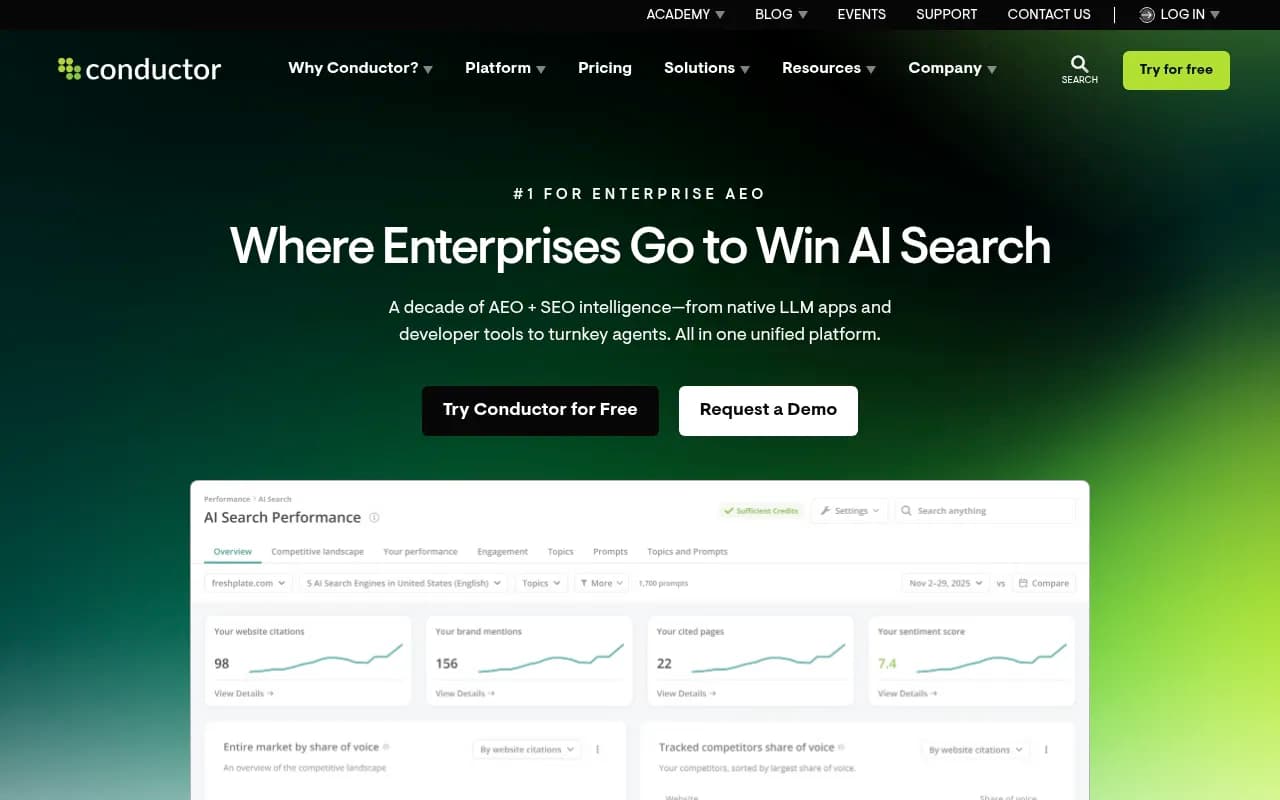
Conductor's counter is that a well-built API setup can log which prompts triggered search (tool_calls) and separate grounded from ungrounded answers. That is a legitimate refinement. It still is not the consumer UI.
What the evidence says about the gap
The numbers here are messy, and I would not hand any of them to a client as settled fact.
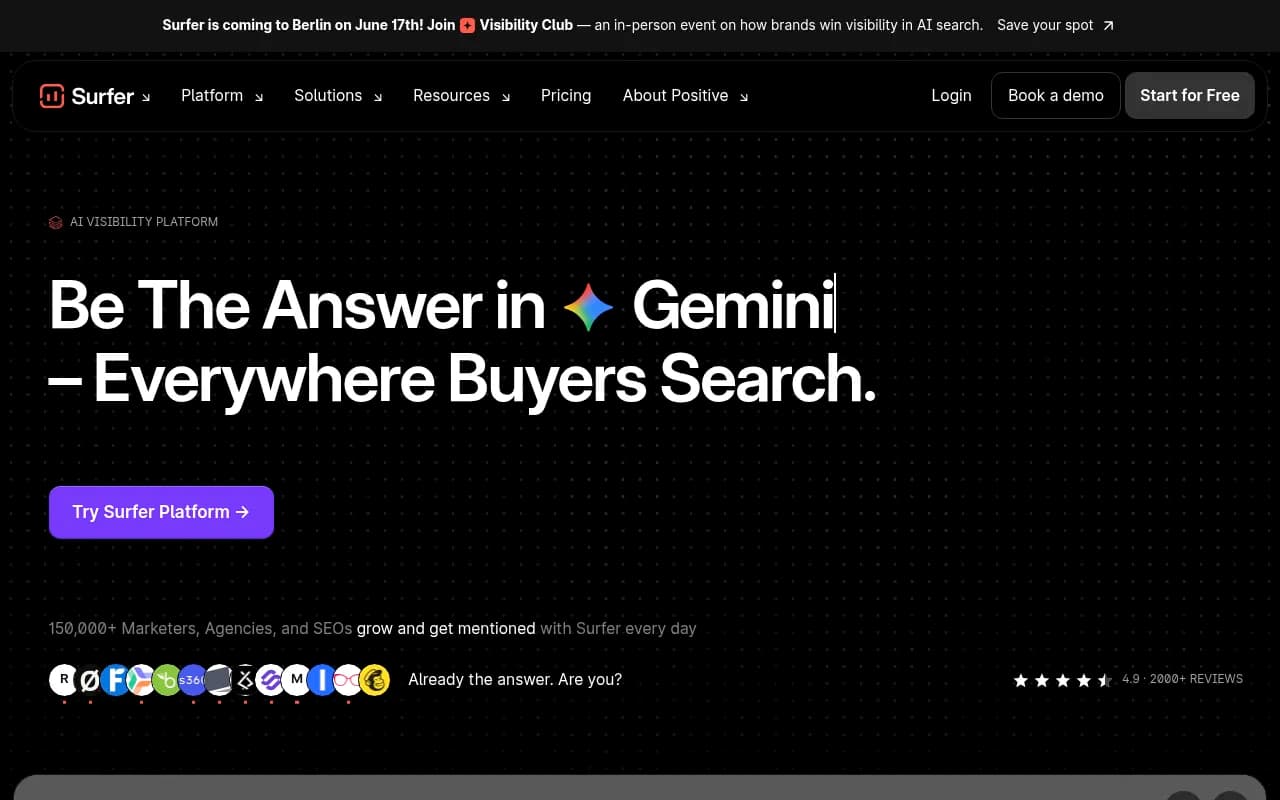
Surfer ran 1,000 prompts across 5 AI products and collected 13,779 answers across 14 model-and-method combinations (last updated October 4, 2026). Its findings:
- Brand overlap between API and scraped answers was 15.5 to 23.8% as returned, and 21.3 to 31.6% after name canonicalization. Surfer's headline is "30% at best".
- The API named more brands than the UI on all five products. On ChatGPT, 13.8 brands per answer through the API against 7.9 in the UI.
- ChatGPT's API wrote 2.05x as many words as the UI. The ratio was 1.27x for Gemini and 1.06x for AI Mode.
An earlier Surfer run for ChatGPT and Perplexity, reported by ZeroRank in August 2026, pointed the other way on length: API answers averaged 406 words against 743 for scraped answers, scraped answers had about 16 sources against 7, and the API returned no sources in roughly 25% of cases. A LinkedIn post by Dixon Jones claims API outputs mentioned 84% fewer brands, which I could not verify.
So: the API and the UI differ a lot, but the direction of the difference depends on the run, the model and the API settings. Also remember that Surfer sells a UI-scraping product, and that no independent, non-vendor study of "which is more accurate" turned up in my research.
Method 3: panels and clickstream data
Panels answer a question the other two cannot: what are people actually asking? Scraping and APIs only run the prompts you supply. If you pick the wrong prompts, you measure the wrong thing perfectly.
According to an aissist.io comparison (I have not checked its figures against vendor pages), vendors fall into three groups: licensed consumer panels like Profound's Prompt Volumes, clickstream databases like Semrush, and UI scraping like Peec, Ahrefs and Profound's prompt captures.
- Semrush says its prompt database holds 317M+ prompts, sourced from AI search clickstream data and Google's keyword dataset for AI Overviews, updated daily. Its 2026 AI Visibility Index analysed 126M US prompts from January to April 2026.
- Profound sells licensed opt-in consumer-panel prompt demand, and Semrush's blog cites a proprietary dataset of 1.5B+ real user prompts.
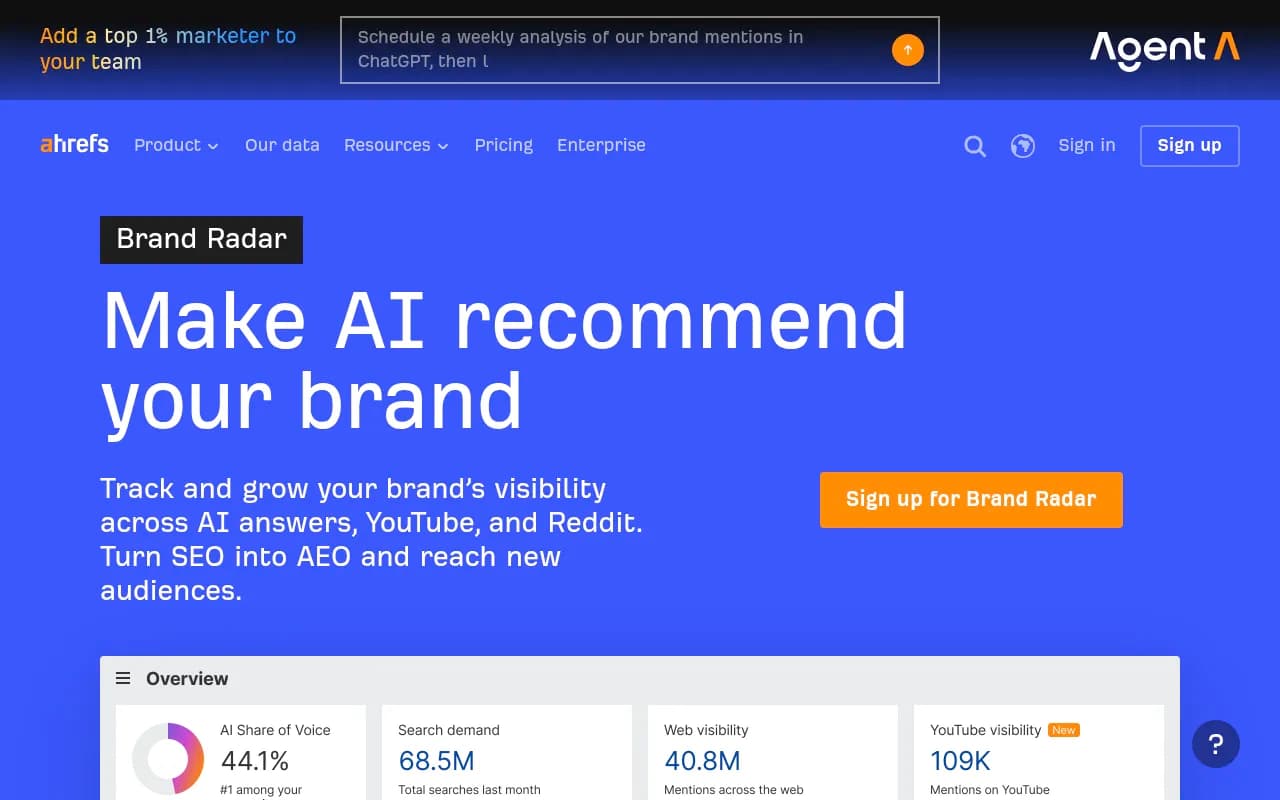
- Ahrefs Brand Radar's AI Index is pre-collected responses, with custom prompts as a separate, metered feature.
Panel data is excellent for choosing what to track. It is weaker as a measurement of your visibility on a specific prompt, because it models demand rather than recording a specific answer. Prompt-volume features elsewhere, including the prompt volumes and query fan-outs inside Promptwatch, attempt a similar job from search-based data.

Comparison by data source
This table reflects vendor claims and the aissist.io comparison read between August and October 2026. Confirm each on the vendor's own page.
| Tool | Primary data source | Notes | Entry price (per vendor) |
|---|---|---|---|
| Promptwatch | Real UI monitoring plus API models | Also IP-verified crawler logs and visitor analytics | $95/mo Essential (confirm at promptwatch.com/pricing) |
| Peec AI | Real UI scraping | Extra models are paid extensions; API Enterprise-only per aissist | $95/mo Starter, 50 prompts |
| Semrush AI Visibility Toolkit | Clickstream plus Google keyword data | Perplexity refreshes weekly; Claude and Grok in Enterprise AIO | $99/mo per domain (standalone, disputed) |
| Profound | Licensed consumer panel plus UI captures | Agent Analytics, ChatGPT Shopping | Custom; $99 Starter removed Oct 2026 |
| Ahrefs Brand Radar | Pre-collected index plus metered custom prompts | Indexes YouTube and Reddit | $199/mo one platform, $699 all |
| Otterly.AI | Monitoring, method not clearly stated | Claude, Gemini, AI Mode priced separately | From $29 |
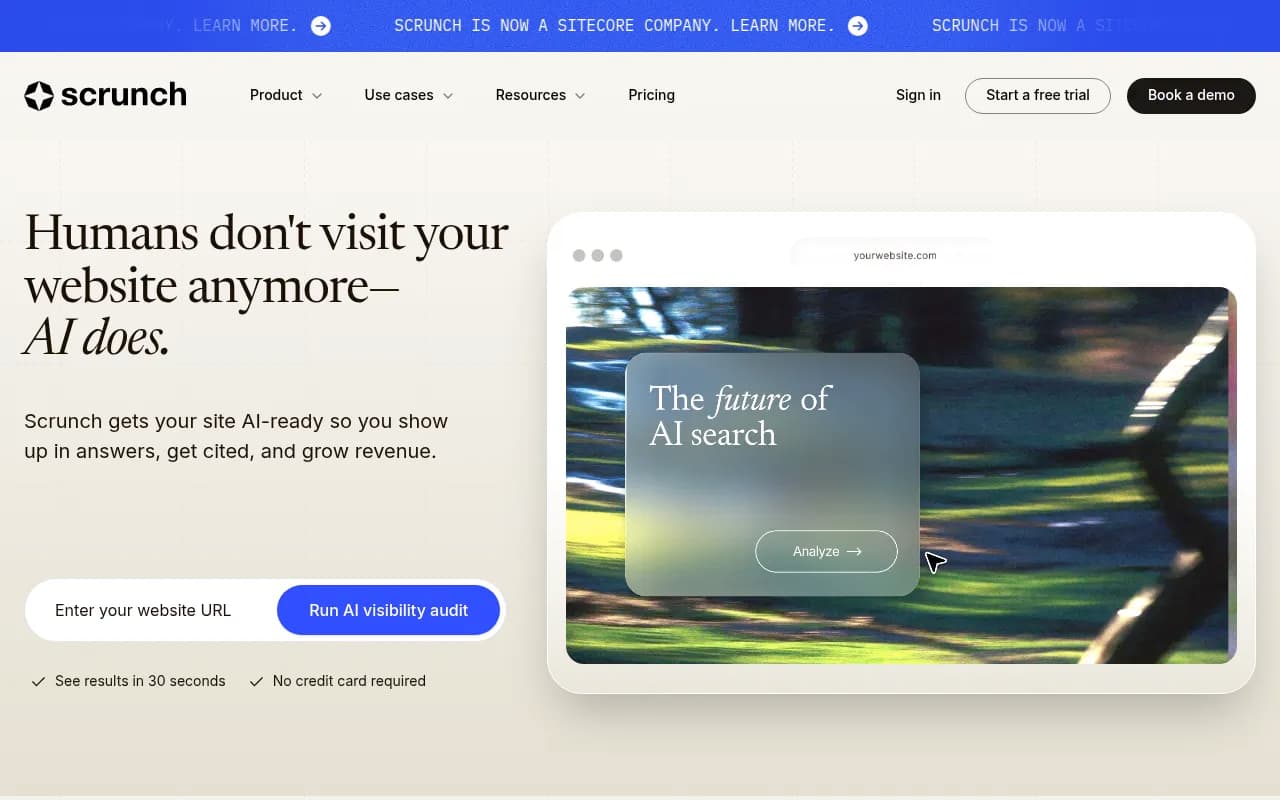
| Scrunch | Monitoring plus crawler traffic | Acquired by Sitecore in June 2026 per aissist | $250/mo, 125 prompts |
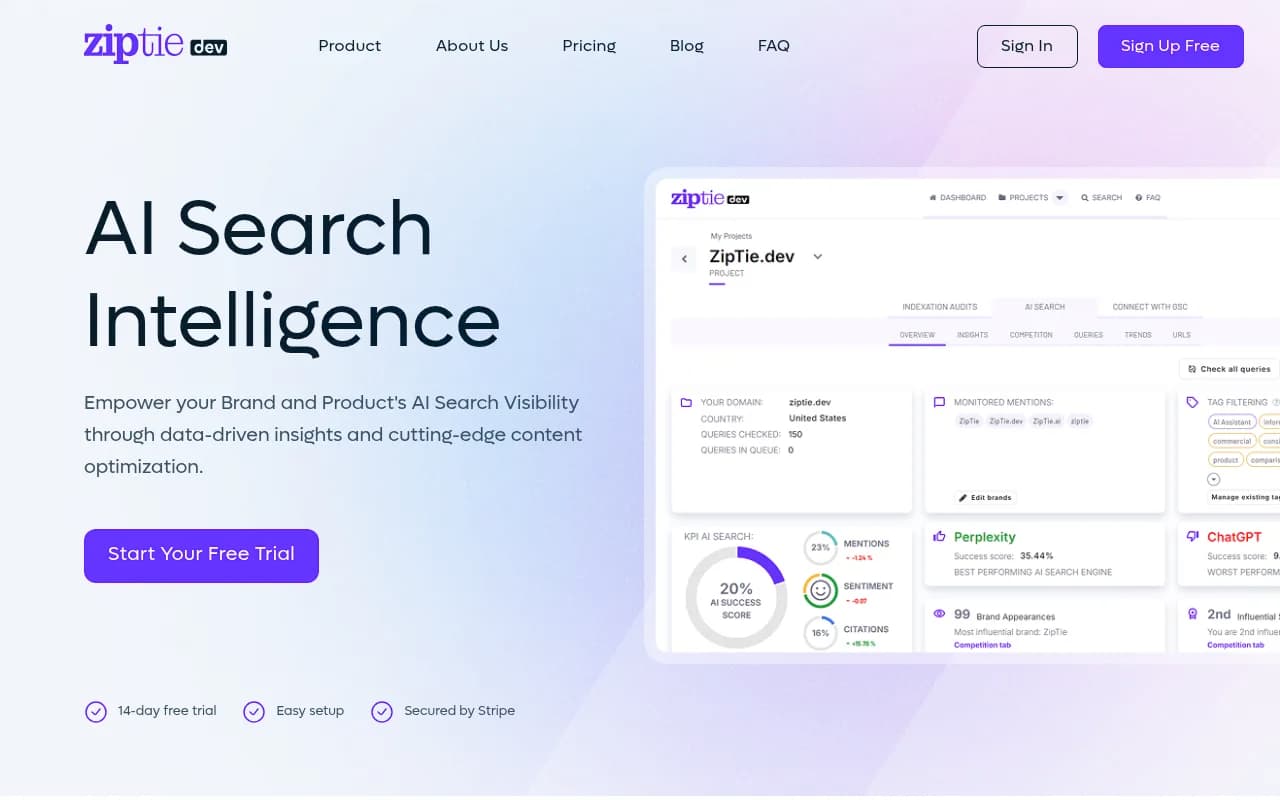
| ZipTie | Usage-based tracking | 7-day trial, 25 daily prompts | About $42.75/mo |
The Semrush pricing has a conflict worth flagging. aissist and Semrush's own blog say a standalone $99/mo option exists. Activepieces says the toolkit is an add-on to a Semrush plan (Pro $139.95, Guru $249.95, Business $499.95) and cannot be bought alone. Check before you budget.

How the scraping layer works under the hood
If a vendor says it scrapes real UIs, it is almost certainly using the same kind of infrastructure as general web-scraping APIs: proxies, headless browsers and anti-bot handling. Public benchmarks of that layer vary wildly. One 2026 benchmark of 100 bot-protected sites put success rates between 69.0% and 97.0% across APIs, while Bright Data's own comparison page claims 98.87% for itself. Vendor-run benchmarks, in other words.
That matters because a chatbot interface is among the harder targets. If a GEO vendor's scraper fails silently on a fraction of runs, your trend lines get noisy without anyone telling you. Ask how failed collections are handled and whether they are counted.
If you want to build your own collection pipeline instead of buying one, the infrastructure options include Bright Data, Firecrawl, Apify and Browserbase.



Sampling: the issue everyone skips
Whichever method a tool uses, AI answers are probabilistic. Run the same prompt ten times and you get ten answers. A tool that records one answer per prompt per day gives you noise.
The behavior also drifts in steps, not smoothly. Promptwatch Data's ChatGPT query fanout report shows that one prompt can trigger 3 to 8+ searches, that the average was 2.15 fanouts per response in early December 2025 and about 1.84 by early March 2026, and that average fanout query length fell from about 117 characters to the high 80s. Later data in the same report shows more shifts. A prompt set and sampling method tuned to one quarter can be stale the next.
Source counts differ by platform too. Promptwatch's average-sources data (page dated September 2025) puts ChatGPT at about 5 sources per web-search answer, Google AI Overviews at about 10, and Perplexity at almost exactly 10 every day, with Copilot swinging from under 2 to nearly 17 before settling low. If your tool only reads text from an API, you may never see those citation sets at all.
More recent data shows how much a single day can change things. Promptwatch Data found ChatGPT started using the site: operator at scale on August 8, 2026, jumping from about 0.4% to about 17% of fanout queries, and that reddit.com's share of ChatGPT citations fell from roughly 4% to 0.5% on August 14, 2026. A tool tracking the UI would see those shifts in the citation lists. A tool reading model text from an API might miss them entirely.
Logged in or logged out
Conductor's point about logged-out sessions deserves a direct question to vendors. Many scrapers run anonymous sessions because logged-in automation is harder and riskier. If most of your customers are logged in, a logged-out sample can serve a different model or a lighter experience. Ask vendors which they use, per platform.
Which method should you choose?
There is no universally correct answer. Match the method to the decision.
- You need to know what customers literally see, including citation lists, shopping carousels and ads: pick a UI-based tool. This is the case for most brand teams and agencies reporting to clients.
- You want to know what a model believes from training data (useful for Claude, DeepSeek, Mistral or Grok): APIs are fine and cheaper.
- You are deciding which prompts to target: you want panel or clickstream demand data, or prompt-volume and difficulty estimates, on top of whatever tracking you pick.
- You are on a tight budget: Straight North's September 2026 GEO survey found 50% of respondents used a free or in-house tool. Its suggested starting stack is Google Search Console, Bing Webmaster Tools and GA4, plus a small manual prompt panel once or twice a month.
- You want to measure impact, not just mentions: look for crawler logs and AI-referred visitor analytics. Promptwatch includes both, and Scrunch is said to see real crawler traffic. Most pure trackers do not.
If you want to browse more tools by category, the GEO software directory at bestgeosoftware.com lists them side by side.
Questions to ask every vendor
- Do you collect from the consumer UI, an API, or purchased panel data? For each AI platform separately?
- Are sessions logged in or logged out?
- How many samples do you take per prompt per day?
- How do you handle failed or blocked collections?
- For AI Overviews, what exactly are you collecting?
- Which models cost extra? Claude, Gemini and AI Mode are priced separately at Otterly, for instance, and Claude checks cost 8 checks each at Ahrefs.
- Is the API included, or enterprise-only?
- How many countries can I track, and does each one multiply my prompt count?
Also expect hidden costs. aissist's analysis lists per-engine surcharges, annual-only billing, API access gated to enterprise, and seat caps. A headline price and the price for your real scenario are unrelated: Ahrefs "from $199" covers one platform only.
What I would do
For most teams, I would run a two-week pilot with two tools that use different methods, on the same 30 prompts, and compare the answers manually against what you see in the actual product. You will learn more from that than from any vendor study, including the ones quoted here. The vendor studies disagree with each other, and every one has a product to sell.
Then pick the tool whose data matches how your customers actually use AI, and check pricing on the vendor's own page before you commit. For Promptwatch, that is promptwatch.com/pricing.
A final caution: treat any single visibility score as directional. The honest state of the field in late 2026 is that the collection method changes the numbers, the vendors have incentives, and independent validation does not exist yet.