Key takeaways
- The fastest check is manual: open Perplexity logged out, run buyer-style prompts, and look for your domain in the Sources panel.
- Perplexity answers vary between runs, so one check proves very little. Repeat each prompt several times and record how often you show up.
- Perplexity cites roughly 10 sources per answer, which makes it a useful test bench for measuring whether your content changes move anything.
- If you are never cited, check crawler access (PerplexityBot in robots.txt, CDN and WAF rules) before rewriting content.
- Manual checks give you a snapshot. Dedicated trackers give you a trend line, competitor comparison and page-level data.
Why Perplexity citations are worth checking
Perplexity is one of the more transparent AI answer engines. Almost every answer comes with numbered sources, so you can see exactly which pages the engine leaned on. That makes it the easiest place to start if you have never measured AI visibility.
There is a catch. A citation does not always produce a click, and when it does not, nothing shows up in your normal analytics. You can be cited a hundred times a week and never know. If a competitor is cited instead, you will not know that either.
So the goal of this guide is two things: a quick way to answer "does Perplexity cite me right now?", and a setup that answers "is it getting better or worse?"
Step 1: Set up a clean testing session
Perplexity can personalize results when you are signed in or have history. For a fair baseline:
- Open a private or incognito window.
- Go to perplexity.ai without logging in.
- Keep your device and location consistent between audits. If you serve several countries, test each one separately, ideally through a proper country setting rather than guessing.
It sounds fussy, but a baseline that moves because you were logged in last Tuesday is useless.
Step 2: Build a prompt list that reflects real buyers
The most common mistake is searching for your own brand name. Of course Perplexity cites you when someone asks about you. What matters is whether you appear when someone asks a question you would like to be the answer to.
Aim for 10 to 30 prompts across a few types:
- Category questions: "best project management tool for agencies"
- Comparison questions: "X vs Y for small teams"
- Problem questions: "how do I reduce churn in a subscription app"
- Branded questions: "is [your brand] worth it" (include a few, but do not stop here)
Write them in a spreadsheet with columns for prompt, date, run number, whether you were cited, which URL, and which competitors appeared. Dull, but it is what turns anecdotes into data.
Step 3: Read the Sources panel
Run each prompt and look at the source cards under the answer. Your domain will appear as a card, usually with a numbered reference that matches footnotes in the text. Click through to confirm the exact URL, because the page Perplexity picked is often not the one you expected.
Three things to record beyond a simple yes or no:
- Which page was cited (a product page, a blog post, a docs page)
- Where in the source list it sat
- Whether your brand is also named in the answer text, with or without a link
That last one matters. Your brand can be mentioned in prose with no link to you, because the engine pulled that fact from a third-party page. You get credit in the answer but no citation of your own domain.
Step 4: Repeat every prompt
Perplexity's sources can change between runs, even for an identical prompt. Run each one two to four times and calculate a simple citation rate: cited runs divided by total runs.
A page that appears in 4 of 4 runs is in a very different position from one that appears in 1 of 4. Both would say "yes, cited" on a single check.
There is a reason Perplexity is good for this. Promptwatch Data found Perplexity cites almost exactly 10 sources per answer, with barely any day-to-day movement (that report is dated September 2025, so treat the exact figure as a baseline and verify it against your own tests). ChatGPT cites about 5 per web-search answer in the same data, and Copilot swung widely. When the number of slots is stable, a change in your pickup is more likely to come from your content than from engine noise. Ten slots also give mid-authority, specialized sites a realistic route in.
Step 5: Look at who else gets cited
Your own presence is half the picture. For each prompt, note which domains take the other slots. Patterns show up quickly:
- Review and comparison sites dominating a commercial query tells you to get included in those lists.
- Forums or video platforms appearing tells you community content is feeding the answer.
- A direct competitor cited repeatedly tells you what format and depth wins.
Social platforms are a small slice of Perplexity's sources, though. In Promptwatch's social citations data for Sep 28 to Oct 4, 2026, social platforms made up 2.7% of Perplexity citations, with LinkedIn and Reddit tied at 0.86% and YouTube at 0.79%. That is far below Google AI Overviews at 12.2%, and above ChatGPT at 0.46%. So publishing on LinkedIn and Reddit can help on Perplexity, but your own pages and third-party editorial sources still carry most of the weight.
Step 6: If you are not cited, check access first
Before you rewrite anything, confirm Perplexity can actually reach your pages.
- Review robots.txt for rules that block PerplexityBot or blanket-block unknown bots.
- Check CDN and WAF settings. Bot protection often blocks AI crawlers by default.
- Look at your server or CDN logs for verified AI crawler requests.
Promptwatch's AI crawler traffic report (June 8 to September 6, 2026) counts only IP-verified requests, so spoofed user agents are excluded, and suggests comparing your own logs against the overall mix. A provider that is large in the chart but near zero in your logs suggests you are blocked or unreachable for it. I did not verify Perplexity's own crawler documentation for this guide, so check Perplexity's help center for the current list of its user agents before editing robots.txt.
Step 7: Check traffic in your analytics
Citations that get clicked leave a trace. In your analytics, look at referral traffic from perplexity.ai and segment by landing page. Compare those landing pages with the URLs you saw cited during manual checks. Pages that are cited but never clicked may have answers that are too complete in the snippet. Pages that get traffic but were never in your tests point to prompts you have not thought of yet.
Manual checking vs automated tracking
Manual checks work well for a first audit and a monthly spot-check. They fall apart when you want 100 prompts, several countries, competitor comparisons and weekly history.
| Method | Cost | Coverage | History | Best for |
|---|---|---|---|---|
| Manual prompts in incognito | Free | A few dozen prompts, one moment | Whatever you log yourself | First audit, sanity checks |
| Analytics referral reports | Free | Only cited pages that get clicks | Yes | Spotting traffic from Perplexity |
| Rank-tracker add-ons | Paid | Tracked keywords | Yes | Teams already using an SEO suite |
| Dedicated AI visibility platforms | Paid | Many prompts, many engines | Yes | Ongoing GEO work and reporting |
Tools that track Perplexity citations over time
A few approaches exist, depending on what you already pay for.
Rank trackers with Perplexity support
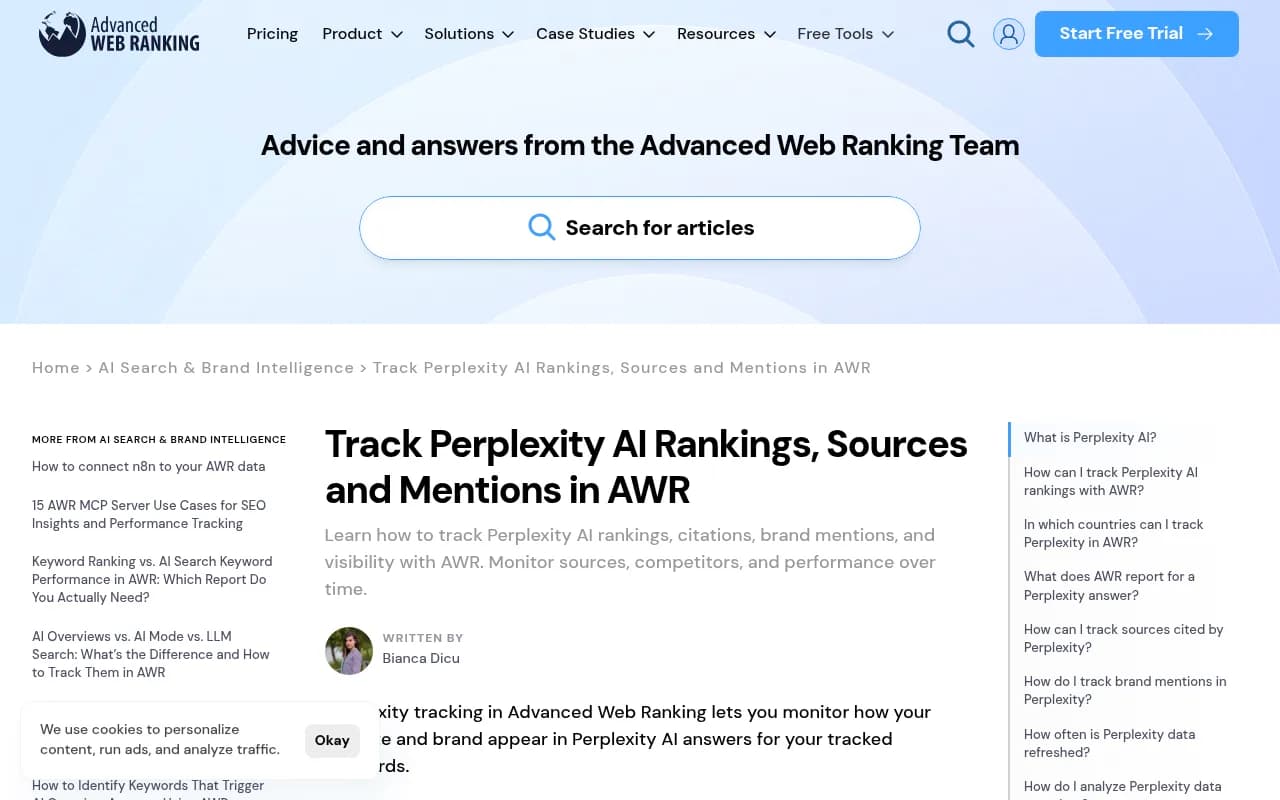
Advanced Web Ranking tracks Perplexity per keyword. For each one it collects the sources Perplexity cites, your position among them, brand mentions, citations and citation rank, and it saves a snapshot of the answer with its Sources panel so you can look back at what was actually shown. An AI Search Performance report lets you pick Perplexity and a date range to see visibility, mentions and citations trend over time. If your team already lives in a keyword-based rank tracker, this is the lowest-friction route. I have not verified AWR pricing, so check their site.
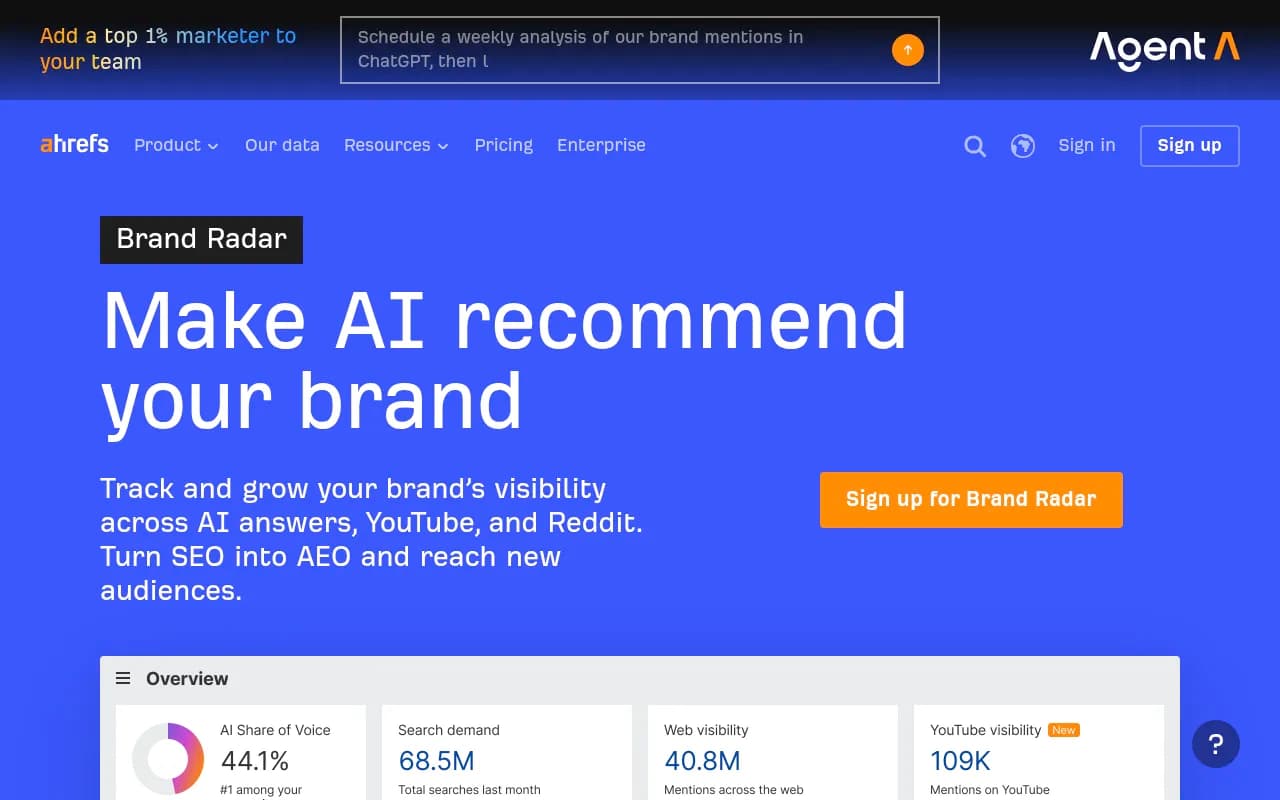
Other SEO suites have added AI tracking too. Semrush and Ahrefs Brand Radar are worth a look if you are already in those ecosystems, though their prompt sets tend to be more fixed than purpose-built tools.
Dedicated AI visibility platforms
If Perplexity is one of several engines you care about, a dedicated platform makes more sense. Promptwatch tracks Perplexity alongside ChatGPT, Google AI Overviews, Gemini and others using the real interfaces, and goes past monitoring: IP-verified crawler logs show whether PerplexityBot and other AI crawlers can read your pages, citation analytics show which of your URLs are picked up, and visitor analytics tie citations to actual traffic. It also has a content gap view and an Action Board for the fixing stage, which is where most trackers stop.

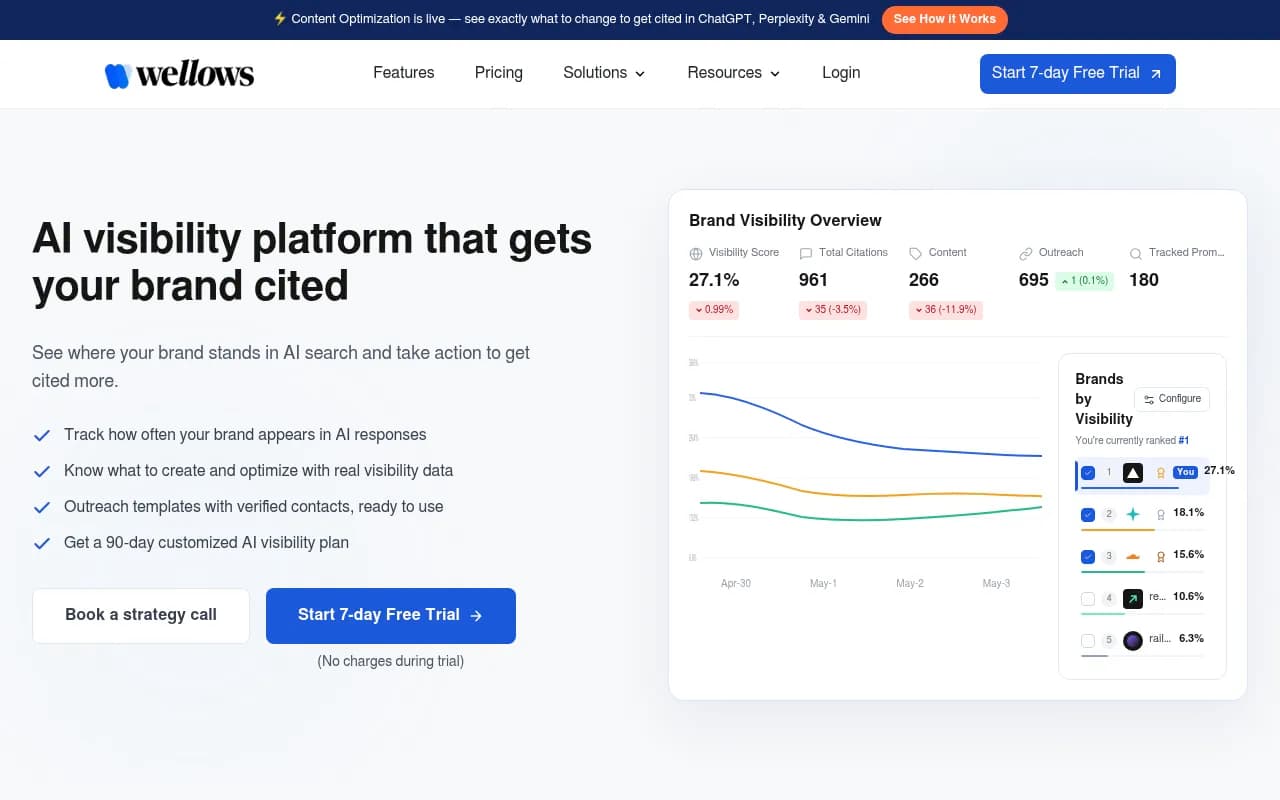
Other options in the same category include Peec AI, Otterly.AI and Wellows. Wellows has a free Perplexity visibility tracker where you enter a domain, and it generates queries, runs them through Perplexity and flags answers that cite you, separating explicit citations (your domain linked) from implicit ones (third-party mentions). Its own published data, drawn from 804,058 Perplexity answers, says three of the five most-cited domains are Reddit, YouTube and LinkedIn. That differs from Promptwatch's October figures above, which is a reminder that different datasets and time periods give different pictures. Treat any single vendor's numbers as directional.


For a wider comparison, the GEO software directory at bestgeosoftware.com lists many more trackers by category.
What to look for in any tracker
- Real Perplexity interface data, not only API responses, since what users see can differ
- Page-level citations, not only domain-level
- Competitor comparison on the same prompts
- Repeated runs, so you get a rate instead of a single sample
- Exports or reports you can share
Setting up a tracking routine that lasts
Tools only help if you use them regularly. A simple cadence:
- Week 0: run your manual audit and log a baseline citation rate per prompt.
- Set up automated tracking with the same prompts, plus a few new ones each month.
- Weekly: look at citation rate, which pages gained or lost citations, and which competitors moved.
- Monthly: run a manual spot-check to confirm the tool matches what you see in the interface.
- After any content change: note the date, so you can tie a citation change to the edit.
Expect noise. A single prompt jumping from cited to not cited is not a trend. A group of related prompts moving together over several weeks is.
Reading the results
A quick way to diagnose what you see:
| Symptom | Likely cause | First thing to try |
|---|---|---|
| Never cited, competitors are | Content gap or access problem | Check PerplexityBot access, then compare their cited pages with yours |
| Brand named in text, domain not linked | Engine uses third-party sources about you | Improve your own page that answers the same question |
| Cited on some runs only | Borderline relevance | Strengthen the page, add specifics and clear structure |
| Cited but no referral traffic | Answer is complete in the snippet | Add depth or tools worth a click |
| Citations drop after an edit | Edit removed what made the page useful | Compare against the previous version |
Common mistakes
- Checking only branded prompts and concluding all is well.
- Running each prompt once and treating the result as fact.
- Testing while logged in, with history that skews results.
- Ignoring crawler access and jumping straight to content rewrites.
- Treating Perplexity as a stand-in for every AI engine. Different engines cite different domains for the same question, so track them separately.
FAQ
Does Perplexity always show sources?
In practice almost every answer includes numbered sources, which is why it is easier to audit than most AI assistants. Always confirm in the interface rather than assuming.
How often should I check?
A monthly manual spot-check is a reasonable baseline. If you are actively changing content, track weekly with automation so you can connect changes to results.
Can I see which pages are cited, not only my domain?
Yes. In the Sources panel you see the exact URL. Tools such as AWR, Wellows and Promptwatch capture page-level citations so you do not have to click through by hand.
Is a mention the same as a citation?
No. A mention is your brand named in the answer text. A citation is your page listed as a source. You can have one without the other, and both are worth tracking.
The short version
Run a clean, logged-out audit with real buyer prompts, repeat each one a few times, and log which pages are cited and who else appears. Confirm Perplexity can crawl your site. Then hand the repetitive part to a tracker so you can see change over weeks instead of guessing from a single answer.