Key takeaways
- One answer from one chat tells you almost nothing. Run each prompt many times and report a rate, such as "described positively in 6 of 10 runs".
- Separate brand-specific, organic (category) and competitor-comparison prompts. Their sources and sentiment drivers differ.
- Positive wording is not the same as favorable positioning. Score recommendation, fit and omission, not just tone.
- Brand-specific answers lean on a short list of cited domains. Audit those sources first, because they shape how you get described.
- Manual tracking works for a first month. After that, a platform with stored answers, repeat sampling and trend lines saves real time.
Why "sentiment" in AI answers is harder than it sounds
Social listening is simple by comparison. A tweet says something about you, a tool labels it, done. AI sentiment is different because nobody posted anything. A model composed a description of your brand on the fly, from training data, live retrieval, or both, and it will compose a slightly different one next time.
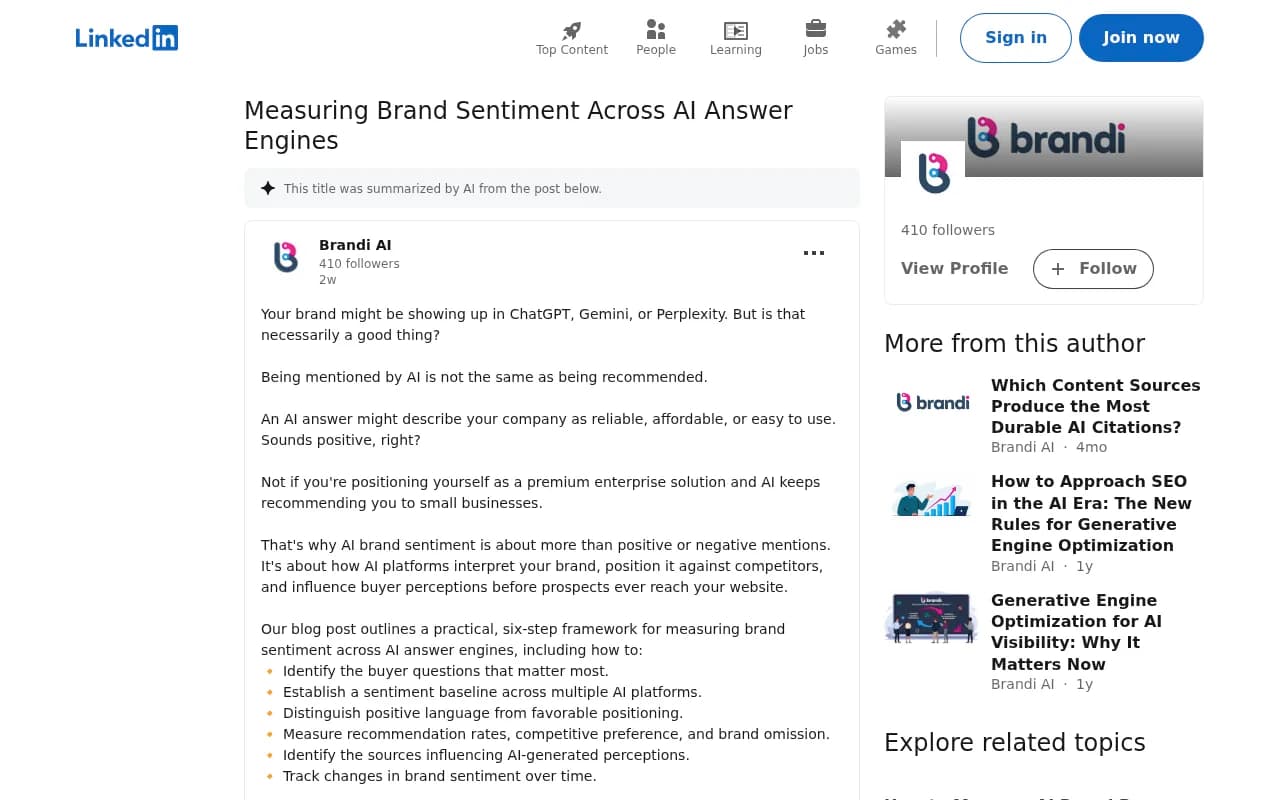
That creates two problems. First, the answer is unstable. Second, tone alone is a poor signal. An answer can call your company "reliable, affordable and easy to use" and still hurt you if you sell a premium enterprise product and the model keeps pointing you at small businesses. A LinkedIn post from Brandi AI makes this exact point: being mentioned is not the same as being recommended, and the real question is whether the answer makes someone more or less likely to consider you.
So "measuring sentiment without guessing" really means three things: sampling enough to get past noise, scoring more than polarity, and tracing the sources behind the wording.
How each platform forms its opinion of you
The three assistants do not build answers the same way, so you should not expect identical sentiment from each.
| Platform | Where answers mostly come from | What to log | Watch out for |
|---|---|---|---|
| ChatGPT | Training data plus web search when it triggers | Whether search was used, mention, position, cited domains | Answers differ depending on whether web search ran |
| Gemini | Google Search index plus its own training | Brand mentions and source links separately | Not every Gemini answer shows sources |
| Perplexity | Live web retrieval with citations on every answer | Cited URLs, position, what each citation supports | A citation is not an endorsement |
Promptwatch's data on average sources per response gives a useful feel for these differences. ChatGPT cites about 5 sources per web-search answer, Google AI Overviews about 10, and Perplexity almost exactly 10 every day (see Promptwatch's average sources per response report; the page is dated September 2025, so treat the figures as indicative). Perplexity's steadiness makes it a decent test bench: if your sentiment shifts there after you fix a source, it is more likely your content than engine noise.
Step 1: Build a prompt set that mirrors real buyers
Write 10 to 20 questions a real buyer would type, phrased as questions rather than keywords. Then sort them into three groups, because they behave differently.
- Brand-specific prompts name you: "Is Acme good for small teams?"
- Organic prompts do not name a brand: "best project management software for small teams".
- Competitor comparison prompts: "Acme vs Competitor X for agencies".
The split matters because of how many sources each type pulls in. In Promptwatch's report on unique domains cited per ChatGPT response (Sep 28 to Oct 4, 2026), 47.6% of responses cited 10 or more domains. But organic prompts were the most crowded, with 52.5% citing 10 or more, while brand-specific prompts were far narrower: 5 domains was the most common count (14.9%), 40.7% cited 5 or fewer, and only 21.3% cited 10 or more. Comparison prompts looked like organic ones, at 49.1% citing 10 or more.
Translation: when someone asks ChatGPT about you by name, a handful of sites decide the wording. When they ask about your category, the field is wide and your sentiment depends on whether you appear at all.
Add a few persona variations too. A CFO and a junior marketer describe the same need differently, and the model may position you differently for each.
Step 2: Control the test environment
Two mistakes catch almost everyone the first time.
Stay logged out or use a temporary chat. If your account has spent months discussing your own company, the model carries context you are not accounting for and you will conclude you are better known than you are. Start a fresh conversation for every run for the same reason.
Record the setup. Note whether you were signed in, your location, and whether the platform used web retrieval. If you change the prompts or scoring rules later, write down the date, so you never compare two periods that were measured differently.
Step 3: Sample enough to get a rate, not an anecdote
These systems are non-deterministic. Run each prompt at least five times, ten if you can, and report a rate. "Appeared and was recommended in 6 of 10 runs" is a finding. A yes or no from a single run is noise.
Spread runs across several days as well. One Quora answer on this topic put it well: sample over several days before trusting a score, because answers shift from day to day.
Promptwatch's own guidance adds a second axis: measure across many organic prompts, because a single prompt tells you little, and track where you appear in the answer and how you are described, not only whether you are cited.
Step 4: Score more than positive or negative
Polarity is the cheapest signal and the least useful one in isolation. Use a small scorecard per response.
| Dimension | What you record | Example |
|---|---|---|
| Mention | Present or absent | Absent in 4 of 10 runs |
| Prominence | Primary pick, first listed, secondary, passing, cautionary | First listed in a list of five |
| Tone | Positive, neutral, negative, mixed | "Affordable but limited" is mixed |
| Fit | Who the model says you are for | "Best for small businesses" when you sell enterprise |
| Accuracy | Claims that are correct, wrong or outdated | Pricing quoted from two years ago |
| Competitive preference | Who the model picks instead, and why | Competitor named as the safer choice |
| Sources | Domains cited for the claims | G2, a Reddit thread, your pricing page |
Mixed language needs a human eye. "Affordable but limited" contains one positive and one negative claim, and an automated label will flatten it. Review a sample of automated labels by hand, especially early on.
The fit column is the one most teams skip and the one that most often reveals a real problem. If the model's description of your audience is wrong, no amount of positive adjectives helps.
Turn the scorecard into numbers
Keep the math simple and always tie it to a defined prompt set and period.
- Mention rate: appearances divided by total runs. 24 of 100 answers is 24%.
- Share of voice: your mentions divided by all tracked brand mentions in the same prompt set. 20 of 100 is 20%, and that describes your sample, not the market.
- Positive or favorable rate: share of mentions scored favorable on both tone and fit.
- Error rate: share of answers containing at least one inaccurate claim.
Do not merge mentions and citations into one metric. A page can be cited for a product detail while the answer recommends a competitor.
Step 5: Trace the sources behind the sentiment
This is where guessing ends and diagnosis starts. For every answer, log which domains were cited, then open them and read the sentence that supports the claim about you.
For brand-specific prompts, the source list is short, so the audit is manageable. Promptwatch's advice from the same data: check which domains ChatGPT cites for prompts about your brand, since the review sites and forums on that short list shape how it describes you; make sure your own site clearly answers pricing, features, reviews and alternatives questions; and run the same prompts for competitors to see what sources the model relies on for them.
Perplexity is the easiest place to start because it shows citations on every answer. If a competitor keeps getting cited from a particular review site or industry publication, that tells you where you need a presence. Gemini ties more closely to your Google footprint, so weak entity data or thin review coverage often shows up as hedged language. ChatGPT without search leans on training data, which means old perceptions can linger after you have fixed the underlying problem.
This is also where read-through matters. Sentiment is rarely invented by the model. It is inherited from a review, a comparison article, a forum thread or an outdated page.
Step 6: Fix what you find, then re-measure
Once you know which claims are wrong or unflattering and which pages feed them, the work looks familiar:
- Correct or update your own pages that state the wrong thing, and make the right answer easy to extract.
- Publish content for the prompts where you are absent or mispositioned.
- Earn corrections or coverage on the third-party sources that dominate the short list.
- Re-run the same prompt set on the same schedule and compare rates.
Be careful with attribution. If sentiment improves after you updated a page, report the timing, not proof of cause. Platform changes, new sources and competitor moves all shift answers too.
Monthly checks suit most brands. Move to weekly around launches, PR issues or big campaigns.
Manual tracking versus a platform
Do it by hand for a month. You will learn what you are actually buying, and you may find a spreadsheet is enough for a small prompt set. The limits show up fast though: ten prompts across three platforms at ten runs each is 300 responses per cycle, and keeping the raw answer text as evidence for audits is tedious.
When you outgrow the spreadsheet, look for four things: repeated daily sampling, the full answer text stored, citation data per response, and alerts when a recommendation or claim changes.
Promptwatch is built around that loop. It collects answers from the real interfaces of ChatGPT, Gemini, Perplexity, Google AI Overviews and others, scores sentiment per response, and its Brand Narrative feature pulls out the individual claims AI makes about you and groups them under themes like pricing, features, support and reputation, with a score per theme you can compare against competitors. Fact Check (Business plan and up) lets you mark a claim accurate or inaccurate and then finds the pages on your site that state it. Prompts run daily on every plan. Check current pricing before you decide, and the free AI visibility report gives a no-login first look.

Other options in this space cover parts of the job:
| Tool | Angle | Worth a look if |
|---|---|---|
| Peec AI | Prompt-level visibility tracking | You want a lighter dashboard |
| Otterly.AI | Affordable monitoring | Budget is the main constraint |
| Profound | Enterprise analytics | You have a large team and budget |
| Waikay | Brand perception tracking | Perception is your main question |
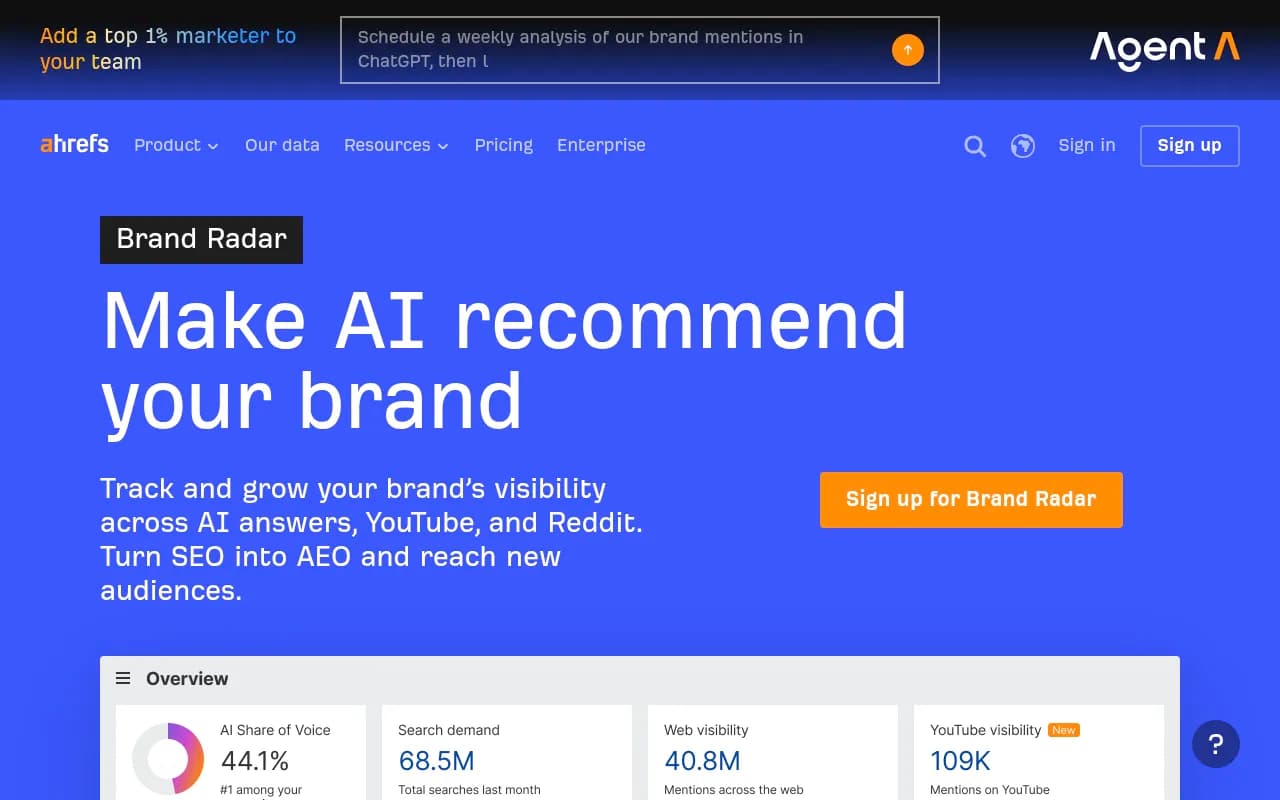
| Ahrefs Brand Radar | Brand tracking inside an SEO suite | You already live in Ahrefs |



Most of these monitor. Fewer help you act on what they find or tie answers back to traffic from your own site. For a wider list, the GEO software directory at bestgeosoftware.com is a reasonable place to browse.
A simple monthly routine
- Week 1: refresh the prompt set with any new buyer questions and review the error log.
- Week 2: run the full sample across platforms, logged out, with fresh chats.
- Week 3: score sentiment, fit and prominence, then audit the top cited domains per brand-specific prompt.
- Week 4: ship fixes, then report mention rate, favorable rate, error rate and share of voice against last month, with the raw answers saved.
Common mistakes
- Treating one answer as a ranking.
- Reporting a blended "sentiment score" without showing fit or accuracy.
- Testing only branded prompts, which tells you about retrieval of facts, not whether you show up when buyers have not chosen you yet.
- Testing while signed into an account loaded with your own history.
- Changing the prompt set mid-quarter without noting it.
The short version
Decide what you are measuring before you open a chat window. Build prompts by type, sample each one repeatedly in a clean environment, score tone together with fit and accuracy, and chase the sources, because they are where the sentiment comes from. Do that on a fixed schedule and the numbers stop being opinions.