Key takeaways
- In Promptwatch Data's ChatGPT software report (Sep 28 to Oct 4, 2026), docs and help centers earned 2.64% of software citations, the largest single source type, ahead of vendor sites at 2.01%.
- No Promptwatch report breaks out docs for AI Overviews specifically, so treat the ChatGPT numbers as a directional signal, not proof for Google.
- In July 2026, AI Overviews cited listicles (18.0%), product pages (16.3%), and how-tos (15.1%) most. Help articles written as how-tos fit that third slot.
- Docs win when each page answers one question in the first lines, is crawlable, stays current, and links to related pages.
- Measure by prompt and by page, not by rank. Tracking tools can show which doc pages get cited and which ones get ignored.
Why docs and help centers matter for SaaS queries
Most SaaS teams treat documentation as a support cost. The marketing team owns the blog, the product team owns the docs, and nobody connects the two. That split is expensive now, because AI answers lean heavily on the pages that explain how a product actually works.
Here is the evidence I would anchor on. Promptwatch Data's report on software citations in ChatGPT covers Sep 28 to Oct 4, 2026. Among the 23 domains charted, which together earn 7.89% of software citations, docs and help centers were the largest source type at 2.64%. Vendor sites followed at 2.01%, review sites and analysts (G2, Gartner, Capterra, Software Advice) at 1.57%, GitHub at 1.2%, and app stores at 0.47%.
A few details from that report are worth sitting with:
- Vendor pages and docs together earned 4.65%, about three times the share of review sites and analysts.
- learn.microsoft.com (0.98%), docs.aws.amazon.com (0.41%), and docs.cloud.google.com (0.35%) are all docs domains. intercom.com (0.28%) and zapier.com (0.24%) are SaaS vendors whose help and guide content gets pulled in.
- Large vendors spread across several domains. Microsoft earns 1.35% across 3 domains, Google 0.98% across 4, and AWS 0.69% across 2.
One caveat, and it matters. That report is about ChatGPT, not Google AI Overviews. I could not find a Promptwatch report covering AI Overviews citations for software prompts specifically. So I would read it as a strong hint about what AI systems like from software vendors, and then verify on Google with your own tracking.
What we know about AI Overviews citations
The AI Overviews data is more general but still useful. In Promptwatch's AI Overviews citation types report for July 2026, the monthly averages were:
| Content type | Share of AI Overview citations (July 2026 avg) |
|---|---|
| Listicle | 18.0% |
| Product page | 16.3% |
| How-to | 15.1% |
| News article | 13.5% |
| Video | 5.9% |
| Social post | 5.1% |
| Landing page | 4.7% |
| Comparison | 3.6% |
The report does not list docs or help-center pages as their own category. Most help articles would probably be classified as how-tos, and a feature reference page might land under product page. That is my interpretation, not something the report states.
Two trends matter. Product pages roughly doubled from about 9% in January, and from July 28 they were the most cited format every day, ending the month at 17.9% against 16.2% for listicles. Video also climbed, from about 2.7% to over 6%.
There is also the June 2026 AI Overview citation share report (month-to-date, so partial data can overstate momentum). YouTube held 4.16% and google.com 2.30%, up from 0.37% in January. Google is citing itself more. Promptwatch's advice there is to treat YouTube, Google Business Profile, Merchant Center, and help content as GEO assets. For a SaaS company, that last one means your help center is not optional.
What Google says about optimizing for generative AI features
Google publishes its own guide, Optimizing your website for generative AI features on Google Search. Only the table of contents loaded when I looked, so I will not pretend to summarize the full text. The headings are telling on their own: "Is SEO still relevant for generative AI search?", "Create valuable, non-commodity content for your audience", and "Build and maintain a clear technical structure".
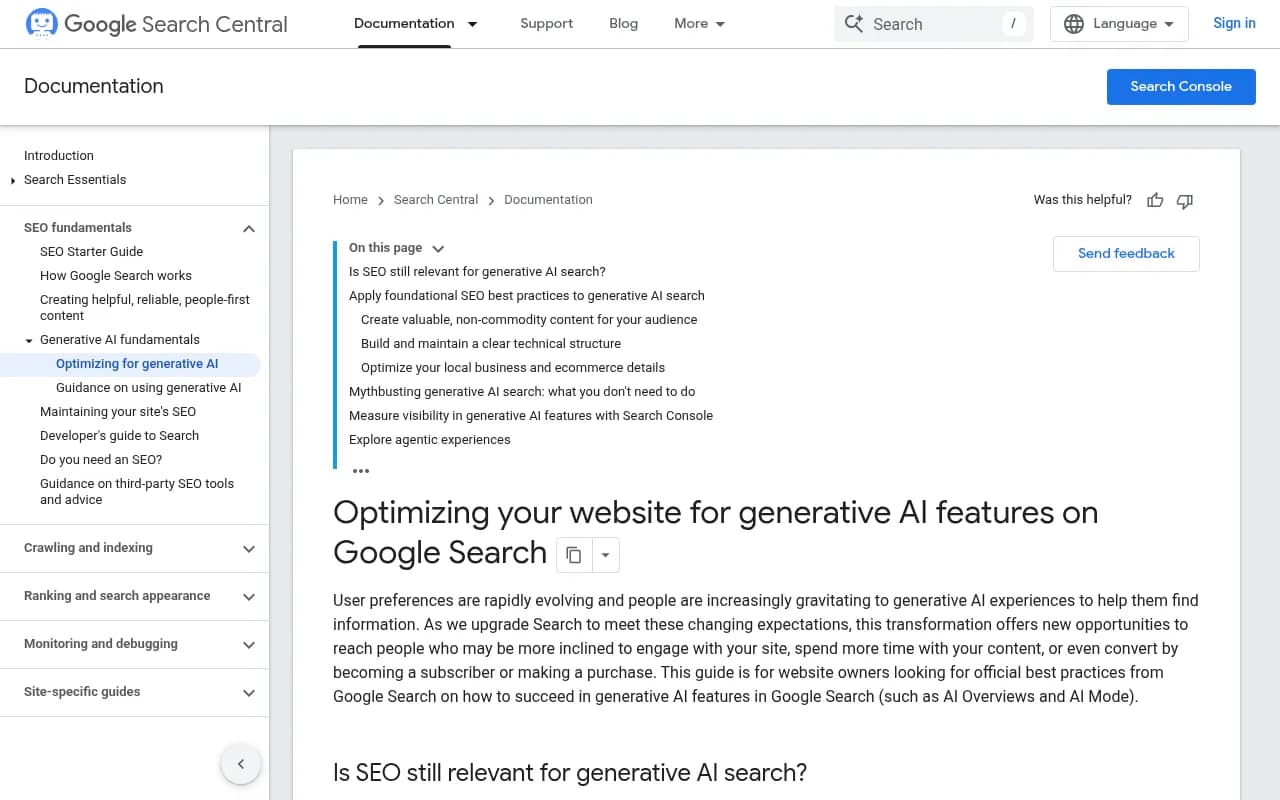
The framing is simple. Foundational SEO still applies, content should not be a commodity, and the technical structure should be clear. Read the whole guide yourself before you set strategy. It is the one source here that comes from the people running the system.
"Non-commodity" is the phrase that matters for SaaS. A help article titled "How to reset your password" that reads the same as a thousand others adds nothing. A doc page that includes your actual product's behavior, edge cases, limits, error messages, and a tested workflow is something nobody else can write.
Step 1: Decide which queries your docs should own
Software queries sort roughly into four buckets, and docs fit some better than others.
- How-to and troubleshooting ("how to connect Slack to [product]", "[product] webhook not firing"). Docs and help centers should own these outright.
- Definition and concept ("what is SSO", "what is an API rate limit"). Docs can compete if you write explainers, but Wikipedia, vendors, and glossary pages are crowded here.
- Comparison and best-of ("best project management software"). Listicles and review sites dominate. Docs rarely win here, and that is fine.
- Integration and compatibility ("does X integrate with Y"). Underrated. A clear integration page with exact capabilities is the kind of thing an AI answer can quote.
Start with buckets 1 and 4. They are where your documentation has an unfair advantage because you are the only source of truth.
Mine real questions
Pull questions from support tickets, sales call transcripts, community forums, and Search Console queries. If you use a tool like Promptwatch, its prompt intelligence shows prompt volumes, difficulty, and the query fan-outs AI runs for each response, which helps you see the sub-questions your docs need to answer.

The free ChatGPT Query Fan-Out Generator and GEO Inspector extension from Promptwatch are good for spot checks. For a wider look at tools in this space, the GEO software directory at bestgeosoftware.com lists the options.
Step 2: Write each page so it can be quoted
AI Overviews pull passages, not whole pages. So each section has to stand on its own. Rocking the rankings, SegMetrics, and others in the research set agree on one thing: use paragraphs, lists, and tables for the same information, and give the system something specific to quote. I agree, with one extra rule. Lead with the answer.
A pattern that works for help articles
- A title that matches how users phrase the problem, not your internal feature name.
- One or two sentences at the top stating the answer or outcome.
- Prerequisites (plan, permissions, version).
- Numbered steps, each one an action.
- An expected result, so the reader knows it worked.
- Common errors with exact error text and the fix.
- Related pages, linked.
Here is a skeleton you can adapt:
## Connect Slack to Acme

You can send Acme alerts to any Slack channel by installing the Acme app
from Settings > Integrations. Admins on Pro and above can do this.

### Before you start
- Admin role in Acme
- Permission to add apps in your Slack workspace

### Steps
1. Open Settings > Integrations > Slack.
2. Click Connect and approve the permissions.
3. Choose a default channel.

### Expected result
A test message appears in the channel within 30 seconds.

### Troubleshooting
| Error | Cause | Fix |
| --- | --- | --- |
| channel_not_found | Bot not invited | Run /invite @Acme |
The exact-error-text table is the kind of thing that earns citations. Nobody else has your error strings.
Write for the follow-up, too
An AI answer often covers a question plus its obvious next question. If your page about webhooks also answers retries, signature verification, and rate limits, it can be cited for more of the fan-out. That is the practical meaning of depth here.
Step 3: Fix the technical structure
Best content in the world is useless if it is hidden. Docs sites are notorious for technical problems because they are often built on a separate stack from the marketing site.
Crawlability checklist
- Docs rendered server-side or pre-rendered, not only by client-side JavaScript.
- Hosted on your main domain or a clean subdomain, with a sitemap that includes every page.
- No login wall on public help content. Gate only what truly needs gating.
- Canonical tags that point to the right version. Versioned docs often create duplicates.
- Robots rules that do not block search or AI crawlers by accident. Check them.
- Clean heading hierarchy, one topic per page, descriptive URLs.
- Internal links between related docs, and from the marketing site into the docs.
Watching which bots hit your docs helps. Promptwatch's AI crawler traffic report breaks down verified requests from OpenAI, Anthropic, Google, Perplexity, and Mistral from June to September 2026, and its Agent Analytics shows IP-verified crawler logs for your own site. Another approach is plain server logs filtered for known user agents.
One note on file formats. Markdown versions of your docs serve agents, not search: Promptwatch Data found markdown files make up just 0.05% of AI search citations. Keep rendered HTML as the primary version.
Keep pages fresh
Stale docs lose. Promptwatch's content half-life study tracked pages ChatGPT cited on July 6, 2026 for 90 days. Landing pages and docs stayed cited longest, while news lost half its pages within 36 days. Docs have staying power, but only if they are right. Tie doc updates to your release process, show a last-updated date, and delete or redirect pages for features you have removed.
Step 4: Cover the surfaces around your docs
Docs are the core, not the whole thing. The software report shows three other source types doing real work.
| Surface | Software share in ChatGPT (Sep 28 to Oct 4, 2026) | What to do |
|---|---|---|
| Docs and help centers | 2.64% | Publish crawlable, current, question-led pages |
| Vendor sites | 2.01% | Clear product, pricing, and integration pages |
| Review sites and analysts | 1.57% combined | Complete G2 and Capterra profiles, collect reviews |
| GitHub | 1.2% | Maintain a public repo, README, and examples if you serve developers |
| App stores | 0.47% | Keep listings accurate |
The review-site line is the one people skip. Combined, G2, Gartner, Capterra and Software Advice earned more than any single vendor, Microsoft included. Promptwatch's recommendation from the report is to keep those profiles complete and current. It costs little and it feeds the same answers your docs do.
For Google specifically, add video. Video climbed past 6% of AI Overview citations by late July 2026, and YouTube alone was the top cited domain in June. A short screen-recorded walkthrough of your top ten help articles, embedded on the article page, gives Google a second asset to cite. Mining Reddit threads for questions is useful too, though Promptwatch's data shows ChatGPT sharply cut Reddit citations in August 2026 while Google surfaces declined more gradually. Use Reddit as a research source for what people ask, not as a distribution plan.
Step 5: Track what gets cited
Rank tracking tells you little here. What you want is the answer to three questions: which prompts trigger an AI Overview, whether you are cited, and which page was used.
Tool options
The catalog has a lot of AI visibility trackers. A fair split:
| Tool | Good for | Worth knowing |
|---|---|---|
| Promptwatch | Tracking plus fixing: prompts, citations, crawler logs, content gaps, a Content Agent that publishes | Covers real UIs including Google AI Overviews and AI Mode |
| Profound | Enterprise monitoring | Higher price point |
| Peec AI | Lightweight prompt tracking | Monitoring focus |
| Otterly.AI | Affordable monitoring | Basic tracking |
| Semrush AI Visibility Toolkit | Teams already on Semrush | Part of a larger suite |
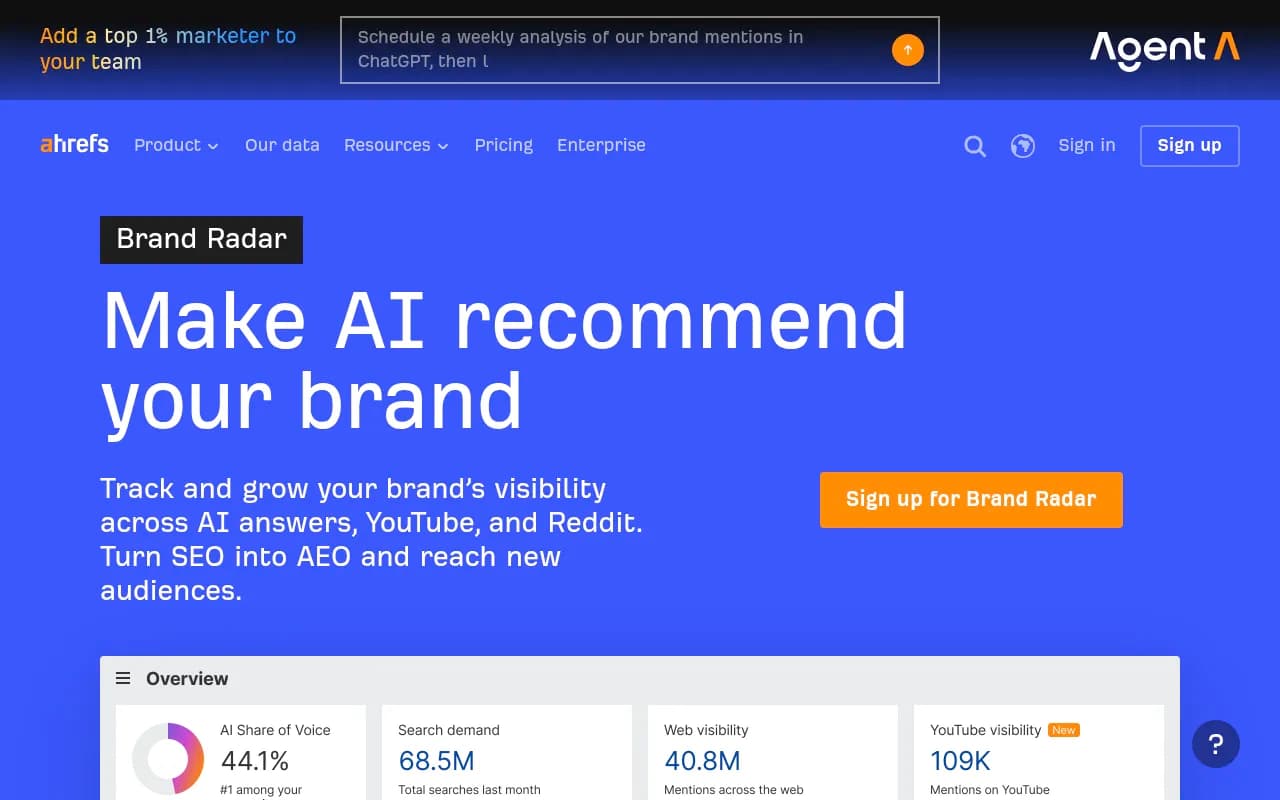
| Ahrefs Brand Radar | Teams already on Ahrefs | Add-on to an SEO toolset |



For docs work, the useful features are page-level ones. You want to see that your /docs/webhooks page is cited for a given prompt, how often AI crawlers read it, and whether Google Search Console shows it ranking without being cited. Promptwatch's 360 Insights and Page Tracker are built for that, and its weekly site audit flags the technical issues from Step 3. Its Content Refresh and Action Board turn gaps into a to-do list, which suits a docs team with limited time.
If you want to compare more trackers, the AI rank tracking directory at ai-rank-tools.com is a good place to browse.
Whatever you use, define a fixed set of 30 to 50 prompts across your four query buckets, run them weekly, and log the cited URL. Without that baseline you will not know whether a doc rewrite worked.
Step 6: Build a doc refresh loop
A realistic monthly routine for a small team:
- Review the prompts where competitors are cited and you are not.
- Check whether you have a doc page for that question. If not, write one. If yes, check whether the answer is in the first lines.
- Add error text, limits, and examples that only you can supply.
- Link the new page from related docs and from one relevant marketing page.
- Re-test the prompts two to four weeks later and record the result.
Rock the Rankings and others mention mobile-friendliness and fast loading as basics. Fine, but they are table stakes, not a strategy. The loop above is where gains come from.
Common mistakes
- Putting docs behind a login or a JavaScript-only shell.
- Writing help articles around internal feature names instead of user phrasing.
- Letting versioned docs create dozens of near-duplicate pages.
- Ignoring G2 and Capterra because they are not your site.
- Judging success by classic rank alone. A page can rank fifth and be the one cited, or rank first and be skipped.
- Treating one study as settled. The numbers here are weekly or monthly snapshots and they move. The ChatGPT software data is one week, and the June AI Overview data is month-to-date.
What I would do first
Pick your twenty highest-volume support questions. Check whether each has a clean, crawlable, answer-first doc page. Fix the ten that do not. Then fill your G2 and Capterra profiles, add short videos for the top five, and start tracking a fixed prompt set. That is a month of work, and it covers the three source types, docs, review sites and video, that the 2026 data keeps pointing to.
If you would rather hand some of this to specialists, the browse-by-category listings at surferstack.com are a decent way to shortlist tools. The principle holds either way: write pages only you could write, make them easy to read, and check whether AI actually cites them.