Key takeaways
- You can get a real answer about AI citations without paying for anything. Manual prompt testing, GA4, server logs and webmaster tools cover most of it.
- A mention (your brand is named) and a citation (your URL is linked as a source) are different things. Track both.
- Referral traffic in GA4 and crawler hits in your logs are the two hardest signals. Screenshots of one chat answer are not.
- Free methods give you a snapshot. If you want daily tracking across models and countries, you will eventually need a dedicated tool.
- Once you know where you stand, the fix is usually crawl access, pages that answer specific questions, and mentions on third-party sites the engines already trust.
Mentions vs citations: what you are actually looking for
Before you check anything, get the vocabulary straight, because it changes what counts as a win.
A mention is when an AI names your brand in its answer, with no link. A citation is when the answer attributes something to your page, usually as a footnote, source card or link. You can have plenty of the first and none of the second. That usually means the model knows you from training data or third-party coverage but never fetches your own pages.
This matters more than it sounds. OtterlyAI's research claims that around 95% of AI citations come from third-party sites rather than the brand's own domain. That is a vendor study, so treat the exact number with some care, but it matches what I see: the pages naming you are often not yours.
Also, expect a crowded field. Promptwatch Data found almost half of ChatGPT responses cite 10 or more unique domains (Sep 28 to Oct 4, 2026), so there are plenty of slots. Whether you take one is the question.
Method 1: Run manual prompt checks (15 minutes)
The simplest method is also the one people skip. Open ChatGPT, Perplexity, Gemini and Google (for AI Overviews and AI Mode) in a logged-out or private window, and ask the questions your customers actually ask.
Build a list of 20 to 30 prompts in four buckets:
- Category prompts: "best project management tool for agencies"
- Comparison prompts: "[your brand] vs [competitor]"
- Problem prompts: "how do I fix [problem you solve]"
- Branded prompts: "is [your brand] any good"
For each one, record in a spreadsheet: was your brand mentioned, was your domain linked, which position, and which competitors showed up. Run each prompt twice. Answers vary between runs, so a single hit or miss tells you very little.
Two tips that save time:
- Turn on web search in ChatGPT, otherwise you are testing the model's memory and not its citations.
- Click through the sources. In Perplexity the numbered footnotes are the whole point. In ChatGPT, open the Sources panel.
The weakness here is obvious. It is slow, it does not scale, and your results depend on location and personalization. Still, it is the best way to build a feel for how engines treat your category.
Method 2: Check AI referral traffic in GA4
If AI cites you and people click, GA4 sees it. You just need to look in the right place.
- Open Reports, then Acquisition, then Traffic acquisition.
- Switch the primary dimension to Session source / medium.
- Search for sources such as chatgpt.com, perplexity.ai, gemini.google.com, copilot.microsoft.com, claude.ai and others.
Better, create a custom channel group so AI traffic gets its own line. In Admin, go to Data settings, then Channel groups, and create an "AI search" channel with a regex condition on source:
chatgpt\.com|openai|perplexity|gemini\.google|copilot\.microsoft|claude\.ai|you\.com|deepseek
Place it above the Referral channel, otherwise sessions get swallowed by the default grouping.
Caveats: some AI clients strip referrers, so a chunk of AI-driven visits lands in Direct. Treat the number as a floor. Also, AI Overviews clicks arrive as normal Google organic traffic, so GA4 cannot separate them. For those you need Search Console (Method 5).
A useful second step is to look at landing pages for that AI segment. The pages receiving AI visits are the ones being cited. That is a free citation list.
Method 3: Read your server or CDN logs for AI crawlers
Referral traffic shows clicks. Logs show visits by the bots themselves, which tells you whether AI systems can read your site at all.
Search your access logs for these user agents:
GPTBot, OAI-SearchBot, ChatGPT-User
ClaudeBot, Claude-User
PerplexityBot, Perplexity-User
Google-Extended, Google-Agent
Meta-WebIndexer, MistralAI-User
A quick command on a standard log file:
grep -iE "GPTBot|OAI-SearchBot|ChatGPT-User|ClaudeBot|PerplexityBot" access.log | awk '{print $1, $7, $9}' | sort | uniq -c | sort -rn | head -50
What to look for:
- Zero hits from a major provider. You are probably blocked in robots.txt, or a CDN or WAF rule is rejecting the bot.
- Lots of 403 or 5xx responses. The bot is trying and failing.
- Only training bots, no answer-time fetchers. Your content may be in training data but not retrieved live. ChatGPT-User and OAI-SearchBot hits are the ones tied to live answers.
One warning: user agents can be faked. For a rigorous read, verify the source IP against the operator's published ranges. Promptwatch's AI crawler traffic report does exactly that for its sample (June 8 to September 6, 2026) and shows OpenAI at 79.8% of verified requests in the last week, down from 94.8% in early June. Use it as a rough benchmark for your own mix. If a provider is near zero for you but not in the benchmark, check your access rules.
The mix also moves fast. Meta-WebIndexer grew from about 2% to nearly 38% of tracked AI crawler requests between mid-July and August 9, 2026, so do not assume the list of bots you allowed last year is complete.
Method 4: Use Cloudflare's AI crawl controls
If your site sits behind Cloudflare, you get a friendlier version of Method 3 without touching raw logs. The AI Crawl Control section in the dashboard shows which AI crawlers hit your zone, how often, which paths they request, and lets you allow or block each one. On Reddit, the SEO crowd regularly points to it as the easiest free way to see AI bot activity.
Two things to check there:
- Whether you are accidentally blocking bots through a managed rule or Bot Fight Mode.
- Which pages get requested most. Pages crawled often by answer-time bots are candidates for citations.
Plan availability for specific features changes, so check what your Cloudflare plan includes before relying on it. Vercel, Netlify, Fastly and CloudFront have comparable log views if you use those instead.
Method 5: Mine Google Search Console for AI Overviews signals
Google does not break out AI Overviews citations as a separate report. It still helps.
AI Overviews and AI Mode traffic is counted inside the normal Web search performance data. So you can work backwards:
- Filter Queries to long, question-style searches (regex such as
^(how|what|why|can|does|is|best)) and see which pages get impressions. - Compare the pages that rank in the top 10 against the pages you find cited when you manually run those queries in Google.
- Look for pages with strong impressions and falling clicks. That pattern often means an AI answer is satisfying the query.
The Digital Applied roundup of 2026 studies points out that only 38% of AI Overview citations now come from the top 10 results, down from 76% in mid-2025, because the engine fans out into many sub-queries. So ranking for the exact head term is less decisive than ranking across a cluster of related questions. If you are cited in one prompt, check the related searches too.
Method 6: Check Bing Webmaster Tools
Bing feeds Copilot and, indirectly, parts of other assistants' retrieval, so it is worth a look even if you ignore Bing for classic SEO. Verify your site in Bing Webmaster Tools and review:
- Search performance for queries and pages
- Whether your sitemap is fully indexed
- Any crawl errors or blocked URLs
Bing's reporting around AI citations has been evolving, so check the current dashboard for an AI performance view. If your pages are not indexed in Bing, Copilot has no way to cite them, which makes this the cheapest fix on the list.
Method 7: Use free tiers of AI visibility tools
Manual checks do not scale, and free dashboards are limited. The seventh method is to take free scans and trials from tools built for this. Most give you a one-time snapshot, which is plenty for a baseline.
Promptwatch has a free AI Visibility Report that needs no login, a free Explore plan (1 project, 10 prompts, ChatGPT only), and a free GEO Inspector Chrome extension that shows ChatGPT's query fan-outs and which sources were fetched versus actually cited. Confirm current limits at promptwatch.com/pricing.

Others worth a look for a quick baseline:

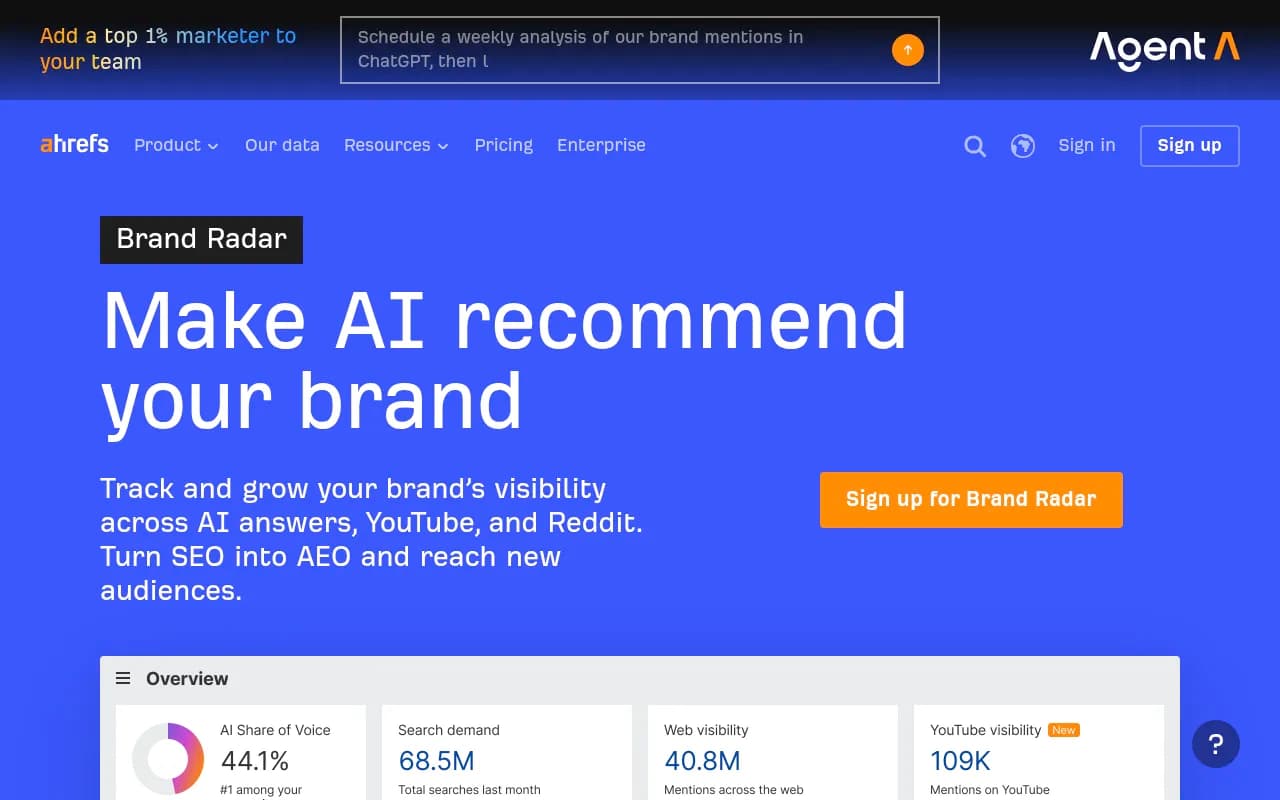
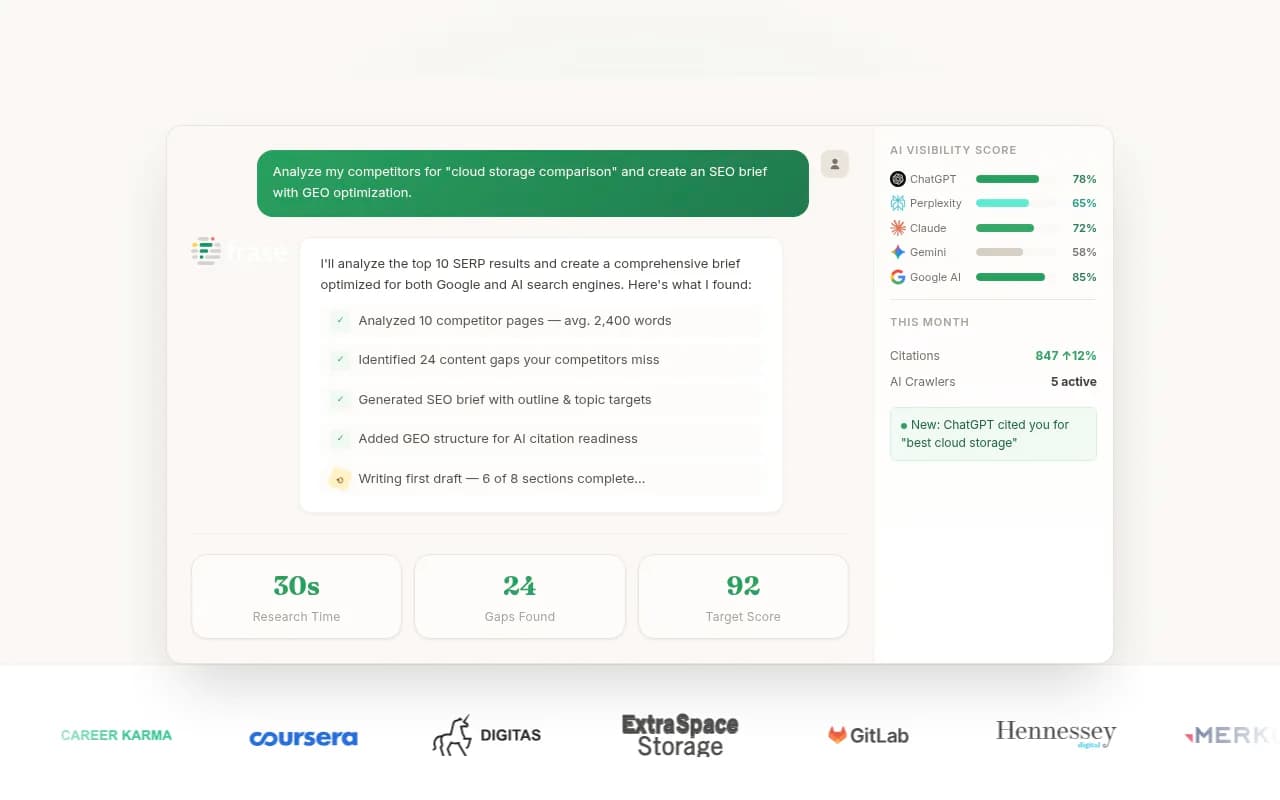
Frase also has a free GEO Score tool for checking readiness. Semrush shows basic AI visibility numbers for free and keeps the full report behind a paywall, as people in the r/SEO thread note.
If you want to compare more options, the directory at bestgeosoftware.com lists GEO tools by category.
Which method answers which question
| Method | Cost | What it tells you | Main blind spot |
|---|---|---|---|
| 1. Manual prompt checks | Free | Whether you are named or linked, and who else is | Slow, varies by run and location |
| 2. GA4 AI referrals | Free | Real clicks from AI platforms | Stripped referrers land in Direct |
| 3. Server log analysis | Free | Whether AI bots can read your pages | Needs log access, spoofed bots |
| 4. Cloudflare AI Crawl Control | Free tier, plan-dependent | Bot activity and blocking rules | Only if you use Cloudflare |
| 5. Search Console | Free | Query and page patterns behind AI Overviews | No AI-specific report |
| 6. Bing Webmaster Tools | Free | Indexing health for Copilot | Limited AI reporting |
| 7. Free tool tiers | Free to start | Cross-model visibility snapshot | Capped prompts and models |
A simple 30-minute audit using all seven
Here is the order I would run these in if I had half an hour:
- Check robots.txt and your CDN rules for GPTBot, OAI-SearchBot, ClaudeBot and PerplexityBot (Methods 3 and 4).
- Open GA4 and build the AI channel group (Method 2). Note which landing pages get AI visits.
- Run 20 prompts manually and log results (Method 1).
- Run a free scan from a visibility tool and compare it with your manual list (Method 7).
- Verify Bing indexing and check Search Console question queries (Methods 5 and 6).
If the manual checks and the tool agree, you can trust the picture. If they disagree, rerun the manual prompts. Randomness is the usual culprit.
How to read what you find
Three common patterns, and what each suggests:
- Mentioned, never cited. The model knows you from elsewhere but does not fetch your pages. Check crawl access, then build pages that directly answer the question. Product and landing pages matter here. In Promptwatch's ChatGPT content type data (Sep 28 to Oct 4, 2026), product pages are 22.4% of citations and landing pages 16.8%, so complete, factual pages describing what you sell are not optional.
- Cited on some engines, not others. Perplexity is retrieval-heavy and tends to reward fresh, specific pages. ChatGPT leans more on domain trust. AI Overviews draw on Google's index. Compare results engine by engine before concluding anything.
- Cited early, then gone. Citations decay. In Promptwatch's content half-life study, news lost half its cited pages within 36 days, while landing pages and docs stayed cited longest. Refresh or replace pages that slip.
One trap is worth flagging: social citations. If you rely on Reddit threads for visibility, note that ChatGPT's reliance on social platforms has collapsed, with only 0.46% of its citations coming from social from Sep 28 to Oct 4, 2026, while Google AI Overviews drew 12.2%. Where you chase mentions should depend on which engine you care about.
What the evidence says moves citations
Once you have a baseline, the research is fairly consistent. The Zyppy meta-analysis summarized by Digital Applied ranks URL accessibility and search rank as the top factors, then query-answer match. Similarweb's 2026 study found that, within the same site, pages whose title and best paragraph match real questions earned roughly 14% to 16% more citations per standard deviation of match.
Two popular tactics deserve skepticism. FAQ blocks and schema markup showed gains across different websites but no significant effect within the same site in the Similarweb data. OtterlyAI reports a 350% citation increase from FAQ content, but that is a vendor self-experiment. For comparison, FAQ pages are about 3.3% of ChatGPT citations in Promptwatch's content type report. Use schema as hygiene, not as a strategy. LLMs.txt scored lowest of 23 factors in the Zyppy analysis.
Brand mentions, on the other hand, correlate about 3x more strongly with AI Overview visibility than backlinks (0.664 vs 0.218 in Ahrefs' study of 75,000 brands). That is why the third-party coverage you found in Method 1 is worth studying.
When free stops being enough
The free stack has limits. You cannot easily track the same 100 prompts daily, compare multiple countries, see which Reddit or YouTube pages are cited, or connect a citation to a crawler visit and a conversion. At that point a paid platform pays for itself in time saved. Promptwatch is one option built for this: it monitors the real interfaces of ChatGPT, AI Overviews, AI Mode, Gemini, Perplexity and Copilot, logs verified AI crawlers, and tracks AI traffic, then turns gaps into an action list. Plans start at $95/month for Essential, with an annual discount. For a wider shortlist, see ai-rank-tools.com for rank-tracking options.
If you would rather hand the work to people, an agency that does both classic SEO and GEO can run the audit, fix crawl access and build the content. 1001 SEO Media does that kind of work, but nothing above requires it.
Common mistakes
- Testing once and trusting the result. Answers vary run to run.
- Testing while logged in with a long chat history. Use fresh sessions.
- Counting mentions as citations.
- Blocking all AI bots to "protect content" and then wondering why nothing is cited. Decide bot by bot: training crawlers and answer-time fetchers are different.
- Ignoring Bing.
- Reading GA4 Direct traffic as pure direct.
The short version
Start with manual prompts and GA4 today. Check logs for crawl access this week. Then pick one free visibility tool for a baseline, and re-test in 30 days after you fix whatever the audit found. Write down the prompts, the date and the result every time, because the only way to know whether a change worked is to compare against your own earlier numbers.