Key takeaways
- Branded prompts name the client. Unbranded prompts do not. Pooling them inflates every visibility metric, because a prompt set that is half branded starts near a 50% mention rate before AI has recommended the client to anyone undecided.
- Report unbranded visibility as the headline discovery number. Keep a smaller branded set running to catch wrong facts and sentiment shifts.
- The two groups draw on different sources. In Promptwatch's data, branded ChatGPT answers are narrow and unbranded ones are crowded, so the numbers are not comparable.
- Prompts that name a competitor but not your client ("alternatives to Asana") count as unbranded from the client's point of view.
- Tag every prompt at creation, freeze the set for a month, then change it deliberately and note the change in the report.
Why blended numbers lie
Here is the situation most agencies hit sooner or later. A client's visibility score reads 58%. Everyone is pleased. Then someone asks what share of those mentions came from prompts that contained the client's own name, and the answer is most of them.
That is the whole problem. If a prompt says "is [Client] good for small teams," the client will be mentioned. Nobody is impressed by that. Promptwatch's glossary entry on branded vs. unbranded prompts (updated October 28, 2026) puts it plainly: if half of a prompt set is branded, the blended mention rate sits around 50% before the model has recommended you to a single undecided buyer. Visibility scores and share of voice inflate the same way.
The opposite failure happens too. A client's discovery numbers are weak, you pool in some branded prompts to look healthier, and the report hides the one problem the client is paying you to fix.
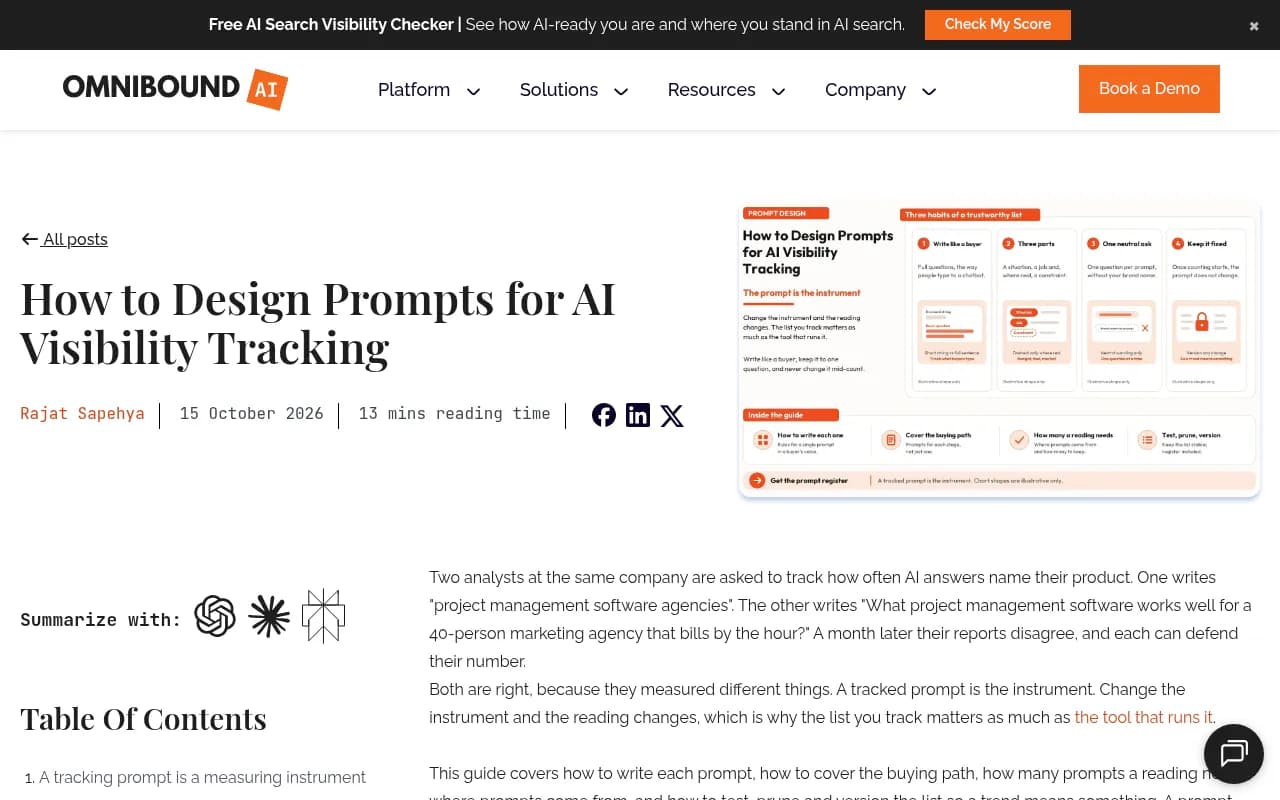
Omnibound's guide on designing tracking prompts describes how this plays out between teams: a month later their reports disagree, and each can defend their number. Their practical rule is the one worth copying. Separate prompts into two kinds and never pool them.
What counts as branded and unbranded
The definitions are simple. The edge cases are where reports go wrong.
Branded prompts
These contain the client's brand name, a product name, or a close variant. "Is Asana good for small teams." "[Client] pricing." "What do agencies say are the downsides of [Client]?" The person asking already knows the client. They are checking, comparing, or confirming a choice.
Branded prompts test two things. First, whether AI recognizes the entity at all. Rankscale's lesson on the topic calls a failure here an entity emergency, and treats branded visibility as the floor: if it fails, nothing else compounds. Second, whether AI describes the client accurately, which covers pricing, features, availability, and tone.
Unbranded prompts
These ask about a category, problem, or use case without naming the client. "Best project management software for small teams." The buyer has not chosen anyone yet. If AI names your client, they are in the running. If not, they may never get a look.
This is where pipeline growth comes from. Rankscale describes non-branded visibility as the ceiling, and that matches how most agencies talk about it with clients.
Three kinds of unbranded prompts
HubSpot's write-up makes the point that unbranded prompts come in several flavors and each deserves its own label so it does not skew numbers later. In practice I split them like this:
- Category prompts: "best CRM for startups"
- Problem or use-case prompts: "how do I stop losing leads after a demo"
- Competitor-framed prompts: "alternatives to Asana" or "Asana vs Monday.com"
The third group trips people up. A prompt that names a competitor but not your client is unbranded from your client's point of view, and it is often one of the most valuable discovery prompts you can track. Do not file it under branded just because it contains a brand name.
The two groups are built from different sources
This is the strongest argument for keeping them apart, and it has data behind it. Promptwatch Data looked at how many unique domains ChatGPT cites per response (Sep 28 to Oct 4, 2026, responses with at least one citation):
| Prompt type | Cite 10+ domains | Cite 3 domains or fewer | Notes |
|---|---|---|---|
| All prompts | 47.6% | 6% | 1% cite a single domain |
| Organic (unbranded) | 52.5% | 4.5% | 71.8% cite at least 8 domains |
| Brand-specific | 21.3% | 13.8% | Most common count is 5 domains (14.9%) |
| Competitor comparison | 49.1% | not reported | 0.35% cite a single domain |
Branded answers are narrow. Unbranded answers are crowded. A visibility number from a crowded answer with ten-plus sources is a different kind of number than one from a tight five-source answer, so putting them in one average makes little sense.
The content mix differs too. In Promptwatch's citation share by content type report for the same week, product pages and landing pages together make up almost half of branded citations (23.3% and 22.8%). Reviews are 5.6% of branded citations, more than three times their share across all prompts, and social posts are 3.0%, almost four times their overall share. Across all prompts, listicles (13.6%) and comparisons (5.9%) matter more.
The practical read: a branded set mostly tests the client's own site, FAQ, and review profiles. An unbranded set tests third-party listicles and comparisons. Different levers, different owners on the client side, different reports.
How to build the split into your setup
Tag at creation, not at reporting time
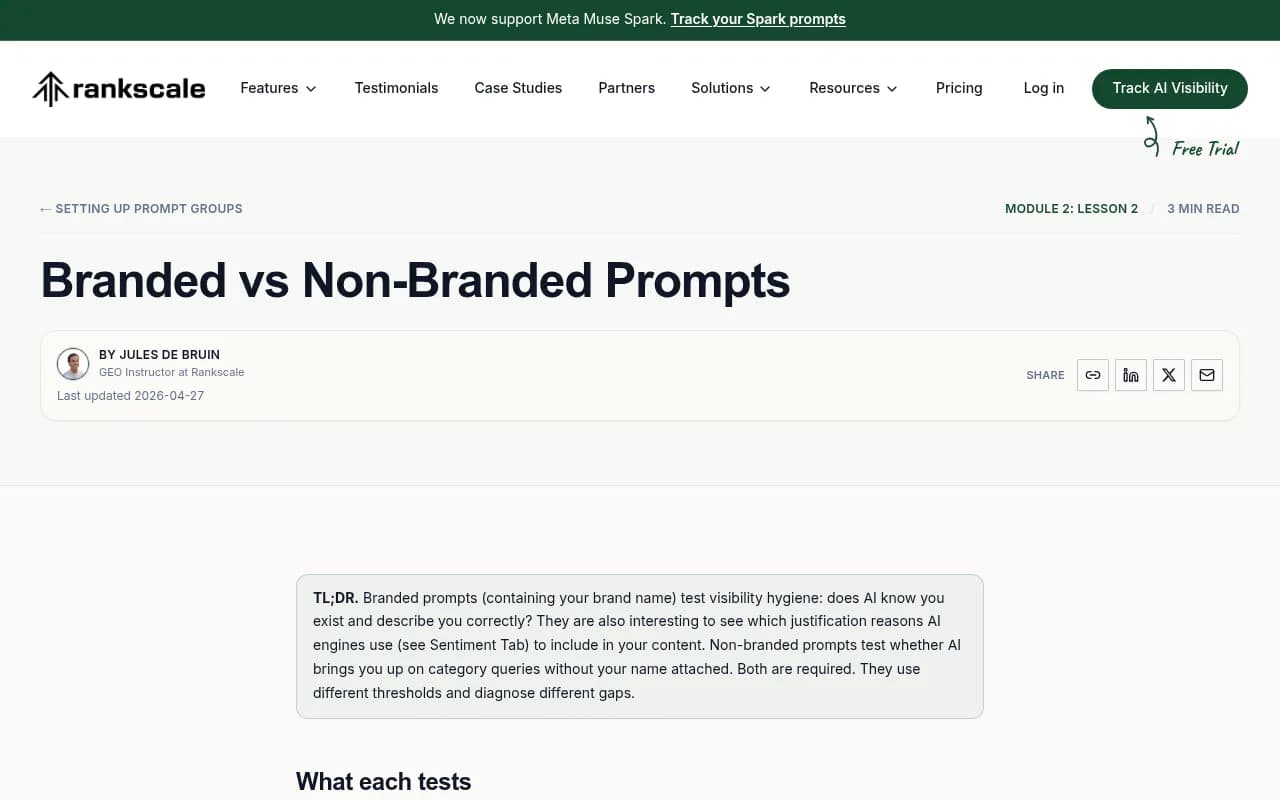
Retrofitting tags onto 300 prompts the night before a client call is miserable and error-prone. Make the label a required field when a prompt is created. Rankscale treats "visibility hygiene" (branded or non-branded) as one of three required tag dimensions, alongside intent and scope. That is a good model: branded or not, intent, and scope.
An easy warm-up exercise from Rankscale: write three branded prompts ("[segment] [brand]", "best [segment] [brand]", "[segment] [brand] pricing") and three non-branded ones ("[segment]", "best [segment]", "[segment] pricing"), then tag each. If that takes you more than five minutes, your naming conventions need work.
Keep discovery prompts clean
Omnibound's advice: keep the discovery group free of your name. That sounds obvious, but it breaks quietly. Someone adds "best [client] alternatives" to the discovery monitor because it feels competitive, and now your unbranded number has a branded prompt in it.
A rule I like: any prompt containing the client name, a product name, or a domain goes to the branded monitor automatically. Review it at every prompt-set change.
Size the sets differently
The unbranded set should be bigger. Promptwatch's guidance is to measure across many organic prompts, because a single prompt tells you little when answers cite ten-plus sources and shift between runs. The branded set can be smaller. Its job is to catch wrong facts and sentiment shifts, not to produce a trend line you defend in a meeting.
Freeze the set, then change it on purpose
Charlie's guidance on brand vs. non-brand reporting suggests building a 30-prompt set and freezing it for a month. I would treat that as a minimum for a baseline, not a target size. The point is that a trend line only means something if the prompts underneath it stayed the same. When you do change the set, add a note to the report and keep the old prompts running in parallel for a period if you can.
Which tools let you tag and filter this way
I did not test every tool on this list for tagging depth, so treat this as a starting shortlist and check the feature in a trial. What you want is simple: a prompt-type field you control, filters on every chart, and exports that carry the label.
Promptwatch labels prompts by type (organic, brand-specific, competitor comparison) and by intent, so charts and exports filter by group. Its prompt tracking also supports topics, tags, and bulk editing, and Brand Book analysis instructions let you define what counts as a mention when a client's name is also a common word, which matters a lot for branded accuracy. The agency plans (Kick-off at $199/mo, Growth at $399/mo, Scale at $799/mo) include unlimited projects and prompts; confirm current pricing at promptwatch.com/pricing.

Rankscale builds the branded vs. non-branded tag into its prompt-group setup, which is why its lesson reads like a setup checklist.
Omnibound ties AI visibility to B2B pipeline and publishes the prompt-design guidance cited above.
HubSpot's AEO tool sits inside a platform many clients already pay for, and its blog post is a useful read for explaining the split to a marketing lead.

Other trackers worth checking for prompt-level tagging include Peec AI, Otterly.AI, and Scrunch AI.


| Tool | Where to check the split | Good fit when |
|---|---|---|
| Promptwatch | Prompt types, intent, topics, tags, filtered exports and PDFs | Agencies that want tagging plus action and measurement in one platform |
| Rankscale | Branded or non-branded tag in prompt groups | Teams that want a simple, tag-first setup |
| Omnibound | Prompt design and pipeline tie-in | B2B clients focused on pipeline |
| HubSpot AEO Tools | Branded vs. unbranded tracking guidance | Clients already on HubSpot |
| Peec AI / Otterly.AI / Scrunch AI | Verify tag and filter support in a trial | Lighter monitoring needs |
For a wider view, the GEO software directory at bestgeosoftware.com lists more options.
How to lay out the client report
Lead with unbranded visibility
The headline is the discovery number. Something like: "Across 120 unbranded prompts, [Client] appeared in 19% of answers, up from 12% last quarter." That is a number a client can act on.
Promptwatch's glossary gives a clean example of a two-line client summary: branded sentiment of 82 out of 100, and unbranded visibility that rose from 12% to 19% over the quarter after a comparison content push. Two lines. Two different questions answered. No blended average.
Read each group with its own diagnosis
HubSpot's summary table of the ratio is useful here. A low branded result means weak positioning, or AI has facts wrong. A low unbranded result means weak discovery, and rivals own the category. Different problem, different fix.
In a report, that becomes two short sections:
- Branded: is AI accurate and fair about the client? List wrong facts found, sentiment trend, and which review sites and forums appear on the short source list (those shape how ChatGPT describes the client).
- Unbranded: is the client recommended, in what position, and who appears instead? Show visibility, share of voice, and top competitors.
Show the metrics side by side, never averaged
A simple layout that has worked for me:
| Metric | Branded set | Unbranded set |
|---|---|---|
| Prompts tracked | 25 | 120 |
| Visibility (mention rate) | High by design | The headline number |
| Sentiment | Primary KPI | Secondary |
| Accuracy of facts | Primary KPI | Not applicable |
| Share of voice | Rarely useful | Primary KPI |
| Typical action | Fix site, FAQ, reviews | Publish comparison and category content |
Note that share of voice is mostly meaningless on branded prompts, since the client is the subject. Do not report it there.
Explain the split once, then stop explaining
Put a two-sentence note at the top of the first report you send, and a footnote after that. Clients get it quickly. Something like: "Branded prompts include the client name and test accuracy. Unbranded prompts do not and test discovery. We report them separately because they are built from different sources and are not comparable."
Common mistakes
- Classifying competitor-named prompts as branded. They are unbranded for your client.
- Letting new prompts drift into the discovery set with the client name in them.
- Reporting one "overall visibility" number because the dashboard defaults to it. Change the default.
- Comparing branded and unbranded trends against each other. Branded will almost always look better. That says nothing.
- Changing the prompt set mid-quarter without a note, then explaining a visibility jump that came from the new prompts.
- Judging unbranded progress from five prompts. With 10+ cited domains in about half of answers, small sets are noisy.
Quarterly routine
A small checklist keeps the whole thing honest:
- Audit tags. Confirm every prompt containing the client name, product names, or domain sits in the branded group.
- Check that competitor-named prompts sit in unbranded.
- Freeze the set and record the prompt count per group.
- Report unbranded visibility first, then branded sentiment and accuracy.
- Log any set changes with dates so trend breaks are explained.
- Turn findings into actions: factual errors become site fixes, discovery gaps become content briefs.
If you want a second pair of eyes on a client reporting framework, 1001 SEO Media builds this kind of branded and unbranded split into its GEO reporting for clients, and runs it on Promptwatch.
The short version
Two groups, two jobs. Branded tells you whether AI knows the client and gets the facts right. Unbranded tells you whether AI brings the client up to people who have not chosen anyone yet. Tag at creation, size the sets differently, freeze them, and put unbranded visibility at the top of the report. The blended score can go in the bin.