Key takeaways
- Your prompts are the asset, not the dashboard. Get them into a spreadsheet before you touch anything else, including the model, country, and persona each one ran against.
- Ranketta counts prompts per model, so a "100 prompts per model" plan can mean 400 prompt-model combinations. Check how the new tool counts before you size a plan.
- Run both tools on the same prompts for two to four weeks. ChatGPT changed its own search behavior overnight on August 8, 2026, so a score drop during a switch may not be the new tool's fault.
- Ranketta is built around product-level (SKU) tracking. If you rely on that, shortlist tools that can do the same, or accept that you are moving to brand-level tracking.
- I found no documented Ranketta export format. Ask support or check the in-app export before assuming CSV or API access.
Why people leave Ranketta (and why that matters for the migration)
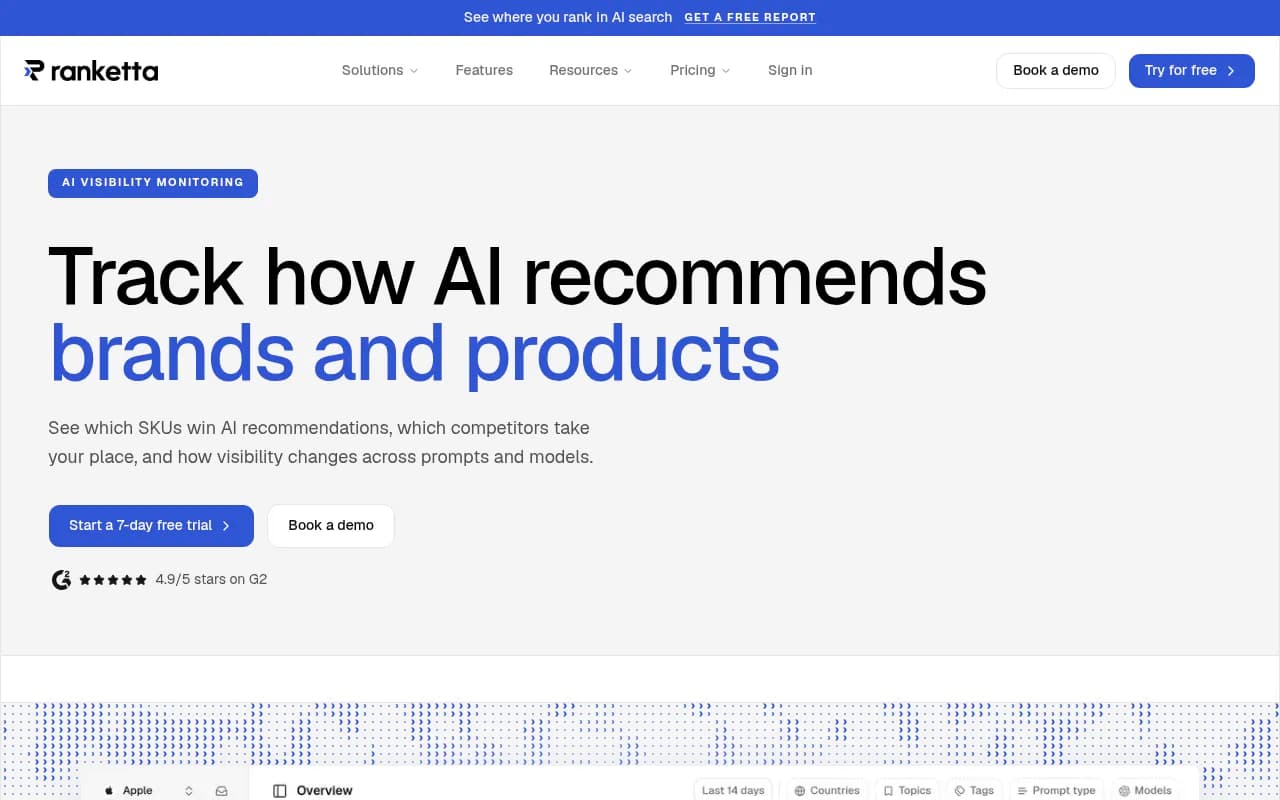
Ranketta is a product-level AI visibility tool. It tracks individual SKUs across prompts and models, cross-validates visibility across runs, and shows which products win recommendations and which competitors take their place. It claims 1,200+ brands and 4.9/5 on G2, though those are vendor numbers.
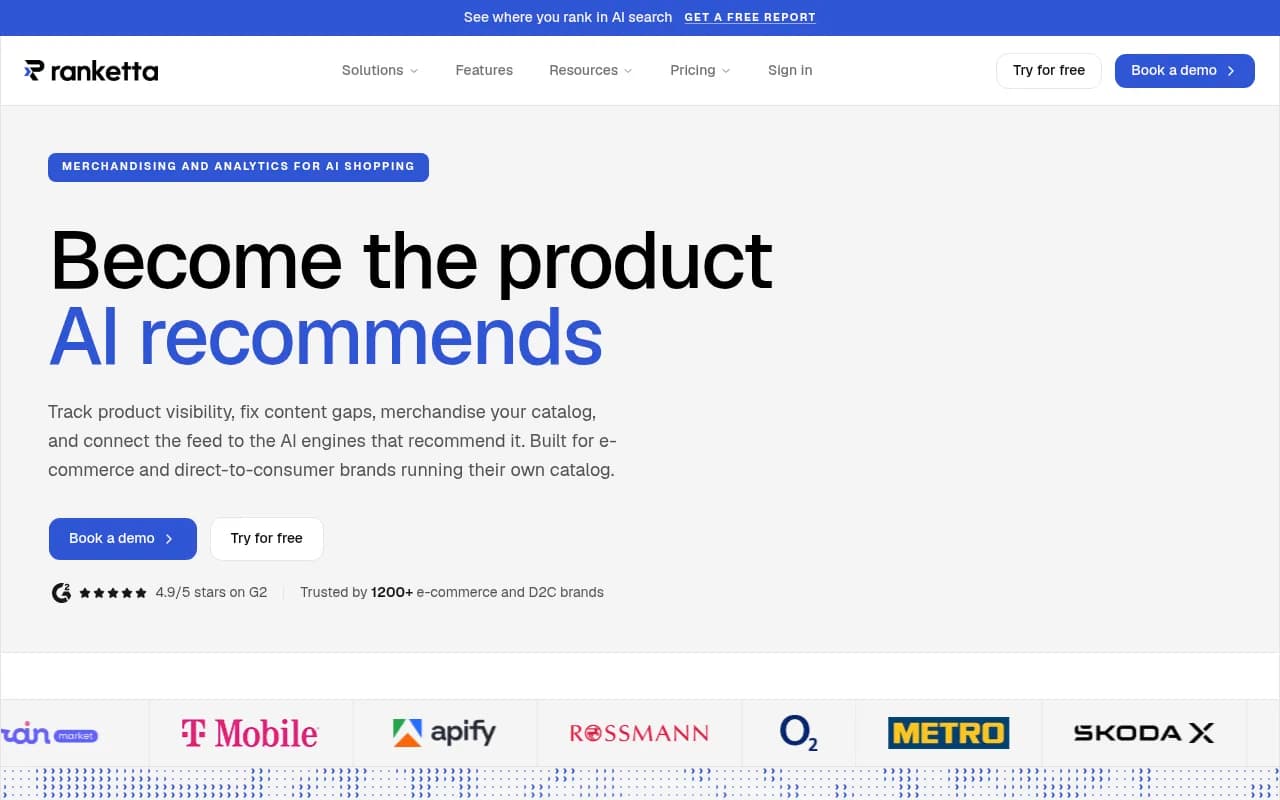
The reasons to switch usually fall into a few buckets. You outgrew the plan limits. You need content execution, not just monitoring. You are a B2B or SaaS brand that never needed SKU tracking. Or you need crawler logs and AI traffic attribution next to your visibility data. Whatever your reason, it decides what must survive the move. An e-commerce team leaving for a brand-level tracker loses something real. A SaaS team that only used Ranketta for brand prompts loses almost nothing and can pick on strategy and workflow instead.
Step 1: Inventory what you actually have
Before comparing vendors, write down what is inside your Ranketta account. Most teams are surprised by how much is there once they list it.
- Every tracked prompt, with its exact wording
- The AI models each prompt runs on
- Country and language settings
- Products or SKUs being tracked (if you use product tracking)
- Competitors and brand aliases
- Historical visibility, position, and citation data
- Any reports, dashboards, or scheduled emails other people rely on
- Connected sources such as a Shopify store or catalog
Put the prompts in a sheet with columns for prompt text, model, country, language, intent (branded, comparison, commercial, informational), and a priority flag. That sheet is your migration file. If the new tool never gets a perfect import, you can still paste it in.
Check what Ranketta lets you export
Here I have to be straight with you: I found no public Ranketta documentation describing an export format or migration path. Don't assume a CSV button or an API exists. Check the app for an export option, and if there isn't one, email support and ask for a prompt and results export. Ask in writing, and ask before you cancel.
Ranketta's plan pages mention MCP access on every plan. That might be a route for pulling data out through an AI agent, but I did not verify it, so treat it as something to test during your trial period rather than a guarantee.
Know your plan before you count prompts
Ranketta's own pages disagree on plan details, so check the live pricing page. The Shopify App Store listing shows a $29/month plan with 2 AI models and 30 prompts per model, a $79 plan, Growth at $199 (4 models, 100 prompts per model, 2 websites, 3 countries) and a top plan at $449 (5 models, 300 prompts per model, 5 websites, 10 countries). G2 lists different prompt counts again. The pattern that matters is that limits are per model.
| Ranketta plan (Shopify listing) | Monthly price | Models | Prompts per model | Max prompt-model runs |
|---|---|---|---|---|
| Tracker | $29 | 2 | 30 | 60 |
| Growth | $199 | 4 | 100 | 400 |
| Top tier | $449 | 5 | 300 | 1,500 |
That last column is what you need to match. A tool that sells "150 prompts" in total, with every prompt running on every model, is a different unit of measure from "100 prompts per model."
Step 2: Separate product-level and brand-level needs
This is the decision that narrows your shortlist fastest.
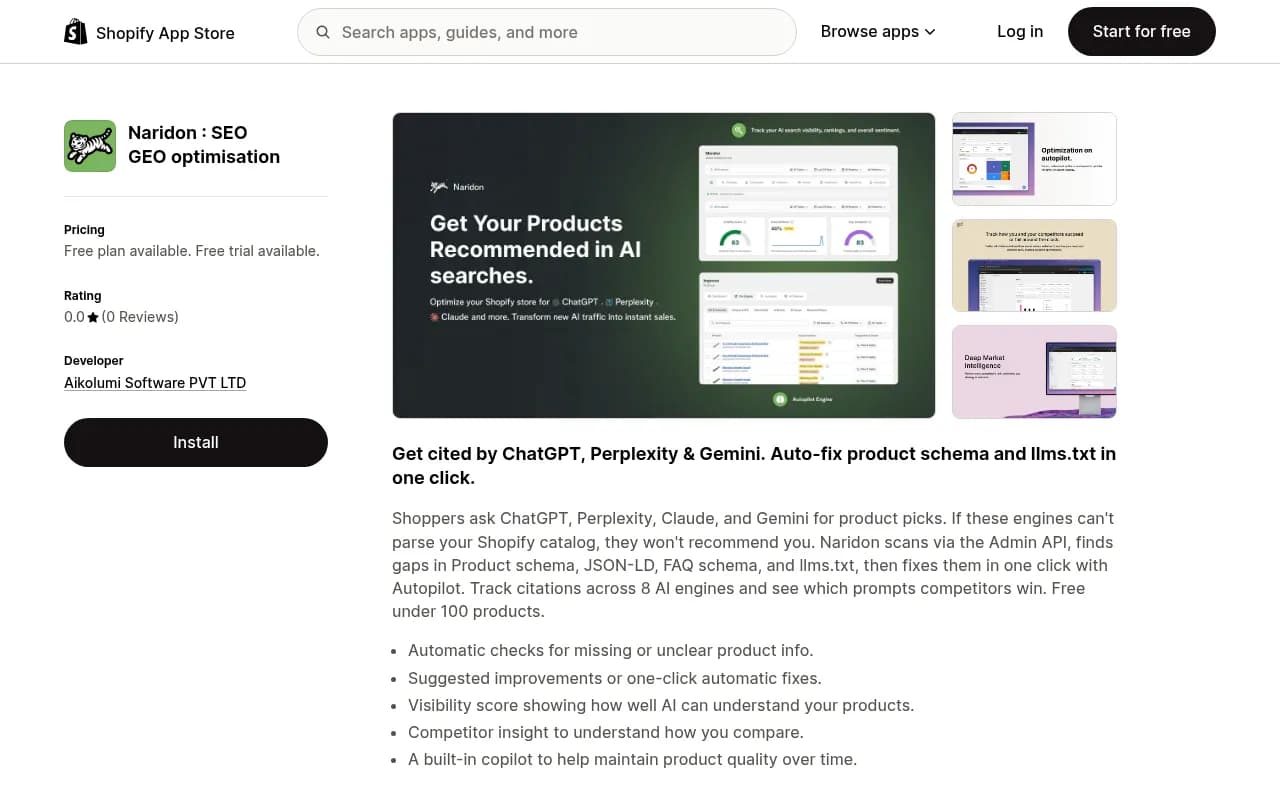
If you track SKUs, you need a replacement that understands products, catalogs, and shopping surfaces. Several tools in this directory are built for that: Alhena AI and Yotpo Discover target ecommerce catalogs, and Naridon is Shopify-native.
Yotpo Discover

If you only ever tracked brand prompts ("best CRM for small teams", "Brand X vs Brand Y"), you have far more options, and the real question becomes what you want beyond monitoring: content creation, crawler data, traffic attribution, or lower cost.
Step 3: Preserve the prompts that matter commercially
Don't migrate all of it. A prompt list that grew for a year usually has a lot of dead weight. Sort your prompts into three piles.
- Keep as-is: prompts tied to revenue, such as commercial comparisons, "best X for Y", and branded prompts. Keep the exact wording, because rewording changes what the model sees and breaks trend continuity.
- Keep but review: prompts that never returned your brand or any competitor. They may be badly worded rather than irrelevant.
- Drop: duplicates, near-duplicates, and prompts nobody on your team looks at.
Prompt wording matters more than people think. AI engines don't answer your prompt directly; they break it into searches. Promptwatch's ChatGPT query fanouts data shows fanouts averaged 2.15 queries per response in early December 2025 and about 1.84 by early March 2026, with average query length falling from roughly 117 characters to the high 80s. Small shifts in the platform change what your prompt triggers.
Rebuild context, not just text
A prompt is more than its words. For each one, carry over the model, the country and language, and any persona or phrasing style. Prompts tracked in Germany in German are not the same prompt as the English version. Most tools fix location and language when a monitor is created, so build your monitors by market first and then add prompts to them.
Step 4: Why you need an overlap period
This is the part most migration guides skip, and it is where people lose confidence in the new tool for no good reason.
When you switch tools you change your measurement method. Different tools collect data differently (real interfaces versus APIs), score visibility differently, and count mentions differently. So your Ranketta score of 42 and your new score of 31 are not a decline. They are two rulers.
There is also the platform itself. On August 8, 2026, ChatGPT began using the site: operator at scale. Promptwatch Data shows site: queries jumped from 0.37% to 16.8% of fanout queries in one day, and average searches per response rose from about 1.08 to about 1.83 and stayed there. The report concludes that keyword mappings built before the shift are stale and that platform-controlled search behavior can change overnight.
My takeaway from that, and this is my inference rather than a finding in the report: baselines from before and after August 8 are not directly comparable. If you switch tools around a change like that and your numbers move, you can't tell whether the cause was the tool or ChatGPT. Running both tools on the same prompts at the same time is the only way to separate the two.
A simple overlap plan
| Week | What to do |
|---|---|
| 0 | Export or copy everything from Ranketta. Start the new tool's free trial or lowest plan and load your priority prompts. |
| 1-2 | Run both tools on identical prompts, models, and countries. Don't change anything else. |
| 3 | Compare visibility, position, and cited sources per prompt. Note where the tools disagree and why. |
| 4 | Write down the conversion ratio between the two scores. Use it to translate old history. Then decide whether to cancel Ranketta. |
Two to four weeks is enough. Keep the Ranketta subscription through the overlap even if it costs one extra month. It is cheap insurance.
Step 5: Choose the replacement
Pick based on what you want to do after migration, not just on what you tracked before. The directory has well over a hundred AI visibility tools, so here is a short, opinionated cut by use case.
| Need | Tools worth a look |
|---|---|
| Monitoring plus content execution, crawler logs, and traffic attribution | Promptwatch |
| Ecommerce catalogs and product visibility | Alhena AI, Yotpo Discover, Naridon |
| Low-cost basic tracking | Otterly.AI, Rankscale, Airefs |
| Enterprise suites | Profound, Brandlight, BrightEdge, Adobe LLM Optimizer |
| Agency workflows | Search Party, Scrunch |
| Open-source or self-hosted | Elmo, AI Monitor |
Promptwatch
Promptwatch is the one we use at 1001 SEO Media, so take that with the appropriate grain of salt. It tracks ChatGPT, Gemini, Perplexity, Claude, Google AI Overviews, AI Mode, Copilot and others from their real interfaces, then goes past monitoring: a Content Agent writes and publishes pages to WordPress, Webflow, or Framer, and IP-verified AI crawler logs and visitor analytics show whether those pages get read, cited, and clicked. If your reason for leaving Ranketta is "we see the problem but nothing fixes it," that loop is the argument.

For migration specifically, a few things matter. Prompts are counted per monitor and per plan, with prompt volumes and difficulty scores, so you can prioritize the list you built in step 3. Monitors fix language and location, which matches the market-first approach above. Plans start at $95/month (Essential) and run to $579/month (Business, the first plan with the Content Agent and hourly tracking). Check promptwatch.com/pricing to confirm current numbers. It has a 7-day free trial on monthly billing, which suits an overlap period. What it does not do is SKU-level catalog tracking the way Ranketta does, though it covers ChatGPT Shopping and Amazon Alexa product results on the Business plan.
For a broader comparison, see the 2026 GEO platform comparison.
Lower-cost trackers
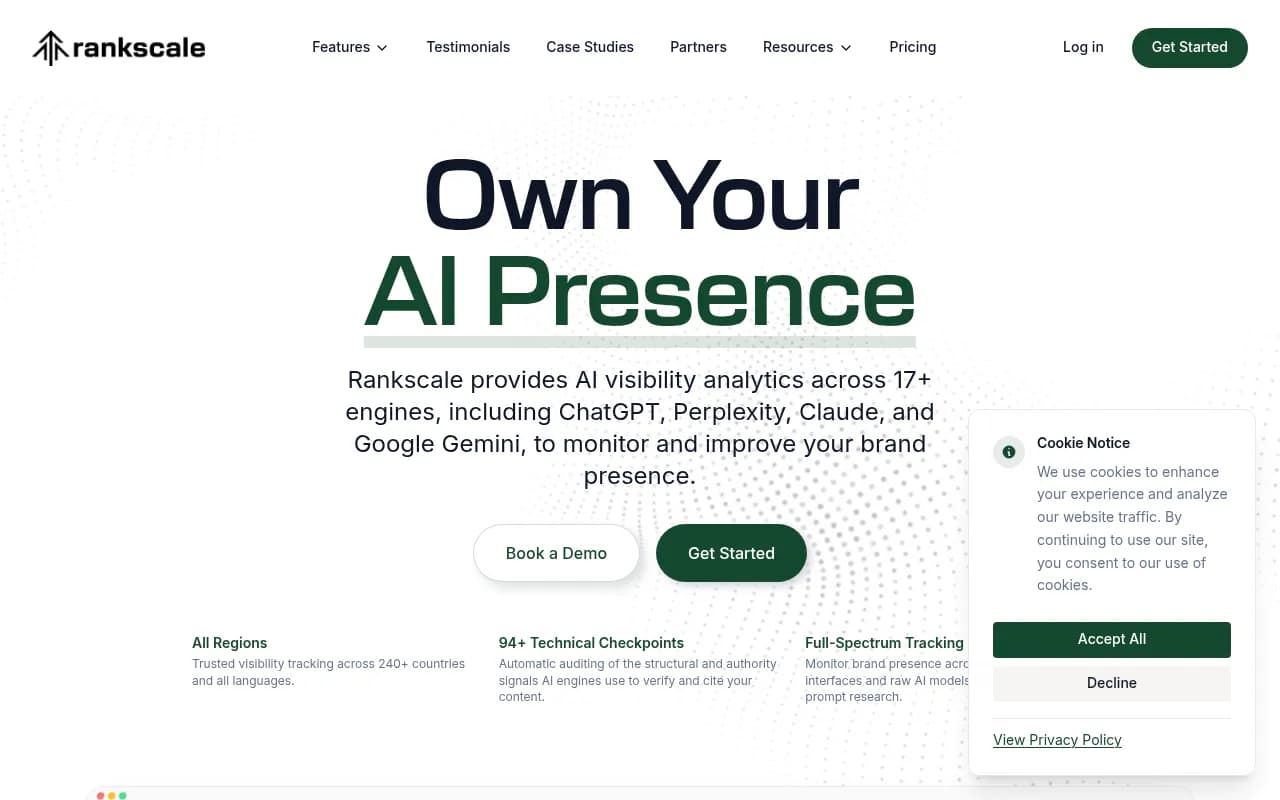
If you want a like-for-like swap without extra features, Otterly.AI and Rankscale are the usual picks. One search snippet showed Rankscale from roughly $17-20/month on yearly billing up to $780/month for Enterprise, with CSV and Sheets exports missing from the entry plan. That is unverified beyond the snippet, so confirm on their pricing page. The export detail matters for you, because you'll want your data portable next time.

Ecommerce-focused alternatives
SKU tracking is the one thing that really is hard to replace. Check whether the new tool tracks individual products across prompts, whether it reads your catalog, and how it measures shopping carousels. The ecommerce-specific tools above are where to start.
A note on vendor comparison pages
Search results for "Ranketta alternative" are mostly vendor-written pages from Dageno, GEOly and others. They are promotional by nature, including the migration advice in them. Useful ideas, such as preserving baselines and running overlapping periods, appear in several, and I've used them here, but don't treat any of them as neutral. For a wider view, the directories at bestgeosoftware.com and ai-rank-tools.com list the field side by side.
Step 6: Load, verify, and validate
Once you've picked a tool, load your prompts in priority order and check them before trusting any numbers.
- Create monitors by country and language first.
- Add your top commercial prompts with the exact original wording.
- Re-add competitors and brand aliases. Most tools let you set rules for when a brand name is also a common word, and you will want that.
- Run one round and read the raw responses for ten or so prompts. Check that the tool detects your brand when the answer clearly names it, and doesn't when it doesn't.
- Compare cited sources against what Ranketta showed for the same prompts.
Step four is the one people skip. A dashboard number is only as good as the mention-detection behind it.
The Surfer Academy walkthrough on reverse-engineering a brand's ChatGPT visibility is a decent way to sanity-check your own results by hand during the overlap.
Step 7: Handle historical data honestly
You will probably not be able to import Ranketta history into the new tool. Plan for that.
- Export what you can: scores, positions, and cited sources per prompt, as a spreadsheet or PDF.
- Store it somewhere shared, not in one person's login.
- Mark the switch date on every chart you keep, and note the August 8, 2026 ChatGPT change if it falls inside your window.
- Use the overlap ratio from step 4 to roughly translate old scores into the new scale, and label them as approximations.
- Treat the new tool's first clean month as your new baseline, not as a continuation.
Presenting a clean break to your boss or client is better than a stitched-together trend line that quietly mixes two methods.
Common mistakes
- Cancelling Ranketta before the overlap ends
- Rewording prompts during the move, then wondering why trends changed
- Comparing prompt counts across tools without checking per-model versus total counting
- Ignoring country and language when rebuilding monitors
- Judging the new tool in its first week, before enough runs exist to smooth out noise
- Forgetting reports and scheduled emails that stakeholders rely on
- Treating a score drop as a verdict when the platform itself shifted
Migration checklist
- Ask Ranketta support about prompt and results export. Get the answer in writing.
- Build the prompt sheet with model, country, language, intent, and priority.
- Decide whether SKU-level tracking is a requirement.
- Trim the list to commercially important prompts.
- Start a trial of the new tool and rebuild monitors by market.
- Run both tools for two to four weeks.
- Compare scores, positions, and cited sources, and verify mention detection by hand.
- Archive Ranketta history and mark the switch date.
- Cancel Ranketta only after the comparison is done.
- Rebuild reports and scheduled emails in the new tool.
The short version
The prompts are portable only if you write them down, so do that first. Everything else is a measurement problem. Run both tools side by side, assume the platforms will keep changing under you, and keep your Ranketta subscription until the numbers from the new tool make sense. If you want a platform that moves from tracking to fixing, start with a trial and your top fifty prompts, and judge it on what happens to those pages after you publish.