Key takeaways
- InLinks is built for practical entity SEO: entity-based internal linking, About schema and content briefs, deployed through a JavaScript injector with no developer ticket.
- WordLift builds a private knowledge graph reconciled against Wikidata, DBpedia and Google's Knowledge Graph. It suits publishers and teams treating the graph as a business asset.
- Pricing is the biggest gap. InLinks starts in the tens of dollars a month (third-party sources say $39 to $49). WordLift's higher tiers run into the hundreds. Plan names and prices are inconsistent across sources, so confirm on each vendor's site.
- Schema markup does not buy a slot in AI Overviews. Google's own documentation says no special structured data is required. Entity work still helps machines parse your pages.
- If your real question is "are AI engines citing us?", neither tool answers it. Pair either one with an AI visibility tracker.
Why entity SEO tools exist at all
Keyword tools tell you what people type. Entity tools tell you what your pages are about, in terms a machine can resolve. A page that mentions "Mercury" has to be pinned to the planet, the element, the god or the car brand. Schema and knowledge graph tools make that unambiguous.
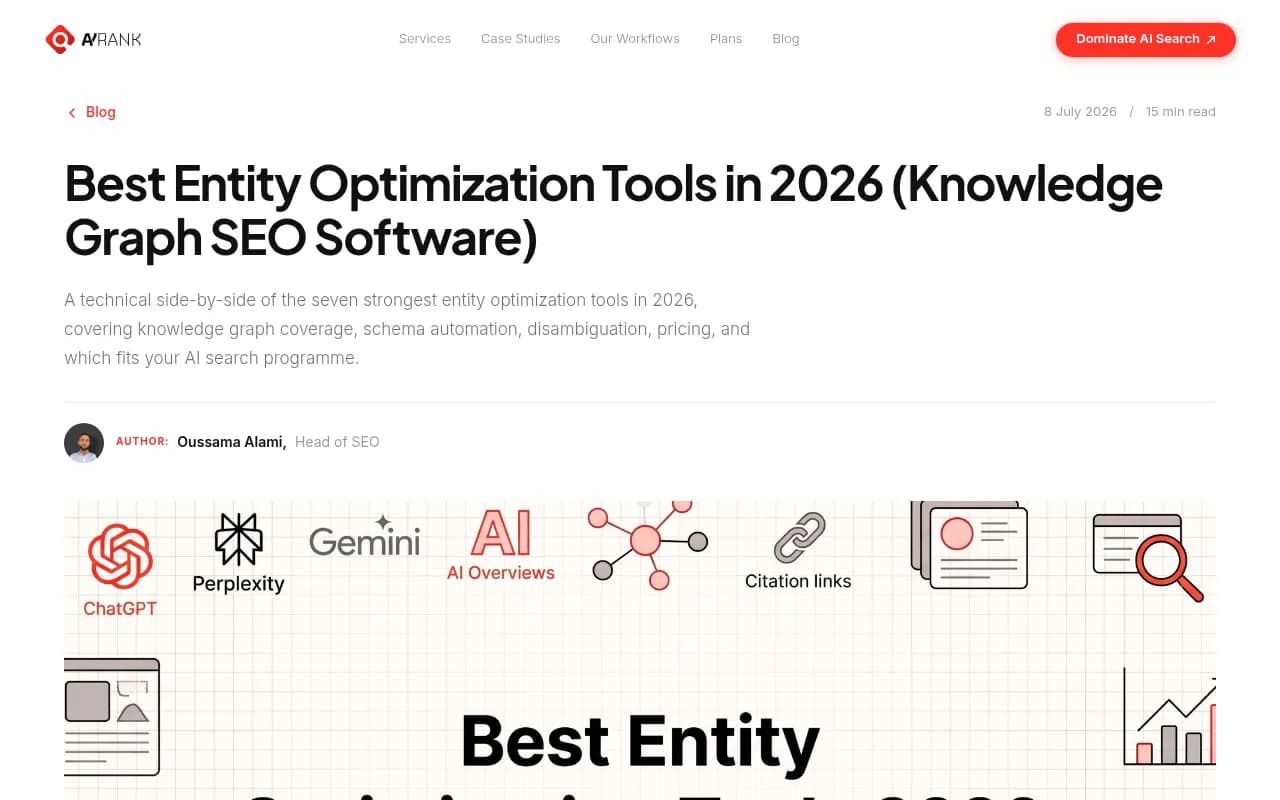
InLinks and WordLift are the two names that come up most in 2026 roundups. AY Rank's list of seven entity optimization tools calls them "the strongest end-to-end platforms" for full-stack entity SEO. But they approach the job from opposite ends, and picking the wrong one is an expensive mistake.
I'll be upfront about the limits of my sources. Official pricing pages for both tools were hard to verify, and third-party numbers conflict. I flag that below rather than pretend there is one clean number.
What InLinks does
InLinks is an entity-based SEO platform. It analyzes each page, identifies the entities on it, maps them to a knowledge graph, and then acts on that: internal links, schema, content briefs and competitor entity gaps.
The core features, according to InLinks' own documentation and third-party reviews:
- Automated internal linking based on entity co-occurrence across your pages, with anchor text variation
- JSON-LD schema generated from the entities it extracts (About, Article, Product, Organization, Person, FAQ)
- Content briefs with required entities and questions
- Competitor analysis that surfaces entity coverage gaps
- Two entity-based APIs
- Multi-language entity graph support
Deployment is the part people like. Schema and links go live through a JS injector, so there is no developer ticket. That matters in organizations where a schema change takes three sprints to ship.
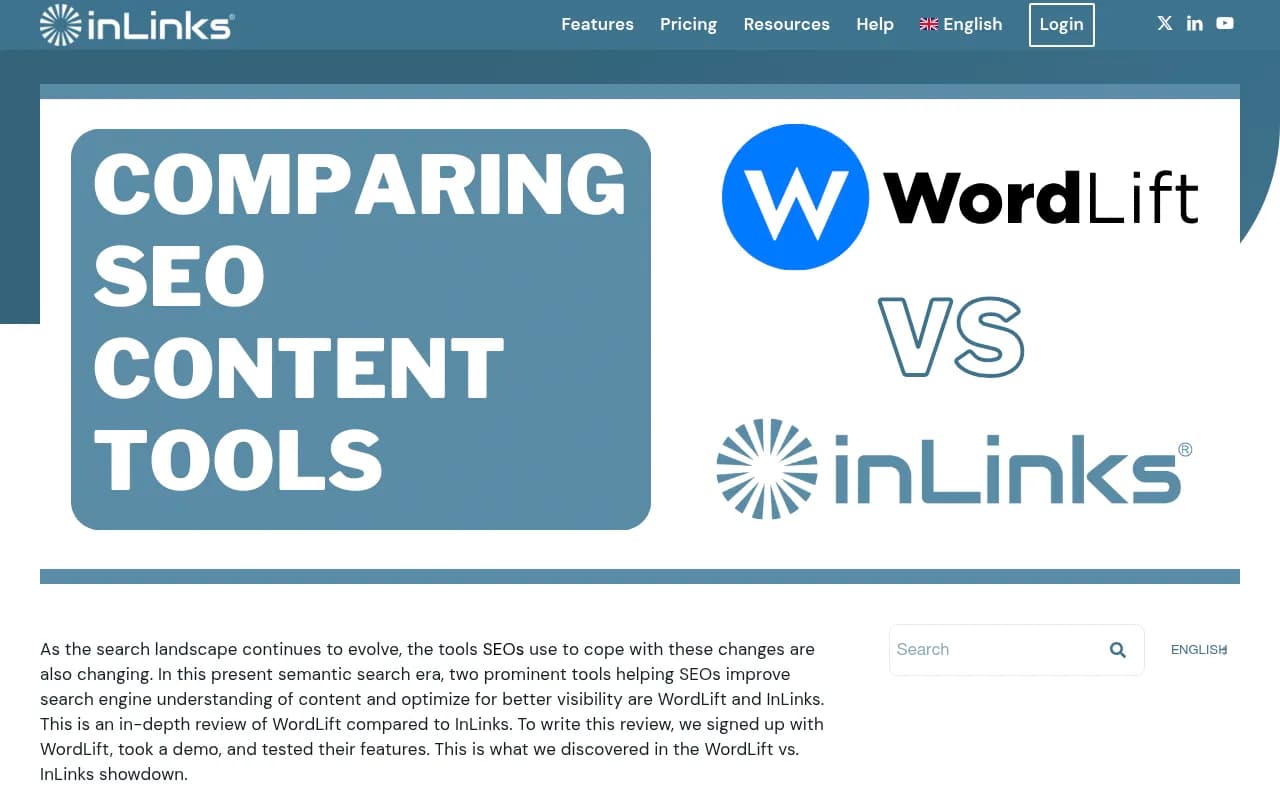
The obvious caveat: that comparison lives on inlinks.com. InLinks says it signed up for WordLift and took a demo, but it is still the vendor's write-up. Read it for the feature detail, not the verdict.
How InLinks pricing actually works
InLinks uses a credit system, and it is worth understanding before you buy because it shapes how you work.
- A level 1 subscription gives 100 credits a month. Unused credits are lost.
- The monthly allowance is also the maximum number of pages in a project: 100 at level 1, 205 at level 2, and so on.
- Adding a page costs 1 credit. An audit costs 5. A content brief costs 5. Re-analyzing a page costs 1 each time.
- Once a page is added, editing its topics, schema and links costs nothing more.
Three pitfalls from InLinks' own help page: bulk-adding your maximum pages burns every credit and leaves none for audits or briefs (start with the 10 to 20 most important pages); deleting a page frees space but you lose the schema and links generated on it; and at lower levels, re-analyzing after every sentence edit drains credits.
On headline price, sources disagree. One review puts the Freelancer plan at $49 a month for 100 pages. G2 lists $39 for Freelancer, $156 for Agency, and a range running up to $1,999. The inlinks.com homepage snippet shows a plan from $196 a month starting at 430 pages. The pricing help article is dated March 2025 and links to a 2023 PDF, so check the live plans before budgeting.
What WordLift does
WordLift comes at this from the linked data side. It turns your content into a private knowledge graph, reconciles entities against Wikidata, DBpedia and Google's Knowledge Graph, and publishes structured data plus a navigable graph endpoint that AI engines can crawl.

It was founded by Andrea Volpini and David Riccitelli, grew out of an R&D project at insideout10, and runs as a WordPress plugin and a JavaScript library, with language models for 32 languages according to InLinks' review (dated 2023, so treat that count as possibly stale). More recent roundups also list headless CMS support, an API and a Cloudflare Worker deployment option.
One reviewer describes the output as closer to what a linked data engineer would build than what an SEO tool typically produces. That is either exactly what you want or a sign you are buying more than you need.
WordLift pricing
This is where my sources get messy. AY Rank lists WordLift from $59 a month with a 14-day trial. A search snippet from the pricing page shows tiers at $879 and $1,100 a month. G2 shows an Agent plan at 160 euros and Business+ at 799 euros. Filip Konecny's review says Business+ starts at 799 euros a month billed yearly.
The likely reading: there is a low entry point, and the serious knowledge graph features sit in plans costing several hundred euros. Verify on wordlift.io/pricing, including currency and plan names.
Side by side
| InLinks | WordLift | |
|---|---|---|
| Core approach | Entity analysis per page, then automation | Private knowledge graph (RDF-style linked data) |
| Internal linking | Yes, automated and entity-based | Not a headline feature |
| Schema | JSON-LD from extracted entities, via JS injector | Structured data plus a graph endpoint |
| Entity reconciliation | Proprietary knowledge graph | Wikidata, DBpedia, Google Knowledge Graph |
| Content briefs | Yes, built in | AI content tools on higher plans |
| Platforms | Web, WordPress plugin, API | WordPress, headless CMS, API, Cloudflare Worker |
| Entry price (third-party) | About $39 to $49/month | About $59/month per AY Rank, serious tiers 160 to 799+ euros |
| Pricing model | Credits and managed pages | Tiered plans |
| Best fit | SEO teams, small agencies, content sites | Publishers, knowledge-graph-driven businesses |
Where each one wins
Internal linking and day-to-day SEO work
InLinks wins this clearly. Entity-aware internal linking is one of its main selling points, and the independent comparisons I found (The Seolution, US Tech Automations, Geneo) all describe it the same way: InLinks pairs entity markup with link suggestions. If you want topical authority from smarter internal links, WordLift is not the comparison to lean on.
Knowledge graph depth
WordLift wins. Reconciling against Wikidata, DBpedia and Google's Knowledge Graph, then exposing your own graph, is a different level of infrastructure than adding About schema to pages. Filip Konecny's review puts it plainly: WordLift becomes easier to defend once the knowledge graph itself is a serious business asset rather than another SEO feature.
There is a flip side. AY Rank notes InLinks' knowledge graph is proprietary and not as deep as Diffbot for non-English entities, so if you work heavily in non-English markets, test both.
Cost at scale
InLinks pricing scales by managed pages, which AY Rank flags as expensive on very large sites. WordLift's cost scales more with the tier of capability you want. A 100-page site and a 50,000-page publisher will see very different math.
Setup and who has to be involved
InLinks' JS injector means an SEO can ship schema and links without engineering. WordLift's plugin makes WordPress simple, but a headless setup or custom graph publishing pulls developers in. Neither is hard, but the staffing difference is real.
A caution about schema and AI search
It is tempting to buy either tool because "AI engines match entities, not strings." There is some truth in that, but be careful with the promise. Google Search Central's AI features documentation says no special schema.org structured data is needed to appear in AI Overviews or AI Mode, and the same Search best practices apply. The US Tech Automations roundup says the same: markup helps machines parse the page but does not buy a slot in an overview.
That roundup also makes a point I agree with: pick the schema types a page actually is. Hand-coded JSON-LD validated against the Rich Results Test is still the most reliable approach according to one 2026 tool list, so whichever platform you choose, validate its output. Neither source I found tested real-world schema accuracy for these two tools, and that gap is worth closing with your own pilot.
If you want evidence of what AI search actually rewards, look at citation data instead. Promptwatch Data found that product pages were the most cited content type in ChatGPT, at 22.4% of citations from Sep 28 to Oct 4, 2026 (citation share by content type). Pages that match what the user wants matter more than clever markup.
Other tools in the same neighborhood
You do not have to choose only between these two. Depending on your problem:
- Schema App is aimed at enterprise entity graphs and starts around $500 a month per AY Rank.
- Rank Math covers 20+ schema types inside WordPress and is enough if you only need standard markup.
- Surfer SEO, Clearscope and MarketMuse cover content optimization at the keyword and topic level rather than the entity graph.

For wider comparisons of general software, the directory at surferstack.com is a reasonable next stop.
Measuring whether any of this works
Entity and schema tools sit on the input side. They change what your pages say to machines. They do not tell you whether ChatGPT, Perplexity or AI Overviews cite you as a result. For that you need a tracker, and tools like Promptwatch can show which pages get cited, which AI crawlers read them, and what traffic follows.

A sensible setup: use InLinks or WordLift to improve entity clarity, then measure citations and AI crawler visits before and after. If you want to browse more options, the GEO software directory at bestgeosoftware.com lists tracking tools in one place.
Which should you choose?
| If you are... | Choose |
|---|---|
| A small agency or in-house SEO who wants entities, links and schema without dev help | InLinks |
| A publisher on WordPress or headless CMS who wants a real knowledge graph | WordLift |
| Mostly after internal linking | InLinks (or a cheaper linking plugin) |
| Building the graph as long-term infrastructure with budget to match | WordLift |
| Working on a handful of static pages | Neither; hand-code JSON-LD |
| Heavy on non-English entities | Pilot both, and consider Diffbot-style data sources |
My blunt take: most teams reading a comparison like this are better served by InLinks. It does more of the everyday SEO work for the money, and the credit model is easy to live with once you know the pitfalls. WordLift earns its price when the graph is the product, for example a publisher who wants to expose structured knowledge to other systems.
How to run a fair trial
- Pick 10 to 20 important pages, not your whole site. That also protects InLinks credits.
- Record a baseline: Google Search Console impressions, rich result status, and AI citations for a set of prompts.
- Deploy schema and links with each tool on comparable page groups.
- Validate every JSON-LD block with the Rich Results Test and compare it to the visible page text.
- Re-check after four to eight weeks. Look at crawl activity, citations and organic movement, not just whether the markup validated.
If entity SEO is one workstream among many and you would rather have specialists run it, an agency such as 1001 SEO Media covers technical SEO and AI search work. That is a different decision from tool selection, though, and worth making only after you know what the tools can and cannot do.
Bottom line
InLinks is the practical choice: entity-aware linking, schema and briefs for a modest monthly cost. WordLift is the heavier, more technical choice for teams that want a real knowledge graph. Confirm current prices on both sites, run a small pilot, and measure AI citations separately, because schema alone will not get you cited.