Key takeaways
- GrowthBar is no longer a standalone keyword tool. It was acquired by SEOptimer and folded into an AI Writer product, and growthbar.com now shows a domain-for-sale page. Treat any 2026 review that still describes it as live with suspicion.
- LowFruits is the better pick if your goal is finding keywords where weak sites already rank. It analyzes SERPs directly rather than leaning on a difficulty score.
- Ubersuggest is the better pick for beginners who want a broad, cheap toolkit: keywords, content ideas, audits and a Chrome extension. Its data is shallower.
- Shorter, keyword-like ChatGPT fan-out queries make classic long-tail research useful again for AI visibility, so budget keyword tools still matter.
- Budget tools tell you what to write. None of them tell you whether AI engines cite you. That needs a separate tracker.
The short version
I would not call this a three-way fight anymore. It is a two-way fight with a ghost in the room.
LowFruits and Ubersuggest are live, actively sold products with very different philosophies. GrowthBar, as a standalone product, is effectively gone. The sections below cover each, then a comparison table, then how to use whichever you pick in a world where ChatGPT and Google AI Overviews answer a growing share of queries.
| LowFruits | Ubersuggest | GrowthBar | |
|---|---|---|---|
| Core idea | Find keywords weak sites rank for | Cheap all-round SEO toolkit | AI writer with light keyword data |
| Entry price | $29.90/mo ($20.75/mo yearly) | $120 lifetime on the official page | Now inside SEOptimer |
| Keyword ideas from | Google Autocomplete | Multiple sources | Basic data |
| Free access | 3 free KWFinder searches per 7 days on pay-as-you-go | Limited daily queries | None to speak of |
| Best for | Niche sites, bloggers, low-authority domains | Beginners, solopreneurs | Nobody new, realistically |
| Weakness | Narrow scope | Shallow data | Discontinued as a standalone tool |
LowFruits: the specialist

LowFruits (now branded LowFruits by AIOSEO) has one job: surface keywords you can realistically rank for. Instead of trusting a keyword difficulty score, it extracts the live SERP and looks for weak sites, meaning low-authority domains that already sit on page one. If a forum thread or a thin blog ranks for a query, that is your signal.
That approach is honest in a way difficulty scores are not. A KD of 35 tells you almost nothing about whether your 18-month-old site can compete. Seeing three weak domains in the top ten tells you quite a lot.
LowFruits pricing
Pricing is credit-based. One SERP extracted, meaning one keyword analyzed, costs one credit.
| Plan | Price | Credits per month | Tracked keywords |
|---|---|---|---|
| Standard | $29.90/mo or $20.75/mo billed yearly | 3,000 | 100 |
| Premium | $79.90/mo or $62.45/mo billed yearly | 10,000 | 500 |
There are also pay-as-you-go packs that expire after a year: $25 for 2,000 credits, $60 for 5,000, $100 for 10,000, and $250 for 50,000. Subscription credits reset monthly and do not roll over. Subscribers get unlimited keyword searches, a rank tracker, Domain Explorer (a list of roughly 150K weak websites), competitor keyword extraction and sitemap extraction. The money-back guarantee is 14 days, and only if you have used fewer than 100 credits.
One warning from the research: one roundup lists "Mangools/KWFinder" at $29.90/mo. That figure matches LowFruits' Standard price, so double-check which product a given article is actually describing before you trust its numbers.
Where LowFruits is weaker
It is not a general SEO suite. Ideas come from Google Autocomplete, which is great for long-tail but not for broad topic discovery. I could not verify any AI Overview or AI Mode data inside it, so assume it is a classic search tool for now. You can import your own keyword list, which helps when you want to qualify ideas from another source.
Ubersuggest: the generalist
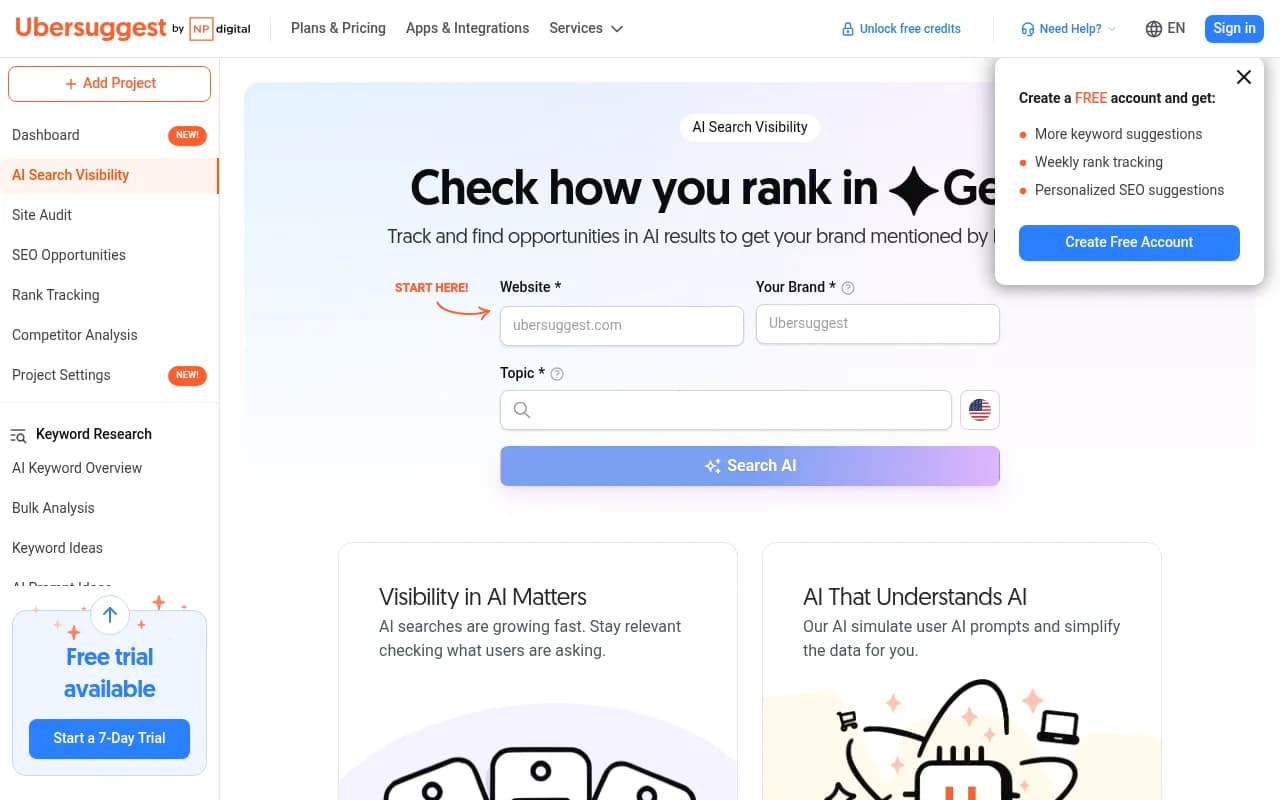
Neil Patel's Ubersuggest bundles keyword ideas, difficulty scores, content ideas, backlink data, site audits and a Chrome extension that overlays volume, difficulty and CPC in Google results. One agency write-up says it saves 20 to 30 clicks per research session, which sounds right to me. Suggestions are grouped into questions, prepositions and comparisons, which is handy for finding different angles on one topic.
It is also the easiest of the three to learn. Someone with no SEO background can be productive in an hour.
Ubersuggest pricing is a mess
Sources disagree, and you should know why before you buy.
| Source | Individual | Business | Enterprise |
|---|---|---|---|
| Official pricing page (lifetime) | $120 | $200 | $400 |
| Ecommerce Paradise (monthly) | $12 | $20 | $40 |
| Several 2026 third-party pages (monthly) | $29 | $49 | $99 |
| Same third-party pages (lifetime) | $290 | $490 | $990 |
The official page currently shows lifetime plans only. Older and third-party pages quote higher prices, and one roundup even lists EUR 49 per month. Confirm on app.neilpatel.com/en/pricing before paying anything. Lifetime deals are reportedly non-refundable and feature-reduced compared with the yearly tiers, so read the fine print.
On the Individual lifetime plan you get 1 website, 150 reports per day, 125 tracked keywords, 20,000 keyword suggestions per month, 2 AI articles per month and bulk analysis of 50 keywords.
The AI-era angle
Ubersuggest has added an AI Search Visibility product. The free version covers ChatGPT insights only, 10 prompts per month and one project. The paid add-on costs $9/mo on Individual, $29/mo on Business and $69/mo on Enterprise, with monthly, biweekly or weekly updates respectively. Keyword searches also surface AI prompt ideas and search intent. That is useful for brainstorming, though I would treat it as a light signal rather than a full tracking setup.
Where Ubersuggest is weaker
Reviewers keep saying the same thing: data accuracy is adequate, not exceptional, and the depth of SERP and competitor analysis trails mid-tier tools. One agency review calls it insufficient for professional or agency work. For a solo blogger that is fine. For a client report it is not.
GrowthBar: what happened
GrowthBar was acquired by SEOptimer. Its successor is the AI Writer inside SEOptimer, and customer data was migrated. growthbar.com/pricing now shows a page saying the domain is for sale at USD 100,000.
Several 2026 review pages from Rankability and eesel still describe GrowthBar as a live product, and one quotes $99 for 50 blog generations. Those are stale.
What you actually get now is the SEOptimer AI Writer:
- It researches the pages ranking for your keyword.
- It writes a standard article, how-to guide, comparison or listicle.
- It shows a live Content Score out of 100.
- It supports 49 languages and suggests internal links.
- It can import and refresh old articles and exports to PDF, Word, HTML or Markdown.
- Plans include 20, 40 or 80 article generations per month (Starter, Pro, Max).
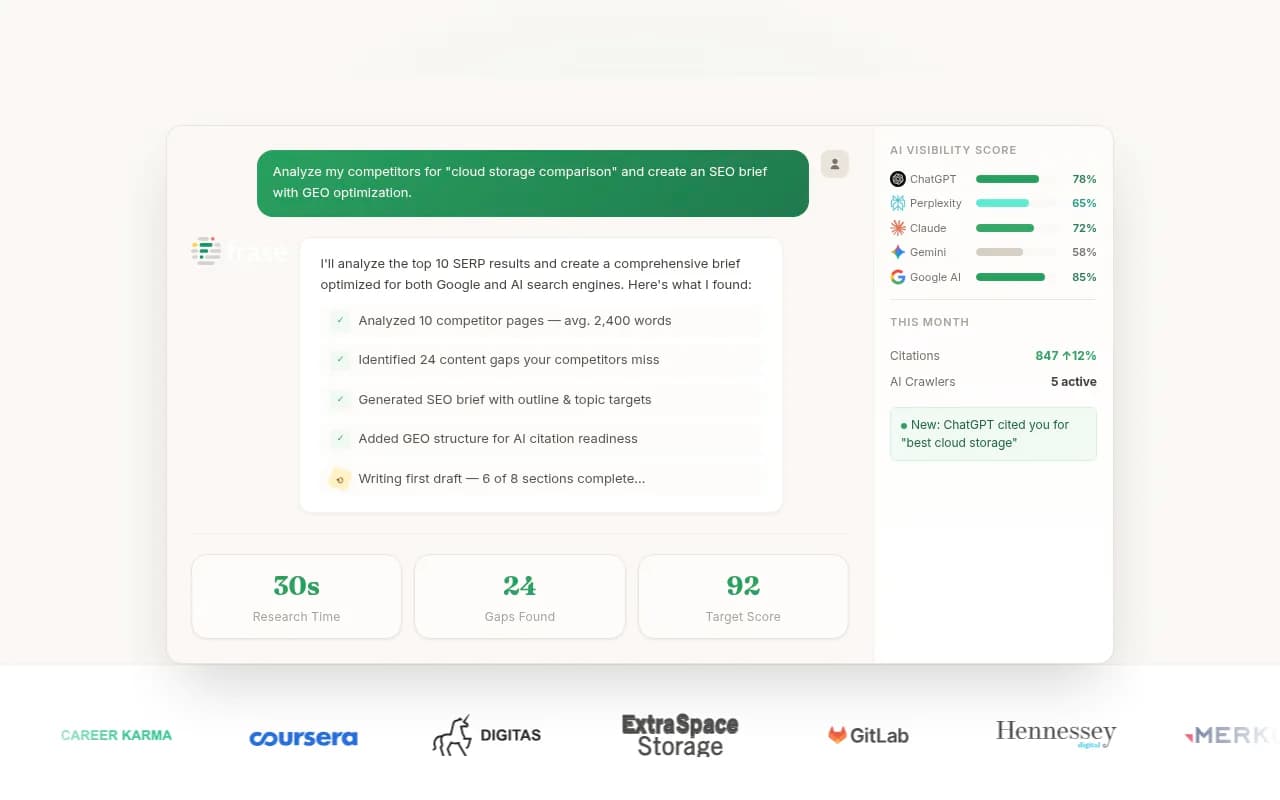
I did not verify SEOptimer's current plan pricing, so check seoptimer.com/pricing. Honestly, GrowthBar was always an AI writer with basic keyword data attached, not a real keyword research tool. If you want to compare it to anything, compare it to writers like Frase or Koala Writer, not to LowFruits.
Why keyword research still matters for AI search
It is tempting to think AI search made keyword research obsolete. The data says otherwise.
According to Promptwatch's ChatGPT query fanout data, average ChatGPT query length fell from about 117 characters in early December to the high 80s in February and March, then to about 53 characters from April. That is roughly 6 to 8 words, which looks a lot like a classic long-tail keyword. Average web searches per response also moved around, from 2.15 in early December to about 1.84 by early March, and exactly 1.0 in April.
Promptwatch's advice from that data is practical: write headings that read like search queries (entity and category first), build focused pages per sub-question such as X vs Y, pricing and alternatives, and re-audit your keyword-to-heading mapping after major ChatGPT updates.
Content format matters too. In Promptwatch's ChatGPT citation share by content type report (Sep 28 to Oct 4, 2026), product pages took 22.4% of citations, landing pages 16.8%, listicles 13.6%, how-to guides 8.7%, comparisons 5.9% and FAQ 3.3%. For commercial prompts, product pages hit 26.0% and listicles 15.0%. So when your keyword tool shows a commercial-intent query, the page you build for it probably should not be a plain blog post.
How each tool fits that workflow
| Task | Best budget option |
|---|---|
| Find long-tail phrases that match short fan-out queries | LowFruits (Autocomplete ideas) |
| Find questions and comparison angles | Ubersuggest |
| Check whether a SERP is winnable for a new site | LowFruits |
| Quick metrics while browsing Google | Ubersuggest Chrome extension |
| Draft and score articles | SEOptimer AI Writer (ex-GrowthBar) |
| Know your real ranking baseline | Google Search Console (free) |
A practical budget workflow
- Pull seed ideas from Google Autocomplete, Google Keyword Planner and Search Console. Keyword Planner is free but lumps a 1,200-search keyword and a 9,800-search keyword into the same bucket, so use it for direction, not precision.
- Run the promising long-tail candidates through LowFruits and flag the ones with weak sites on page one.
- Use Ubersuggest for question and comparison variants, and to sanity-check volume and difficulty.
- Map intent to format. Commercial intent gets a listicle, comparison or product page. Informational intent gets a how-to or FAQ.
- Write headings in the shape of the query, and keep one page per sub-question.
- Track results in Search Console, then check whether AI engines are picking you up.
A caveat on numbers. Ahrefs studies cited in one roundup say roughly 95% of keywords get 10 or fewer searches a month, which is exactly why long-tail research is where realistic wins live, and why no budget tool's volume figure should be treated as exact.
What budget keyword tools cannot do
None of these three tell you whether ChatGPT, Perplexity or AI Overviews mention or cite you. Ranking for a long-tail phrase and being cited in an AI answer are related but not the same thing. For that you need a visibility tracker. Tools like Promptwatch track how your brand appears across AI engines, show which pages get cited, and flag content gaps, which is the natural next step once your keyword research has produced pages.

If you want to browse more options in that category, the GEO software directory at bestgeosoftware.com is a decent place to start.
Which one should you buy?
Choose LowFruits if
You run a niche site or a newish blog, you care about winnable keywords more than big dashboards, and you are happy to spend credits on SERP analysis. The Standard plan at $29.90/mo (or $20.75/mo yearly) is enough for most solo operators.
Choose Ubersuggest if
You are new to SEO, want one tool for keywords, content ideas and basic audits, and like the idea of a one-time purchase. Verify the current price first, and do not expect agency-grade data.
Skip GrowthBar
It is not available as the product the old reviews describe. If you want AI drafting with a content score, look at the SEOptimer AI Writer or alternatives, and treat it as a writing tool, not keyword research.
Or combine two
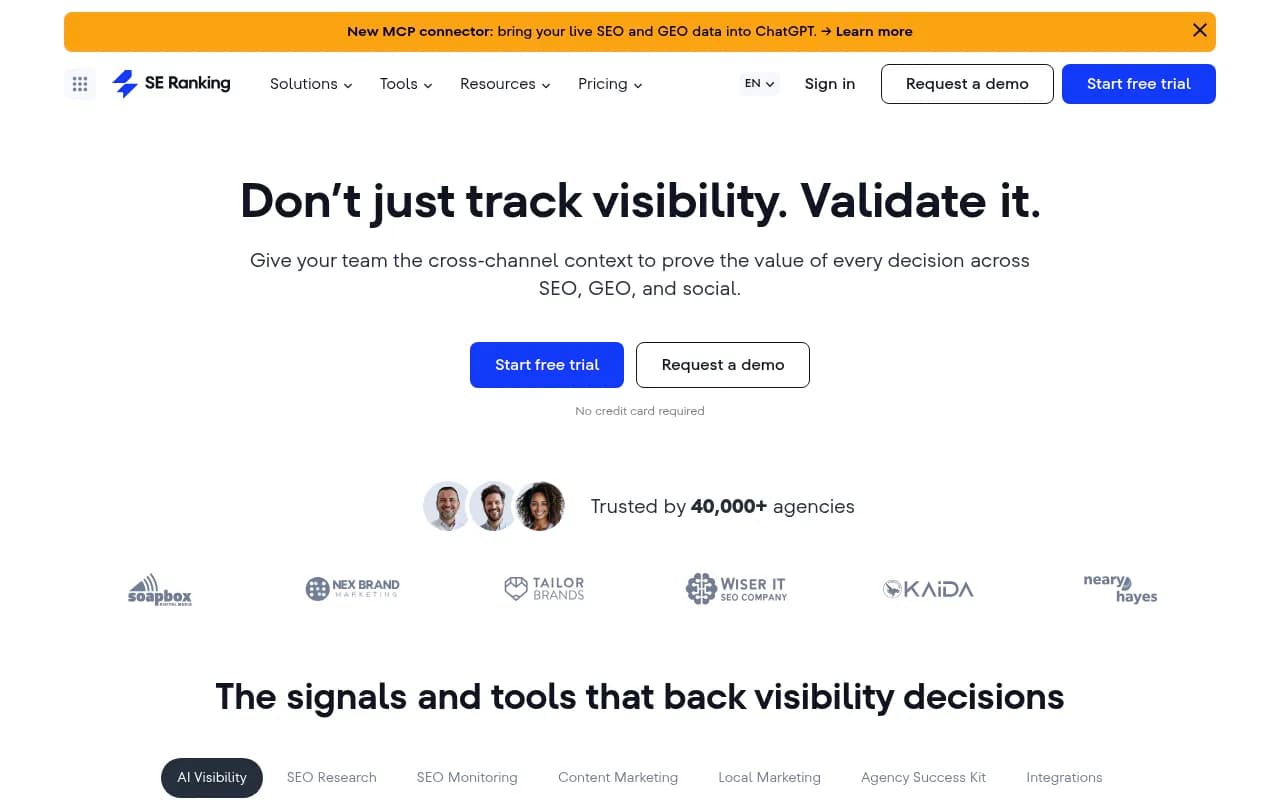
My honest recommendation for a tight budget: Google Keyword Planner and Search Console for free baseline data, LowFruits for finding winnable targets, and Ubersuggest only if you value the Chrome extension and content ideas. If your budget stretches past roughly $100 a month, one more mainstream option such as SE Ranking or Mangools is worth a look, since both scored higher than Ubersuggest in one 2026 comparison (20 and 19 out of 25 versus 17).
Final word
The real comparison is LowFruits against Ubersuggest, and it comes down to focus versus breadth. LowFruits answers one question well: what can I actually rank for? Ubersuggest answers many questions adequately. GrowthBar answers none of them anymore under that name. Pick based on the question you ask most often, confirm pricing on the official pages, and measure results in Search Console and an AI visibility tracker rather than in the keyword tool itself.