Key takeaways
- Google AI Mode answers change with the user's location, especially for "near me" and local-intent queries. A country-level tracker averages those differences away.
- Tools use four location methods: point and radius, city or state targeting, geo-grid scans, and anchoring to a business location. Pick the method that matches how your customers search.
- Many cheap AI Mode trackers support the engine but not location. Check the plan, because city or state tracking is often gated to a higher tier.
- Pricing and location support vary a lot, so verify on each vendor's pricing page before you buy. Several figures below come from vendor-published sources.
- Maintain your Google Business Profile and Maps data. Promptwatch's data shows Google-owned properties earn a large slice of AI Mode citations.
Why location changes AI Mode results
Ask Google AI Mode for "best dentist near me" in two neighborhoods of the same city and you can get two different shortlists. That is the whole reason location-aware prompt tracking exists. If your tracker has no location signal, the engine guesses a place, and you end up measuring visibility for a spot where you have no customers.
Other engines behave the same way. ChatGPT added location sharing in March 2026, and "near me" answers on ChatGPT, AI Overviews and AI Mode all adapt to where the user is. For a single-location online brand this matters less. For a franchise, a clinic group, a retailer with stores, or any service-area business, it is the difference between useful data and noise.
There is also the interface issue. Answers collected through an API often differ from what a person sees in the real UI. For AI Mode in particular, you want a tool that collects from the actual interface with a location applied, not one that approximates it.
What AI Mode tends to cite for local queries
Promptwatch Data's Google AI Mode citation share report for June 2026 (data from May 31 to June 26, 2026) shows something worth knowing before you pick a tool. google.com earned 7.31% of all AI Mode citations, more than YouTube (2.88%) and Reddit (2.52%) combined. Google-owned properties overall make up more than 10% of citations, and Google's own Maps listings, Business Profiles and support content are heavily cited. No independent site in the top list clears 1%.
The practical read: for local queries, your Google Business Profile, Maps data and Merchant Center feed are probably doing more work than your blog. Tracking tells you where you stand, but those assets are what you fix first.
The four location methods
Not every tool that says "location tracking" means the same thing. According to a comparison published on Promptwatch's own blog (a vendor source, so treat the competitor details as each vendor's self-description), there are four approaches.
- Point and radius. You pin exact coordinates and set an accuracy radius. Best for neighborhood-level questions.
- City or state targeting. The monitor runs as if from a chosen city or region. Good for multi-city brands.
- Geo-grid scan. The tool runs the same prompt from a grid of points, such as 3x3 up to 21x21, and maps where you show up. Familiar to local SEO people.
- Business-location anchor. Prompts are tied to each of your business locations, usually a listing-management style workflow.
None is universally better. Geo-grids are great for visualizing coverage around a storefront. Anchoring scales better when you have 200 locations. Point and radius is the most precise for a single "near me" scenario.
Comparison of location-aware AI Mode trackers
| Tool | Location method | AI Mode by location | Starting price |
|---|---|---|---|
| Promptwatch | Point and radius (20 m to 5 km), plus country, US state and city | Yes, point and radius covers ChatGPT, AI Overviews and AI Mode | Business plan $579/mo for point and radius |
| Local Falcon | Geo-grid scan (3x3 to 21x21) | Yes | Credit-based, from $24.99/mo |
| BrightLocal | Anchored to each business location | Yes | From $31/mo (verify, other sources cite $41 to $65 per location) |
| SE Ranking Visible | City and region, state where supported | Yes | Basic $89/mo |
| Yext Scout | Per business location, by GBP category and region | Not confirmed for AI Mode | Not published |
| Peekaboo | City (65,000+ cities) | Yes | Paid plans from $30/mo |
| RadarKit | City-level residential IPs | Not specified | Lite $29, Growth $79, Pro $139 (country only); state and city on Enterprise |
Prices and plan limits change often. Confirm each one on the vendor's own page.
Tools worth a closer look
Promptwatch
Promptwatch is the option I would look at first if you need exact-coordinate precision and also want to act on the results. Its Local GEO/SEO targeting, released October 27, 2026, lets you search an address, city or landmark, click the map or type coordinates, then set a radius from 20 m to 5 km. ChatGPT, Google AI Overviews and Google AI Mode then answer as if asked from that spot. Other models use the monitor's country, state and city.
The constraints are worth knowing. Each monitor holds one location, and the pinned location is fixed once the monitor is created. Copying a monitor keeps its location, which makes multi-store setups manageable. The same location fields work in the REST API and the MCP server. Point-and-radius targeting is on Business ($579/mo), Agency Scale ($799/mo) and Enterprise; the full plan list is on the pricing page. Country tracking is on every plan, and state and city tracking sits on Business, agency and Enterprise plans. One third-party source describes the tiers slightly differently, so check the pricing page.
Where it differs from monitoring-only tools is the follow-through. After you see where a location is weak, the Action Board and Content Agent help fix gaps, and crawler logs and visitor analytics show whether anything changed. It tracks the real interfaces rather than APIs, which matters for local answers.

Local Falcon
Local Falcon is the geo-grid specialist. You run a prompt across a grid of points around a business and see a heat-map style view of where it appears. It covers ChatGPT, Gemini, AI Overviews, AI Mode and Grok, with credit-based pricing from $24.99/mo. It is a strong fit if your team already thinks in local map-pack grids. It is less suited to deep content workflows, so pair it with something else if you need to publish fixes.
BrightLocal
BrightLocal is not what I would link here, so use its own site.
BrightLocal anchors AI tracking to each business location and covers ChatGPT, AI Overviews and AI Mode. That makes it comfortable for agencies already managing listings and reviews for local clients. Pricing is where sources disagree: the Promptwatch comparison says from $31/mo, while RadarKit's blog lists $41, $54 and $65 for Track, Manage and Grow at one location with up to 20 prompts per location. Verify before budgeting.
SE Ranking Visible
SE Ranking's AI visibility product handles city and region targeting and covers ChatGPT, AI Overviews, Gemini and AI Mode. According to the comparison, Basic is $89/mo (75 prompts tracked daily, 5 projects), Core is $189/mo (200 prompts, 10 projects) and Agency is $399/mo (1,000 prompts, 30 projects), with a 10-day free trial. Its own guide to AI Mode trackers is below.
Yext Scout
Yext Scout tracks per business location, organized by Google Business Profile category and region. It is aimed at enterprise multi-location brands, and it covers ChatGPT, Gemini, Perplexity and Grok plus Google search. Pricing is not published, and I could not confirm AI Mode by location, so ask for that in a demo.
Yext Scout
Peekaboo and RadarKit
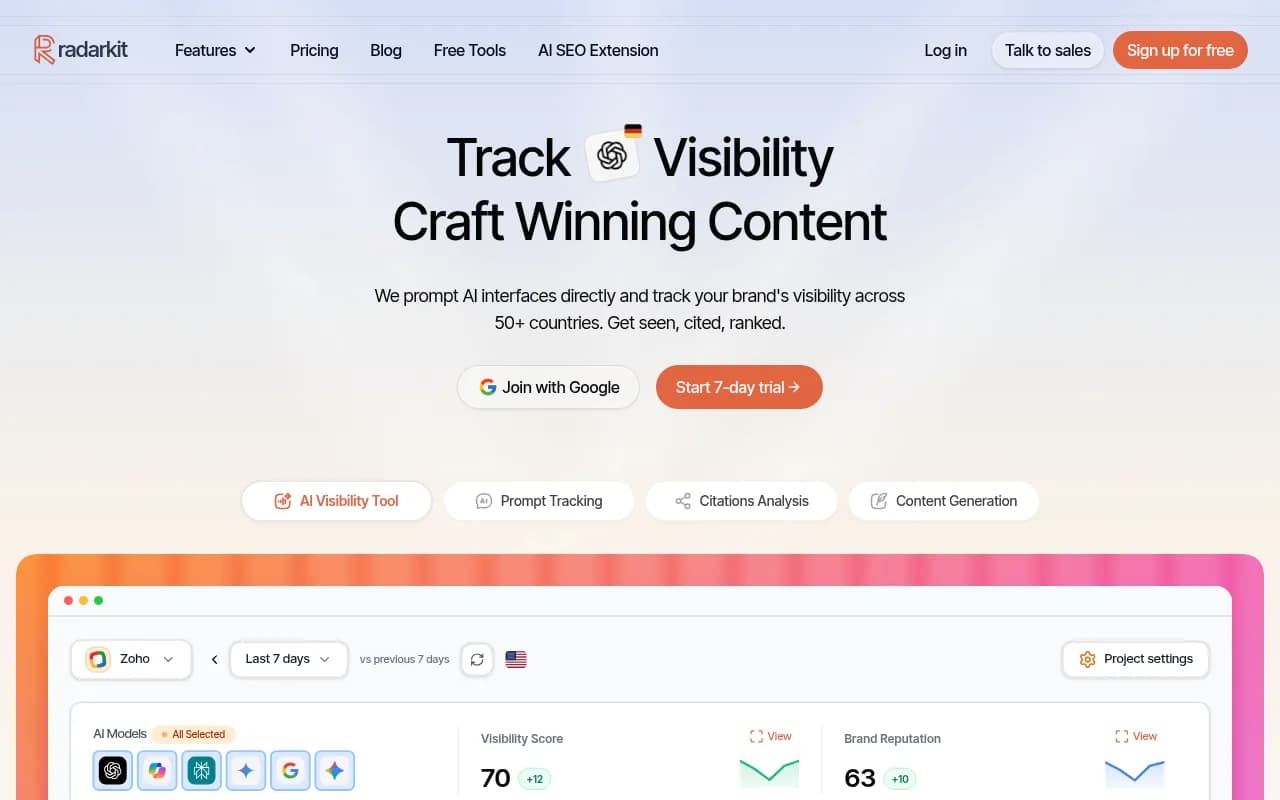
Peekaboo offers city-level targeting across 65,000+ cities, with AI Mode in its coverage and paid plans from $30/mo. RadarKit uses city-level residential IPs, but its Lite, Growth and Pro plans are country-only; state and city tracking are Enterprise with custom pricing. That gate catches people out.
Good AI Mode trackers without confirmed location support
Plenty of tools cover AI Mode well but I could not confirm location targeting for it. They are fine if country-level is enough, which is true for many national brands. Based on prices Xtrusio read on vendor pages on October 9, 2026:
| Tool | Starting price | AI Mode |
|---|---|---|
| Semrush AI Visibility | $99/mo per domain (25 prompts) | Included in Prompt Tracking |
| Ahrefs Brand Radar Lite | $129/mo (5 tracked prompts, 150 checks) | Included |
| Peec AI | $95/mo (50 prompts, 3 models) | One of 3 selectable models |
| Otterly.AI | $29/mo for 15 prompts | $9/mo add-on on Lite |
| LLM Pulse | EUR 49/mo for 50 prompts, weekly | Included |
| keyword.com | From $9.80/mo | Included |
Peec AI uses country-based prompt locations and handles geographic segmentation through topics and tags, per RadarKit's blog. That is a workaround, not true local targeting.
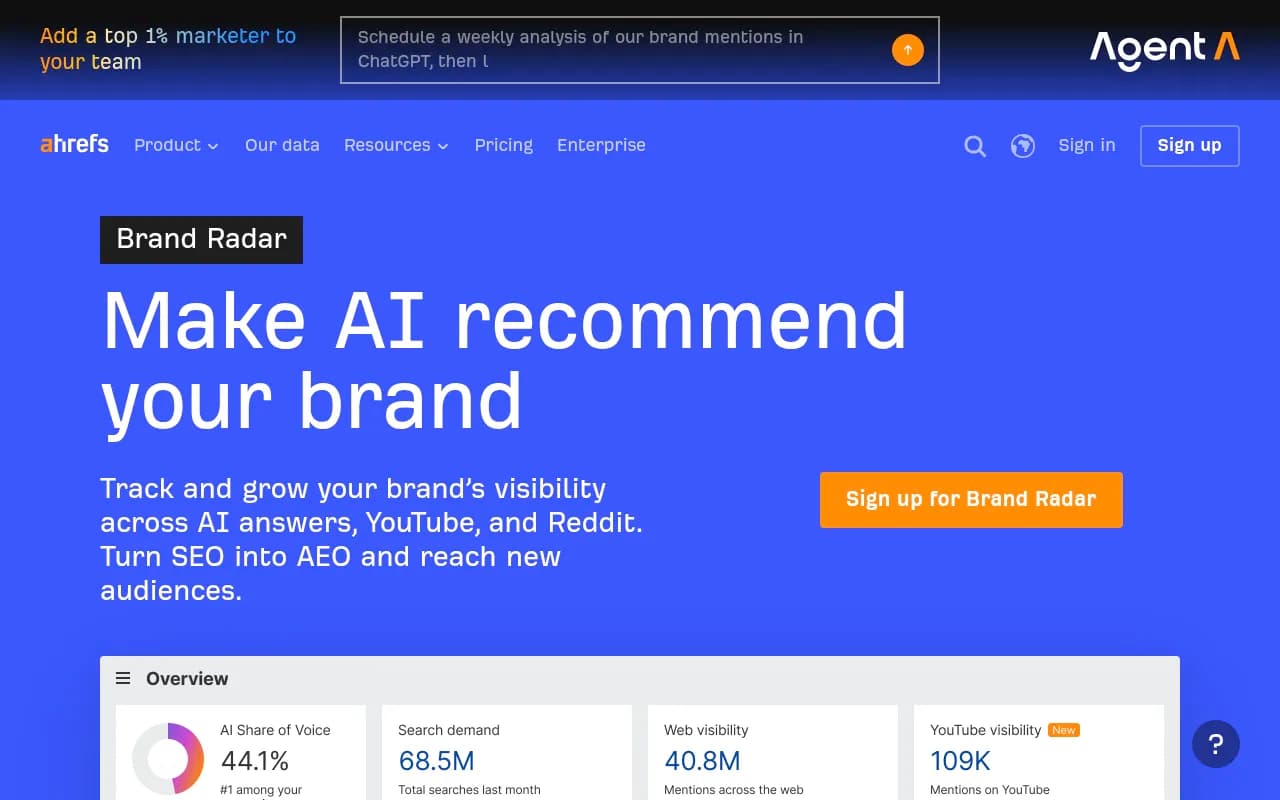



SEO roundups from Xtrusio and GrowByData list more AI Mode tools if you want a wider field.
How to choose
Match the method to your footprint
- One storefront, hyperlocal competition: point and radius or a geo-grid.
- A dozen cities: city targeting with one monitor per city.
- Hundreds of locations: business-location anchoring, likely BrightLocal or Yext.
- National brand with no local angle: country-level tracking is enough and far cheaper.
Ask these questions before paying
- Does location apply to AI Mode specifically, or only to other engines?
- Is the location tier gated behind an expensive plan?
- Are answers collected from the real UI or from an API?
- How many locations can one project hold, and how is each billed?
- How often do prompts run? Daily is typical, and hourly options exist on higher plans.
Avoid these pitfalls
- Running "near me" prompts with no location signal. You get answers for wherever the engine guesses.
- Using country-only tracking for a local business. It hides neighborhood differences.
- Comparing API results against what customers see in the UI.
- Trusting a single vendor's comparison table, including ones published by a vendor that appears in them. Verify prices yourself.
A simple setup that works
- List your 10 to 20 highest-value local prompts, such as service plus "near me" and service plus neighborhood.
- Create one monitor per location, pinned to the address or neighborhood centre.
- Add two or three local competitors as tracked brands.
- Run daily for a month to get a stable baseline.
- Compare locations. Weak ones usually point to a thin Business Profile, missing listings, or no local page.
- Fix the profile and local pages, then recheck.
For broader coverage options, the GEO software directory lists more platforms by category.
Bottom line
If you only need country-level AI Mode data, cheap trackers from $29 to $129 a month are enough. If your customers search from specific places, shortlist a tool with confirmed city or coordinate targeting for AI Mode, check which plan unlocks it, and run a trial on two real locations. Start with the free 7-day trial at Promptwatch if you want to test pinned locations next to content actions, or try Local Falcon if a geo-grid view is what your team expects.