Key takeaways
- Slate (slateteams.com) is built for sports, live-event and broadcast social teams. It is strongest at creating branded visuals and video from a phone, at the venue.
- Its G2 profile is strong: 4.7/5 from 81 reviews, with 85% of them 5-star and none below 4 (per DeepSmith's comparison, verified April 2026).
- Agencies hit six recurring gaps: no free tier, a multi-brand pricing cliff, no native scheduling, no written content or SEO tooling, thin third-party validation, and a sports-first focus.
- You rarely need to replace Slate outright. Most agencies pair it with a scheduler and a written-content or AI visibility tool.
- Check the pricing on slateteams.com yourself. The figures below come from a competitor's comparison page, not Slate.
First, which Slate are we talking about?
The name is crowded, and it trips people up in search. Here are the main products called Slate:
- Slate (slateteams.com): a visual social content platform for sports teams, live events and broadcast social desks. This guide covers this one, because it is the one agencies usually mean.
- Slate by Technolutions: a higher-ed admissions CRM. Different buyer, different problem.
- Slate Digital: an audio plugin company with no connection to either.
- Slate (slatehq.com): an AI-search-first content operations platform, listed in our catalog. Also a different product.

That card is the slatehq.com product, not the social design tool. I'm including it so you can tell them apart before you start a trial of the wrong thing. If you were looking for the admissions CRM, a roundup of Technolutions alternatives for higher-ed is a better starting point than this article.
A note on sources. Most of the specifics below come from a comparison page published by DeepSmith, which sells a competing product. The facts are checkable and mostly consistent with Slate's G2 profile, but the framing leans in DeepSmith's favor. I haven't verified Slate's current pricing on its own site, and I haven't confirmed agency features like client approvals, white-labeling or multi-workspace support. Treat those as questions for a sales call.
What Slate gets right
It would be easy to write a hit piece here. That wouldn't be fair. Slate has real strengths, and they explain why it keeps winning deals with serious customers.
It works from a phone
The iOS and Android apps let a social manager create and publish branded content from the venue. Most design tools are desktop-first and treat mobile as an afterthought. If your job is turning a goal, a serve or a halftime moment into a post in under a minute, that difference decides everything.
The Brand Hub keeps distributed teams on-brand
Brand managers lock fonts, colors, logos and templates. Anyone on the team can then produce content without drifting off-brand. For organizations where a dozen people touch the social accounts, that guardrail matters more than any single design feature.
The AI features target real production chores
Two stand out. Auto-captions apply your brand fonts and colors automatically, and long-to-short video clipping turns a full-length clip into social-sized pieces. Neither is flashy. Both remove work that eats hours on a live-event day. One customer, Apollo.io, describes it as content that used to take hours now taking minutes.
The customer list is credible
Named customers include the Dallas Mavericks, Australian Open, Premier League clubs, Fox Sports, DAZN, Paramount, Portland Timbers and Kansas City Royals. Teams with that kind of audience don't tolerate tools that fall over during a live event.
Support gets praise
G2 reviewers mention dedicated account reps and a responsive customer success team. For a tool that sits in a live workflow, that counts for a lot.
The 6 gaps agencies run into
None of these is a flaw in the product's core job. They are mismatches between what Slate was designed for and what an agency needs.
1. Pricing hurts small teams
The Creator plan is listed at $99 per month, and there is no free tier. Canva Pro runs about $15 per month, and CapCut is free for video editing. A two-person agency doing occasional social work will struggle to justify the gap.
2. The multi-brand cliff
This is the one agencies feel most. Creator is capped at a single Brand Hub. To manage multiple client brands you jump to Pro at $399 per month, and there is no middle tier for an agency with two or three clients. You either overpay for capacity you don't use or cram unrelated clients into one hub, which defeats the whole point of the brand guardrails.
3. No native scheduling
Slate creates content, but it relies on external schedulers. There is a native integration with Sprout Social. Pro ($399) plus Sprout ($249 per seat) lands at roughly $650 per month before you add a second seat. Lighter options exist if you don't need enterprise social management.
4. No written content or SEO
Slate has no blog posting, no AI writing, no keyword research and no answer engine tracking. That's fine if social is your whole job. Most agencies also sell content, SEO and increasingly AI search visibility, and Slate does nothing there. You will need a second stack for it.
5. Thin third-party validation
There is no Capterra or Trustpilot presence, and G2 shows only 81 reviews. A 4.7 rating is lovely, but 81 reviews is a small sample. When you are recommending a tool to a client, you want more than that to point at.
6. Specialization in sports and live events
The product is shaped around fast-turn, event-driven content. If your clients are SaaS companies or retail brands posting on a weekly calendar, you are paying for strengths you won't use. DeepSmith's own FAQ concedes that no cheaper direct alternative exists for teams that specifically need Slate's mobile-first workflow. That's an honest admission, and it tells you who Slate is really for.
Alternatives and complements at a glance
The numbers below are from DeepSmith's comparison, verified April 2026. Confirm each on the vendor's own site before budgeting.
| Tool | Starting price | Best for | Replaces Slate? |
|---|---|---|---|
| DeepSmith | Pro $80/mo, Scale $299/mo | Written content | No, complements it |
| Canva | Free / $15/mo Pro | General visual design | Partly |
| CapCut | Free / about $7.99/mo | Video editing | Partly |
| Adobe Express | Free / about $10/mo | Teams on Creative Cloud | Partly |
| Buffer | Free / $6 per channel | Scheduling | No, fills gap 3 |
| Loomly | $42/mo | Calendar and approvals | No, fills gap 3 |
| Sprout Social | $249/seat/mo | Enterprise social management | No, fills gap 3 |
| Narrato | Free / $36/mo | Lean written-content teams | No, fills gap 4 |
Notice how few of these are true replacements. Canva, CapCut and Adobe Express cover the design side, but none of them has Slate's phone-at-the-venue workflow or its Brand Hub controls. The rest fill the holes Slate leaves.
How to decide: replace, pair, or stay
Stay with Slate if
Your clients are sports teams, leagues, broadcasters or event organizers, and speed from the venue matters. Budget for Pro if you manage multiple brands, and pick a scheduler that fits the rest of your stack.
Pair Slate with other tools if
You already like Slate's output but need scheduling, written content or SEO. This is the most common scenario for agencies. Treat Slate as the visual production layer and fill the gaps individually.
Replace Slate if
Your clients are not event-driven, you manage several small brands, and the $399 jump is the sticking point. Canva or Adobe Express, plus Buffer or Loomly for scheduling, will cost a fraction of Slate plus Sprout and cover most weekly-calendar social work. You'll lose the mobile-first speed. For most non-live clients, that loss won't matter.
Filling gap 4: written content and AI search visibility
Gap 4 deserves extra attention, because it's growing in importance. Clients now ask whether they show up when someone asks ChatGPT, Gemini or Perplexity for a recommendation. A social design tool can't answer that, and neither can a scheduler.
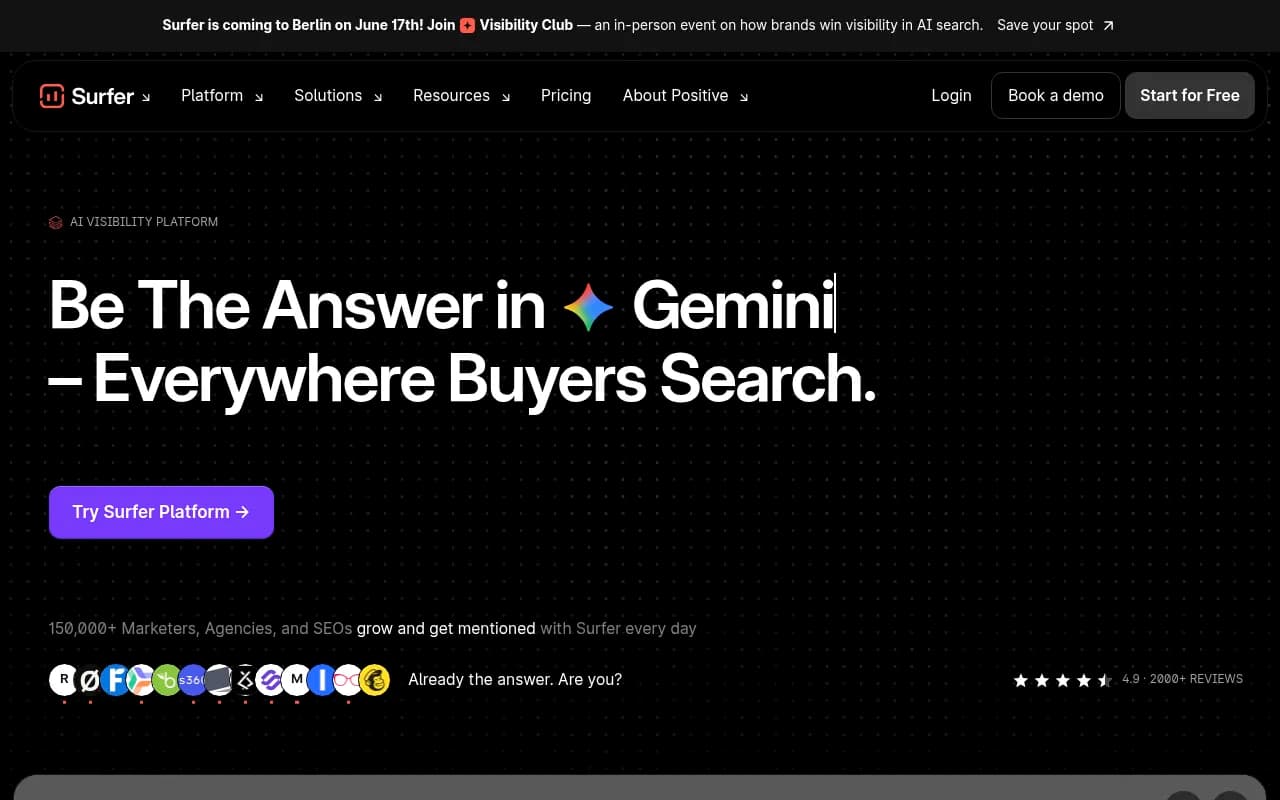
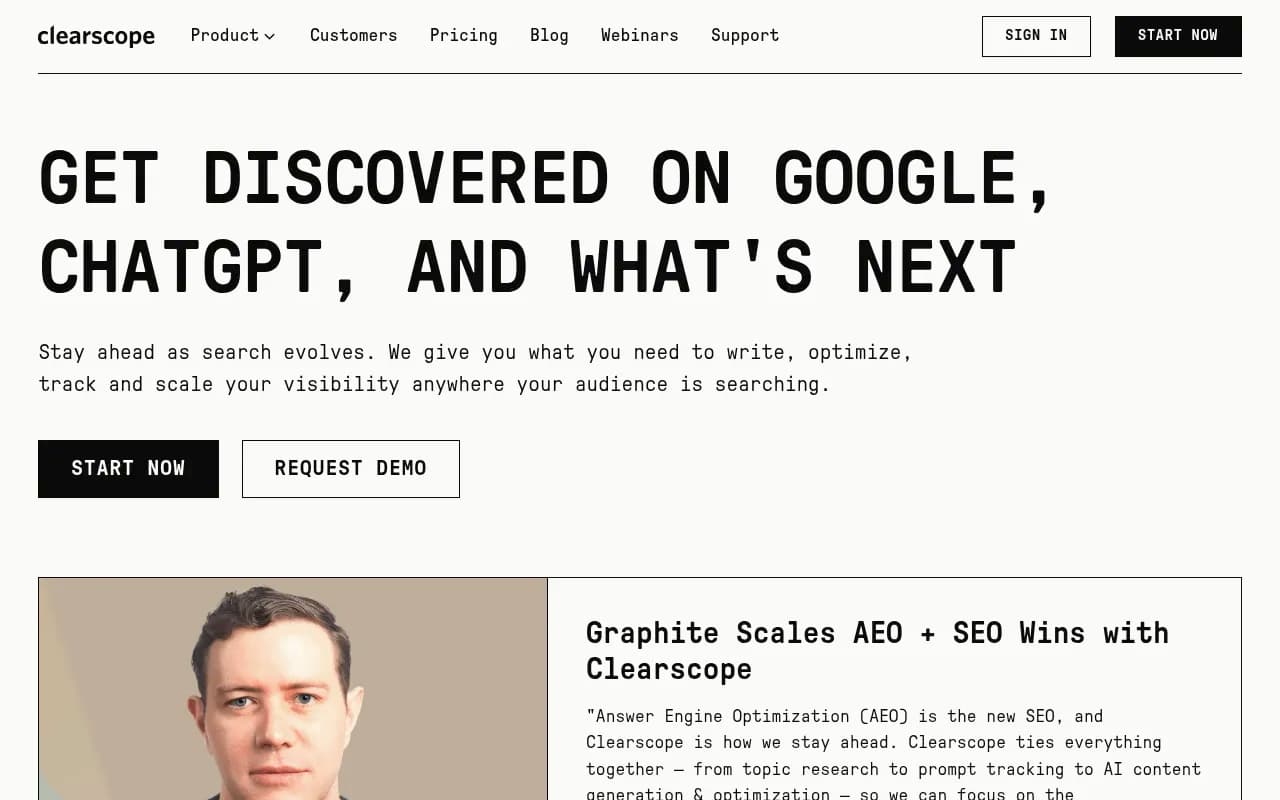
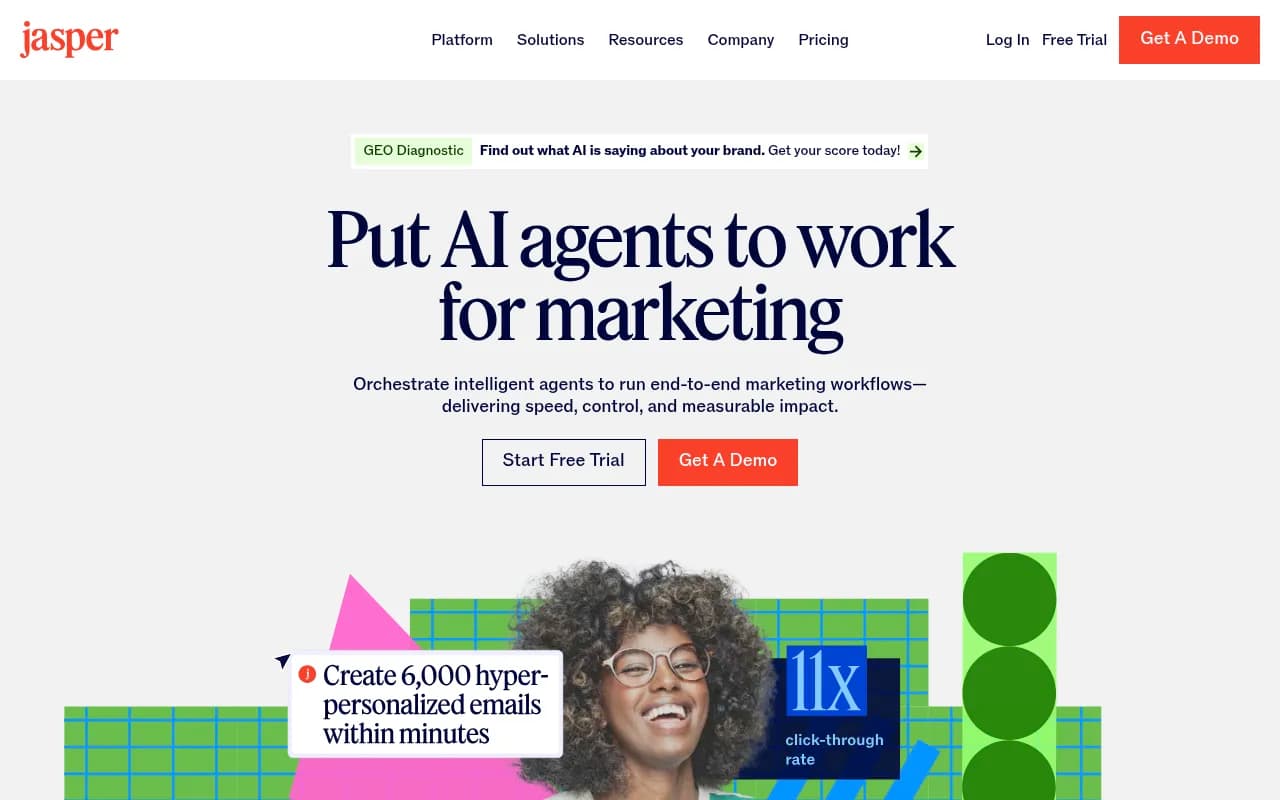
For written content and on-page optimization, tools like Surfer SEO and Clearscope help with briefs and scoring. Writing assistants such as Jasper cover drafting.
For tracking and improving visibility in AI answers, Promptwatch is worth a look. Agencies can run it across multiple client projects, and it goes beyond monitoring into content gap analysis and publishing, which Slate-style visual tools never touch.

If you want to compare more options in that category, the GEO software directory at bestgeosoftware.com lists many of them, and surferstack.com covers general software alternatives and comparisons.
Scheduling and distribution
If your content workflow needs drafting and distribution in one place rather than a separate scheduler, StoryChief is an option for written content.

Questions to ask Slate's sales team
Because the agency-specific details are unverified, bring a list to any call:
- Is there a plan between Creator and Pro for two or three brands, or a discount for agencies?
- Can each client have a separate workspace, with separate logins and permissions?
- Is there a client approval workflow, and can clients review without a paid seat?
- Is white-labeling available, or do clients see Slate branding?
- Which scheduler integrations exist besides Sprout, and what do they cost?
- Can the pricing shown on the site be confirmed in writing for your expected usage?
The answers will tell you more than any comparison page, including this one.
Bottom line
Slate is good at a narrow thing: getting branded, on-brand content out of a phone at a live event, fast. Agencies get frustrated because they expect a general-purpose content platform and find a specialist. The multi-brand price jump and the lack of scheduling are the two issues that cost real money. The lack of written content and AI search tooling is the one that sends agencies shopping for a second product.
If your clients live in sports and live events, stay and budget properly. If they don't, start with Canva or Adobe Express plus a scheduler, and spend the savings on the written content and visibility side where your clients are increasingly asking questions.