Key takeaways
- ChatGPT writes a new answer on every run, so a single manual check and a single tracker run are both just samples. Compare rates across many runs, not one result.
- Trackers differ in prompts, run counts, location, model, web search settings, and counting rules. Two tools can be "right" and still disagree.
- ChatGPT's search behavior changes without warning. Promptwatch Data shows
site:queries jumping from 0.37% to 16.8% of fanouts in a single day in August 2026, which can break a tracker baseline overnight. - Reconcile by fixing the prompt set, logging settings, running repeats, and checking real evidence such as crawler logs and referral traffic.
- Treat the tracker as a trend instrument. Use manual checks to debug, not to judge.
The situation everyone runs into
You open ChatGPT, type the question your buyers ask, and there you are, third in a list. Then you open your tracking dashboard and it says your visibility is 12%. Or it's the other way around: the dashboard looks healthy and a colleague can't find you anywhere.
A thread in r/GenerativeSEOstrategy captures a version of this: someone tested a pile of queries in ChatGPT and Perplexity and kept seeing smaller competitors with weaker sites get cited while their own brand didn't. Whether that's a real gap or a measurement quirk is exactly the question you have to answer before spending money on fixes.
The short version: the tracker and ChatGPT aren't measuring the same thing, and ChatGPT isn't even measuring the same thing as itself from one run to the next. Let's go through why.
Reason 1: ChatGPT doesn't have rankings
Google gives you a results page. ChatGPT gives you a freshly written answer. There is no stable list to sit at position three on.
A SparkToro study from January 2026 ran 12 prompts 60 to 100 times each across ChatGPT, Claude and Google AI. ChatGPT had less than a 1 in 100 chance of returning the same brand list twice, and getting the same list in the same order was rarer than 1 in 1,000. The useful part: how often a brand appeared stayed fairly stable across runs.
That's the whole basis of AI rank tracking. A good tracker reports a mention rate or citation rate across repeated runs. Position is a secondary signal at best. If you compare your one manual result to a tracker's averaged rate, you are comparing a coin flip to a probability.
Reason 2: your manual check isn't what other people see
When you test by hand, you are one user with one history. Obsero's write-up on whether ChatGPT shows the same results to everyone lists the variables, and they're worth keeping in front of you:
- Memory. Paid users get deeper recall, free users a lighter version. Someone who told ChatGPT they're vegetarian gets different restaurant suggestions than you do.
- Phrasing. "Is coffee good for me?" and "is coffee bad for me?" produce different answers. The framing is reflected back.
- Model routing. In Auto mode, ChatGPT picks a model based on how complex the request looks. A research-style prompt may route to a thinking model that pulls from more sources.
- Ads. Free-tier users see sponsored content next to the organic answer, paid users don't.
- Location. Local intent changes who gets named.
Your own account is probably the least representative sample you can pick. You've been logged in for months, you've asked about your own brand, and the model may remember. Run manual checks in a logged-out or clean session, and treat them as a debugging aid.
Reason 3: trackers use different methods
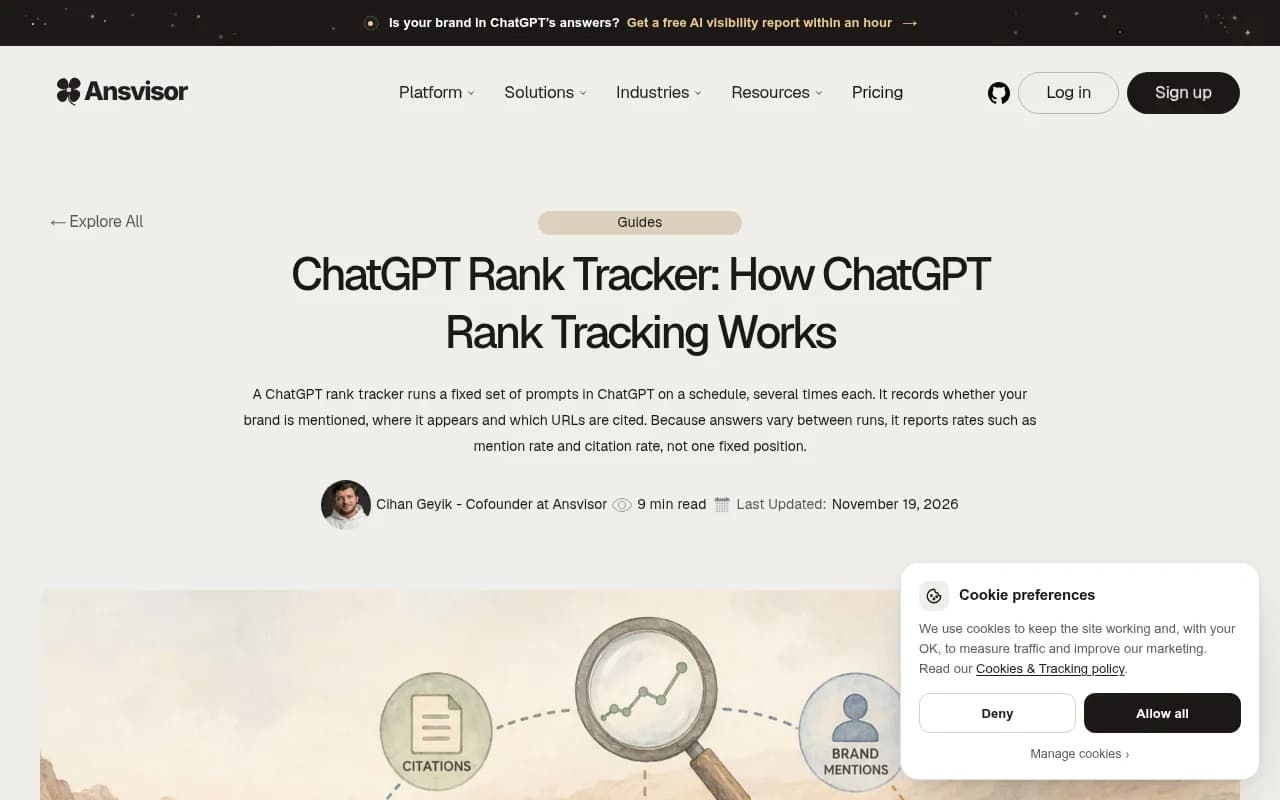
This is the part people skip. Two tools pointed at the same brand can return different numbers without either being broken. Ansvisor's guide puts it plainly: tools differ in their prompts, run counts, settings, and counting rules. One may use web search and another may not. One counts any mention, another counts only list positions.
Here are the differences that matter most.
| Variable | What changes | Effect on your number |
|---|---|---|
| Prompt set | Your tracked prompts vs. the ones people actually type | Biggest source of mismatch |
| Run count | 1 run vs. 5 or 10 per prompt per day | More runs smooth out noise |
| Data source | Real interface vs. API call | Citations and shopping blocks can differ |
| Web search | On or off | Off means training-data answers, no live citations |
| Location and language | Country, state, city | Local brands swing hard |
| Counting rule | Any mention, first mention, cited URL only | Same answer, different score |
| Persona or memory | Clean session vs. profile | Changes who gets recommended |
| Model version | Whatever the tool defaults to | Different models name different brands |
The API vs. interface point deserves a moment. Answers from an API model reflect what it learned in training. The live ChatGPT product runs search, shows citations, sometimes shopping carousels. If your tracker queries the API and you check the app, you will see two different worlds. Tools that collect from the real user interface, such as [tool:superlines] and Promptwatch, exist precisely to close that gap, though always check how any vendor collects its data.

Reason 4: tracker prompts trigger different searches than user prompts
This one is less obvious and more interesting. When ChatGPT searches the web, it doesn't search for the user's literal prompt. It generates its own queries, called fanouts, and your page has to match one of those.
Promptwatch Data on ChatGPT query fanouts shows how much these shift. Average fanouts per response were 2.15 in early December and about 1.84 by early March, then returned in April at exactly 1.0 per response. Average fanout query length dropped from roughly 117 characters in December to the high 80s in February and March, and about 53 characters in April. The report's advice is to write headings that read like short keyword queries, and to re-audit after major ChatGPT updates.
Now the implication. A tracker prompt that's phrased differently from what your customers type can set off different fanout queries, which pull different sources, which produce different brand lists. So a mismatch may mean your tracked prompt isn't representative, not that either number is wrong.
The August 2026 break
On August 8, 2026, ChatGPT started using the site: operator at scale. Promptwatch Data shows the share of fanout queries using site: going from 0.37% to 16.8% in one day, about 46x. Average fanouts per response rose from roughly 1.08 to 1.83 the same day, so the site: searches were added on top of the generic ones.
If your visibility moved on or around that date and you changed nothing, this is a likely suspect. Any tracker baseline built before it is partly stale. It also means pages need to be indexed well enough that a site:yourdomain.com topic lookup can find them.
The broader lesson from that report: platform-controlled search behavior can change overnight, so continuous monitoring beats a one-off audit.
Reason 5: answers are crowded, so one prompt says little
Another Promptwatch Data report, on unique domains per ChatGPT response (Sep 28 to Oct 4, 2026, responses with at least one citation), found 47.6% of responses cite 10 or more domains and 66.1% cite at least 8. Only 6% cite three or fewer.
Break it down by prompt type and it gets more useful:
- Organic prompts: 52.5% cite 10 or more domains.
- Competitor comparison prompts: 49.1% cite 10 or more.
- Brand-specific prompts: only 21.3% cite 10 or more, and the most common count is 5.
With that many sources competing, small shifts in which ones get pulled will reshuffle which brands show up. That's why a smaller competitor with a weaker site can appear in one run and vanish in the next. It also explains the Reddit complaint above: one sampled answer is not evidence of a systematic gap.
Reason 6: different engines, different indexes
ChatGPT, Gemini and Perplexity don't pull from the same index or weigh the same signals. A brand can be cited often in ChatGPT and barely appear in Gemini. If your tracker averages across engines and you only test ChatGPT by hand, the numbers will diverge by design.
The index itself moves too. Profound has reported that ChatGPT's alignment with Google's index rose from 12% to 33% while its Bing alignment dropped from 26% to 8%, which makes Search Console health matter more than it used to. I'd treat that as a vendor-reported figure and verify it for your own site, but the direction is a good reason to check both Google and Bing coverage when you debug a gap.
A reconciliation process that works
Here's the sequence I'd follow when a dashboard and a manual check disagree.
Step 1: write down what each side measured
For the tracker: prompt text, model, web search on or off, country and city, number of runs, and the counting rule. For your manual check: logged in or out, model shown, memory on or off, time of day. Half the time the disagreement dissolves right here.
Step 2: re-run the manual check properly
Use a clean session, the same prompt string as the tracker, and repeat it at least ten times. Count how many answers mention you. That gives you a rate you can compare against the tracker's rate, instead of a single sample.
Step 3: widen the prompt set
The Obsero piece makes the point that monitoring one prompt tells you very little, and that you need dozens of variations on the same topic. Add prompts at different intents (informational, commercial, comparison), in the phrasing real buyers use. Personas help here if your tool supports them.
Step 4: check for platform change events
If the discrepancy started on a specific date, look at whether ChatGPT changed behavior then. The August 8 site: shift and the March GPT-5.3 rollout, when average citations per response dropped, are both documented in Promptwatch Data. A step change in the data that matches a platform event is not your content failing.
Step 5: verify with evidence outside the tracker
Synthetic prompts are a proxy. Real evidence is better:
- AI crawler logs showing whether GPTBot, OAI-SearchBot or ChatGPT-User are reading your pages, and where they hit errors.
- Referral traffic from AI sources. Note that ChatGPT stopped sending a referrer on October 8, 2026, so tagged
utm_source=chatgpt.comvisits are worth counting separately. - Search Console and Bing Webmaster Tools, to see whether the pages even rank in the indexes that feed these systems.
A page that is never crawled can't be cited, no matter what the tracker says. A page that's crawled often but never cited is a content problem. Those two diagnoses lead to very different work.
Step 6: pick a primary metric and stick with it
Choose one definition, for example citation rate on a fixed prompt set over weekly windows, and report that. Don't switch tools mid-quarter and then wonder why the line broke. If you do switch, run both in parallel for a few weeks to establish an offset.
Which tools help with which part
No tool removes the randomness. What you want is one that makes its method visible and lets you check results against something real. The table below is a starting point, not a ranking. Confirm method and pricing on each vendor's site.
| Problem | What to look for | Tools to consider |
|---|---|---|
| Tracker vs. live app mismatch | Collection from real interfaces, stored answer snapshots | Promptwatch, Superlines, Rankscale |
| Too few runs, noisy numbers | Repeat runs per prompt, trend reporting | Peec AI, Otterly.AI, Profound |
| Can't tell access from content problems | IP-verified crawler logs next to citations | Promptwatch |
| Need to trace AI visits to revenue | Referral attribution and analytics | Trakkr, LLMclicks.ai |
| Already live in an SEO suite | AI visibility add-on | Semrush, Ahrefs Brand Radar, SE Ranking Visible |
| Local or multi-location | City or coordinate-level tracking | Birdeye Search AI, Promptwatch |
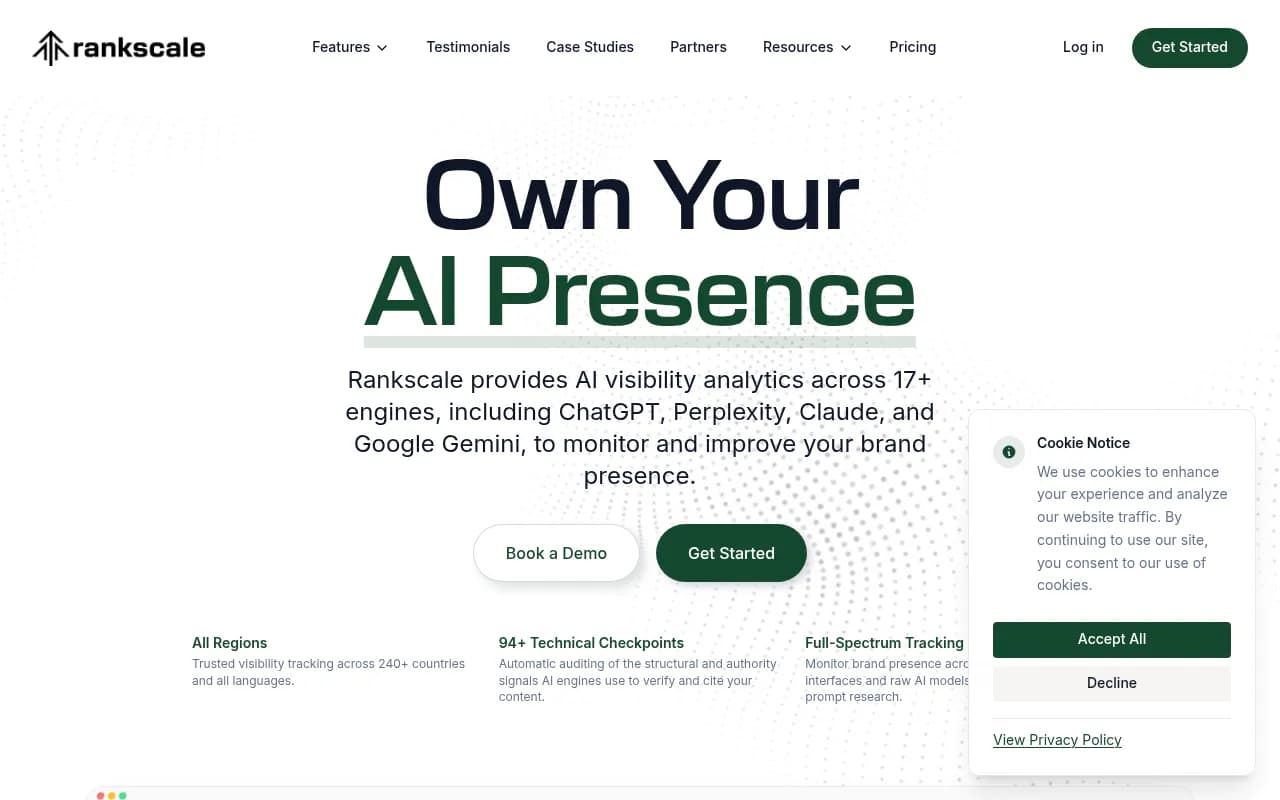


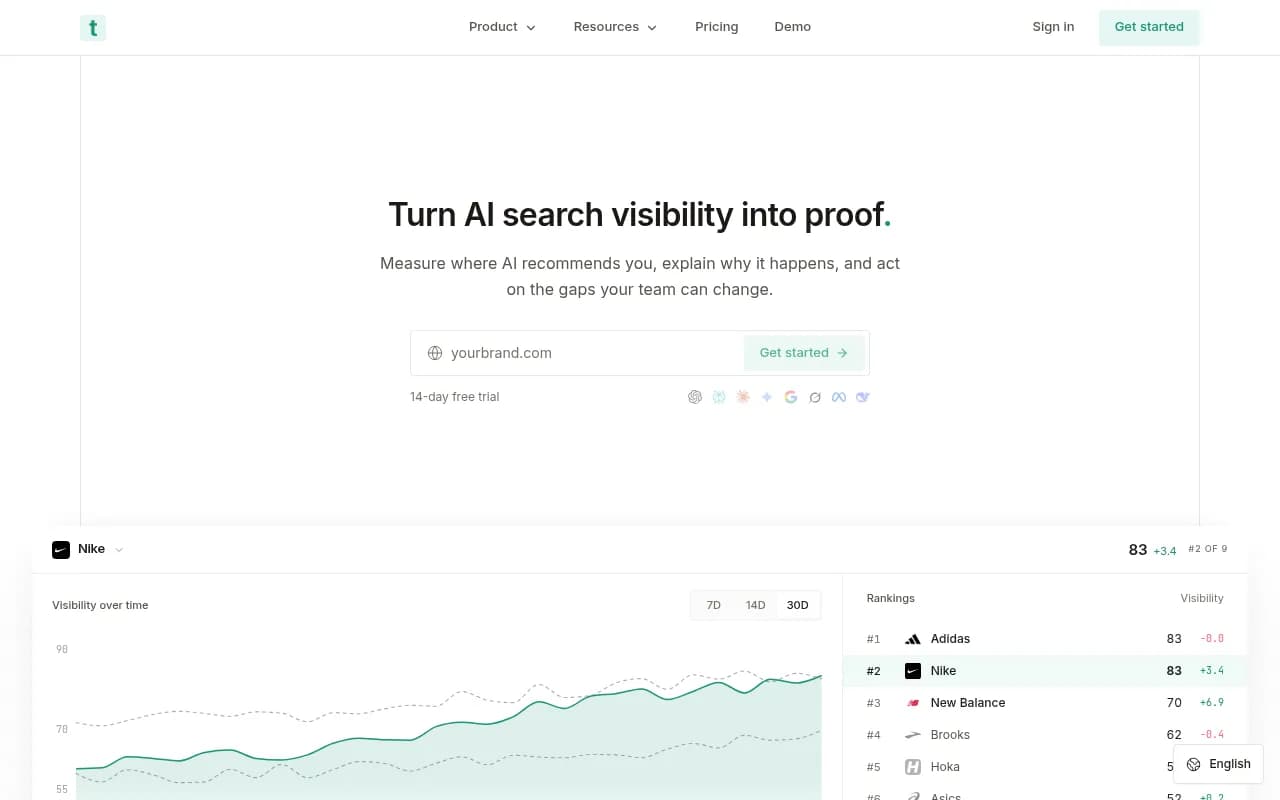
Promptwatch is the one I'd point to when the question is "why do these numbers disagree?", because it collects from the real UIs of ChatGPT, Gemini, Perplexity and AI Overviews, stores the full response and citations, and puts IP-verified crawler logs and visitor analytics in the same product. That lets you check a visibility dip against whether bots could read the page and whether traffic moved. Its pricing starts at $95 per month for Essential, and there is a 7-day free trial; confirm current plans at promptwatch.com/pricing. The free AI visibility report is a no-login way to get a first sample, with the usual caveat that one scan is still a sample.
If you're comparing options more broadly, the AI rank tracking directory lists many more.
Common mistakes
- Treating position as the headline number. Appearance rate is the stable signal.
- Testing while logged into an account that knows your brand.
- Tracking only prompts that mention your brand name. Brand-specific prompts behave differently from organic ones, as the domain-count data shows.
- Blaming content when the cause is a platform change.
- Comparing tools with different counting rules and expecting equal scores.
- Reading a sample of one as proof of anything.
What to do this week
- Document your tracker's settings and your manual testing conditions side by side.
- Re-test your top ten prompts ten times each in a clean session and compute a rate.
- Add at least ten prompt variants per core topic.
- Overlay your visibility chart with known platform change dates.
- Pull crawler logs and referral data to see whether the story holds up outside the dashboard.
The goal isn't to make the tracker and ChatGPT agree on a single number. They won't, and they shouldn't. The goal is to know why they differ, so that when a trend line moves you can say whether it was you, the tracker, or ChatGPT.