Key takeaways
- AI Mode and AI Overviews are different surfaces. Promptwatch Data (Nov 3-16, 2026) shows domains at DR 91+ earn 8.2% of AI Mode citations but 17.9% of AI Overviews citations, so a tracker that blends them can mislead you.
- Before you trust any tool, run a manual check. Ten prompts, a clean browser, and a spreadsheet will tell you whether the tool drives the real AI Mode surface or a model standing in for it.
- Expect a lot of Google-owned citations. In June 2026, google.com alone took 7.31% of AI Mode citations, and Google properties together took over 10%.
- Prices below come from vendor pages and third-party roundups. Confirm them on the vendor's own pricing page before you buy.
- The six picks here: Promptwatch, Peec AI, Rankscale, AthenaHQ, Scrunch AI and Semrush's AI Visibility Toolkit. They cover different budgets and different jobs.
Why AI Mode needs its own check
Google has two AI answer surfaces and most dashboards report them as one number. AI Overviews is the summary above the classic results. AI Mode is the conversational tab you switch into. They use different retrieval, and they often name different brands for the same question.
The citation data backs that up. In Promptwatch's domain rank report (Nov 3-16, 2026), the median cited domain was DR 56 for both AI Mode and AI Overviews, which looks identical. But look at the tails. Domains at exactly DR 100 earned 4.4% of AI Mode citations and 13.7% of AI Overviews citations. Domains at DR 61-90 earned 34.8% of AI Mode citations against 25.6% for AI Overviews. Same median, different shape.
There is also a Google-owned effect. Per Promptwatch's AI Mode citation share report (May 31 to Jun 26, 2026), google.com took 7.31% of AI Mode citations, YouTube 2.88% and Reddit 2.52%. No independent site in the top list cleared 1%. AI Mode often answers with Google's own Maps listings, Business Profiles and support content.
So a useful tracker has to do two things: keep AI Mode separate from AI Overviews, and let you see Google-owned citations apart from everyone else's.
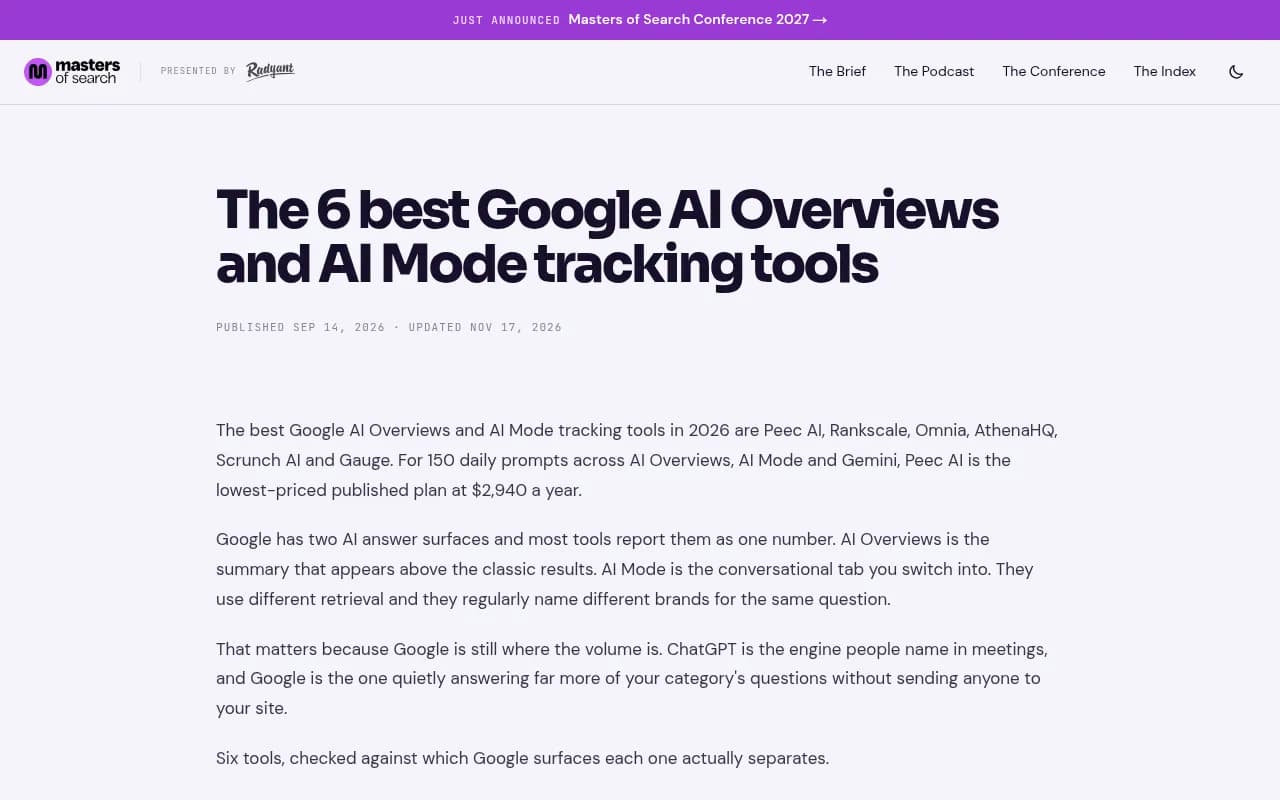
The Masters of Search shortlist makes the same point I would: if a tool describes AI Mode coverage, check whether it drives the actual surface or a model behind it.
How to run the manual check
I would not buy anything before doing this. It takes under an hour and it gives you a baseline to hold every vendor to.
Set up a clean test
- Pick 10 prompts you care about: five commercial ("best X for Y"), three informational, two branded.
- Use a private window, signed out of Google, on a fixed location. Location changes AI Mode answers, especially for local queries.
- Run each prompt in AI Mode, not just regular search. Switch to the AI Mode tab and ask it in full.
- Log, per prompt: which brands are named, in what order, which sources are cited, and which of those are Google-owned (Maps, YouTube, Business Profile, support pages).
- Repeat the same 10 prompts the next day and again a week later. Note what changed.
What you will probably find
Answers move. The same prompt can name different brands on different days, so one manual snapshot is an anecdote, not a measurement. That is the real argument for a tool: it samples often enough to give you a trend instead of a guess. I did not find a published study on how much AI Mode answers vary run to run, so treat your own spreadsheet as the best evidence you have.
The five questions to ask a tool
- Does it query the real AI Mode interface, or an API model that approximates it?
- Does it report AI Mode separately from AI Overviews?
- Does it record citation position, or only whether you were cited? Searchable's analysis notes most tools only track presence.
- Can you set the country, and ideally city, for each monitor?
- Can you export raw responses so you can compare them to your manual log?
That last one is the test. Take your 10 prompts, load them into the tool, and compare its output against your spreadsheet. If brands and cited sources broadly match, good. If the tool returns a polished answer that nothing in your manual check resembles, that is a red flag.
The six tools at a glance
| Tool | Real-UI AI Mode data | Separates AI Mode from AI Overviews | Entry price (verify) | Best for |
|---|---|---|---|---|
| Promptwatch | Yes, real interfaces | Yes | From $95/mo (Essential) | Teams who want to fix gaps, not just see them |
| Peec AI | Check with vendor | Yes, per engine selection | From $95/mo (Starter, 50 prompts) | Knowing which Google surface is failing |
| Rankscale | Check with vendor | Check with vendor | From $99/mo (Pro) | Tight budgets, one or two surfaces |
| AthenaHQ | Check with vendor | Check with vendor | Free tier, Starter $295/mo | Looking at your data before paying |
| Scrunch AI | Check with vendor | Check with vendor | Core $250/mo (125 prompts) | Bigger brands wanting crawler analytics |
| Semrush AI Visibility Toolkit | Included in prompt tracking | Check with vendor | $99/mo per domain (25 prompts) | Teams already living in Semrush |
Peec, Rankscale, AthenaHQ and Scrunch pricing comes from the Masters of Search shortlist (prices verified there on Nov 17, 2026). Semrush pricing comes from Xtrusio's roundup and may be stale. I have not independently tested these tools' AI Mode output, so the "check with vendor" cells are the questions to put in your trial.
1. Promptwatch
Promptwatch is the one I would run the manual check against first, because it collects from the real user interfaces of Google AI Overviews and Google AI Mode in each country and language, rather than approximating them through an API. That matters given how differently the two surfaces cite.

What I would test in the trial:
- Create separate monitors for AI Mode and AI Overviews with the same 10 prompts, then compare the cited sources to your manual log.
- Use the citation reports to split Google-owned sources from third-party ones.
- On Business, pin a monitor to exact coordinates so AI Mode answers as if asked from a specific spot. That is the closest a tool gets to your manual location test.
Where it goes beyond a tracker: the Action Board and Content Agent turn visibility gaps into content tasks, and IP-verified AI crawler logs plus visitor analytics tell you whether the fix got crawled, cited and clicked. Essential is $95/mo, Professional $245/mo, Business $579/mo, and there is a 7-day free trial on monthly billing. Confirm on the pricing page. You can also start with the free AI visibility report.
Drawback: the Content Agent, faster-than-daily tracking and local targeting start at Business, so the cheapest plan is monitoring and analysis only.
2. Peec AI
Peec AI lets you choose which engines each plan covers, including AI Overviews, AI Mode and Gemini, so you can see which Google surface is failing you. For 150 daily prompts across those three, Masters of Search lists the Pro plan at $245/mo, the lowest published price for that workload.

Test it by setting AI Overviews and AI Mode as separate engines and checking that the answers differ the way your manual log says they should. It is a clean tracker. It is not a content or crawler platform, so the fixing happens elsewhere.
3. Rankscale
Rankscale is the budget pick: Pro at $99/mo, Pro+ at $229, Growth at $385. Masters of Search suggests it suits teams that track one or two Google surfaces, or can live with Growth's price for three.
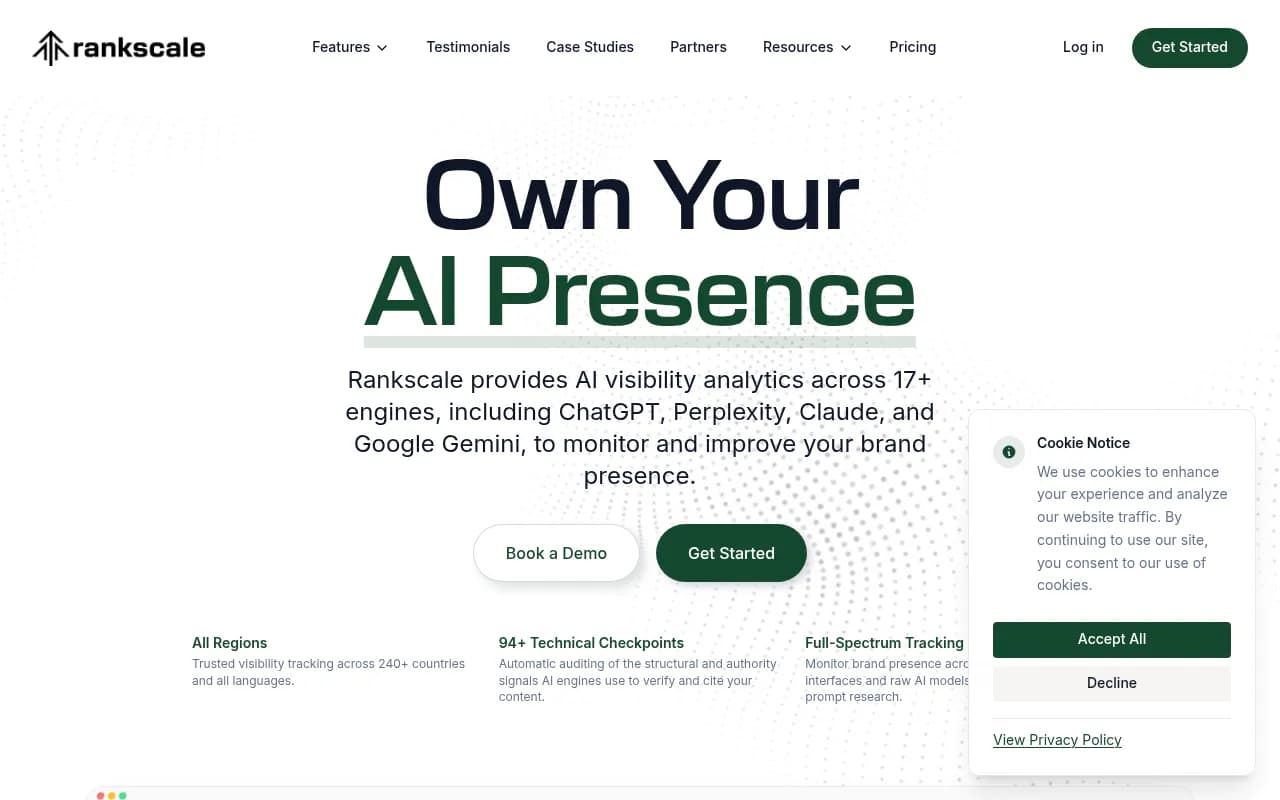
The trade-off is the stepped pricing. Covering more surfaces pushes you up tiers quickly, so do the math for your actual prompt count before assuming it stays cheap.
4. AthenaHQ
AthenaHQ has a free Essential tier with 300 credits, which makes it the easiest way to compare a tool's output against your manual check without paying anything. Starter is $295/mo.
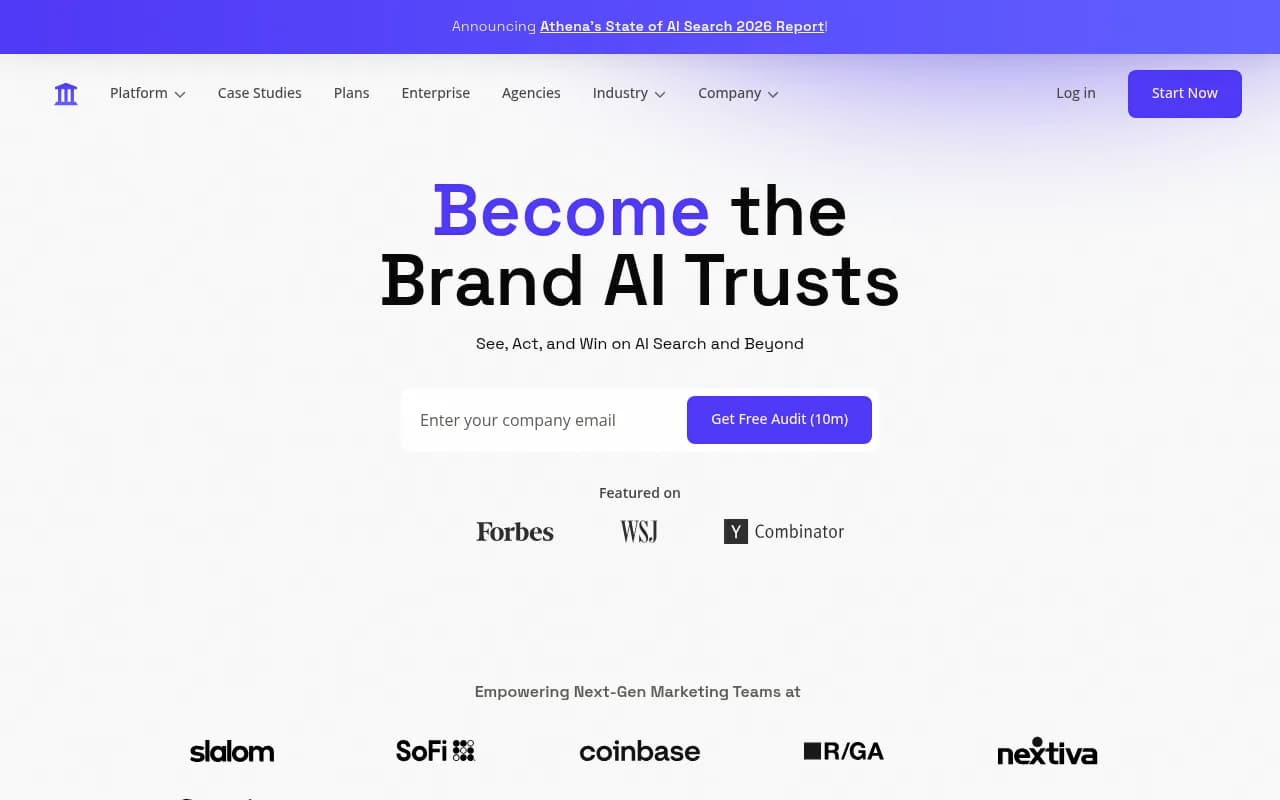
Credits run out fast if you load many prompts, so keep your test to the same 10 you checked by hand.
5. Scrunch AI
Scrunch AI pairs Google coverage with crawler analytics and site audits, at $250/mo for Core (125 prompts). It suits bigger brands that want AI visibility next to technical readiness.
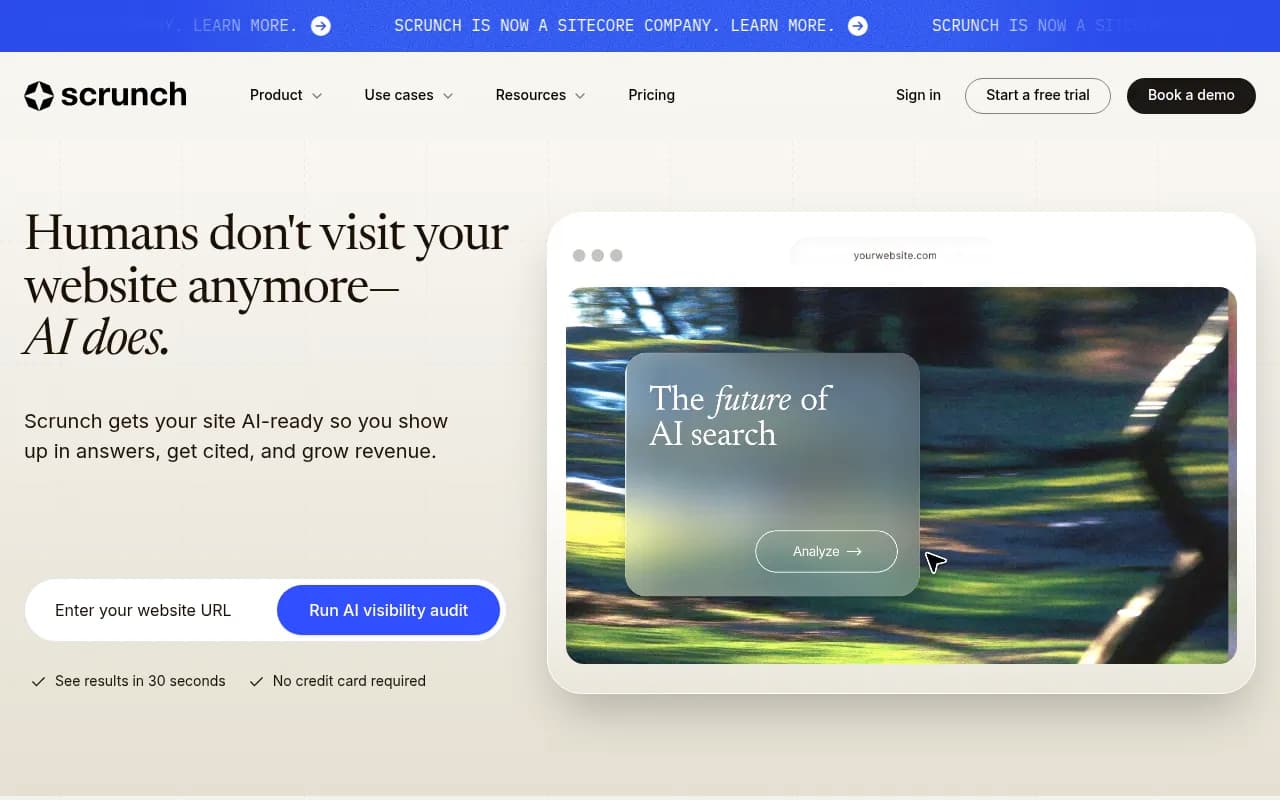
If AI Mode is your only concern, you may be paying for more than you need.
6. Semrush AI Visibility Toolkit
Per Xtrusio's comparison, Semrush AI Visibility starts at $99/month per domain for 25 prompts, with AI Mode included in Prompt Tracking. The appeal is simple: your rank tracking and AI tracking sit in one login.
25 prompts is thin. Check whether AI Mode and AI Overviews show up as separate lines in reporting before relying on it for decisions.
Other options worth a look
A few tools came up in research but did not make the six. SE Ranking's AI Search add-on ($89/month for 200 checks) includes AI Mode, while its Core plan does not name it. GrowByData says it surfaces AI Mode clicks, impressions and positions that Google blends into Search Console. keyword.com's AI Visibility plan starts at $9.80/month for 20 credits, which is a cheap way to experiment. For wider browsing, the GEO software directory lists many more trackers.
How to compare tool output to your manual log
Once a trial is running, score it:
| Check | Pass looks like |
|---|---|
| Brand overlap | Most brands named in your manual log appear in the tool's answers |
| Source overlap | Cited domains broadly match, including Google-owned ones |
| Surface separation | AI Mode and AI Overviews show different brand or source lists |
| Location | Changing the country or city changes the answer |
| Raw access | You can open or export the underlying response |
Perfect matches are not realistic, because answers vary. Look for the same shape: similar brands, similar kinds of sources, similar Google-owned share. If a tool's AI Mode numbers look identical to its AI Overviews numbers on every prompt, it is probably merging them.
Which one to pick
- You want to track and fix: Promptwatch, since it connects tracking to content, crawler logs and traffic.
- You need to know which Google surface is failing: Peec AI.
- You are watching cost: Rankscale or keyword.com, and accept less depth.
- You want to see data before paying: AthenaHQ's free tier.
- You already pay for Semrush: its toolkit, as long as 25 prompts is enough.
Whatever you choose, keep the manual spreadsheet going monthly. It costs nothing and it is the only way to notice if a tool drifts away from what Google actually shows.
What to do next
Run the 10-prompt manual test this week. Then trial two tools against it, one low-cost and one more complete, and keep the one whose output looks most like what you saw by hand. Re-check prices on each vendor's pricing page, since several figures here come from roundups that may already be out of date.