Key takeaways
- OpenAI gives site owners no report on which pages ChatGPT cites. You have to assemble the picture from prompt testing, analytics, server logs, and a tracking tool.
- A single answer can't tell you why a page was skipped. It may not have been retrieved, may have been retrieved and passed over, or may have been used without credit.
- Product and landing pages made up 39% of ChatGPT citations in Promptwatch Data for Sep 28 to Oct 4, 2026, so start your audit there.
- Cited pages don't stay cited forever. Landing pages and docs last longest, news the shortest, so re-check on a schedule.
- The useful output is a page-level list: cited, retrieved but ignored, never fetched. Each bucket has a different fix.
Why this is harder than it sounds
Google Search Console tells you which pages get impressions and clicks. ChatGPT has nothing like it. A thread on r/GrowthHacking says it bluntly: there's no official tool that shows which of your pages ChatGPT is using as a source. I haven't verified that claim line by line, but it matches my experience. Nothing in OpenAI's publisher tooling gives you a per-page citation report.
So you triangulate. You look at the answers ChatGPT gives, the traffic it sends, and the bots it sends to your server. Each method sees a different slice, and none is complete on its own.
It also helps to be precise about what "cited" means. Ceyo's playbook separates a brand being mentioned in an answer, a brand being recommended in a shortlist, and a page being linked as a source. Those are three different outcomes. This guide is about the last one: a specific URL of yours appearing in the sources of a ChatGPT answer.
The three states a page can be in
Maria Dykstra's guide on citation invisibility makes a point I think is the most useful framing here: one answer can't show why a page was skipped. In practice every page on your site sits in one of three states for a given prompt.
| State | What happened | Where you'll see it | Typical fix |
|---|---|---|---|
| Cited | ChatGPT fetched the page and linked it as a source | Sources list, referral traffic | Protect it, keep it fresh |
| Retrieved but ignored | ChatGPT's search surfaced or fetched it, then it chose other sources | Crawler logs, fan-out data | Sharpen title, answer, and specificity |
| Never retrieved | It didn't appear for any of the searches ChatGPT ran | Nothing, which is the problem | Fix crawlability, relevance to fan-out queries, or the page's existence |
The Ahrefs study of 1.4 million prompts, as summarized in Edward Sturm's video breakdown, claims ChatGPT retrieves dozens of sources but cites only about half. I haven't checked the study itself, so treat that as a claim from the video description. It does fit the three-state model, though: there's a middle zone of pages that get looked at and then dropped.
Method 1: Manual prompt testing
It's free, takes an afternoon, and teaches you what ChatGPT actually does with your category. Frase's manual method has the right instinct: ask the questions a buyer would ask, not questions about your brand by name.
Build a prompt list
Start with 20 to 30 prompts. Mix three types:
- Commercial: "best [category] for [use case]", "[category] pricing comparison"
- Informational: "how do I [task your product solves]"
- Branded: "is [your brand] good for [use case]", "[your brand] vs [competitor]"
Promptwatch Data shows the content types differ by intent. For commercial prompts in Sep 28 to Oct 4, 2026, product pages took 26.0% of citations and landing pages 20.6%. For informational prompts, how-tos and docs climb. So your prompt mix should match the pages you want to test.
Run them and log the sources
Use ChatGPT with search on. For each response, record the cited URLs in a spreadsheet: prompt, date, each source URL, and whether any belongs to you. Run each prompt a few times. Answers vary from run to run, so one hit or miss means little.
Two cautions. First, logged-in sessions with memory can skew results, so use a clean session. Second, the manual method shows you what's cited, never why. It's a sample, not a measurement.
Quick automated checkers
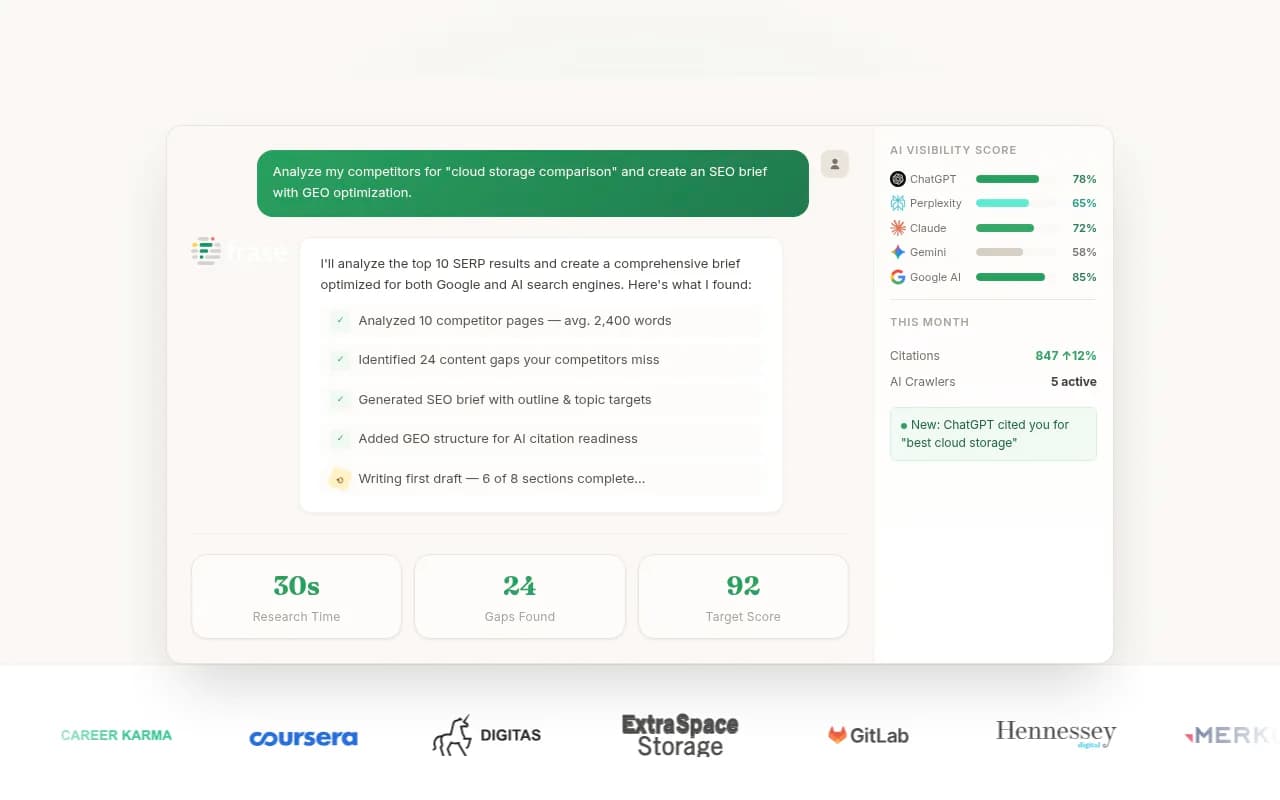
Frase's free AI Visibility Checker returns a ChatGPT citation result for a domain with no account, which is handy as a first snapshot. It's a snapshot, though, and Frase says as much itself.
Method 2: Find the fan-out queries and test those
ChatGPT doesn't search for your prompt as typed. It rewrites it into several web searches, called query fan-outs. Per the Ahrefs summary, semantic relevance to those fan-out queries is one of the strongest factors in whether a page gets cited. So if you only test the prompt a human types, you miss the searches that decide the outcome.
Promptwatch's ChatGPT query fanout data shows how many searches ChatGPT triggers per response and how query length shifted over time: roughly 2.15 searches per response in early December falling to about 1.84 by early March, with average query length dropping from about 117 characters to the high 80s. The numbers move, which is why you should inspect fan-outs on your own prompts rather than assume.
There's another shift worth knowing. On August 8, 2026, ChatGPT started using the site: operator at scale, jumping from about 0.4% to about 17% of fan-out queries. When ChatGPT runs site: searches, it's going straight to specific domains. If your domain is one it checks, that's a different path to citation than ranking for a generic query.
For each important prompt, collect its fan-outs, then run those exact searches yourself in Google and Bing. Does your page show up? If the fan-out is "[category] pricing 2026" and you have no page whose title says that, you've found a never-retrieved gap.
Method 3: Look at the traffic ChatGPT sends
Cited pages send some clicks. In GA4, look for sessions from chatgpt.com as a source and break them down by landing page. I haven't researched the exact setup here, so verify in your own property, but the principle is simple: landing pages with ChatGPT referrals are, by definition, pages ChatGPT cited and a user clicked.
The limits are real. Most citations don't produce a click, so referral data undercounts badly. A page can be cited a hundred times and show three sessions. Use it as proof that a page is cited, never as proof that a page is not.
Method 4: Check your server logs for AI crawlers
This is the method that separates never retrieved from retrieved but ignored. OpenAI uses different user agents for different jobs: OAI-SearchBot for search indexing, ChatGPT-User for fetches triggered by a user's question, and GPTBot for training. If ChatGPT-User is hitting a URL, ChatGPT looked at that page while answering someone. If it hit the page and your URL isn't in the sources, that's your retrieved-but-passed-over bucket.
Two practical problems. Raw access logs are painful to filter, and user agents can be spoofed, so you want IP verification. Also check that you're not blocking these bots in robots.txt or at the CDN. It's depressingly common for a firewall rule to quietly turn away exactly the crawlers you want.
Promptwatch's AI crawler traffic report shows weekly IP-verified requests from OpenAI, Anthropic, Google, Perplexity, and Mistral, which is a useful benchmark for whether your own crawl volume looks normal. You can also look up individual bots in the free directory at promptwatch.com/bots.
Method 5: Use a page-level tracker
Doing all four methods by hand works for a small site. Past a few dozen pages, you want a tool that joins them. The key capability to look for is page-level reporting: which URLs get cited, for which prompts, and how that changes over time.
Promptwatch is the one I'd put first for this specific job, because it connects the pieces. Its citation analytics show which of your pages get cited, its IP-verified crawler logs show when AI systems fetched them, and the Page Tracker lets you watch any URL, yours or a competitor's, and see the prompts that cite it. That lets you answer "which pages get crawled but never cited?" without stitching spreadsheets together.

Other tools in the category cover parts of the problem:
| Tool | Strength for this task | Worth knowing |
|---|---|---|
| Promptwatch | Page-level citations plus crawler logs plus AI traffic | Also includes content tools to fix gaps |
| Profound | Enterprise prompt and citation monitoring | Higher price point |
| Otterly.AI | Affordable prompt and citation tracking | Monitoring only |
| Peec AI | Clean visibility tracking with suggestions | No crawler-level view |
| Ahrefs Brand Radar | Brand tracking inside an SEO suite | Fixed prompt sets |
| Frase | Free one-off domain check | Snapshot, not ongoing |



For a wider look at what's out there, the GEO software directory lists far more options than I can cover here.
What the data says you should expect
Before you judge your own results, calibrate against what ChatGPT cites overall. From Promptwatch Data on content types (Sep 28 to Oct 4, 2026):
| Content type | Share of ChatGPT citations |
|---|---|
| Product pages | 22.4% |
| Landing pages | 16.8% |
| Listicles | 13.6% |
| How-tos | 8.7% |
| Documentation | 7.5% |
| Articles | 6.1% |
| Comparisons | 5.9% |
| News | 5.7% |
| FAQ | 3.3% |
| Reviews | 1.7% |
If your audit shows blog posts getting cited while your product pages never appear, that's a signal. Product and landing pages are the main citation surface, and Promptwatch's advice is to keep specs, prices, and positioning accurate and keep docs public and crawlable.
A few other numbers help set expectations:
- Almost half of ChatGPT responses cite 10 or more unique domains, per Promptwatch's unique domains data. Space exists for you, but so does a lot of competition.
- Social is nearly absent. ChatGPT drew 0.46% of its citations from social platforms from Sep 28 to Oct 4, 2026 (social citations report), and reddit.com's share fell from about 4% to 0.5% on August 14, 2026. Don't expect a Reddit thread to stand in for your own pages.
- Citations per response dropped around the GPT-5.3 rollout on March 4, 2026 (citation drop report). Model changes can move your numbers without you doing anything.
Cited today doesn't mean cited next month
Promptwatch's content half-life study tracked every page ChatGPT cited on July 6, 2026 for 90 days. After 30 days, 78% of landing pages and 76% of docs were still cited. After 60 days, it was 69% and 67%. Product pages, reviews, and how-tos sat around 55% at day 60, with half-lives of 74 to 77 days. News was the outlier: half its pages were gone after 36 days.
The practical consequence is that a one-time audit decays. Re-run your prompt list monthly, and more often for news-style content. A page that dropped out is a refresh candidate.
Turning the audit into a list of fixes
Once you have page-level results, sort every important URL into one of the three states and act accordingly.
Pages that are cited
Leave them alone, mostly. Keep facts current, don't rename URLs, and watch them. These are your proof of what works on your site, so study what they share: a direct answer near the top, concrete numbers, a clear title.
Pages retrieved but ignored
This is where most of the upside is. The page was close enough to be fetched. Compare it with the pages that did get cited for the same prompt. Does the competitor state a specific claim where you have a slogan? Ceyo's point holds: words like "powerful" and "innovative" aren't citable. Mentionable gives a better example, something like "used by 12,000 freelancers across 40 countries, with a 4.8 rating on G2 from 340 reviews." Rewrite vague copy into checkable facts.
Pages never retrieved
Check the basics first: is the page crawlable, indexed in Google and Bing, and in your sitemap? Then check relevance. The Ahrefs summary says titles, snippets, and URLs matter before a page is even opened, and that natural-language URLs help. A page titled "Solutions" at /sol-2 doesn't match any fan-out query. Rename, retitle, and build focused pages for sub-questions like pricing, alternatives, and comparisons. If you need help deciding which to build first, an agency like 1001 SEO Media runs this kind of audit as part of its AI search work, but the process above is doable in-house.
CDN and bot settings deserve a look too. If crawler logs show no ChatGPT-User or OAI-SearchBot visits at all, you may be blocking them.
A simple monthly routine
- Refresh your prompt list with new fan-outs for your top 10 prompts.
- Run the prompts and record cited URLs, three runs each.
- Pull ChatGPT referral landing pages from analytics.
- Check crawler logs for ChatGPT-User and OAI-SearchBot hits per URL.
- Update the three-state list and pick five pages to fix.
- Rewrite, publish, and re-check in 30 days.
If that sounds like a lot of copy-paste, it is. That's the argument for a tracker. If you want to compare options for ongoing monitoring, the AI rank tracking directory is a good place to browse.
Common mistakes
- Treating one answer as the truth. Run each prompt multiple times.
- Only testing branded prompts. Of course ChatGPT cites you when asked about you. The commercial and informational prompts are what matter.
- Ignoring the model. Behavior changes with model releases, so date your results.
- Counting referral traffic as the whole picture. Most citations don't get clicked.
- Rewriting pages that were never crawled. If ChatGPT can't reach the page, better prose changes nothing.
Bottom line
There's no dashboard from OpenAI, so you build your own: prompts and fan-outs to see what's cited, referrals to confirm it, crawler logs to tell ignored from unseen, and a page-level tracker once manual work stops scaling. Start with your product and landing pages, because that's where ChatGPT's citations concentrate, and re-check every month because they don't stay cited on their own.