Key takeaways
- Perplexity is the easiest AI engine to report on. It cites almost exactly 10 sources per answer and the number barely moves, so a change in a client's citations usually reflects their content, not engine noise.
- Agency pricing is where tools diverge most. At ten clients, plans in one 2026 comparison ran from $9.90 to $50 per client, and from 300 to 12,000 monthly answers per client.
- Always divide price and answer volume by your real client count before comparing. Seat, project, prompt and engine limits hide the true cost.
- A good multi-client setup needs separate workspaces, a shared prompt template, white-label reports and a clear line between monitoring and action.
- Tracking alone does not win citations. Pick a tool that also shows crawler access, traffic and content gaps if you want to prove results.
Why Perplexity deserves its own line in agency reporting
Clients used to ask where they rank on Google. Now they ask whether Perplexity mentions them, and whether it links to them. Plenty of brands still can't answer. WorkDuo's 2026 roundup quotes a McKinsey figure that only 16% of brands systematically track AI search visibility, which leaves most clients blind and most agencies with an easy upsell.
Perplexity is also the friendliest engine to start with. According to Promptwatch Data's average sources per response report, which is updated daily, Perplexity cites almost exactly 10 sources per answer and the figure hardly moves from day to day. Google AI Overviews sits near 10 as well, ChatGPT averages about 5 on web-search answers, and Copilot swung from under 2 to nearly 17 over a few weeks. The report calls Perplexity a "GEO test bench": because its citation count is steady, a shift in a client's pickup is far more likely to come from content changes than from engine noise. That is exactly what you want when you have to explain a chart to a client.
The same report notes that those roughly 10 steady slots give specialized, mid-authority sites a realistic path to citations. For agency clients that are not household names, that is the pitch.
What to track for each client
Keep the metric set small and consistent across clients, otherwise reporting turns into custom work every month.
- Visibility: how often the client is mentioned across a fixed prompt set.
- Citation: how often Perplexity links to the client's own domain, versus mentioning the brand with no link.
- Position: where the brand lands in the answer and in the source list.
- Competitors: three to five names per client, tracked on the same prompts.
- Sentiment: whether the description is accurate and positive.
- Traffic: actual visits from Perplexity, if the tool can measure it.
Read them together. Low mention rate is a coverage problem. Mentions without citations usually point to content or crawlability. Good mentions with bad sentiment is a reputation problem. This diagnosis is what turns a report into a work plan.
Multi-client setup that doesn't fall apart at client ten
One workspace per client, one template for all
Create a separate project for each client and keep prompts, competitors and reports isolated. Then build a template prompt set that you clone for every new account: category prompts ("best [category] for [use case]"), comparison prompts, brand prompts and a few problem-led questions. Customize 20 to 30% per client, not 100%.
Prompt count matters because answer volume is limited by plan. If you run 50 prompts daily on 3 engines, that is 4,500 answers a month for one client. Multiply that by ten clients and you understand why the pricing section below matters.
Separate pitch projects from paying clients
Some platforms let you run pitch audits without using a client slot. Trakkr's Scale plan, for instance, turns on an agency mode with a roster of every client and pitch audits that use no brand slot. Promptwatch's agency plans also include pitch projects. If you do a lot of new-business audits, this feature pays for itself.
Set cadence and geography early
Decide whether you need country or city-level tracking. Local and multi-location clients need answers as asked from a specific place. Agree on a daily collection with a weekly internal review and a monthly client report. Weekly client reports sound impressive and mostly create noise.
Plan access and white-labeling
Check whether clients can log in to a read-only branded view, whether PDFs carry your logo, and whether reports can be scheduled. Some tools generate white-label PDFs only on demand. ZipTie, for example, includes a branded PDF on every plan but reports are generated in the app, not scheduled or emailed. That is a manual step times every client, every month.
Reporting that clients actually read
A monthly Perplexity section should fit on one page.
- Headline: visibility and citation rate versus last month, versus the top two competitors.
- Three prompts won and three prompts lost, with the sources Perplexity cited instead.
- What you shipped: pages published, refreshed or fixed.
- What happens next month, tied to the losses.
Because Perplexity's source count is stable, you can say with a straight face that a citation gain followed a content change. Be honest when it did not. Clients forgive flat months and do not forgive invented ones.
If a client wants proof of business impact, pair mention data with AI-referred traffic and conversions. Tools like Promptwatch include visitor analytics and IP-verified AI crawler logs, which show whether PerplexityBot and Perplexity-User are even reading the pages you are optimizing. That is the cheapest way to rule out a technical cause before you rewrite content.

Pricing: what the comparisons show
The most useful framing comes from Qvery's 2026 agency review: divide the monthly price by your client count, then divide monthly AI answers the same way. At ten clients, the plans it lists ranged from $9.90 per client (Rankscale Pro) to $50 (Trakkr Scale), and from 300 answers per client (SE Ranking Core) to 12,000 (Trakkr Scale). Those numbers come from that review and vendor pricing changes often, so verify before you quote a client.
| Tool and plan | Monthly price | Monthly answers (at 10 clients) | Notes |
|---|---|---|---|
| Trakkr Scale | $500 | 12,000 | 50 prompts per brand on 8 models, daily; Google AI Mode not included |
| Peec AI Growth | $495 | 2,493 | Sample setup of 277 prompts a day on 3 models over 10 client projects |
| OtterlyAI Standard | $248 | 1,500 | 100 prompts on 5 engines with the Google AI Mode add-on, shared by 10 workspaces |
| Rankscale Pro | $99 | 480 | Up to 4,800 answers over 10 dashboards |
| Nightwatch Professional | EUR 159 | 450 | 4,500 answers across 10 of its 25 websites |
| SE Ranking Core | $129 | 300 | One check per prompt per platform, shared by 10 projects |
Other data points from the research: Peekaboo lists $50, $100 and $200 monthly plans for brands and agencies, Scrunch AI starts at $250 per month up to custom, Rankability runs $199 to $799 (agency tier $799), Semrush starts at $99, and ZipTie prices per check, about $0.30 a month for one daily prompt on one engine.
Promptwatch agency pricing
Promptwatch's agency plans (confirm current numbers at promptwatch.com/pricing) are priced by responses, not by client count: Kick-off is $199 per month with 10,000 responses, Growth is $399 with 25,000, and Scale is $799 with 65,000. All three include unlimited projects, pitch projects and prompts, 10 seats, all AI models, Agent Chat, country, state and city tracking, crawler logs, visitor analytics, site audit and white-label PDF reports. Annual billing gives 12 months for the price of 10. The Scale plan adds local GEO/SEO targeting at exact coordinates and an audit log. Agency plans do not include the Content Agent or AEO articles, which sit on the Business and Enterprise plans.
At ten clients, Growth's 25,000 responses work out to about 2,500 answers a client. That puts it well above most of the cheaper plans in the table, while still including crawler and traffic data that many monitoring-only tools lack.
How to calculate your real cost
- Count clients, prompts per client, engines and collection frequency.
- Multiply to get answers per month, then compare against the plan's cap.
- Check whether Google AI Mode, Copilot or ChatGPT cost extra. Perplexity is usually in the base plan, but not always.
- Check whether your own brand slot, pitch audits or extra seats are billed separately.
- Ask what happens when you hit the cap: throttle, overage or forced upgrade.
Watch for undisclosed pricing. If a vendor will not tell you the per-answer or per-prompt rate, you cannot forecast margin on retainers.
Choosing a tool by agency type
| Agency situation | What to prioritize | Tools to shortlist |
|---|---|---|
| Small agency, a few clients, budget first | Low entry price, white-label PDF | Rankscale, Peekaboo, ZipTie |
| Growing agency, 10+ clients | Answer volume per client, unlimited projects | Promptwatch, Trakkr, Peec AI |
| SEO agency that wants everything in one login | Existing SEO suite plus AI tracking | Semrush, SE Ranking, Rankability |
| Enterprise clients | Multi-region, security reviews | Scrunch AI, Profound, Promptwatch Enterprise |
| Content-led retainers | Tracking tied to content execution | Promptwatch, Rankability |
Quick notes on the shortlist.
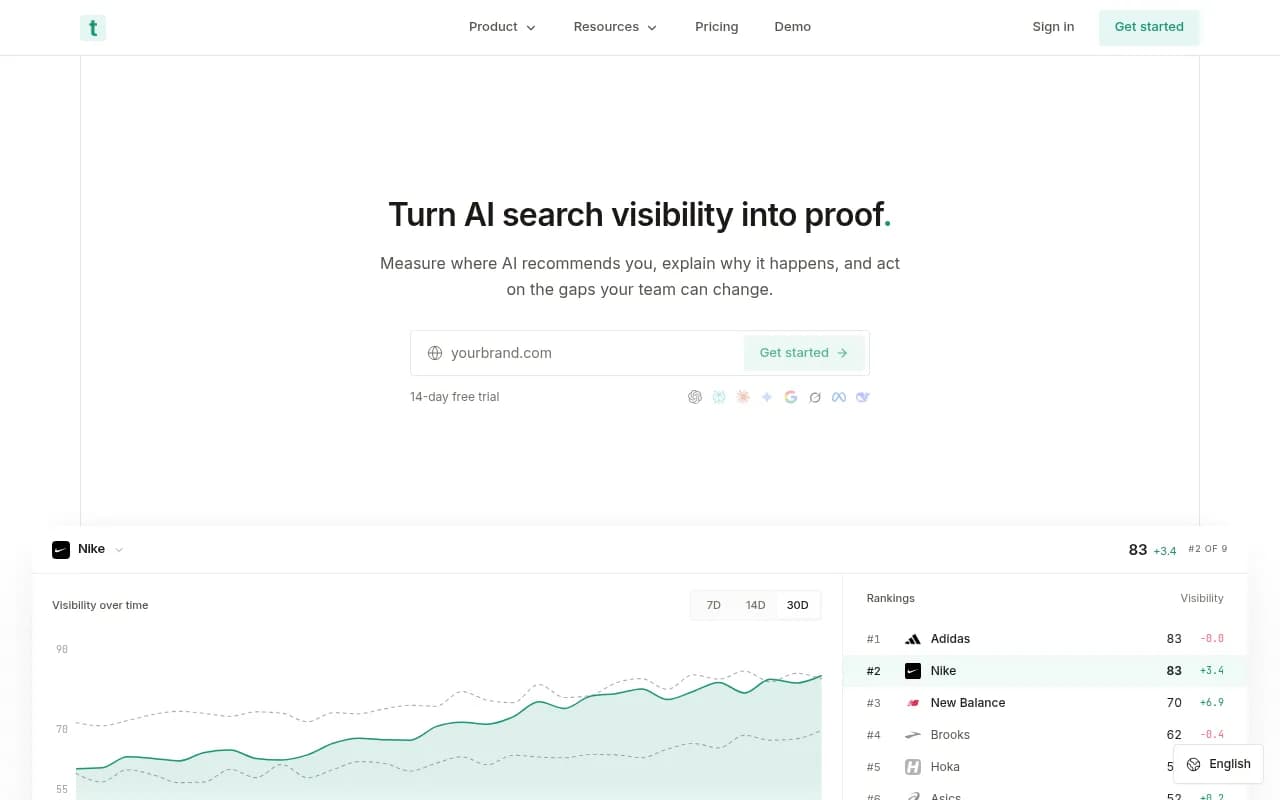
Trakkr has the highest answer volume at ten clients in the Qvery comparison and a proper agency mode with pitch audits. Its Scale plan does not cover Google AI Mode, which matters if clients care about it.

Peec AI publishes a separate agency pricing page and counts its plans in client accounts. That makes costs predictable, but it is a prompt tracker, so it will not tell you why a client is missing.
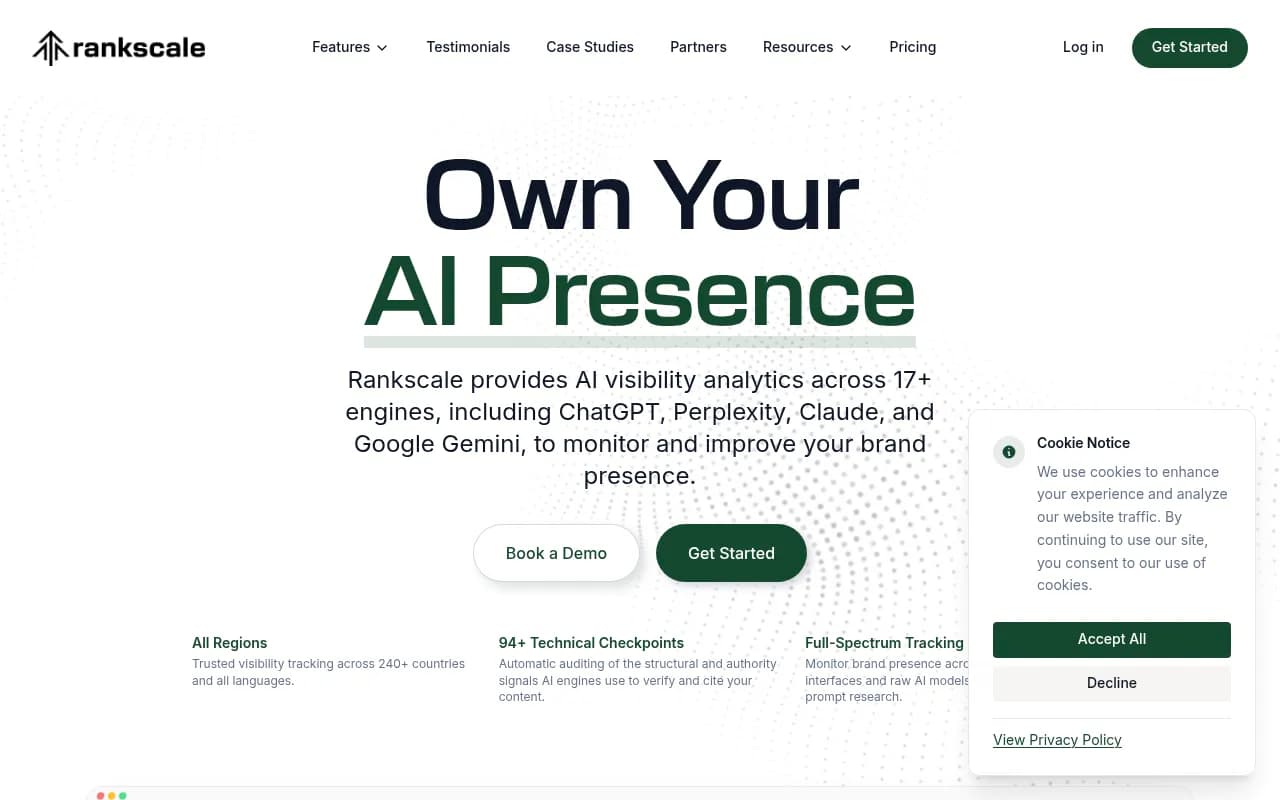
Rankscale is the cheapest way to run ten dashboards, with a thin 480 answers a client. Fine for a monthly snapshot, thin for daily trend work.
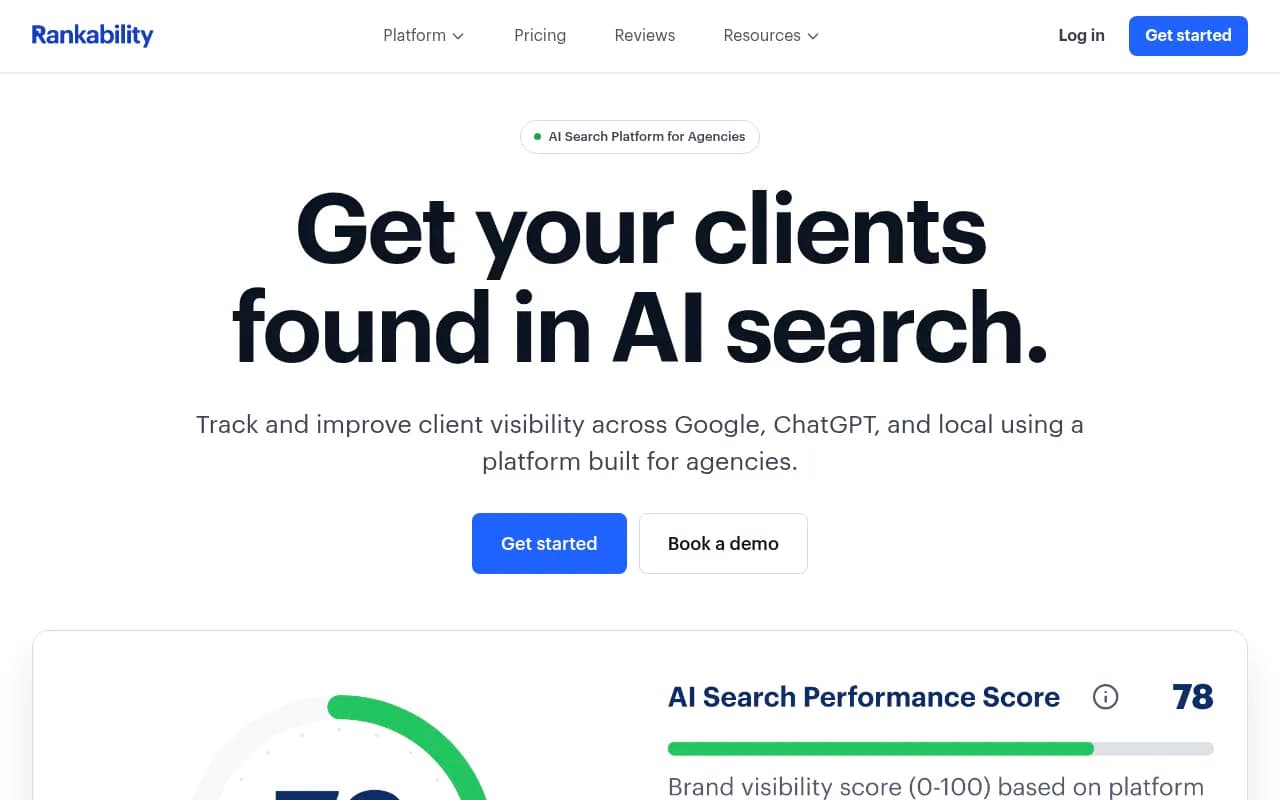
Rankability sits between tracking and content optimization, which suits SEO agencies that already write for clients.
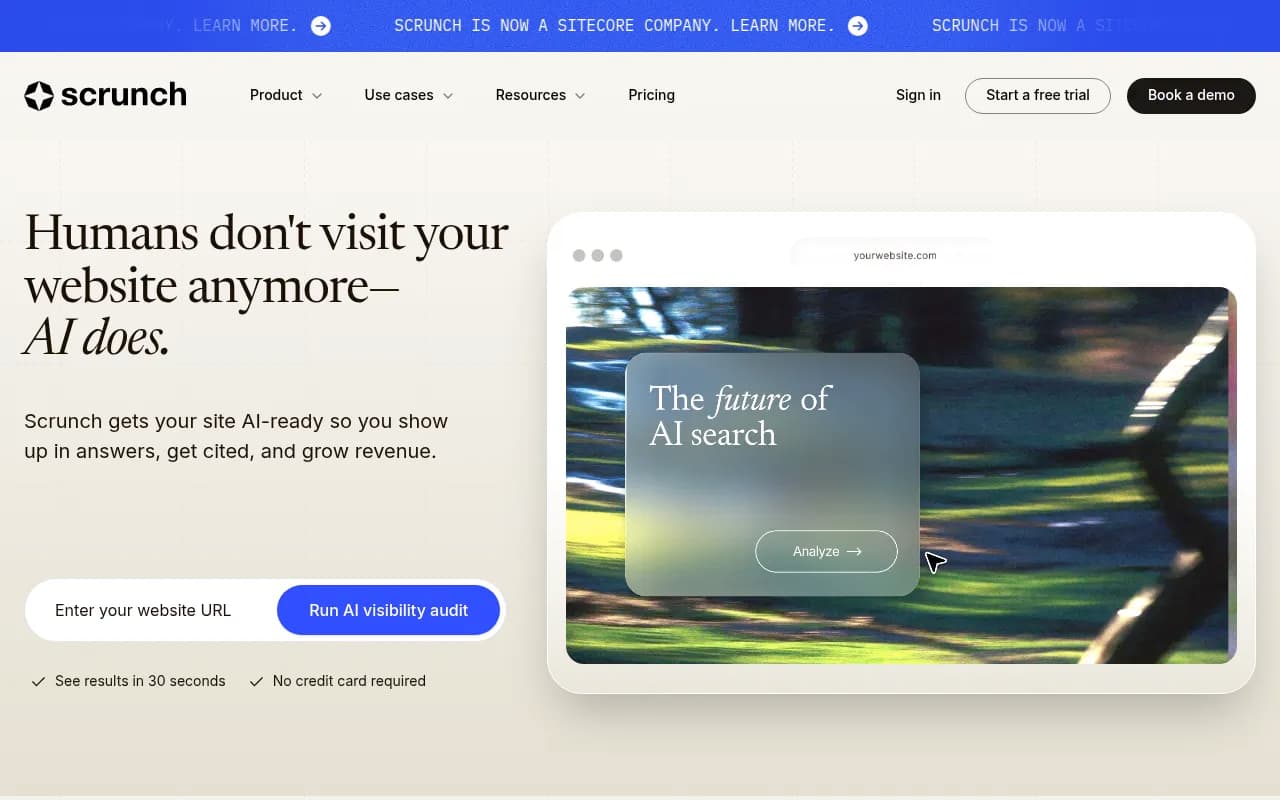
Scrunch AI is stronger on enterprise teams and multi-region coverage, with pricing from $250 up to custom.
The Semrush toolkit is the easy pick if the agency already lives in Semrush, though its AI data is shallower than dedicated platforms.
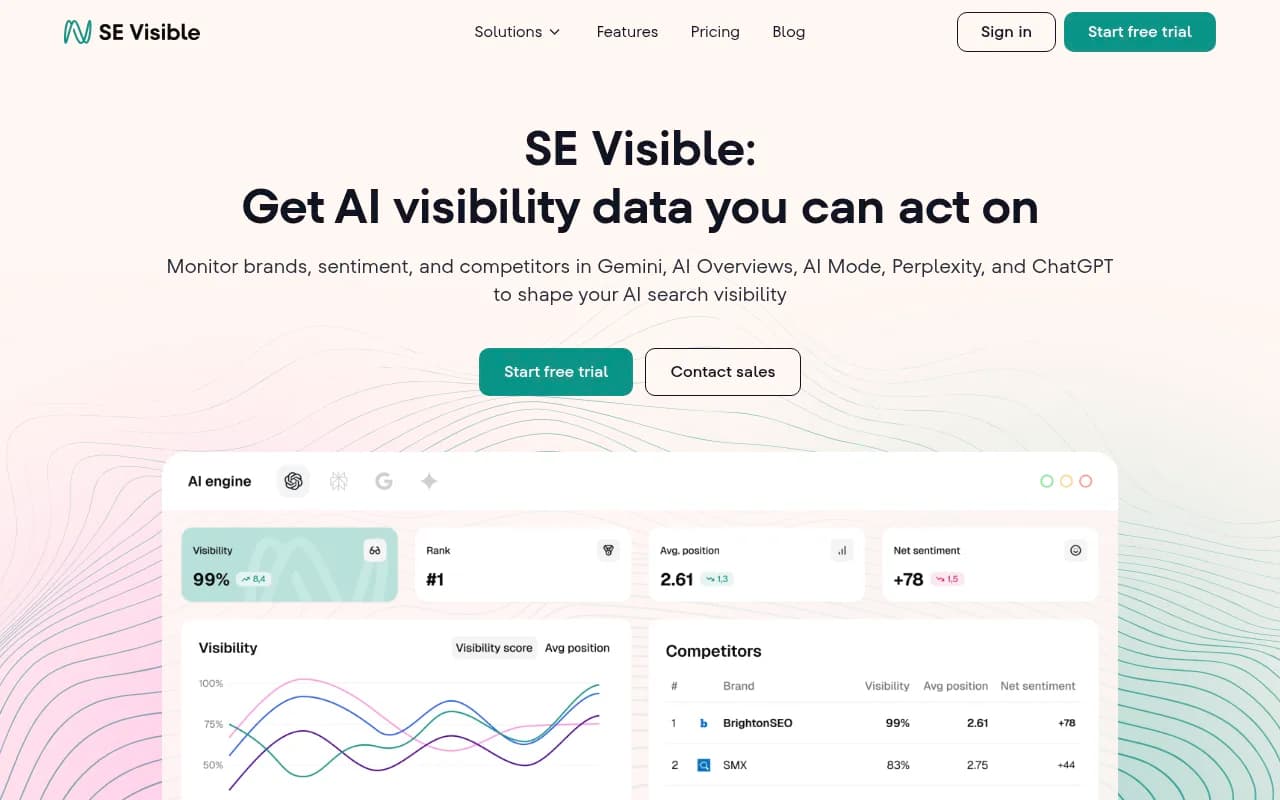
SE Ranking Visible works the same way for SE Ranking shops. Its Core plan is the lowest per-client answer count in the comparison, so budget for a higher tier.
For a wider list, the directories at bestgeosoftware.com and ai-rank-tools.com cover many more trackers.
Where Promptwatch fits for agencies
Most trackers answer "was the client mentioned?" Agencies get asked the follow-up: why not, and what are you doing about it? Promptwatch covers both. It monitors real Perplexity, ChatGPT, AI Overviews, AI Mode, Gemini, Copilot and other interfaces, then adds crawler logs, citation analytics, Reddit, YouTube and LinkedIn tracking, content gap analysis and an Action Board with prioritized work. Agency plans include branded read-only client access and white-label reports. Monks, WPP and iO Digital are among the agencies using it.
It is not the cheapest option. If a client only needs a monthly mention count, Rankscale or Peekaboo will do it for less. If the retainer promises growth in AI-driven traffic, you need the data that explains the result.
A 30-day rollout for a new client
- Week 1: create the project, add brand aliases and 3 to 5 competitors, load the template prompts, and set country targeting.
- Week 1: check crawler access and robots.txt so PerplexityBot is not blocked. Fix technical blockers before anything else.
- Week 2: baseline report. Record visibility, citation rate, and which competitor sources win.
- Week 3: pick five prompts with the clearest content gap and ship or refresh pages for them. Use headings written like the question and put the entity and category up front.
- Week 4: compare against baseline and present the first monthly report, with one win, one loss and next steps.
Mistakes to avoid
- Reporting a mention count with no link to traffic or revenue. Clients will stop caring in a quarter.
- Using different prompt sets per client every month, which makes trend lines meaningless.
- Buying on headline price and then discovering that your own brand, extra engines or extra clients cost more.
- Treating Perplexity as the only engine. Its behavior is stable, but ChatGPT and AI Overviews behave differently, and Promptwatch Data shows that ChatGPT draws almost no citations from social platforms while AI Overviews draws about 12.2% of them (Sep 28 to Oct 4, 2026). See the social media citations report before you apply one engine's playbook to another.
Final recommendation
Start with arithmetic. List your clients, prompts and engines, compute answers per month, and eliminate every plan that cannot cover it. Then choose between pure monitoring (cheaper, quick to deploy) and a platform that ties monitoring to crawler data, traffic and content work (more expensive, easier to defend in a renewal). Agencies that sell results, not dashboards, usually end up in the second group.
If you would rather hand the strategy to specialists, 1001 SEO Media runs AI search and GEO programs for brands and uses Promptwatch for its own visibility tracking.