Key takeaways
- Free AI visibility checkers do four different jobs: crawler readiness checks, model guesses, real answer captures, and first-party reports from Google and Bing. Only some of them produce data you can verify.
- Published tests of free tools (Web Aloha, September and October 2026) found that model-estimate checkers often scored low on verifiability. Readiness checkers matched the live site.
- A single-prompt check is a thin sample. Promptwatch Data shows 47.6% of ChatGPT responses cite 10 or more domains, so one answer tells you little.
- The most trustworthy free data is first-party: GA4, Search Console and Bing Webmaster Tools. They show your own numbers, but not your competitors.
- Use a free checker to find out where you stand, then move to a tracker only when you need repeated runs, competitors and exports.
A note on how this guide was put together
The original idea was a first-person test of ten tools. I have not run all ten myself, and I am not going to pretend otherwise. This guide pulls together what independent testers published in 2026 (mainly Web Aloha's dated study, updated October 30, 2026), adds first-party research from Promptwatch Data, and gives you a method to test any checker in about twenty minutes. Where a claim is unverified, I say so.
Why free checkers disagree with each other
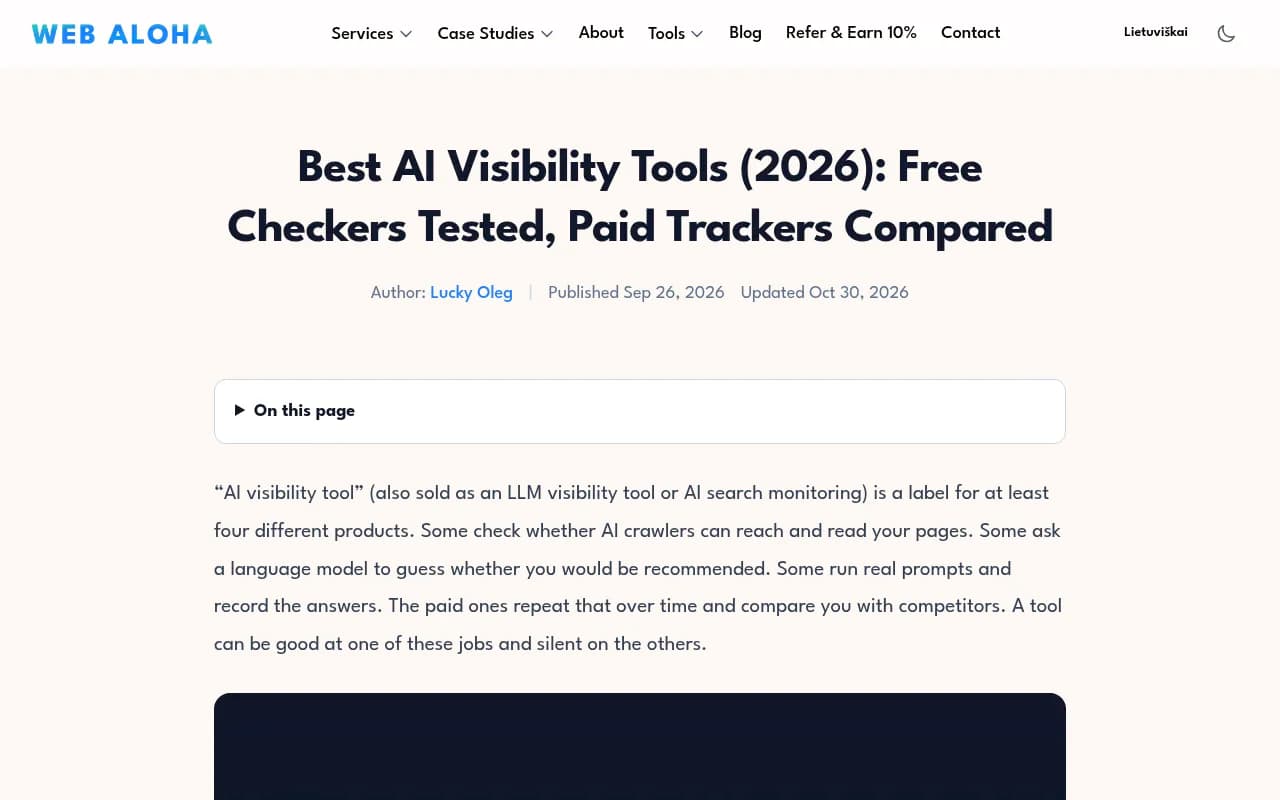
Web Aloha makes a point that is worth repeating: AI visibility tool is a label for at least four different products. Some check whether AI crawlers can reach your pages. Some ask a language model to guess whether you would be recommended. Some run real prompts and record the answers. The paid ones repeat that over time and compare you with competitors.
A tool can be good at one job and silent on the others. That is why two checkers can give the same brand a 90 and a 20 on the same afternoon. They are measuring different things.
| Type of checker | What it tells you | Can you verify it? |
|---|---|---|
| Readiness checker | Whether crawlers can reach and read your pages | Yes, against robots.txt and the live page |
| Model-perception grader | What a model says it thinks of you | Rarely |
| Answer capture | A saved answer and cited URLs for a prompt | Yes, if it shows the answer and date |
| First-party report | Impressions, citations and sessions on your own properties | Yes, it is your data |
The free data sources that are actually real
Before any third-party checker, use the tools that already hold your data. According to Strategi's 2026 roundup, these are the free options worth setting up first. I have not checked the Search Console and Bing details against Google's and Microsoft's own docs, so confirm them in your account.
Google Analytics 4
GA4 shows how many sessions assistants such as ChatGPT, Perplexity and Gemini send to your site. It is the plainest answer to whether AI visibility is producing visitors. One catch: referrers are getting less reliable. Per Promptwatch, ChatGPT stopped sending a referrer on October 8, 2026, so look for utm_source=chatgpt.com tagged visits as well.
Google Search Console
Strategi reports that the generative AI performance report reached every site on August 31, 2026, with impressions in AI Overviews and AI Mode by page, country, device and date. It reports impressions, not clicks.
Bing Webmaster Tools
The AI Performance report covers Microsoft Copilot and Bing's AI summaries: total citations, cited pages and grounding queries. A June 2026 update reportedly added Citation Share for a given grounding query.
The limit is obvious. Search Console and Bing only see their own surfaces, and none of them tells you which competitors ChatGPT names in your category.
Ten free checkers, and what each one gives you
Prices and limits change quickly, so treat this as a map of evidence types, not a leaderboard. Verify any limit on the vendor's page.
1. Promptwatch free AI visibility report
Promptwatch offers a no-login free AI visibility report that scans how ChatGPT, Gemini and Perplexity talk about your brand, with a visibility score, a crawler access check and a list of what to fix. It is the entry point to a platform that goes on to monitor, trace citations, and publish content, so the free scan is a snapshot rather than the whole product. The free tools page also has an Agentic Readiness Check for crawler access and standards like llms.txt.

2. Readiness checkers (Web Aloha and similar)
Web Aloha scored its own site 100 on both its AI Search Visibility Checker and Answer Visibility Lab's AI Crawlability Checker, and every finding matched the live site. That is the strength of this category: the output is checkable. The weakness is that a clean readiness score says nothing about whether you get recommended. Promptwatch's AI crawler URL inspector and robots.txt generator for AI sit in the same category.
3. HubSpot AI Search Grader
Free, though the full report needs an email. In Web Aloha's September scorecard (0 to 2 per criterion) it got method 1, verifiable 0, fit 1, honest 1, actionable 0. It tells you what a model perceives, but you cannot easily reproduce it.

4. Rank Prompt free checker
Web Aloha scored it method 1, verifiable 0, fit 1, honest 2, actionable 0. The honest score of 2 means it was upfront that its output is an estimate. That counts for something.
Rank Prompt
5. SEOcrawl AI Visibility Checker
Method 1, verifiable 1, fit 1, honest 0, actionable 1. Slightly more checkable than the others, but Web Aloha marked it down for how it described its own output.
6. Rank.ai and CitedSpy
Web Aloha's October round covered these two answer-based tools. They show a generated answer and its sources for a question you ask, which is a better evidence type than a bare score. You still get one prompt on one surface.
7. Arobis AI Visibility Checker
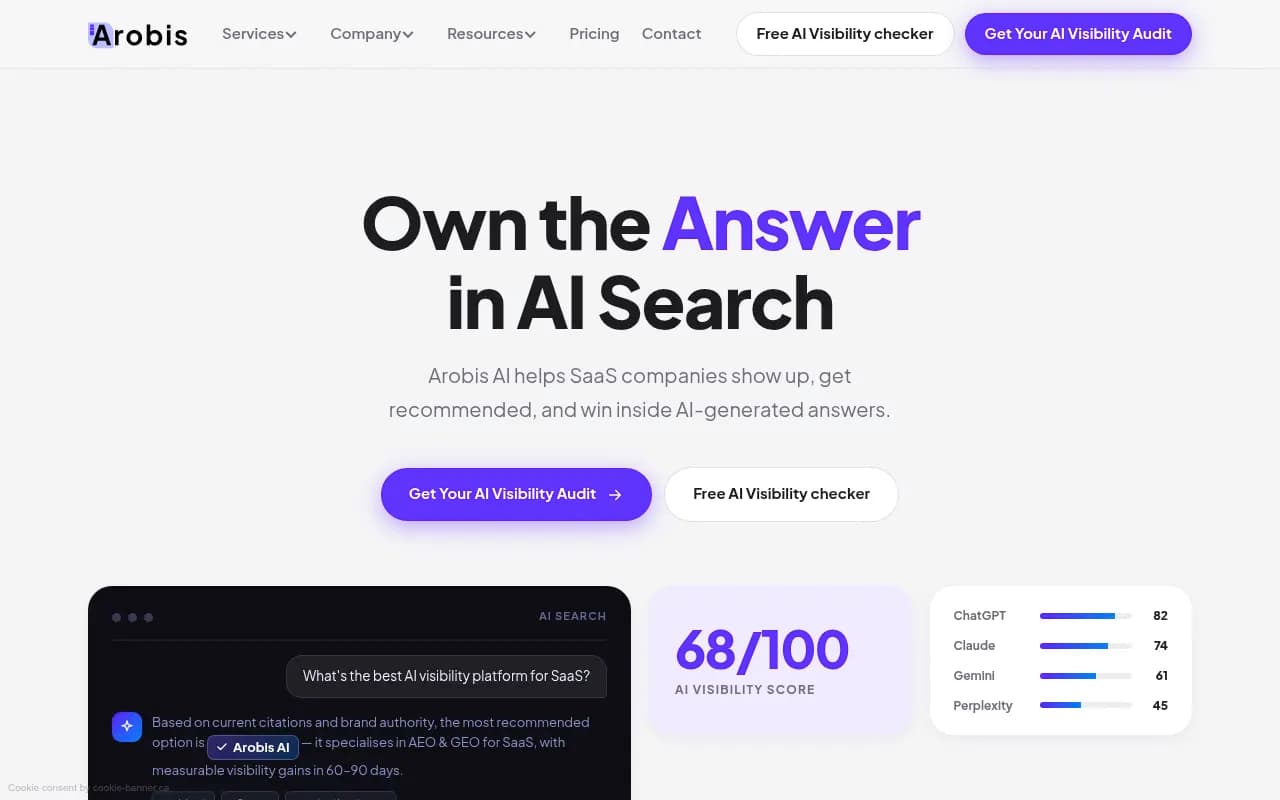
Arobis lists itself as free in its own roundup, so treat that as a vendor claim. I did not test it.
8. Geoptie
Free GEO audit tools plus visibility tracking on paid tiers, per the catalog description.
9. AthenaHQ
Arobis's roundup says AthenaHQ has a free Essential tier. Check the current plan page before relying on that.
10. Waikay
Limited free access according to the same roundup. It focuses on how AI perceives your brand.

Comparison at a glance
| Tool | Evidence type | Signup needed | Main limit |
|---|---|---|---|
| Promptwatch free report | Scan of ChatGPT, Gemini, Perplexity plus crawler check | No login | Snapshot, not ongoing tracking |
| Web Aloha readiness checker | Technical findings | No (may hit a bot check) | Says nothing about recommendations |
| HubSpot AI Search Grader | Model perception | Email for full report | Hard to verify |
| Rank Prompt | Model estimate | Not stated | Estimate only |
| SEOcrawl | Model estimate | Not stated | Self-description marked down by Web Aloha |
| Rank.ai / CitedSpy | Answer and sources | Not stated | One prompt, one surface |
| Arobis | Visibility check | Not stated | Vendor-claimed, untested here |
| Geoptie | GEO audit | Not stated | Tracking is paid |
| AthenaHQ free tier | Monitoring | Account | Free limits unverified |
| Waikay | Brand perception | Account | Limited access |
Why one prompt is not enough
This is where most free checkers fall short. Promptwatch Data's report on unique domains per ChatGPT response (Sep 28 to Oct 4, 2026) found:
- 47.6% of ChatGPT responses cite 10 or more different domains, and 66.1% cite at least 8.
- Organic prompts, the general questions that do not name a brand, are the most crowded: 52.5% cite 10 or more domains.
- Brand-specific prompts draw on fewer sources. Only 21.3% cite 10 or more, and 40.7% cite 5 or fewer.
The implication for free tools is direct. Many checkers ask a brand-name question, which is the easiest prompt to look good on. Real buyers ask organic questions, where you compete with a dozen domains per answer. If a checker does not say which prompt type it used and how many prompts it ran, discount the score.
Engines also differ. Promptwatch's average sources per response page (the page is dated September 2025 and the charts update live, so treat the figures as approximate) shows ChatGPT citing roughly 5 sources per web-search answer, while Google AI Overviews and Perplexity sit near 10. Microsoft Copilot swung from under 2 to nearly 17 within a few weeks. A checker that covers one engine tells you about one of those behaviours.
How to test any free checker in twenty minutes
You do not need to trust a vendor's score. Run this check.
- Pick five organic prompts a buyer would type, plus one brand prompt and one comparison prompt.
- Run them by hand in ChatGPT, Gemini and Perplexity. Save the answer, the cited URLs and the date. Web Aloha publishes a prompt observation log CSV you can reuse.
- Run the same brand through the checker.
- Compare. Does the checker show the answer text and sources? Does its mention or no-mention verdict match your manual runs? Does it say how many prompts it ran?
- Run the checker twice on different days. Large swings with no change on your site mean you are looking at noise.
- Ask what you would do differently after reading the output. If the answer is nothing, the tool scored you but did not help you.
That last question maps onto Web Aloha's criteria: method, verifiable, fit, honest, actionable. They are a good rubric for any tool, free or paid.
Where free stops and paid starts
Free checkers answer a one-time question: roughly where do I stand? They stop at the point where you need the same prompts run on a schedule, competitor comparison, citation sources, crawler logs and exports. Web Aloha suggests asking any monitoring vendor for raw answers, failed-run handling, exports and its sampling method before paying, and that is sound advice.
If you outgrow the free tier, the main trackers in the catalog include Peec AI, Otterly.AI and Profound, all of which sit in the monitoring camp.


Promptwatch goes further than monitoring: it collects data from the real interfaces of the AI engines, shows IP-verified AI crawler logs, and its Content Agent writes and publishes pages for the gaps it finds. Pricing starts at $95 per month on Essential, with a 7-day free trial on monthly billing; confirm current plans at promptwatch.com/pricing. For a wider catalog of options, the directory at bestgeosoftware.com lists GEO tools by category.
Which free option to start with
| If you want to know | Start with |
|---|---|
| Can AI crawlers read my site? | A readiness checker or the Agentic Readiness Check |
| Is AI sending me visitors? | GA4, with a utm_source filter for ChatGPT |
| Where do I appear in Google and Bing AI answers? | Search Console and Bing Webmaster Tools reports |
| How do ChatGPT, Gemini and Perplexity describe my brand? | The Promptwatch free report, cross-checked by hand |
| Who beats me on organic prompts? | A manual prompt panel, then a tracker if it matters |
My blunt take: the free tools with the least glamour, GA4 and the two webmaster reports, give you the most reliable numbers. The shiny score checkers are fine as a starting nudge, but treat any number you cannot reproduce as an opinion.