Key takeaways
- Most agencies buy a monitoring dashboard when they need a platform that also helps them fix visibility problems.
- Citation counts, crawler behavior and query fan-outs differ by engine, so a tool that blends them hides the signal.
- Pricing models, seat limits, white-label options and reporting matter more for agencies than they do for in-house teams.
- Run a real trial on one client before you roll a tool out across the roster.
- A comparison table of your must-haves, filled in by hand, beats any vendor demo.
Agencies are buying AI visibility software faster than they are evaluating it. That is understandable. Clients are asking "are we in ChatGPT?" in every quarterly call, and a dashboard that answers the question looks like progress. Six months later the agency is paying for a tool that shows a line chart going sideways and offers no idea what to do about it.
This guide covers seven mistakes I see agencies make when choosing an AI search platform, and the specific checks that avoid each one. The market is crowded. The GEO software directory at bestgeosoftware.com lists dozens of options, and the AI rank tracking directory at ai-rank-tools.com covers the monitoring-only end. Sorting through them needs a checklist, not a gut feeling.
Mistake 1: Buying a tracker when you need an optimization platform
The most common error. A prompt tracker answers one question: was my client mentioned? That is useful for about a month. After that, the client asks why they are not mentioned, and what you are doing about it.
Monitoring-only tools such as Otterly.AI, Peec AI and Rankscale are cheap and clean, and for a pitch deck or a baseline they do the job.


The trouble starts when you need the next step. Where does AI find content about this category? Which pages of the client's get crawled and never cited? What should we write this week? Platforms like Promptwatch are built around that loop: content gap analysis shows which prompts the client's pages do not cover, the Content Agent drafts and publishes pages to Webflow, Framer or WordPress, and page-level tracking shows whether the new pages get crawled and cited. The Action Board turns all of that into a prioritized to-do list.

Questions to ask any vendor:
- Does it tell me what to fix, or only that something is broken?
- Can it help produce the content, or does that stay in a separate tool?
- Does it check whether a fix worked?
If all three answers are no, you are buying a tracker. That might be fine. Just know it.
Mistake 2: Trusting API data over what real users see
Many tools query model APIs and call the results "ChatGPT visibility." API outputs and the consumer interface often differ. The user-facing ChatGPT answer may trigger web search, show shopping cards or cite different sources than the bare API response.
If your client cares about what a buyer sees in ChatGPT, Google AI Overviews or Perplexity, the data should come from those interfaces. API tracking has a role too, since it shows what a model believes from training data, but it should not be the only layer.
Tools that explicitly track real interfaces include Superlines and Promptwatch.
Superlines
Ask the vendor in plain words: "Is this data from the real UI or from the API?" Then ask for a screenshot of a captured response next to what you see yourself.
Mistake 3: Treating all AI engines as one number
A blended "AI visibility score" feels tidy. It also hides the thing you need to act on, because engines behave very differently.
Promptwatch Data's average sources per response report shows how far apart they are. ChatGPT cites about 5 sources per web-search answer. Google AI Overviews cites about 10. Perplexity sits at almost exactly 10 every day. Microsoft Copilot swung from under 2 to nearly 17 sources within a few weeks. A single blended metric would smear all of that together.
The citation sources differ too. In Promptwatch's social media citations report for Sep 28 to Oct 4, 2026, ChatGPT drew 0.46% of its citations from social platforms while Google AI Overviews drew 12.2%. A Reddit strategy that helps in one engine can be wasted effort in another. The Reddit citation drop in ChatGPT on August 14, 2026 (about 4% to 0.5% of citations) is a good example of why per-engine reporting matters.
What to require:
- Per-engine breakdowns of visibility, position and citations
- Country and language controls, since AI Overviews are region-specific
- The ability to annotate model updates on the trend line
Mistake 4: Ignoring crawler logs and AI traffic
Mentions are an outcome. Crawling and clicks are the mechanism and the payoff. A platform with no view of either leaves you guessing about causes and unable to prove business value.
Promptwatch Data's AI crawler traffic report shows how fast the mix shifts. OpenAI made up 79.8% of IP-verified AI crawler requests in Aug 31 to Sep 6, 2026, down from 94.8% in early June. And according to the Meta-WebIndexer report, that one crawler grew from about 2% to nearly 38% of tracked requests between mid-July and August 9, 2026. If you are not looking at logs, you will not notice a client's site blocking a bot that matters.
Two things to verify in a demo:
- Are the logs IP-verified? Spoofed user agents inflate numbers and mislead.
- Does the tool attribute actual visits and conversions from AI platforms, not just mentions?
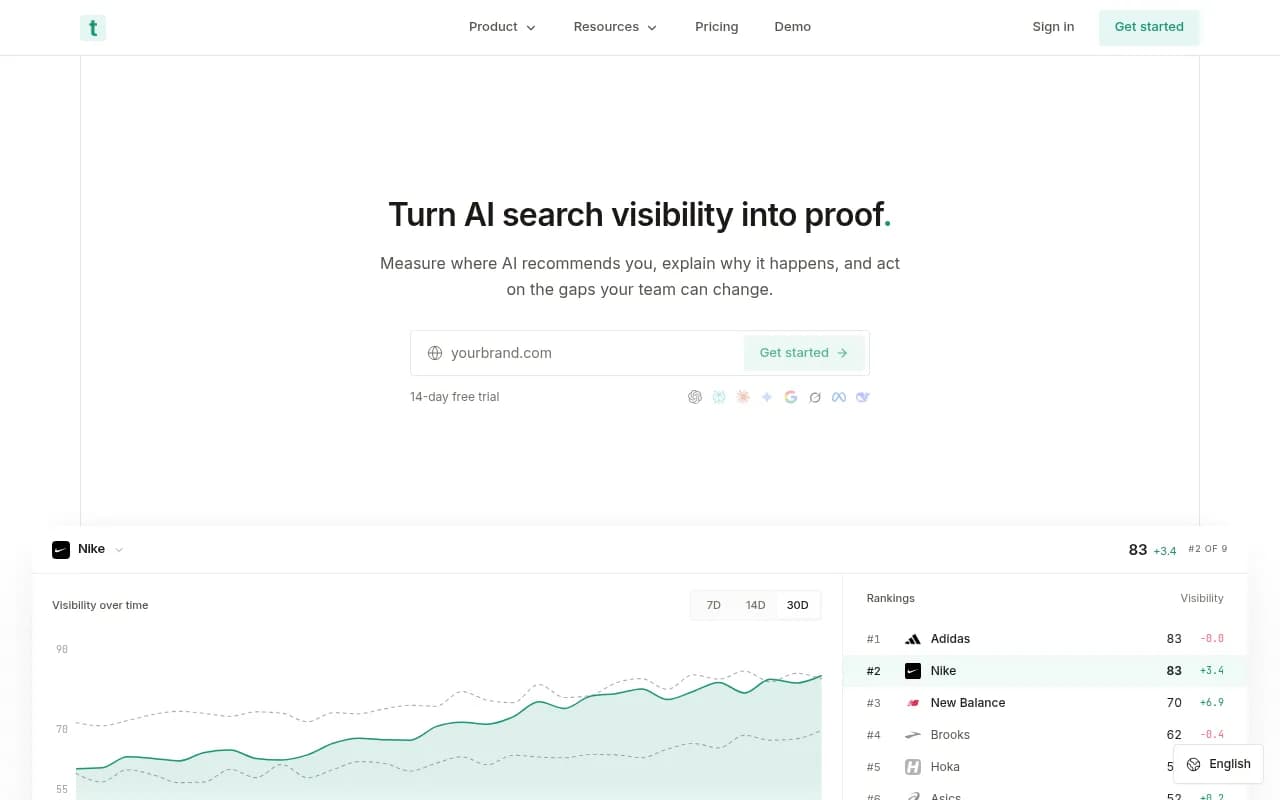
Some tools in the catalog lean toward the traffic side, such as Trakkr and LLMclicks.ai. Promptwatch combines crawler logs, visitor analytics and Search Console data per page, which lets you ask which pages rank in Google but never get cited by AI.
This is also where agencies win renewals. Crisp reported 2x higher conversion rates from AI traffic versus traditional channels. A client who sees that number does not question the retainer.
Mistake 5: Tracking only the prompts you typed
People do not search the way an agency brainstorms prompts. And the engine itself rewrites the question. ChatGPT triggers its own web searches, called query fan-outs, and those are the queries your pages actually have to match.
Promptwatch Data's ChatGPT query fanouts report found an average of about 2.15 queries per response in early December 2025 and roughly 1.84 by early March 2026, with query length dropping over time. Then on August 8, 2026, ChatGPT started using the site: operator at scale, per the site: operator report: from about 0.4% to about 17% of fan-out queries overnight. If your tool does not show fan-outs, you will not see changes like that coming.
Also check prompt research. Does the platform give you volume, difficulty and intent, or do you invent a list of 50 prompts and hope? Tools such as Aiso and Promptwatch expose fan-outs. Many cheaper trackers do not.

Mistake 6: Overlooking agency-specific needs
A tool that is great for one in-house team can be a bad fit for an agency running twelve clients.
What to check:
- Project structure. Unlimited or low-cost projects matter when you manage many brands.
- Seats and roles. Can clients get read-only branded access?
- White-label reports. PDF and scheduled exports with your branding.
- Pitch projects. Can you run a prospect audit without burning a paid slot?
- API and MCP access, so you can pull data into your own reporting
- Pricing basis. Per prompt, per response, per project? Do the math at your real volume.
Here is how a few agency-focused options differ on paper. Always confirm current details on each vendor's site.
| Tool | Agency angle | Typical gap to check |
|---|---|---|
| Promptwatch | Agency plans from $199/mo with unlimited projects and pitch projects, white-label reports, branded client access | Agency plans exclude the Content Agent and AEO articles; those start on Business |
| Search Party | Built around agency workflows | Verify depth of crawler and traffic data |
| Scrunch | Monitoring plus agent-ready pages | Compare citation and content tooling |
| Profound | Enterprise analytics | Higher price points; check execution features |
| Otterly.AI | Low entry price | Monitoring only, no crawler logs or content generation |

Note the Promptwatch caveat in the table. Agency plans (Kick-off, Growth, Scale) cover tracking, crawler logs, visitor analytics, site audits and Agent Chat, but the Content Agent and AEO articles sit on Business and Enterprise. If content automation is your main reason to buy, that changes which tier you need. Pricing is at promptwatch.com/pricing.
Mistake 7: Skipping the real-world trial
A demo shows the tool at its best, on data prepared for the demo. Agencies that sign annual contracts after a polished call often find, in month two, that the tool does not handle one client's market, language or CMS.
A trial plan that works:
- Pick one client with a messy situation: multiple languages, a JavaScript-heavy site, or local locations.
- Load 30 to 50 prompts you know matter, including some branded and some competitor-comparison prompts.
- Connect crawler logs through your CDN, such as Cloudflare, Vercel or Fastly, or the WordPress plugin.
- Run it for two weeks, then check whether the tool surfaced anything you did not already know.
- Pay attention to volatility. Citation counts swing, so judge on monthly trends and annotate model updates, as the data reports suggest.
- Ask for an export. If you cannot get your own data out as CSV or through an API, that is a red flag.
Some vendors offer free tiers or short trials, which cost you nothing but setup time. Promptwatch has a free Explore plan and a 7-day trial on monthly plans, and a free AI visibility report you can run without logging in.
A practical evaluation checklist
Print this, fill it in for your top three candidates, and compare.
| Requirement | Why it matters | Vendor A | Vendor B | Vendor C |
|---|---|---|---|---|
| Real-UI data per engine | User-facing answers differ from API output | |||
| Query fan-outs | Shows the searches AI actually runs | |||
| IP-verified crawler logs | Explains why pages are or are not cited | |||
| AI traffic attribution | Proves business value to clients | |||
| Content gap analysis | Tells you what to write next | |||
| Content creation and CMS publishing | Closes the loop from insight to result | |||
| White-label reporting | Client-facing deliverable | |||
| Agency pricing at your volume | Margin | |||
| Data export and API | Avoid lock-in |
If you want a quick wider scan before you build the shortlist, the surferstack.com directory has reviews and alternatives across the category.
What the content side of this tells you
There is a quieter lesson in the research on common AI search mistakes. Neil Patel's survey data lists publishing mass AI-generated content as the top mistake (38%), followed by ignoring authority building (28%) and not updating old content (22%). A platform that helps you produce more content faster does not fix any of that. You want one that grounds each piece in citation data, so you write fewer, more targeted pages.
Promptwatch Data's content half-life report points the same way: landing pages and docs stay cited longest, while news loses half its pages within 36 days. A platform that tracks page-level decay will tell you when to refresh instead of publish something new.
Generic SEO mistake lists like this one are worth reading for the basics, but they do not tell you what to demand from a platform. Use them as background, and the checklist above as the buying filter.
Where an agency partner fits in
Some brands do not want to evaluate software at all. They want an agency that already has the stack and the process. 1001 SEO Media is one example: a full-service SEO and GEO agency that uses Promptwatch for AI visibility work, with no long-term contracts and monthly reporting. If you are the agency, the same logic applies in reverse: pick a platform you can explain to clients in two sentences.
Final recommendation
Start from the outcome you owe clients, which is more AI-driven traffic and revenue, then work backwards. Reject any tool that cannot show real-interface data per engine, fan-outs and verified crawler activity. Then decide whether you need a monitoring layer only, or a platform that also plans and ships the fixes. Run a two-week trial on your hardest client, and sign the annual plan only after the export works and the report looks like something you would send under your own brand.