Key takeaways
- Google Search Console does not separate AI Overview clicks or impressions from regular organic traffic, so you have to check citations directly.
- A manual check works for 20-50 queries: search the query, expand the AI Overview, log which URLs are cited, and screenshot it.
- Ranking #1 organically does not mean you are cited. Presence in the Overview and organic position are separate things.
- Track the exact URL cited, not just whether your brand appeared. A named mention without a link brings no click.
- Once you pass a few dozen queries, a tracker (Keyword.com, Semrush, SE Ranking, Promptwatch and others) saves hours a week.
Why a rank tracker will not answer this question
I see this mistake constantly. Someone opens their rank tracker, sees position 1 for a query, and assumes they are covered. Then they search the query themselves and find an AI Overview above everything, citing three competitors and not them.
An AI Overview is a generated summary that pulls from several pages and attaches source links. Google's own documentation describes it as a preview of a topic based on a variety of sources, including web sources. It sits above the organic results, so citation and organic rank are two different outcomes. Standard rank trackers record the second one and say nothing about the first.
Search Console doesn't help either. It folds AI Overview impressions and clicks into normal web search data. There is no filter, segment or report that isolates them. The only indirect signal is a query cluster where rankings hold steady while CTR falls, in a place where you know an Overview is showing.
So you need to look at the Overviews themselves. There are two ways: by hand, or with a tool.
Step 1: build a query list worth checking
Don't start with your whole keyword list. Start with the queries where an Overview is likely and where a citation would matter.
Two things help here. Overviews skew toward longer, question-style searches. Ahrefs found they appear on just 9.5% of single-word queries but 46.4% of queries with seven or more words, and that about two-thirds of triggering keywords are phrased as questions (Ahrefs study). They are also overwhelmingly informational. So prioritize:
- how-to and what-is queries in your topic area
- comparison and "best X for Y" questions your buyers ask
- queries where you already rank in the top 10 (most citations come from pages that already rank)
- your highest-traffic pages, since those have the most to lose
Twenty to fifty queries is enough to start. Pull the candidates from Search Console, then sort by impressions.
Step 2: run the manual check
This is slow, but it shows you exactly what a real searcher sees, which no scraped dataset fully replicates.
Do it cleanly
- Open a private or incognito window, or log out, so personalization doesn't skew the result.
- Search the query on Google in the country and language you care about.
- Check whether an AI Overview appears at all. Some queries trigger one on Monday and not on Tuesday.
- Click "Show more" to expand the Overview if it is collapsed. Citations can be hidden until you do.
- Look at the source links, which appear inline, in a side panel, or as cards depending on layout and device. Note every cited URL.
- Take a full-page screenshot with the date visible.
Repeat on mobile for a handful of queries. The layout of citations differs, and so can the sources.
What to log
A simple spreadsheet does the job. Keep these columns:
| Column | Why it matters |
|---|---|
| Query | The exact phrasing you searched |
| Date | Overviews change, so a timestamp is the whole point |
| AI Overview present (Y/N) | Separates "no Overview" from "not cited" |
| Your URL cited (Y/N) | The core result |
| Exact URL cited | Domain-level logging hides which page works |
| Position in the sources | First source and fifth source are not equal |
| Competitor URLs cited | Shows who is winning your queries |
| Content type of cited pages | Product page, blog post, forum, video |
| Screenshot link | Evidence when something shifts |
The distinction between an Overview appearing and you being cited matters more than people expect. If you log only "present," you can't tell a query where you have no shot from one where you are the obvious missing source.
Repeat weekly, not once
A single check is a snapshot. Omnia's analysis of its citation database found only 18.5% of AI Overview answers keep the same top-cited domain week over week (this is the vendor's own data, so treat it as directional). Whatever the exact number, the lesson is that sources rotate. Check the same queries on the same day each week and you start to see which citations are stable and which are contested slots.
Step 3: look beyond your own domain
Here is something the standard guides skip. Promptwatch's data on Google AI Overviews shows that citations don't all go to publisher websites. In its June 2026 report, YouTube made up 4.16% of AI Overview citations, Reddit 2.72% and google.com itself 2.30%, all year-to-date highs for the period May 31 to Jun 26 (Promptwatch Data: Google AI Overview citation share, June 2026). The report notes June was month-to-date, so partial-month numbers can overstate momentum.
The week of Sep 28 to Oct 4, 2026 looks similar. Social platforms were 12.2% of AI Overview citations, against 0.46% for ChatGPT, with YouTube at 4.28%, Facebook 2.38%, Reddit 2.15% and Instagram 1.61% (Promptwatch Data: social media citations by AI model, October 2026).
What this means for your manual check: when you scan the sources, don't only hunt for your domain. Note whether your YouTube videos, public Facebook or Instagram pages, and Google Business Profile show up. If you are only checking your website, you may be missing citations you already have, or missing the format Google actually prefers for that query. If a query's Overview is full of videos and you have none, that is your answer.
Step 4: connect it to Search Console
Search Console can't tell you about citations, but it tells you where to look and whether it matters.
- Export queries with impressions, clicks, CTR and average position.
- Match them to your tracking sheet with a lookup.
- Flag queries where position is stable but CTR has dropped, or impressions rose with no matching click increase.
Stable rankings with falling CTR is the most reliable indirect sign that an Overview is absorbing clicks above your result. It doesn't prove you aren't cited, but it tells you which queries to audit first.
For referral traffic, GA4 can't isolate AI Overview visits without custom tagging workarounds. Don't promise yourself a clean attribution number. Look at CTR trends for cited versus uncited query clusters over 60-90 days and treat that as the best proxy available.
Step 5: calculate a few metrics worth reporting
Keep the numbers simple.
- Overview appearance rate: share of your tracked queries that trigger an Overview. This moves with Google changes, independent of anything you do, so log it separately.
- Citation rate: of the Overviews that appear, the share citing your site. This is the headline figure.
- Citation stability by page: does the same URL appear across several weekly checks, or flicker in and out?
- Competitor share: how often each rival is cited on the same queries.
- Position: first source versus last source.
A formula some teams use is Brand citations divided by total AI Overviews triggered, times 100. That gives you one trend line for a leadership slide.
When manual checking stops working
The honest limit is time. Fifty queries, three competitors and several data points per citation, every week, runs to hours of work before you have changed a single page. Manual is also one location, one device, one moment.
Move to a tool when you need any of these: more than a few dozen queries, multiple countries, competitor comparison, or client reporting.
Tools that track AI Overview citations
The tools below fall into three groups. I haven't verified current pricing for any of them, so check each vendor's site.
Traditional SEO suites with AI Overview tracking
If you already pay for one of these, start there. The trade-off is that detection depth can be lighter than in dedicated tools.
Semrush lets you filter Position Tracking by SERP features, so you can see which keywords trigger an Overview and whether you are cited.
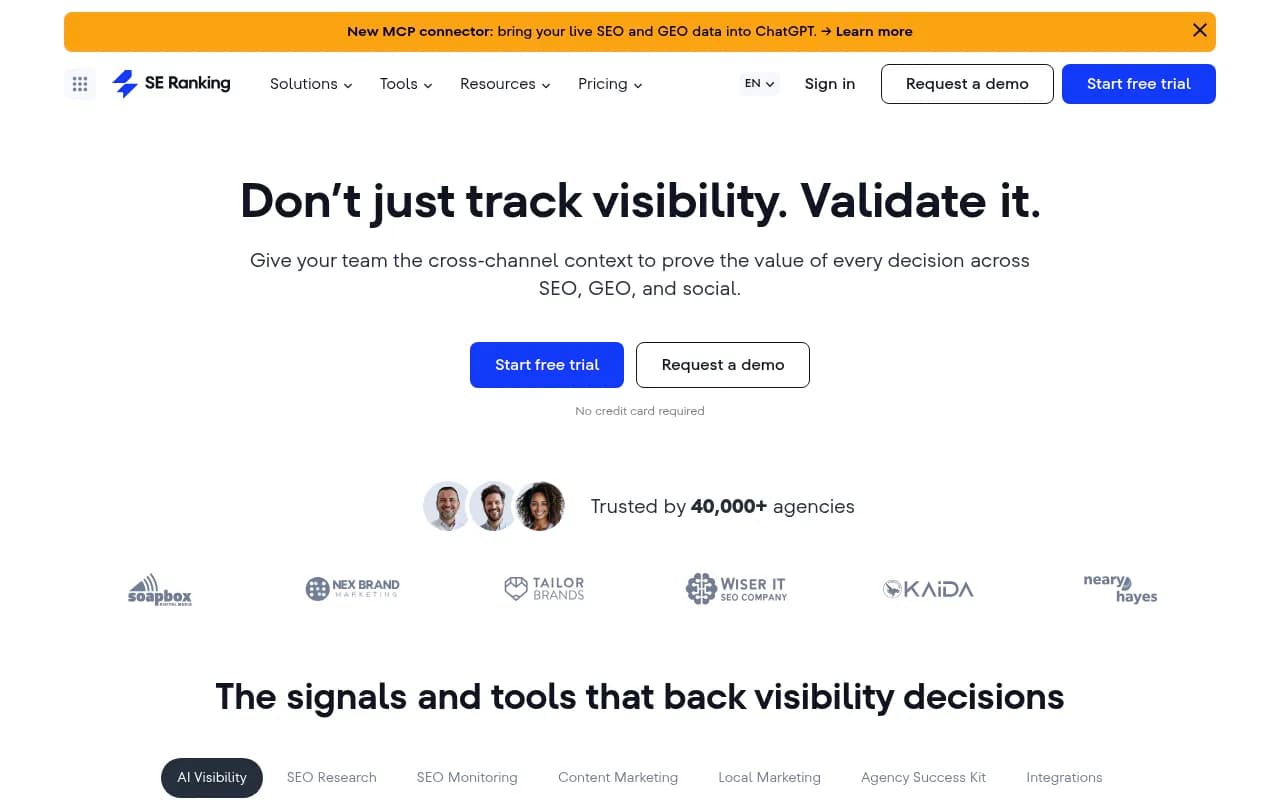
SE Ranking tracks AI Overview performance over time, including competitors.
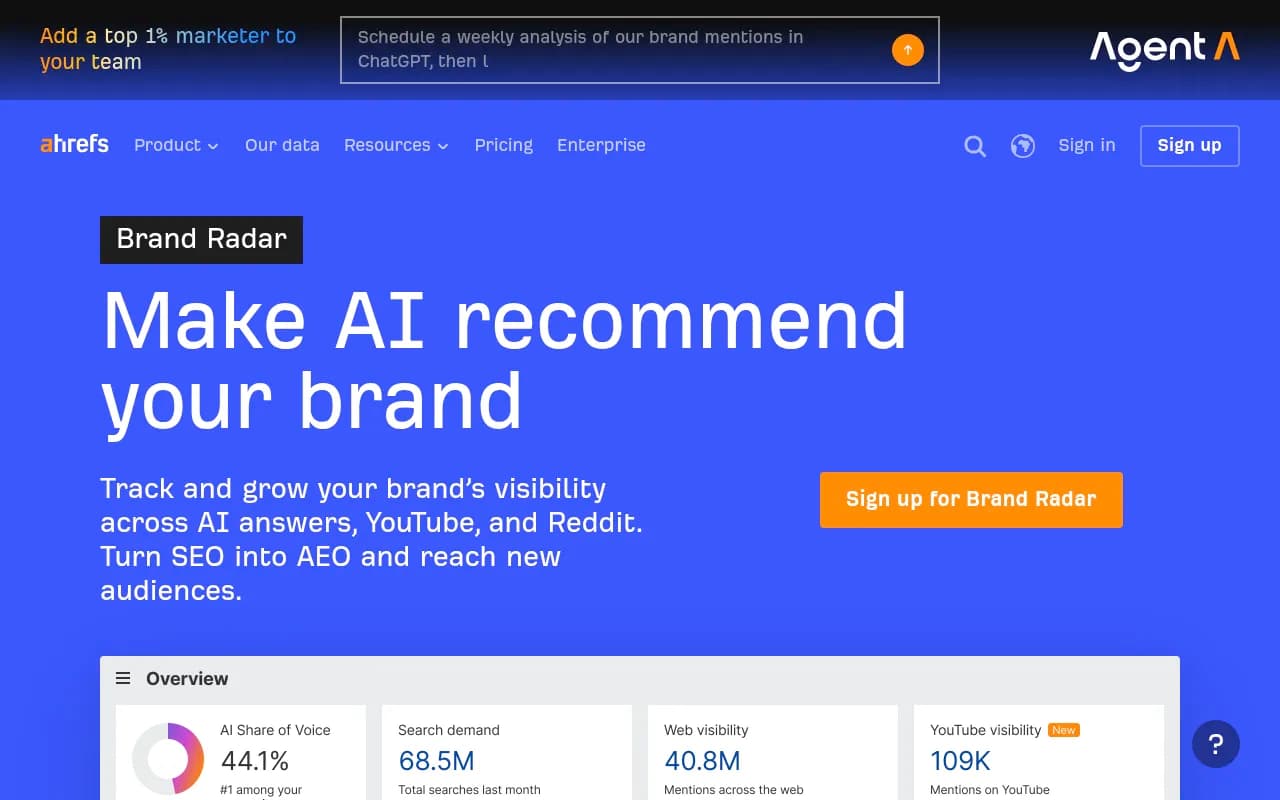
Ahrefs covers AI search through its Brand Radar feature.
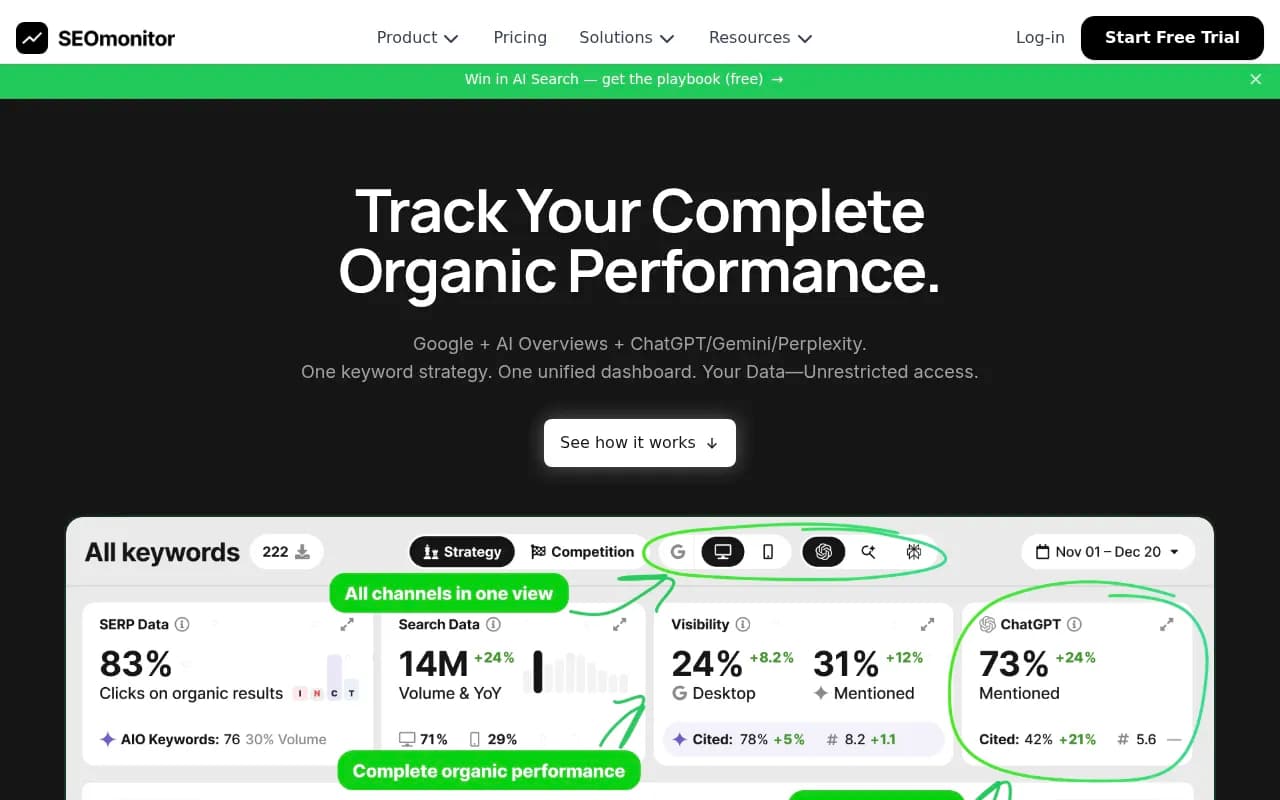
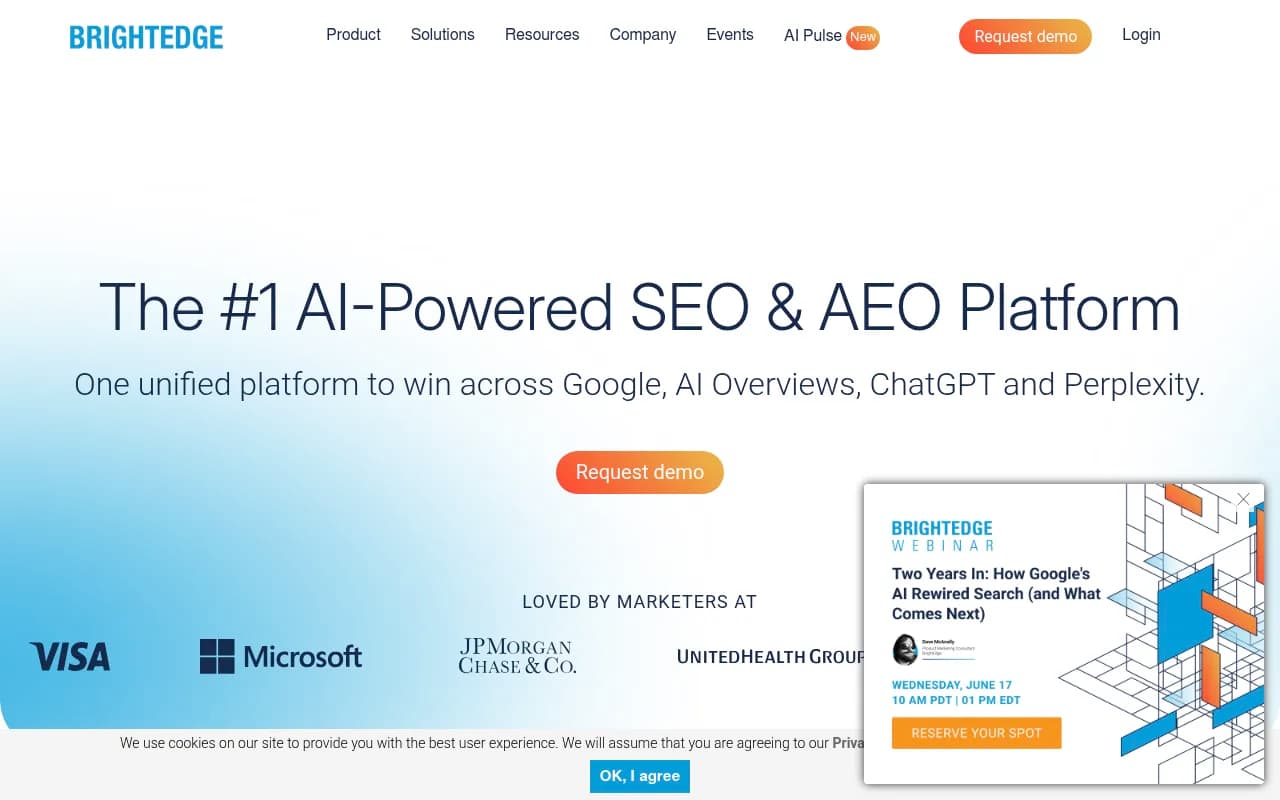
Others worth a look are SEOmonitor for agencies wanting daily tracking and historical snapshots, Morningscore, and enterprise options like seoClarity and BrightEdge.
Dedicated AI Overview and rank-tracker options
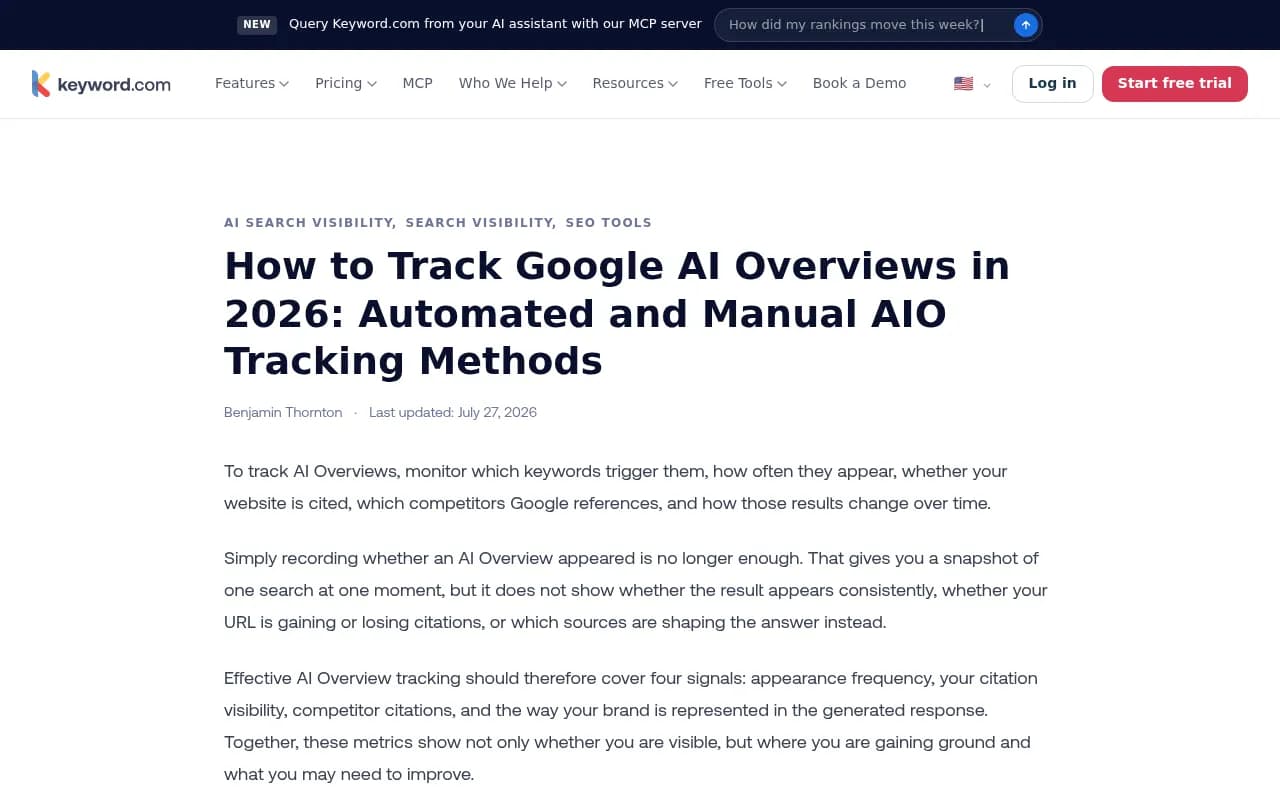
Keyword.com flags keywords that trigger an Overview, marks them with an icon in the dashboard, and lets you hover to see which URL was cited and what content was pulled. It also has a SERP feature performance report. It offers a 14-day free trial according to its site.
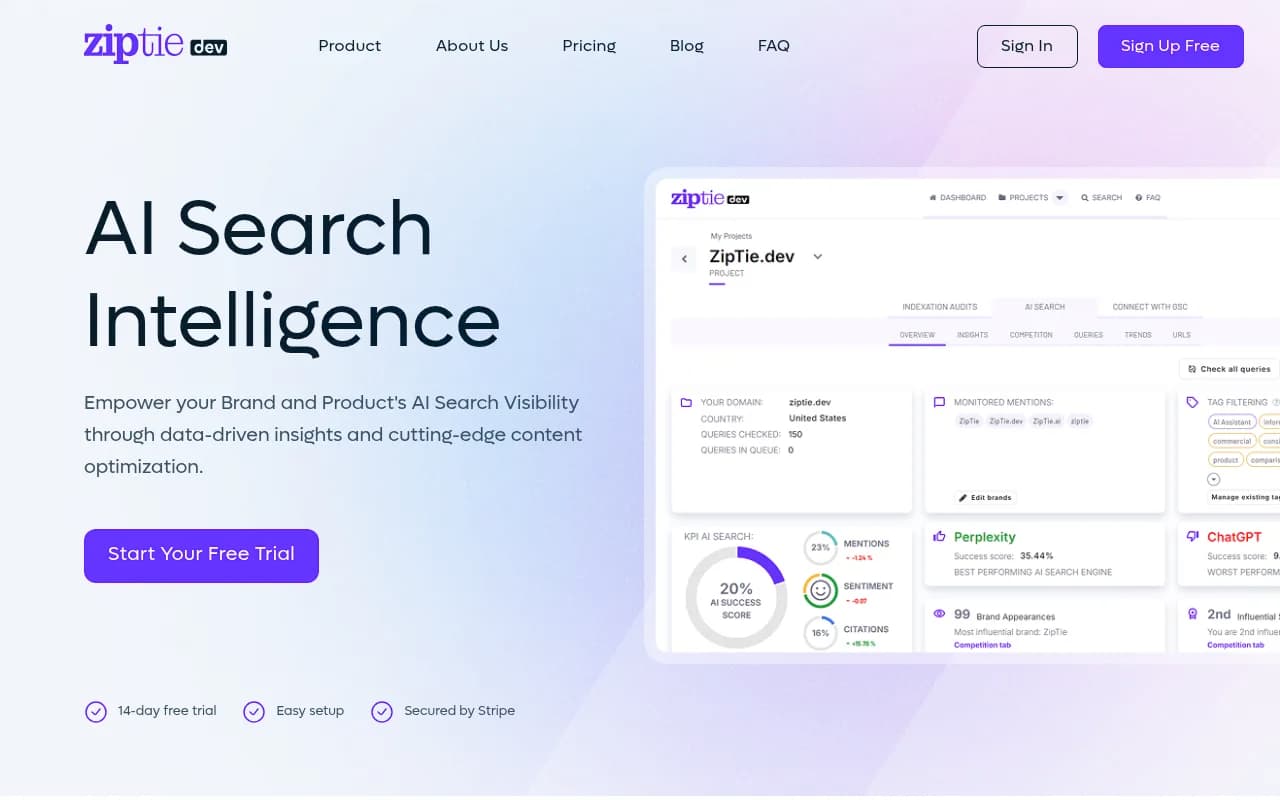
ZipTie is a focused AI search tracker that is regularly cited for Overview detail and full-expansion tracking.
Knowatoa is positioned specifically around AI Overviews and brand monitoring.

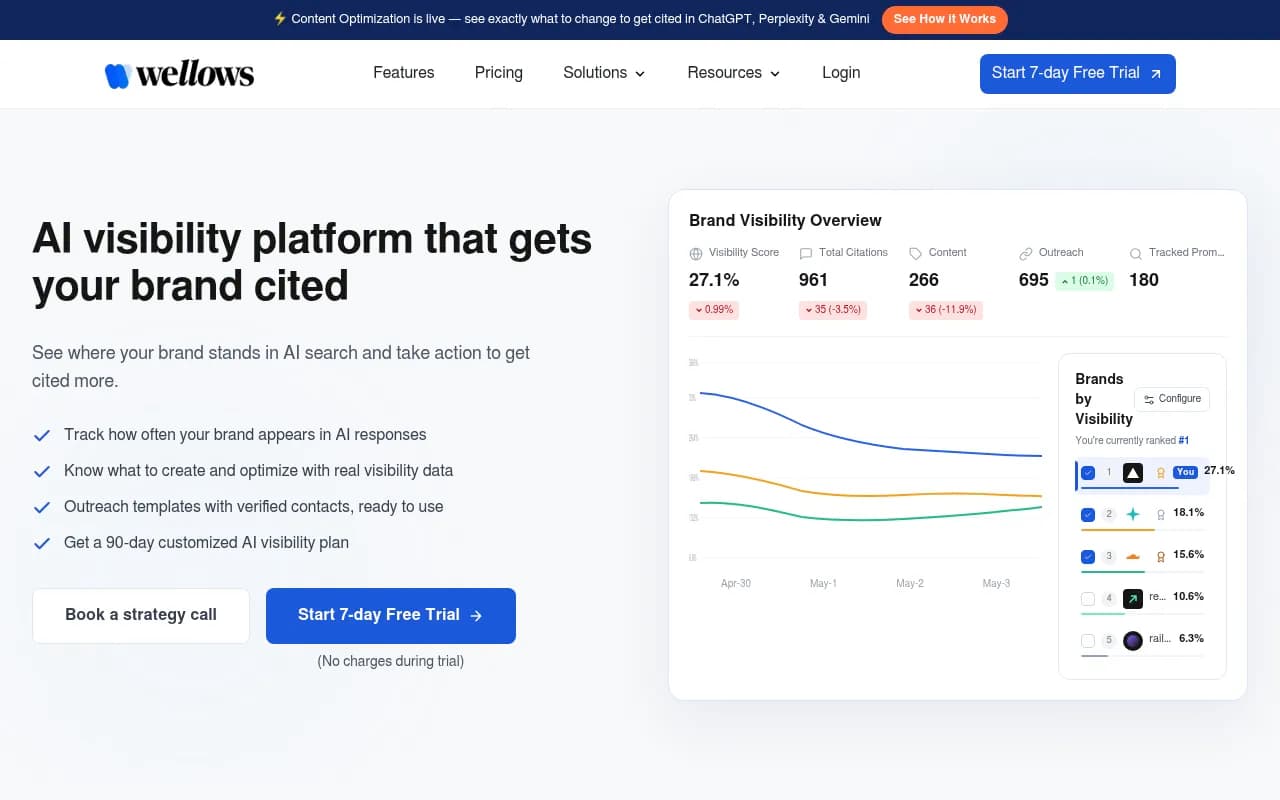
Wellows offers a free AI Overviews tracker that separates explicit citations (a direct link) from implicit ones (a brand mention in a third-party source), and reports citation position and sentiment.
Multi-engine AI visibility platforms
AI Overviews are only one surface. If you also care about ChatGPT, Perplexity, Gemini and others, a platform covering all of them avoids stitching three tools together.
Promptwatch tracks Google AI Overviews and AI Mode from the real user interface alongside ChatGPT, Perplexity and others. It also goes past checking: it shows which of your pages are cited, tracks AI crawler visits, and gives you a prioritized action list for gaps, which is the part a spreadsheet can't do.

Otterly.AI is a lower-cost monitor, Profound targets enterprise reporting, and Peec AI is a straightforward prompt tracker.


For a wider look, the GEO software directory at bestgeosoftware.com lists more options by category.
Quick comparison
| Approach | Best for | Weak spot |
|---|---|---|
| Manual spreadsheet | Under 50 queries, proving the method | Time, one location, one moment |
| SEO suite (Semrush, SE Ranking, Ahrefs) | Teams already using one | Shallower citation detail |
| Dedicated AIO tracker (Keyword.com, ZipTie, Knowatoa) | Detailed per-keyword citations | Narrower than full AI search |
| Multi-engine platform (Promptwatch and similar) | Tracking AI Overviews plus ChatGPT, Perplexity, Gemini | More to learn, higher cost than a basic tracker |
What to ask before you buy
OptimizeGEO's evaluation criteria are a good checklist even if you don't buy from them. Ask whether the tool separates Overview citations from general LLM mentions, whether it shows citation position, whether it uses Search Console data, and how often it refreshes. Add two of my own: does it capture the exact cited URL, and can you pick the country?
Treat vendor statistics with care. Several of these companies publish figures about their own tools' results, and they are marketing claims until you see the method.
What to do when you are not cited
Tracking is only useful if it changes what you publish. When you find a query where an Overview appears and you are absent:
- Check whether you rank in the top 10 at all. Most citations come from pages that do. If not, it's an ordinary SEO problem first.
- Compare your page to the cited ones. Do they answer the question in the first lines, use clear headings, tables or numbered steps, and include specific facts and dates?
- Look at the format. If cited sources are videos or forum threads, a blog post may not be the right asset.
- Update stale pages. Freshness matters for time-sensitive topics.
- Don't expect schema alone to fix it. An Ahrefs study of roughly 1,885 pages found AI citation rates barely moved after schema was added.
If a term keeps triggering an Overview that never cites you and you can't realistically win it, it is legitimate to move effort to related queries.
A weekly routine that holds up
- Pick the same weekday and the same query list.
- Run the check (by hand or from your tool's export).
- Update the sheet, flag new citations and lost ones.
- Compare Search Console CTR for flagged query clusters.
- Choose three pages to update or create from what you found.
- Re-check those pages in two to four weeks.
If you want a hands-off option for the whole workflow, an SEO and GEO agency like 1001 SEO Media can run the tracking and the content fixes, but the manual method above is enough to find out where you stand this afternoon.
Start with ten queries, a spreadsheet and a screenshot folder. By the third weekly check you will know which pages Google trusts and which it ignores.