Key takeaways
- The cheapest baseline is a fixed set of 15 to 25 buyer prompts, run on a schedule and logged in a spreadsheet.
- ChatGPT answers vary run to run, so one check tells you little. Repeat the same set and look at patterns.
- Free tiers and one-off scans add coverage, but they cap prompts, brands and history.
- Track mention, position, citations and how you are described, not just whether your name appears.
- Free tracking is fine for one brand and a narrow niche. Past about 50 prompts or several competitors, it stops being worth your time.
Why free tracking is worth doing at all
There is no notification when ChatGPT recommends your competitor instead of you. Nothing lands in your inbox. Someone asks "what's the best [category] tool for a 200-person company," gets an answer in seconds, and you never see it.
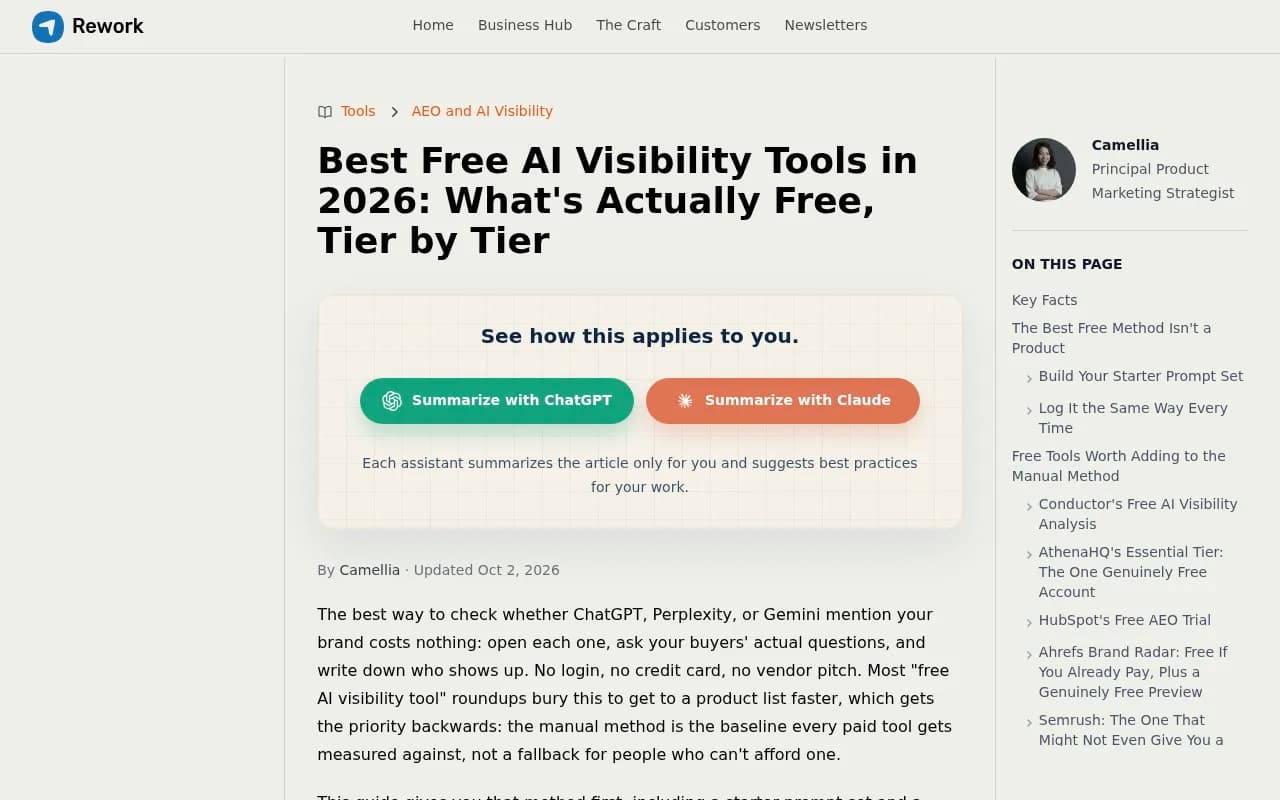
The good news is that the first version of tracking costs nothing. One roundup of free AI visibility tools from Rework makes the point bluntly: the manual method (open each assistant, ask your buyers' real questions, write down who shows up) is the baseline every paid tool gets measured against. It is not a consolation prize.
The bad news is that it has real limits, and I'll be upfront about them below. Free options cap you at one brand, give you thin trend history, and don't sample often enough to catch how fast these models drift.
Method 1: Build a fixed buyer-prompt set
Everything else depends on this step. Write 15 to 25 questions a real buyer would type. Mix three types:
- Category prompts: "best [category] for [use case]"
- Problem prompts: "how to [solve problem] without [pain point]"
- Comparison prompts: "[competitor] vs [competitor]" and "[competitor] alternatives"
Add a handful of branded prompts too, like "is [your brand] good for [use case]?" But keep most prompts brand-free. If your name is in the question, the answer tells you nothing about whether ChatGPT thinks of you unprompted.
Two practical notes. First, be specific. "Best competitive shopping ads monitoring tools for enterprise ecommerce" beats "marketing tools." Second, include some terse, keyword-style versions. Promptwatch's query fan-out data shows ChatGPT's background searches are short and keyword-like (average query length around 53 characters in April 2026, down from about 117 in December 2025), so the way ChatGPT searches is not the way you chat. See Promptwatch Data on ChatGPT query fanouts for the trend.
Once the list is written, freeze it. Changing prompts mid-experiment ruins your comparisons.
Method 2: Run the prompts on a schedule and log everything
Open ChatGPT with search enabled, run each prompt in a fresh chat, and record the result in a spreadsheet. Weekly is the minimum worth doing. Biweekly works if you are short on time.
A simple column layout:
| Column | What to record |
|---|---|
| Date | When you ran it |
| Prompt | Exact wording |
| Brand mentioned? | Yes / no |
| Position | Where in the list or answer you appear |
| Cited? | Was your domain in the sources |
| Competitors | Who else appeared |
| Framing | Positive, neutral, negative, or absent |
| Sources | Domains cited, especially review sites |
The framing column matters more than people expect. Positive, neutral and absent are three very different states, and a raw mention count hides that.
Run each prompt more than once
This is where manual tracking gets honest. The Rework guide cites a study of nearly 3,000 runs across 12 prompts that found less than a 1% chance of ChatGPT or Google's AI returning the identical brand list twice. So run each important prompt three times and record how often you appear (say, 2 of 3), rather than treating one answer as the truth.
Method 3: Read the citations, not just the mentions
When ChatGPT cites sources, those URLs tell you what it is leaning on. Promptwatch's data for Sep 28 to Oct 4, 2026 shows product pages are the most cited content type at 22.4% of classified citations, followed by landing pages at 16.8% and listicles at 13.6%. For branded prompts, reviews and FAQ pages rise in share. The full breakdown is in Promptwatch's content type citation report.
So for each branded prompt, note which review sites and FAQ pages get cited. They shape how ChatGPT describes you. If a stale G2 profile or an old comparison article is the source, you know where to fix things.
Also expect long source lists. In the same period, 47.6% of ChatGPT responses with citations cited 10 or more unique domains, and for organic prompts with no brand named, that rose to 52.5% (unique domains per response). One prompt tells you little. Measure across many.
Method 4: Use the free tiers and one-off scans
Several tools give you something without a paid plan. Treat these as supplements to your spreadsheet, not replacements. Confirm limits on each vendor's site, since free tiers change often.
Promptwatch has a free Explore plan (1 project, 10 prompts, ChatGPT only) and a no-login Free AI Visibility Report that scans how ChatGPT, Gemini and Perplexity talk about your brand. Check Promptwatch for current limits.

AthenaHQ is mentioned in the Rework roundup as having a free account that, combined with manual checking, covers a solo founder tracking 15 to 20 prompts.
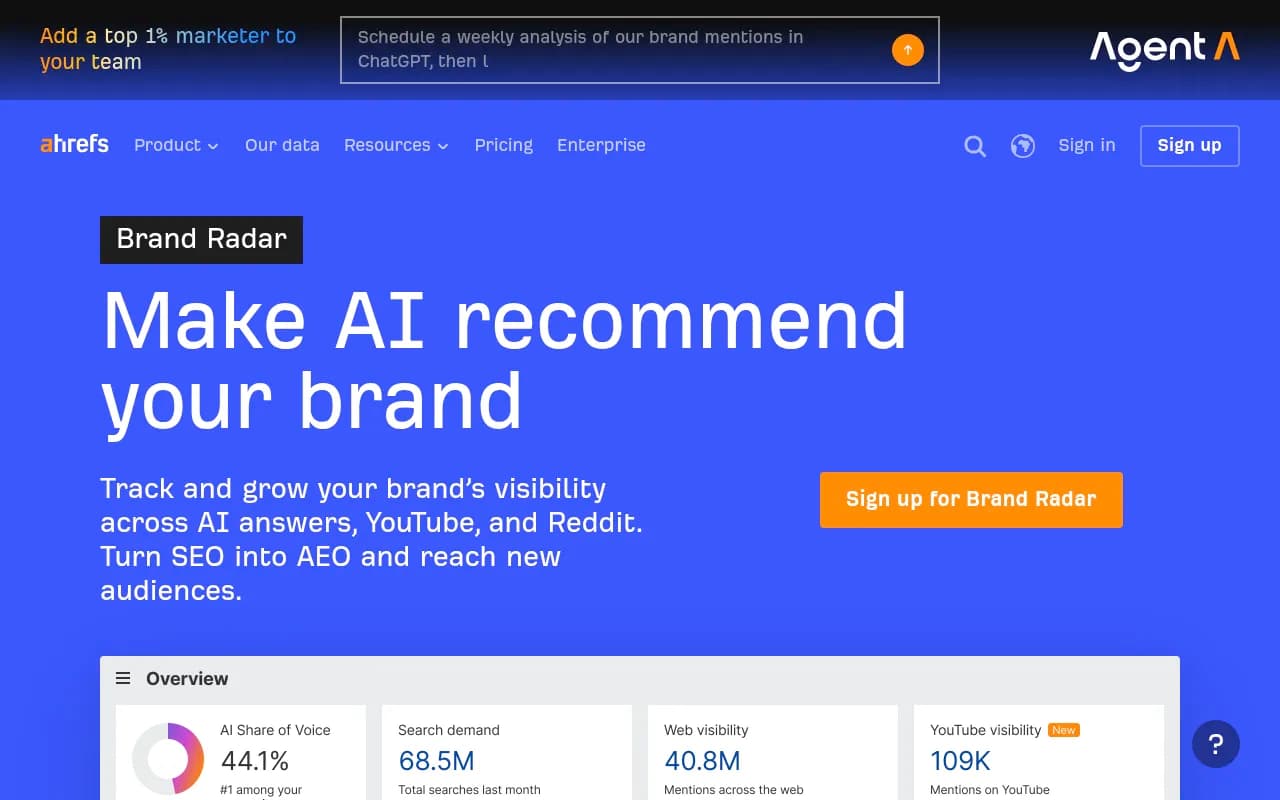
Ahrefs Brand Radar is cited by one vendor blog as having a limited free tier, but I could not verify the details, so check Ahrefs directly before relying on it.
Otterly.AI is often named as the cheapest paid entry point. One roundup puts it around $29 a month, but that figure is unverified, so confirm current pricing.

| Option | Cost | Good for | Main limit |
|---|---|---|---|
| Manual spreadsheet | Free | Baseline across any prompts you choose | Your time, no automation |
| Promptwatch Explore | Free | 10 prompts in ChatGPT with a real dashboard | ChatGPT only, 10 prompts |
| Promptwatch Free AI Visibility Report | Free, no login | One-off snapshot across three assistants | Not ongoing |
| AthenaHQ free account | Free (verify) | Light tracking alongside manual checks | One brand, limited history |
| Ahrefs Brand Radar free tier | Free (verify) | Spotting big visibility shifts | Small query allowance |
| Otterly.AI | Low-cost paid (verify) | Daily monitoring on a budget | Basic feature set |
Method 5: Use Reddit and review sites as a leading indicator
ChatGPT's source mix shifts, and Reddit is the clearest example. Promptwatch's data shows reddit.com's share of ChatGPT citations fell from about 4% to about 0.5% on August 14, 2026 (report). Google's surfaces declined more gradually. Social platforms overall made up only 0.46% of ChatGPT's citations from Sep 28 to Oct 4, 2026, versus 12.2% for Google AI Overviews (social citations by AI model).
That changes how you should use Reddit monitoring. A year ago it was a decent proxy for ChatGPT visibility. Now it is a better proxy for Google AI Overviews than for ChatGPT. You can still find threads that mention you with a plain Google search:
site:reddit.com "your brand" inurl:comments
But treat it as a Google AI signal, and weight review sites, docs and product pages more heavily for ChatGPT.
Method 6: Check your own site for a free technical baseline
If ChatGPT's crawlers can't read your pages, no amount of content will help. Two free checks:
- Open your robots.txt and confirm you are not blocking OAI-SearchBot, GPTBot or ChatGPT-User unless you mean to.
- Look at your server logs for those user agents. Most small sites never look, and some discover errors they didn't know about.
Promptwatch also offers a free Agentic Readiness Check and an AI Crawler URL Inspector if you would rather not dig through logs by hand. Mention-only tracking can't tell you whether this is the cause of an absence, so it's worth ten minutes.
Method 7: Add a low-cost paid tool when the spreadsheet breaks
The honest threshold for free: one brand, one niche, 15 to 25 prompts, and a few hours a month. One vendor blog estimates 3 to 5 hours monthly, though its claim that this captures "8 to 12%" of what paid tools cover is unsourced, so ignore the number. The time cost is real either way.
Free stops being enough when:
- You need to compare several competitors on the same prompts
- You want daily sampling, since answers shift week to week
- You need trend lines to connect changes to a press hit or a content update
- You need to track other assistants like Gemini, Perplexity and AI Overviews
At that point, look at low-cost options. Promptwatch's Essential plan is $95 a month for 50 prompts, all AI models, crawler-aware audits and content gap analysis (confirm on promptwatch.com/pricing). Other budget-friendly picks from the catalog include Peec AI, Airefs and Rankscale.

For a broader view of the category, the GEO software directory at bestgeosoftware.com lists the options side by side.
Which metrics to track on a budget
Keep it to four columns so the work stays sustainable:
- Mention rate: the share of runs where you appear for each prompt
- Position: first recommendation, or buried in a list of ten
- Citation: whether ChatGPT links your domain or only names you. Mentions without citations usually mean ChatGPT knows you from training data but isn't retrieving your content.
- Framing: how you are described, and by which sources
Skip vanity numbers. Several vendor blogs publish precise benchmarks ("above 40% citation rate" and similar), and I'd treat them cautiously. Your own baseline, tracked over eight weeks, is more useful than someone else's target.
Common mistakes
- Testing with your brand name in the prompt. It flatters you.
- Changing the prompt list midway.
- Judging from one run. Repeat three times.
- Staying logged in with a rich memory profile. ChatGPT personalizes, so use a clean session or a temporary chat for consistency.
- Ignoring other assistants. Visibility in ChatGPT doesn't carry over to Gemini or Perplexity, so check at least three.
- Treating a mention as a win without reading the framing.
A one-week plan to start
Day one: write 20 prompts. Day two: run them three times each in ChatGPT and log everything. Day three: run the same set in Gemini and Perplexity. Day four: record which domains get cited and note the gaps. Day five: run the free Promptwatch scan and compare it with your spreadsheet. Then pick the two prompts where competitors beat you and write or refresh the page that should answer them.
That single week will tell you more about whether you are in the conversation than most dashboards will. If it shows you are, keep the weekly routine going. If it shows you aren't, you have a prioritized list of what to fix, which is the point of tracking in the first place.