Key takeaways
- Peec AI doesn't publish a formal data retention or export policy, so you need to manually export your data before canceling -- not after.
- Your historical prompt data, visibility scores, and competitor benchmarks won't automatically transfer to a new platform; you'll need to rebuild baselines.
- Most teams cancel Peec AI because they've hit its monitoring ceiling: 100 prompt cap, limited model coverage on the base plan, and no content creation tools.
- Several alternatives cover more AI engines, offer content generation, and cost less -- depending on what you actually need.
- The transition is manageable if you plan it in the right order: export first, choose a replacement, then cancel.
Canceling a SaaS tool sounds simple. You click a button, maybe talk to a retention specialist, and you're done. But when the tool is tracking your brand's AI search visibility, the stakes are a bit higher. You're not just walking away from a dashboard -- you're potentially losing months of benchmark data, competitive context, and the prompt history that tells you whether your GEO efforts are actually working.
This guide walks through what actually happens when you cancel Peec AI, what you should do before you pull the trigger, and what comes next.
What Peec AI actually stores about your account
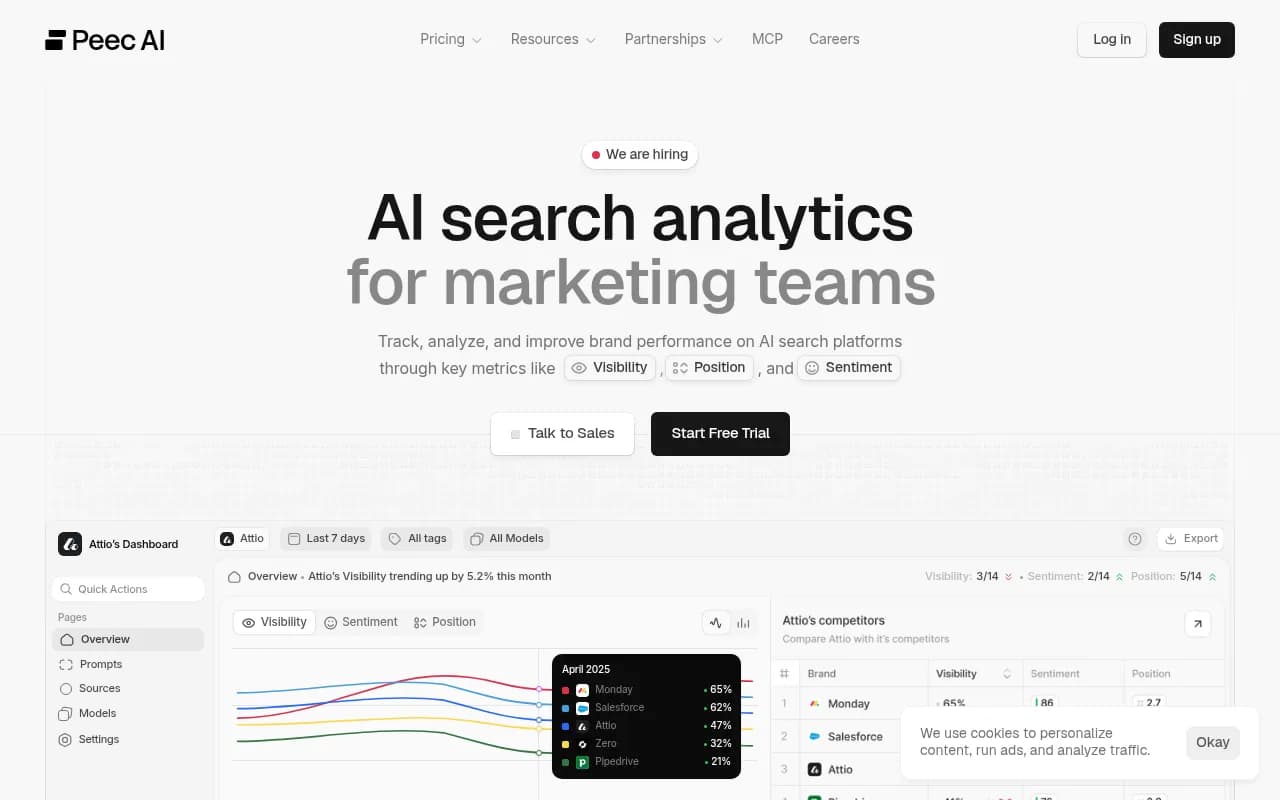
Before you can export anything, it helps to understand what Peec AI is holding. Based on the platform's feature set, your account contains several categories of data:
- Prompt library: the specific queries you've been tracking across AI engines
- Visibility scores over time: your brand's mention rate, citation rate, and position data for each prompt
- Competitor benchmarks: how your brand stacks up against the competitors you've configured
- AI engine breakdown: which engines (ChatGPT, Perplexity, Google AI Overviews, DeepSeek) are citing you and how often
- Tags and topics: the organizational structure you've built around your prompt library
- Brand configurations: your brand name, aliases, and any entity definitions you've set up
If you're on the Pro plan, you've also got up to 9,000 AI answers processed per month. That's a meaningful volume of response data that, once your account closes, you likely won't be able to reconstruct.
Does Peec AI let you export your data?
Peec AI does offer export and integration features -- this has been noted in enterprise coverage of the platform. The MCP (Model Context Protocol) integration, for example, lets you bulk manage brands, prompts, tags, and topics programmatically, up to 50 at a time. That's useful for migration purposes: you can pull your prompt library and brand configurations out via the MCP before canceling.
What's less clear is whether Peec AI provides a one-click CSV export of your full historical visibility data -- the kind of thing you'd want to drop into a spreadsheet and keep as a record. If that functionality exists, it's not prominently documented. This matters because historical trend data is the hardest thing to reconstruct after you leave.
The practical advice: before you cancel, spend time inside the platform exporting or screenshotting every report that matters. Specifically:
- Your visibility trend charts (at least 90 days of data)
- Your top-performing prompts by visibility score
- Your competitor comparison data
- Any AI engine breakdowns you've been tracking
If Peec AI has a data export option in your account settings, use it. If not, use the MCP to pull your prompt and brand data programmatically, and manually capture the visual reports.
Why most people cancel Peec AI
Understanding why you're leaving shapes what you should look for next. The most common reasons teams move on from Peec AI fall into a few categories.
The prompt cap is too restrictive
The Pro plan caps you at 100 prompts and 9,000 AI answers per month. For a brand tracking a single product category with a handful of competitors, that might be enough. For anyone running multi-brand campaigns, tracking across multiple markets, or doing serious competitive analysis, 100 prompts runs out fast. Expanding coverage means moving to Enterprise, which comes with custom pricing.
Model coverage gaps
Peec's Pro plan covers four base AI engines: ChatGPT, Perplexity, Google AI Overviews, and DeepSeek. Claude, Gemini, and Google AI Mode are Enterprise add-ons. If your audience uses Claude or Gemini -- and a meaningful share of AI search users do -- you're flying partially blind on the base plan.
No content creation tools
Peec AI is a monitoring platform. It shows you where you're visible and where you're not, but it doesn't help you do anything about the gaps. There's no content brief generator, no article creation, no optimization suggestions tied to specific prompts. For teams that want to close the loop between "we're not visible here" and "here's the content that fixes it," Peec AI stops short.
Price-to-value mismatch
At €199/month for the Pro plan, Peec AI is priced at the higher end of monitoring-only tools. Teams that realize they need content tooling alongside monitoring often find they can get both for a similar or lower combined cost by switching platforms.
The right order of operations for canceling
Don't cancel first and ask questions later. Here's the sequence that protects your data and minimizes disruption.
Step 1: Audit what you have. Go through your Peec AI account and list every prompt, brand configuration, and report that matters. This is also a good moment to evaluate which prompts were actually useful versus ones you set up and forgot about.
Step 2: Export everything you can. Use whatever export functionality is available. If you have MCP access, pull your prompt library and brand data. Screenshot or PDF every trend report you want to keep.
Step 3: Choose your replacement platform. Don't leave a gap in your AI visibility monitoring. Pick your next tool and get it set up before you cancel Peec AI. You want at least two to four weeks of overlap so you can compare baselines.
Step 4: Rebuild your prompt library in the new platform. Import or manually recreate your key prompts. Some platforms accept CSV imports; others require manual entry. Either way, do this before canceling so you don't lose tracking continuity.
Step 5: Cancel Peec AI. Once your new platform is running and you've confirmed the data you need is safely exported, cancel your Peec AI subscription. Check whether you're on a monthly or annual plan -- annual plans may have cancellation terms that affect refunds.
What you'll need to rebuild from scratch
Even with a clean export, some things don't transfer. Historical visibility scores from Peec AI won't mean anything in a new platform -- every tool calculates visibility differently, uses different prompt sets, and queries AI engines at different frequencies. Your new platform's baseline is day one, regardless of how long you were on Peec AI.
This is normal and expected. What matters is that you document your Peec AI benchmarks before leaving, so you have a reference point for where you were. Six months into a new platform, you'll want to know whether you've improved relative to your starting point -- and "starting point" means your last Peec AI numbers, not your new platform's day-one numbers.
Competitor configurations also need to be rebuilt. Most platforms let you specify competitors manually, so this is straightforward -- just make sure you have your competitor list documented before you cancel.
Alternatives worth considering in 2026
The right replacement depends on what you were missing in Peec AI. Here's a breakdown of the main options and what they're best suited for.
If you want monitoring plus content creation
This is the biggest gap Peec AI leaves. If you want a platform that not only shows you where you're invisible but helps you create content to fix it, Promptwatch is the most complete option available. It covers 10 AI models (including Claude, Gemini, and Grok), tracks crawler logs to show you which AI agents are hitting your site, and has content generation built directly into the platform -- articles, briefs, and comparisons grounded in real prompt and citation data.
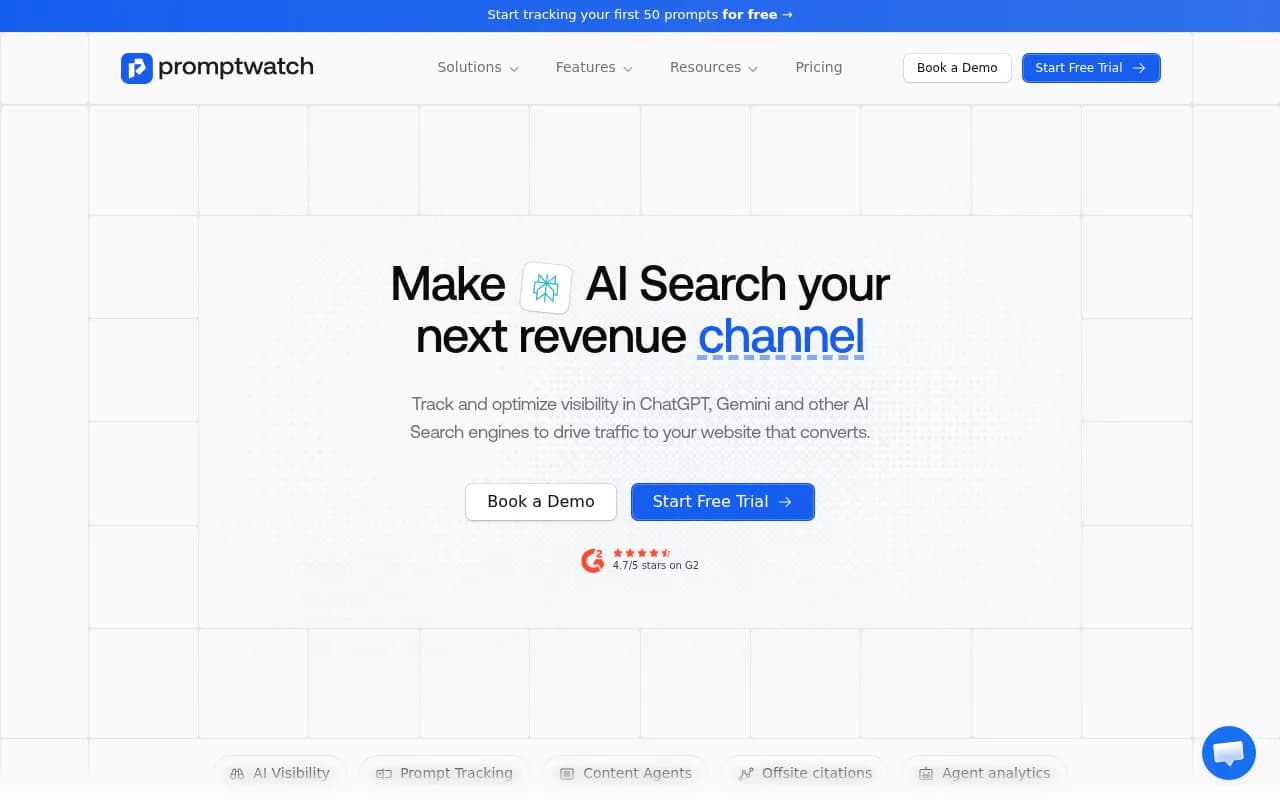
The distinction matters: most monitoring tools show you the gap. Promptwatch helps you close it. That's a different category of tool.
If you want broader model coverage at a lower price
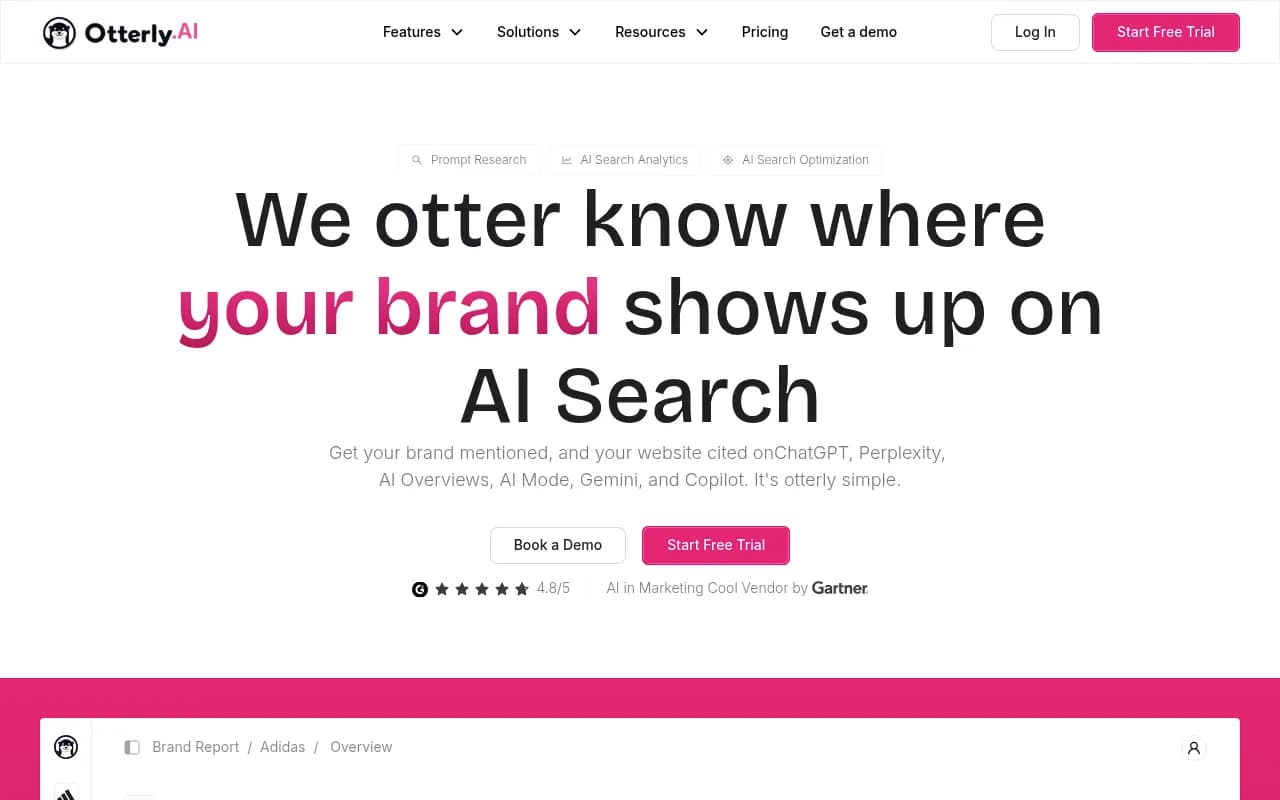
Otterly.AI covers more engines than Peec AI's base plan and costs less. It's still monitoring-only, but if your main complaint with Peec AI was the model coverage gap, Otterly.AI addresses that without requiring an Enterprise upgrade.
If you want enterprise-grade depth
Profound and Scrunch AI both offer deeper analytics than Peec AI, with stronger competitive intelligence and more granular data. They're priced accordingly -- expect to pay more than Peec AI's Pro plan -- but if you're running AI visibility programs at scale, the depth is worth it.
If you want AI visibility integrated with traditional SEO
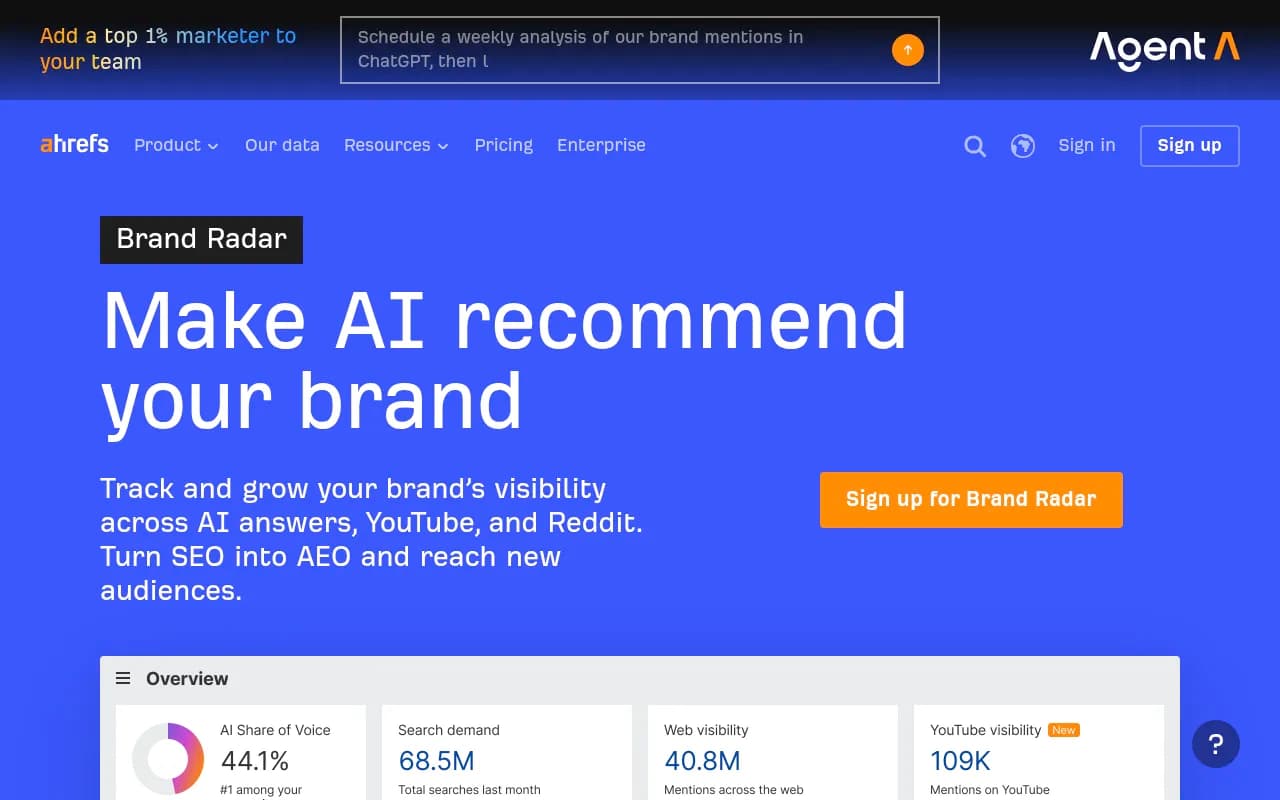
Semrush and Ahrefs have both built AI visibility features into their existing platforms. Ahrefs Brand Radar, specifically, uses real search data (243M+ prompts from People Also Ask queries with actual search volume) rather than fabricated prompts -- which gives its visibility scores a different kind of credibility. If you're already paying for one of these platforms, the AI visibility layer may be enough to replace Peec AI without adding another subscription.
If you want something lighter and cheaper
SE Ranking's AI visibility module and Rankscale are both lower-cost options for teams that want basic monitoring without the Pro-plan price tag. They're not as feature-rich, but they cover the fundamentals.
Comparison: Peec AI vs. top alternatives
| Platform | AI models covered | Prompt cap (base plan) | Content creation | Crawler logs | Approx. price |
|---|---|---|---|---|---|
| Peec AI | 4 (Pro), more on Enterprise | 100 | No | No | €199/mo |
| Promptwatch | 10 | 50-350 (by tier) | Yes | Yes (Pro+) | $99-$579/mo |
| Otterly.AI | 6+ | Varies | No | No | Lower than Peec |
| Profound | 6+ | Custom | Limited | No | Higher than Peec |
| Scrunch AI | 5+ | Custom | No | No | Custom |
| Ahrefs Brand Radar | 6 + YouTube/Reddit | 243M+ real prompts | No | No | $50-$699/mo |
| Semrush AI Toolkit | 5+ | Fixed prompts | No | No | Add-on to Semrush |
| SE Ranking | 4+ | Varies | No | No | Lower than Peec |
A note on timing your cancellation
If you're on an annual plan, check your renewal date before doing anything. Canceling mid-cycle on an annual plan typically means you lose access immediately or at the end of the billing period, with no prorated refund. Monthly plans are more forgiving -- you can cancel and retain access until the end of the current month.
The overlap period between Peec AI and your new platform is worth the double-billing cost for one month. Losing tracking continuity costs more in the long run than a single month of paying for two tools.
What to do if you're not sure you want to cancel
If you're on the fence -- maybe Peec AI is mostly working but you're hitting specific limits -- it's worth contacting their team before canceling. Enterprise pricing is custom, which means there may be room to negotiate a plan that addresses your specific gaps without a full platform switch.
That said, if the issue is the absence of content creation tools, no amount of negotiation changes the product roadmap. Peec AI is a monitoring platform, and that's a deliberate product decision, not a gap they're likely to fill in the near term.
The bottom line
Canceling Peec AI is straightforward if you plan it properly. Export your data before you cancel, not after. Give yourself a month of overlap with your new platform to rebuild baselines. And be honest about why you're leaving -- because the right replacement depends entirely on what Peec AI wasn't giving you.
If the gap is content creation alongside monitoring, look at platforms that close the full loop. If the gap is model coverage or prompt volume, there are cheaper options that address that specifically. The AI visibility space has matured enough in 2026 that you don't have to compromise on either.