Key takeaways
- When you type a prompt into ChatGPT, Perplexity, or Google AI Mode, the model doesn't search your exact words. It decomposes your question into 8-12 parallel sub-queries before retrieving anything.
- Most AI visibility tools track the parent prompt you typed, not the sub-queries the model actually ran. That gap explains why pages that "rank" for a tracked prompt still get left out of answers.
- True fan-out tracking requires observing retrieval behavior at the sub-query level, not just measuring whether your brand appeared in the final response.
- Tools that surface query fan-outs give you a content roadmap, not just a scorecard. Each sub-query is a gap you can fill.
- Platforms like Promptwatch go further by connecting fan-out data to content generation, so you can act on the gaps rather than just see them.
What query fan-out actually is
Start with the basic mechanic, because it's easy to misunderstand.
When a user asks "what's the best project management tool for a remote engineering team," no AI search engine goes looking for a page titled exactly that. Instead, the model reads the prompt, reasons about what information it would need to answer well, and fires off a set of narrower retrieval queries in parallel. Something like:
- "top project management software 2026"
- "remote team collaboration features comparison"
- "project management tools for engineering teams"
- "PM software pricing tiers"
- "Jira vs Linear vs Asana for developers"
Each sub-query retrieves its own set of pages. The model reads across all of them and synthesizes a single response. The user sees one answer. Behind it was a dozen retrieval events.
Google named this behavior "query fan-out" when it introduced AI Mode in 2025. The label is Google's; the behavior predates the name. Any retrieval-augmented generation system does some version of this, because a broad natural-language question is a genuinely bad search query. Breaking it into parts gets better source material.
Research from Ekamoira analyzing AI search behavior found that one query typically fans out into 8-12 sub-queries, and that 73% of those sub-queries change with every search. That volatility is important. It means fan-out isn't a fixed tree you can map once and forget. It's a probabilistic distribution of retrieval paths.
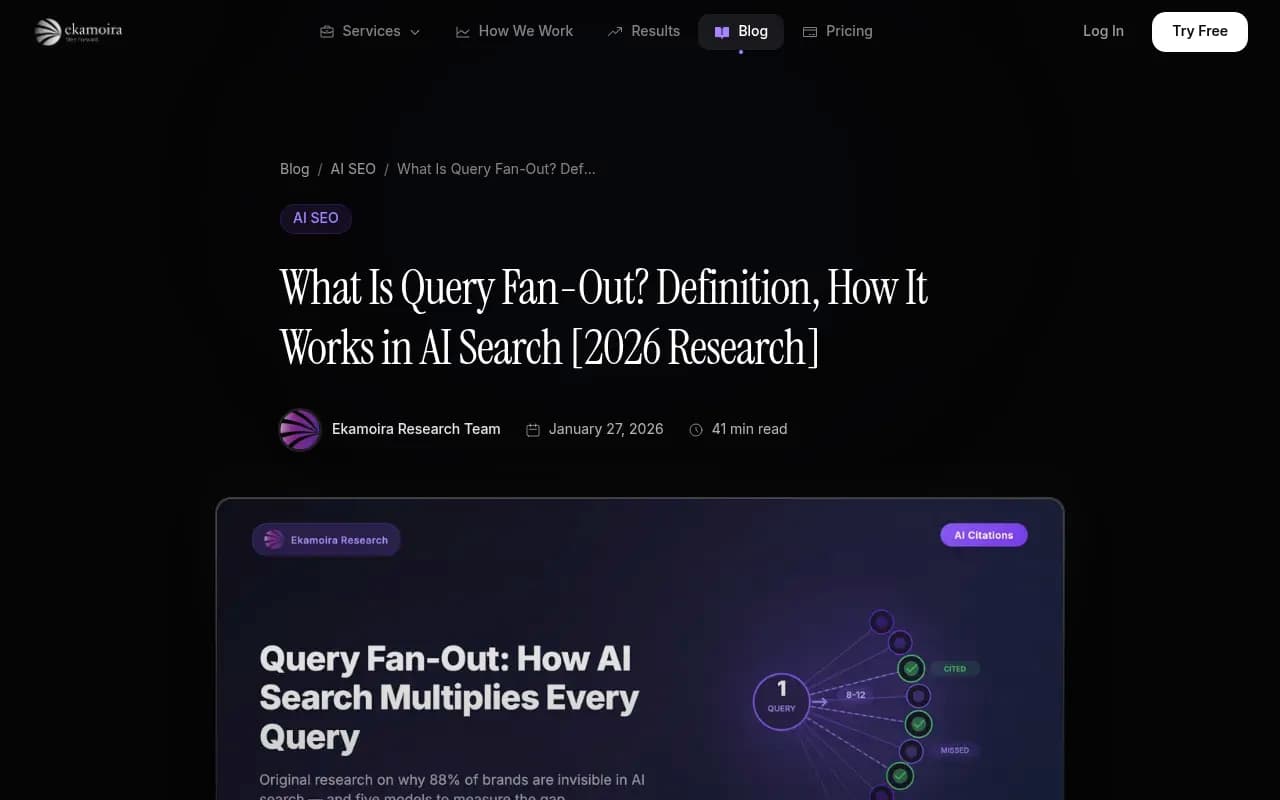
A December 2025 Surfer SEO study of 173,902 URLs across 10,000 keywords found that 68% of pages cited in AI Overviews were not in the top 10 organic results. Fan-out is the main reason. The model isn't retrieving your top-ranking page for the parent query. It's retrieving pages that answer specific sub-queries, and those pages may live at position 15 or on a completely different domain.
The gap between what tools track and what models retrieve
Here's the honest version of how most AI visibility tools work.
They take a list of prompts you care about, submit them to the AI model (or simulate the model's behavior via API), and check whether your brand, domain, or specific pages appear in the response. They report a visibility score. They tell you whether you were cited.
That's useful. It's also incomplete.
The tool is measuring the output of the retrieval process, not the retrieval process itself. It sees the final answer and notes whether you're in it. It doesn't see which sub-queries the model ran, which pages it pulled for each sub-query, or why your content was included or excluded at the sub-query level.
LoudFace's analysis puts it plainly: "Your AEO tool tracks the parent prompt. It does not tell you which sub-queries the model fanned that question into, and it does not tell you whether your pages matched any of them."
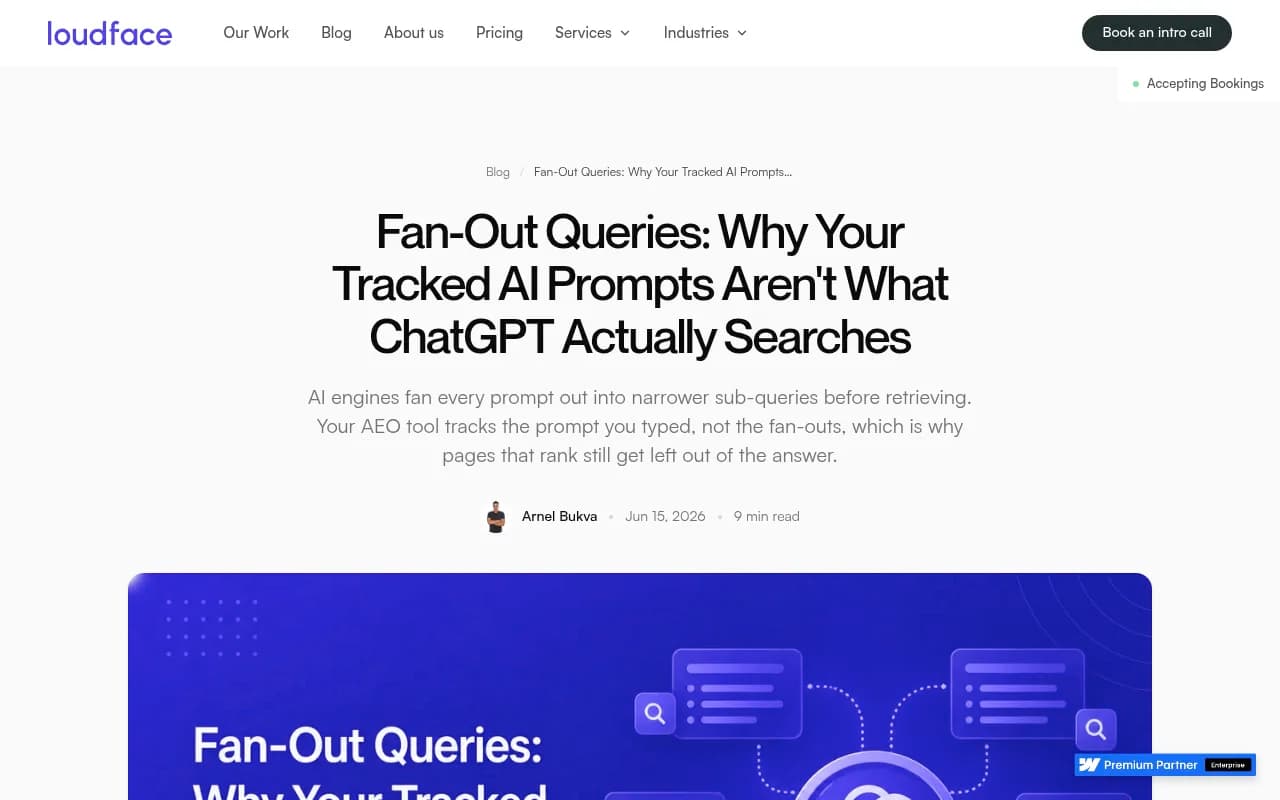
This matters for content strategy. If you only know you're invisible for a parent prompt, you don't know what to write. You might guess. You might create a page optimized for the parent query and still miss every sub-query the model actually retrieves for. Fan-out tracking at the sub-query level tells you specifically which angles your content is missing.
How fan-out tracking works technically
There are a few different approaches, and they vary significantly in depth.
Prompt simulation via API
The simplest approach: submit the parent prompt to a model's API, capture the response, parse it for citations and brand mentions. This is what most monitoring-only tools do. Fast, scalable, cheap to run. The problem is that API responses and user-facing responses can differ. Models often behave differently in their consumer interfaces than through their APIs, especially for search-augmented queries where the retrieval layer is involved.
User-interface observation
More sophisticated tools observe AI behavior in actual user-facing interfaces, not just through APIs. This captures the real retrieval behavior, including the sub-queries the model fires, the sources it pulls, and how the final answer is constructed. It's more expensive to run at scale but produces more accurate data.
Sub-query extraction and tree mapping
The most advanced approach involves actually extracting the sub-queries the model generates before retrieval. Some models expose this partially (Perplexity, for instance, shows related searches; Google AI Mode sometimes surfaces the sub-queries it ran). Tools that capture this data can map a query tree: the parent prompt at the root, sub-queries as branches, retrieved pages as leaves.
From that tree, you can see:
- Which sub-queries your content answers
- Which sub-queries no content on your site addresses
- Which sub-queries competitors are winning
- Which sub-queries have the highest retrieval frequency (and therefore the highest citation value)
Crawler log analysis
A separate but complementary signal: AI crawlers hitting your website. When Perplexity's crawler or ChatGPT's retrieval agent visits your pages, those visits show up in server logs. Tools that connect crawler log data to citation data can show you the full pipeline: the crawler read this page on this date, and this page started appearing in citations two weeks later. That's a different kind of fan-out insight. It's not about what the model searched, but about what it found and decided to use.
What the query tree actually looks like
Think of it as a directed graph, not a flat list.
At the top: the user's original prompt. Below it: 8-12 sub-queries, each representing a different angle or information need. Below each sub-query: the pages retrieved to answer it. Some pages appear under multiple sub-queries (high-value, broad content). Most appear under one or zero.
The tree isn't static. Run the same parent prompt 10 times and you'll get somewhat different sub-queries each time, because the model's reasoning about what information it needs varies slightly. That's the 73% volatility figure from Ekamoira's research. It doesn't mean the tree is random. It means there's a core set of sub-queries that appear consistently, surrounded by a variable fringe.
For content strategy, you care most about the consistent core. Those are the sub-queries that reliably fire for your tracked prompt, and they're the gaps worth filling first.
How different tools approach fan-out measurement
The market for AI visibility tools has expanded fast in 2026, but most tools still sit at the monitoring layer. Here's an honest breakdown of the spectrum:
| Approach | What it measures | Fan-out depth | Content action |
|---|---|---|---|
| API-based brand monitoring | Brand mentions in final response | Parent prompt only | None |
| UI-based visibility tracking | Citations, sentiment, share of voice | Parent prompt + some sub-query inference | Limited |
| Sub-query extraction | Actual sub-queries fired by model | Full query tree | Gap identification |
| Crawler log + citation pipeline | Crawl-to-citation timeline | Page-level retrieval | Full optimization loop |
Most tools in the market today fall into the first two categories. They tell you your visibility score. They don't tell you why you're invisible or what to do about it.
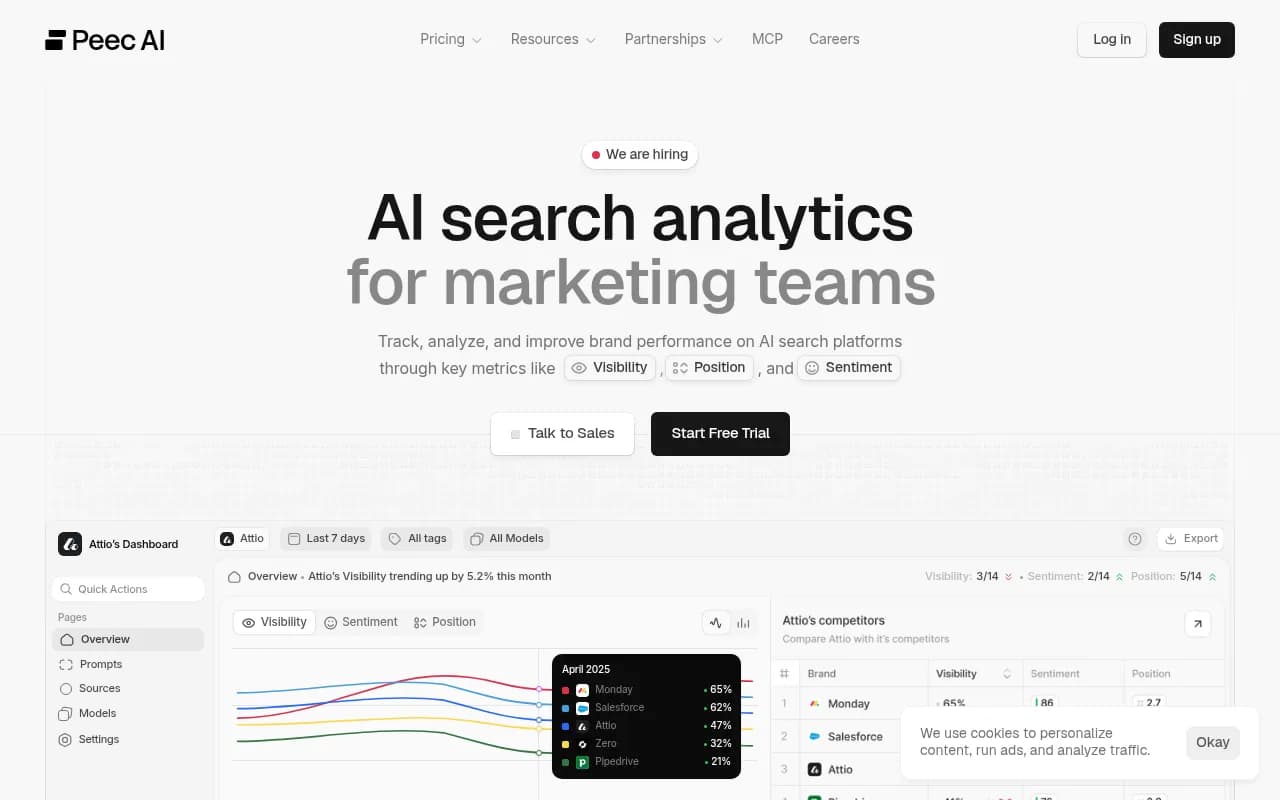
Tools like Peec AI and Otterly.AI are useful for brand monitoring but stop at the output layer.

Profound and AthenaHQ go deeper on analytics but are still primarily monitoring platforms.


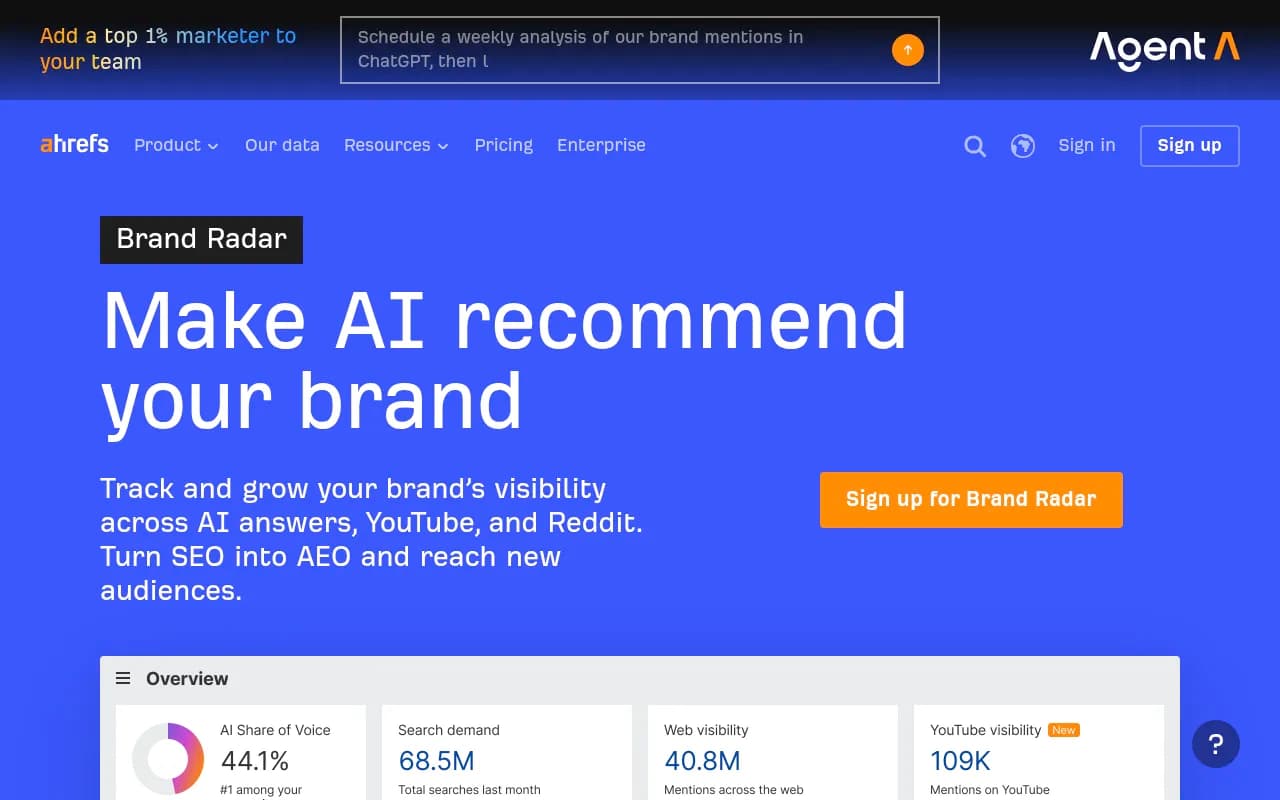
Ahrefs Brand Radar tracks brand mentions across AI engines but uses fixed prompt sets, which limits how much of the fan-out space you can explore.
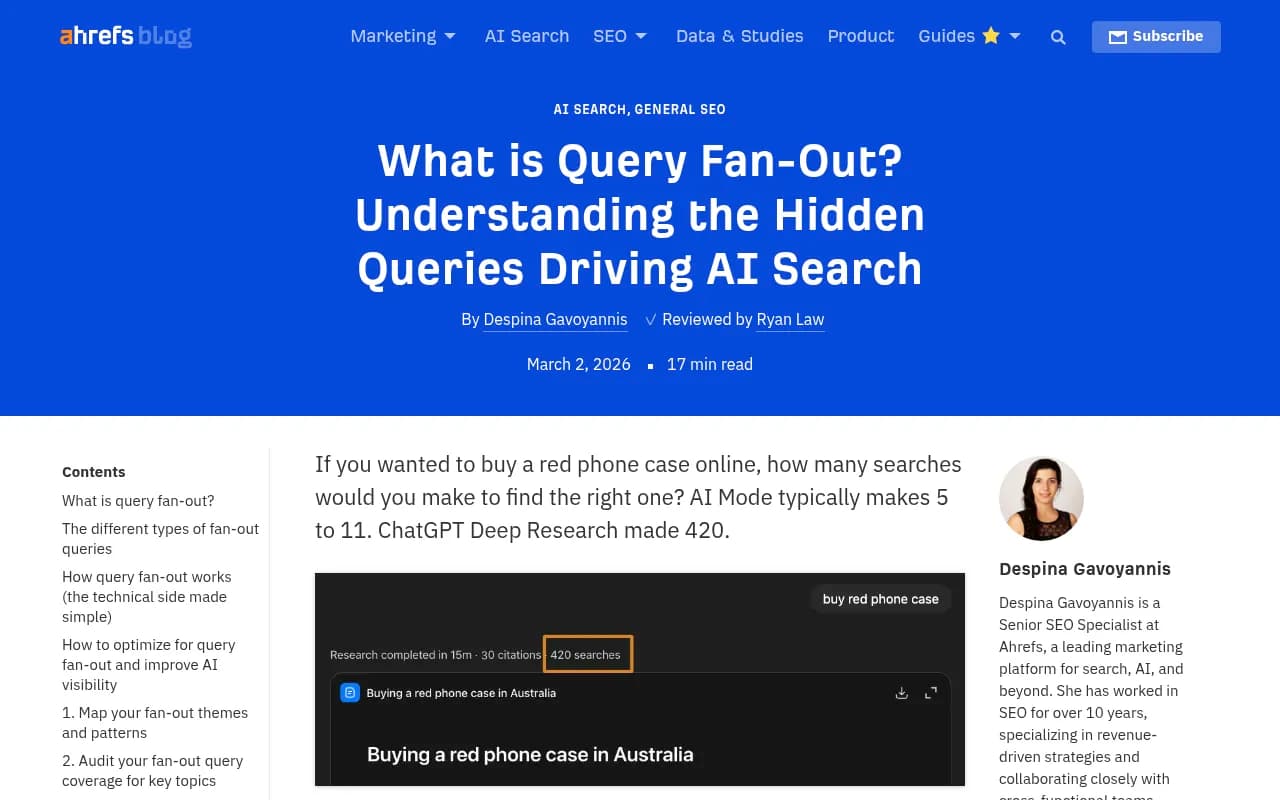
Conductor has published solid educational content on query fan-out and integrates some of this thinking into its organic marketing platform.
What Promptwatch measures and why the action loop matters
Promptwatch approaches fan-out differently from most tools in the market. Rather than stopping at "here's your visibility score," it maps query fan-outs to show how a parent prompt branches into sub-queries, then connects that data to content gaps you can actually close.
The practical flow works like this:
- You track a set of prompts relevant to your brand or category.
- Promptwatch surfaces the fan-out: the sub-queries that consistently fire for each parent prompt, along with which ones your content currently answers and which ones it doesn't.
- The Answer Gap Analysis shows you exactly which prompts competitors are visible for that you're not, at the sub-query level.
- Content Agents generate articles, comparisons, or briefs grounded in that real prompt and citation data, targeting the specific gaps the fan-out analysis identified.
- Crawler log data shows you when AI agents visit your new pages, and page-level tracking shows when those pages start appearing in citations.
That last step is what most tools skip entirely. Knowing you have a gap is useful. Knowing that you published content to fill the gap, that ChatGPT's crawler visited it 12 days later, and that it started appearing in citations 3 weeks after that, is a completely different level of insight.
The crawler log capability matters specifically for fan-out tracking because it closes the loop. You can see which pages AI retrieval agents are reading, which means you can infer which sub-queries those pages are being pulled for. Combine that with citation data and you have a reasonable picture of where in the query tree your content is landing.
Why 88% of AI citation opportunities get missed
The Ekamoira research team's estimate is that brands optimizing only for traditional SEO miss approximately 88% of AI citation opportunities. The math behind that number comes from the fan-out structure.
If a parent prompt fans out into 10 sub-queries, and you have content that answers 1 of those sub-queries well, you're competing for roughly 10% of the citation surface for that prompt. Traditional SEO optimizes for the parent query. Fan-out optimization means covering the full tree.
The implication for content strategy is significant. You don't just need one good page on a topic. You need coverage across the angles the model is likely to retrieve for. That means:
- Definitional content ("what is X")
- Comparison content ("X vs Y")
- Use-case content ("X for [specific audience]")
- Pricing and feature content
- Process and how-to content
Each of those angles corresponds to a class of sub-queries that consistently appear in fan-outs for most commercial topics. Brands that cover all of them have a much larger surface area for citation than brands that have one authoritative page on the topic.
What to actually do with fan-out data
Fan-out tracking is only useful if it changes what you create. Here's a practical approach:
Start by identifying your 10-20 most important parent prompts. These are the questions your target customers are asking AI engines that should result in your brand being cited.
For each parent prompt, map the sub-query tree. Some tools surface this directly. For others, you can approximate it by running the parent prompt multiple times and noting which angles appear in the responses, which sources get cited, and which questions the AI asks itself before answering.
Audit your existing content against the sub-query tree. For each branch, do you have a page that directly answers that sub-query? Not a page that mentions the topic, but a page that is the best answer to that specific question.
Prioritize gaps by retrieval frequency. Sub-queries that appear consistently across multiple runs of the parent prompt are higher priority than sub-queries that appear occasionally. Tools with prompt volume and difficulty scoring (Promptwatch has both) help you prioritize which gaps are worth filling first.
Create content for the gaps. This is where the action loop matters. Fan-out data without content creation capability just gives you a longer to-do list. The most efficient workflow connects gap identification directly to content generation.
Track the pipeline. After publishing, monitor whether AI crawlers visit the new pages, and whether those pages start appearing in citations for the relevant sub-queries. That feedback loop tells you whether your content is actually landing in the query tree or missing it.
Tools worth knowing for fan-out-aware AI visibility work
Beyond Promptwatch, a few other tools are worth considering depending on your specific needs:
Rankscale focuses on AI search rank tracking with some sub-query visibility.
LLMrefs surfaces query insights specifically oriented toward LLM citation optimization.

Scrunch AI offers AI search monitoring for brands and agencies with decent analytics depth.

Search Party is agency-oriented and useful for client reporting, though it has limited prompt metrics and no content gap analysis.
BrightEdge covers enterprise-level AI search intelligence with significant infrastructure behind it.

The honest limits of fan-out tracking
A few things worth being clear about.
No tool has perfect visibility into what sub-queries a model fires. Models don't always expose this information, and even when they do (Perplexity's related searches, Google's AI Mode sub-query display), it's a partial view. Tools that claim to map the full query tree are making probabilistic inferences, not reading the model's internal state.
Fan-out behavior varies by model. ChatGPT, Perplexity, Google AI Mode, Claude, and Gemini all decompose queries differently. A sub-query tree mapped for ChatGPT may not match what Perplexity fires for the same parent prompt. Tools that monitor multiple models give you a more complete picture, but also more complexity to manage.
The 73% volatility figure means your fan-out map is a snapshot, not a permanent structure. Sub-queries that appear consistently today may shift as models are updated or as the information landscape changes. Fan-out tracking needs to be ongoing, not a one-time audit.
None of this makes fan-out tracking less valuable. It makes it more valuable, because the brands that understand these dynamics and build content strategies around them will consistently outperform brands that are still optimizing for the parent prompt alone.
The query tree is where AI citation decisions actually happen. Tracking it is how you stop guessing and start knowing where your content needs to be.