Key takeaways
- A local GEO dashboard tracks how your brand appears in AI answers for a specific city or region. It is not the same as a government GIS dashboard, even though both use the word "city".
- The biggest buying trap is gating. Some vendors put state and city tracking on higher plans only, so check the plan page, not the feature list.
- Prompt budgets multiply fast. 50 prompts across 5 cities is 250 prompt-city pairs, and that eats an allowance quickly.
- Split results by prompt intent. Commercial, informational and branded prompts cite different content, so one blended number hides the problem.
- Shortlist two or three tools, run them on the same 20 prompts in two cities, and compare.
Two meanings of "city dashboard"
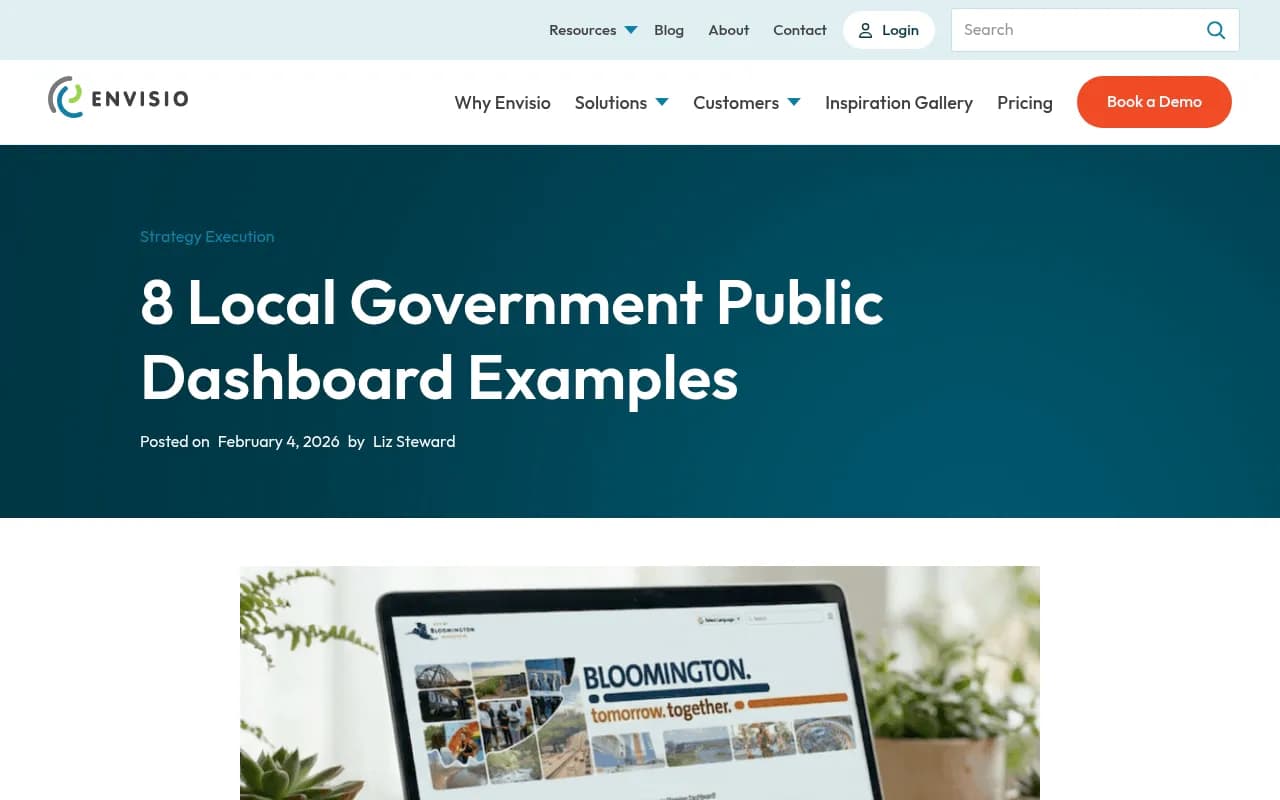
Search for city-level dashboards and most of what you find is about municipal government. The Envisio roundup of local government dashboards covers strategic plan trackers and climate action reports. Felt's piece on the City Health Dashboard covers map-based public health data across more than 1,000 U.S. cities.
Those are useful if you work in a city hall. They are not what this guide is about. Here, a local GEO dashboard means software that shows whether ChatGPT, Google AI Overviews, Perplexity and other AI systems mention, cite and recommend your business when someone in a specific place asks a question.
That said, the government dashboard world has one lesson worth stealing. The good ones pick a small number of indicators, show them by neighborhood or district, and make comparison easy. A local GEO dashboard should do the same for locations.
Why local AI visibility is its own problem
AI answers change by location. A query like "best dentist for implants" or "emergency plumber open now" can return different businesses depending on where the asker is, or on whether the city is named in the prompt. If you run a multi-location brand, a single national visibility score tells you almost nothing about whether the Denver branch is showing up.
I could not find first-party data on exactly how ChatGPT or AI Overviews cite local businesses and directories, so I will not pretend there is a tidy statistic here. What Promptwatch Data does show is how citations break down by content type. In the week of Sep 28 to Oct 4, 2026, product pages were 22.4% of ChatGPT citations and landing pages 16.8%, so about 39% of citations go to pages describing what a company sells. For a local business, that suggests your location and service pages matter a lot, probably more than your blog.
The same report shows that branded prompts cite reviews at 5.6%, more than three times their share across all prompts. For local brands, reviews are likely a major lever once someone already knows your name.
What to look for in city-level reporting
Is city tracking on every plan?
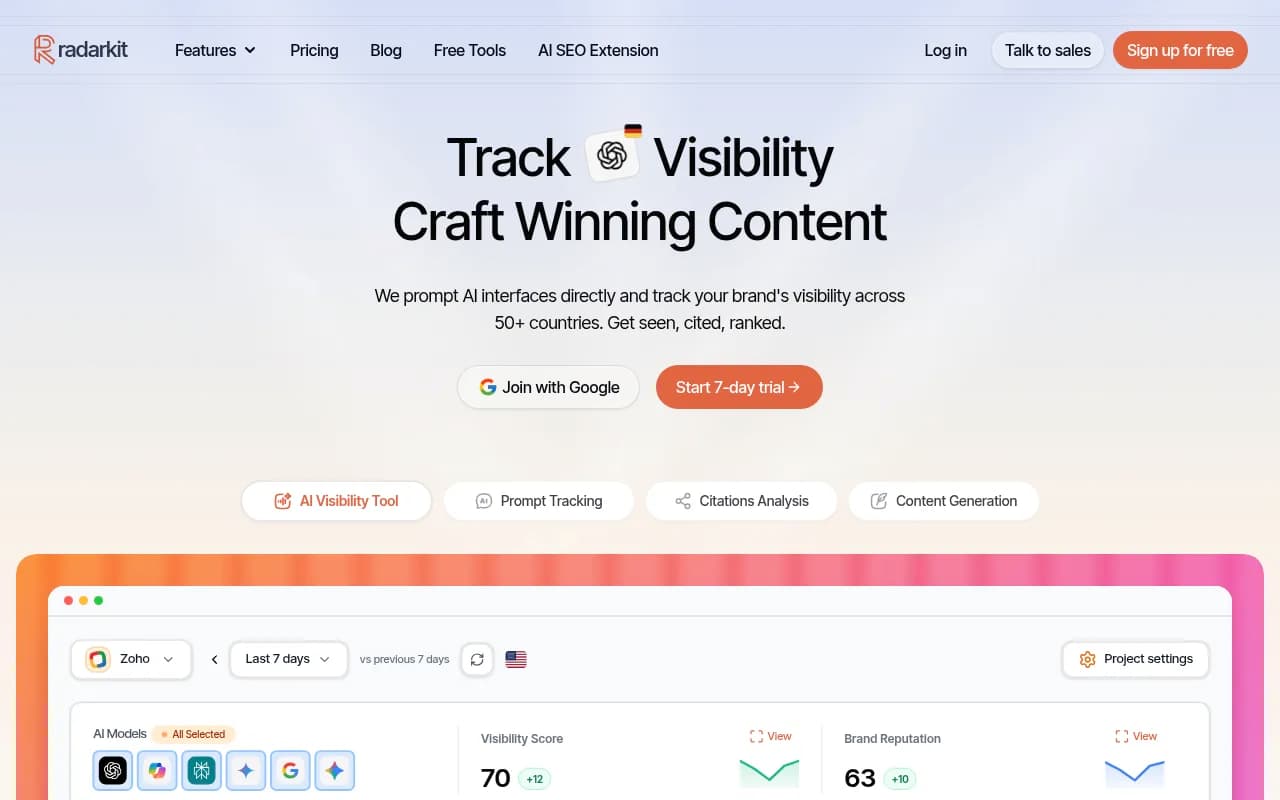
This is the first thing I would check. Location tracking is often the feature that sits behind a higher tier. One third-party reviewer lists state and city-level tracking as starting on Promptwatch's Professional plan, with the entry tier limited to country-level. Promptwatch's own current materials list country tracking on every paid plan and state and city tracking from Business, so the two sources disagree. Check promptwatch.com/pricing directly. The same pattern shows up elsewhere: a Reddit thread flagged that RadarKit lists local business tracking on all plans while state and city tracking is a separate qualification. I could not verify that snippet, so treat it as a reason to ask, not a fact.
How does the prompt budget behave across locations?
A prompt limit sounds generous until you add geography. If a plan gives you 50 prompts and you track them in 5 cities, that is 250 prompt-city pairs. Ask the vendor whether a prompt tracked in three cities counts as one prompt or three. This is my arithmetic, not a vendor figure, but it is the first spreadsheet I would build.
Does it test the real interface or an API?
Answers in the consumer product can differ from API outputs. For local queries, where the answer often draws on live search and map-style data, that gap matters more. Ask how location is simulated: proxy, IP, or just the city name added to the prompt text. I found no published accuracy benchmarks for any vendor on this, so a trial is the only way to find out.
Can you split by prompt intent?
Commercial prompts ("best CRM for small businesses") lean on product pages, landing pages and listicles. Informational prompts lean more on how-tos and docs. Branded prompts surface reviews and FAQs. A dashboard that blends all three into one visibility score will mislead you. You want a filter for intent and, ideally, for topic or persona.
Can you compare locations side by side?
The useful view is a heatmap or table with locations on one axis and a metric on the other, such as visibility, position or share of voice. Government dashboards do this well with neighborhood comparisons. If a tool only lets you switch one location at a time, you will end up exporting to a spreadsheet.
Does it connect to action?
A report that says Austin is weak and Dallas is strong is only half the job. Look for crawler logs, page-level citation data, and some way to turn a gap into a content task. Otherwise the dashboard becomes a monthly slide that nobody acts on.
Can it report to clients or franchisees?
Agencies and multi-location brands need scheduled PDFs, white-label options, and exports. A dashboard that is lovely on screen but cannot be sent to a franchise owner every month is a bad fit. For a general view of how to structure these reports, eSEOspace's guide to GEO dashboards and reporting templates is a reasonable starting point.
Local GEO dashboards worth shortlisting
The field splits into three groups: general GEO platforms with location tracking, local SEO suites that added AI visibility, and enterprise suites. Pricing below comes from vendor-authored comparisons and secondary sources, so confirm everything on the vendor's page.
General GEO platforms with location tracking
Promptwatch tracks the real interfaces of ChatGPT, Google AI Overviews, AI Mode, Gemini, Perplexity and Copilot, with country tracking on every paid plan and state and city tracking on higher tiers. Its Visibility Score, Share of Voice and heatmaps let you compare locations, and the Action Board and Content Agent help close gaps. Plans start at $95/month for Essential, but check the pricing page for where city tracking begins.

Birdeye Search AI is built around location-level AI visibility, which makes it a natural candidate if you already manage reviews and listings at scale.
RadarKit advertises local business tracking, though the state and city caveat above applies.
Semrush's AI Visibility Toolkit is priced at $99/month for one domain and 25 prompts, with extra prompts added in blocks. That is a thin allowance for a multi-city setup.
Otterly.AI is the budget option, from $29/month for 15 prompts up to $489/month for 400 prompts. Fine for a pilot in one or two cities.

Scrunch AI starts around $300/month month-to-month with 350 prompts, which makes the per-prompt math friendlier for broader coverage.
Local SEO suites that added AI visibility
If your team already lives in listings, reviews and local rank grids, these may fit without a new vendor. BrightLocal covers local rankings, listings and reviews, and now includes AI visibility.
SOCi, Chatmeter, Reputation.com and Yext are built for multi-location brands that need listings, reviews and local pages in one place. Their AI reporting depth varies, so ask for a live demo on your own locations.

Enterprise suites
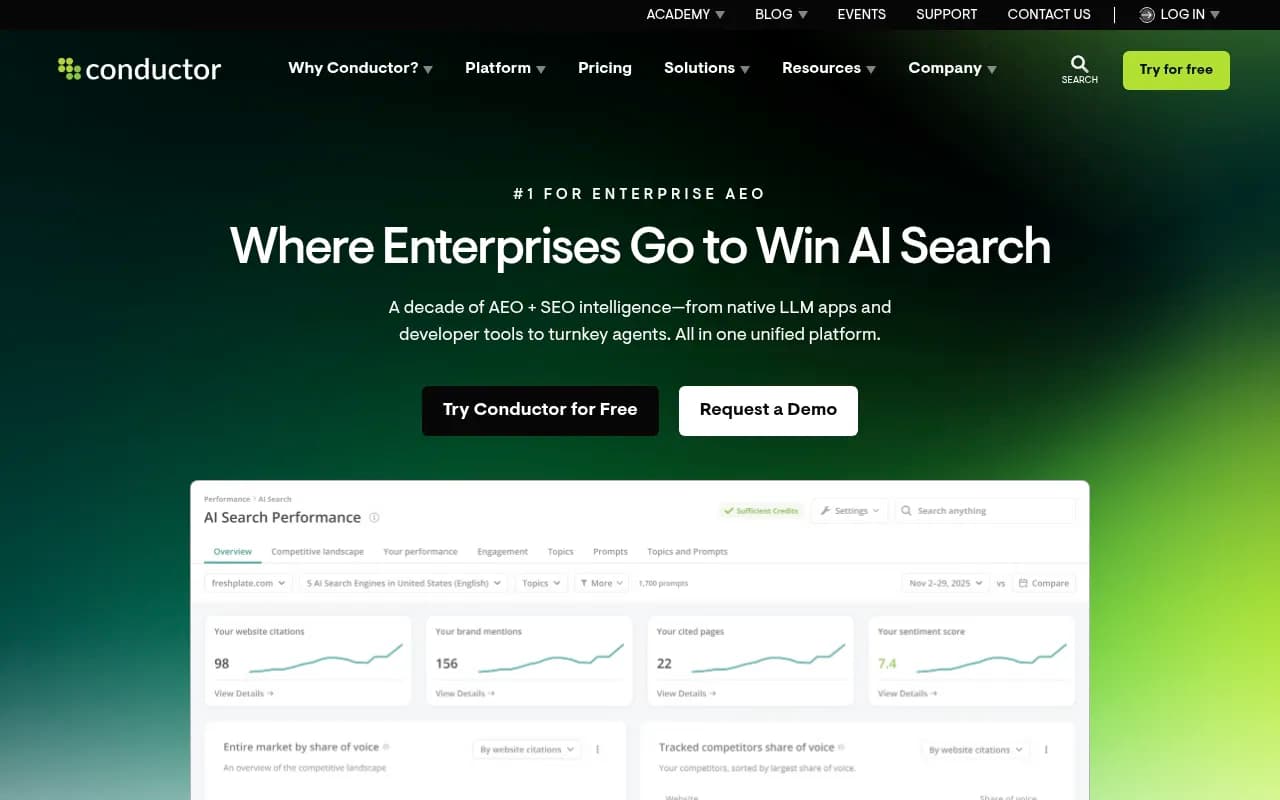
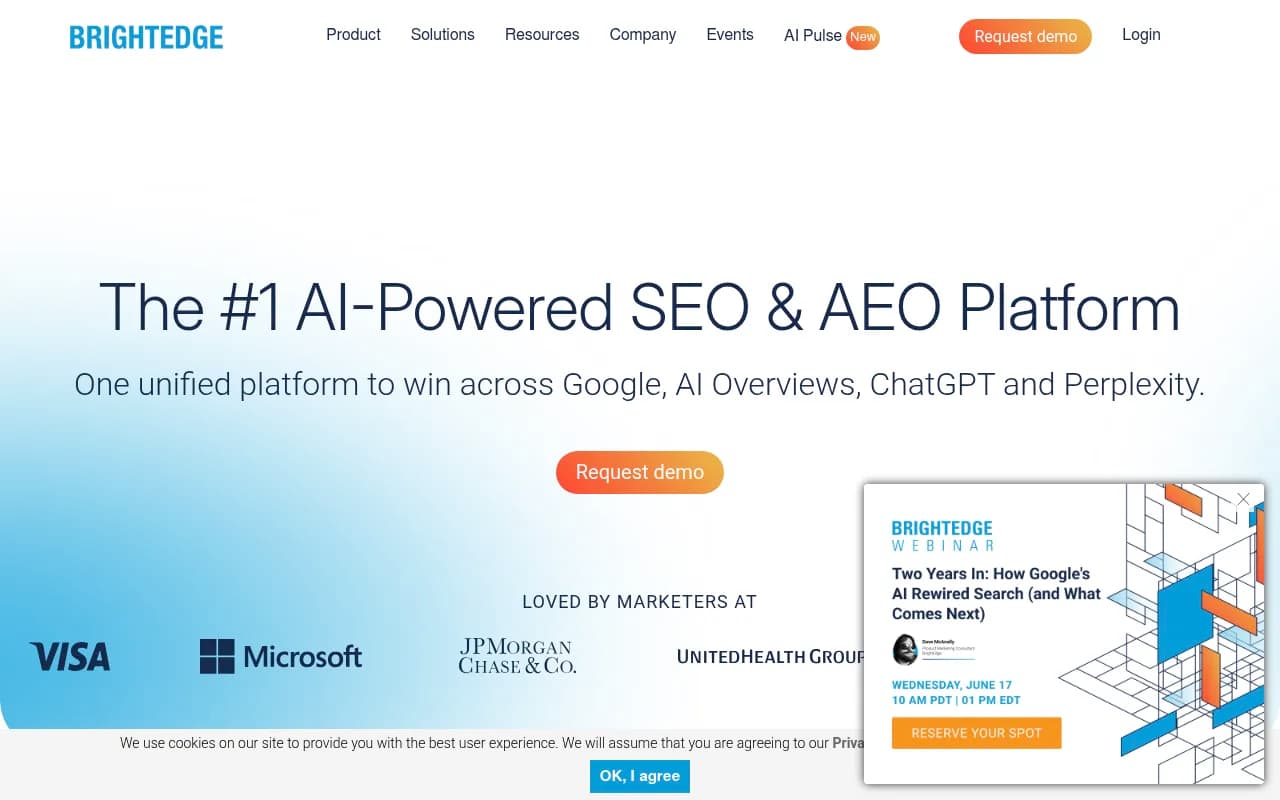
Conductor and BrightEdge are quote-priced and tend to suit large organizations with existing SEO contracts.
Comparison table
| Tool | Type | Local angle | Pricing signal | Best for |
|---|---|---|---|---|
| Promptwatch | GEO platform | City tracking on higher tiers, heatmaps, action workflow | From $95/mo, verify tier for city tracking | Teams that want to fix gaps, not just see them |
| Birdeye Search AI | Local AI visibility | Location-level tracking | Quote or plan-based, verify | Review-heavy multi-location brands |
| RadarKit | GEO tracker | Local business tracking, city qualification unclear | Verify | Small teams testing local |
| Semrush AI Visibility | SEO suite add-on | Limited prompt budget | $99/mo, 25 prompts | Existing Semrush users |
| Otterly.AI | Prompt tracker | Basic | $29 to $489/mo | Pilots and tight budgets |
| Scrunch AI | GEO platform | Broader prompt volume | From about $300/mo | Agencies with mid-size budgets |
| BrightLocal | Local SEO suite | Listings, reviews, AI visibility | Verify | Local SEO agencies |
| Conductor / BrightEdge | Enterprise | Varies | Quote-based | Large organizations |
How to run a fair trial
Vendor demos use the prompts that make the vendor look good. Do this instead.
- Pick 20 prompts that real customers would ask, with a mix of commercial, informational and branded intent.
- Choose two cities, one where you are strong and one where you are weak.
- Run the same prompts in each tool for a week.
- Check whether results differ between cities in a way that makes sense. If both cities return identical answers, location simulation may not be working.
- Compare the tools on the cost per tracked prompt-city pair, not the headline price.
- Check whether the output points to specific pages or actions.
A word on short queries. Promptwatch Data shows that ChatGPT's average query length fell from about 117 characters in early December to about 53 characters from April, with fewer fanouts per response. Shorter searches likely leave less room for location terms, though I found no data confirming how city names are handled. That is one more reason to test, not assume.
What the dashboard should show
Whatever tool you pick, a good local view has these pieces:
- Visibility or mention rate by location
- Position in the answer, since being listed last matters less than being named first
- Citations, split by your own pages, directories and review sites
- Sentiment by location, because one bad branch can drag perception
- Competitor comparison per city, since your rival in Chicago is not your rival in Phoenix
- Traffic or conversions from AI sources, where analytics allow
If you only see mention counts, you are looking at a prompt tracker, not a reporting tool.
Common mistakes
- Tracking every city with every prompt. Start with your top three markets.
- Trusting a blended score. Split by intent and by location.
- Ignoring the site itself. Location pages that are thin, duplicated, or blocked to AI crawlers will not get cited whatever the dashboard says.
- Paying for features you cannot use. If city tracking is on the Business tier and you are a single-location shop, country tracking plus a city name in the prompt may be enough.
For wider browsing, the GEO software directory at bestgeosoftware.com lists more options, and Promptwatch's data hub is worth checking for current citation research.
Bottom line
Pick the tool whose pricing makes sense at your real prompt-city count, whose location tracking is included in the plan you will actually buy, and whose reports tell you what to do next. Run the 20-prompt, two-city trial before signing anything, and keep the spreadsheet.