Key takeaways
- Technical SEO in 2026 has two audiences: Googlebot and Bingbot, plus AI crawlers like GPTBot, ClaudeBot and PerplexityBot. Your stack needs to cover both.
- Enterprise crawl platforms like Botify and BrightEdge handle scale. Semrush, Ahrefs and SE Ranking cover audits for most teams.
- Schema and internal linking are the two jobs where automation pays off most. InLinks and WordLift are built around them.
- Plain HTML still wins. Promptwatch Data found HTML makes up 99.94% of AI search citations, and markdown files only 0.05%.
- Check your logs. A provider that is large in the overall crawler mix but near zero in your logs usually means you are blocked.
What technical SEO actually means now
The old definition still holds. Technical SEO is making sure search engines can crawl, render, index and understand your pages. What changed is who is doing the crawling. Alongside Googlebot, your server now sees OpenAI, Anthropic, Perplexity, Mistral and Meta bots, and each one decides whether your content shows up in an AI answer.
Several of the agency guides I read while researching this make the same point: the classic audit (Screaming Frog, Ahrefs, a spreadsheet of errors) has not been replaced. It has been extended. NoGood's 2026 checklist says as much, noting that the audits we used to run are not a thing of the past, they just need adapting.
I will be upfront about one thing. "AI SEO" is a loose label. Some tools use machine learning to prioritize fixes, some generate schema with an LLM, some just wrap a normal crawler in a chat box. This guide sorts them by the job they do, not by the marketing.
The three jobs: crawling, schema, internal linking
Most technical SEO work falls into these buckets, and the right tool differs for each.
| Job | What it solves | Where AI helps | Tool types |
|---|---|---|---|
| Crawling and indexation | Discovery, orphan pages, errors, rendering, bot access | Prioritizing issues, log analysis, AI bot checks | Site crawlers, log analyzers, enterprise platforms |
| Schema and structured data | Machines understand what a page is about | Generating and validating markup at scale | Schema generators, entity tools |
| Internal linking | Link equity, topical relevance, crawl paths | Suggesting links and anchors from content similarity | Linking plugins, entity-based tools |
| AI crawler visibility | Whether AI systems can read and cite your pages | Verified bot logs, citation tracking | GEO platforms |
Crawling and site audits
Enterprise platforms
If you manage hundreds of thousands of URLs, a desktop crawler runs out of room. That is where enterprise platforms come in.
Botify is the one most technical SEO teams name first for large sites. It combines crawling with log file analysis and has moved toward AI search optimization for technical teams.
BrightEdge covers enterprise SEO with AI search intelligence layered on top. It is more of a program-management platform than a crawler, so it suits teams that want reporting and workflow in one place.
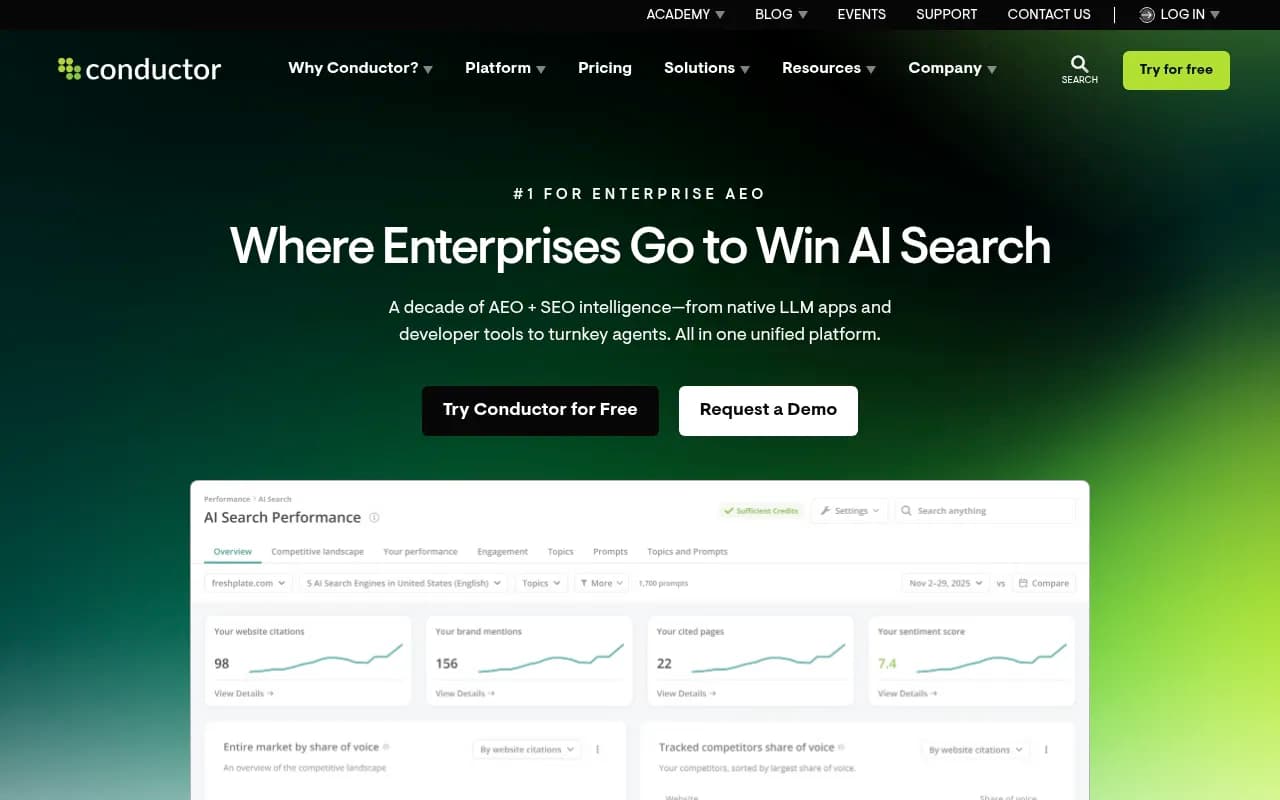
seoClarity (Clarity ArcAI) and Conductor sit in the same tier. All of these are quote-based, and in my experience the choice comes down to which sales team understands your CMS and your reporting needs.
All-in-one suites
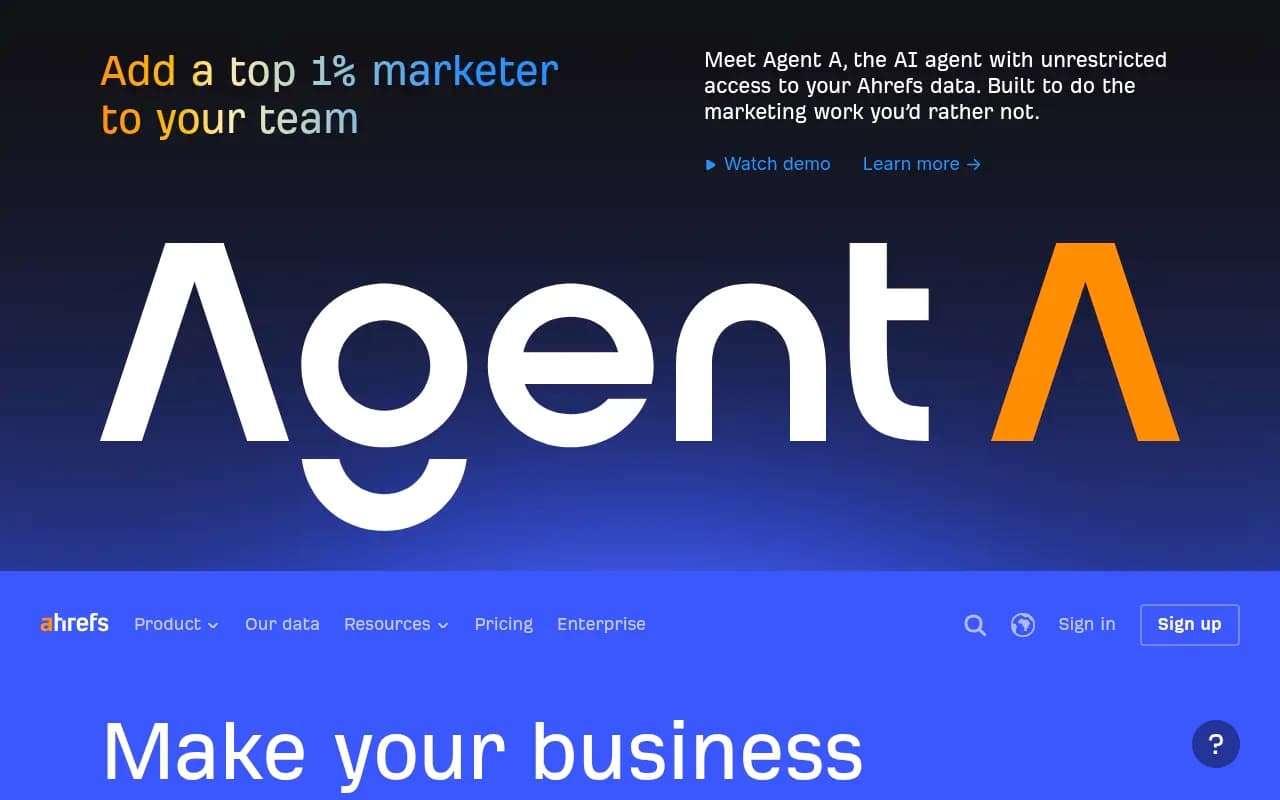
For most sites under a few hundred thousand pages, a suite audit is enough. Semrush and Ahrefs both run scheduled site audits, flag the usual problems (broken links, redirect chains, duplicate titles, missing canonicals) and add AI visibility tracking next to them.
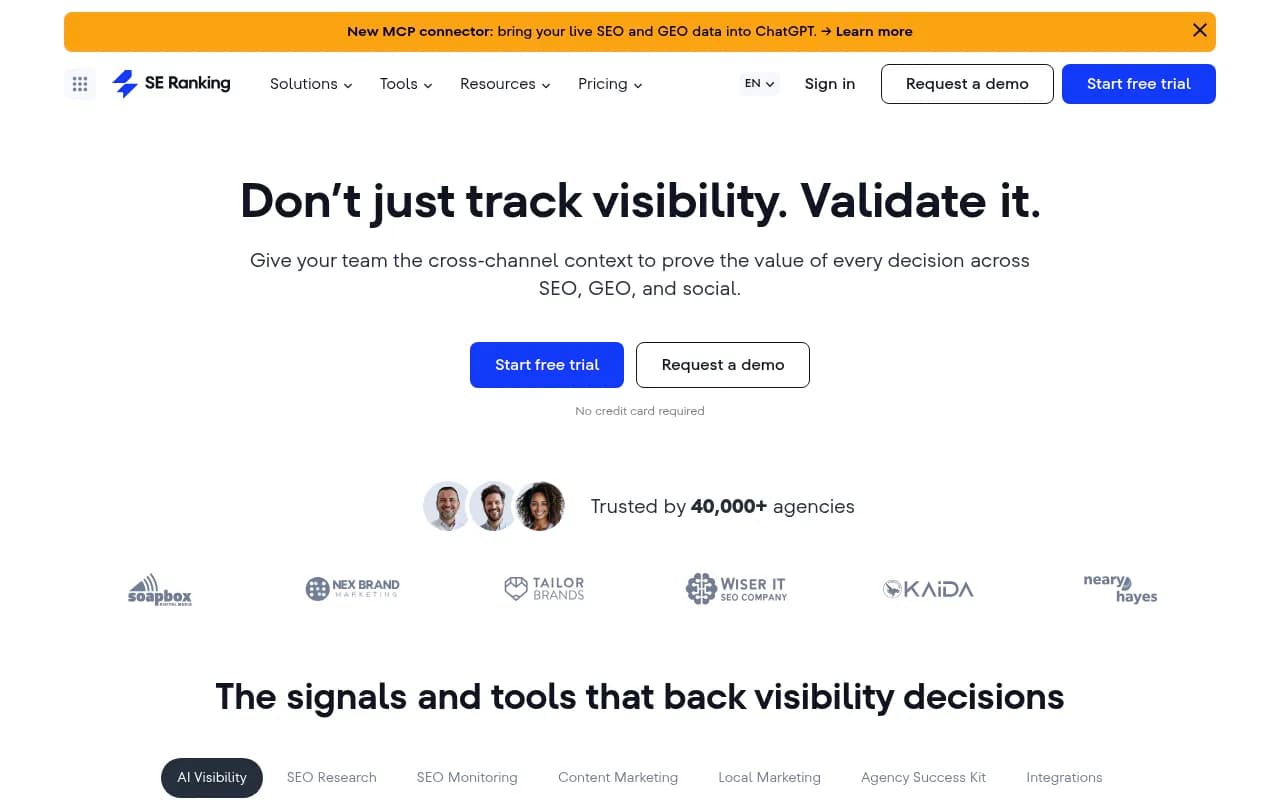
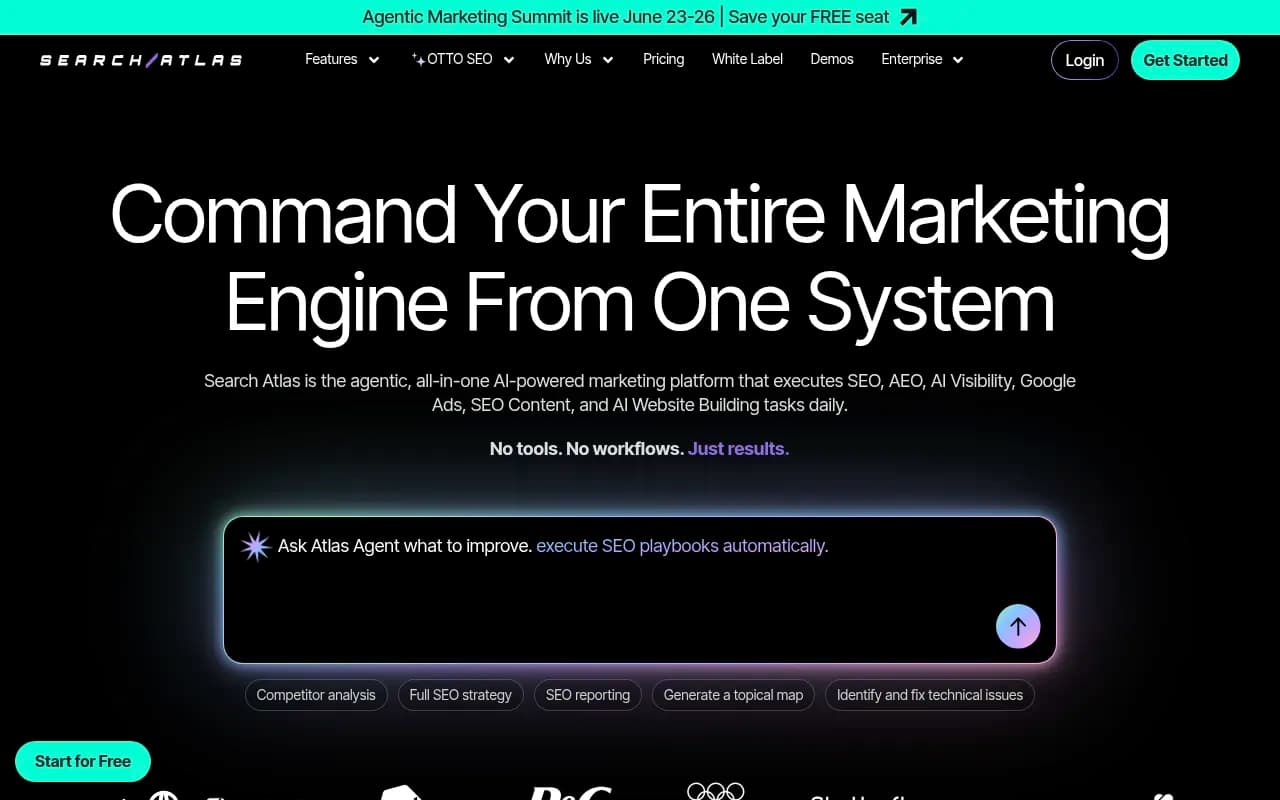
SE Ranking is the cheaper option with a similar audit scope, and it has an AI visibility add-on. Search Atlas bundles audits with automated on-page fixes, which appeals to teams without a developer on call.
A caution here. Suite audits give you long lists. They rarely tell you which three fixes matter this week. That is the gap the "AI-prioritized" features try to fill, and results vary. Treat the priority score as a starting point and sanity check it against traffic data.
Rendering and JavaScript
This is the problem I see most. A React or Next.js site looks fine in a browser and returns an empty shell to a bot that does not run JavaScript. Many AI crawlers do not execute scripts. eSEOspace's agency roundup flags JavaScript frameworks as the area most in-house teams struggle with, and Promptwatch Data gives the same advice in plainer terms: fix client-side rendering first, because a page retrieval systems cannot parse loses citations by being unreadable.
Quick test: fetch the page with curl and look at the raw HTML.
curl -A "GPTBot" -s https://example.com/your-page | head -100
If your main content is not in that output, an AI crawler probably cannot see it either.
For pulling clean page content from the rendered web at scale, Firecrawl is handy for custom audits and comparisons between raw and rendered output.

AI crawler access and logs
This is the layer traditional crawlers cannot show you. A site crawler tells you what a bot could find. Server logs tell you what bots actually requested.
Promptwatch Data tracked IP-verified AI crawler requests from June 8 to September 6, 2026. In the AI crawler traffic report, OpenAI made up 79.8% of verified requests in the week of Aug 31 to Sep 6, down from 94.8% in early June. Other providers are gaining share, so a robots.txt written for one bot is already out of date.
The report's advice is worth following:
- Check robots.txt, CDN and WAF rules for every major AI provider, not just OpenAI.
- Compare your own logs with the overall mix. A provider that is big overall but near zero in your logs probably means you are blocked or unreachable.
- Separate training crawlers from answer-time fetchers, since they behave differently and you may want different rules for each.
There is also a newer wrinkle. Meta-WebIndexer grew from about 2% to nearly 38% of tracked AI crawler requests between mid-July and August 9, 2026. If your firewall has an allowlist of known bots, it may be missing the fastest-growing ones.
Promptwatch is the tool I would reach for here, since its crawler logs are IP-verified (spoofed user agents are filtered out) and connect to Cloudflare, Vercel, Fastly and raw server logs. It also runs weekly site audits and links crawls to citations per page, so you can see whether a bot visit led anywhere.

Other options exist for the visibility side, including Profound, Scrunch and Peec AI, though they focus on tracking what AI says rather than the crawl layer. The GEO software directory at bestgeosoftware.com lets you compare more of them.
Schema markup and structured data
Schema does two things. It can earn rich results in Google, and it gives AI systems a cleaner read on what a page is. NoGood's checklist suggests matching schema type to site type: Product, Offer and Review for ecommerce, Organization, Service and FAQPage for B2B and lead generation.
One claim you will see in agency content is that structured data boosts AI citation probability by "up to 300%." That figure comes from an agency's own marketing, not a controlled study, so I would not plan around it. Schema is worth doing because it is cheap, accurate and helps Google. Treat any AI citation lift as a bonus you should measure yourself.
Tools for schema
WordLift builds a knowledge graph from your content and generates schema from it. It suits publishers with lots of articles and recurring entities.

InLinks takes an entity-based approach to both schema and internal linking. It reads your pages, identifies the entities, and writes JSON-LD for them. If you want one tool covering two jobs, this is the obvious pick.
On WordPress, Yoast and Rank Math handle the basics. A 1Digital Agency scorecard of CMS setups rated WordPress with Yoast or Rank Math at 4 out of 5 for schema, ahead of Webflow with Semrush (2) and Wix or Squarespace (2). That scorecard promotes its own product, WorkspaceCMS, which scored 5s across the board, so read it as a vendor opinion. The relative ranking of the common platforms still matches my experience.
A minimal schema example
Whatever tool you use, check the output. Generated markup is often too generic or wrong. A correct Organization block looks like this:
{
  "@context": "https://schema.org",
  "@type": "Organization",
  "name": "Example Co",
  "url": "https://example.com",
  "logo": "https://example.com/logo.png",
  "sameAs": [
    "https://www.linkedin.com/company/example"
  ]
}
Validate with Google's Rich Results Test and the Schema.org validator before you ship anything at scale. Do not mark up content that is not visible on the page.
Internal linking tools
Manual interlinking stops working somewhere around 500 URLs, which is the point the 1Digital Agency piece makes too. After that you need rules or suggestions, or links quietly rot as content changes.
There are two approaches:
- Suggestion tools that scan your content and propose links an editor accepts or rejects. Link Whisper (WordPress) is the common example, and Semrush and Ahrefs audits surface orphan pages and weak link targets.
- Entity or rules-based tools that apply links automatically across a site. InLinks does this, and some CMS platforms now offer declarative rules that re-run when content changes.
My view: fully automatic linking is fine for large catalog sites with repeating patterns, and risky for editorial content. Anchors chosen by software can read badly or point at the wrong page. For editorial sites, use suggestions and keep a human approving them.
Good internal linking audits ask four questions:
- Which important pages have fewer than three internal links pointing at them?
- Which pages sit more than four clicks from the homepage?
- Are there orphan pages missing from the sitemap?
- Do anchors describe the target page, or just say "click here"?
Promptwatch's site audit covers broken links, pages missing from the sitemap and orphaned pages, and its 360 Insights can show which pages rank in Google but never get cited by AI. That second view is a useful way to pick which pages deserve extra internal links first.
Core Web Vitals and performance
This stays on every checklist. 2POINT Agency's guide claims the March 2026 update cut the LCP threshold from 2.5 to 2.0 seconds and promoted INP to a full ranking signal. I could not confirm that against Google's own documentation, so check web.dev and Search Console for the current thresholds before you set targets.
Either way, the practical workflow is the same: field data from Search Console's Core Web Vitals report, lab testing with Lighthouse to find causes, and a developer ticket for each fix.
What not to bother with
- Markdown mirrors of your blog. Promptwatch Data found markdown files are 0.05% of AI search citations, versus 99.94% for HTML, roughly 2,000 to 1. Spend the effort on heading hierarchy, semantic markup and direct answers in HTML.
- Markdown does matter for developer docs, where Claude and OpenAI crawlers heavily request /docs/ .md files. Keep .md endpoints for documentation.
- Treating llms.txt as a ranking lever. Generate one if it is cheap, but do not expect it to move citations.
Comparison: which tool for which job
| Tool | Main job | Best for | Notes |
|---|---|---|---|
| Botify | Enterprise crawling and logs | Large sites, technical teams | Quote-based |
| BrightEdge | Enterprise SEO and AI search intelligence | Large marketing orgs | Quote-based |
| Semrush | Audits plus AI visibility | Most in-house teams | Suite pricing |
| Ahrefs | Audits, backlinks, Brand Radar | SEO generalists | Suite pricing |
| SE Ranking | Audits at lower cost | Small teams, agencies | Budget-friendly |
| InLinks | Entity schema and internal links | Content sites | Combines two jobs |
| WordLift | Knowledge graph schema | Publishers | Entity-heavy |
| Promptwatch | AI crawler logs, site audit, citations | Teams that need to see AI bot behavior | Free tier plus paid plans from $95/mo; confirm at promptwatch.com/pricing |
A practical order of operations
- Run a full crawl with your suite or enterprise tool. Fix status codes, canonicals and orphan pages.
- Test rendering with curl and a no-JavaScript fetch of your top 20 pages.
- Audit robots.txt, CDN and WAF rules for every major AI crawler. Our robots.txt thinking should be based on your real logs, not a copied template.
- Add or repair schema on templates first (product, article, organization), then validate.
- Fix internal links for your highest-value pages, then set up a recurring check.
- Watch logs and citations monthly. Fixes that do not change bot behavior or citations get revisited.
For more tools in adjacent categories, the directory at surferstack.com has reviews and comparisons across SEO software.
Do you need an agency?
Sometimes. Migrations, JavaScript rendering problems and very large sites are where outside help earns its fee. If you go that route, look for someone who tests against both Googlebot and AI crawlers and shows log evidence, not just audit PDFs. 1001 SEO Media runs technical SEO audits alongside AI search work, and is the team behind this site, so weigh that disclosure however you like.
Bottom line
Pick tools by job. A suite or enterprise crawler for audits, an entity or schema tool if markup is a bottleneck, a linking tool you trust with human review, and something that shows real AI bot behavior from your logs. The crawl and rendering fundamentals come first, and most AI visibility problems I have seen trace back to a page a bot could not fetch or read.