Key takeaways
- Migrating away from Hall AI is an opportunity to build a more complete stack, not just swap one tracker for another
- Most replacement tools fall into two camps: monitoring-only dashboards and full optimization platforms -- know which you need before you commit
- Your first step is a visibility audit to understand your baseline before switching tools
- Content gap analysis and AI crawler data are the two capabilities most teams discover they were missing
- A good migration takes 2-4 weeks; rushing it means you lose the baseline data you need to measure progress
If you were using Hall AI for brand monitoring in AI search engines, you already know the situation. The tool is gone, your dashboards are dark, and you're now staring at a gap in your stack right when AI search visibility has never mattered more.
The good news: the migration is more straightforward than it feels right now. The bad news: if you just grab the first replacement you find and replicate what you had, you'll probably end up with the same blind spots you had before -- just with a different logo on the dashboard.
This guide walks through the migration in order. What to audit first, what to look for in a replacement, and how to rebuild a stack that actually moves the needle.
Step 1: Audit what you actually had (before you replace anything)
Before you sign up for anything new, spend a day documenting what Hall was giving you. This sounds obvious, but most teams skip it and end up buying a replacement that covers 60% of their old workflow.
Pull together answers to these questions:
- Which AI models were you tracking? (ChatGPT, Perplexity, Gemini, etc.)
- What prompts were you monitoring? Were they branded, unbranded, or both?
- Were you tracking citations -- the specific URLs AI models were pulling into responses?
- Did you have any competitor visibility data, or just your own brand?
- Were you getting any traffic or revenue attribution from AI sources?
Write this down. It becomes your requirements list for evaluating replacements.
One thing Wil Reynolds made a good point about in a recent video on GEO strategy: too many teams jump straight to "what prompts should I track?" without first asking whether their customers are even using AI search in meaningful numbers for their category. Before you rebuild, check that assumption. If your audience skews toward industries or demographics that are heavy AI users, your visibility stack matters a lot. If they're not, you might be over-investing.
Step 2: Understand the two types of replacement tools
The market for AI visibility tools has grown fast, and the tools are not all doing the same thing. They roughly split into two categories:
Monitoring-only tools
These show you where you appear (or don't appear) in AI responses. They track brand mentions, citation counts, and share-of-voice across models. They're useful for reporting and for knowing your current state.
The limitation: they tell you what's happening but not what to do about it. If your visibility drops, you get an alert. You still have to figure out why and fix it yourself.
Optimization platforms
These go further. They show you the gaps -- which prompts competitors are visible for that you're not -- and then help you create content to close those gaps. They also track whether the new content gets crawled and cited, so you can connect actions to outcomes.
The honest question to ask yourself: do you need a monitoring dashboard, or do you need something that helps you actually improve? Most teams that are serious about AI search visibility need the second thing, even if they think they just need the first.
Step 3: Map your requirements to tool categories
Here's a practical comparison of the main replacement options worth considering, organized by what they actually do:
| Tool | AI models tracked | Content generation | Crawler logs | Competitor analysis | Best for |
|---|---|---|---|---|---|
| Promptwatch | 10+ (ChatGPT, Perplexity, Gemini, Claude, Grok, etc.) | Yes (Content Agents) | Yes | Yes (heatmaps) | Teams that want to monitor AND optimize |
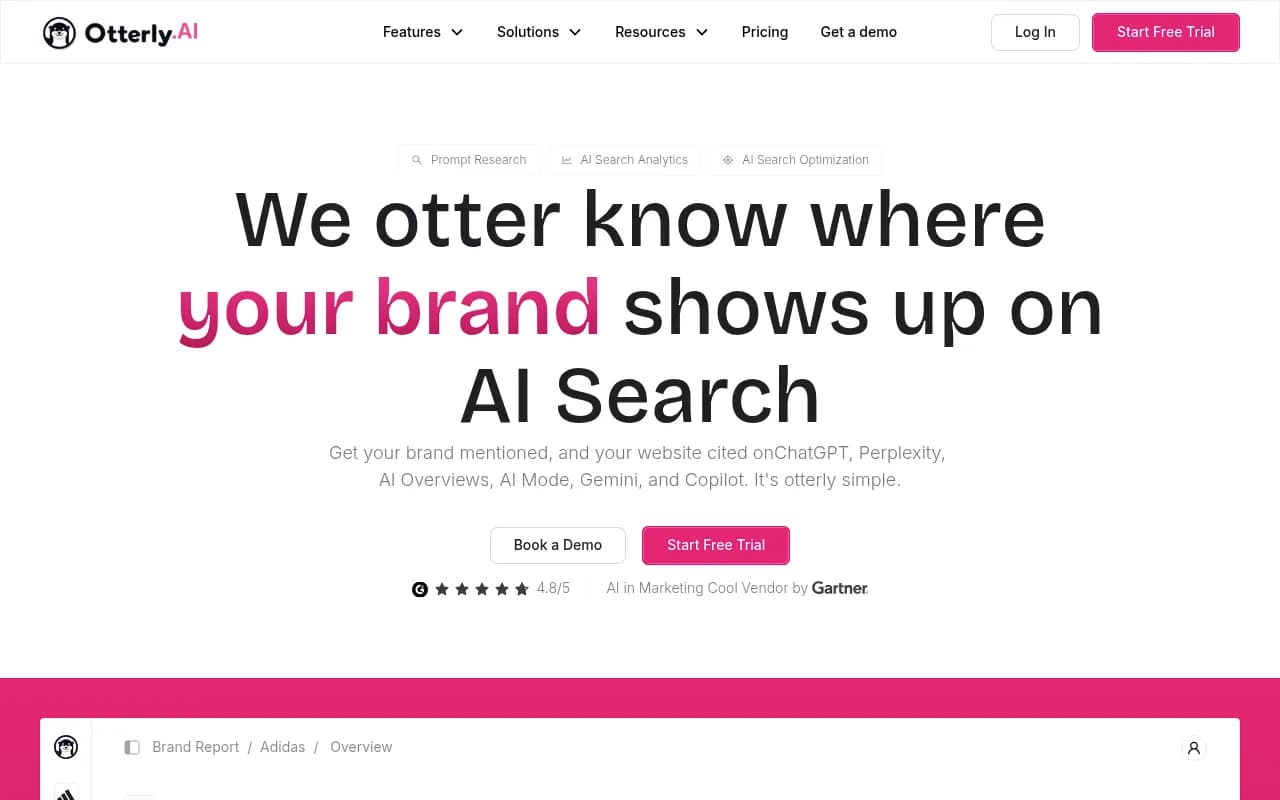
| Otterly.AI | Several | No | No | Basic | Budget monitoring |
| Peec AI | Several | No | No | Limited | Simple brand tracking |
| AthenaHQ | Several | No | No | Yes | Monitoring-focused teams |
| Scrunch AI | Several | No | No | Yes | Agencies tracking multiple brands |
| Profound | Several | No | No | Yes | Enterprise monitoring |
| SE Ranking | Several | Limited | No | Yes | SEO teams adding AI tracking |
| Ahrefs Brand Radar | Several | No | No | Yes | Teams already on Ahrefs |
| Semrush AI Toolkit | Several | Limited | No | Yes | Teams already on Semrush |
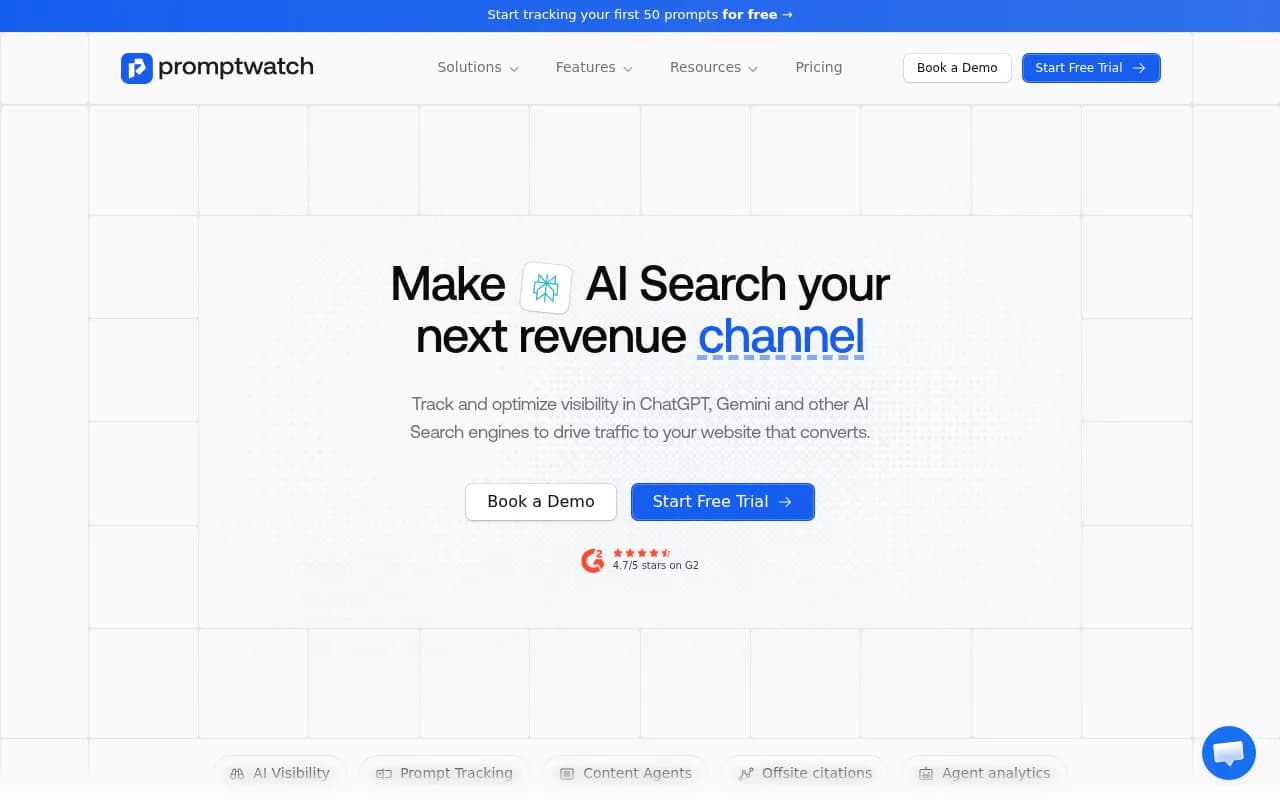
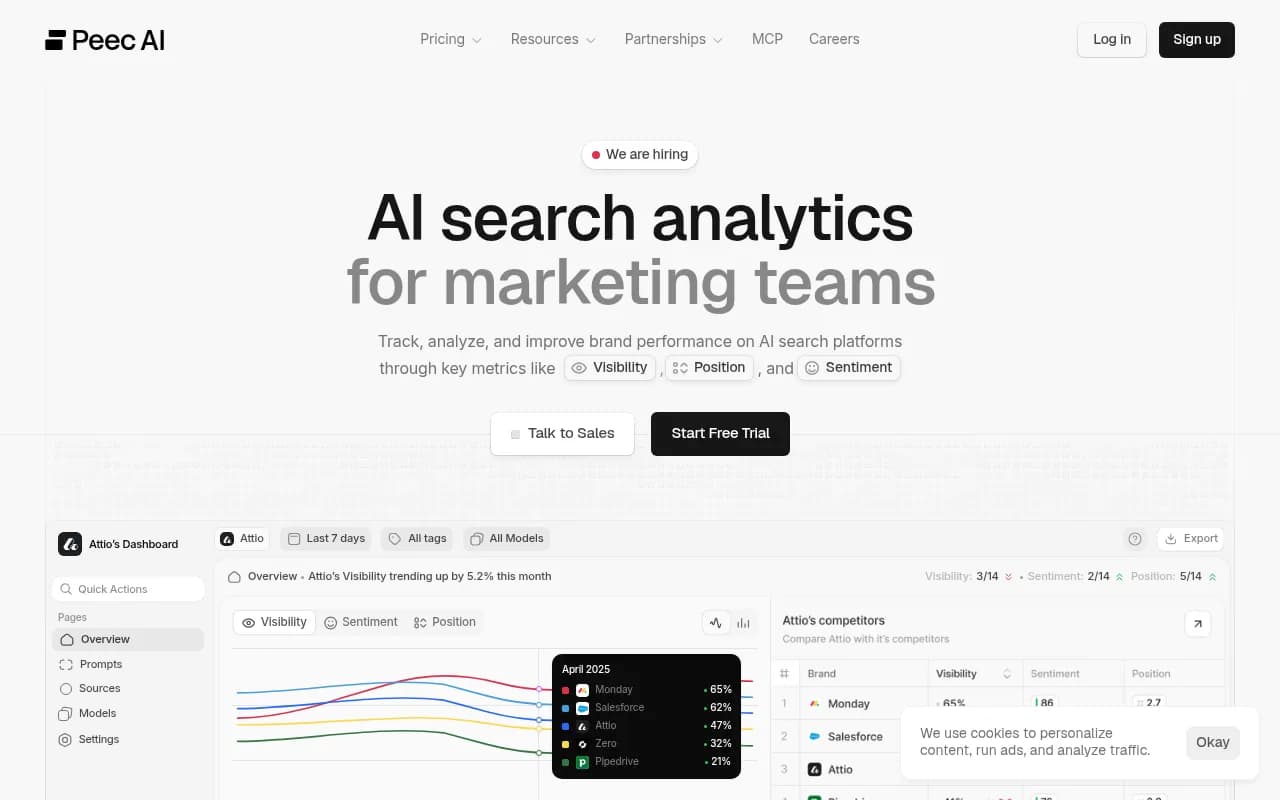
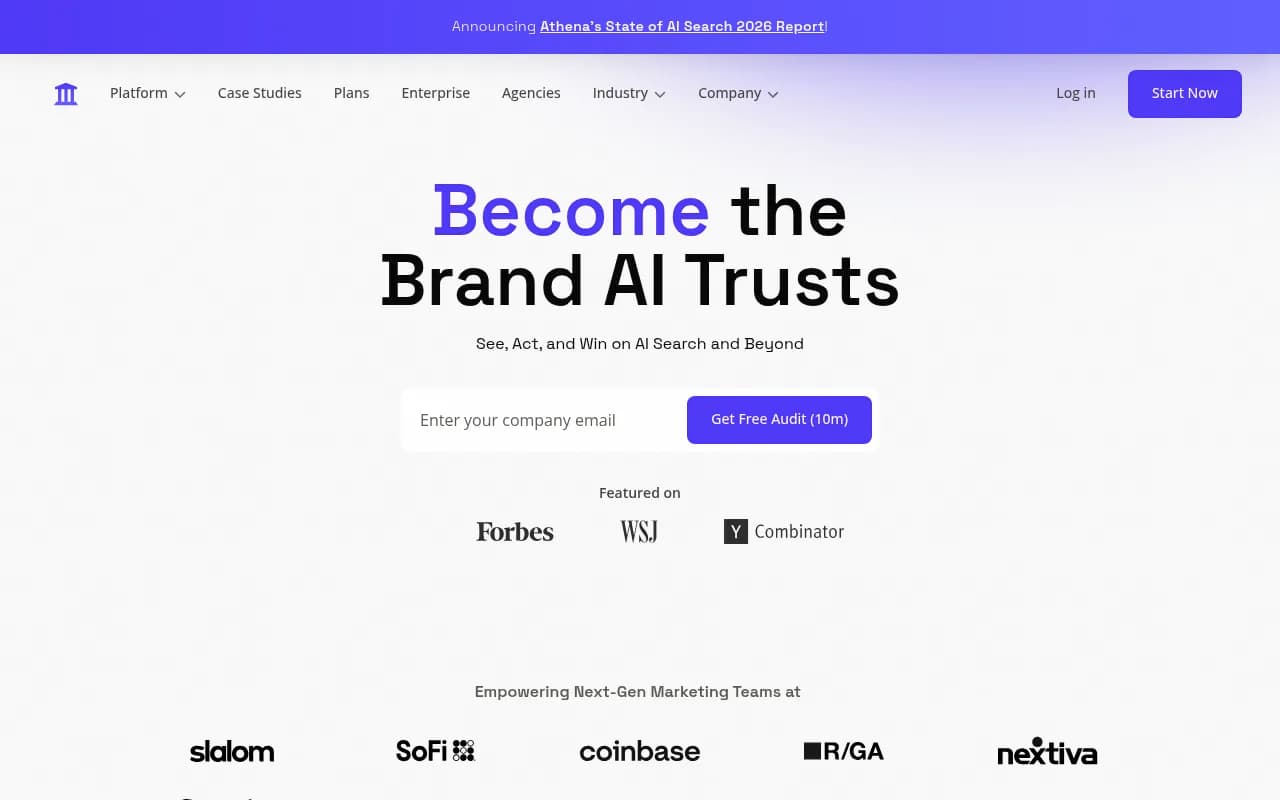
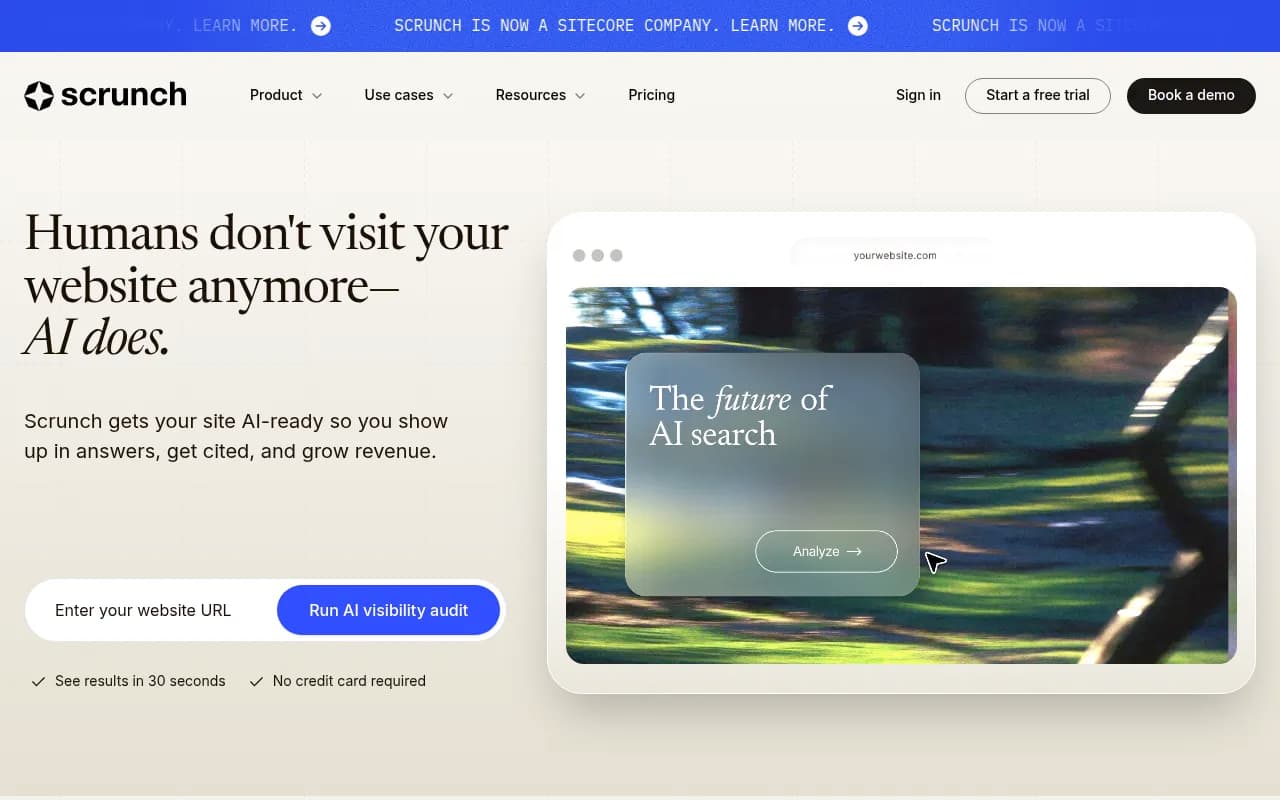
The key column to look at is "Crawler logs." This is one of the most underrated capabilities in the category. Crawler logs show you when AI agents (ChatGPT's crawler, Perplexity's bot, etc.) are actually visiting your pages, which pages they read, and whether those visits lead to citations. Without this, you're guessing at why your visibility is or isn't improving. Very few tools offer it.
Step 4: Set up your baseline before you do anything else
This is the step most people skip, and it's the one that matters most for measuring whether your migration worked.
On day one with your new tool, run a full visibility snapshot:
- Your current citation rate across the AI models you care about
- Which of your pages are being cited, and for which prompts
- Your share of voice versus your top 3 competitors
- Which prompts you're completely absent from
Save this data somewhere outside the tool itself (a spreadsheet is fine). This is your before picture. In 60-90 days, you'll compare against it to see whether your new stack is actually moving things.
If you skip this step and just start optimizing, you'll have no way to know whether what you're doing is working.
Step 5: Rebuild your prompt tracking list
Hall's prompt library doesn't transfer to a new tool automatically. You need to rebuild it, and this is actually a good opportunity to do it better than you had it before.
Most teams track too many branded prompts and not enough unbranded ones. Branded prompts ("what is [your brand]?") are easy wins but they don't reflect how most buyers actually use AI search. Buyers are asking things like "best project management software for remote teams" or "which CRM integrates with HubSpot" -- and they're getting answers before they've ever heard of you.
Build your prompt list in three tiers:
Tier 1: Branded prompts. Your brand name, your product names, your key executives. These are your baseline reputation signals.
Tier 2: Category prompts. The questions buyers ask when they're in your category but haven't decided on a vendor yet. These are where you win or lose deals before they ever reach your sales team.
Tier 3: Problem prompts. The questions buyers ask before they even know they have a category. "How do I reduce customer churn?" is a problem prompt. If you sell churn-reduction software, you want to be cited here.
Most teams are heavy on Tier 1 and light on Tiers 2 and 3. Flip that ratio.
Tools like Promptwatch include prompt volume estimates and difficulty scores, which helps you prioritize which prompts are actually worth tracking and optimizing for -- rather than building a list of 200 prompts and treating them all equally.
Step 6: Run a content gap analysis
Once your tracking is set up, the next question is: why are you invisible for the prompts that matter?
Usually it's one of two things:
- You don't have content that answers the question
- You have content, but it's not structured in a way AI models can extract and cite
A content gap analysis maps your current content against the prompts where competitors are visible and you're not. It shows you exactly which topics you need to cover and, often, what angle to take.
The research from 2X Marketing's CMO webinar series is worth noting here: their analysis of 70 B2B companies found that companies with solid site structure and search performance were still invisible inside generative engines. Strong SEO rankings don't automatically translate to AI citations. The content requirements are different.
For AI visibility, the content that gets cited tends to:
- Answer specific questions directly, not bury the answer in paragraphs
- Use Q&A formatting that AI models can extract cleanly
- Demonstrate E-E-A-T signals (experience, expertise, authoritativeness, trustworthiness) through specific claims, not vague assertions
- Cover topics with enough depth that AI models treat the page as a reliable source
If you want help generating content that's specifically engineered for AI citation, tools like AirOps or the Content Agents inside Promptwatch can help you move faster than writing everything from scratch.
Step 7: Fix your technical signals
Content is the bigger lever, but technical signals matter too. A few things to check:
Schema markup. AI models use structured data to understand what your pages are about. FAQ schema, HowTo schema, and Organization schema all help. The key is using schema where it actually reflects the content on the page -- not stuffing it in as a signal hack.
Entity clarity. AI models build a picture of what your brand is, what it does, and who it serves. If your website, your Wikipedia entry (if you have one), your LinkedIn company page, and your press coverage all tell slightly different stories, that confusion shows up in how AI models describe you. Audit your entity signals and make them consistent.
Page speed and crawlability. AI crawlers behave differently from Googlebot, but they still need to be able to access your pages. Check your robots.txt to make sure you're not accidentally blocking AI crawlers. Check your Core Web Vitals. Pages that load slowly or have crawl errors get cited less.
If you're on Cloudflare, Fastly, or Vercel, some platforms let you connect directly to get real-time crawler log data, which is more reliable than trying to infer crawler behavior from analytics.
Step 8: Set up offsite monitoring
Your AI visibility isn't just about your own website. AI models cite Reddit threads, YouTube videos, third-party review sites, listicles, and industry publications. If those sources say negative things about you -- or don't mention you at all -- that shapes what AI models say about you.
Map out where AI models are pulling citations from in your category. Then ask:
- Are you mentioned in the listicles and comparison articles that AI models cite?
- Are there Reddit threads about your category where you're absent?
- Are there YouTube videos that AI models pull from where you could create content?
Getting into these external sources is slower work than optimizing your own site, but it's often the difference between being cited occasionally and being cited consistently.
Tools like Respona can help with outreach to get your brand mentioned in the external sources that matter.
Step 9: Connect visibility to revenue
The final piece of the stack -- and the one most teams don't have -- is attribution. You need to know whether your AI visibility is actually driving traffic and revenue, not just citation counts.
This is harder than it sounds. AI search doesn't always pass referral data cleanly. Direct traffic often includes AI-referred visits that look like they came from nowhere. But there are ways to get signal:
- Track direct traffic trends alongside your AI visibility scores. If both move together, that's a reasonable proxy.
- Use UTM parameters on any content you publish specifically for AI visibility, so you can see if those pages drive conversions.
- Look for "dark social" patterns: increases in branded search, increases in direct traffic, increases in demo requests that don't have a clear referral source.
Some platforms are building more direct attribution into their products. Promptwatch, for example, connects crawler logs to citation data to traffic patterns, so you can trace the path from "AI crawler visited this page" to "this page is now being cited" to "traffic from AI sources increased." That kind of end-to-end view is rare but genuinely useful.
Choosing your replacement: a practical recommendation
If you were using Hall primarily for basic brand monitoring and you don't have a large team or budget, Otterly.AI or Peec AI are reasonable starting points. They're affordable and cover the basics.
If you were using Hall as part of a serious AI search strategy -- tracking competitors, informing content decisions, reporting to leadership -- you need something with more depth. The gap between monitoring-only tools and optimization platforms is real, and it shows up in results.
Promptwatch is the most complete option in the market right now. It's the only platform that covers the full loop: find the gaps, generate content to fill them, track whether it works. The crawler logs alone are worth it if you're trying to understand why certain pages get cited and others don't.
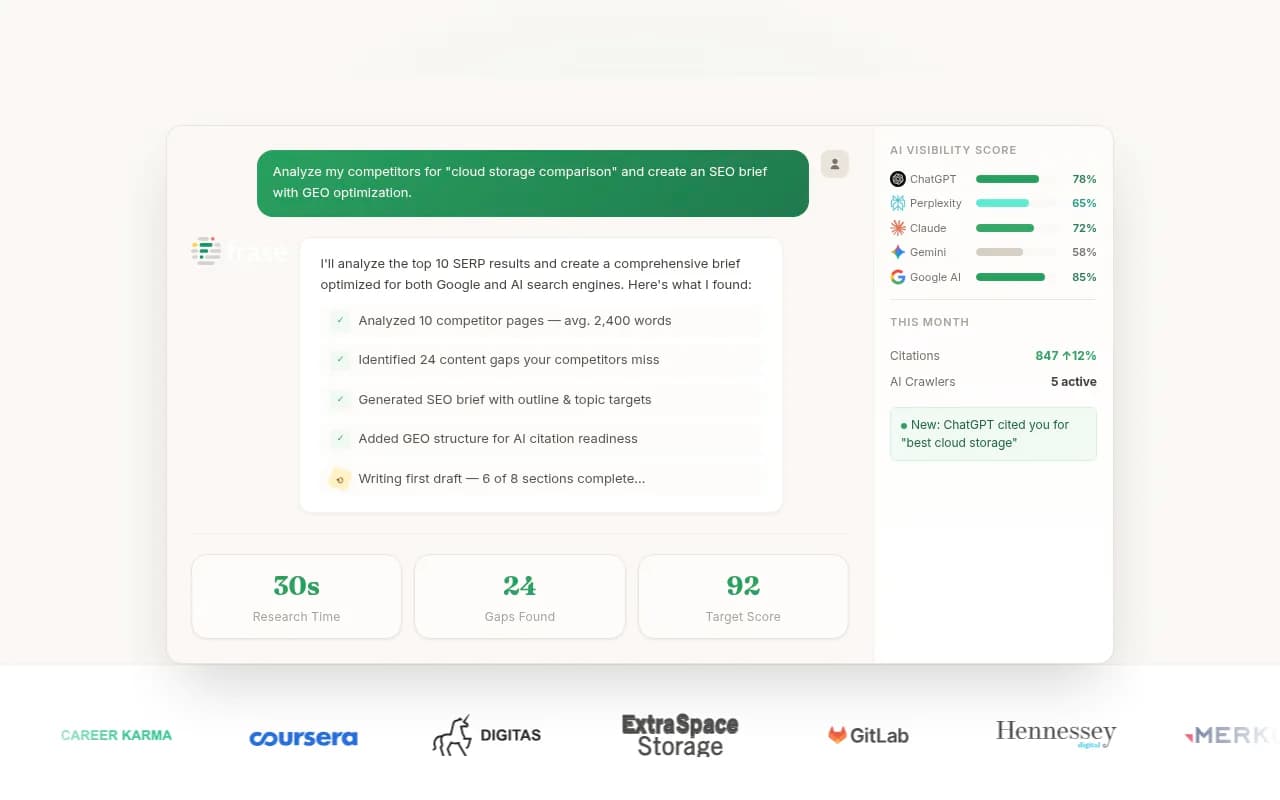
For teams that want to add content optimization on top of their tracking, pairing a monitoring tool with something like Clearscope or Frase for content optimization is a reasonable approach.

Migration timeline
Here's a realistic schedule for getting your new stack operational:
| Week | What to do |
|---|---|
| Week 1 | Audit what Hall was giving you. Document your prompt list, models, and reporting needs. |
| Week 1-2 | Evaluate and select replacement tools. Sign up for trials, not annual plans yet. |
| Week 2 | Set up your new tool, rebuild your prompt list, run your baseline snapshot. |
| Week 3 | Run your content gap analysis. Identify the top 5-10 prompts where you're invisible but should be visible. |
| Week 4 | Start creating or optimizing content for those gaps. Fix any technical issues found in the audit. |
| Week 6-8 | Check whether AI crawlers are picking up your new content. |
| Week 10-12 | Compare against your baseline. Measure citation rate, share of voice, and traffic attribution. |
The migration itself takes about two weeks. Seeing results from the content work takes 6-12 weeks, depending on how quickly AI crawlers discover and start citing new pages.
The bigger picture
Losing Hall is disruptive, but it's also a forcing function to think more carefully about what you actually need from an AI visibility stack. Most teams were using it as a monitoring tool -- a way to check a box and report a number. That's not enough anymore.
The brands that are winning in AI search right now aren't just tracking their visibility. They're running a continuous loop: find where they're invisible, create content to fix it, track whether it works, repeat. That loop requires tools that go beyond dashboards.
Use this migration as the moment to build that loop properly, not just to restore what you had.