Key takeaways
- A lean team needs roughly six layers: an AI assistant, one research suite, one content optimizer, one technical crawler, Google Search Console, and one AI visibility tool. Most other things are duplication.
- Measure before you generate. A content tool with no visibility monitor means you are publishing into a void.
- Product pages, landing pages, listicles and docs earn most ChatGPT citations, so spend effort there before spending on volume.
- Check crawler access (robots.txt, CDN, WAF) before buying anything. A blocked site can't be cited, whatever tool you own.
- Skip overlapping suites, bulk article spinners, and anything you won't open weekly.
The problem with most AI SEO stacks
I've looked at a lot of stacks lately, and the pattern is boring and consistent. A team buys a writing tool, then a second one, then an SEO suite, then a monitor, and ends up with six logins and no idea which one moved a number.
The research I pulled for this guide agrees on the shape of the fix, from different directions. Business Boomer says most lean growth teams need one AI assistant, one research platform, one content workflow, one technical crawler and clean analytics. Justin McKelvey splits everything into tools that generate content and tools that measure visibility, and argues most businesses overspend on the first and underspend on the second. I think both are right.
So this guide is organized by job, not by brand. For each layer you get a default pick, a cheaper option, and what to ignore.
The six layers of a lean stack
| Layer | Job | Sensible picks | Skip if |
|---|---|---|---|
| AI assistant | Analysis, outlines, drafting help | ChatGPT or Claude | You already pay for one |
| Research suite | Keywords, competitors, backlinks | Semrush, Ahrefs, SE Ranking | You pay for two of them |
| Content optimization | Briefs and on-page scoring | Surfer SEO, Frase, NeuronWriter | Your bottleneck is topic choice, not polish |
| Technical crawler | Site health, broken links, indexability | Screaming Frog, plus audits inside your suite | Site is under a few hundred pages |
| Ground truth analytics | Real clicks, queries, indexing | Google Search Console, Bing Webmaster Tools | Never skip |
| AI visibility | Mentions, citations, AI traffic | See below | You haven't measured for a free month yet |
That is it. Six rows. If your stack has a seventh and eighth, ask what job they do that the first six don't.
Layer 1: One AI assistant
Pick ChatGPT or Claude and get good at it. You use it for clustering keywords, turning Search Console exports into themes, drafting outlines, rewriting weak sections, and checking your own claims. It isn't a ranking tool. It's a thinking tool.
The mistake here is paying for three assistants plus an SEO writing tool that wraps one of them. Choose one, and spend the saved money on measurement.
Layer 2: One research suite
This is where most overlap lives. Semrush, Ahrefs and SE Ranking all do keyword research, competitor gaps, backlinks and rank tracking, and all three now bundle some form of AI visibility tracking.
Semrush is the broadest all-in-one.
Ahrefs is the favorite for backlink data and has Brand Radar for AI mentions.
SE Ranking is often the cheaper way to get classic SEO and AI visibility in one place.
Pick one. If you already run Semrush or Ahrefs, their built-in AI tracking is the lowest-friction win, and paying for a second research suite just to compare numbers is waste. Pricing changes often (one roundup lists Semrush plans from $139 to $549 a month as of August 2026), so confirm on the vendor page before you commit.
Layer 3: One content optimization workflow
Content optimizers score your draft against what already ranks. They are good at one thing: making a decent draft more complete. They are bad at telling you whether you should write the page at all.
The realistic options:
- Surfer SEO for a live editor with NLP and entity targets, plus some AI visibility monitoring.
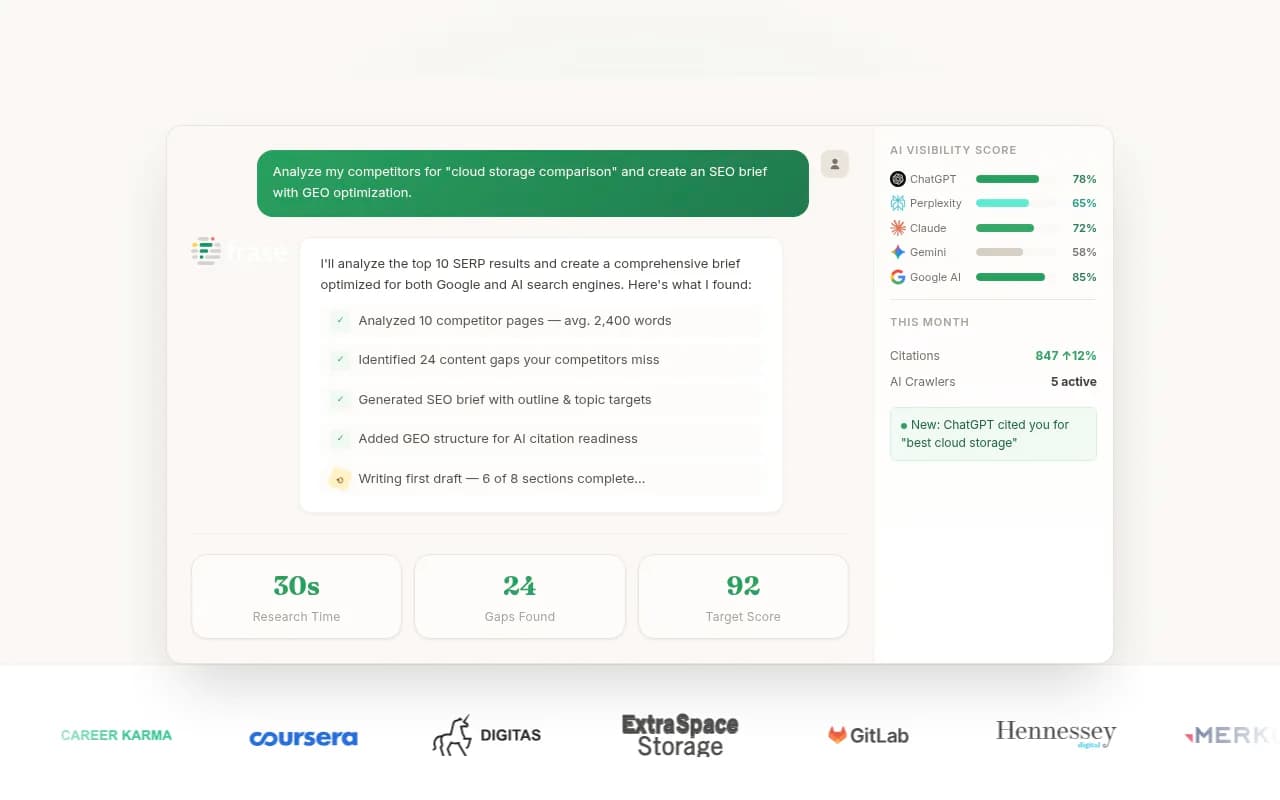
- Frase for research, briefs, optimization and drafting in one interface. It can feel busy, and you still need judgment.
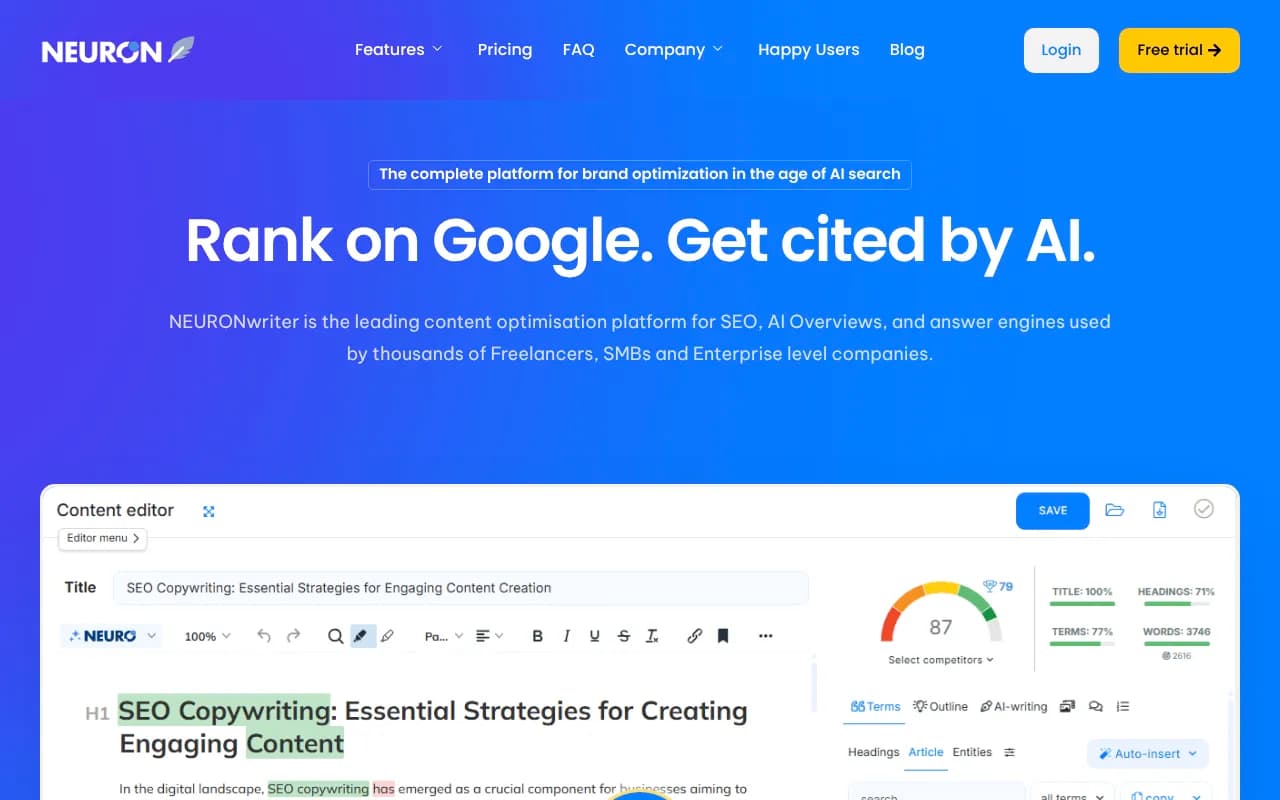
- NeuronWriter as the budget play, and a good one for content refreshes.
- Clearscope or MarketMuse if you have a bigger editorial operation. MarketMuse's topical planning pays off with a real hub-and-spoke strategy, but smaller teams may find the overhead higher than the benefit.


One tip from the Technova comparison I agree with: run a two-week trial on a real article and measure editing time, not output. A tool that produces 2,000 words in a minute and costs you an hour of cleanup hasn't saved anything.
What to skip here
Bulk article generators such as Article Forge, Autoblogging.ai and similar autopilot tools. If your topic map is wrong, volume just helps you publish the wrong things faster. The exception is a measured, reviewed workflow where the content is grounded in visibility gaps (more on that below).
Layer 4: One technical crawler
Screaming Frog is the default for a reason. It finds broken links, redirect chains, orphaned pages, missing titles and canonical problems. Run it monthly. Your research suite's built-in site audit covers much of this for smaller sites, so you may not need a separate crawler at all.
There is a second technical question that matters more in 2026: can AI crawlers reach you? Promptwatch Data's AI crawler traffic report tracked IP-verified requests from June 8 to September 6, 2026. OpenAI made up 79.8% of verified requests in the week of August 31 to September 6, down from 94.8% in early June, so the mix is shifting. The report's advice is simple: check robots.txt, CDN and WAF rules for each major AI crawler, and compare your own logs to that mix. If a provider is large in the chart but near zero in your logs, you may be blocking it.
This is a five-minute check with a real chance of being the most valuable thing in this guide. Do it before you buy a monitor.
Layer 5: Search Console and Bing Webmaster Tools
Free, and still the closest thing to ground truth. Search Console shows which queries and pages get clicks, and it's where long, prompt-shaped queries show up in your data. Bing Webmaster Tools matters because Bing's index feeds parts of ChatGPT's search behavior, and IndexNow gives you free instant indexing pings to Bing and a few other engines.
What about llms.txt? Many roundups call it essential. I'd hedge. Promptwatch's markdown in AI search report found markdown files are just 0.05% of AI search citations, which suggests markdown serves AI agents rather than AI search. A generator takes minutes, so it's harmless to create one, but don't expect it to move citations. Spend your time on the pages themselves.
Layer 6: AI visibility measurement
This is the layer most teams either skip or overbuy. It exists to answer one question: when someone asks ChatGPT, Gemini, Perplexity or Google AI Overviews about your category, do you show up, and does it send anyone to your site?
There are three tiers worth thinking about.
| Tier | Examples | What you get | Fits |
|---|---|---|---|
| Bundled in your suite | Semrush, Ahrefs Brand Radar, SE Ranking | Basic prompt tracking next to classic SEO | Teams who already pay for the suite |
| Cheap monitors | Otterly.AI, Peec AI, LLMrefs, Airefs | Mentions and citations across models | Founders who want a dashboard for tens of dollars a month |
| Optimization platforms | Promptwatch, Profound | Tracking plus analysis of why you're missing | Teams ready to act on gaps |
Otterly.AI sits at the affordable end (one roundup lists it from $29 a month).



Promptwatch is the one I'd point to when you want to go beyond "was I mentioned." It tracks real ChatGPT, AI Overviews, Gemini and Perplexity interfaces, shows IP-verified AI crawler logs, ties AI traffic to your site, and has a Content Agent and Action Board that turn gaps into publishing work. Plans start around $95 a month, with a free Explore tier, so confirm current pricing at promptwatch.com/pricing. It's also the platform 1001 SEO Media uses for client AI visibility work.

Measure for a month on a free tier or trial first. Then buy against the gaps you actually see.
What the data says to prioritize
A stack is only useful if it points you at the right pages. Promptwatch's ChatGPT citation share by content type report (September 28 to October 4, 2026) is a handy guide:
| Content type | Share of ChatGPT citations |
|---|---|
| Product pages | 22.4% |
| Landing pages | 16.8% |
| Listicles | 13.6% |
| How-tos | 8.7% |
| Documentation | 7.5% |
| Comparisons | 5.9% |
| News | 5.7% |
For commercial prompts like "best CRM for small businesses," product pages, landing pages, listicles and comparisons make up almost 70% of citations. The practical read: your product and landing pages are your most important AI content, and being included in third-party "best of" roundups matters as much as your own blog. The report also suggests keeping docs public, collecting reviews on trusted sites, and adding an FAQ page.
Durability matters too. Promptwatch's content half-life study found landing pages and docs stay cited longest, while news pages lost half their citations within about 36 days. Don't build your lean strategy around news-style posts.
A note on social. Promptwatch Data shows reddit.com's share of ChatGPT citations fell from about 4% to 0.5% on August 14, 2026, and ChatGPT drew just 0.46% of citations from social platforms versus 12.2% for AI Overviews in the week of September 28 to October 4. Reddit still matters for AI Overviews, but a lean team shouldn't build a ChatGPT plan around it.
Close the loop (this is the part tools skip)
Generators create output without knowing whether AI engines cite it. Monitors show gaps without helping you fill them. The McKelvey piece calls this the missing loop, and it's the best framing I found.
A manual loop that works for a small team:
- Pull the prompts where competitors appear and you don't.
- Decide which page should answer each one: an existing product page, a comparison, an FAQ, or something new.
- Fix or write it with your assistant and your optimizer, with a human reviewing facts.
- Make sure crawlers can reach it, and ping IndexNow.
- Re-measure after 30 days, and keep or kill the tactic.
Platforms with an agent layer, such as Promptwatch's Content Agent, automate parts of steps 2 to 4. Whether you automate or do it by hand, the discipline is the same: every piece of content ties to an observed gap.
Three stacks by budget
| Budget | Stack | Notes |
|---|---|---|
| About $0 to $50 a month | Search Console, Bing Webmaster Tools, IndexNow, an assistant you already pay for, Otterly or a free monitor tier, Frase or NeuronWriter | Solo founders. A DIY script that asks Perplexity a dozen questions weekly also works. |
| About $150 to $400 a month | One research suite, one optimizer, Screaming Frog, a visibility platform with content gap analysis | Small in-house team |
| $500+ a month | Research suite, optimizer, an optimization platform with crawler logs and agents, light enterprise reporting | Agencies and multi-brand teams |
What to skip
- A second research suite for "comparison."
- Any tool you won't open weekly. Buy the tool your team will actually use.
- Bulk generators without a measurement layer.
- Enterprise suites like BrightEdge, Conductor or Botify until you have the headcount to use them.
- Prompt trackers that only report mentions, if you have no capacity to act on the report.
For more options by category, the GEO software directory lists visibility tools side by side, and SurferStack covers the wider content and SEO tooling.
When a tool stack isn't the answer
Tools accelerate decisions, good and bad. If your topical map is wrong or your site architecture leaks authority, nothing here fixes it. And if you don't have the time to run the loop, an agency can be cheaper than another subscription. 1001 SEO Media is one option for teams that want senior specialists to run technical SEO, content and AI search work without a long contract.
A practical first month
- Week 1: Audit robots.txt, CDN and WAF rules for AI crawlers. Verify Search Console and Bing Webmaster Tools.
- Week 2: Start tracking 30 to 50 prompts across your core products and categories on a free tier or trial.
- Week 3: Fix your top product and landing pages (specs, pricing, positioning, FAQ).
- Week 4: Review what moved, then decide which paid layers you really need.
By the end of the month you'll know whether your problem is volume, prominence or access. Buy for that, and nothing else.