Key takeaways
- A lean AI SEO stack has six jobs to cover: research, content, technical health, AI visibility, publishing, and reporting. You rarely need one tool per job.
- Start with free data (Google Search Console, Bing Webmaster Tools) and one assistant like ChatGPT or Claude before you pay for anything else.
- Classic SEO tooling and AI search tooling now need to coexist. Rankings in Google no longer tell you whether ChatGPT or Perplexity cite you.
- Add tools in order of pain, one at a time, and give each a 30-day test with a specific metric.
- Product and landing pages are the most cited content in ChatGPT (22.4% and 16.8% of citations, Sep 28 to Oct 4, 2026), so your stack should help you fix those pages first, not just write blog posts.
Why most AI SEO stacks fail
I see the same pattern with small teams. Someone reads a roundup, signs up for six tools in a week, and by month two nobody logs in to four of them. The stack costs $400 a month and produces one dashboard that nobody trusts.
The fix is boring: decide which jobs you need done, pick the smallest tool that does each job, and only add more when a specific bottleneck shows up. Most of the roundups that circulate (Business Boomer's practical stack, Essel's lean-team guide, Leapd's comparison) agree on that core idea, even though each one ends by pitching its own product. Treat vendor roundups as a list of candidates, not as verdicts.
The layered view in that guide (research, content, optimization, technical, analytics) is a decent mental model. I would add one layer the older stacks leave out: AI visibility. More on that below.
Step 1: Define the jobs before you pick tools
Write down what your team actually does each week. For most lean teams it comes down to six jobs:
- Find topics and keywords worth targeting
- Plan and brief pages
- Draft and edit content
- Keep the site technically healthy and crawlable
- Track visibility in Google and in AI answers
- Report on traffic and conversions
Now mark which ones are your biggest bottleneck. A team with two good writers but no data needs research tools. A team with data but no writing capacity needs a drafting workflow. A team with a stable blog but no idea why ChatGPT ignores it needs visibility tracking and crawler data. Your first purchase should hit the loudest pain.
Also set a budget ceiling now. Leapd claims separate tools for rank tracking, auditing, AI visibility and content can run $300 to $500 a month. That is a vendor claim, but it matches what I see once teams stack three or four mid-tier subscriptions. Pick a number and hold yourself to it.
Step 2: Lay the free foundation
Before paying for anything, set up the free data sources. They are the ground truth the paid tools interpret.
- Google Search Console: queries, clicks, impressions, and indexing by page.
- Bing Webmaster Tools: Bing powers more AI answers than most people assume, and it is free.
- Analytics with an AI referral segment: create a channel group or filter for referrals from chatgpt.com, perplexity.ai, gemini.google.com, copilot.microsoft.com and similar sources.
- A shared spreadsheet or Notion page for your prompt list, target pages, and monthly results.
This takes an afternoon. It also gives you a baseline, which is the thing most teams forget. If you cannot say what your AI referral traffic was in October 2026, you cannot prove anything improved in January.
Step 3: Pick one general AI assistant
ChatGPT or Claude is the flexible layer of the stack. Use it for analysis, clustering GSC exports, outlining, rewriting, schema drafts, and turning messy notes into briefs. You do not need both. Pick the one your team already likes and invest time in a good set of saved instructions: your brand voice, your audience, banned phrases, your product facts.
The unglamorous but high-value use is data work. Export your Search Console queries, paste them in, and ask for clusters by intent with a suggested target page for each. That one workflow replaces hours of spreadsheet sorting.
A warning from the Semrush walkthrough on building an SEO agent: scope one clearly defined workflow first. API calls cost real money, and a badly scoped agent can burn through your budget quickly. The same logic applies if you start wiring your assistant into automations. One workflow, one output, one owner.
Step 4: Add a research platform
You need one source of keyword, backlink, and competitor data. The two defaults are Ahrefs and Semrush.
Both are good. Pick based on what you will actually open. Ahrefs tends to be favored for backlink analysis and clean data exploration; Semrush covers more ground (PPC, social, content tools) and bundles an AI visibility toolkit. If your budget is tight, SE Ranking and Ubersuggest are cheaper entry points, and LowFruits is a narrow but useful option for finding low-competition keywords.

I did not verify current pricing for any of these, so check each vendor's pricing page before you commit. Do not pay for two research suites. The overlap is large and the second one will mostly go unused.
Step 5: Choose a content optimization workflow
This layer turns a keyword into a brief and checks a draft against what already ranks. The common options:
- Surfer SEO for on-page scoring and content editor workflows
- Frase for brief generation and research summaries
- Clearscope for teams with dedicated editors who want term-level guidance
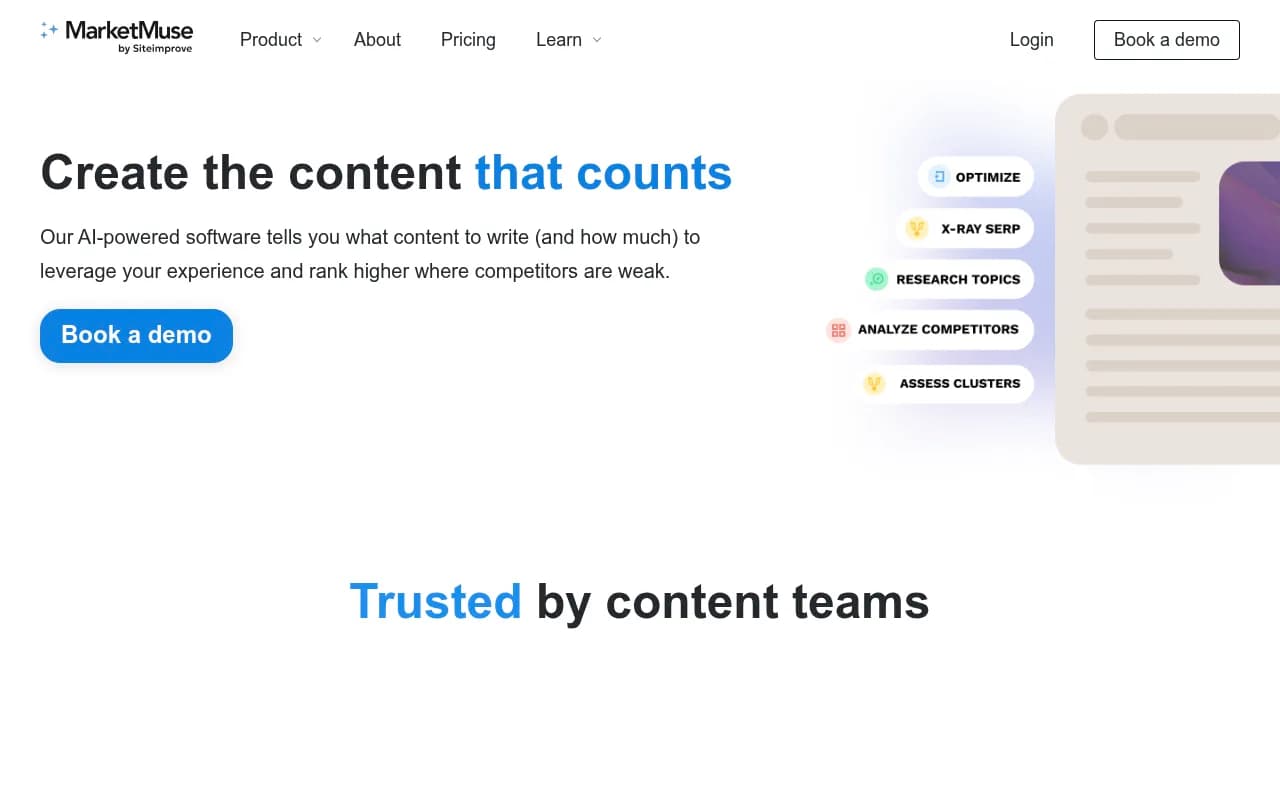
- MarketMuse for topical planning across a whole site
- NeuronWriter as a lower-cost NLP-based alternative

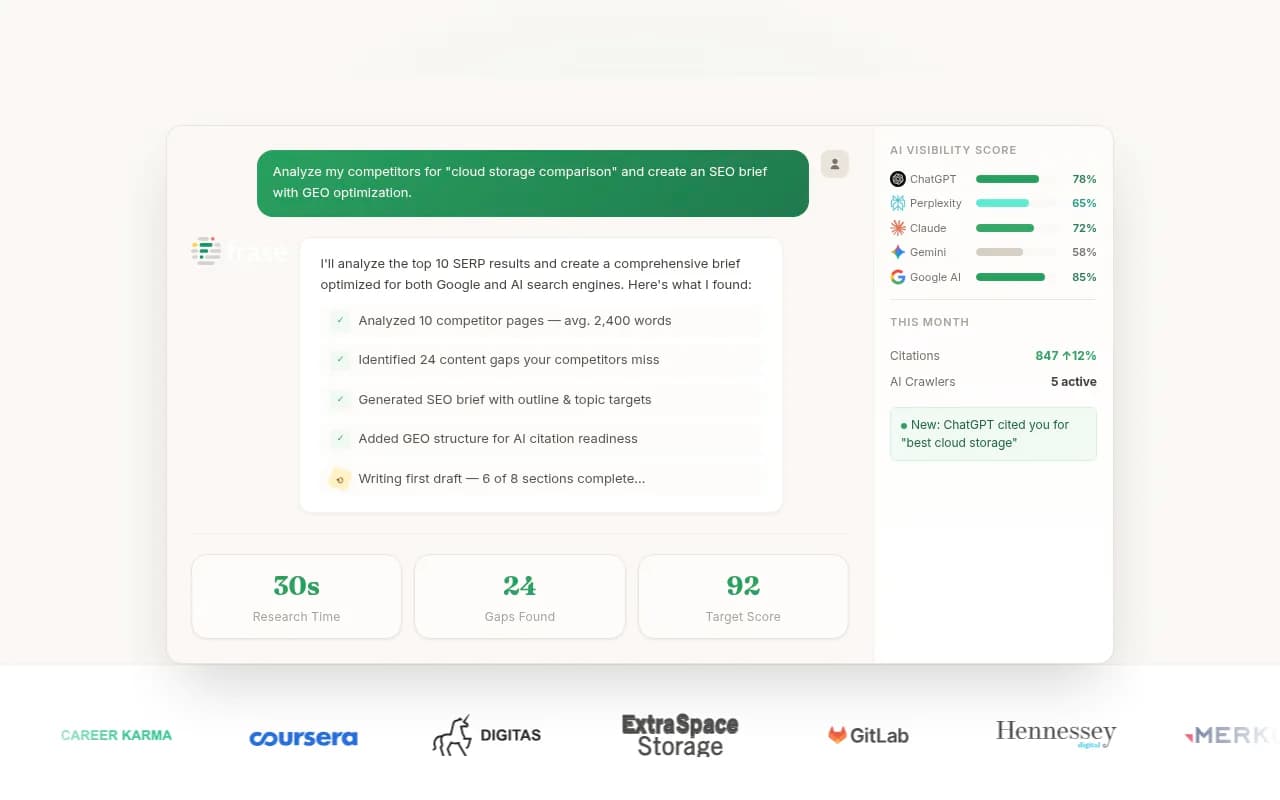

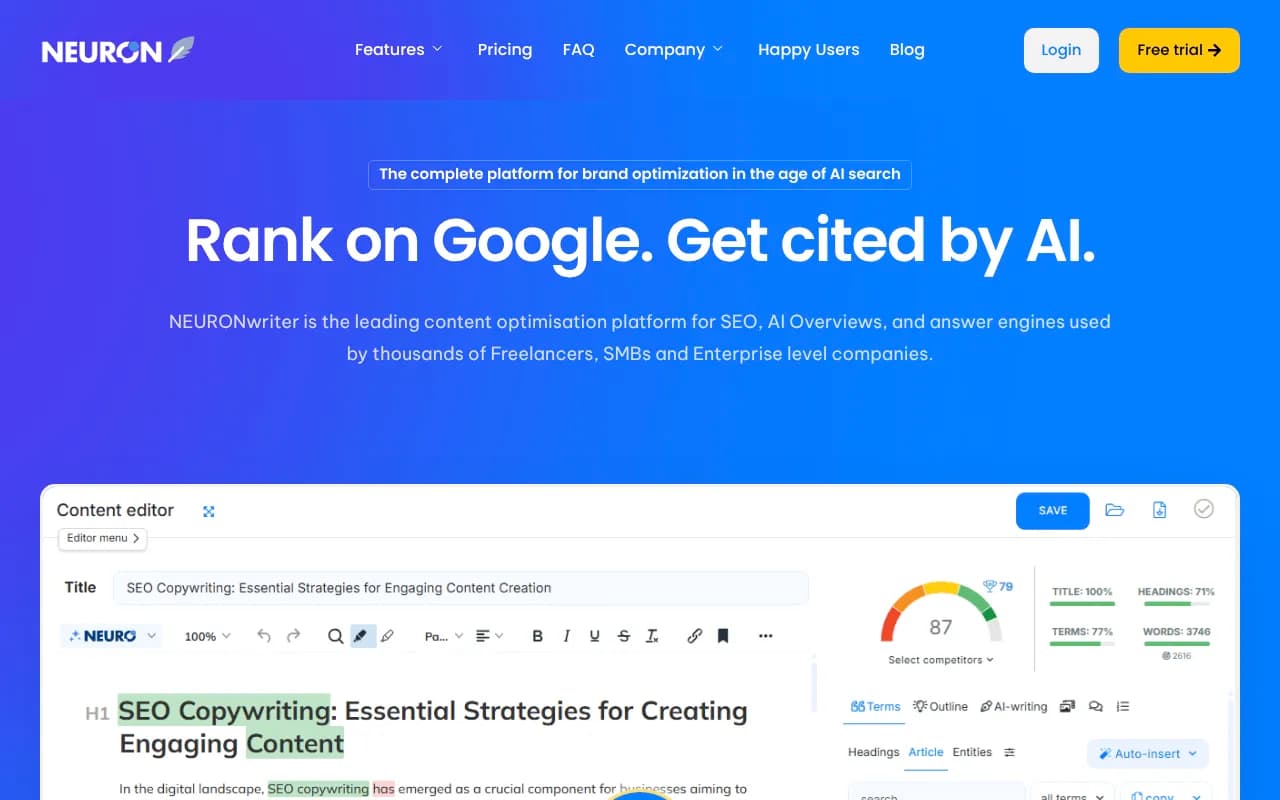
Honest take: a content score is a guide, not a goal. I have seen pages hit 90 on a score and still say nothing useful. Use the tool to catch gaps in coverage, then edit for substance.
Single Grain's advice on AI writers is worth borrowing here. Start with a narrow pilot, such as one product category or one blog series, and run AI-assisted and human-only content in parallel. Compare time spent, edit rounds, and results after a couple of months. That is a much better buying signal than any demo.
What about autopilot content tools?
Tools like Outrank, SEO.AI and Junia AI promise end-to-end publishing. They can work for low-stakes content in low-competition niches. For anything tied to revenue, I would keep a human reviewing every page. Unreviewed AI content tends to repeat generic claims, and generic pages are not what AI engines choose to cite.
Step 6: Set up technical monitoring
Technical SEO is where small teams quietly lose the most. A broken canonical, a blocked directory, or a CDN rule that rejects unknown bots can erase months of content work.
The baseline is a desktop crawler such as Screaming Frog (or Sitebulb) run monthly, plus Search Console's indexing reports checked weekly. Add a quick look at robots.txt, sitemap coverage, and orphaned pages.
Now the part that is new in 2026: AI crawler access. Promptwatch's AI crawler traffic data (weekly, IP-verified requests, June 8 to September 6, 2026) shows OpenAI at 79.8% of verified AI crawler requests in the week of Aug 31 to Sep 6, down from 94.8% in early June, because other providers are growing. The practical advice from that report is simple. Check robots.txt, CDN, and WAF rules for each major provider, and compare your logs to that mix. If a provider is large in the benchmark but near zero in your logs, you are probably blocking it.
Separate training crawlers from answer-time fetchers too. You might reasonably block one and allow the other, but that should be a decision, not an accident.
Step 7: Add AI visibility tracking
This is the layer that did not exist in 2023 stacks, and it is now the one most teams are missing. Ranking in Google tells you little about whether ChatGPT, Perplexity, Gemini, or AI Overviews mention or cite you.
There are three tiers of tool here, and it helps to know which you need.
Monitoring-only trackers answer "was my brand mentioned?" Examples include Otterly.AI, Peec AI and Rankscale. They are cheap and fine if all you need is a weekly pulse.


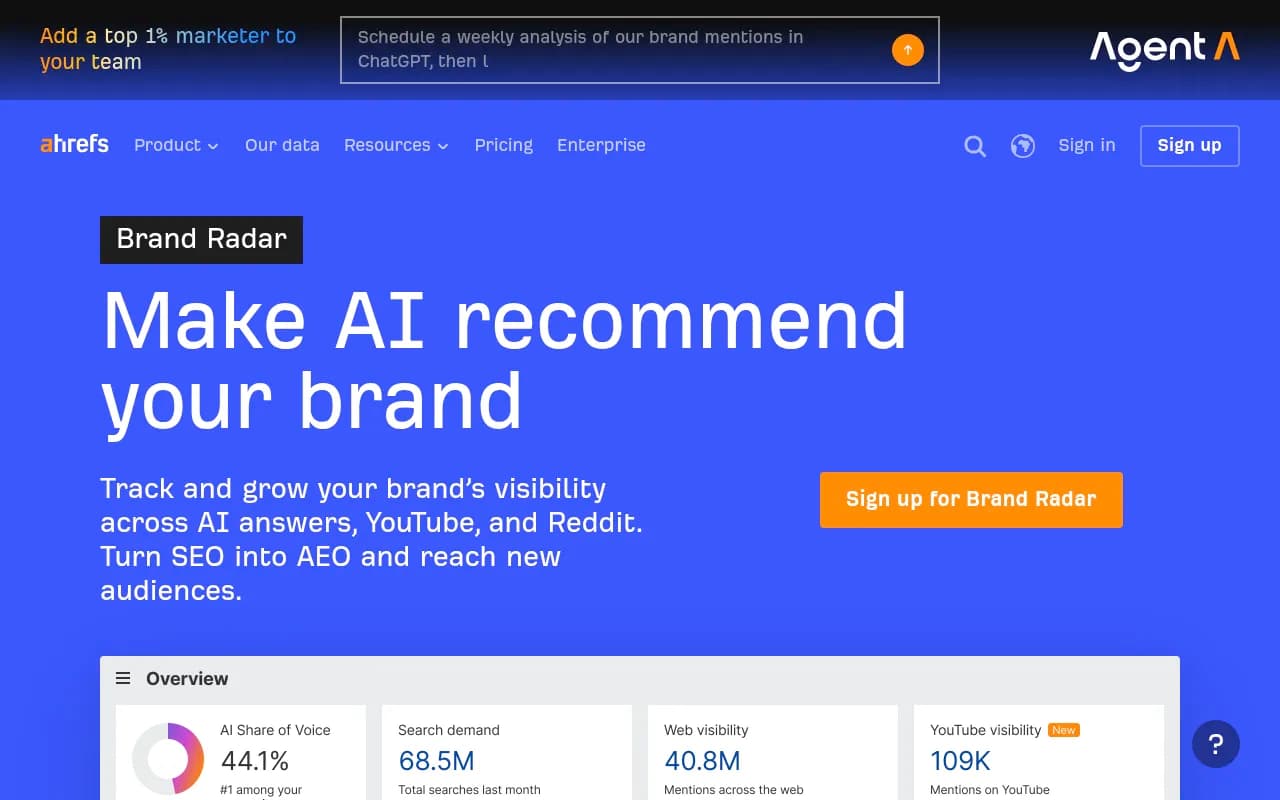
SEO suite add-ons like Semrush's AI Visibility Toolkit and Ahrefs Brand Radar are convenient if you already pay for the suite. The trade-off is usually a fixed prompt set and shallower AI-specific data.
Full optimization platforms go further: they show why you are or are not visible, which pages get cited, what AI crawlers do on your site, and what to fix. Promptwatch sits in this group. It tracks real interfaces of ChatGPT, AI Overviews, AI Mode, Gemini, Perplexity and Copilot, ships IP-verified crawler logs, ties AI traffic to your analytics, and has an Action Board and Content Agent that turn gaps into drafted and published pages. For a lean team, that combination matters because it replaces separate crawler, tracker, and content-gap tools.

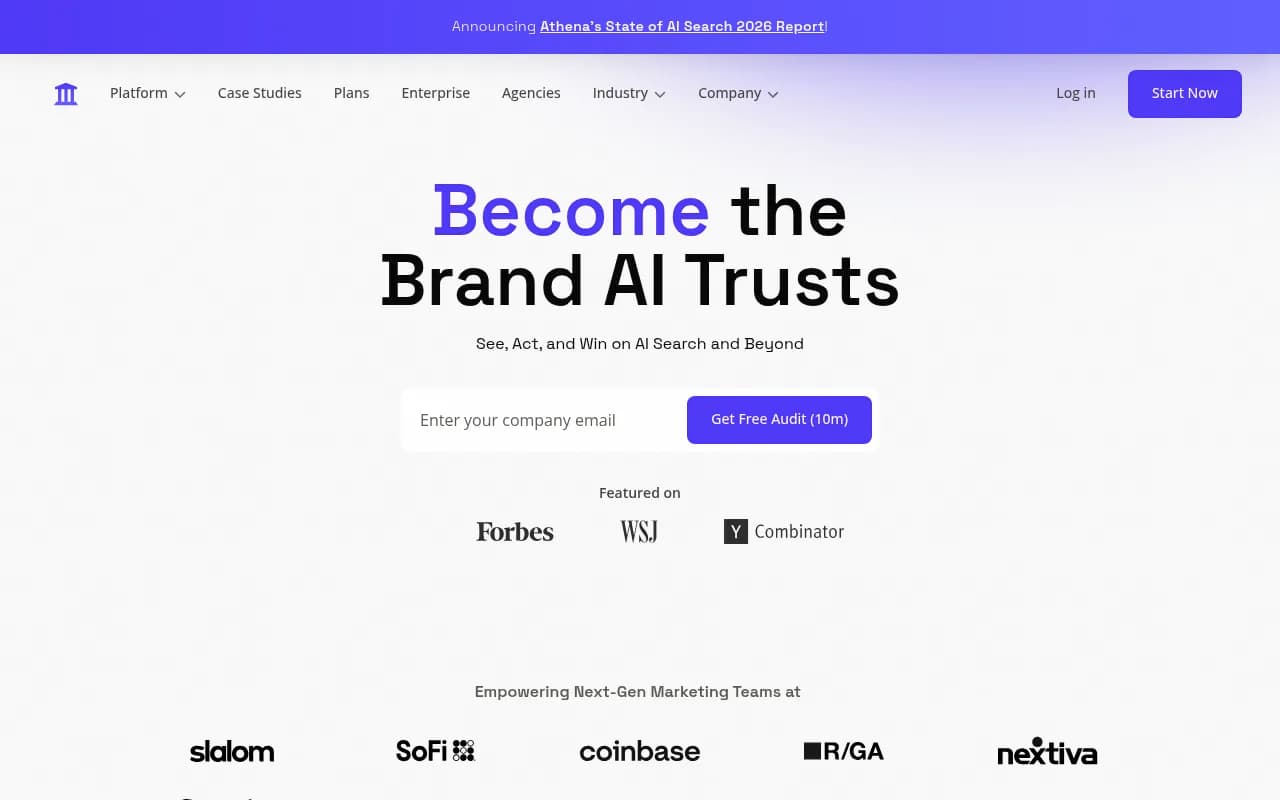
Other names worth a look if you are comparing: Profound and Scrunch at the enterprise end, and AthenaHQ and Qwairy for monitoring-focused setups. The GEO software directory at bestgeosoftware.com and the AI rank tracking directory at ai-rank-tools.com list many more.

How to choose in this layer
Ask four questions:
- Does it track the real user interface or only API output? Answers can differ.
- Does it show crawler activity, or only mentions?
- Can it connect AI visits to conversions?
- Does it tell you what to do next, or leave you with a chart?
Step 8: Fix the right content first
Once tracking is on, resist the urge to publish thirty new blog posts. Look at what AI engines actually cite.
Promptwatch's content type report (Sep 28 to Oct 4, 2026) found that product pages are the most cited type in ChatGPT at 22.4%, landing pages follow at 16.8%, and listicles get 13.6%. Pages describing what a company sells make up 39% of classified citations. For commercial prompts, product pages hit 26.0% and landing pages 20.6%.
For a lean team, that is useful. It says your money pages (specs, prices, positioning, comparisons) deserve attention before your fifteenth how-to article. Then fill in listicles, how-tos, and comparison pages for the prompts you care about.
Freshness matters too. In Promptwatch's content half-life data, news lost half its cited pages within 36 days, while landing pages and docs stayed cited much longer. Put your refresh effort into evergreen commercial pages, and do not expect news-style posts to keep earning citations.
Do not chase social citations blindly
Teams love to ask whether they should be on Reddit. The answer depends on the engine. In the week of Sep 28 to Oct 4, 2026, ChatGPT drew only 0.46% of its citations from social platforms while Google AI Overviews drew 12.2%. Reddit's ChatGPT share also collapsed in mid-August. So if Google surfaces drive your audience, YouTube, Facebook and Instagram earn more attention. If ChatGPT is your target, social effort has little payoff.
Step 9: Publish, refresh, and wire it together
Your publishing layer is usually your CMS plus a light workflow: brief in the optimizer, draft with the assistant, human edit, publish, then log the URL and target prompts in your tracker. If you want automation, a content ops tool like AirOps or Slate can help, but only add one once your manual process is stable.
For internal linking and schema, InLinks and WordLift are options when you have enough pages for it to matter. Under about 50 pages, a spreadsheet and some patience beat both.
Set a monthly refresh slot. Pick the pages that lost clicks in Search Console or dropped out of AI citations, update facts, add missing sections, and republish. This beats a new post for most teams.
Three sample stacks
| Team type | Core stack | AI visibility layer | Rough approach |
|---|---|---|---|
| Solo marketer | GSC, Bing WMT, ChatGPT or Claude, SE Ranking or Ubersuggest | Free AI visibility scan, then a low-cost tracker | Keep under a few hundred dollars a month, one workflow at a time |
| 2 to 4 person content team | Ahrefs or Semrush, Surfer or Frase, Screaming Frog, assistant | Promptwatch or a comparable platform with crawler logs | One research suite, one optimizer, one visibility platform |
| Agency or multi-brand team | Semrush or Ahrefs, Clearscope or MarketMuse, crawler, assistant | Agency plan with white-label reporting | Standardize briefs and reports across clients |
Prices change often, so confirm each vendor's current plans before budgeting.
A 30-60-90 day rollout
Days 1 to 30
Set up GSC, Bing, and analytics segments. Choose your assistant and save your brand instructions. Run a technical crawl and fix blocking issues, including AI crawler access. Build a list of 30 to 50 prompts your buyers might ask AI tools, grouped by intent.
Days 31 to 60
Add your research tool and optimizer. Start the AI visibility tracker and record a baseline. Choose five commercial pages to improve first. Run a small pilot of AI-assisted content next to your normal process.
Days 61 to 90
Compare results: citations, AI referral sessions, impressions, and time saved per article. Cut any tool nobody opened. Decide whether to automate one workflow, such as weekly reporting or content refresh briefs.
Common mistakes
- Buying two tools that do the same job
- Treating a content score as a quality score
- Tracking mentions without checking whether crawlers can reach your pages
- Publishing at volume before fixing product and landing pages
- Trusting unsourced stats. Leapd's "AI-referred sessions up 527%" and "60% of searches end without a click" claims appeared without a source in the material I reviewed, so verify before repeating them
- Letting AI draft without a human who owns factual claims
Do you need help running it?
Some teams build the stack and never find the hours to run it. If that is you, an agency can cover technical SEO, content, and GEO while your team keeps ownership of strategy. 1001 SEO Media, which publishes this site, does exactly this and uses Promptwatch for its own AI visibility work. For most lean teams, though, the stack above plus a disciplined monthly routine is enough to start.
For wider tool comparisons, the software directory at surferstack.com is a good place to browse by category.
Final checklist
- Free data sources connected and baselined
- One assistant with saved brand instructions
- One research suite
- One content optimizer, tested on a pilot
- Monthly technical crawl and AI crawler check
- One AI visibility platform tracking real prompts
- Product and landing pages prioritized
- Monthly refresh slot on the calendar
- A 90-day review where every tool justifies its cost or gets cancelled